Rust Marque Logo menu
Built Different

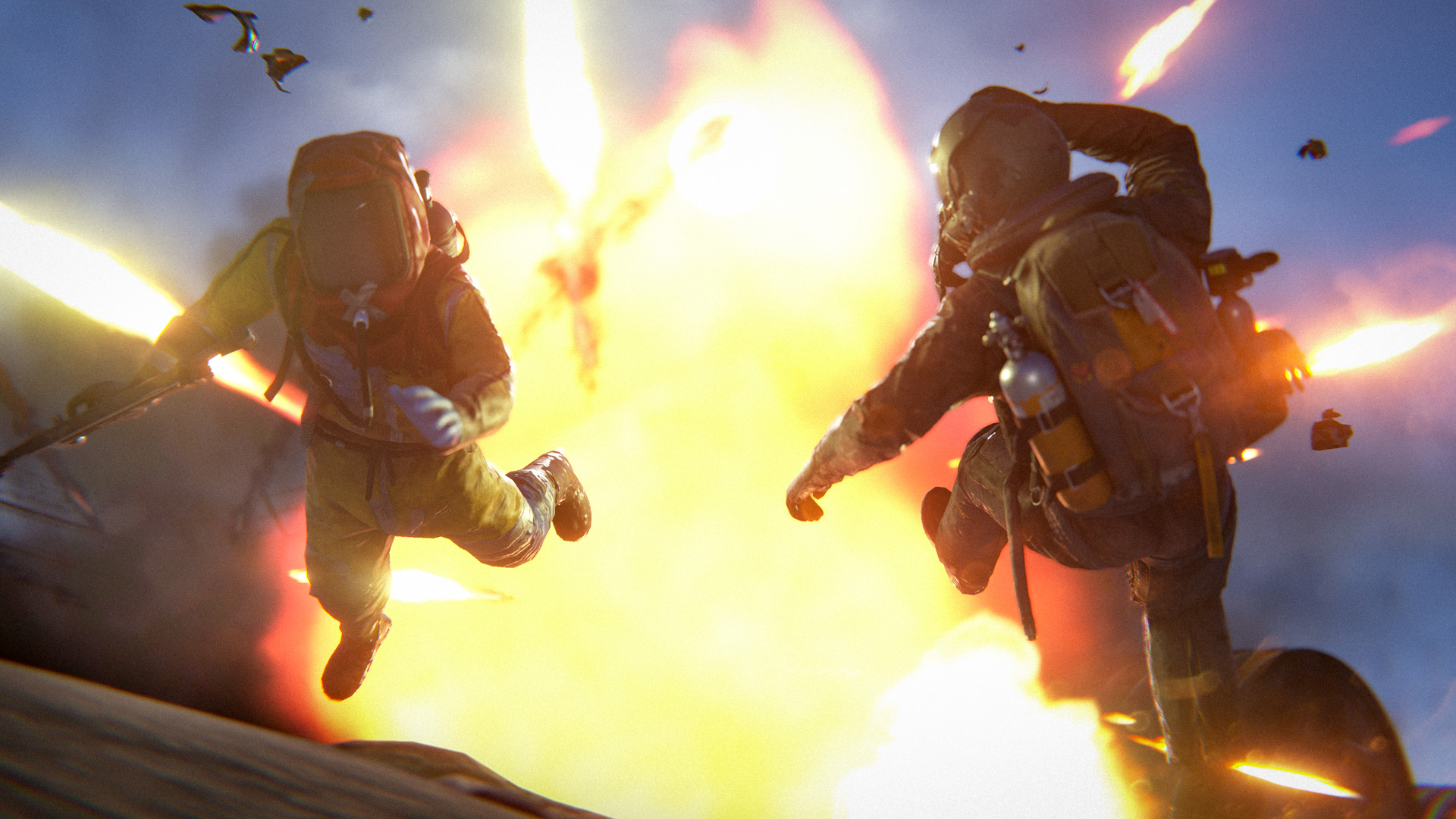
This month's update brings Rust's biggest player overhaul in years, featuring new player models and animations, a new armour set, and the M16A2 rifle. It also includes QoL improvements, bug fixes, performance enhancements, and much more!
04 June 2026
DEVBLOG

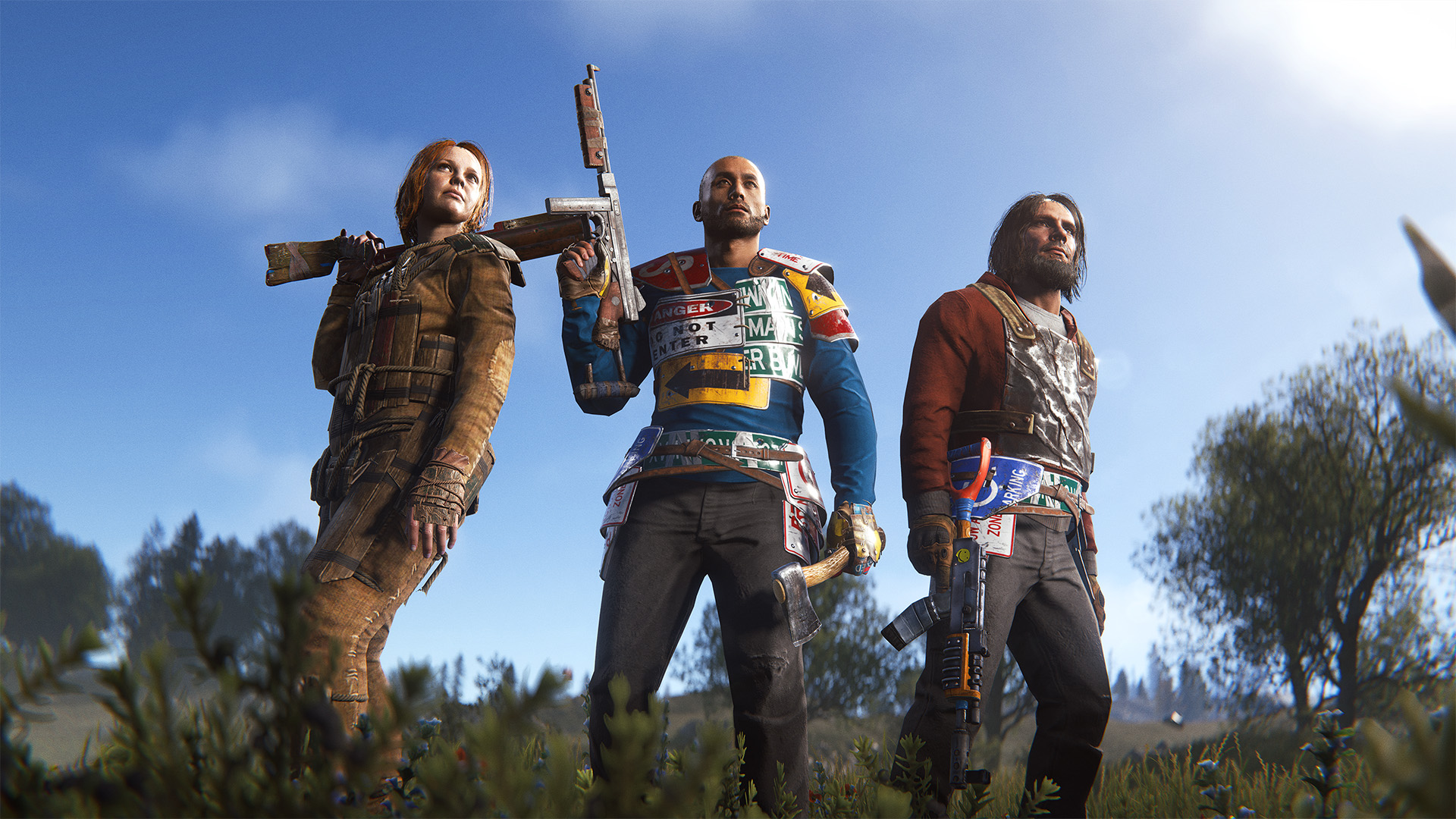
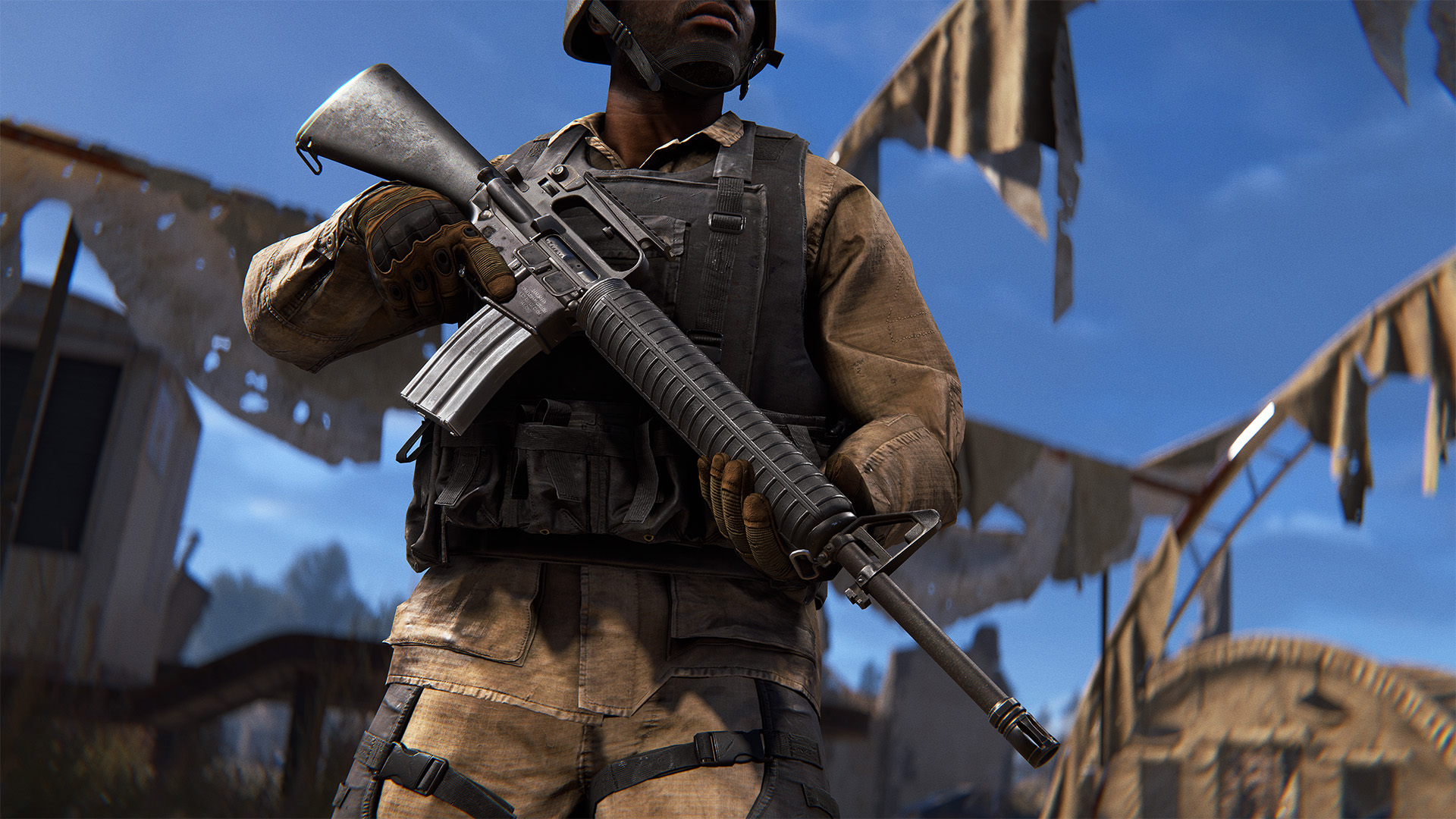
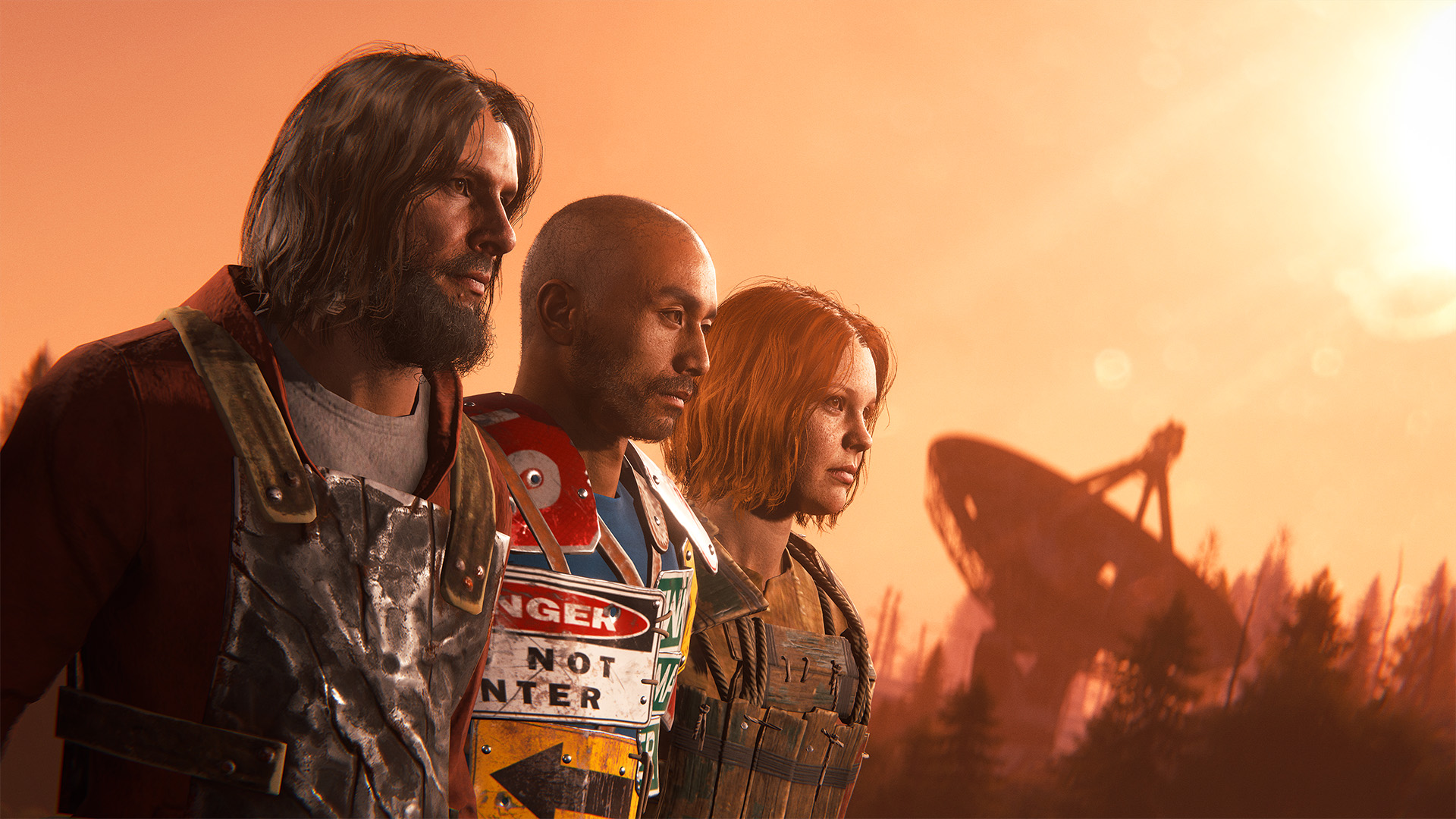
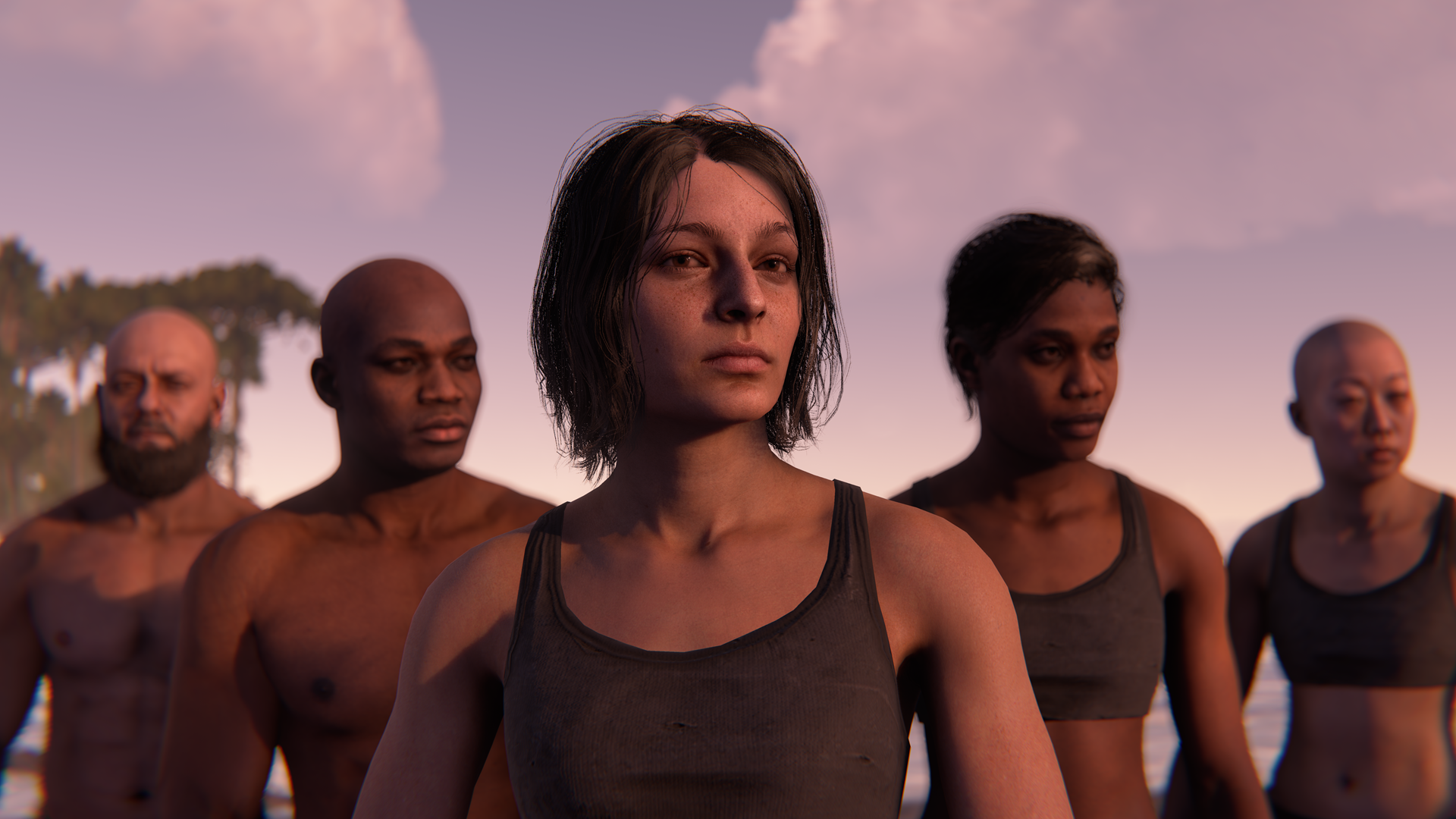
We’ve overhauled the player model from the ground up.
This includes improved meshes and materials, more realistic proportions on a new rig, expanded head and hair seeds and a much needed pass over almost everything player-related.
The old player model has served us well for almost 10 years, but it’s lagged behind the rest of the game for some time. Visually, it was showing its age, but just as importantly it was holding us back from making bigger improvements to characters, animations and implementing future features. Prior attempts to improve the player model has always ended up feeling like band-aid fix, there was only so much we could do while working around the limitations of the old proportions and skeleton. At some point it became clear that the only real way forward was to rip it out and rebuild it properly.

Alongside the new base model, we’ve also:
  • Expanded the number of heads in the game, with each head now having unique materials and additional details such as eyelashes and improved eye lighting.
  • Reworked and expanded hairstyles and beards, using new anisotropic shaders to make hair feel more natural.
  • Updated all clothing to work with the new rig and proportions, giving a lot of older assets a much-needed refresh and fixing some long-standing issues.
  • Modernised the art pipeline behind the player model, making future fixes and improvements much easier to ship.
Your face will change, but race and gender seeds have been kept intact, so we’re hoping it won’t be too much of a shock for those of you who have grown attached to your random seed over the years. We’ll be continuing to improve on the player model after release, and we also have a player customisation update planned for the future.
It’s been a huge amount of work, especially as we’ve been doing it alongside regular development and monthly updates. Performing open-heart surgery on one of the most interconnected parts of Rust, while continuing to ship patches, has certainly come with its challenges.

End of the year, we hope to have implemented a player customizer. How exactly this will work is still being discussed internally, but we'll share details in future blogs. 

Performance

We know “improved visuals” and “additional details” can be worrying to hear when it comes to performance. It’s something we’ve been watching closely throughout development. Alongside the visual improvements, we’ve also done a deeper pass on our tooling and pipelines, which has allowed us to make optimisations we couldn’t make with the old setup.

Our internal metrics are looking positive so far, and we’ll continue to monitor performance closely after release.
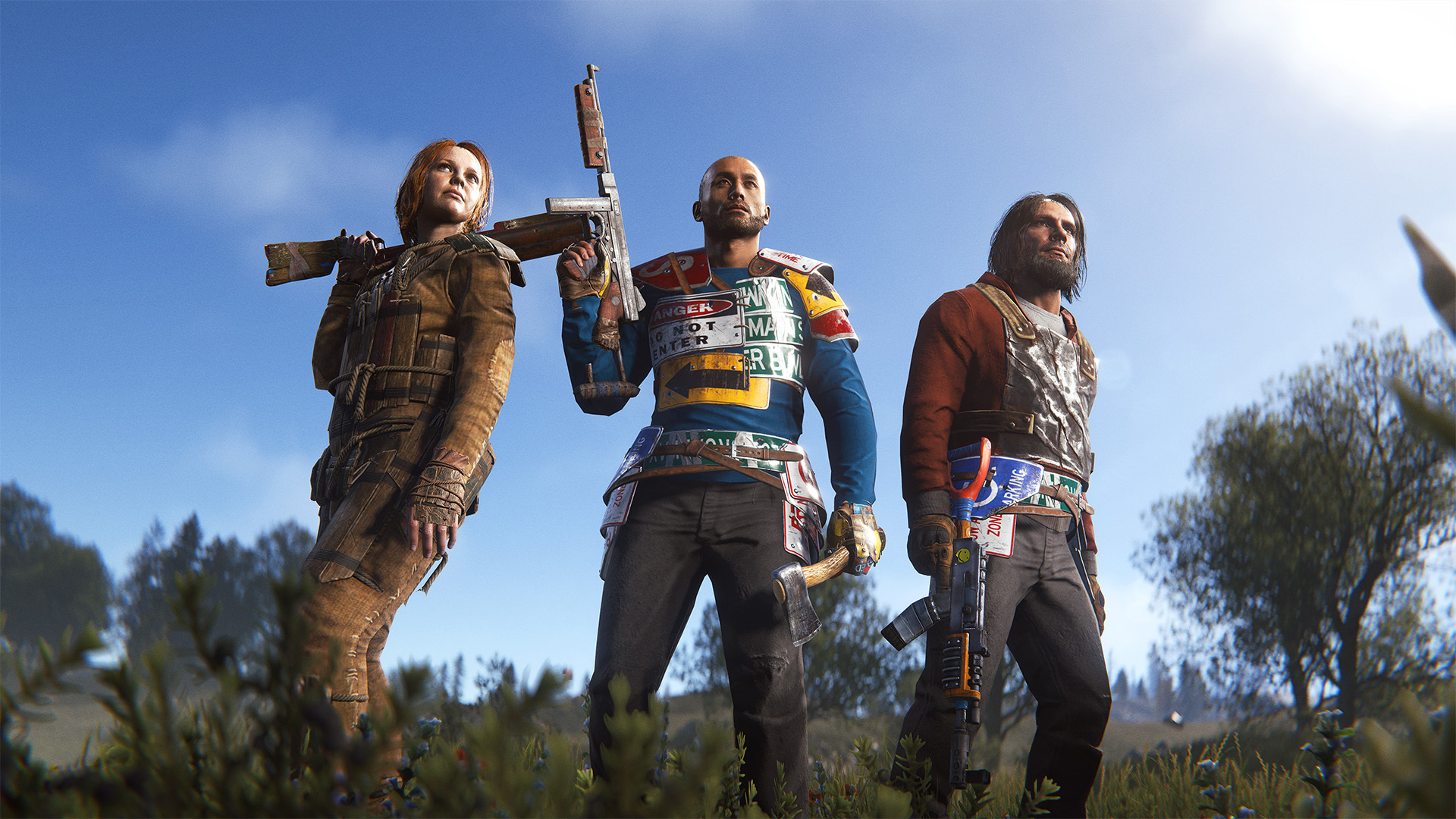
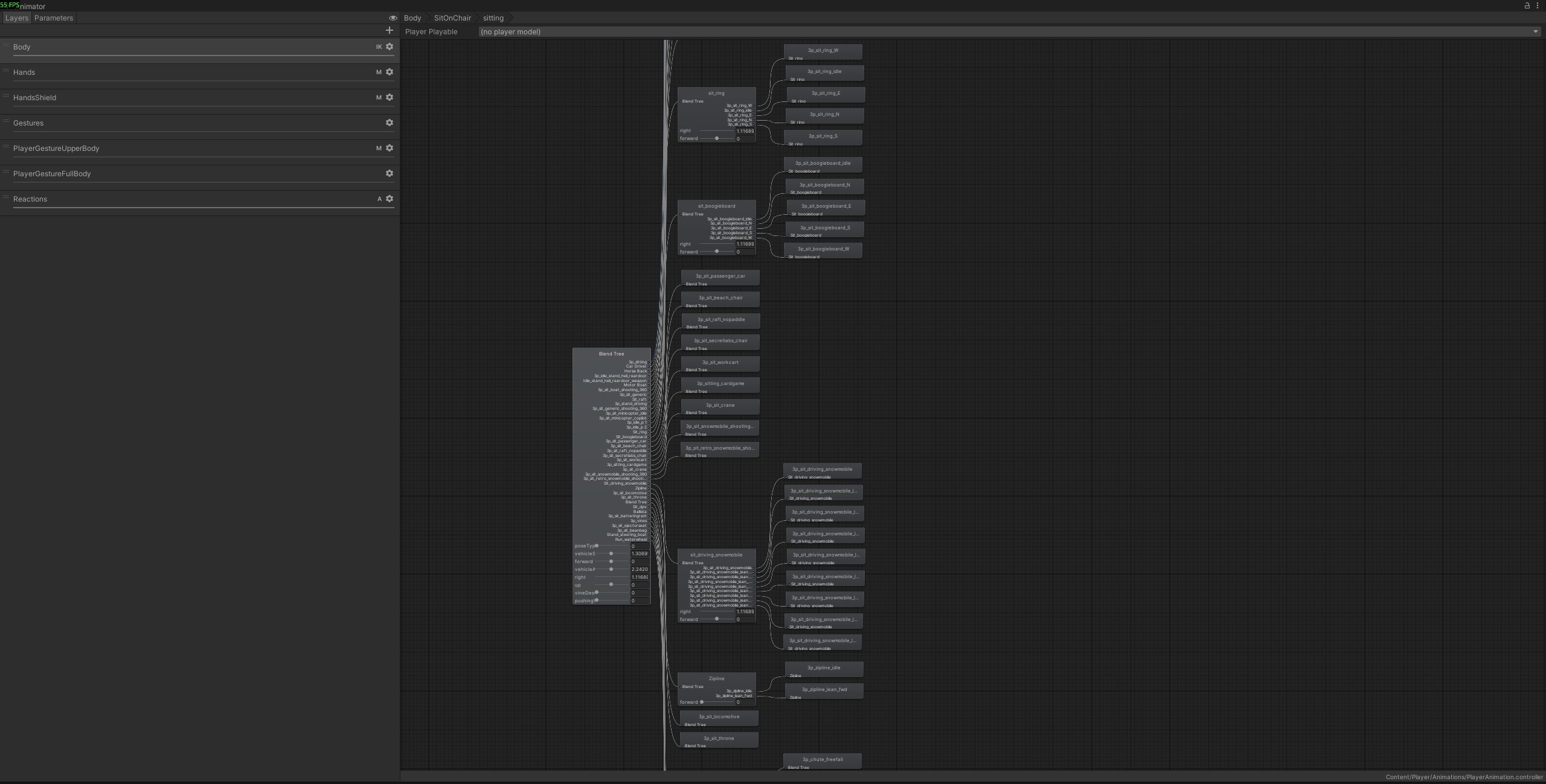
One of the primary goals of the new player model was to give us a better foundation to improve the player animations in Rust. We're now starting to improve our animation systems to allow us to make the player animator feel less robotic and more life like.

One key problem we've faced in the past is that all of the animations that the player uses are in a single monolithic animation state machine. This is over 250+ animations, along with override sets for most weapons. This state machine is painful and error prone to update since every weapon and mountable shares it - changing how an animation transitions could have unpredictable consequences for other situations in the game.


To resolve this we've built a new sub system tool that lets us layer in additional, bespoke animation logic in certain situations in the game. Instead of extending and adding even more animations into our massive animator controller, we can now create small self-contained new animation behaviours and apply them in specific contexts. 

That's all a bit dense, so let's look at a real world example - the humble torch. We all start with one, and we've all turned it on at night and immediately been killed. It's suffered from a few animation issues that were challenging to solve in the past. Even though it's only held in the right hand, our animation system could only take over the whole upper body, so the left arm was always stiff and robotic. The upper body animator had no awareness of the players locomotion, so it couldn't react to running, jumping, etc (and even if it was aware, making a whole set of running and jumping animations just for the torch is wasteful).

To solve this we've applied a new sub system that creates a new state machine just applied to the right arm. This preserves the running and moving animations on the left arm. We've also added support to blend in the left arm during animations that require it - lighting the torch for instance.


We've just rolling this out in a few small places for now to test it out and make sure it's stable, but these new tools are going to allow us to work faster, produce less animation bugs and get a better looking result going forwards.
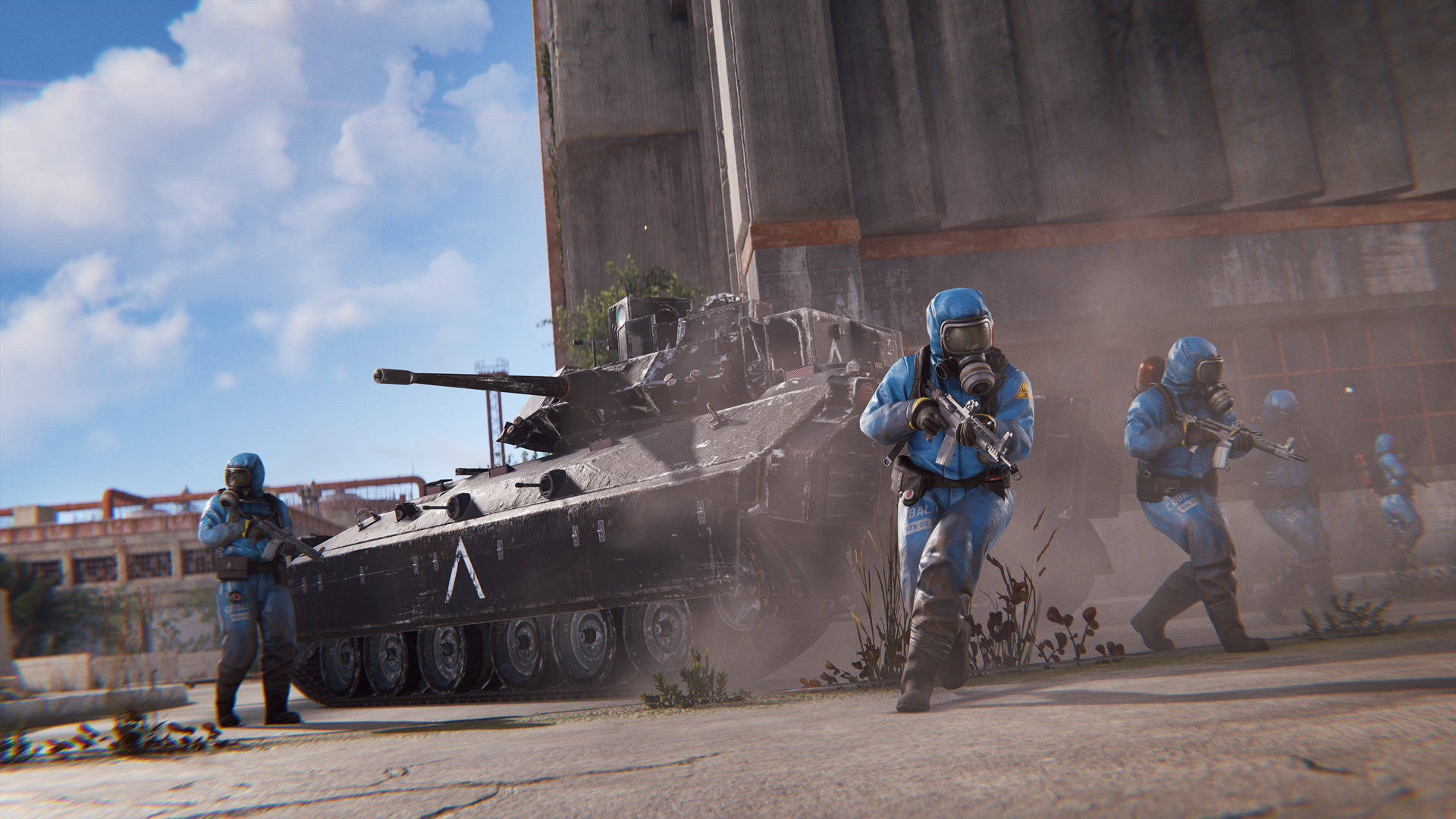
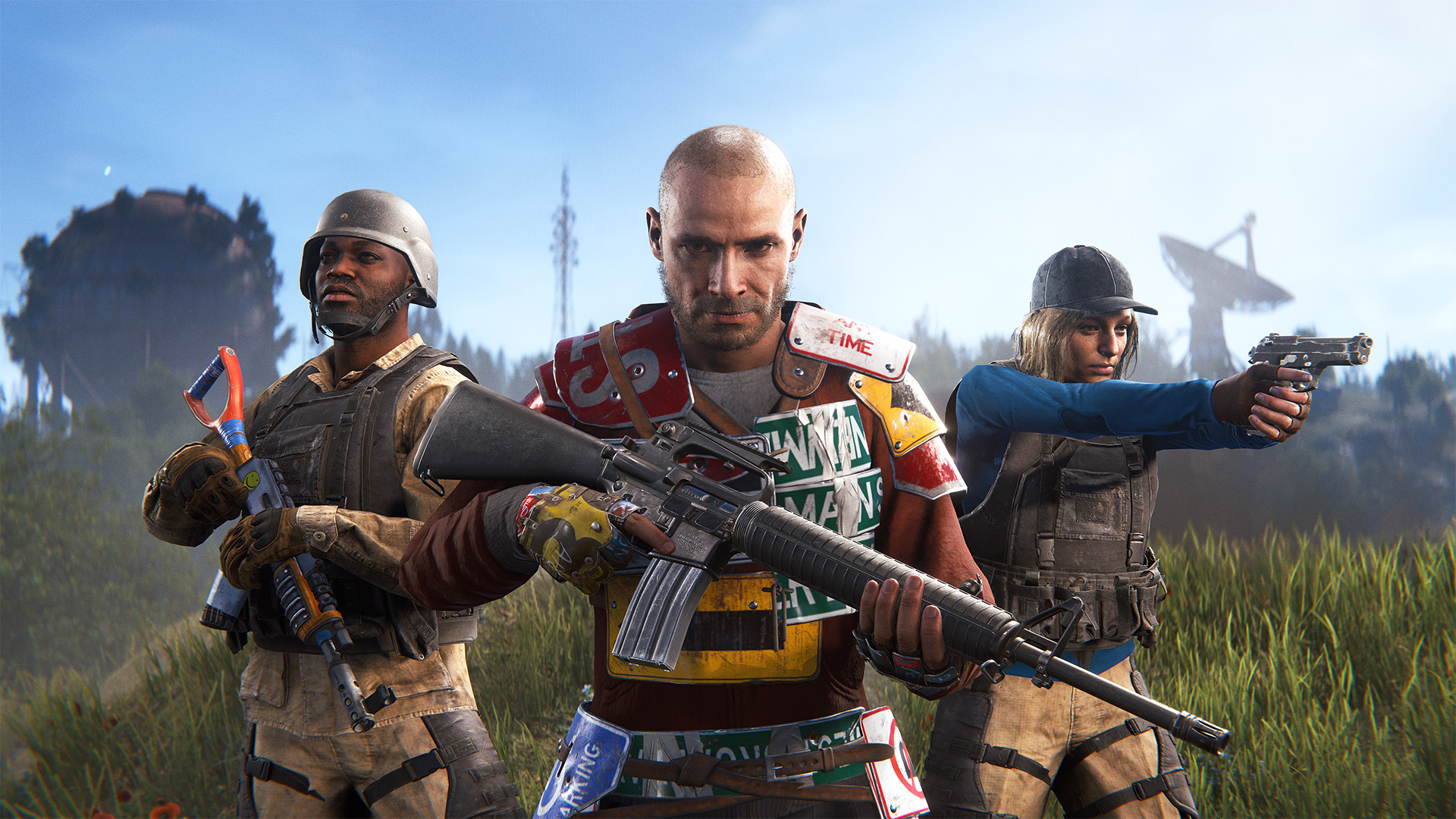
For the first time in a very long time, we're adding a new top-tier armour set to Rust.

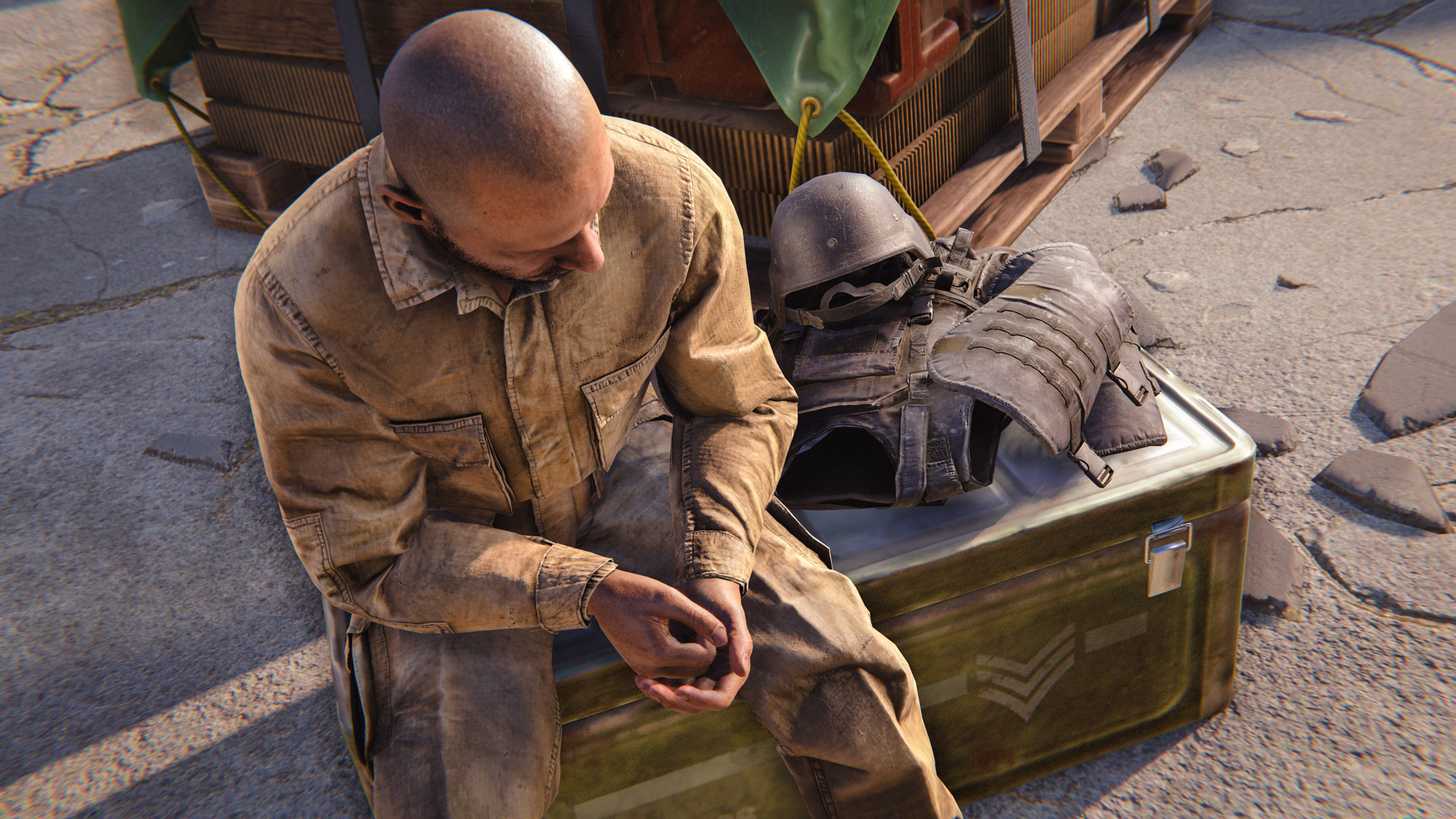
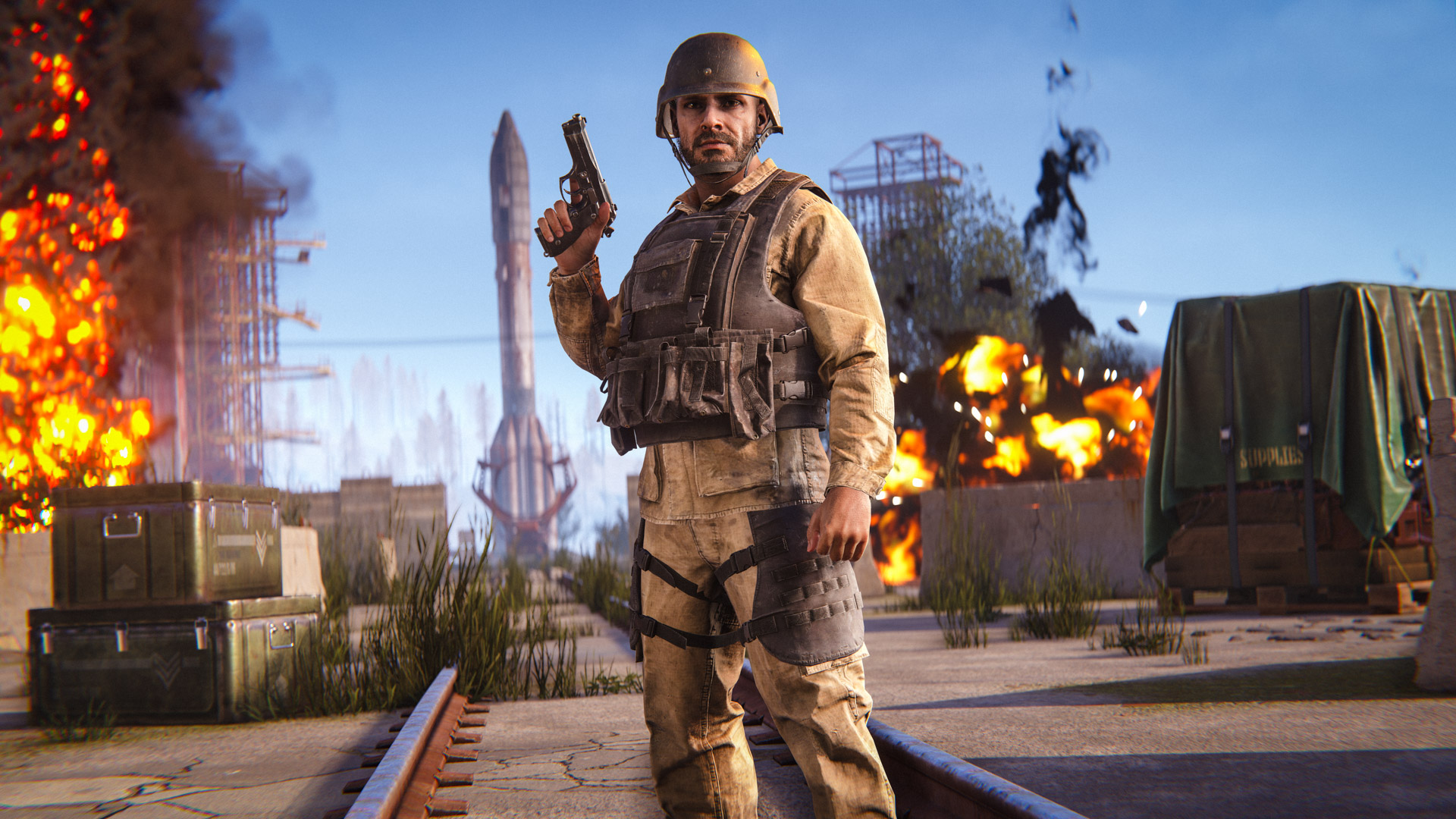
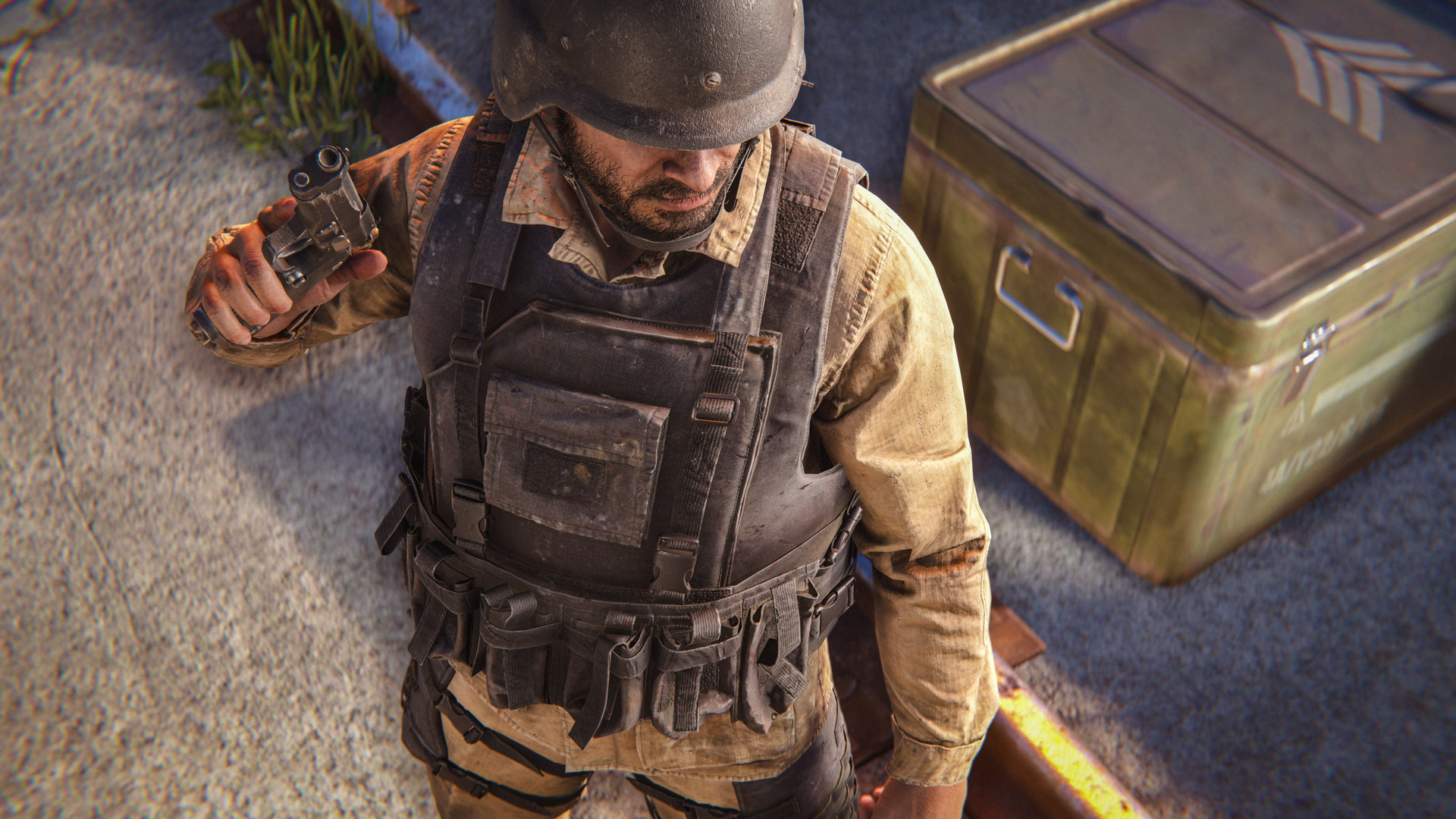
The Ballistic Armour set offers increased protection over existing craftable alternatives, but there's a catch. It cannot be crafted. If you want your hands on it, you'll need to find it. This armour is comparable to existing metal armour with plates. 
We're also introducing the Battle Dress Uniform (BDU). Like the Ballistic Armour, the BDU is loot-only and cannot be crafted. It offers slightly improved protection over existing clothing options, while making a few trade-offs elsewhere.
Both sets are intended to expand late-game gear progression and create more valuable loot opportunities. If you're looking for the best equipment available, you'll need to get out there and fight for it.
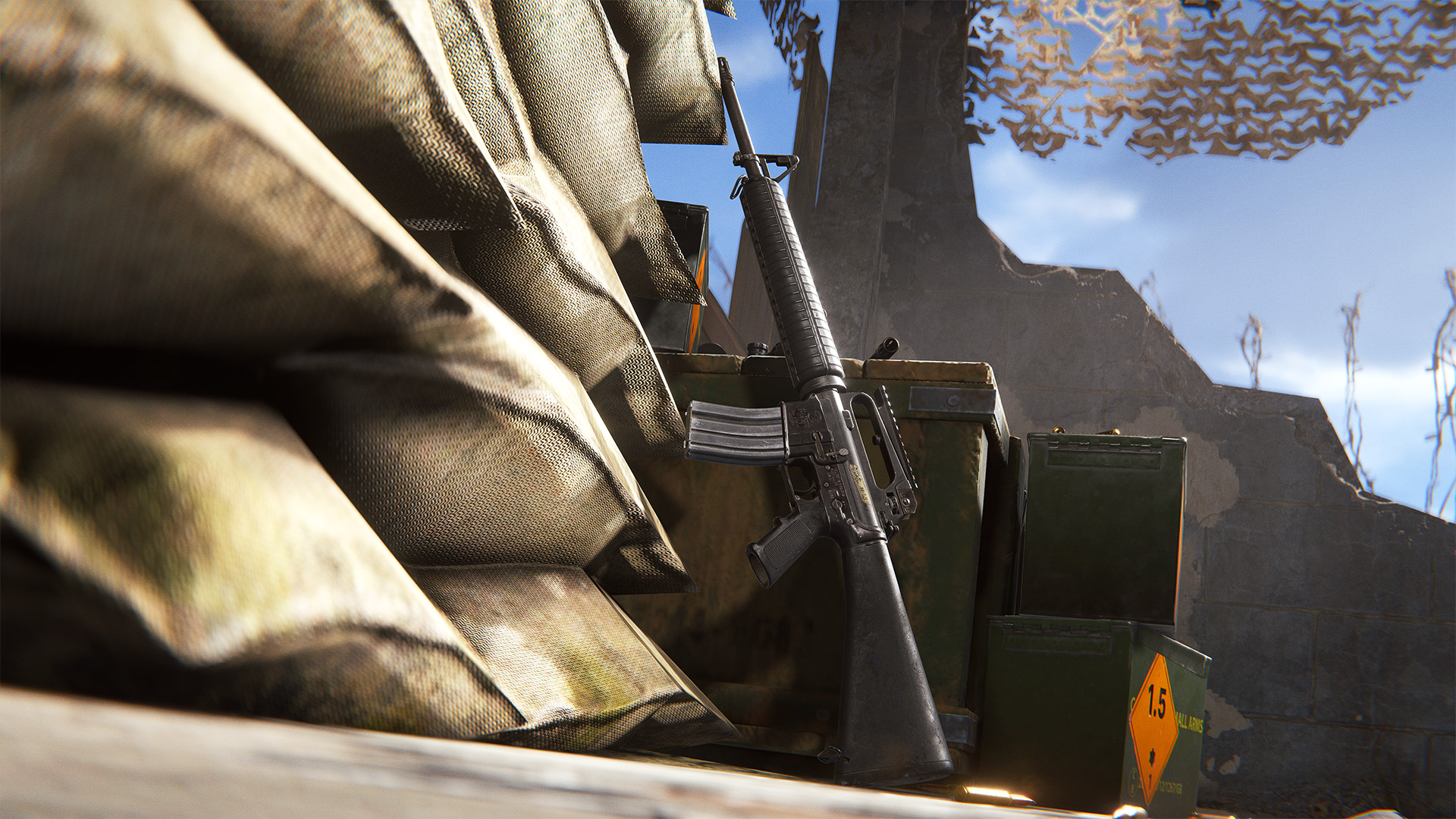
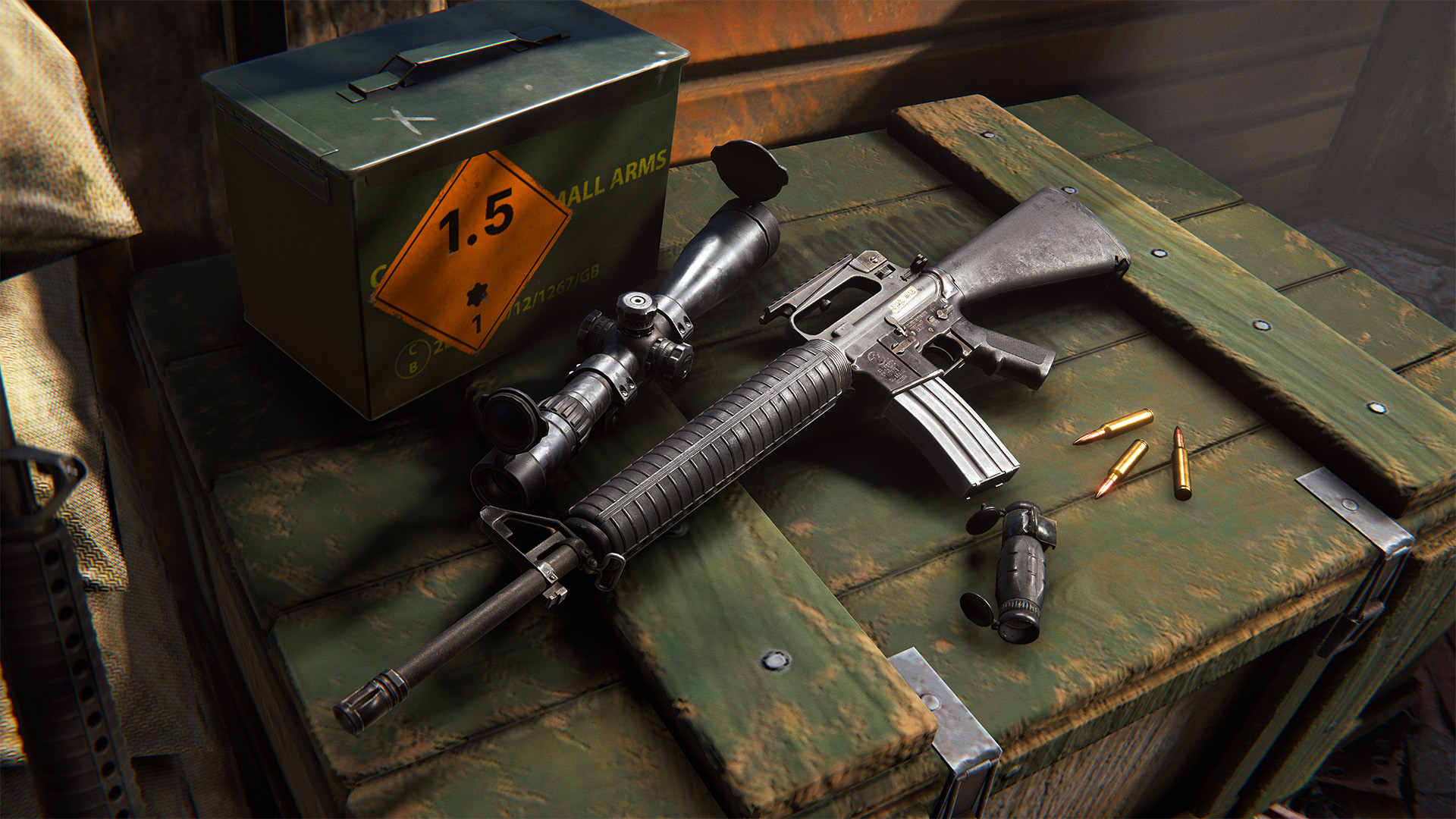
The M16A2 is a military-grade rifle found through end-end loot and cannot be crafted. Designed around a three-round burst fire mode, it offers excellent accuracy and a high rate of fire, making it particularly effective at medium-range engagements.
To help balance the burst damage potential, the M16A2 deals less damage per shot compared to the LR-300.
Like the Ballistic Armour and BDU, the M16A2 is another valuable loot-only item you'll need to get out into the world and fight for. You'll see a theme here. 
The Unity 6 update changed how mouse inputs are processed. High polling rate mice (1000Hz+) are now causing significant CPU overhead issues and frame drops.

Lower your mouse polling rate to <1000Hz via your mouse manufacturerer's software. (Logitech G HUB, SteelSeries GG, etc..)

We're looking into a proper fix on our end. Sorry for the hassle.
Animation matching
Where possible, we have taken this opportunity to match 3p animations with what happens in the viewmodel. Many of the old animations were wildly different, both in actions and timing.

More bespoke anims
Some weapons shared anims due to time constraints but weren't always a great fit.  There are now more bespoke anims created specifically for each weapon.

3/4 stance
The original goal was to move on from forward-facing aiming which, although functional looks awful visually. It also makes clipping of elements like the stock inevitable because the upper body can’t ‘make space’ for the weapon which must aim true.

We've gone with more of a weaver stance in this update, to reduce some of the issues listed above.

It's a more natural looking stance, importantly with more twist in the body and angled hips.

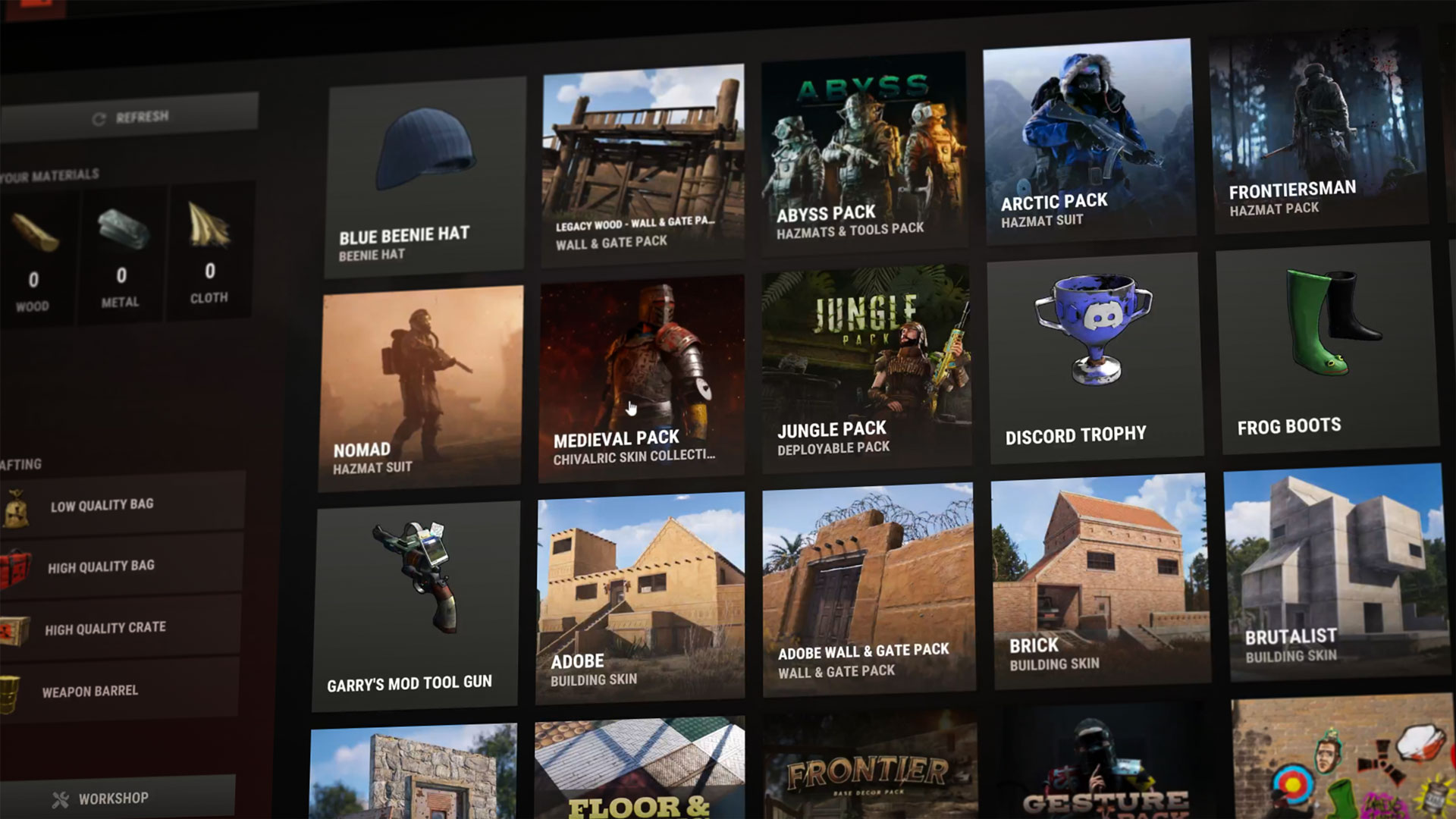
Straight from the forge this month is the Industrial Decor Pack, a collection of 20 heavy-duty and machined industrial themed items to galvanize your base. Featuring decorative deployables, utilitarian storage and sturdy tools. 
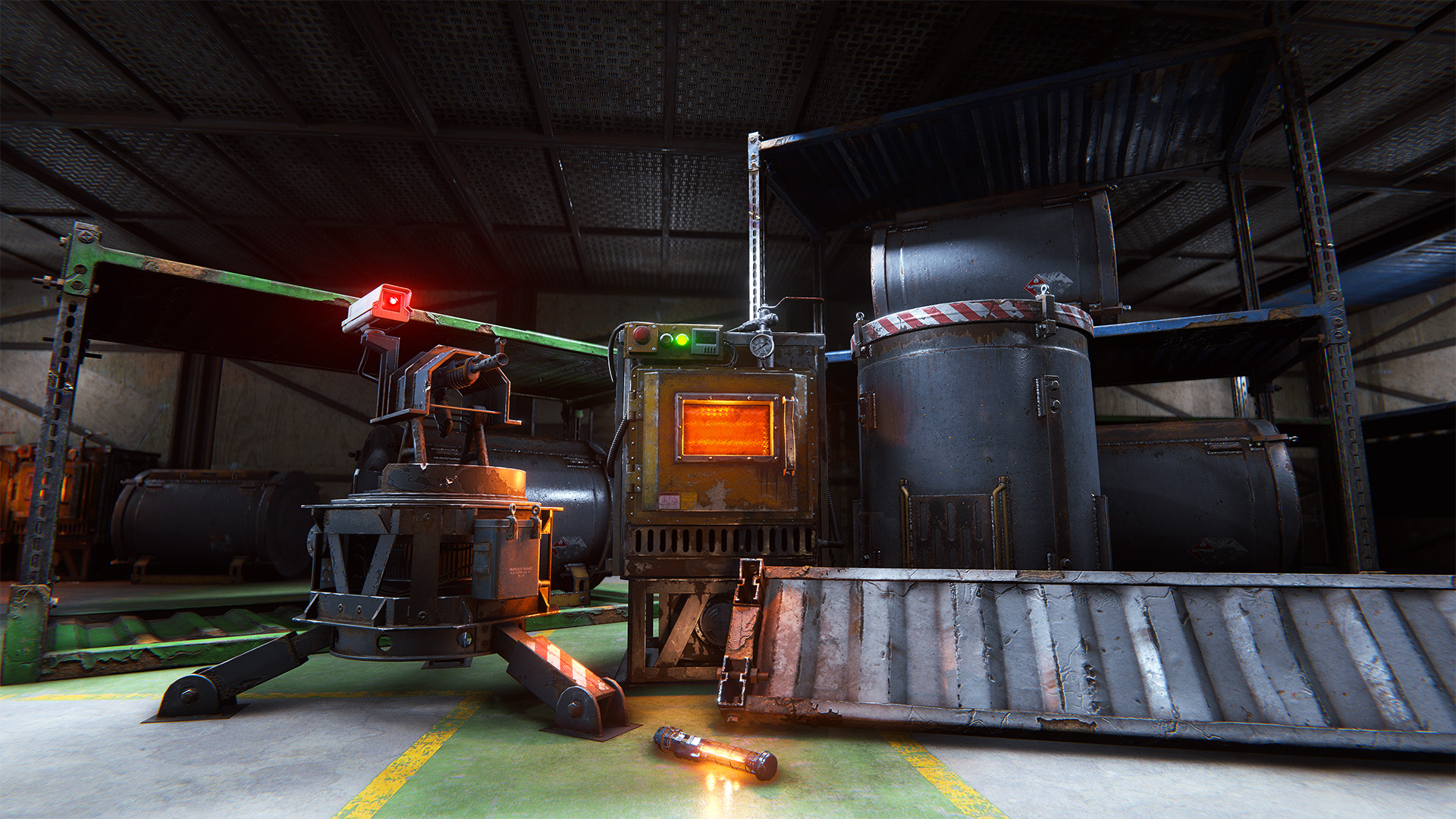
Shipping in the in-game store or from the Rust Steam item store
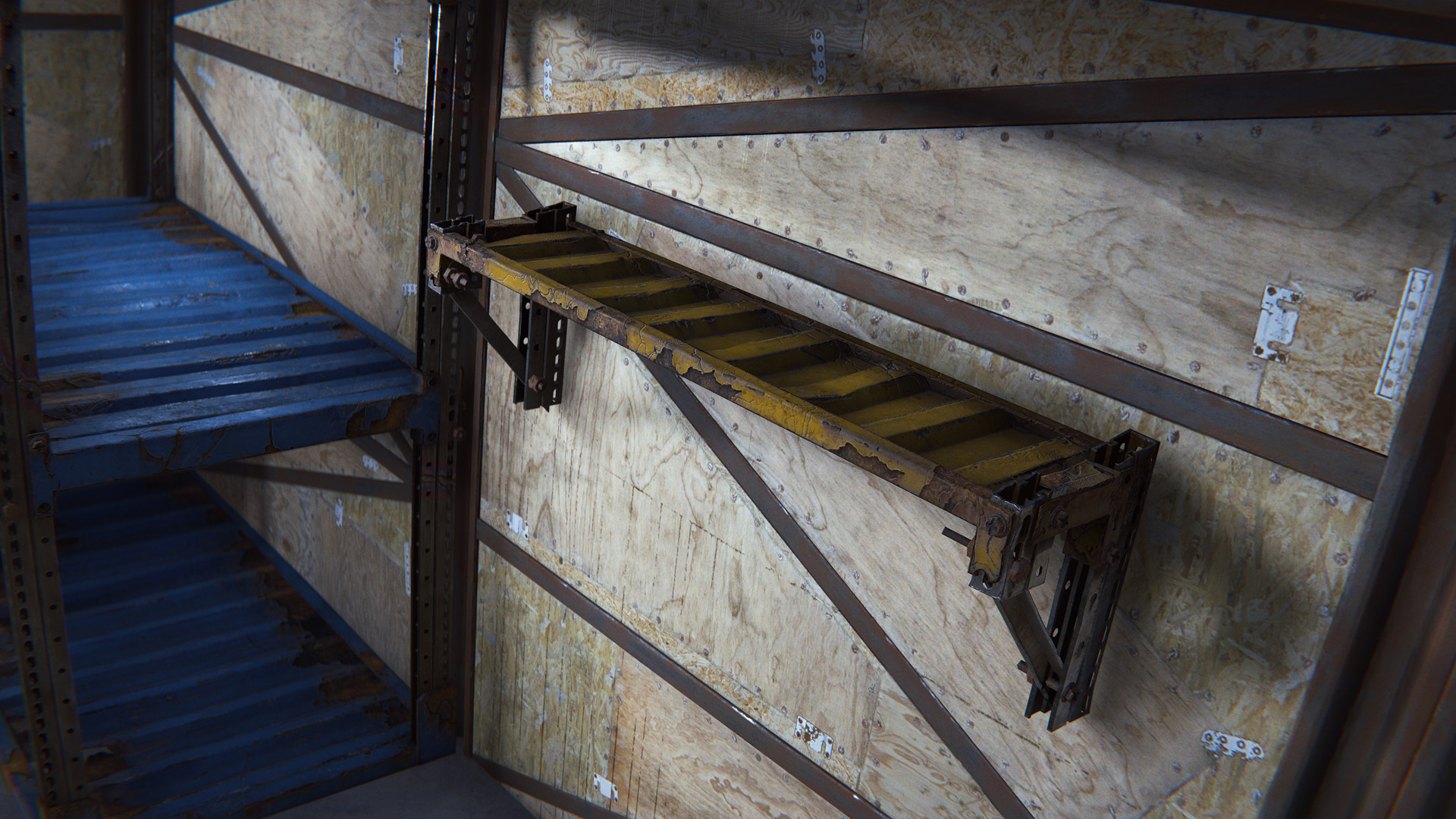
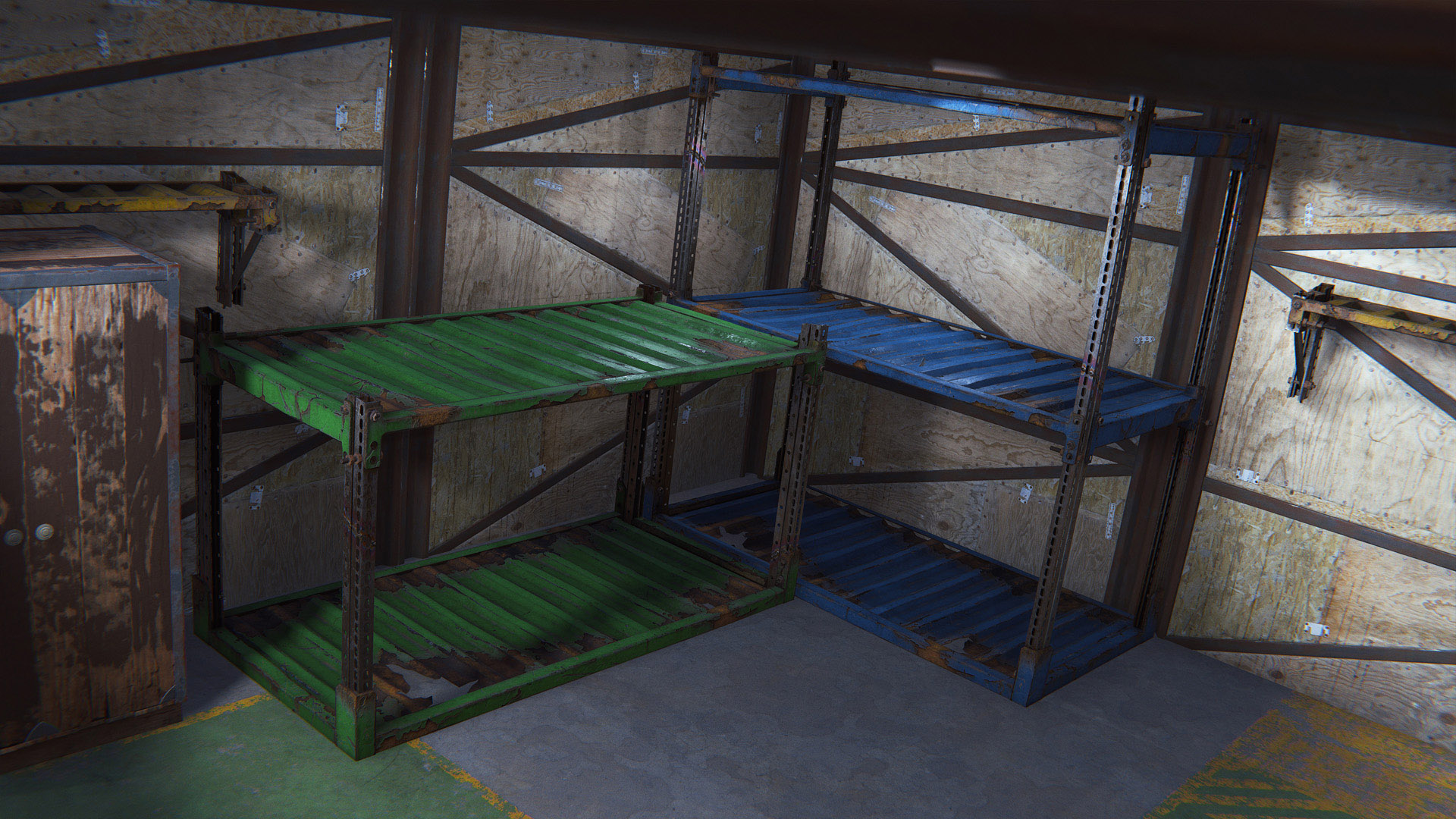
Industrial Shelving

Pressed into production after high demand, the Industrial Double Shelf, Half Shelf and Industrial Wall Shelf are unique items and skins of their respective base-game items. Uniquely to the Industrial Shelving, they can be assigned a colour, helping you to organise and optimise your storage solutions.

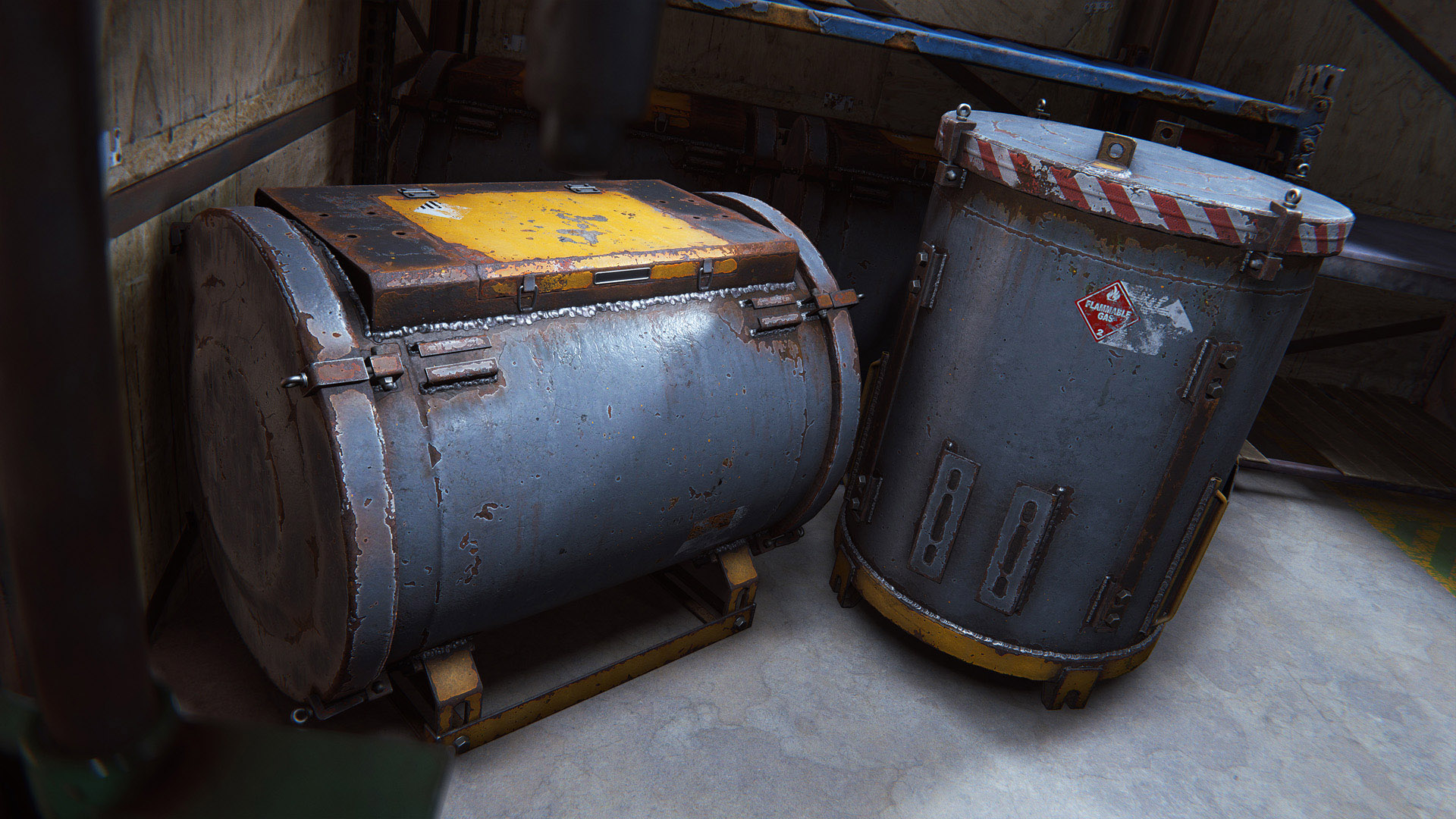
Industrial Storage Barrels

To go alongside the shelving, we’re also shipping the Industrial Storage Barrels in both horizontal and vertical varieties. Made from steel and probably several hazardous chemicals, they’re sure to keep your precious loot safe, or toxic, and safe.

Industrial Torch

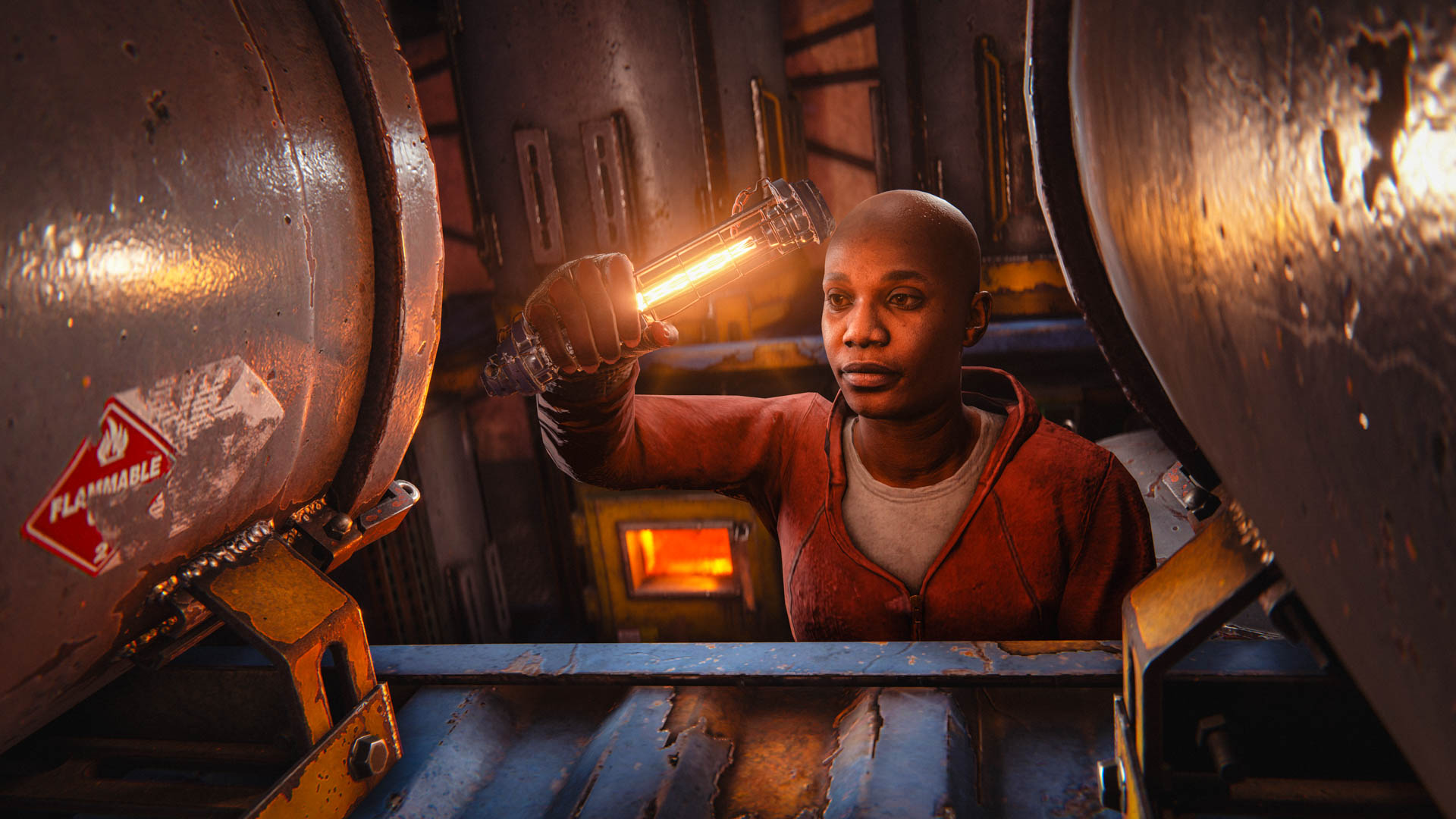
Light-up the path ahead with this skin for the Torch, featuring an electric filament and unique animations.

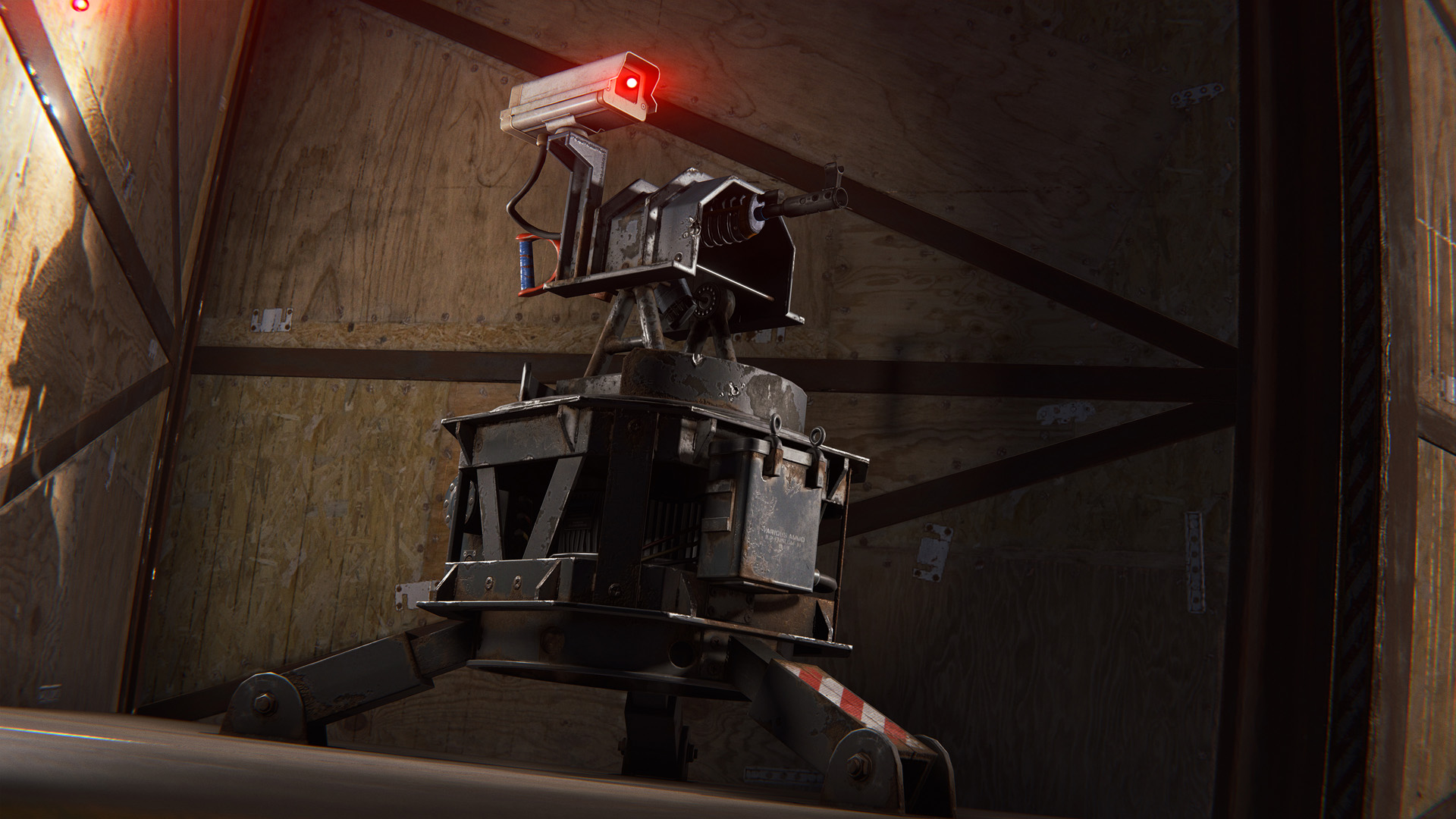
Industrial Auto Turret

Light-up the competition with the Industrial Auto Turret. Made from the toughest metal framework, this skin for the Auto Turret is sure to deal with any intruders definitively.

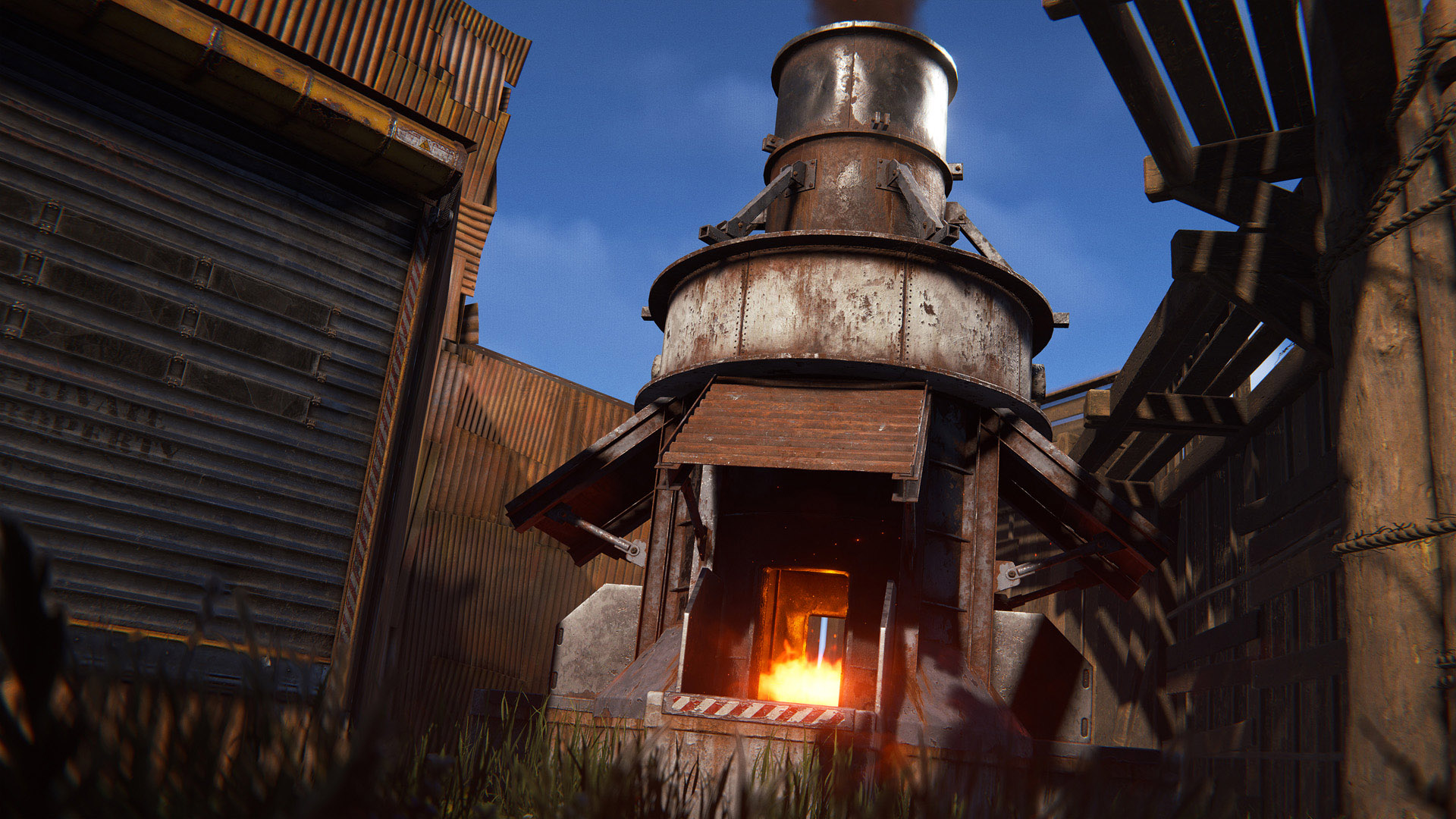
Industrial Large Furnace

Start an industrial revolution with this unique and exclusive skin for the Large Furnace. Go from primitive to the modern era with this one-stop shop to progress.

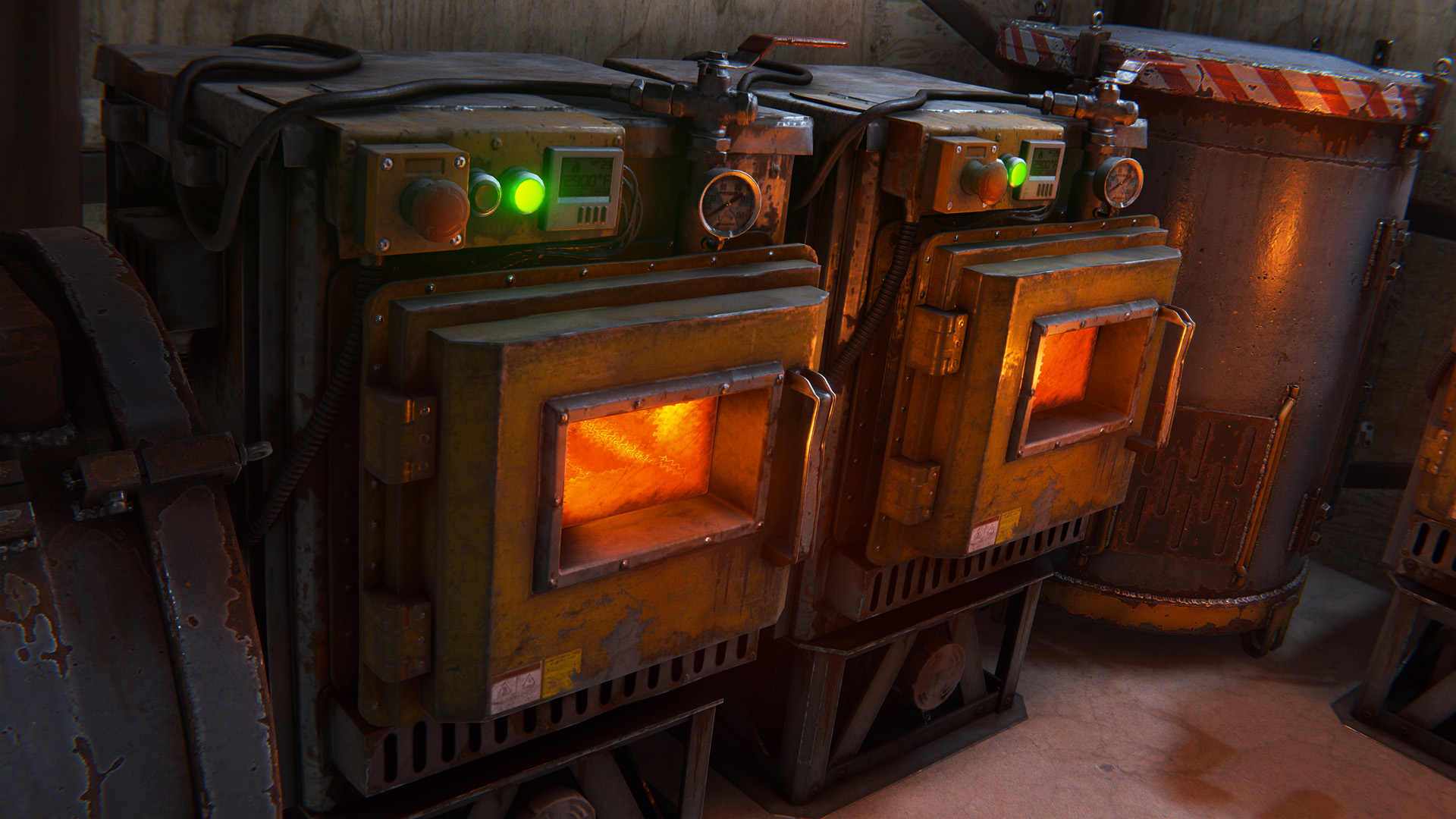
Industrial Electric Furnace

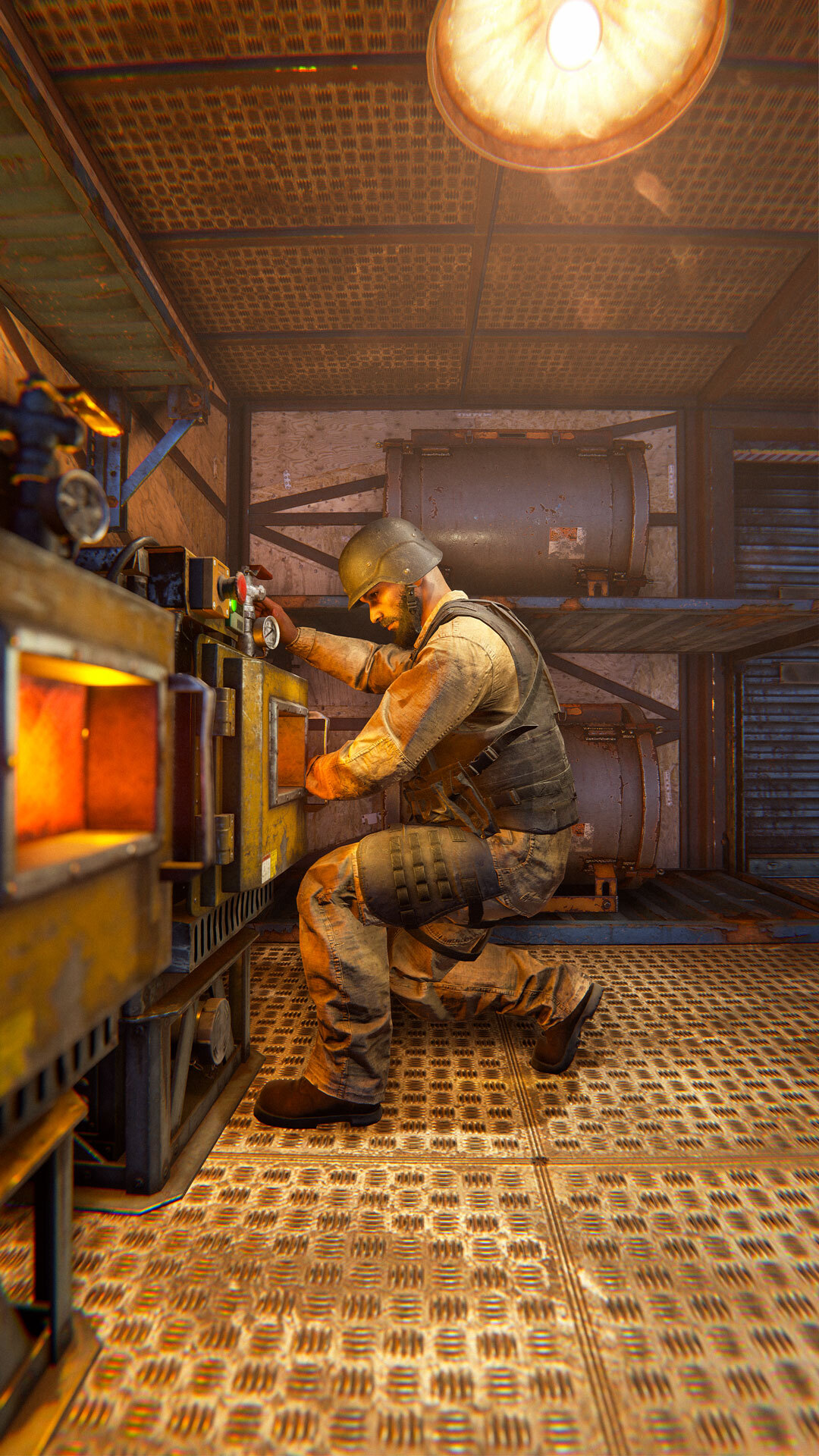
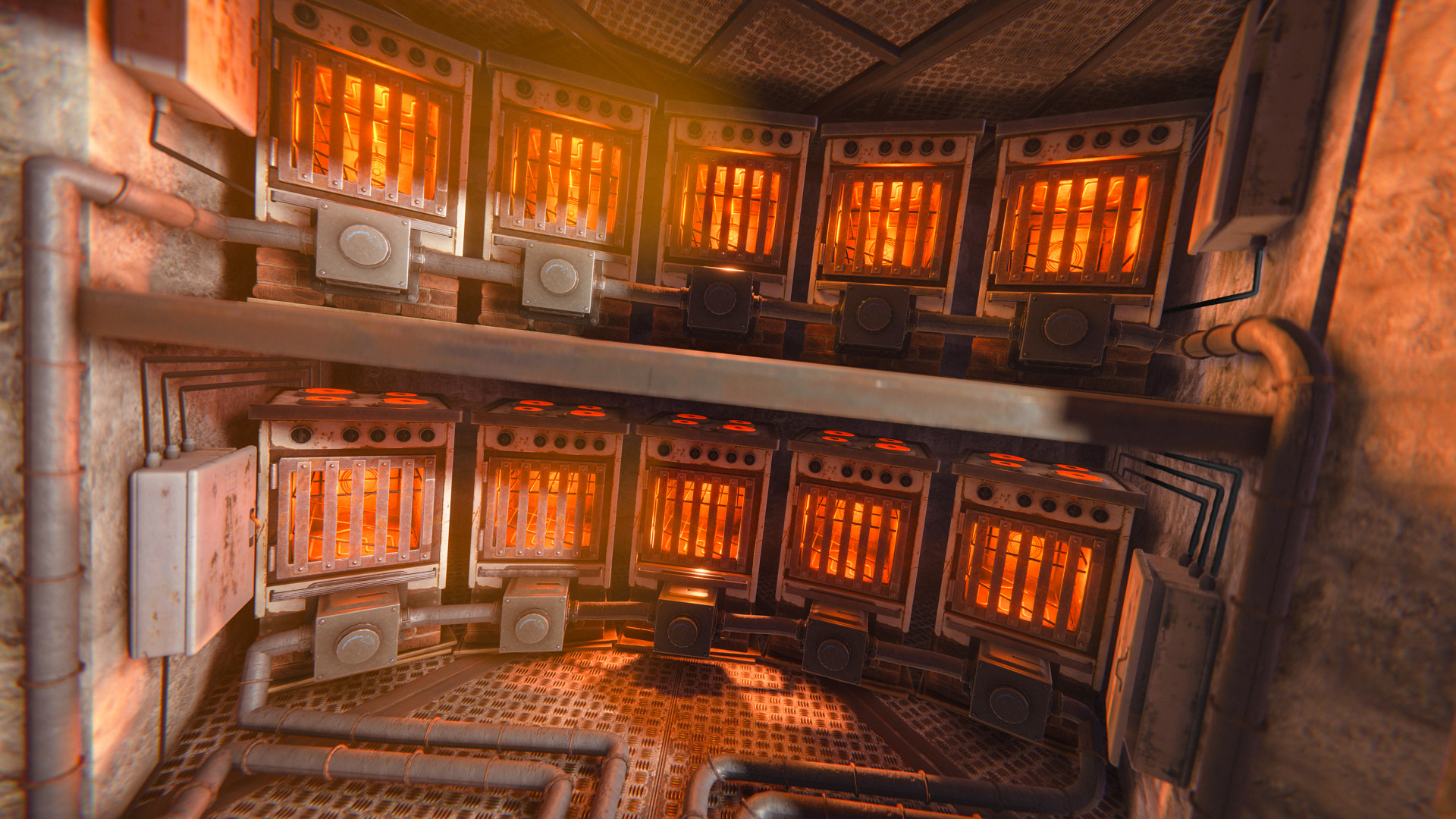
Seize the means of production with this skin for the Electric Furnace. Looking like a basement nuclear reactor, you’ll be sure to blitz through any safety guidelines in your charge for more ore.

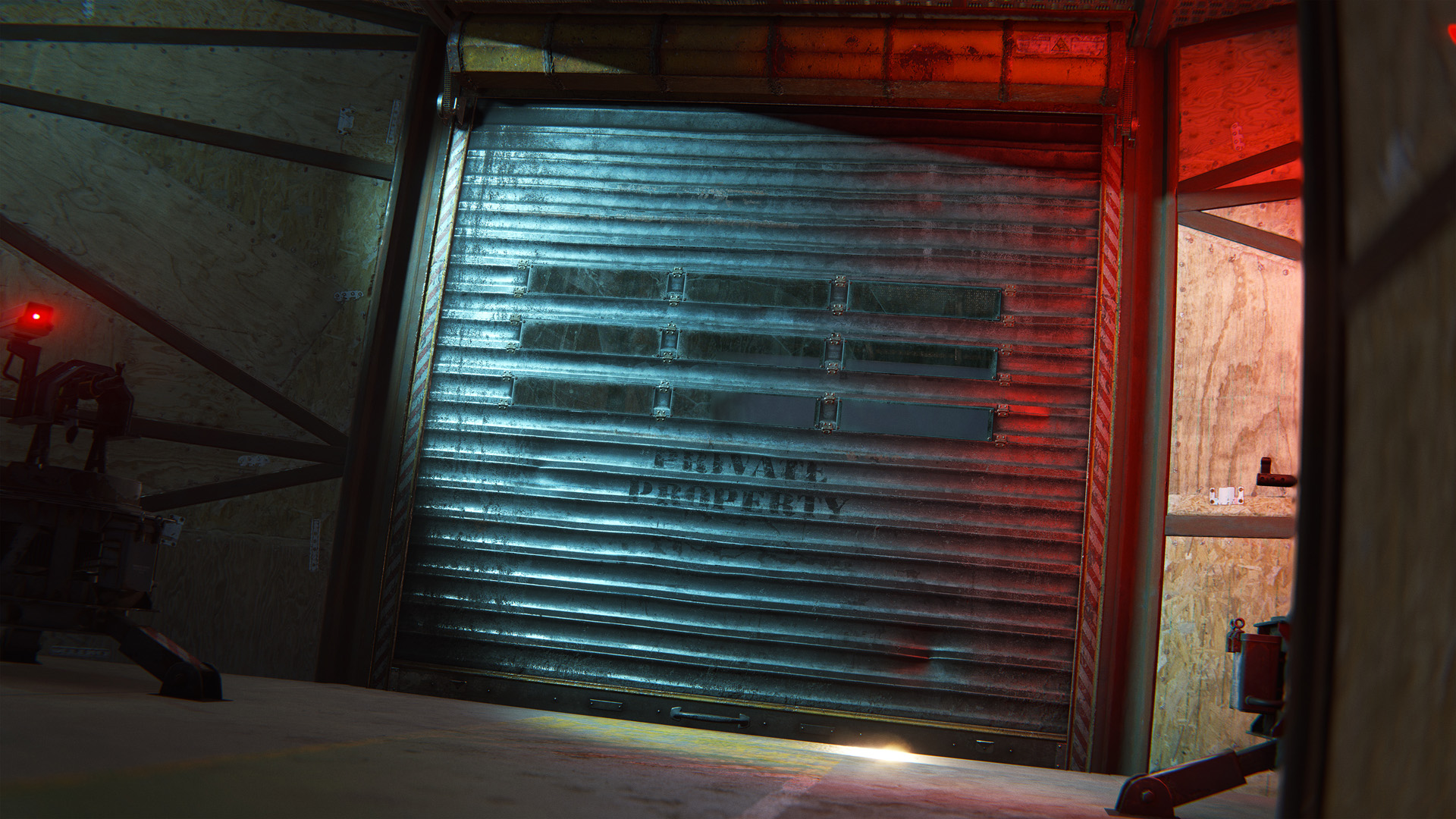
Industrial Garage Door

Roll up the shutters and get to work. Featuring a unique animation and plexiglass windows for extra security, this skin for the Garage Door is sure to get things done.

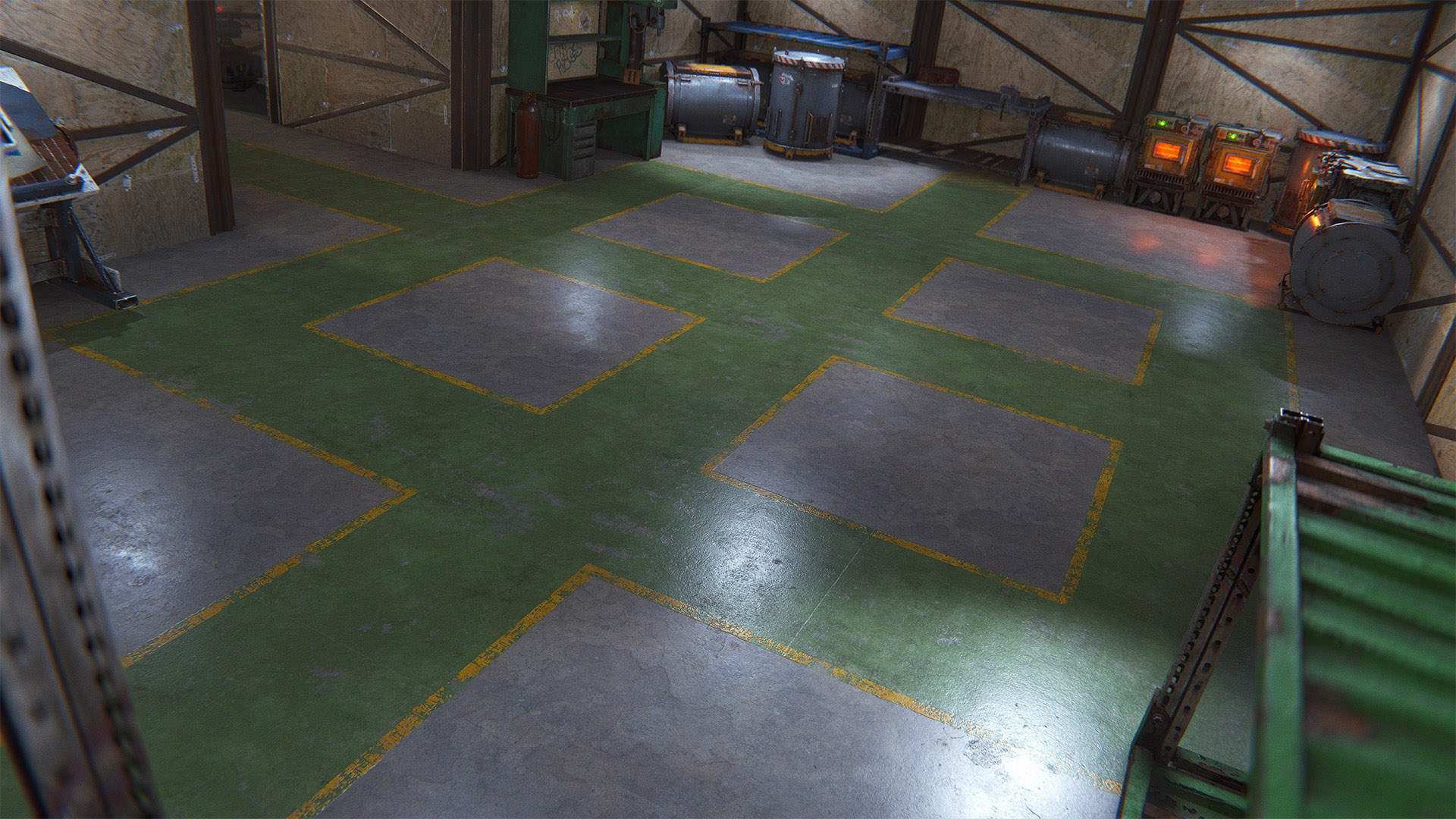
Painted Concrete Floor Wallpapers

Featuring 6 unique flooring wallpapers, you can create virtually any layout you wish with these floor designs. From production-line to dead-end trap.

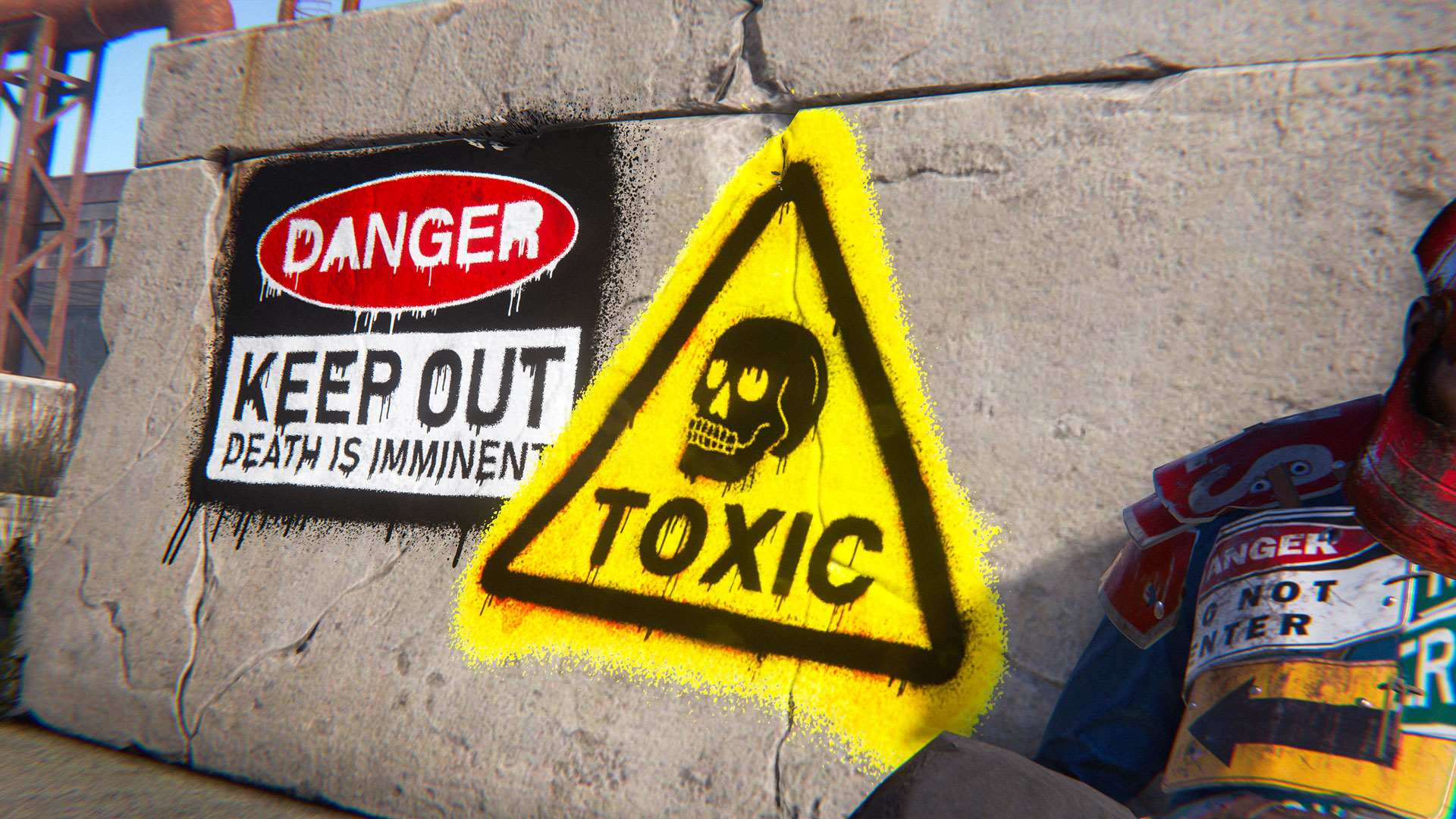
Industrial Sprays and Emojis

Theme up your base, or just trash-talk your rivals, these sprays and emojis are sure to put in a shift.

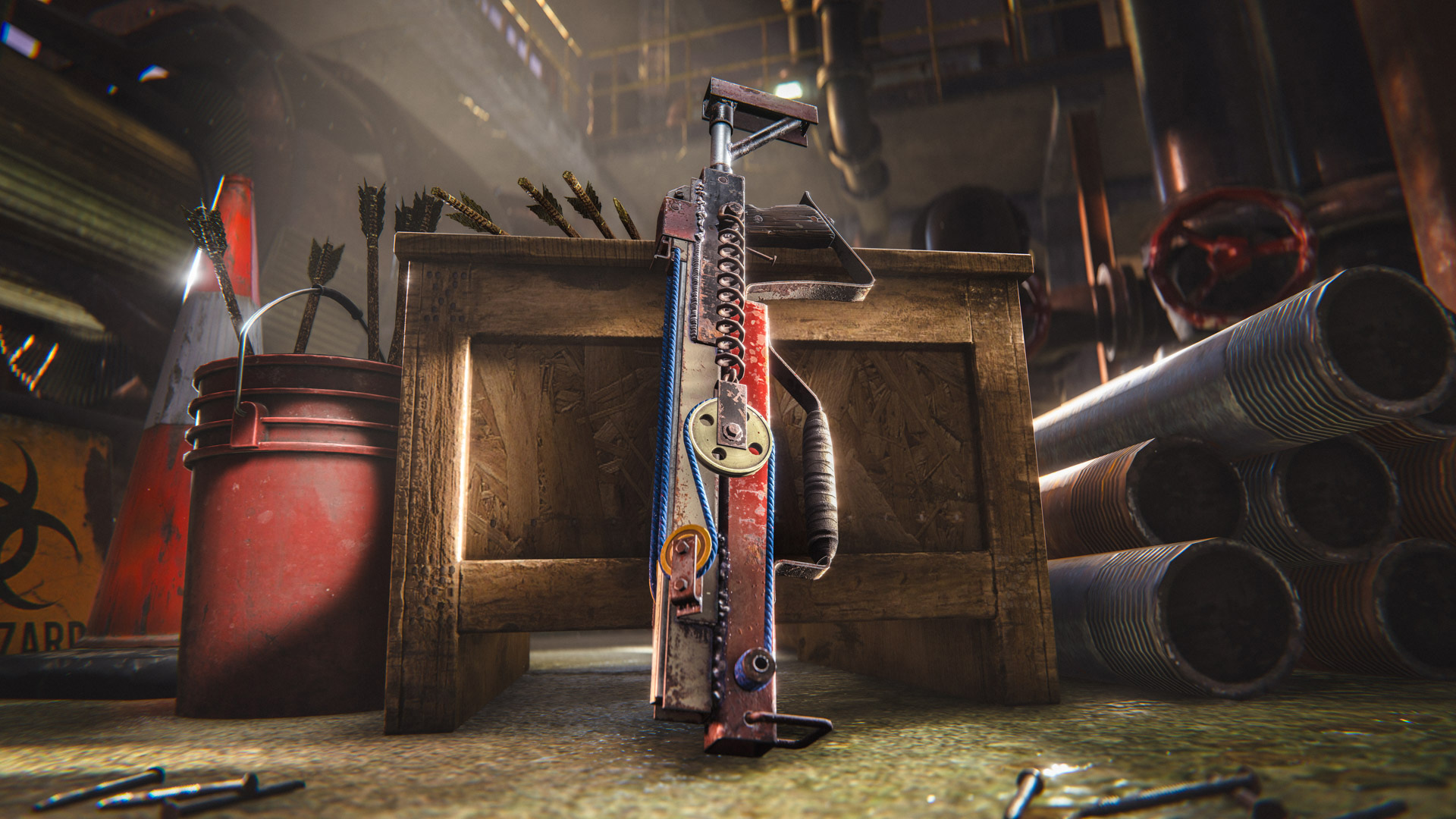
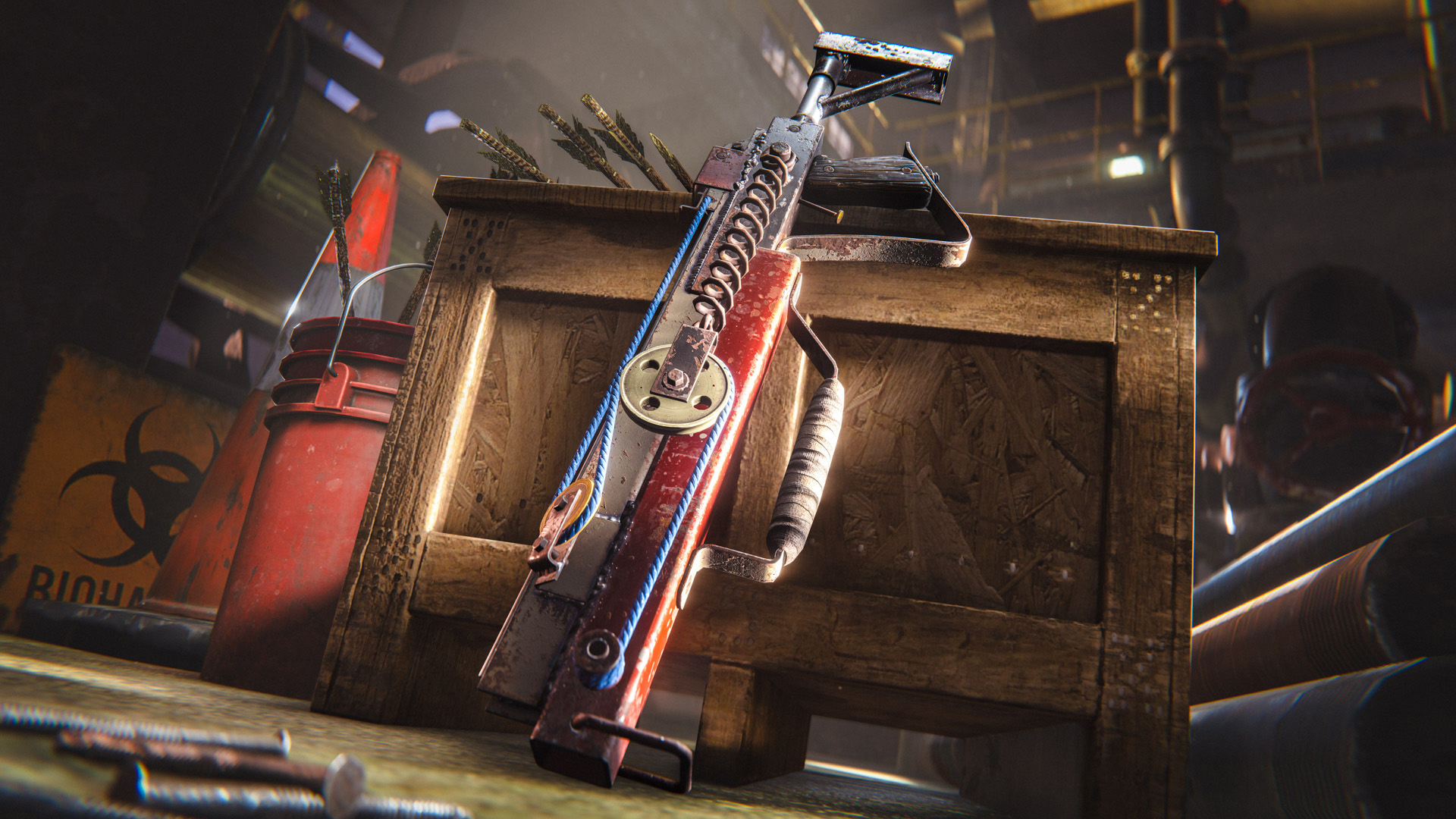
This month we’re introducing the Bowless Crossbow which is a unique skin for the Crossbow. 

Clearly made by someone with a grudge and a hefty disregard for health and safety. Made from salvaged workshop components and featuring a bowless pulley system, this crossbow is sure to pack a punch.


The Bowless Crossbow can be purchased in-game or from the Rust Steam item store
The skin viewer got a small upgrade this month. You can now inspect skins in your hand, straight from the store or your Steam inventory menu.
Often, you can land shots on players in hot air balloons or on boats and you’ll be met with the dreaded ‘projectile invalid’. This is because the server has rejected your hit.

This month, I looked at improving hit validation for parented players. Hit validation now takes into consideration the previous position of parents when validation happens - this should let your shots land and provide a better experience for players all around.

This will be enabled on our Facepunch servers out of the gate. If all goes well then we will push a hotfix to enable by default on all servers.

You can change this setting yourself by adjusting the antihack.parenthistory convar.

We are excited to announce a very special, first-of-its-kind collaboration with our friends over at Discord. Starting today, you can bring Discord’s iconic mascot, Wumpus, out of your chats and straight into your base!

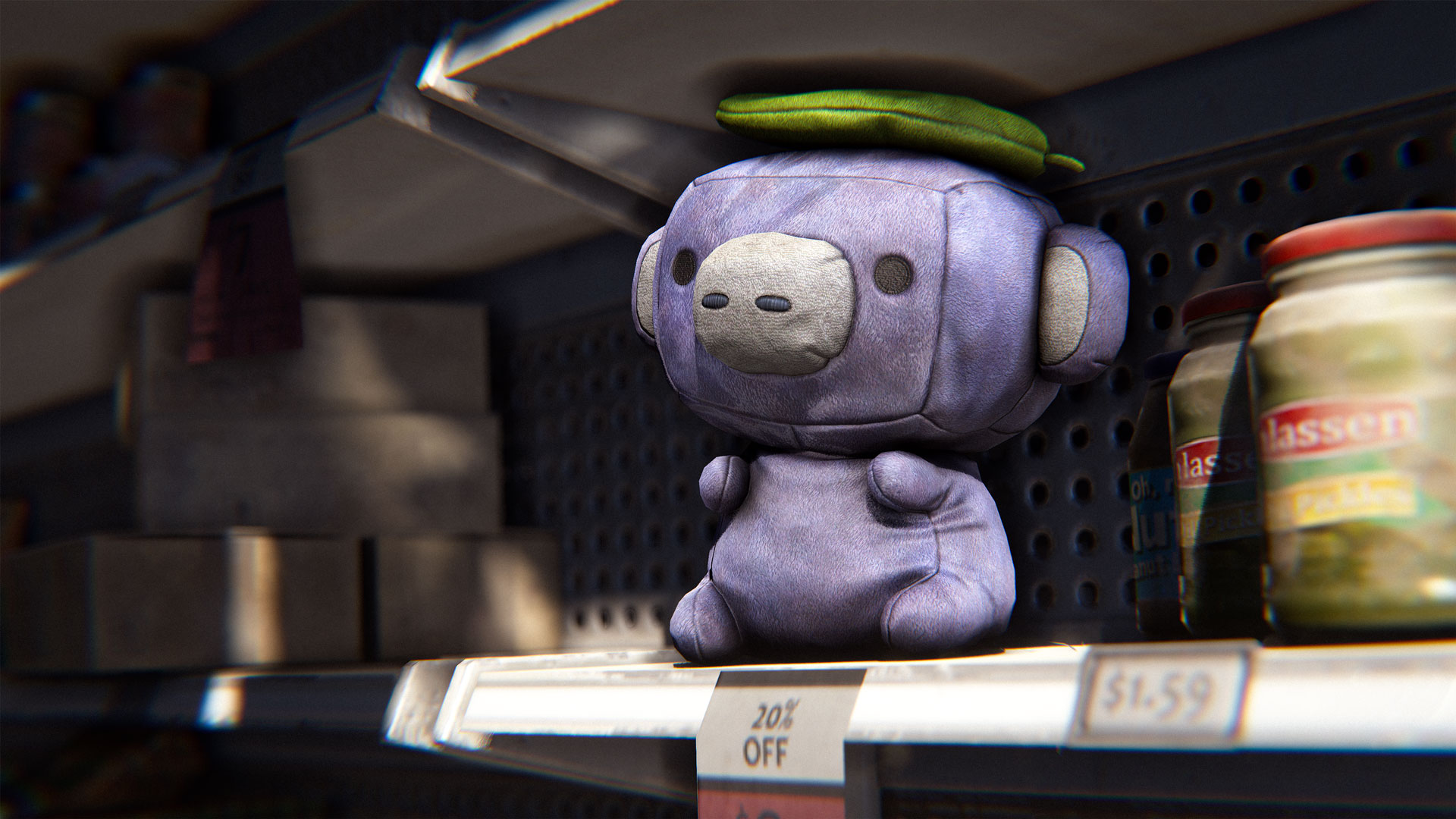
Say hello to the In-Game Wumpus Plush.
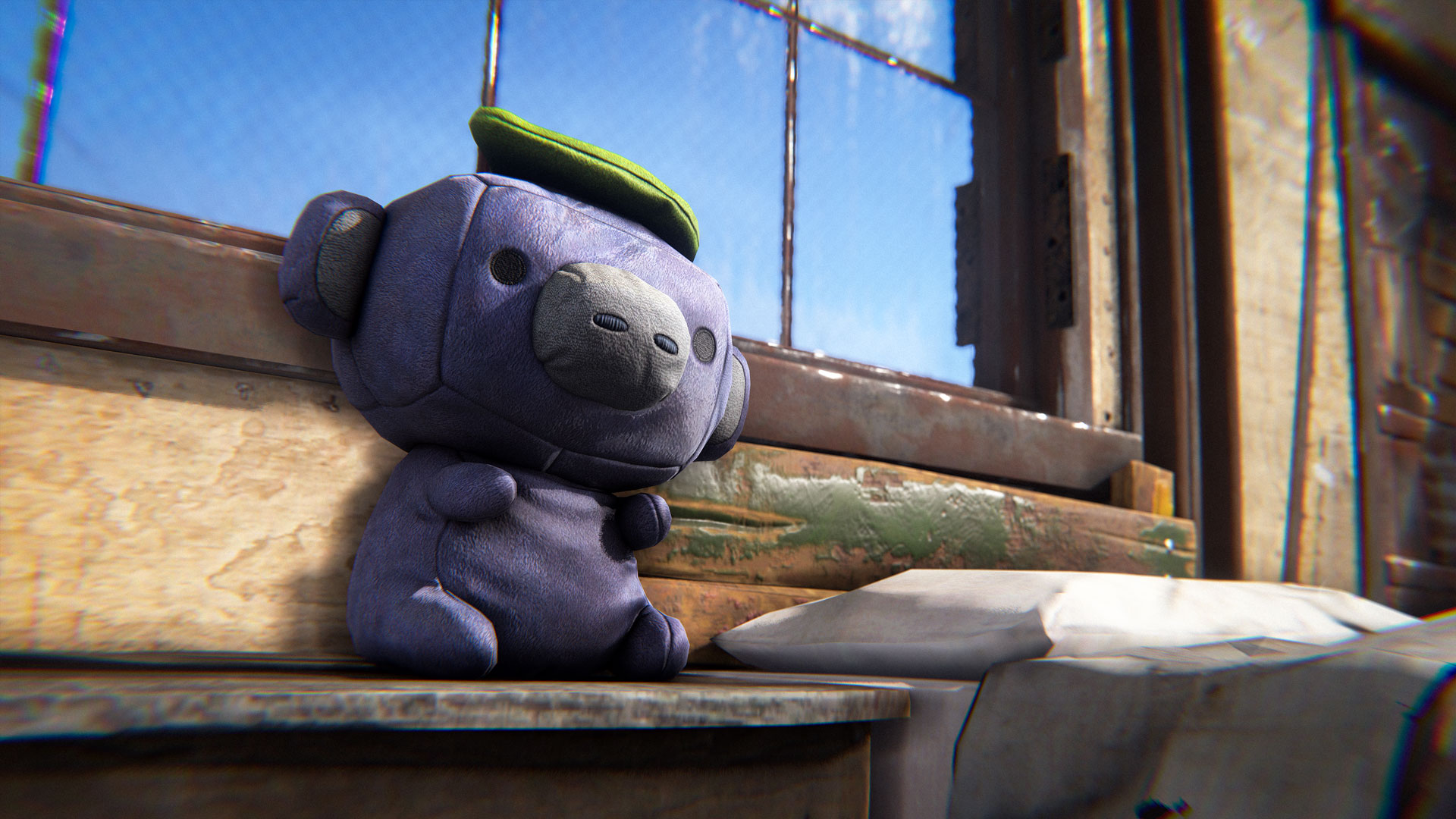
The Wumpus Plush is a one time exception and is exclusive to the Discord Shop.

To grab them, you'll need to purchase them directly through Discord, which will then link up and unlock the item on your Steam account inventory.
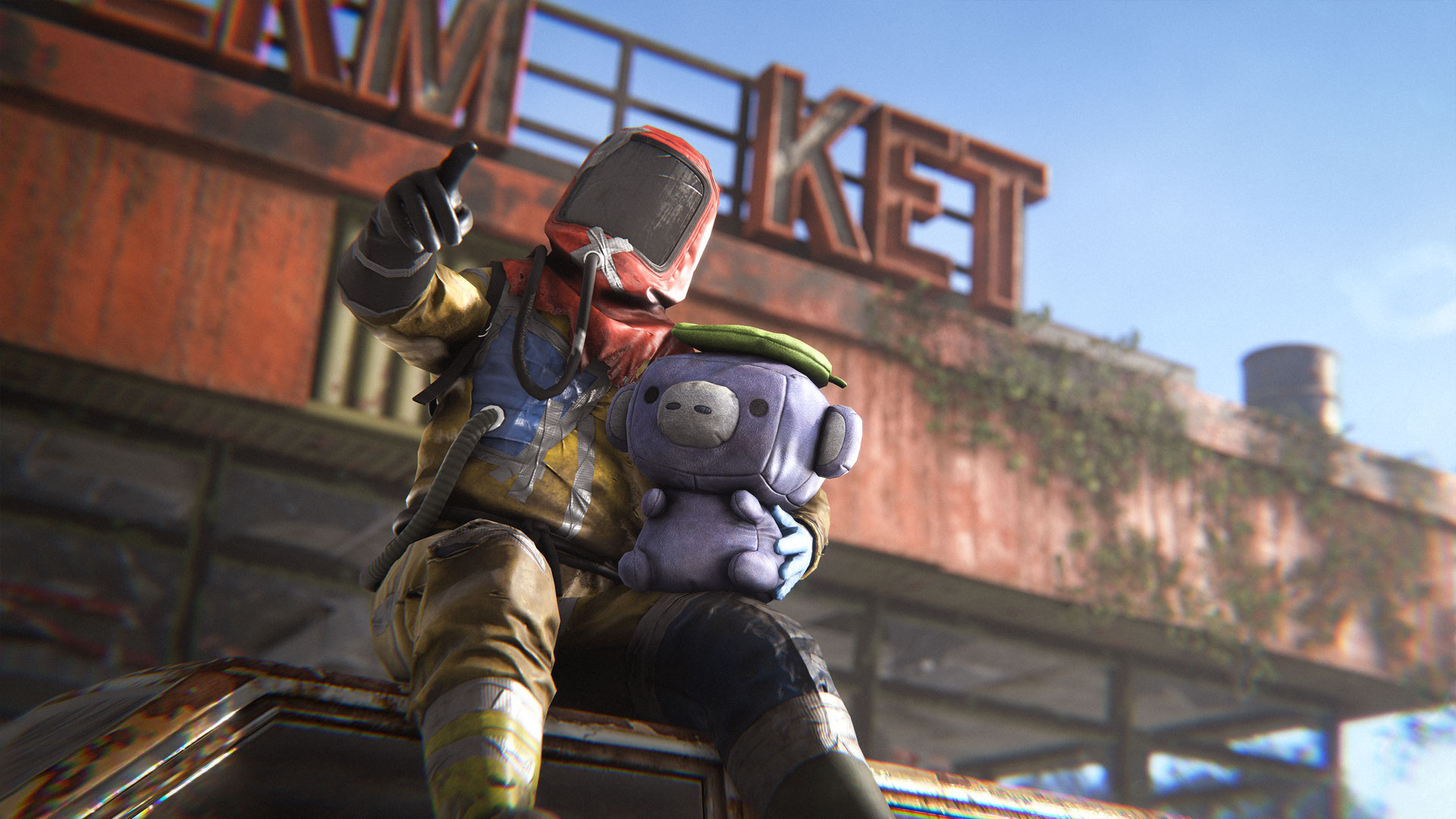
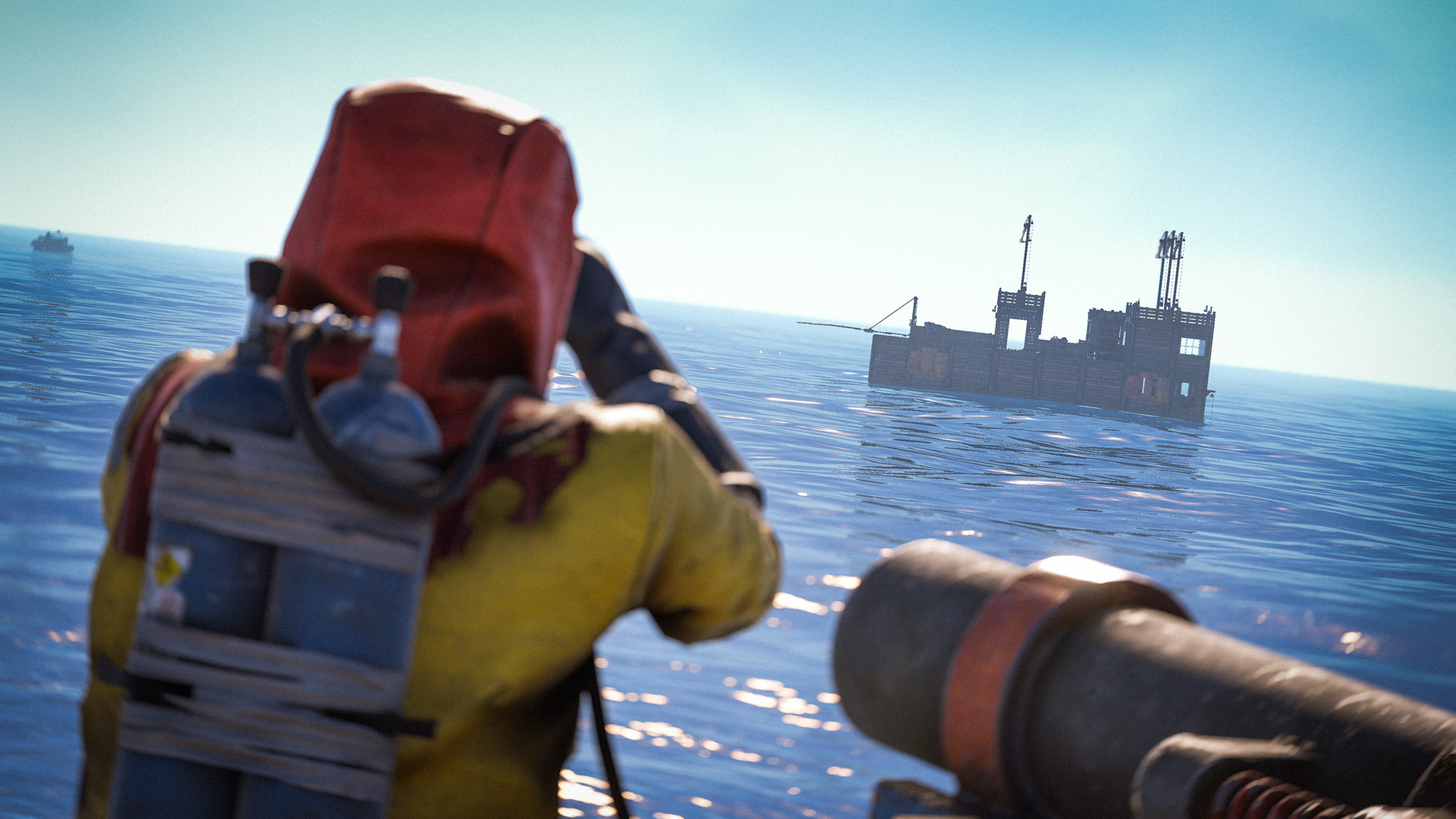
The Wumpus Plushie can be placed anywhere inside your base. Stick them on your workbench, line a few up on your roof to confuse raiders, or just keep them next to your sleeping bag for 70% comfort, and good luck before a big Deep Sea run.

Deployable Companion:
Fully interactive placement - rotate, stack, and find the perfect spot for your new friend and receive 70% comfort when near them.

Discord Authenticity:
Lovingly modeled to bring Discord's signature colours and aesthetic, seamlessly into Rust's universe.

100% Flex:
Show the friends and foes you were there for Rust's first-ever Discord store collab.

Head on over to the Rust Shop on Discord to get yours!
Pool Rewrite

We rely on an internal utility called Pool to recycle objects and avoid allocations - it's vital for avoiding creating pressure on the Garbage Collector. Since it's vital, it's used everywhere throughout our codebase.

Couple months ago I've discovered that it becomes a bottleneck when trying to introduce multithreaded batch processing of work(example: sending entity snapshots to players every frame). To provide basic thread-race safety, it's implemented with the use of a mutex, and in hot-ish loops there can be a lot of contention on that mutex, slowing all worker threads down.

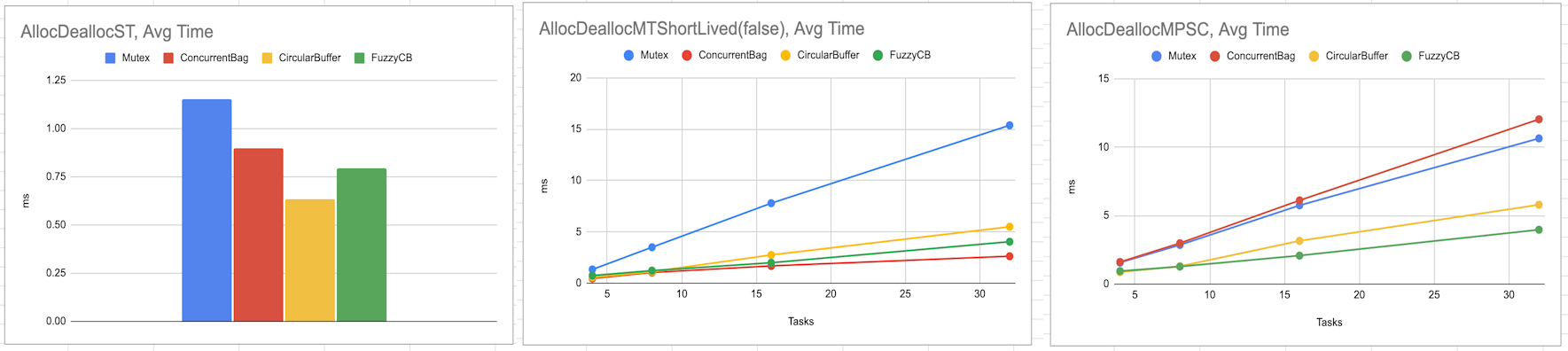
After some experimentation with different implementations, I've settled on a slightly-fuzzy lock-free design(FuzzyCB bellow) that is competitive with ConcurrentBag in single thread performance and Single-Producer-Single-Consumer threading scenarios, but beats it in Multi-Producer-Single-Consumer scenario:
As it's "fuzzy", it has a drawback - it never knows exactly how many objects are in the pool. As a result, when there's high contention on the pool and it's close to capacity, it can start to sporadically spill objects. The rate of spill is small - in one test of recycling 32k objects from 32 threads it spilled ~0.15%, or 48 objects.

It's now active throughout the codebase and I'm relying on it in UsePlayerUpdateJobs 3 to skip object preallocation. If it causes an issue for servers or clients, you can roll back to using original Pool implementation using pool.usemutexpool 1 command. Once new pool is confirmed stable, I'll remove the fallback option.

More StringViews

As part of the effort to clean-up various miscellaneous allocations, I've replaced parts of console commands system to work using StringView, specifically parsing and storing of incoming commands and their arguments. Most of the interface exposes arguments as StringViews with usual conversion APIs, but if there are mods that do their own fancy arg processing via strings, I've left a compatibility GetString call.

Although changing API is disruptive to server mods, this rewrite allowed us to get rid of 60+ allocations/4KB+ when invoking a command with 6 arguments, so it's worthwhile for me to pursue. To make the transition a bit less painful, I'm keeping StringView similar to both String and ReadOnlySpan APIs. Over the next couple months I'll be continuing it's propagation and smoothing out various kinks with it's design.
What do we gain under the hood for these player improvements?

Animation rig

By freeing ourselves up to create a new rig we have been able to nail more realistic proportions. We've also been able to select a more natural bind pose, allowing character art to sculpt more realistic models suitable for deformation.

We've been able to burn the 12-year-old Maya rig with fire and create a much more robust, powerful control rig for the animation team that's also future-proof. The skeleton itself includes helper twist bones and metacarpals that, even though we can't take full advantage of yet in Unity, are in the roadmap as our end goal.

The all new control rig now includes:- ik/fk spine- full body fk/ik/matching and switching- customisable selection sets- pose library- space creation- rig guide setup for easy re-generation and updating- rig publishing- referencing features for easily updating meshes mid-process- communication with Maya's HIK system- drag and drop mocap application

This rig essentially means creating 3p animation is now a more pleasant experience for us, and we can create higher-quality output.

Animation x character art

Working with this new Maya rig also means collaboration with the character art team (also in Maya) has become much more symbiotic. The current workflow for character art clothing involves creating a beautiful model and then having to mutilate and distort the proportions to fit the existing model. This step will now finally be removed and clothing can be seen as intended in all it's glory. All clothing assets can now all be directly loaded into Maya, with search tool functions & easy exporting so the character & animation teams can work directly on the same source files.

Entity updates

Many weapons were set up with hacky Unity offsets at a time when we didn't have a prop bone to attach to.  We've now taken this opportunity to attach all weapons to a prop bone directly and remove those offsets.

Animation Logic

This remains mostly unchanged.  We have seen from recent games that have attempted similar updates that ultimately in a game like Rust, you demand instant response time, not silky transitions between every action. While as an animator this stuff is lovely to see....generally, the player base on those other titles has seen such additions as an annoyance and has been received poorly.

You'll be happy to know the player update is just as snappy/responsive as the current version, so if you still get killed it's all on you.  We hope to add nicer touches in the future (one such feature is explained in Jarryd's subsystem section) but any changes will be measured with the overall current players experience of Rust in mind. They also will be introduced organically, and not in one huge update that shocks the system.

This month, we are taking our first step towards replacing Unity’s navmesh with our own.

Admins can enable the new navmesh by using “-useNewNavmesh" as a starting argument on server start, it will be disabled by default for now. You can then visualize the navmesh is game with "rustNav.draw".

This opens lots of opportunities for improving npc performance and fixing long standing bugs.
Here is what players can expect in the future:

  • Animals and scientists will be able to enter and move in player bases. For now they can only enter a simple base with no door when the new navmesh is enabled. This is part of the groundwork for keeping sheep, cows, dogs.

  • New animals dying randomly happens less (it happened because of unity failing to path on some convex or concave terrain).

  • We’ll be able to update the scientist AI on cargo and excavator (which was not possible before because we needed a moving navmesh).

  • New scientists will have better and cheaper flanking (through a custom A* cost that de-incentivizes direct paths).

Performance wise:

  • Navmesh is built in the background after the server starts, but on restarts it will be loaded from disk which is instant.

  • The obstacles like player foundations are handled on other threads +
    budgeted, and don’t impact the framerate (unity’s way of handling
    obstacles has a significant constant performance overhead).

  • We limit the max time a single pathfinding query is allowed to take, so a single npc can’t create a lag spike with a long path request.

  • When looking for cover or peeks, new scientists will be able to quickly discard positions they can’t reach without needing expensive pathfinding queries.

Unity, and lots of other game engines like Unreal or Godot, internally uses a third party pathfinding library called Recast.

We still use the same library, the difference is that we now have full control over it, and we’re not limited by Unity’s black-box integration.
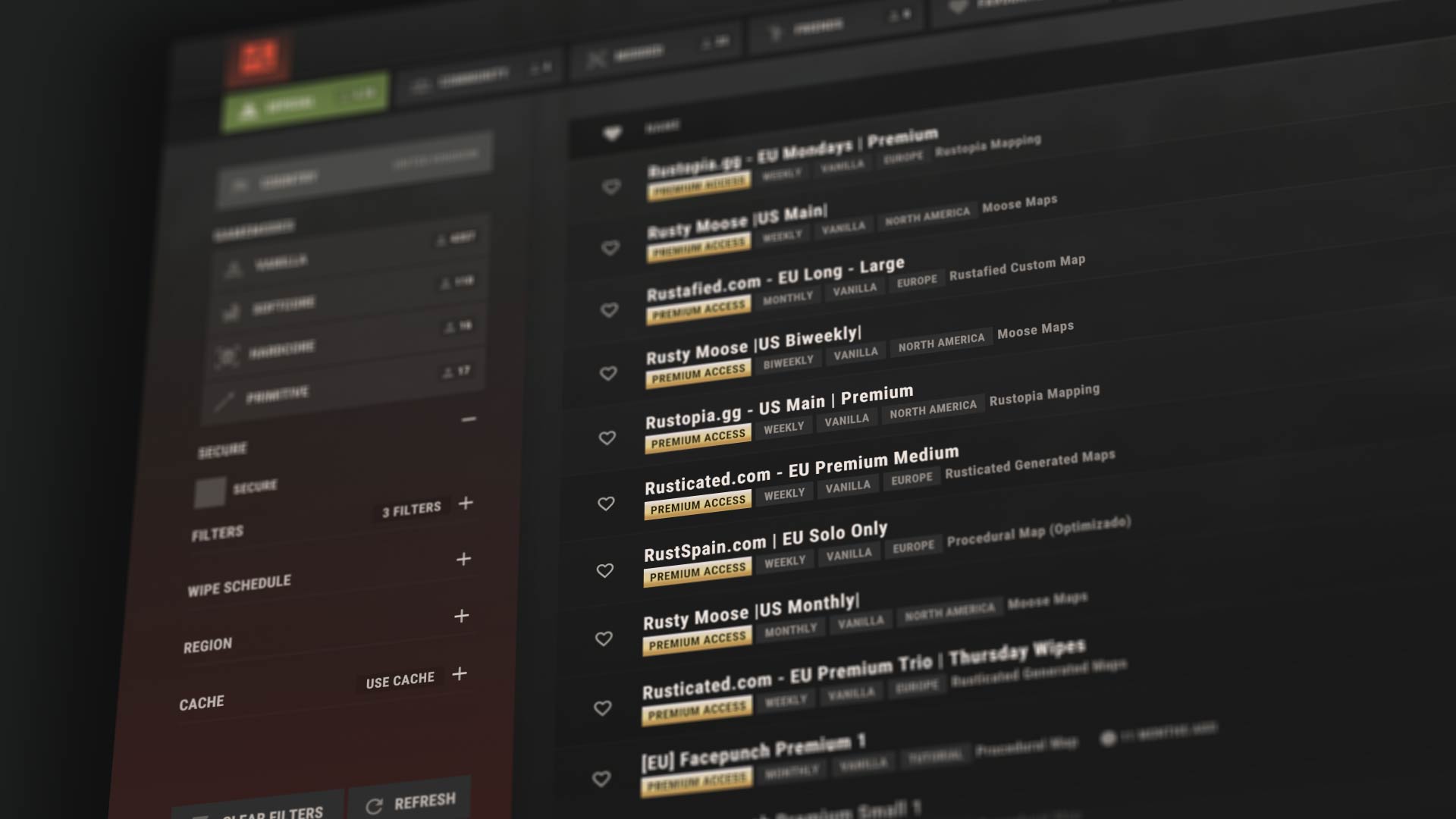

We're renaming Premium to Premium Access Pass.

This is simply a rebrand, there are no functional changes. If your Steam inventory value is $15 or more, you'll continue to have access to Premium Access servers exactly as before.
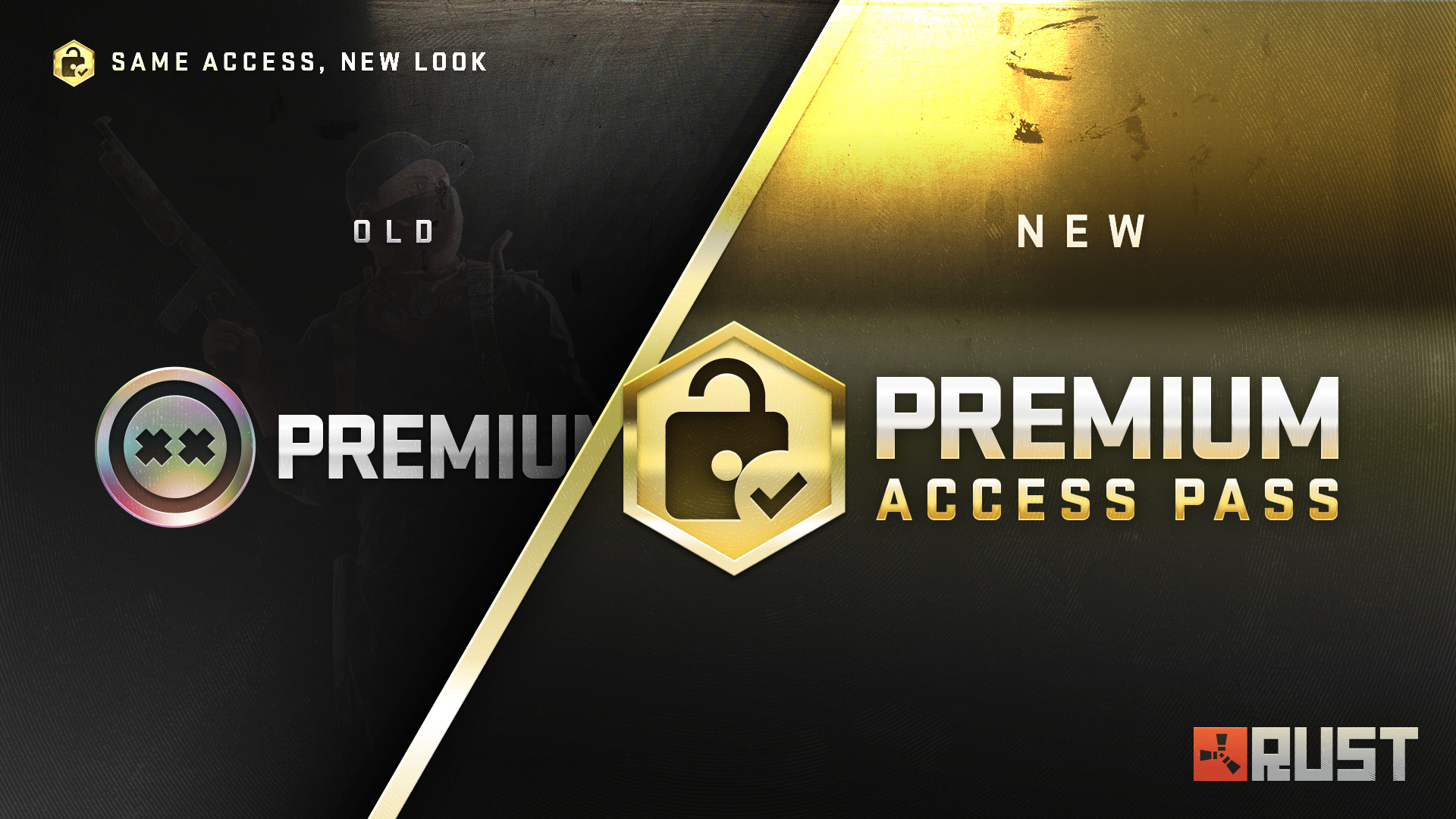
This change is part of some longer-term groundwork for future monetisation (boo) plans. We've no plans to change how premium works, as we've talked about in prior blogs, it's doing a decent job at gating cheaters. We strongly encourage players to use premium servers. 
The Rust Premium name will be revived for a new monetisation system we're looking to implement late this year. It's not a battle pass, nor a VIP system, but more of a monthly opt-in for additional skins/perks. We're finalising details of exactly how this system will work. We'll share details ahead of launch for you all to tell us how bad it is, looking at you, Reddit. 

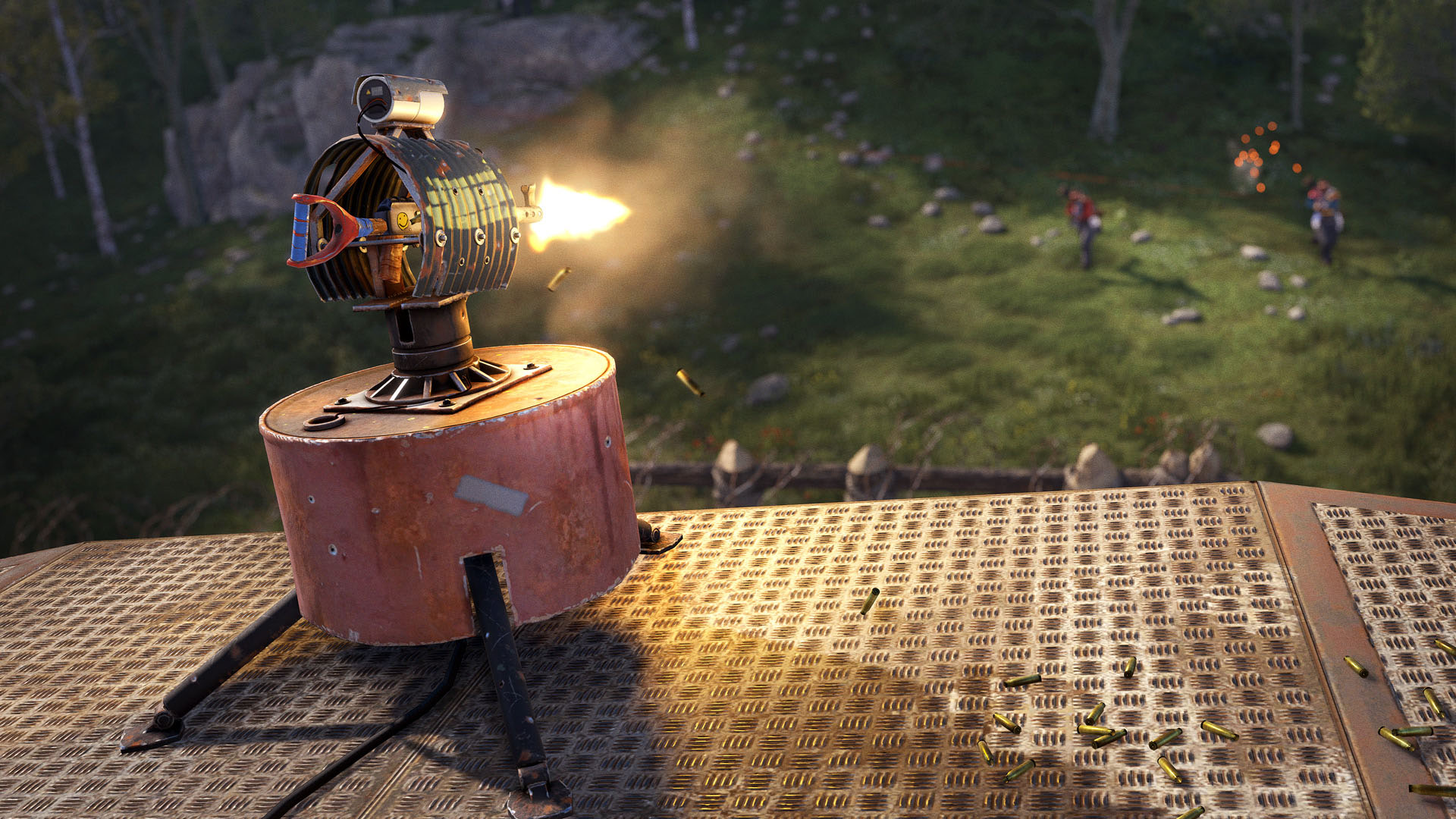
This month’s workshop skinnable is the Auto Turret.

A constant companion to many a Rust base, this little guy is ready to receive some love from the skinning community. Just make sure it’s not hostile when painting the business end.
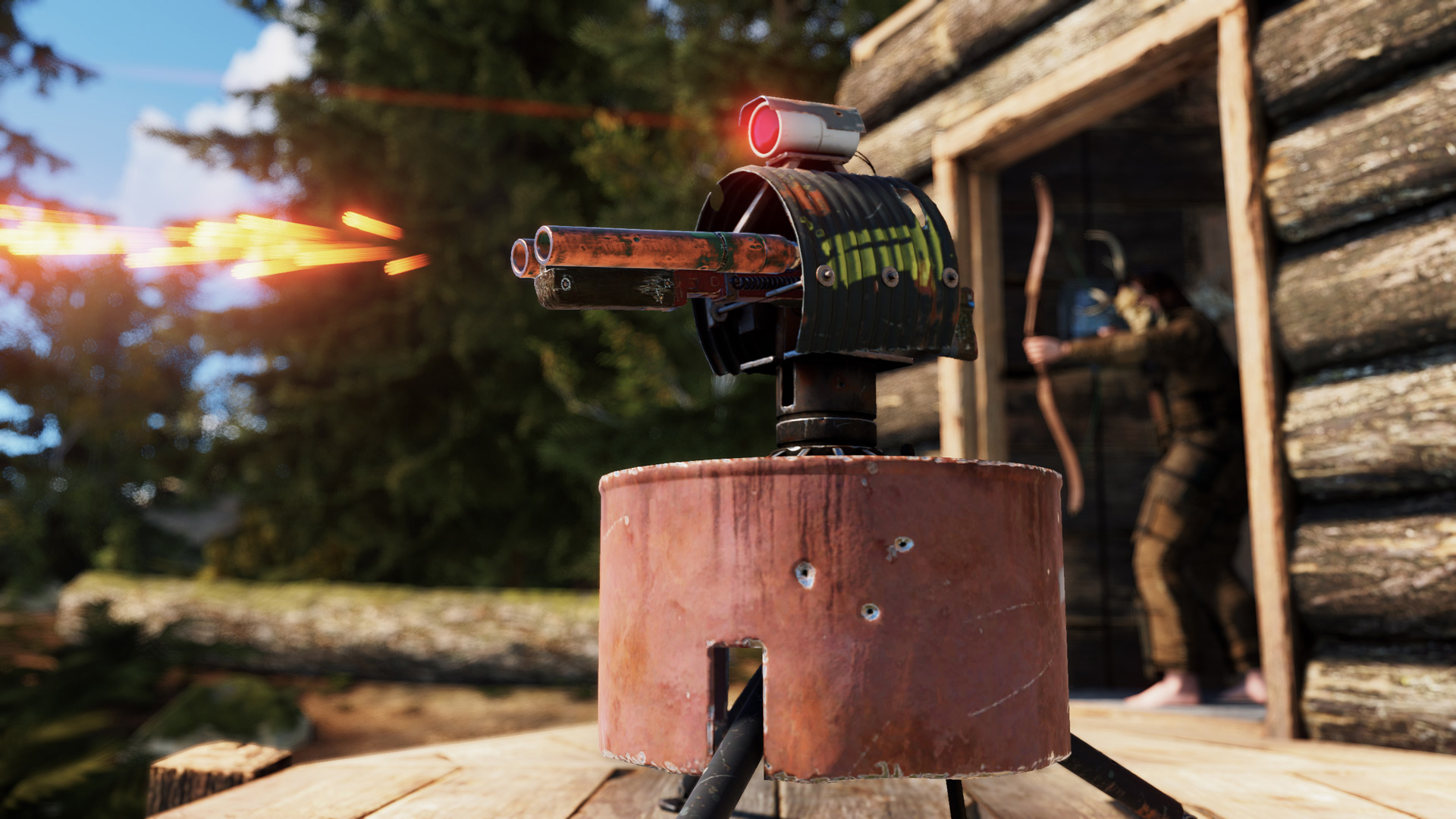
To make your own Auto Turret skin, head over to the in-game workshop and locate the Auto Turret deployable item. From there, you can download the model file and add your own materials.

We'll begin accepting community submissions from 11th June.

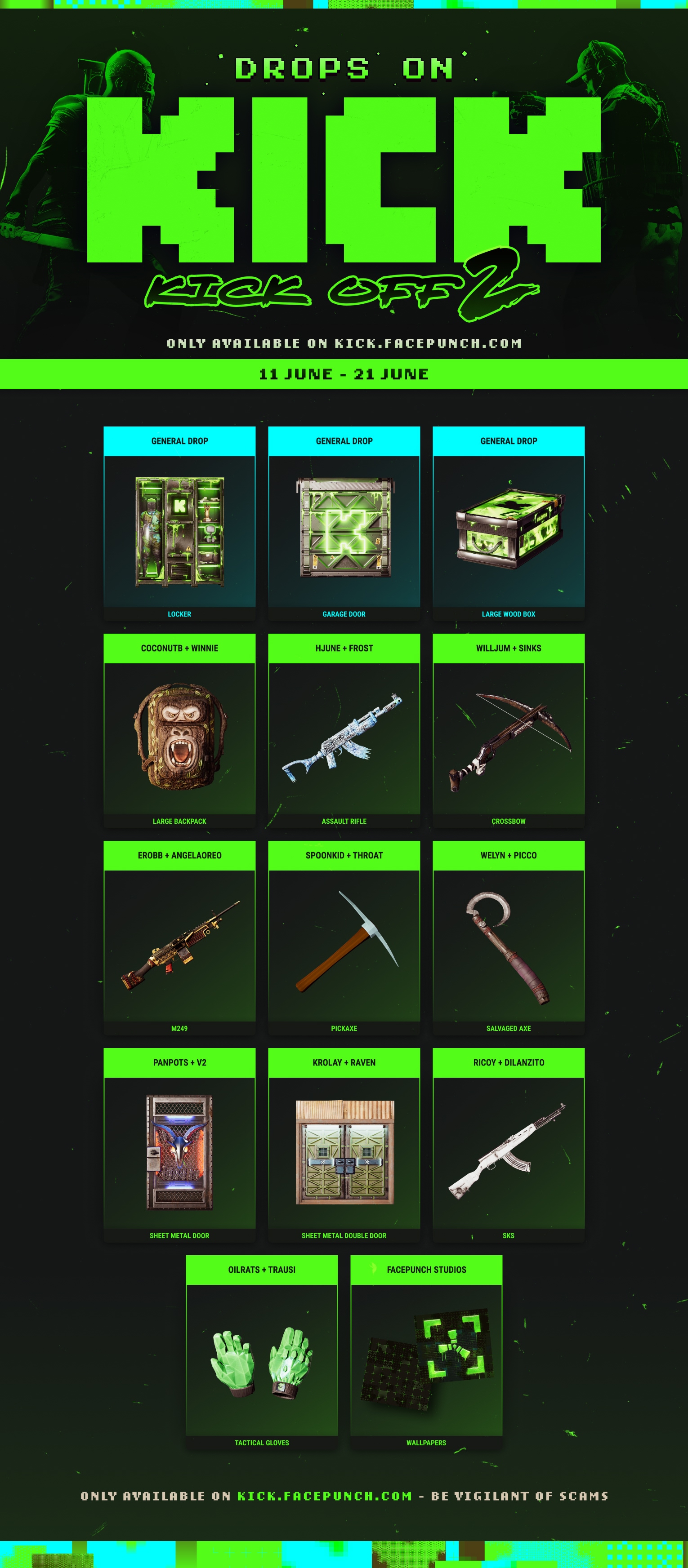
Drops on Kick are back!


This June sees Kick bring their unique green back to the biggest survival game on Steam as they play host to Kick Off 2. And from June 11th - June 21st, players can earn up to 10 captain/co-captiain exclusives, a Garage Door, and a Locker skin, as well as a unique Kick Wallpaper, just by watching the action-packed PvP event!

Event/Broadcast/Drops start: June 11th 4PM EDT / 9PM BST / 8PM UTC 
Kick broadcast exclusive skin: June 11th-14th (15th UTC)
Drops end: June 21st 7PM EDT / Midnight BST / 11PM UTC

As usual, don't forget to sync your accounts here - https://kick.facepunch.com/

And tune in for another chaotic PvP competition while getting your hands on these unique Drops!
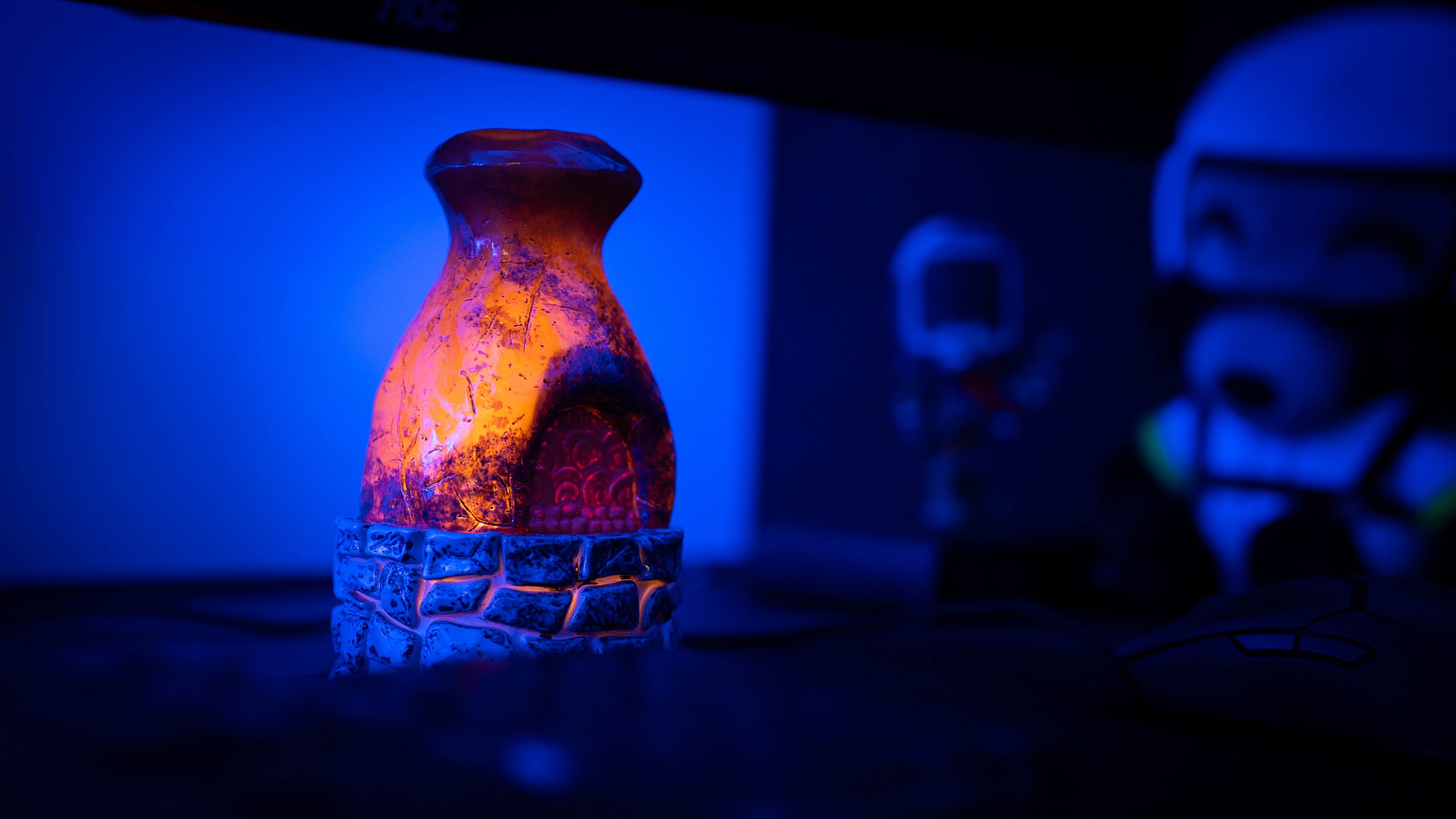
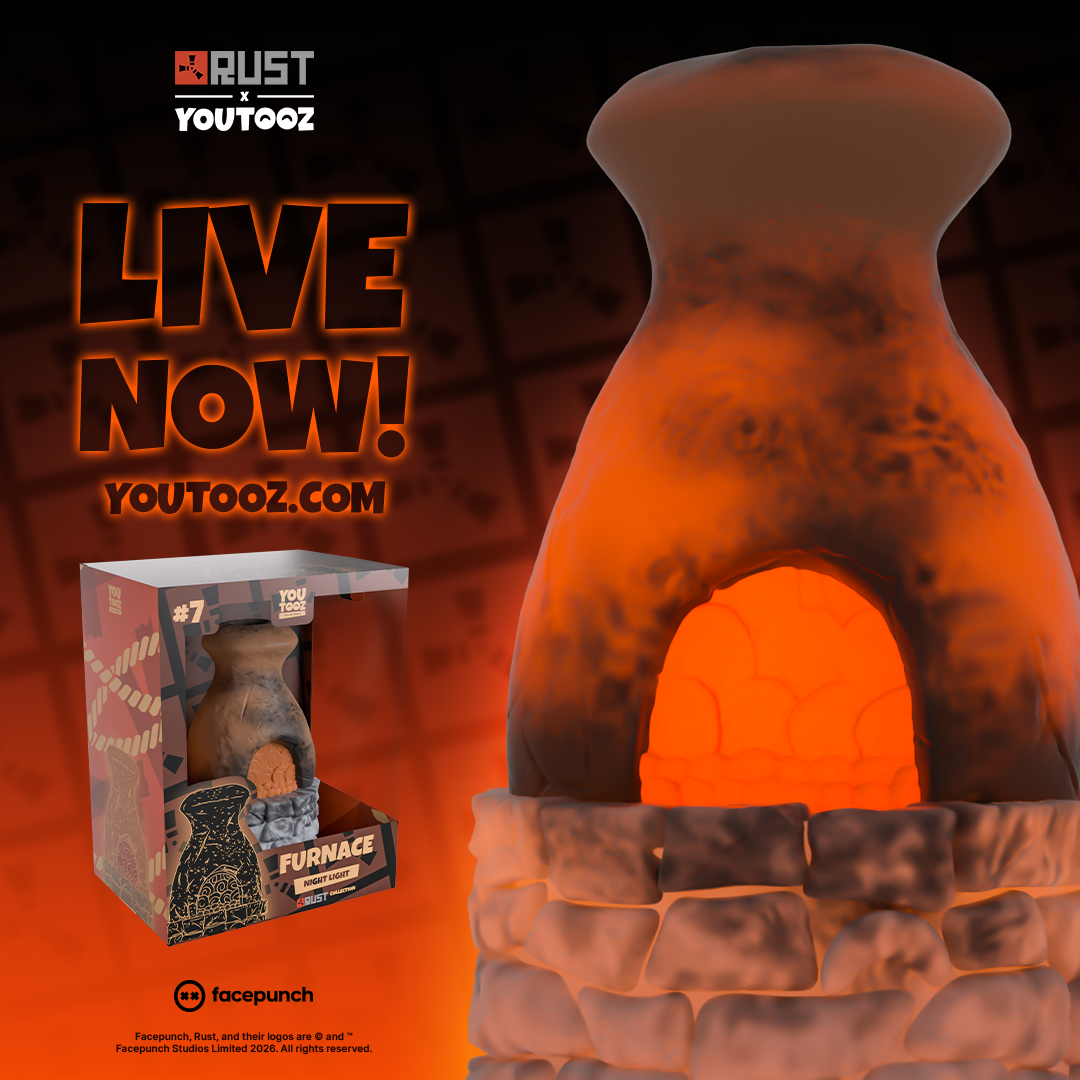
We've launched a Furnace Night Light with long time merch partners, Youtooz! 
The new Furnace Night Light stands at 5.3 inches tall and is perfect to perch on your bedside table, desk, or anywhere that needs a little extra light! 
It requires 2 x AAA batteries, and then with a flick of a switch and you’re ready to watch it illuminate with a spectacular glow that will keep you cozy as you smelt through the night!

You can find out more and pre-order yours here.
add_circle

Features

  • New player model
  • New player animations
  • Upgrade to Unity 6
  • New Navmesh (default disabled)
  • New Attire: BDU Shirt
  • New Attire: BDU Pants
  • New Attire: Ballistic Helmet Armour
  • New Attire: Ballistic Vest Armour
  • New Attire: Ballistic Leg Armour
  • New Weapon: M16A2
arrow_circle_up

Improvements

  • Re-skinning electric components and storage boxes will now nicely adjust connected wires / storage adaptors
  • Optimised the HUD UI
  • The item and vehicle F1 tabs last open category now persists across sessions
  • Improved the skin viewer, added a button to preview tools/weapon in hands
  • Added a button to teleport to the associated entity on UGC entries in the admin panel
  • Added global.teleport2entityid command
  • Added confirmation popups when deleting loadouts and copypastes files
  • Added a warning popup when you're about to override a bind from the keybind menu
  • Better support for non QWERTY keyboard layouts
  • Can now refine the position and rotation separately in the Demo shot editor
  • Workbench range upgrade now also boosts comfort range
  • Added Weather.rain_grace_period convar to control how many hours after a wipe before it can rain
  • Optimisations for mission objectives which have dynamic objective markers for moving target entities - now runs faster and clientside rather than serverside
  • Must now use the spraycan to change deployable button colour, making it consistent with other colour changing entities
  • Last applied button colour is now remembered for when deploying the next button
  • Button colour change menu now shows the currently applied colour
  • Rewrote Facepunch.Pool to be more efficient in high-contention scenarios. Can spill objects when almost full during high contention. To revert back to original pool use pool.usemutexpool 1.
  • UsePlayerUpdateJobs 3 - skip NetWrite preallocation, can save 0.6ms on busy frames
  • Added PlayerModelBenchmark scene - spawns 100 naked player models and tracks various rendering stats
  • Removed or amortised about 20 different sources of allocations on the server
  • Improved scaling of the new F1 menu on smaller resolutions
  • Improved the debug.drawcolliders command to support all colliders and have different colors for different layers
  • Added a spawn.reset_groups debug command
handyman

Fixed

  • Fixed not being able to connect electrical wires from the surface to caves
  • Fixed lunar wall dividers all named Wall Divider Pack
  • Fixed the ice throne showing as Ice King Pack
  • Fixed BBQ skins having different icon
  • Fixed diving hazmats named Abyss Pack
  • Fixed DigitalClockAlarm pooling issue
  • Fixed wire isolation not working on player boats
  • Fixed auto turret not targeting players mounted to chippy machine, at some angles
  • Fixed chippy arcade sprites looking all blurry
  • Fixed console not adding sv in front of server command when using the arrows to navigate through autocomplete
  • Fixed copypaste names not being truncated in list view
  • Fixed not being able to connect a wire to a door controller when the door is open
  • Suppressed all the shader error/warning logs on server startup
  • Fixed wiretool connection rejected by the server in some cases after clearing previous connection
  • Fixed wallpaper skin picker not showing the default skins
  • Fixed BatteringRam.DamageEntities NRE
  • Fixed torch fire effect texture compression artifacts
  • Fixed console input field being confused when navigating through the command history
  • Fixed binds being overriden on game startup for non QWERTY users
  • Fixed binds menu showing the wrong keys for some actions (Mouse0 and Mouse1 showing from Primary Attack)
  • Restored "Get Premium" button on the connect modal when looking at a premium server when not having premium
  • Update our text package, fixing a bunch of errors caused by TextMeshPro
  • Fixed the Refine Shot option in the demo editor not applying DoF
  • Fixed not being able to access workbench inventory with ‘server.useLegacyWorkbenchInteraction’ enabled
  • Fixed bandage and medical syringe viewmodel animations persisting after being holstered
  • Fixed bandage and medical syringe sounds still being audible after being holstered
  • Fixed grenade throws sometimes not animating properly if a player clicked the throw button
  • Fixed emission levels for the furnace in workshop skins
  • Fixed placement issues with the "simple" deployable snapping mode
  • Fixed the "shipshape" achievement triggering under incorrect conditions
  • Fixed broken materials and colliders on a few lights in monuments
  • Fixed the Nvidia Reflex option missing from the settings menu
  • Fixed map downloads failing sometimes writing an incomplete file to disk
  • Fixed "<br>" not creating a newline in custom server loading messages
  • Fixed an issue with autoturrets still hitting a players shield after it broke
  • Fixed a modding issue with the chat.add2 command causing wrong player names to be cached
  • Fixed it always raining right after a server wipe when using a custom map
  • Fixed heli crates becoming unlootable if heli crashed near an unloadable train wagon
  • Fixed not being able to pick up wall shelves when another deployable was placed nearby
  • Fixed a demo issues with globally networked entities (cargo ship, supply drops, etc.)
  • Fixed being able to place mortars on weapon racks
  • Fixed a mortar error kicking players nearby
  • Fixed crate icons sometimes appearing beneath the cargo ship on the map
  • Fixed not being able to re-skin a tomaha snowmobile back to default
  • Fixed not being able to re-skin ceiling lights
  • Fixed re-skinning computer stations removing the connected wire and all saved CCTV codes
  • Fixed being able to shoot mortars through walls and deployables
  • Fixed "Banned" UI showing up incorrectly in certain cases when getting kicked from servers
  • Fixed an issue causing server descriptions to often fail to load in the server browser - thanks to server hosts for their cooperation
error

Known Issues

  • High polling rate mice can cause some performance issues. Make sure to lower your mouse polling rate to <1000hz

Newsletter

Receive monthly updates straight to your inbox