Rust Marque Logo menu
Naval Update

Ahoy matey! This month, we bring you buildable boats, deep sea, tropical islands, ghost ships, new and improved AI and much, much more! It's a big one.

05 February 2026
DEVBLOG
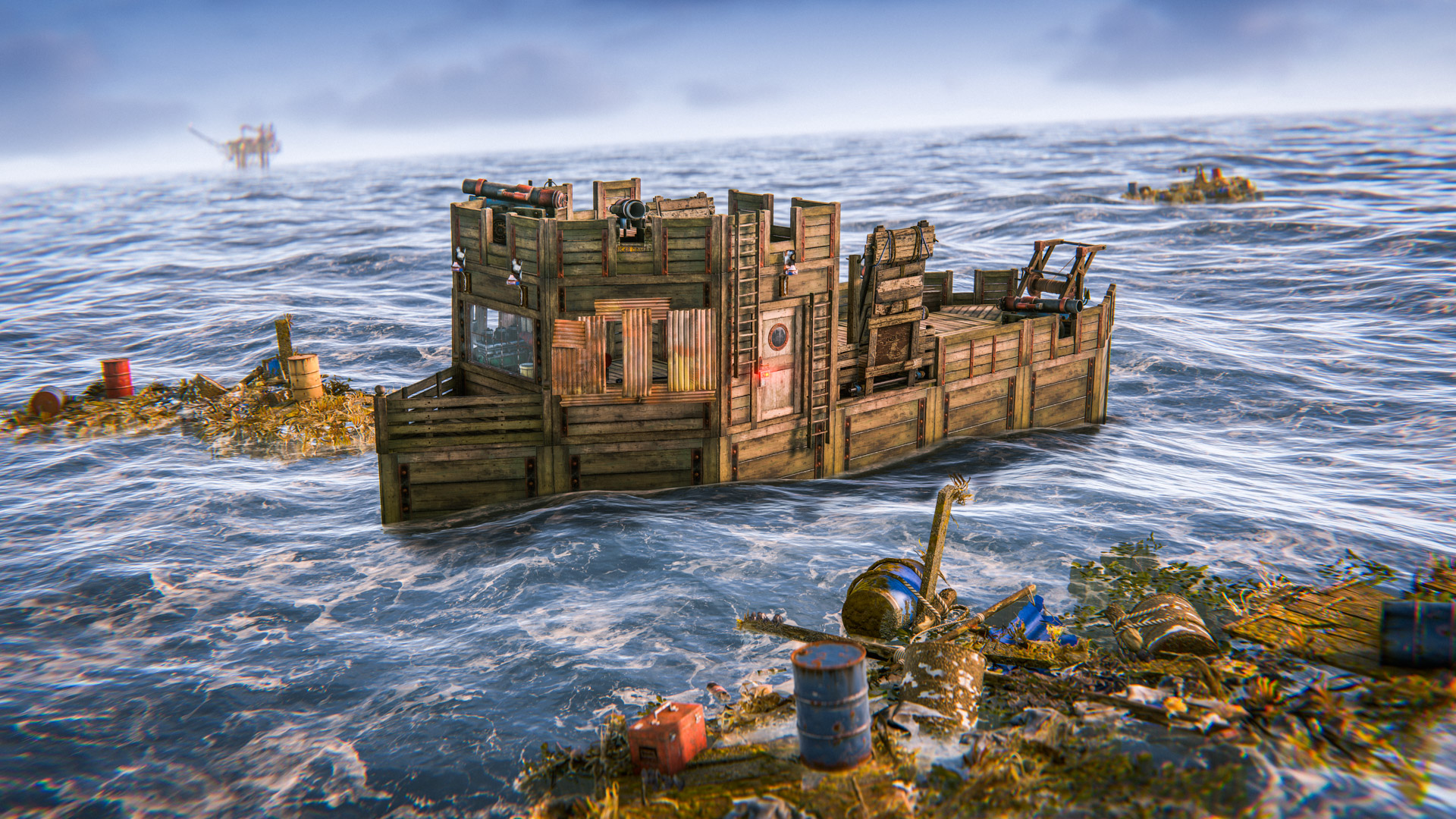
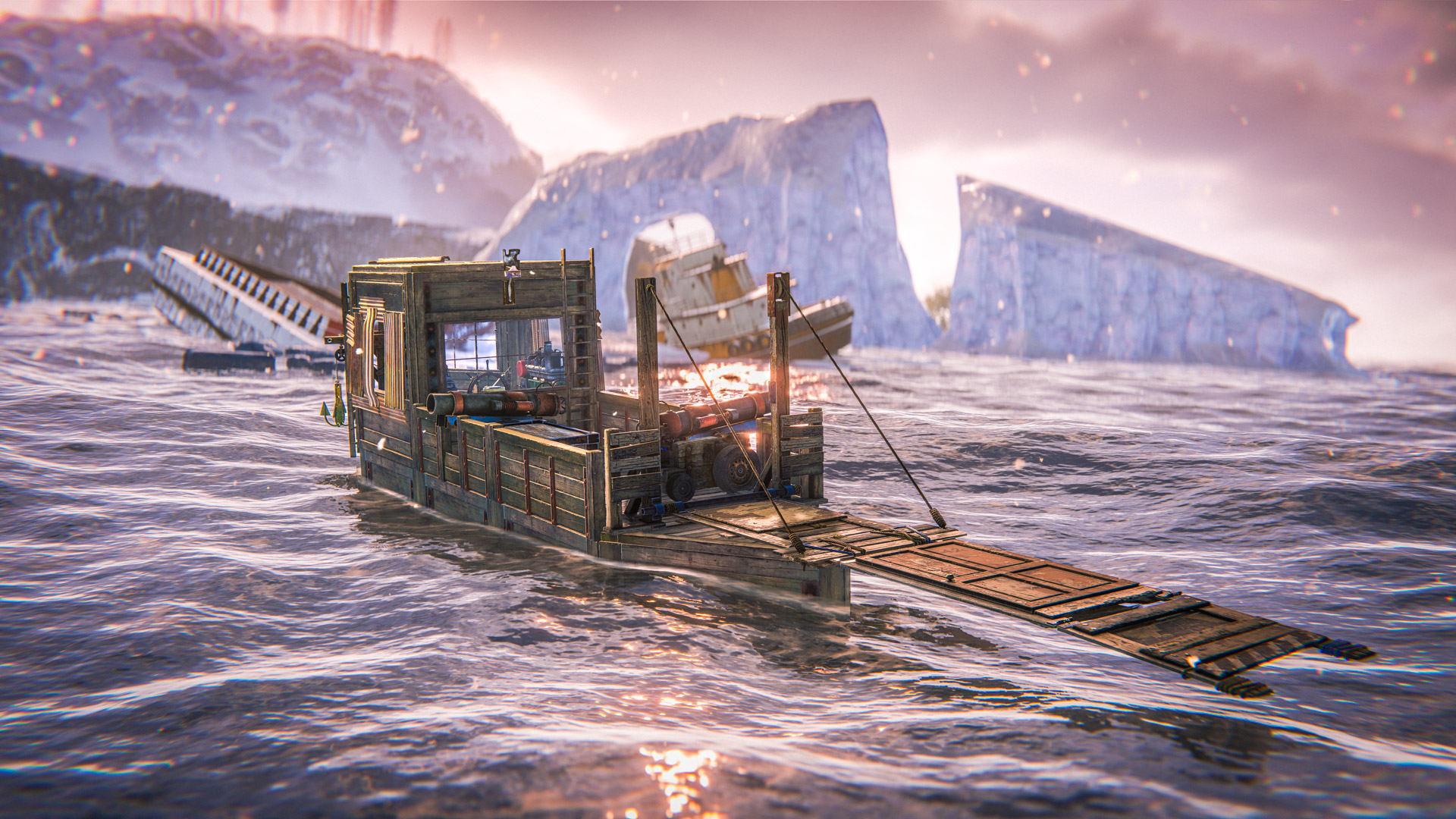
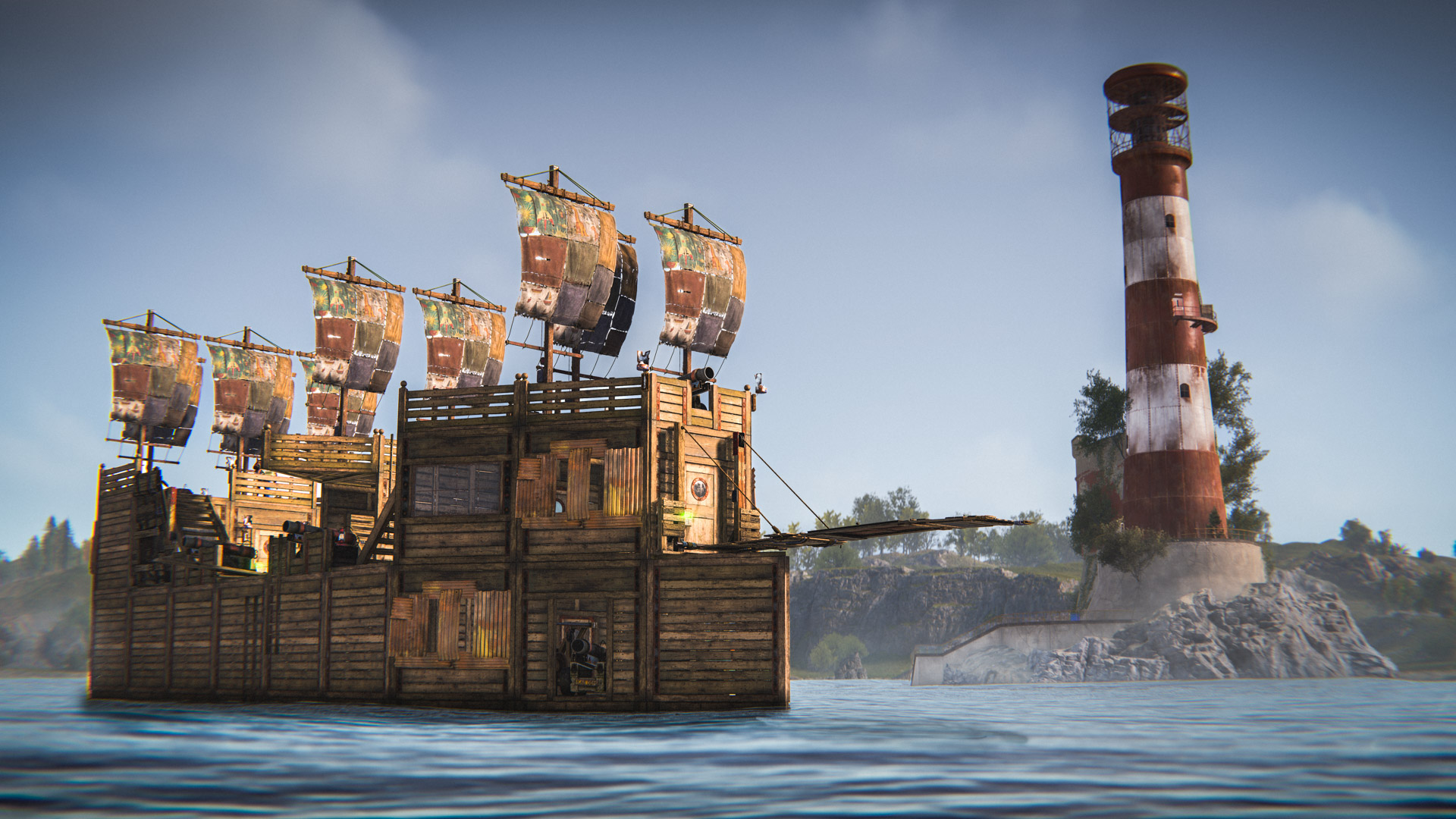
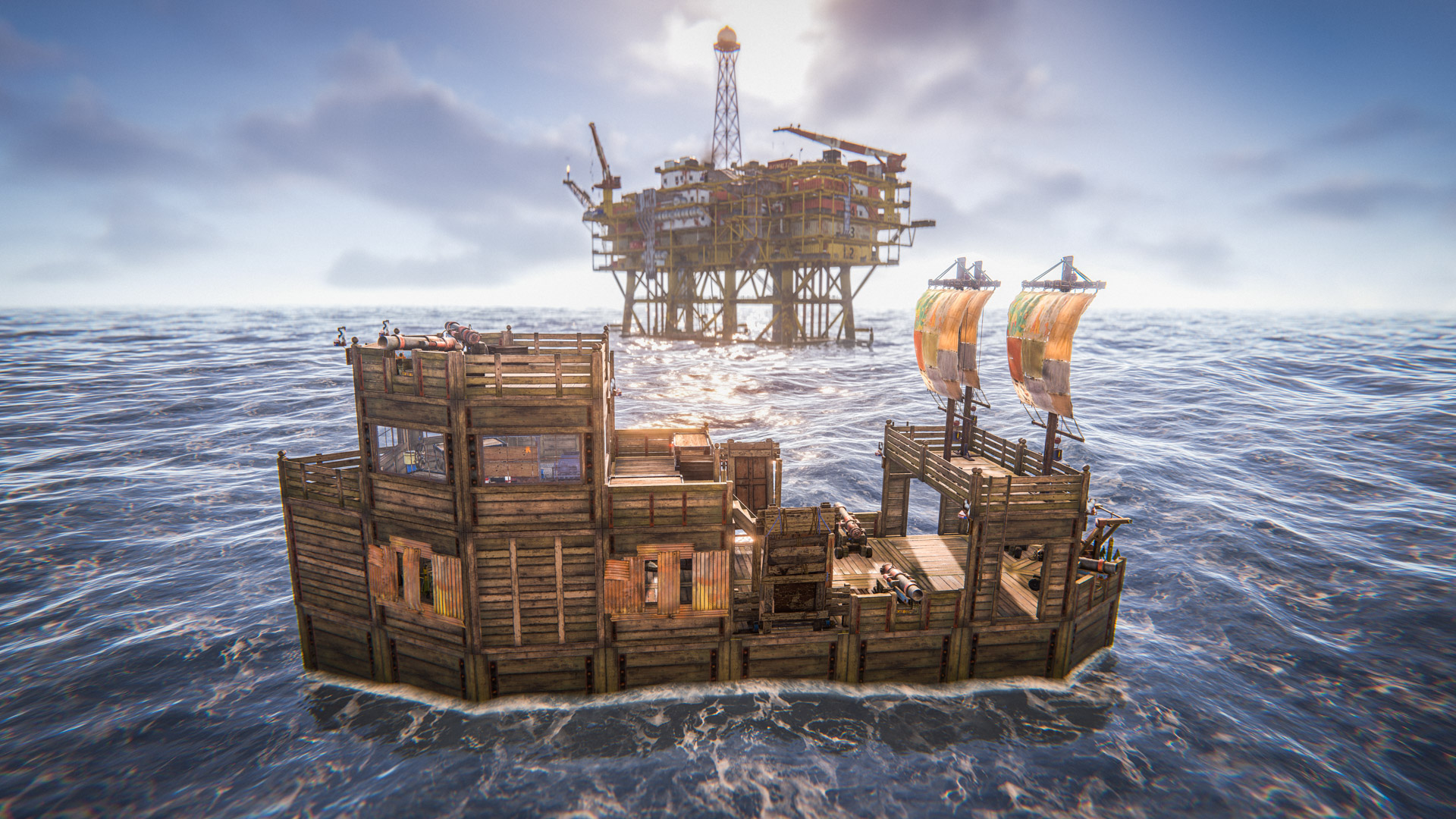
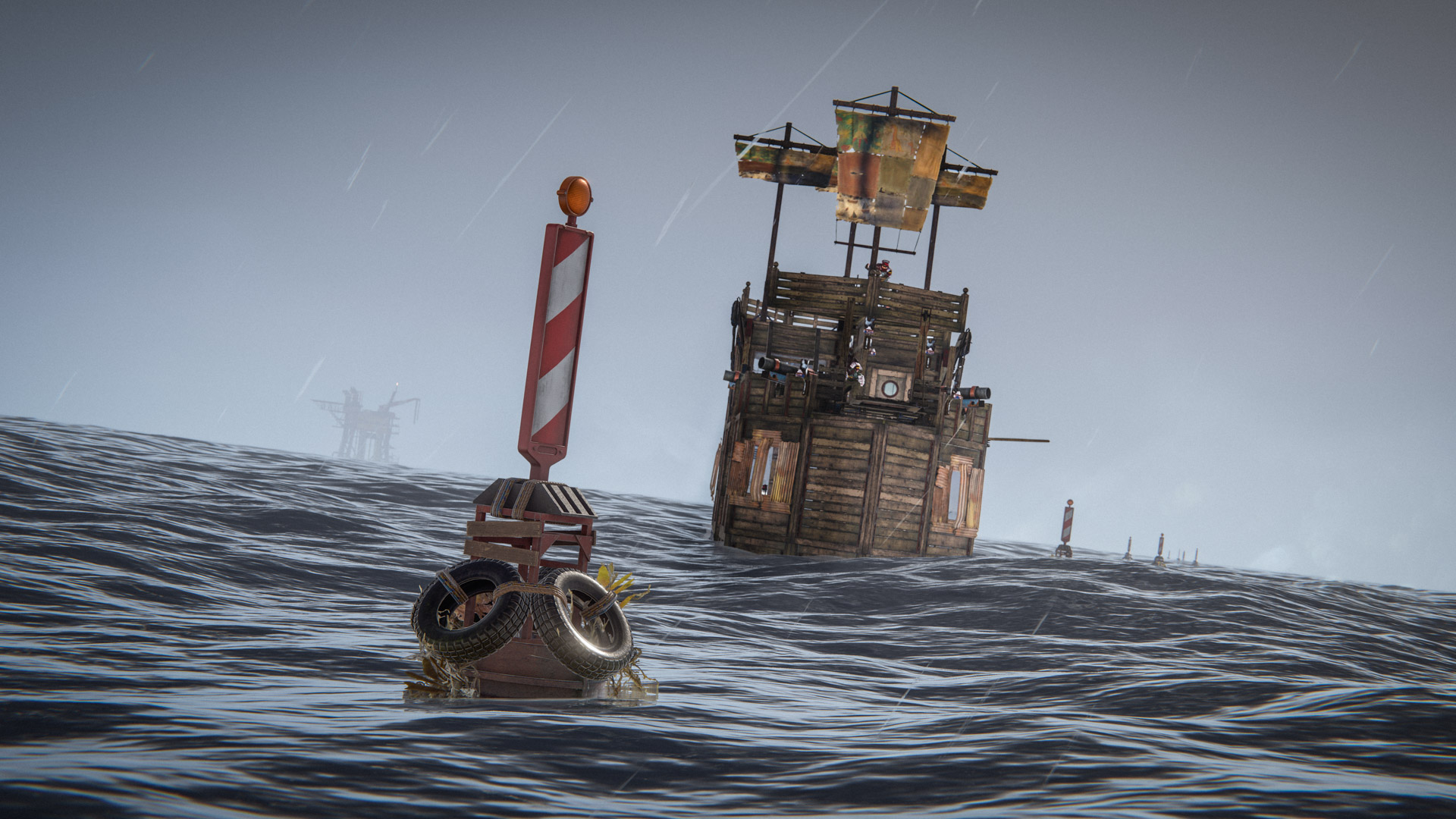
Player-made boats are here, providing a new way to explore the seas, including the Deep Sea!

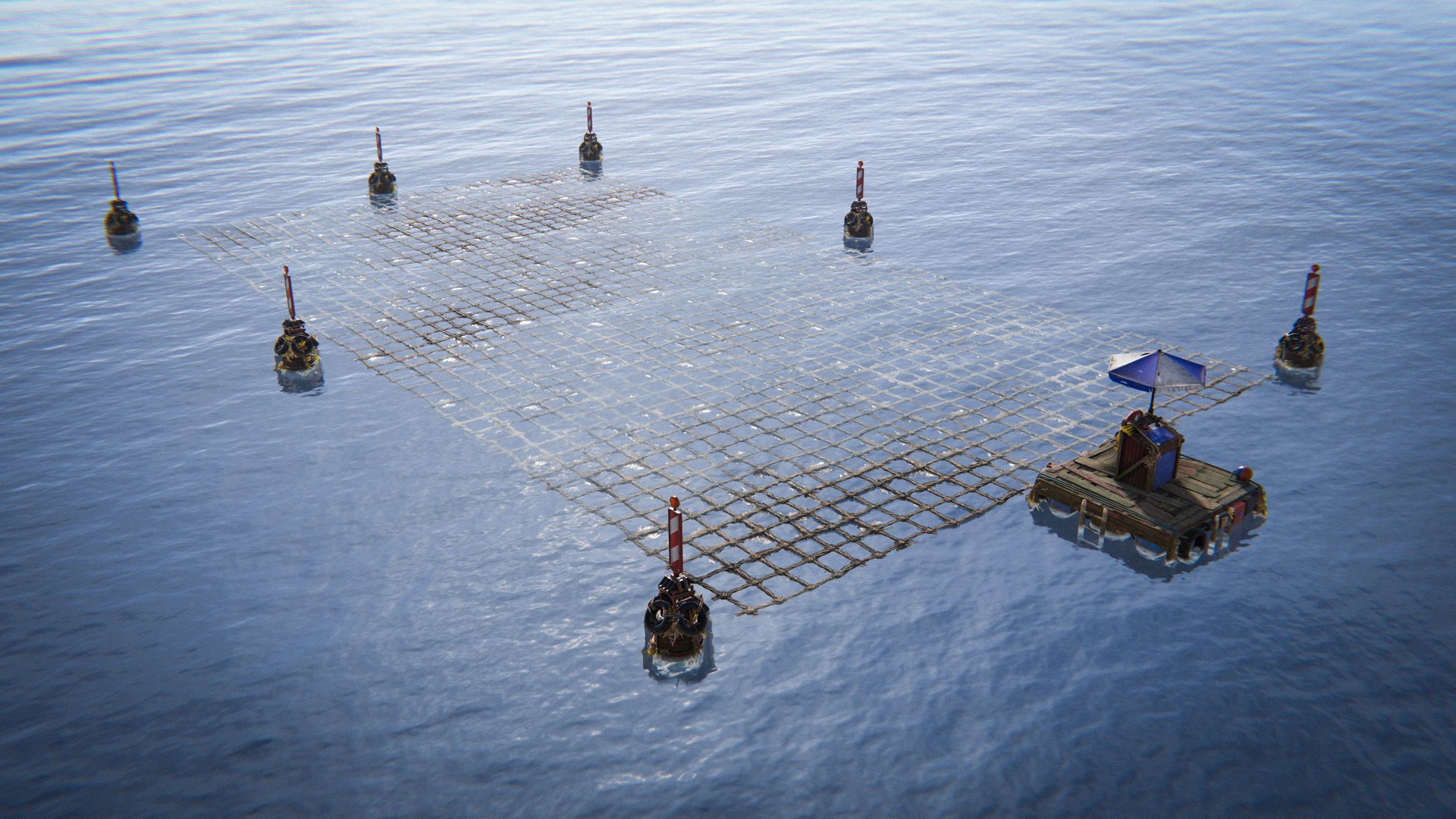
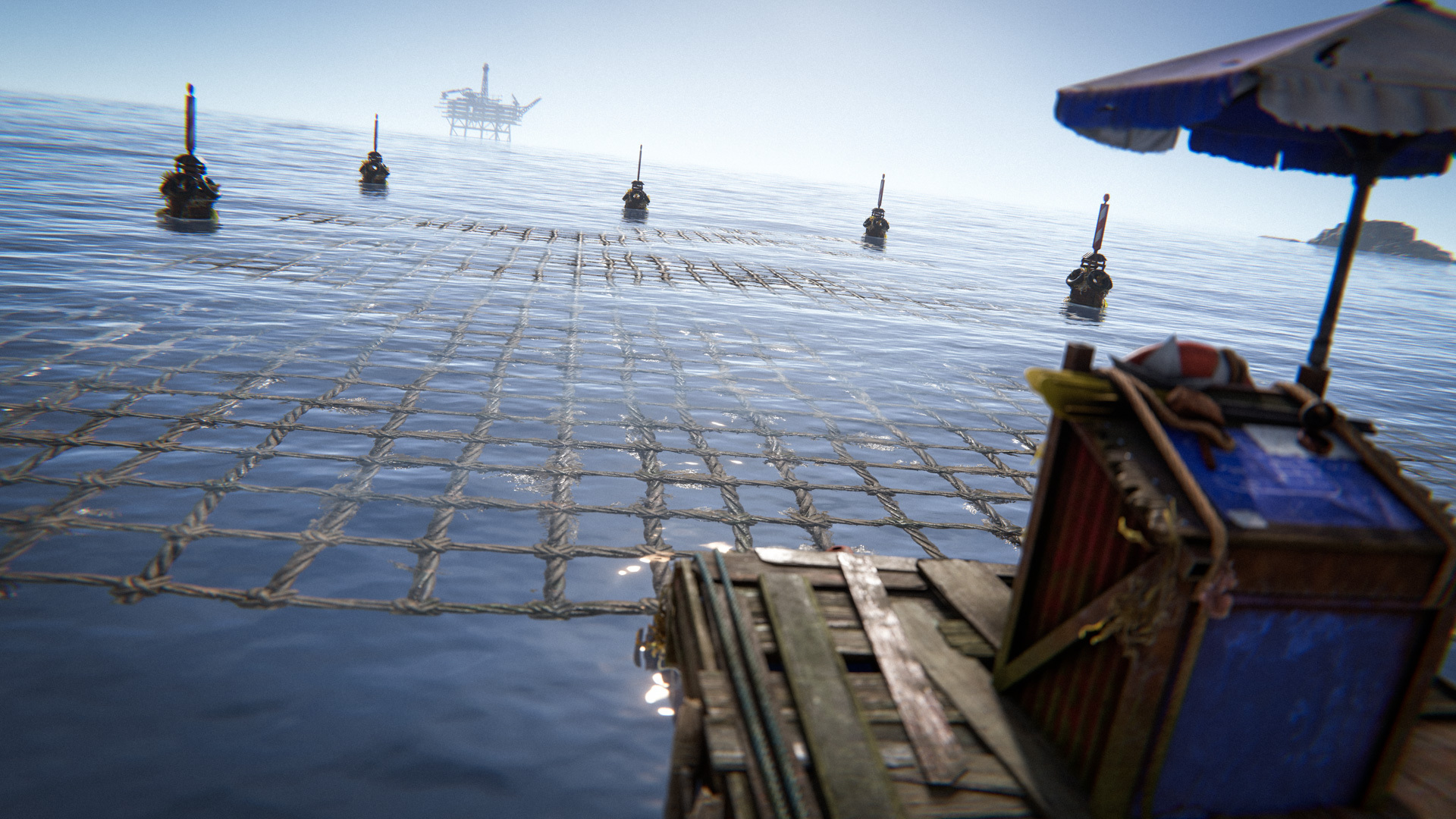
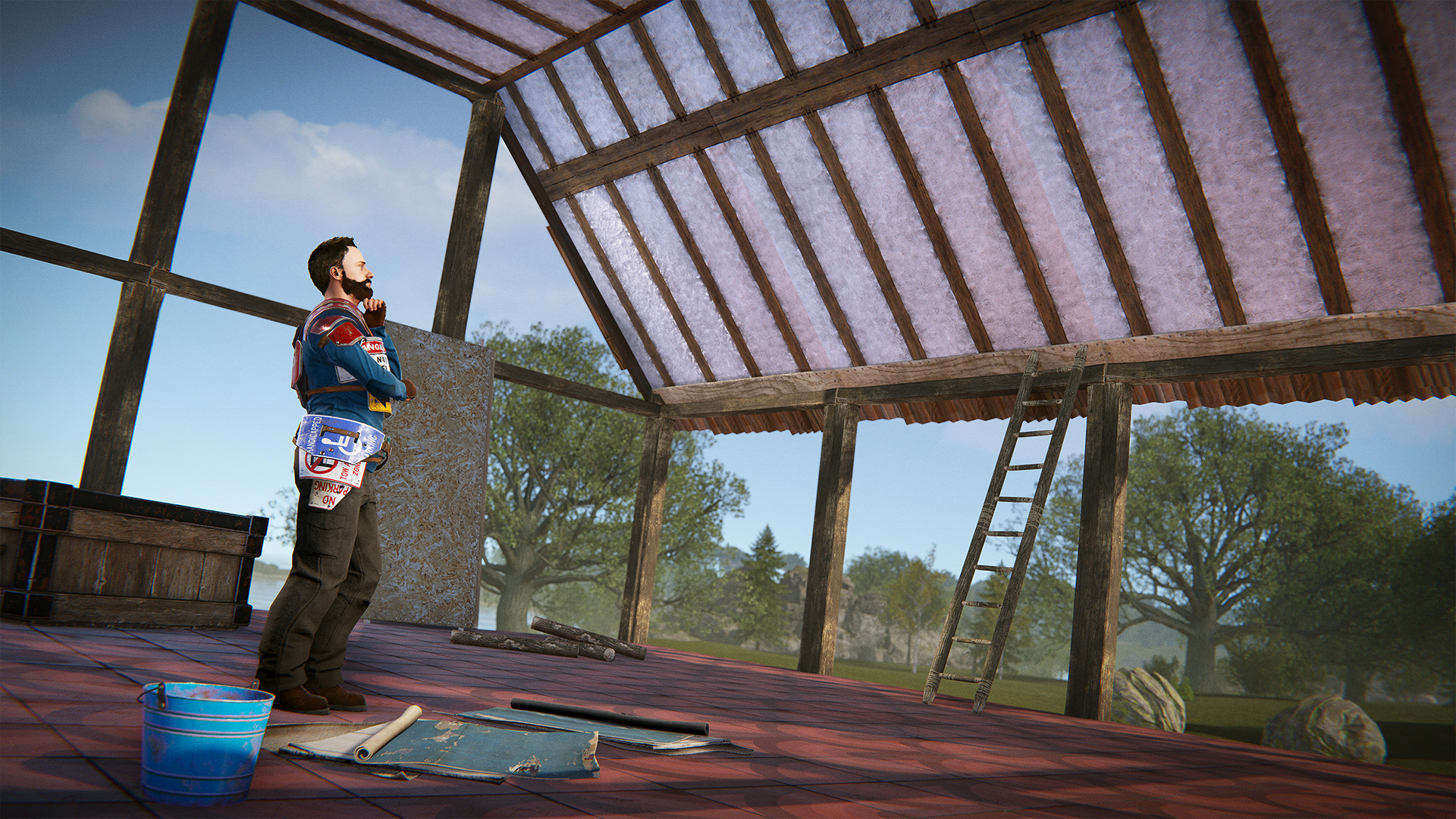
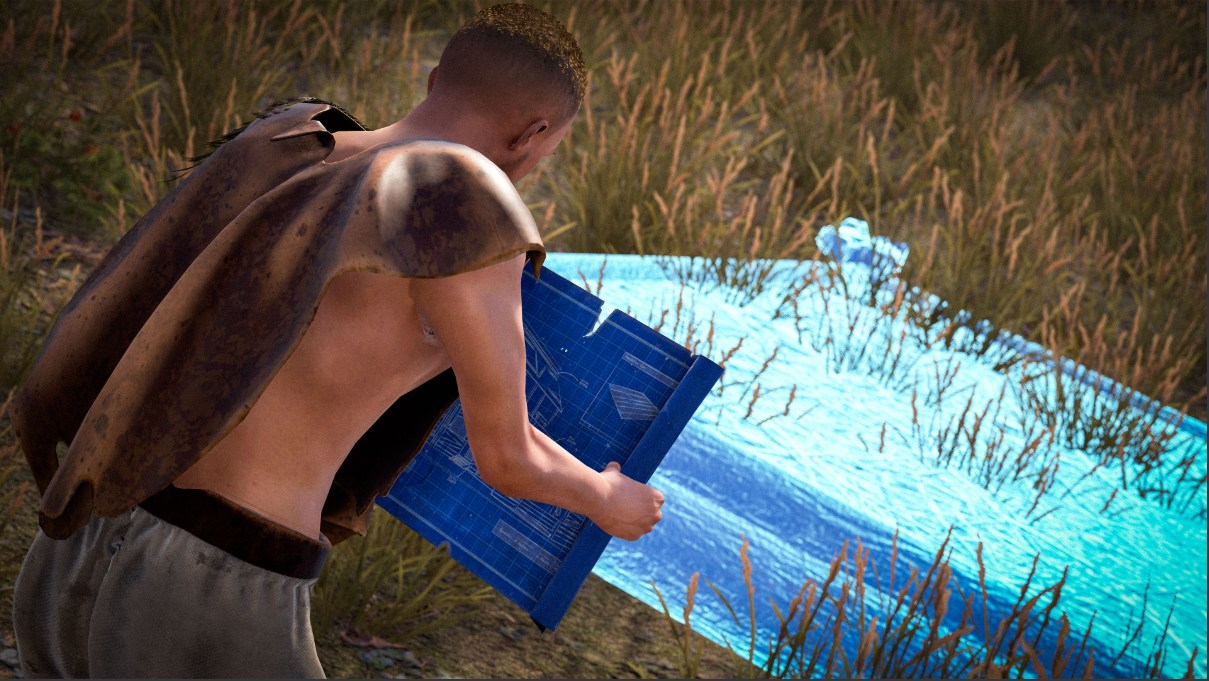
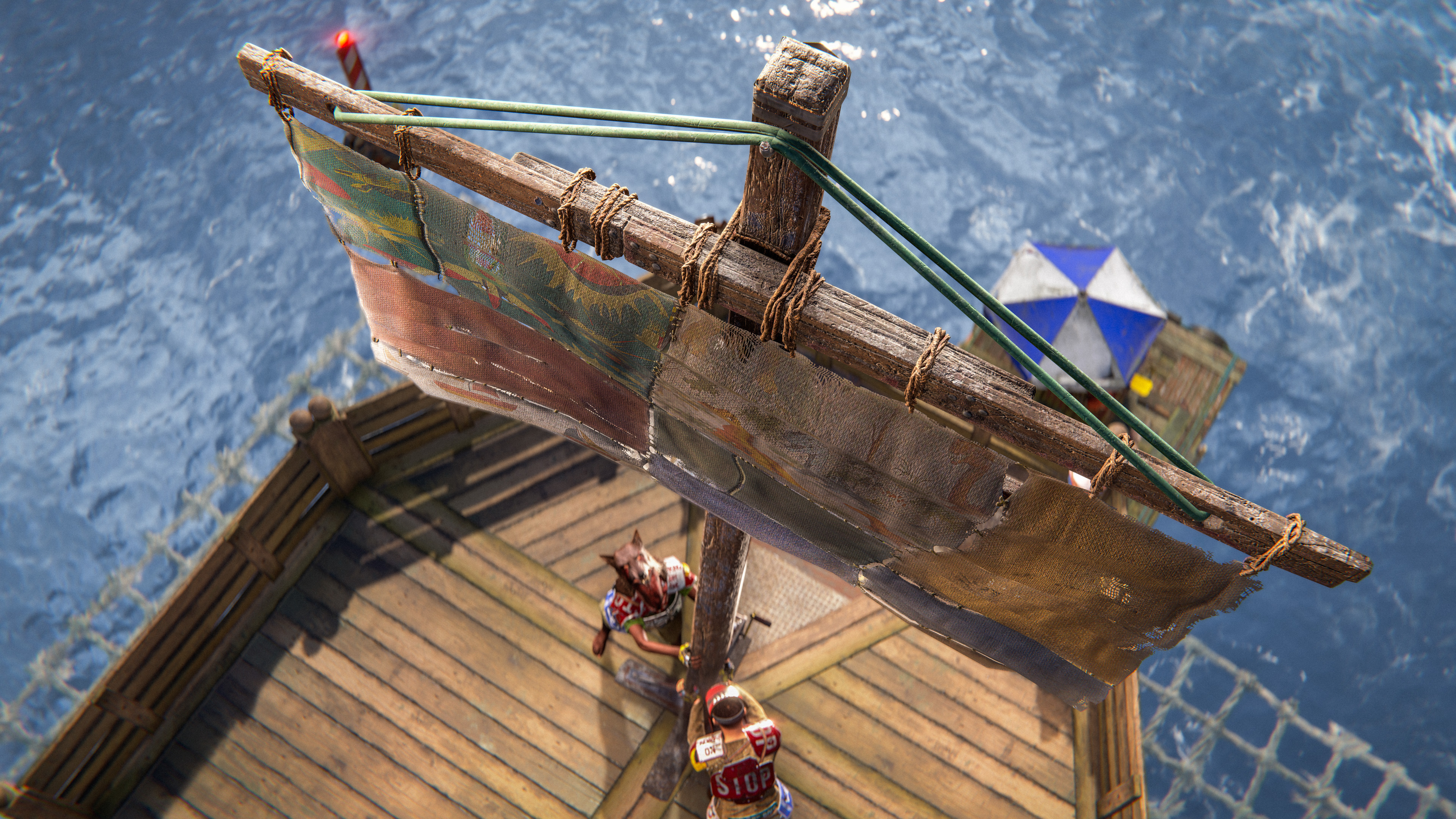
Place the new Boat Building Station deployable in the water and get building with your shipmates! Use the new Boat Building Plan to construct your dream boat, utilising a new set of boat-specific building blocks.

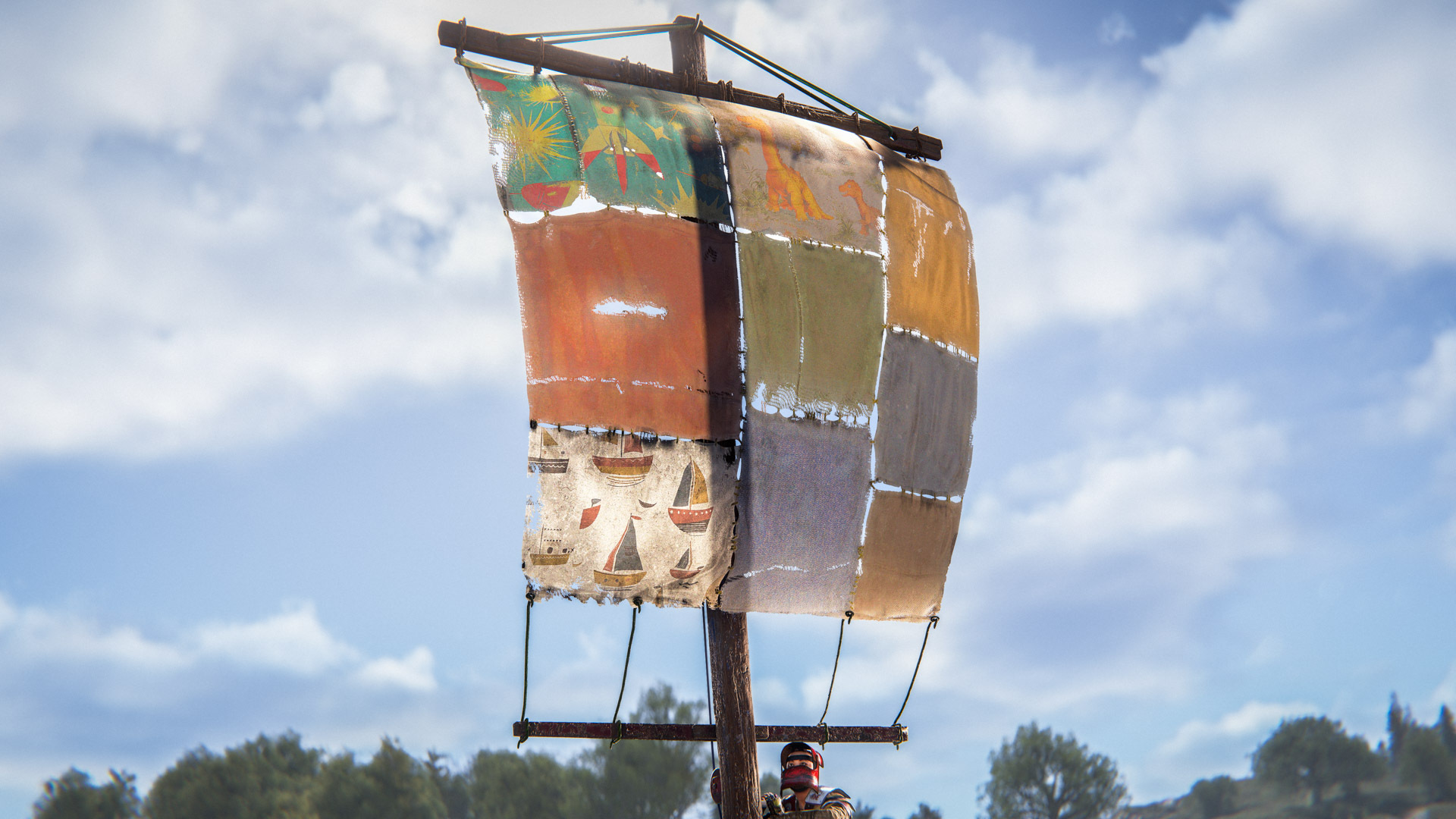
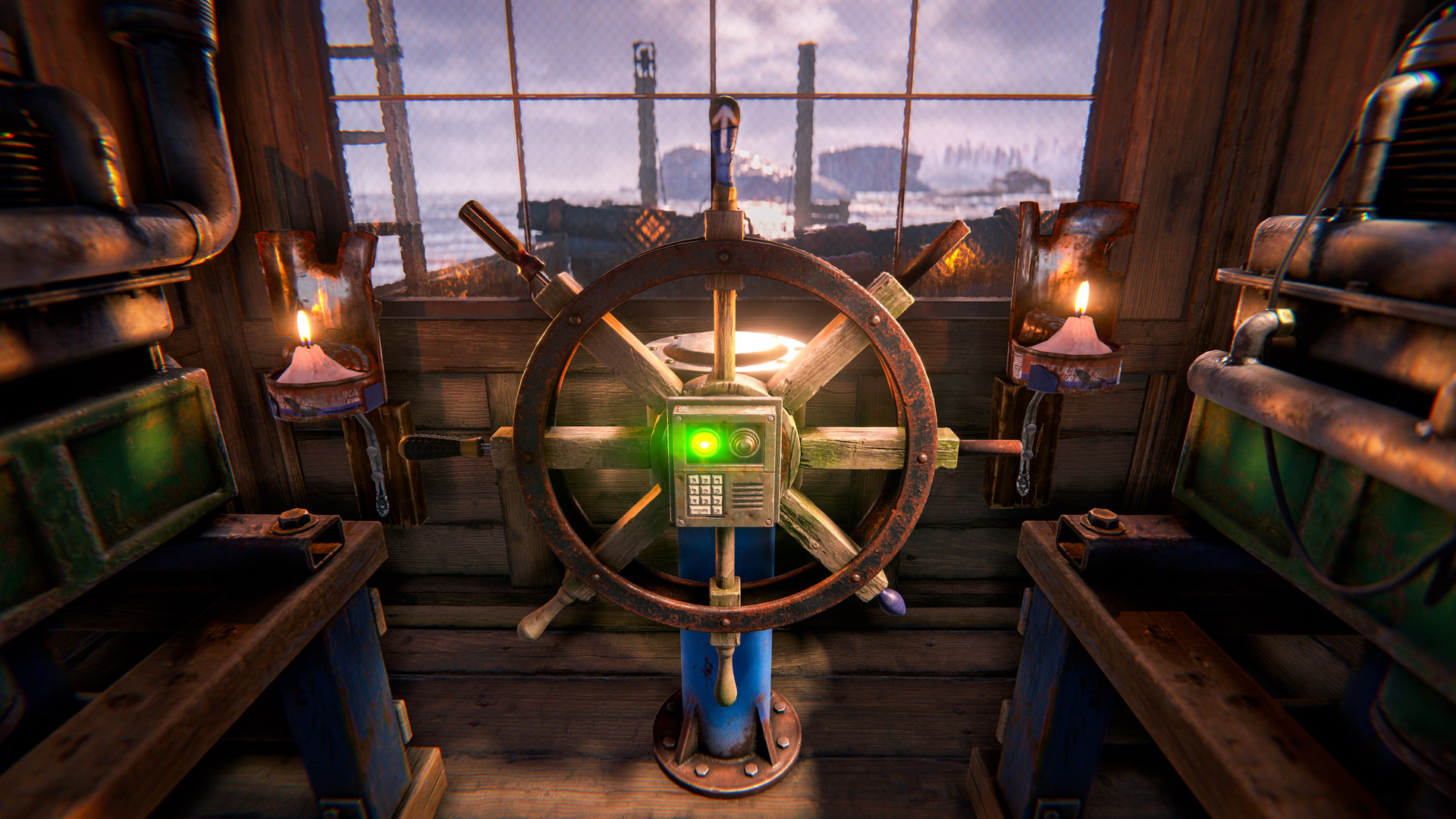
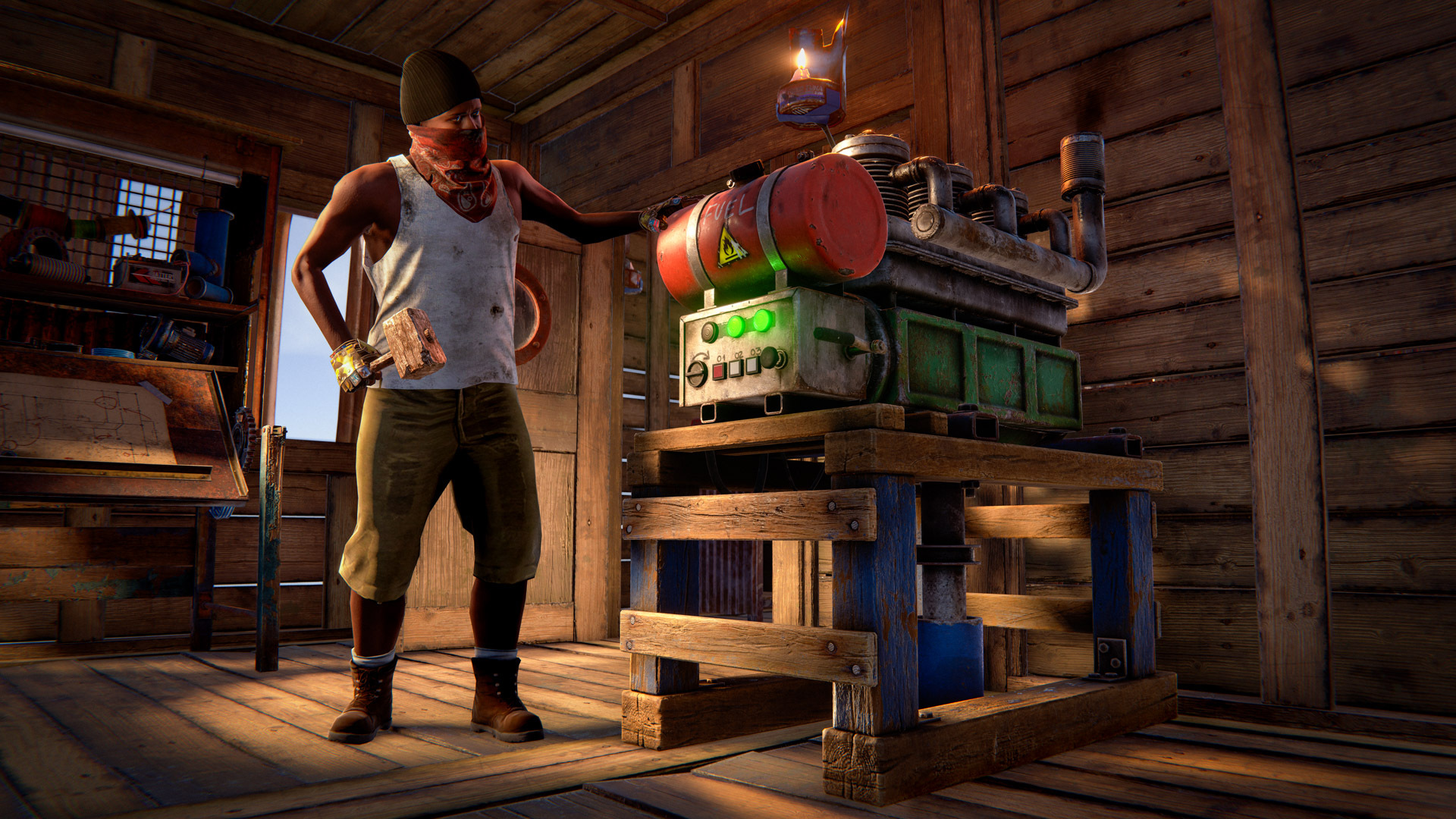
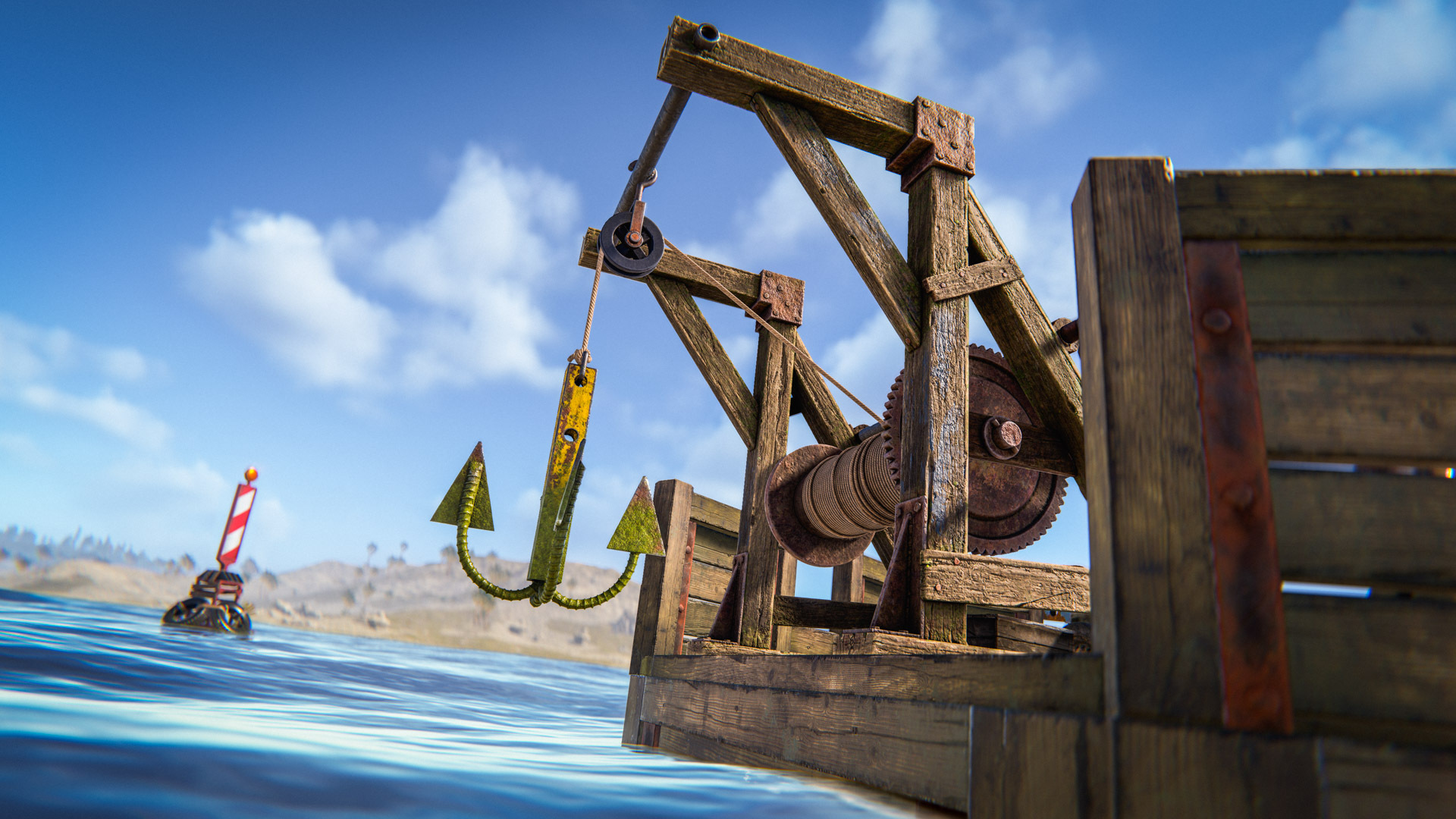
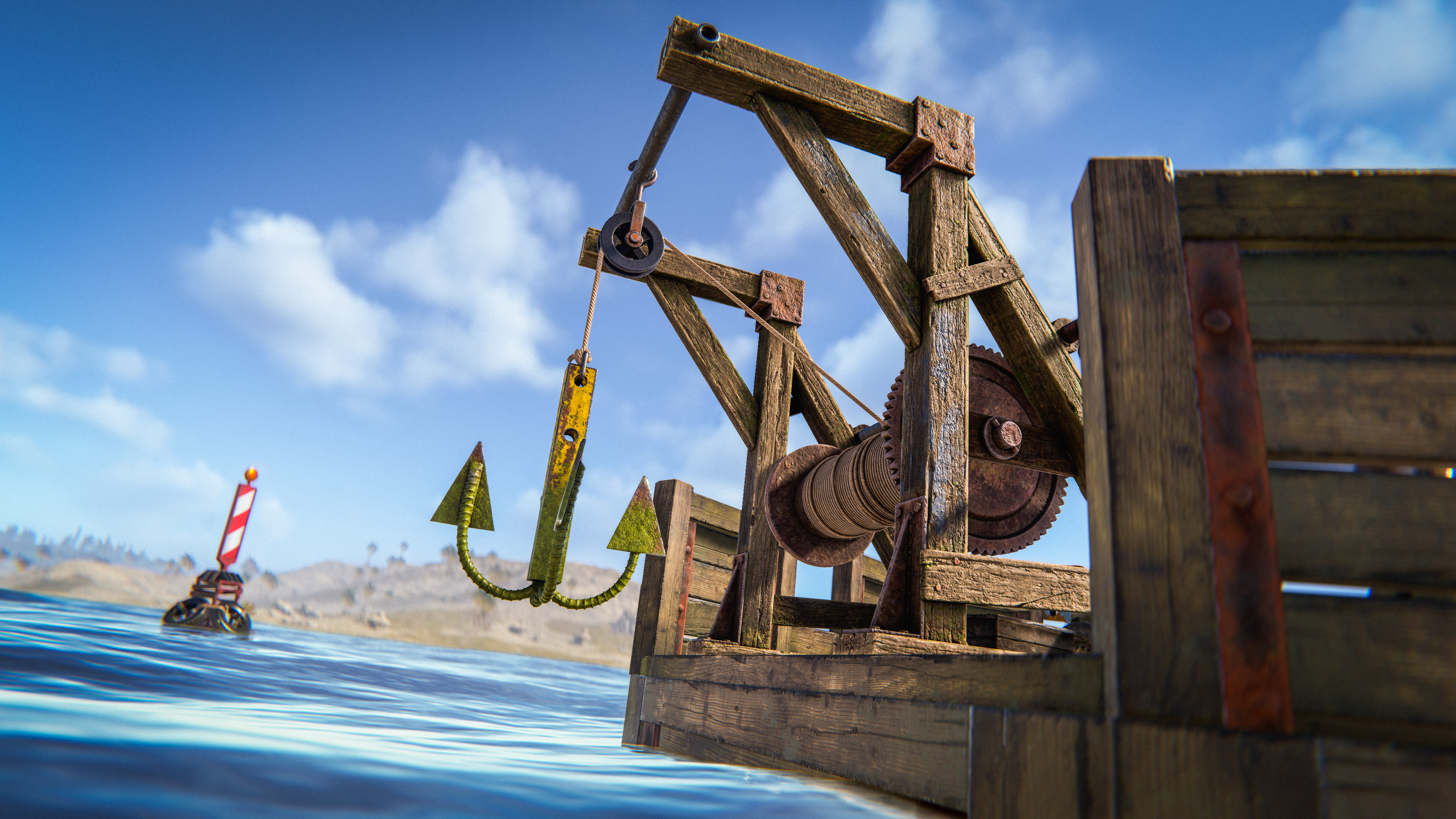
Add a steering wheel, anchor, sails, engines, planks, ramps and cannons to complete your vessel and head off into the Deep Sea!
Careful consideration and placement of your engines and sails are important if you want a seaworthy ship, as they will affect its handling and speed. Sails and engines can both be reversed using the radial menu options for some nifty reverse parking.
Be sure to set a lock code on your steering wheel to stop unwanted access or theft of your shiny new boat.

Regular deployables can be placed on your boats. If they work on the Tugboat, they'll work here too.

Need to make a change after realising your boat only goes in circles? Use the Deploy & Edit mode (not available in the Deep Sea) to quickly and easily deploy a Boat Building Station around your boat.
Have fun building and exploring the seas!
To get your vessel sea worthy, we've now got some new deployables - specifically for your boat!

Boat Building Station
The boat-building station is placeable in deep water, it's used to build and edit your boat.
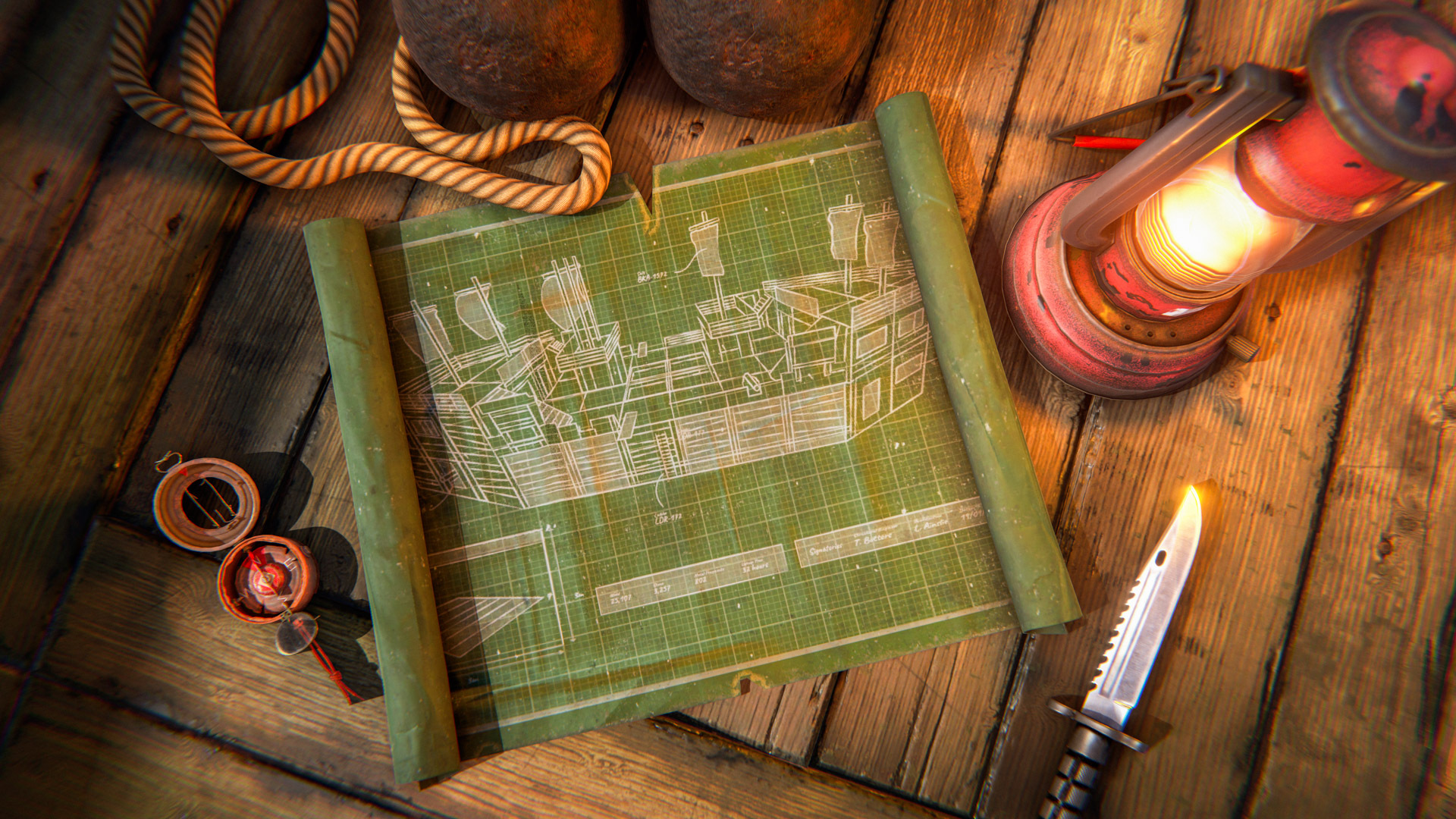
Building plan
The boat-building plan is similar to the building planner you know and love, but for boats.
Sails
A sheet of toughened fabric rigged to catch the wind and help propel the boat forwards.
Helm
A must-have for any seaworthy boat. Used to steer and control your direction, with a built-in lock to keep your vessel secure when you’re not at the wheel.
Engine
A powerful motor that runs on low grade fuel and burns through it fast. Loud, thirsty, and inefficient, but invaluable when you need to escape danger, chase down other players, or muscle your way out of a bad situation. Sometimes speed is worth the cost.
Anchor
A heavy anchor used to stop your boat drifting. Drop it to hold position and keep your vessel exactly where you want it. Without it, your boat may drift to shore. 
Cannon
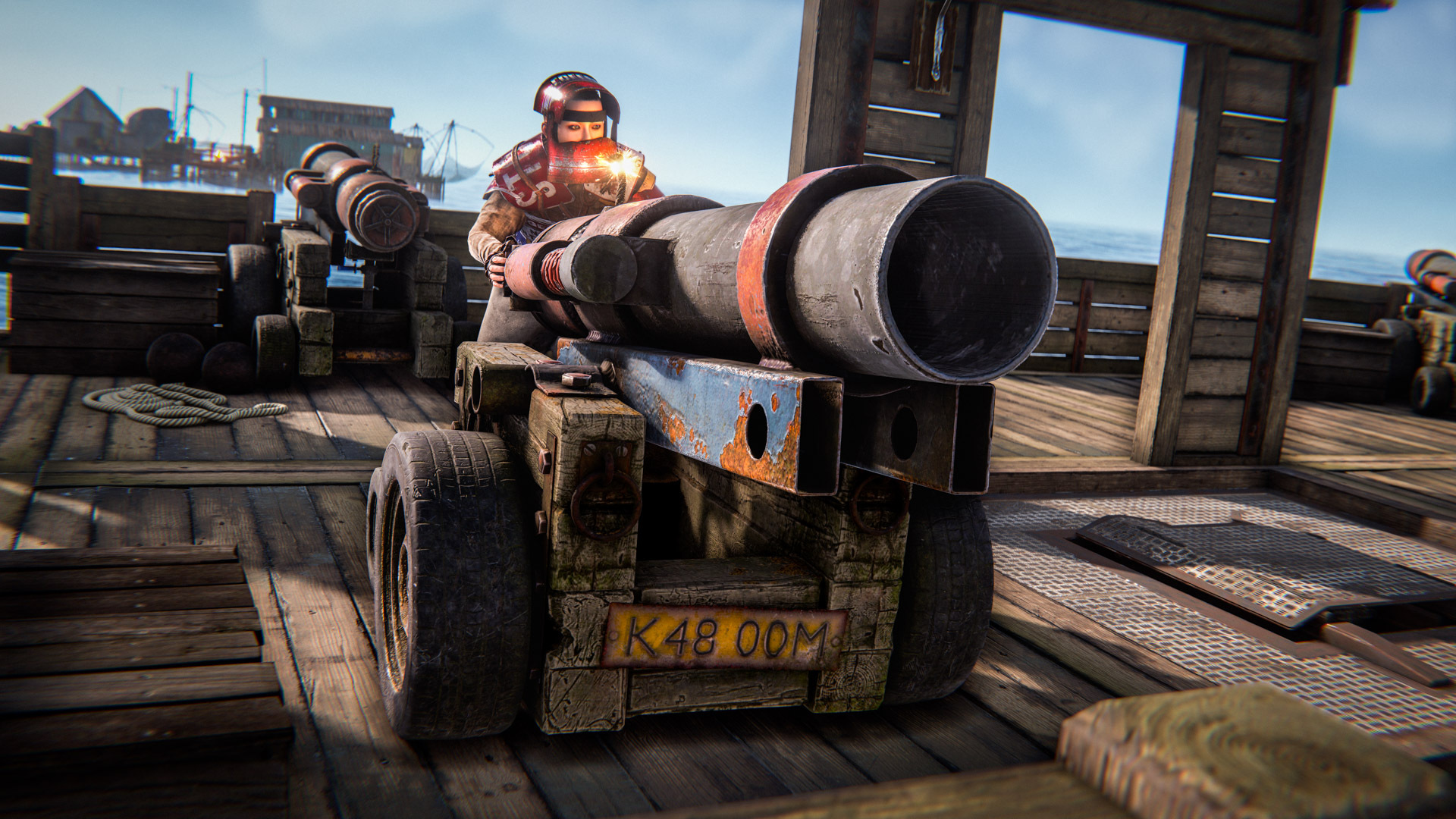
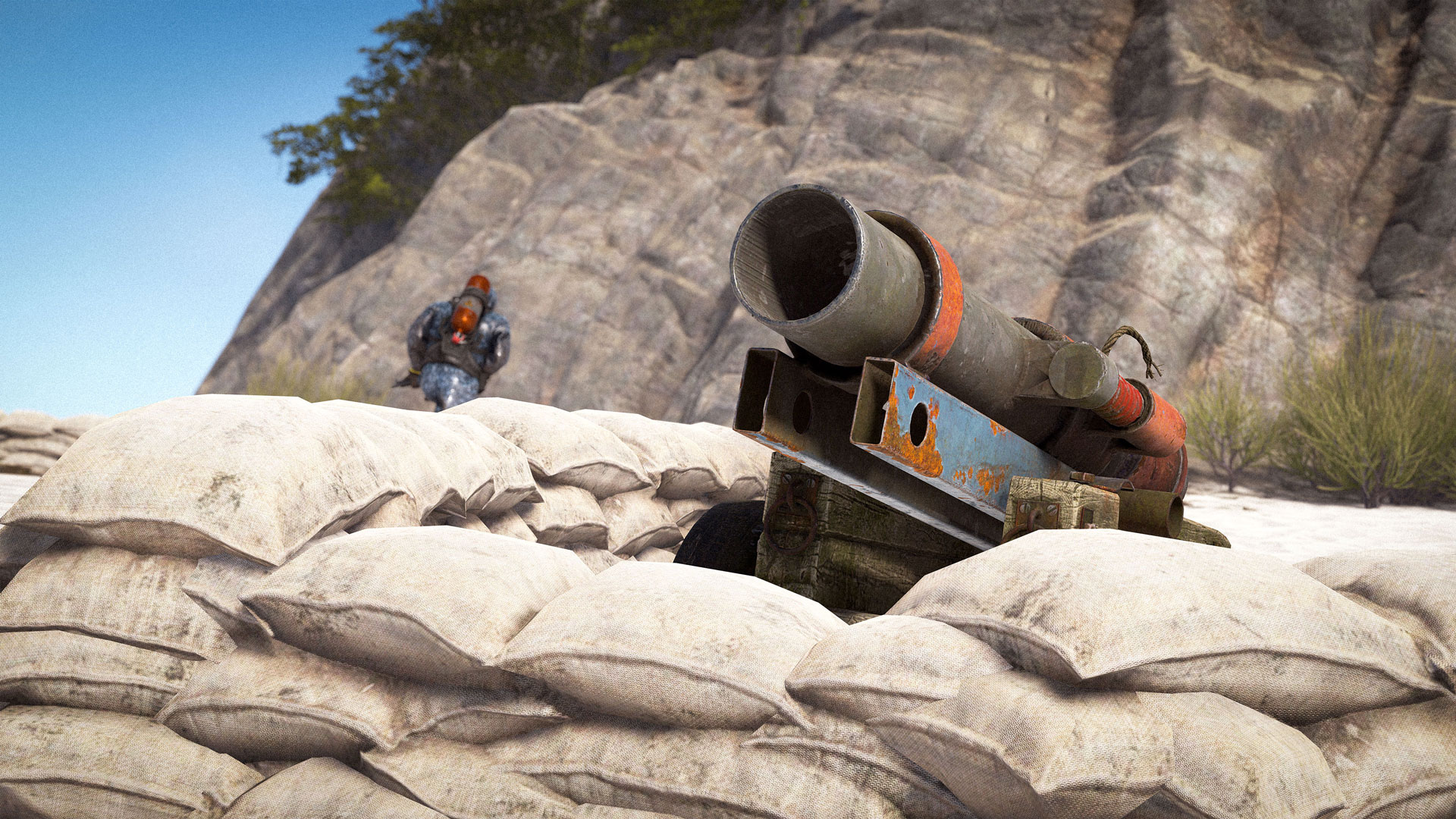
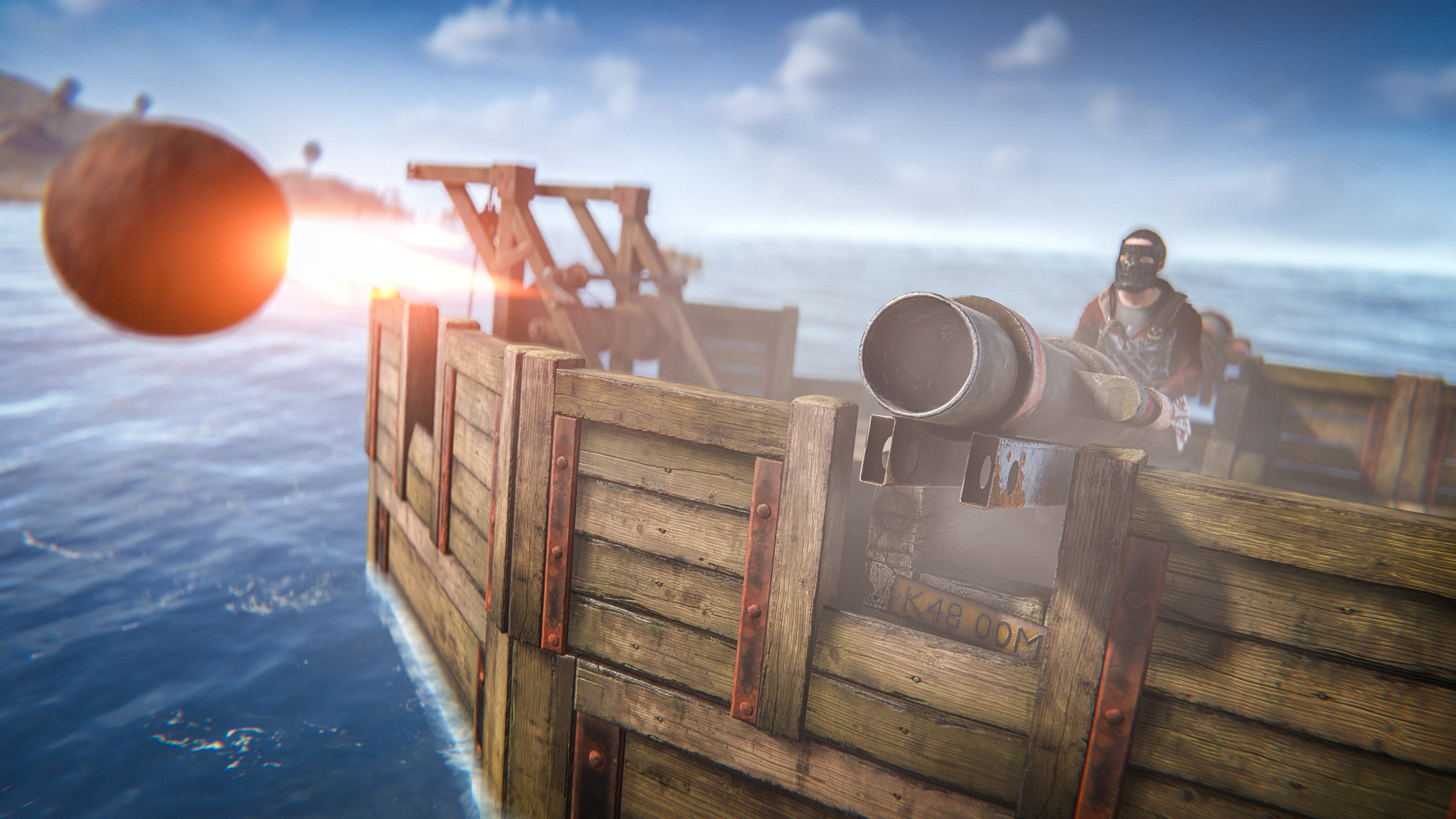
A powerful naval weapon used to sink other players’ boats. Load it with cannon balls.
Small Ramp
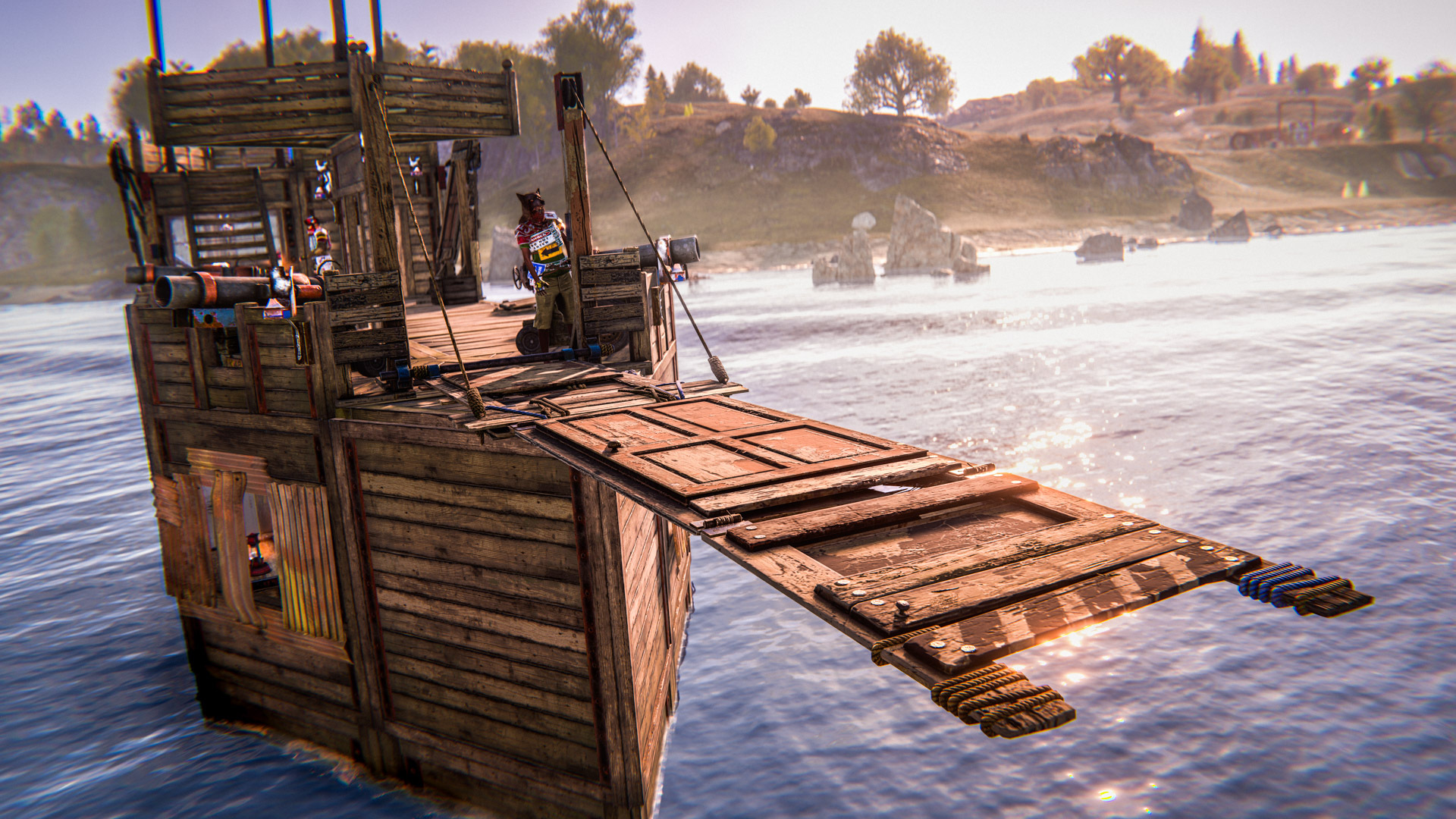
Bridge gaps and create quick access points. Ideal for boarding other ships or reaching land from the water.
Plank
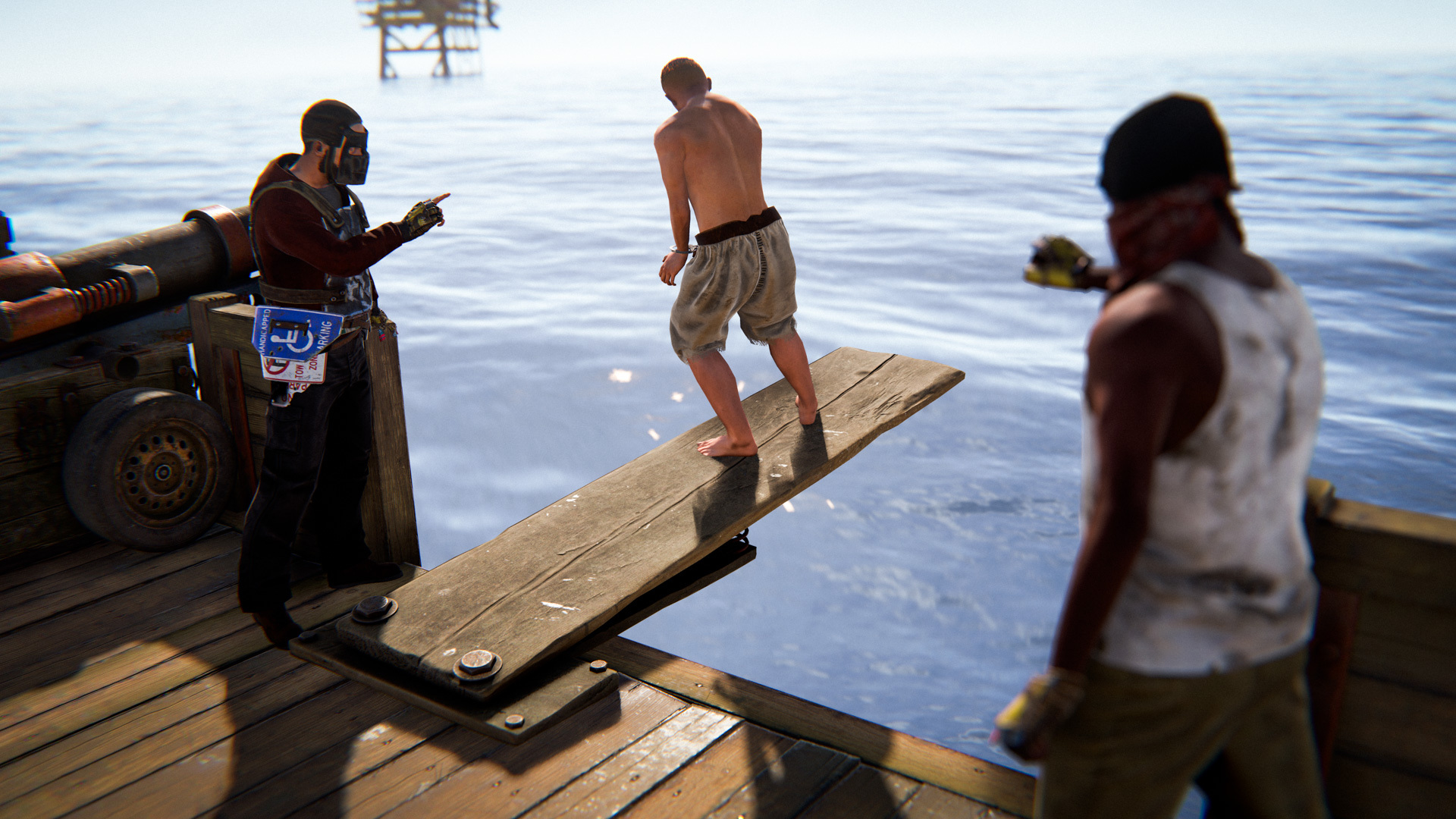
Used to bridge gaps, board other boats, and settle minor disagreements by pushing friends into open water.

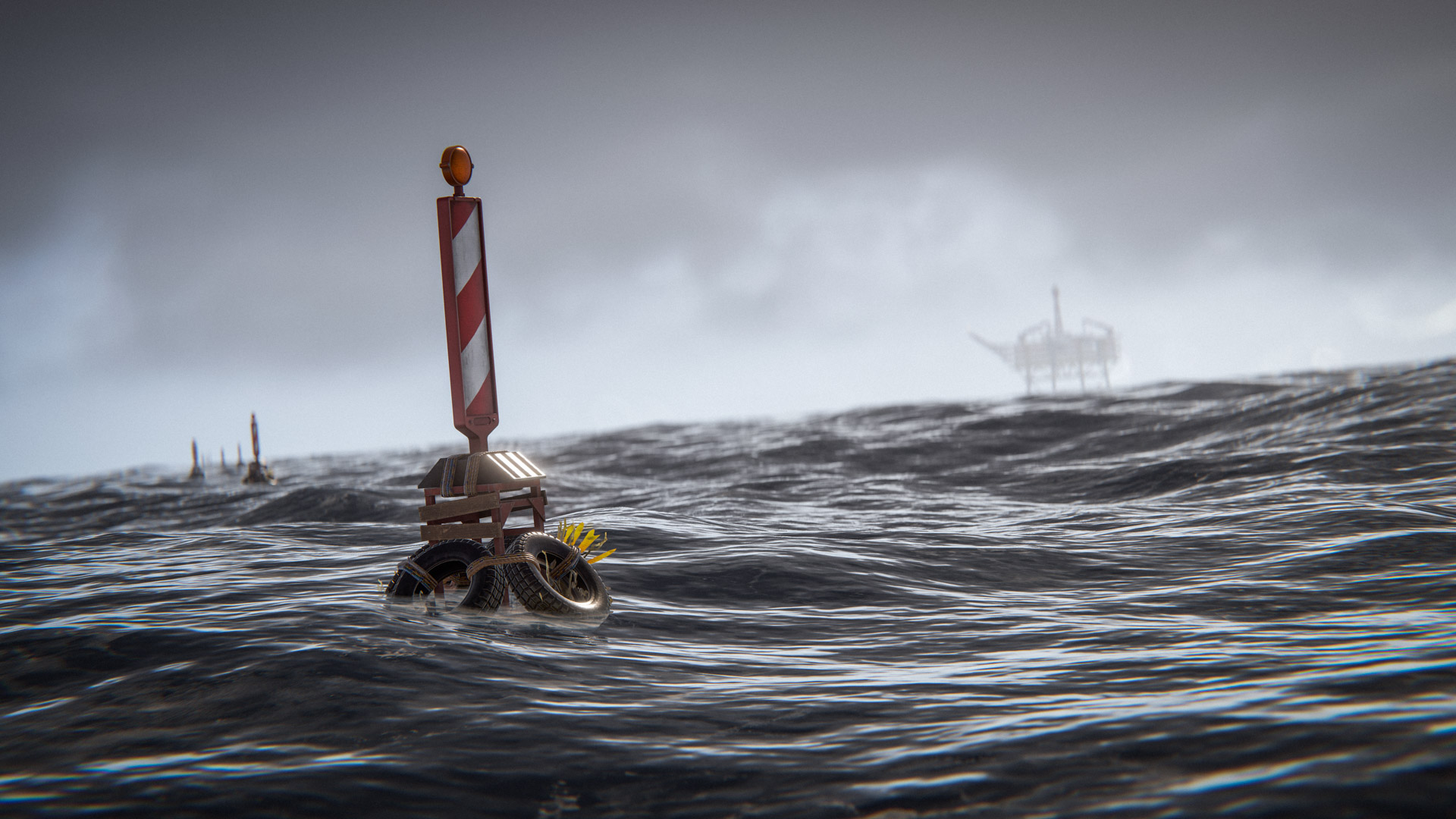
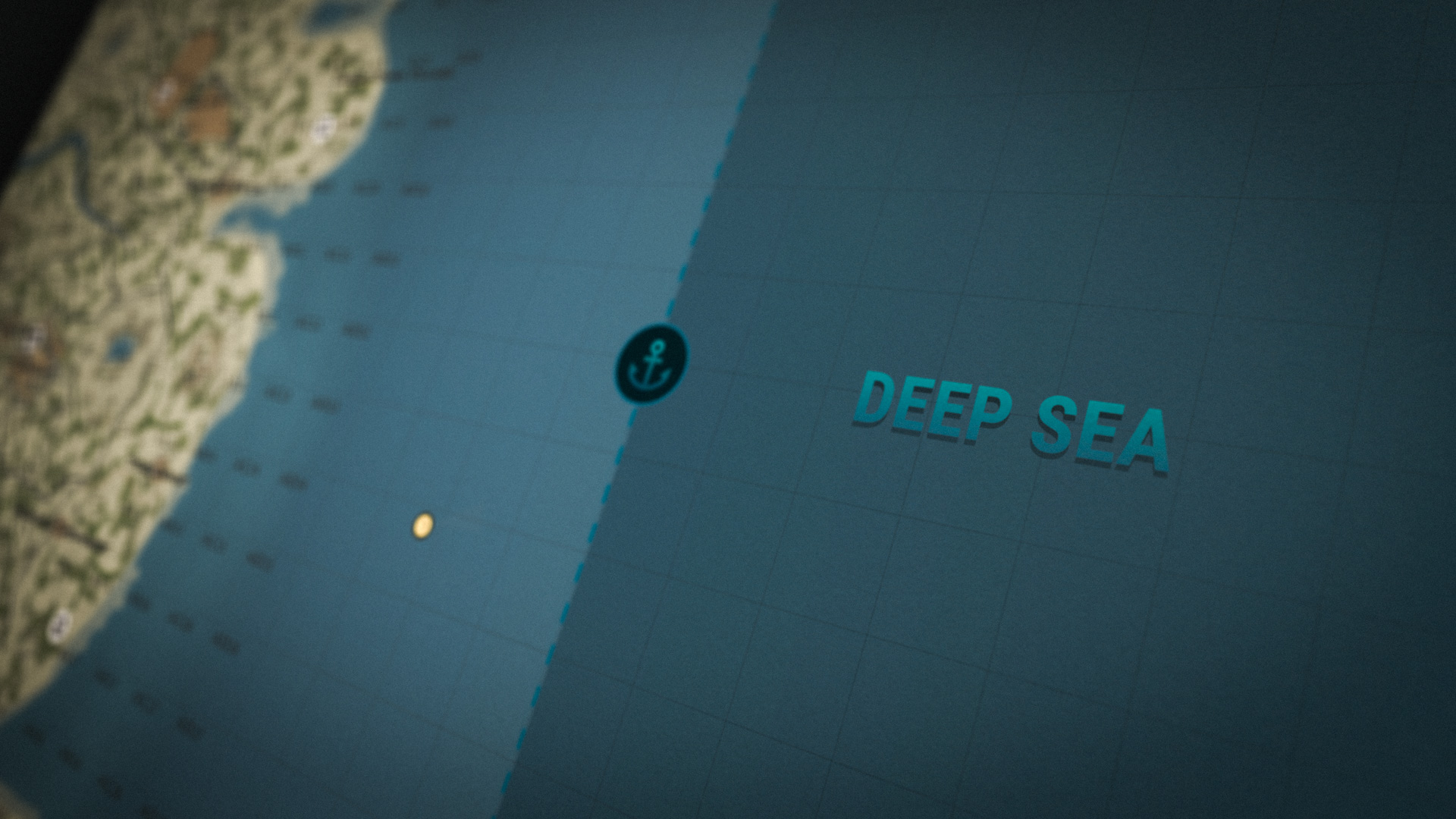
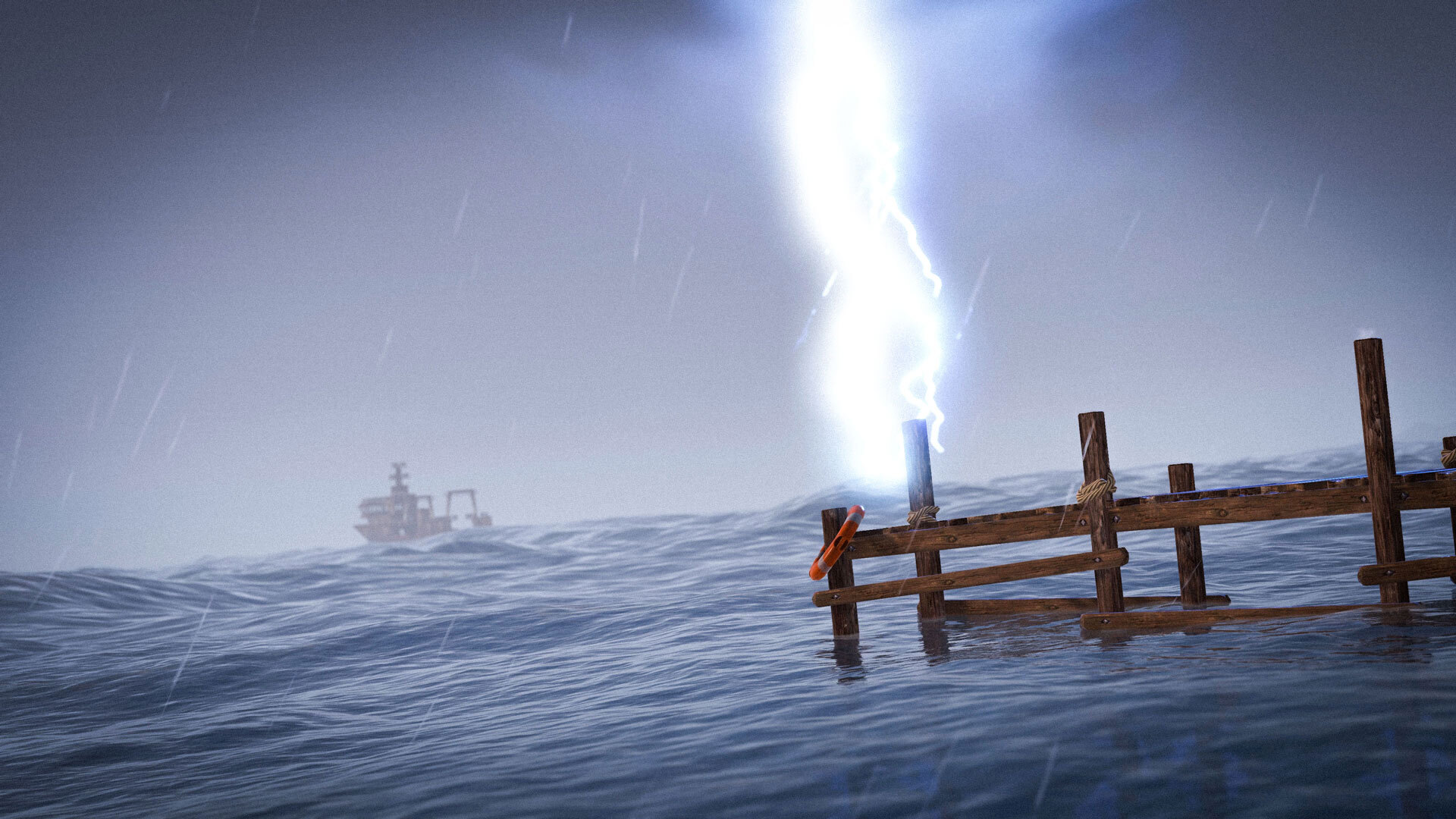
The Deep Sea is a new offshore region you can travel to using boats. It’s high risk, high reward, and intentionally unforgiving.

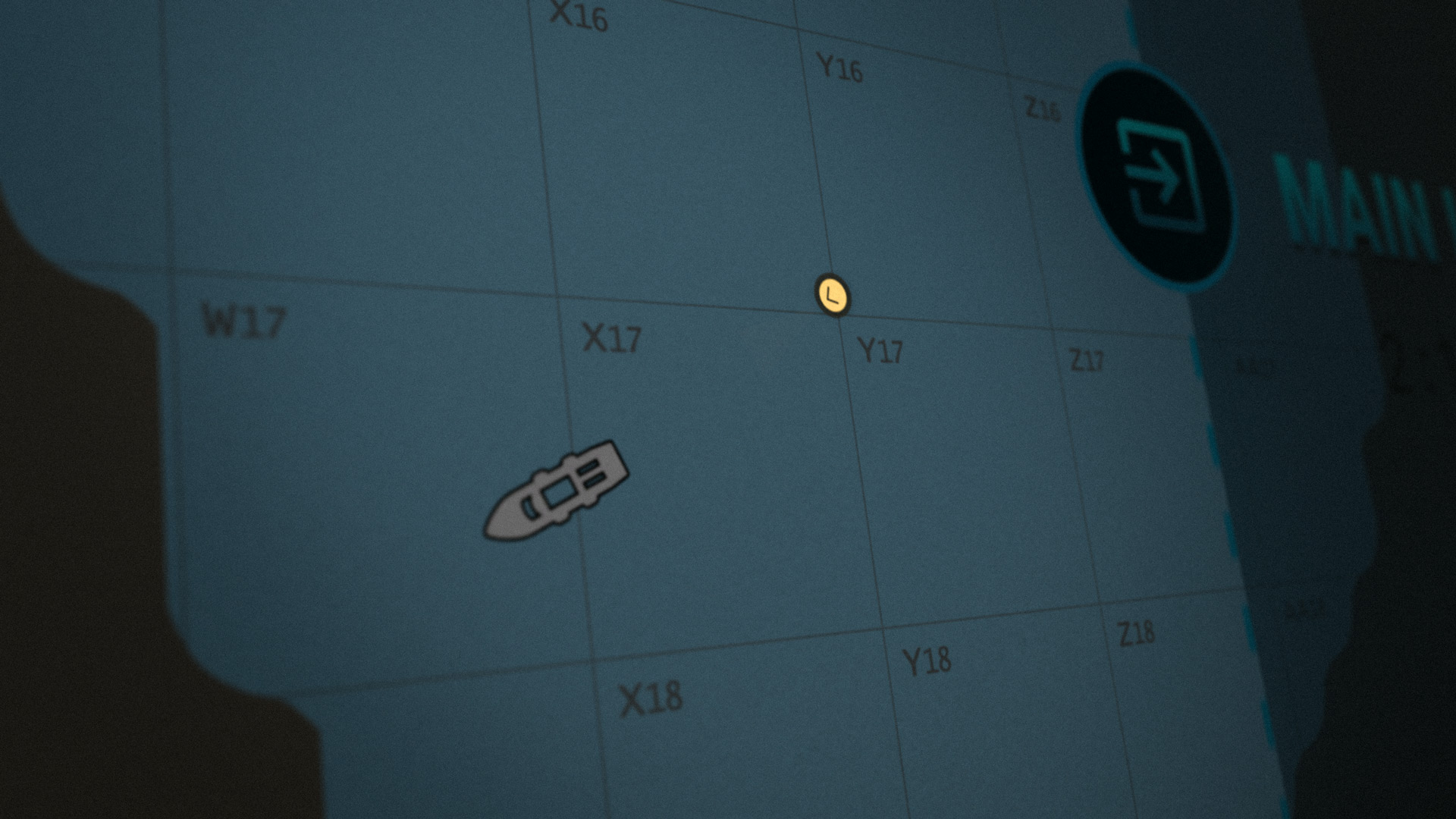
You can access it by sailing toward the edge of the map using a strong boat such as player-made boats, RHIBs or the new PT boats.

This is not a place to live: you cannot build, and nothing respawns. First come, first served. The deep sea will open and close intermittently, like a world event.

Inside, you can explore new content detailed below in this blog:
  • Tropical islands
  • Floating cities
  • Ghost ships
  • Boats controlled by scientists

We have lots of plans to expand deep-sea and use it as a bridge between worlds.

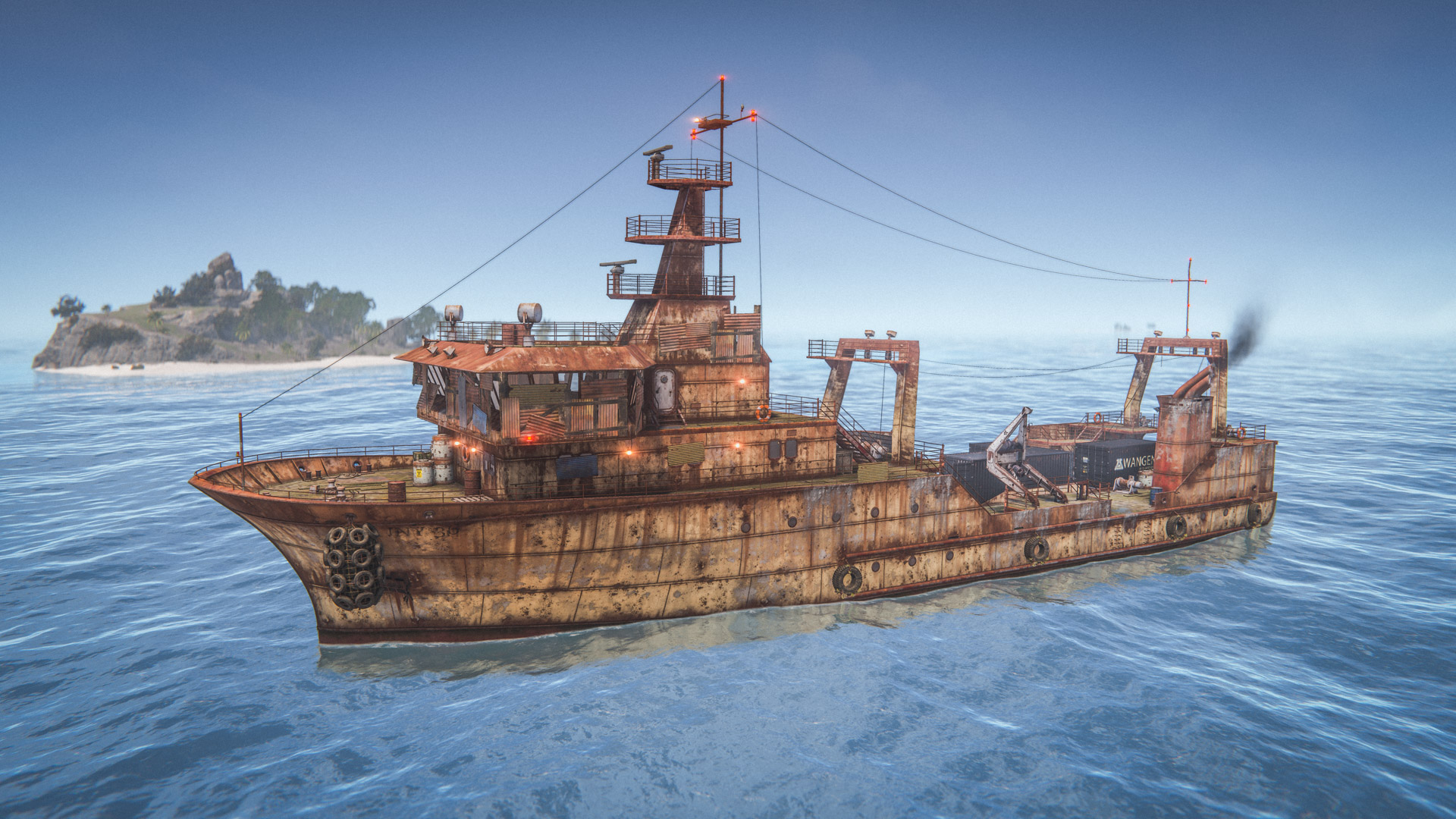
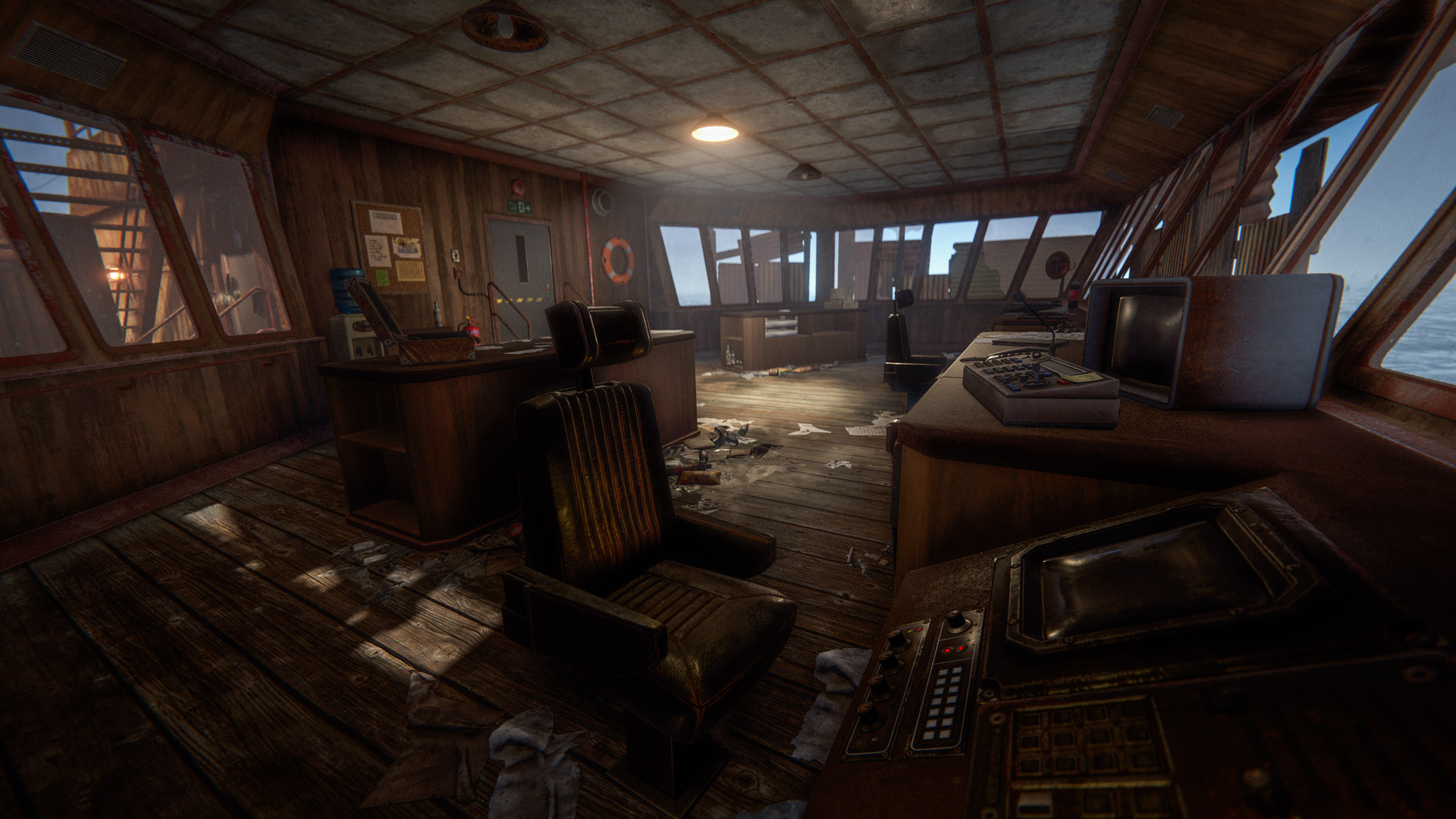
Similar to monuments, Ghost Ships are stationary ships scattered throughout the deep sea and filled with loot for people to scavenge while navigating on their boats.
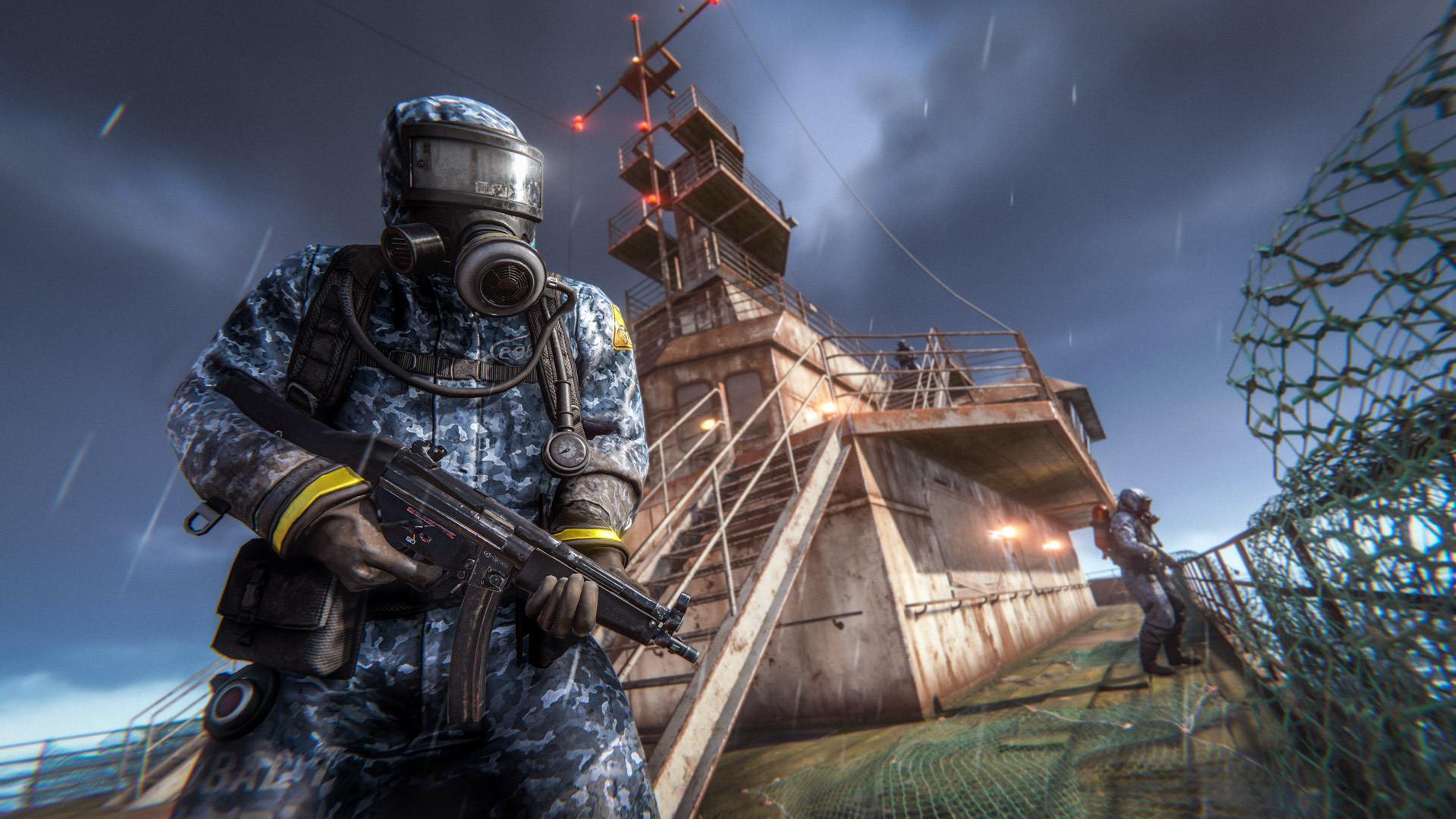
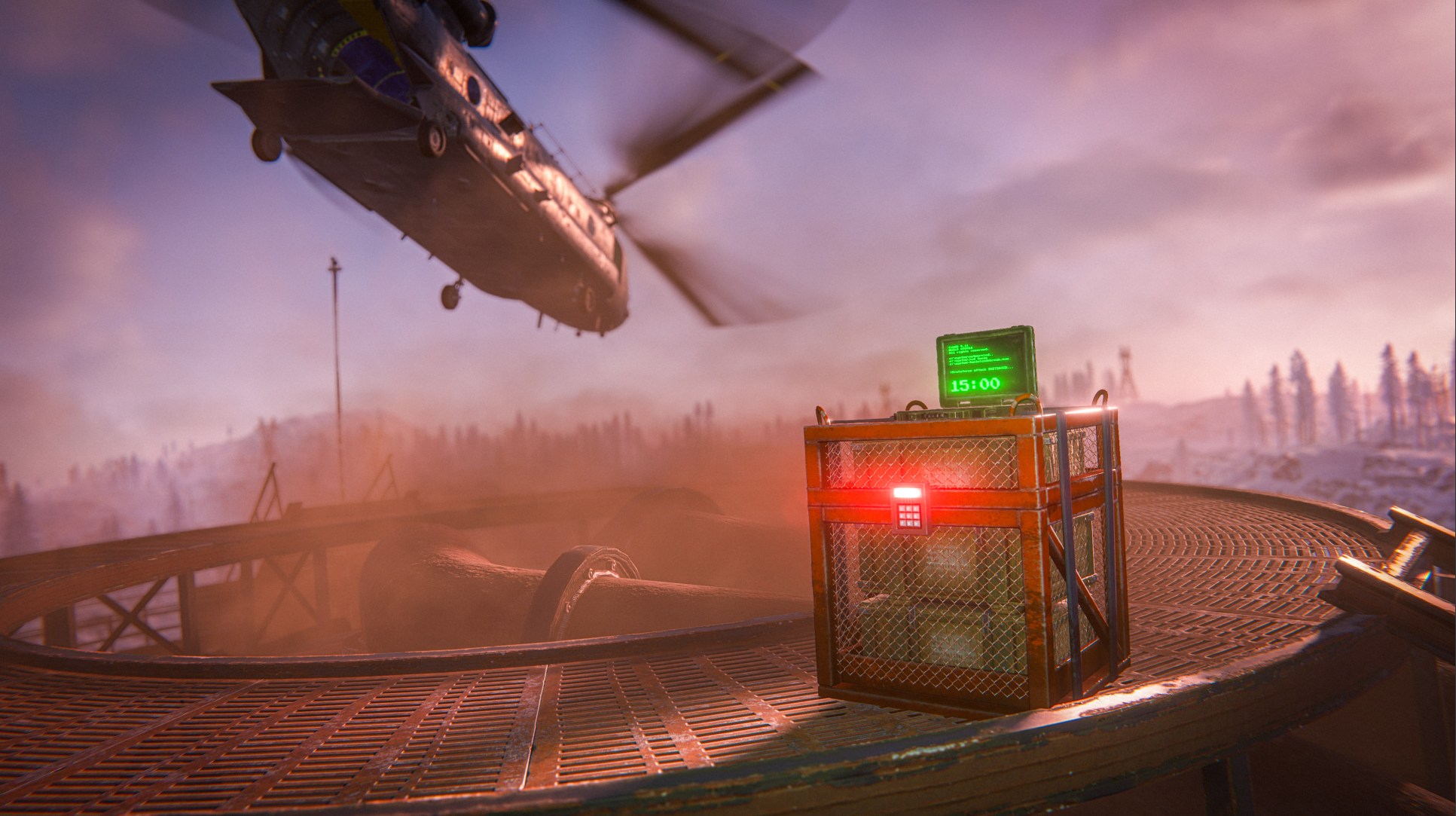
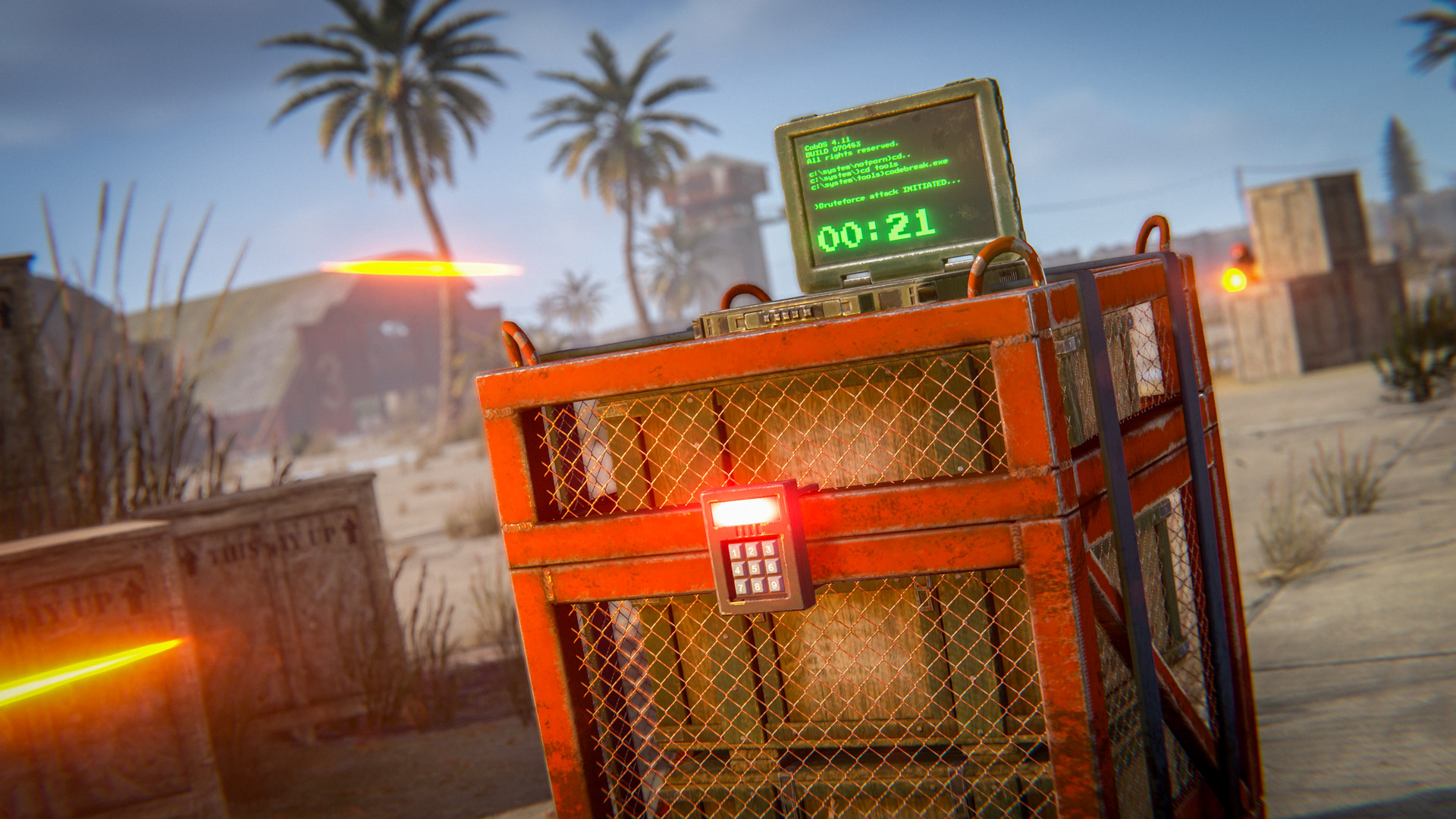
Each Ghost Ship is protected by scientists, both on the ship and nearby patrols who will try to keep you off the ship. Some Ghost Ships also contain locked crates, which you'll need to hack while being under pressure of other players and scientist boats.
We hope that Ghost Ships, along with other loot locations such as tropical islands provide enough incentive to visit the deep sea often. 
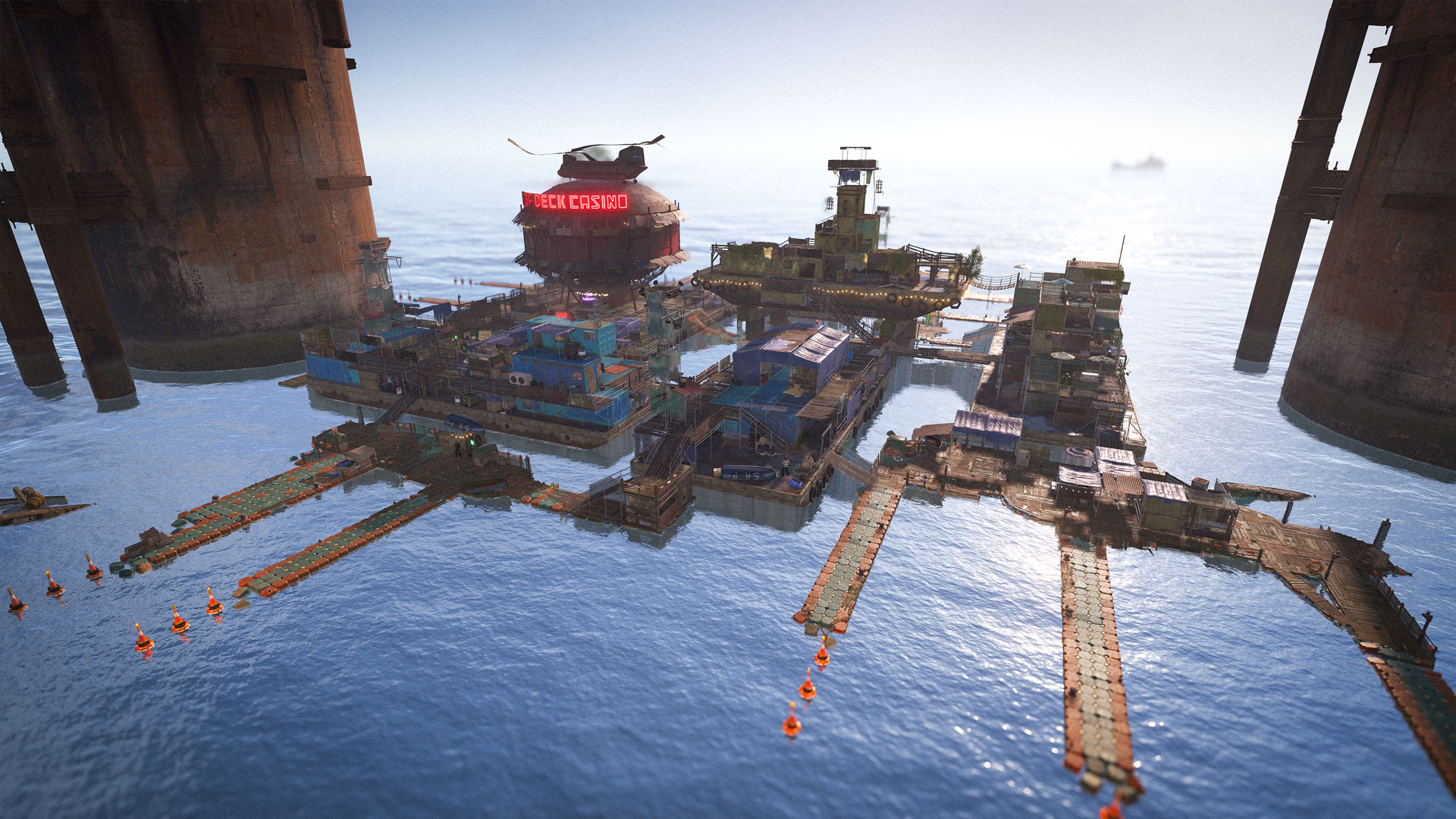
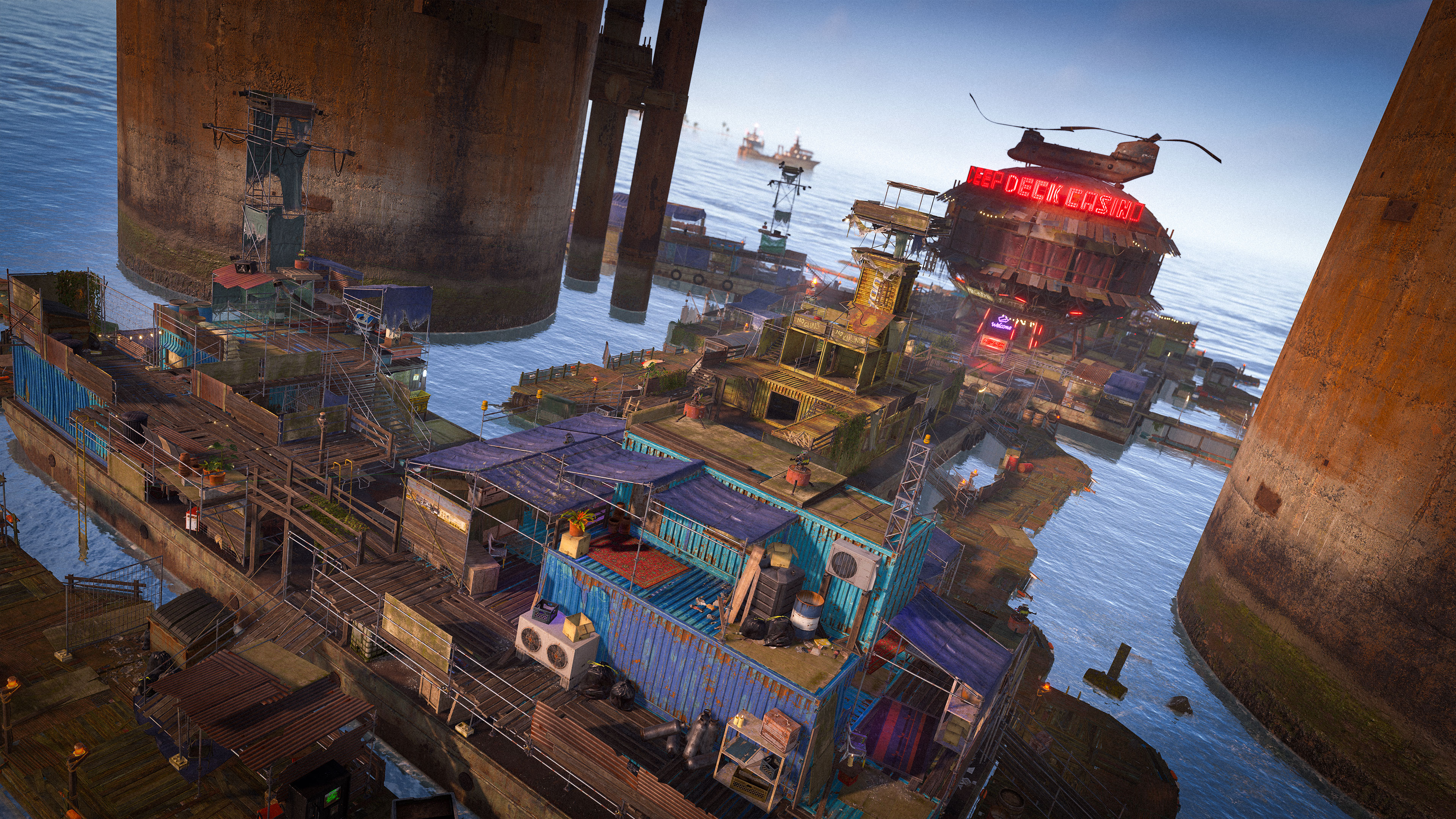
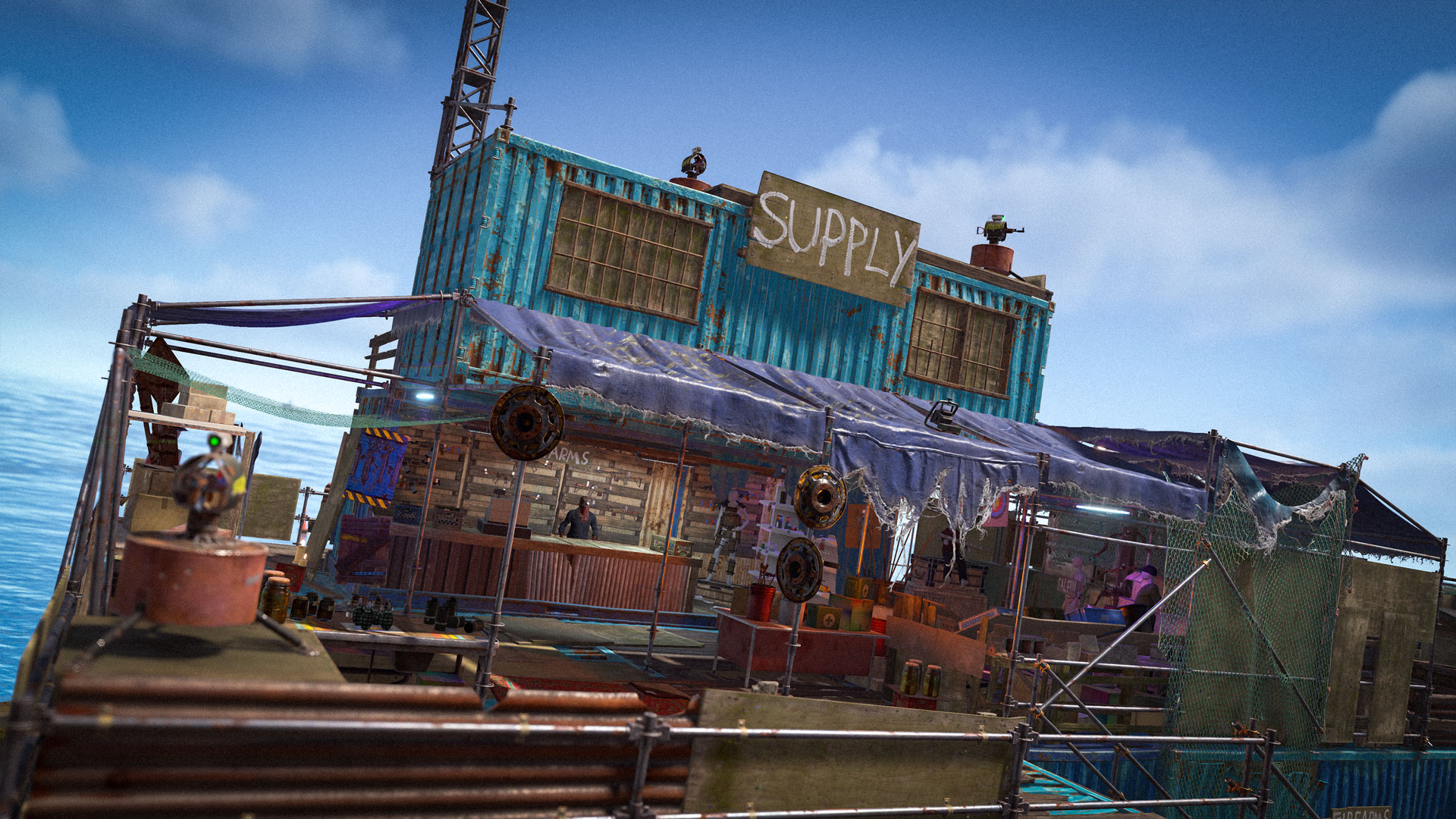
While exploring the deep sea, you may come across the Floating Cities. Built from abandoned barges and the framework of an unfinished oil rig, these ramshackle monuments serve as safe haven for all types of players.

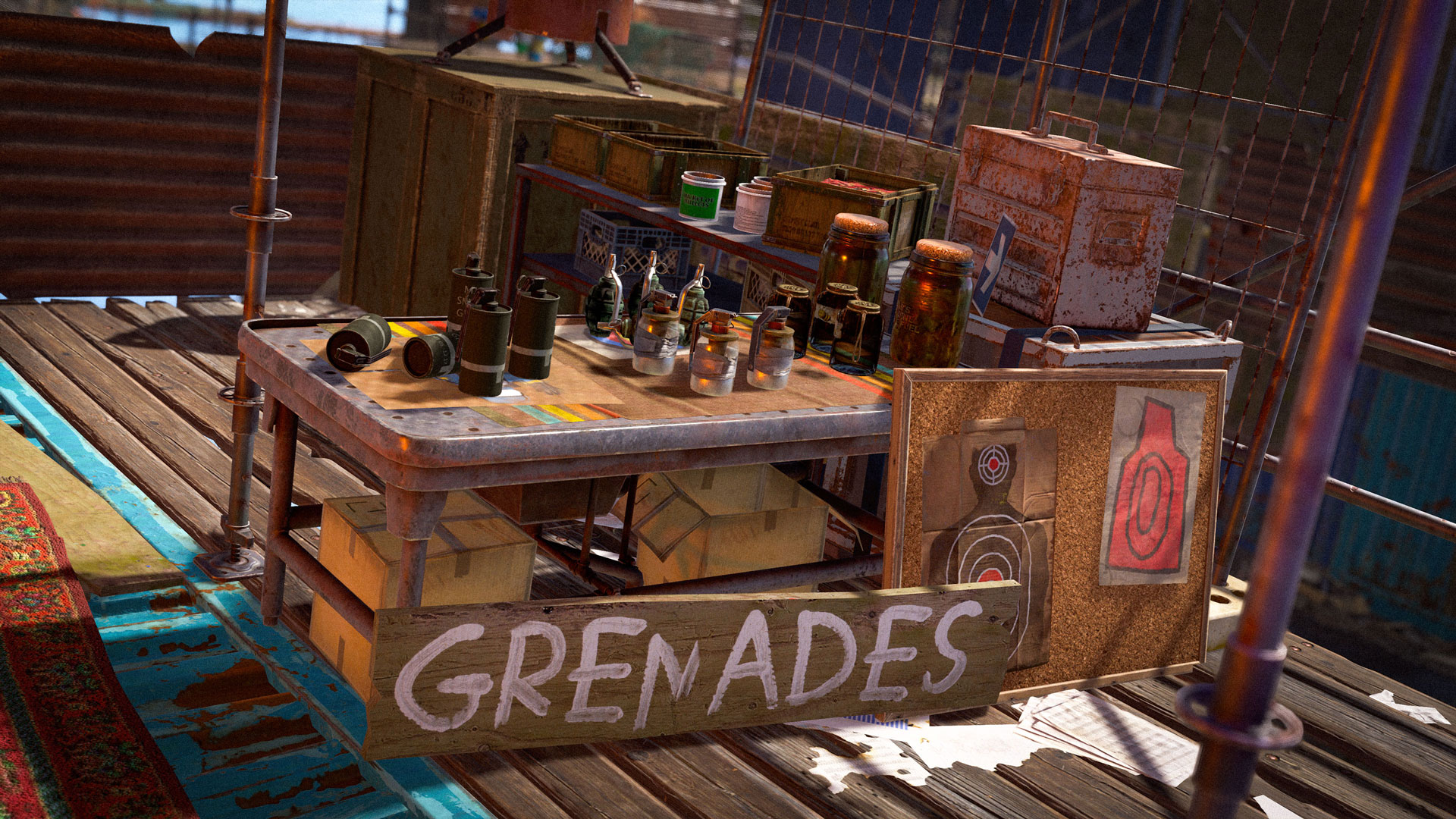
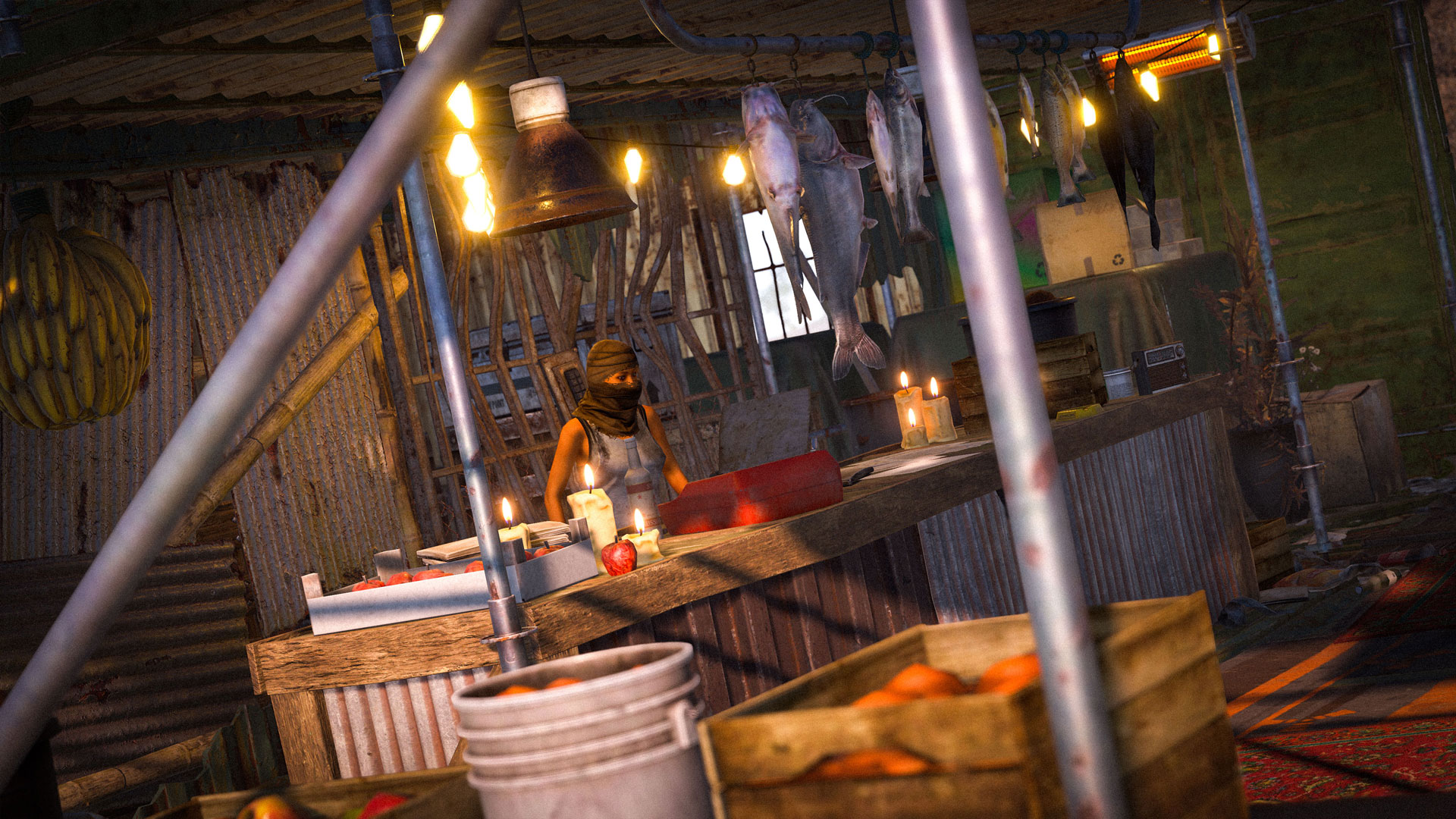
Currently, there are four variants of Floating Cities that can spawn on a server with each floating city offering the same type of facilities. These include docks where you can secure your boat and various NPC vendors selling weapons, equipment, food, and medical supplies.

A nearby farming barge can be accessed for a small fee, giving you the chance to harvest fresh crops. Throughout each monument, familiar safe-zone amenities are scattered among the platforms, including recyclers, workbenches, research tables, and refineries.

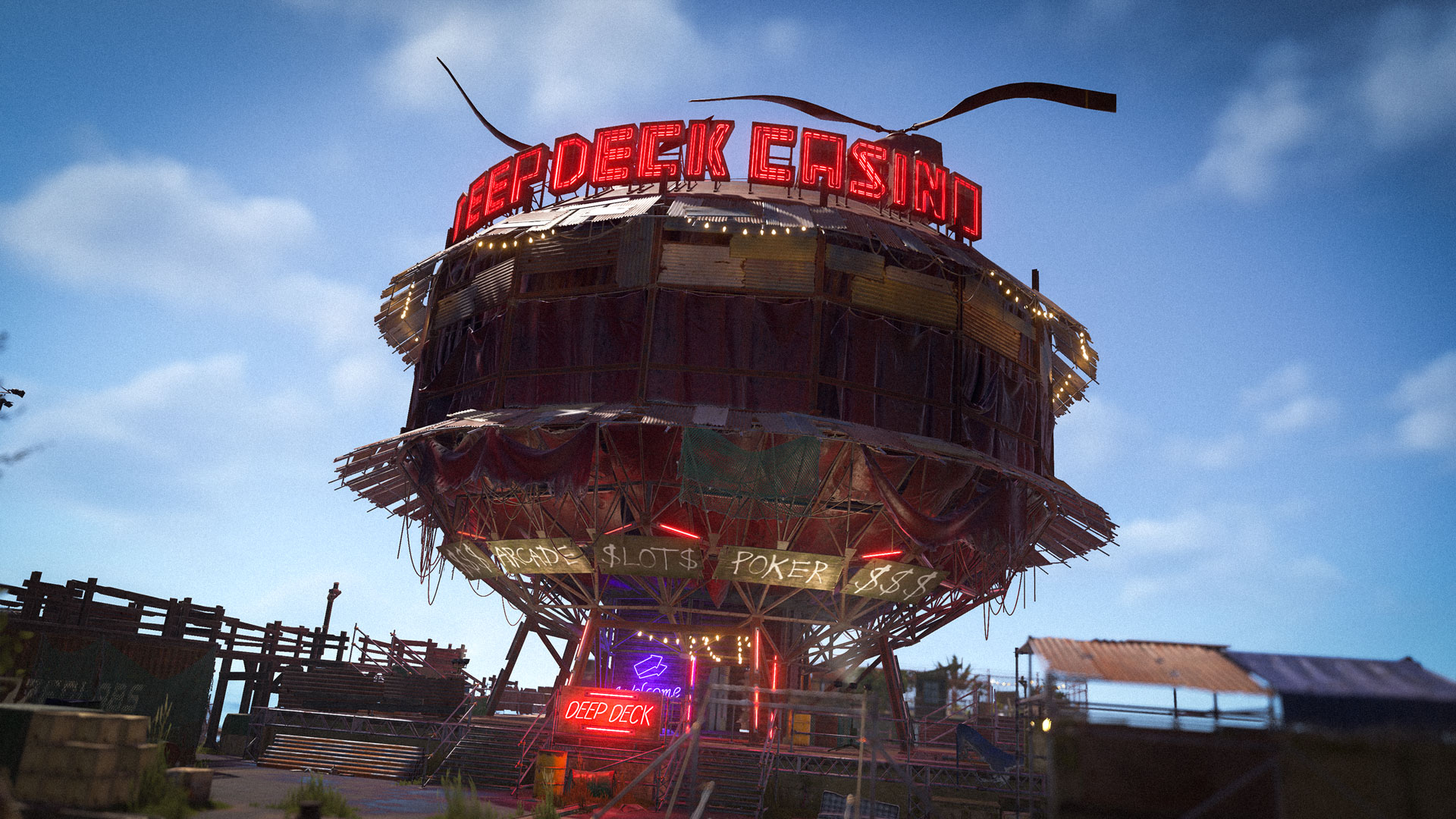
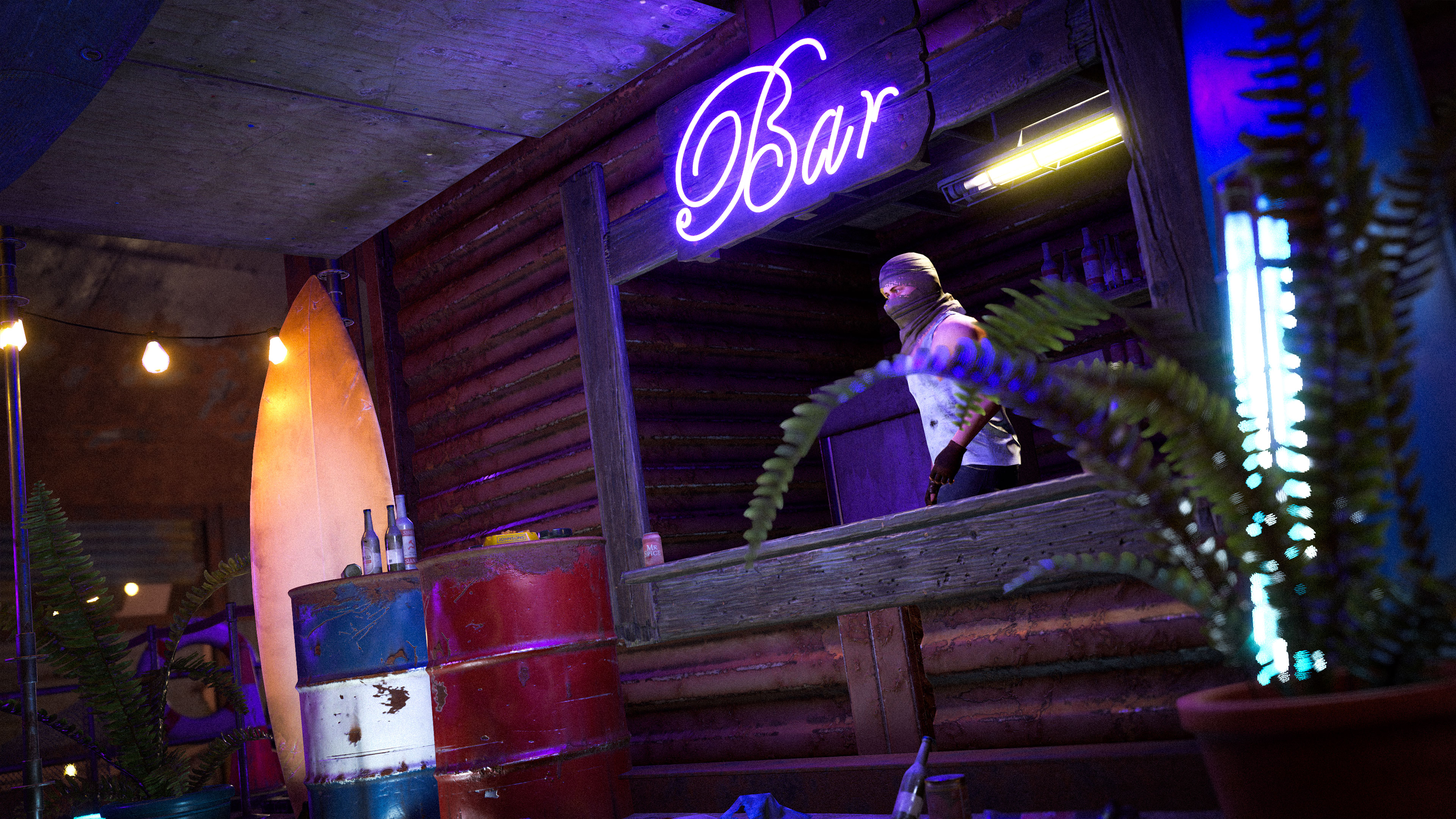
At the centre of every floating city is the Deep Deck Casino, an inviting space offering entertainment and a place to relax to all weary sailors. Here you can meet fellow survivors, unwind in the pool, enjoy music, and gamble away your scrap to your heart’s content. 

Just remember to play nice while you're there - stir up trouble, and the security turrets will remind you why that was a bad idea.
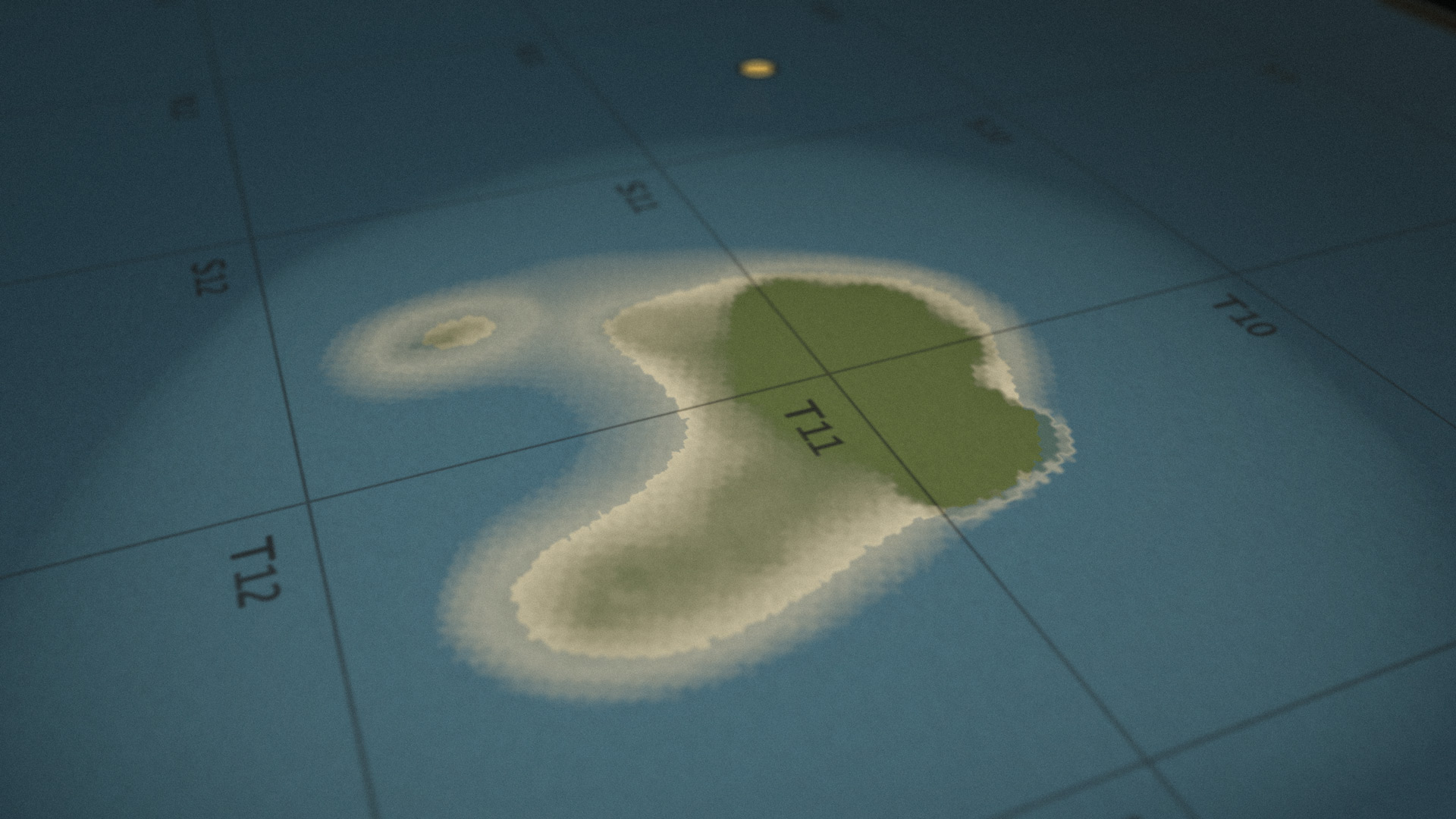
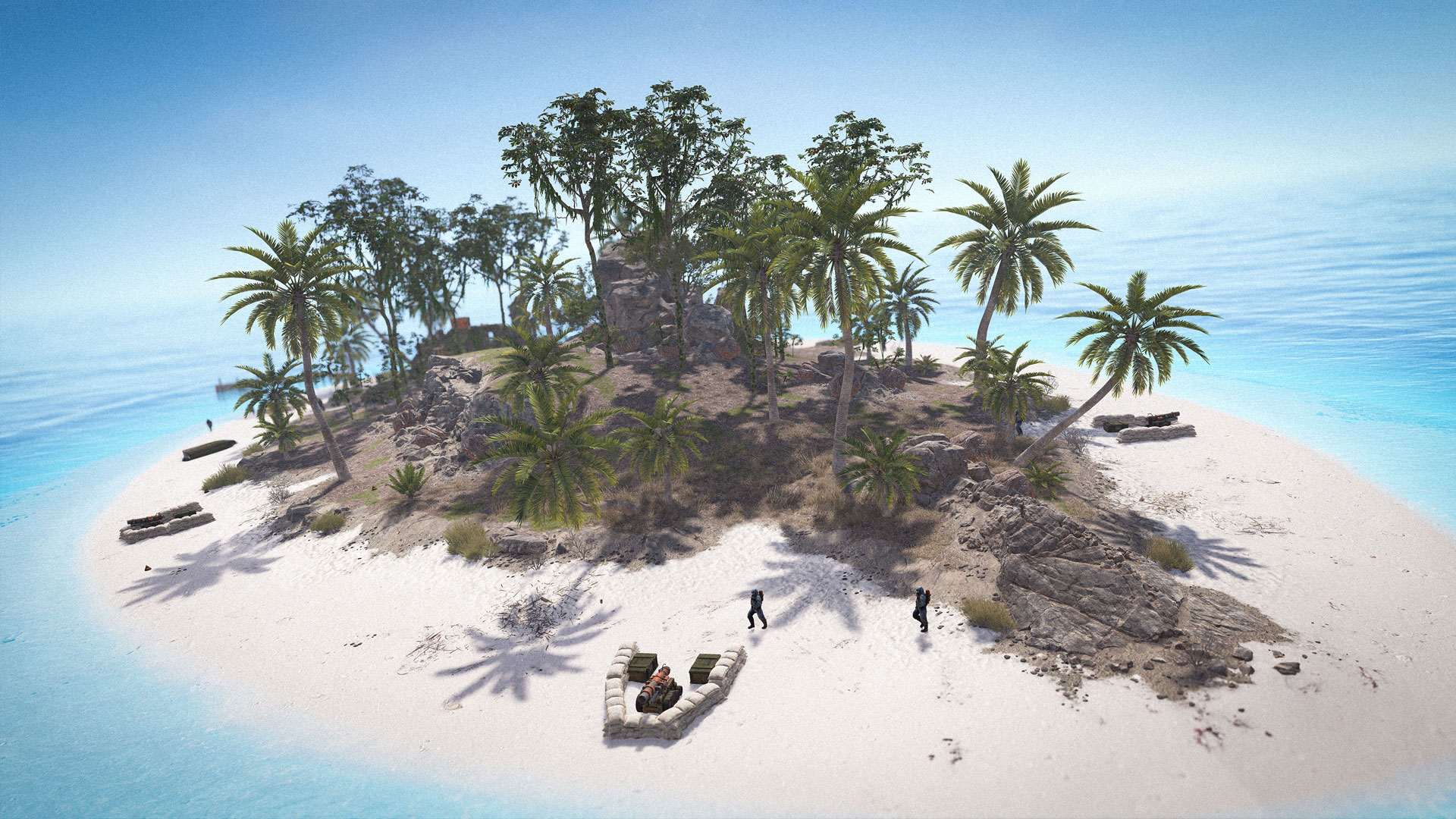
For years, the ocean has just been a blue void between you and the Oil Rigs. With this update, we are introducing a brand new biome in the Deep Sea, the Tropical Islands.
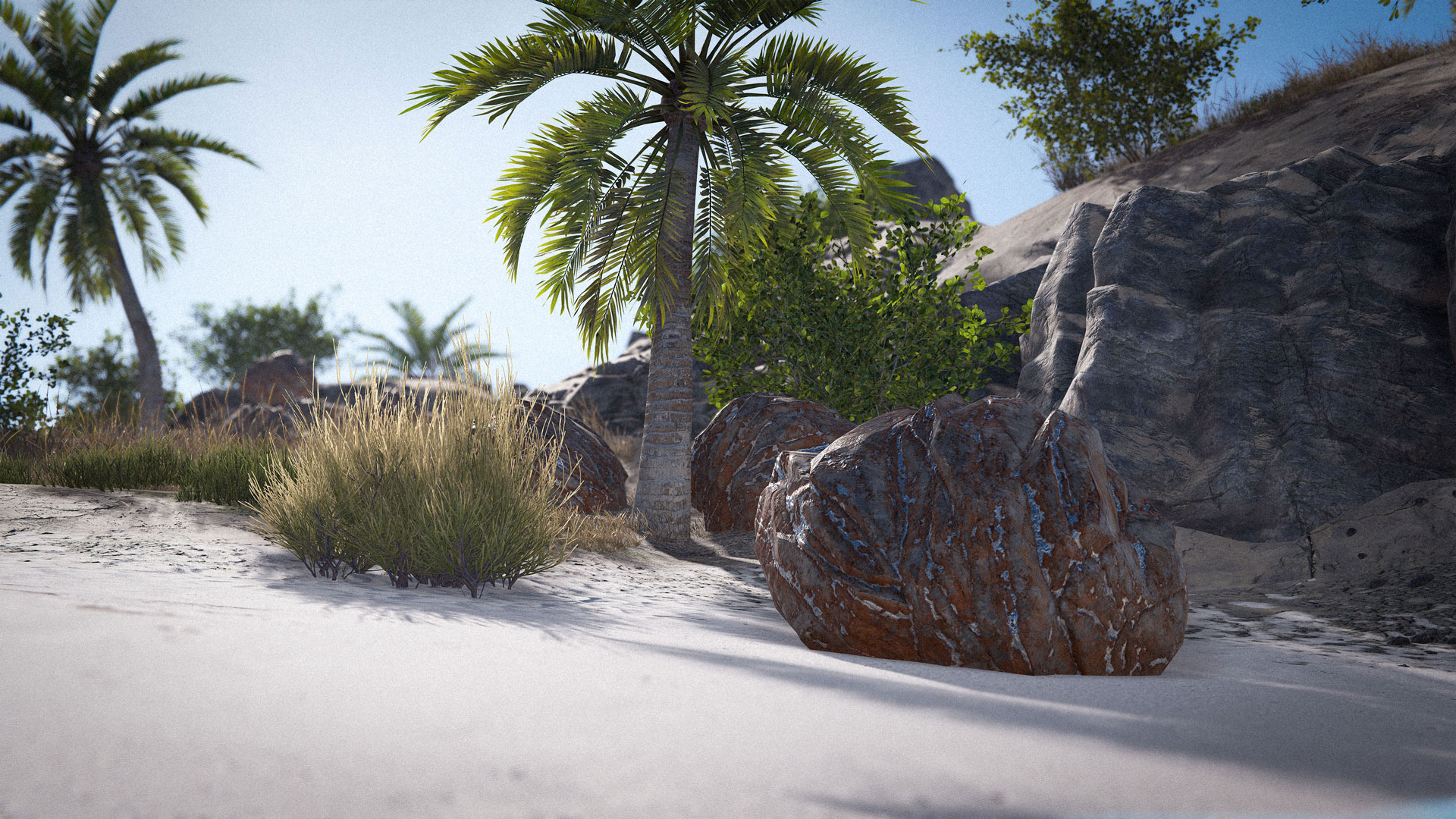
These micro-islands are fully distinct from the mainland. Expect white sands, dense palms, and even a new delicious natural treat. You won't see any pine trees here.
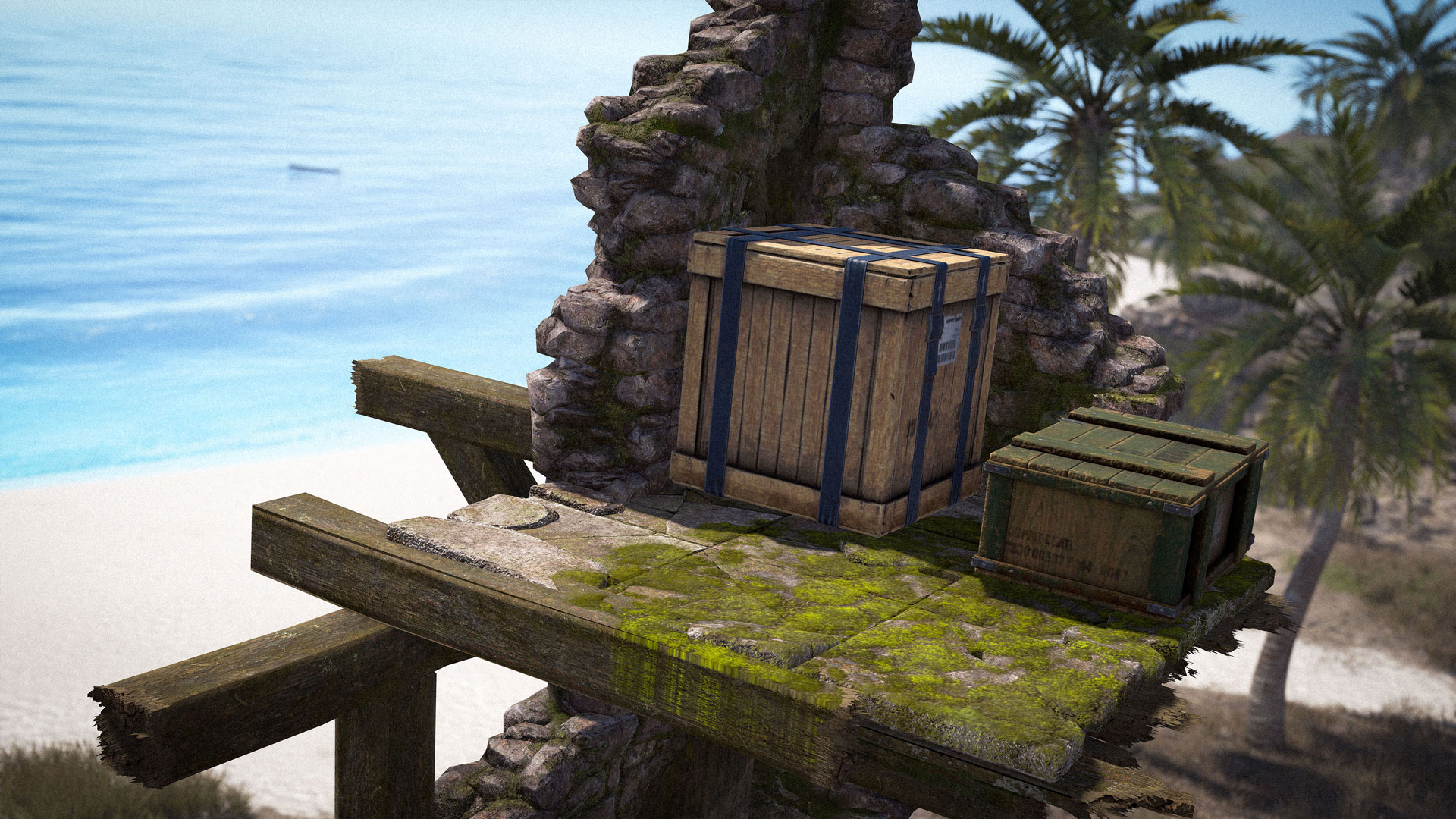
Their semi-procedural nature will yield different experiences. Some of them might have old ruins, others a motherlode of ore - or both.
But tread carefully. You aren't the only one seeking a fortune out there.
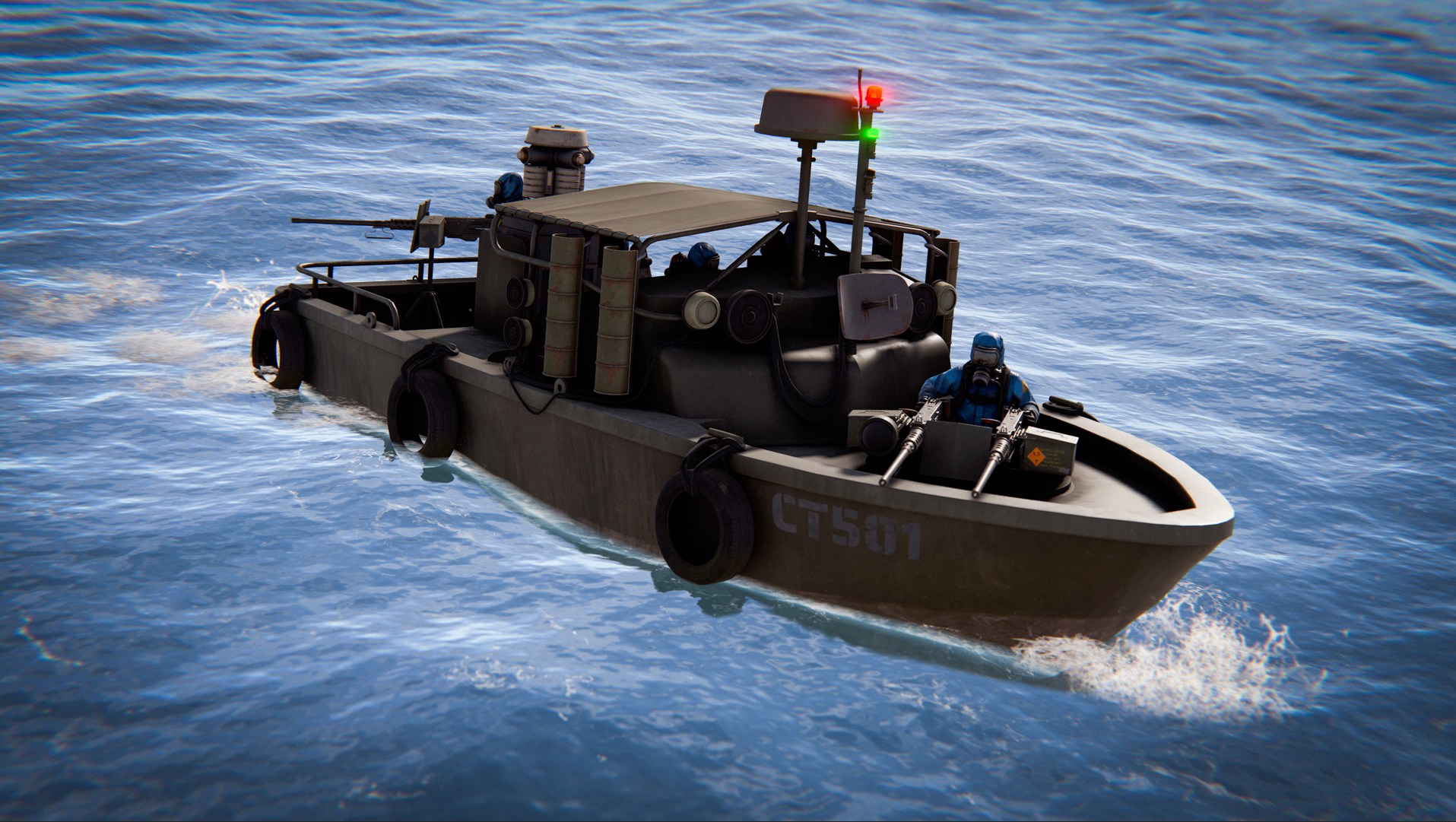
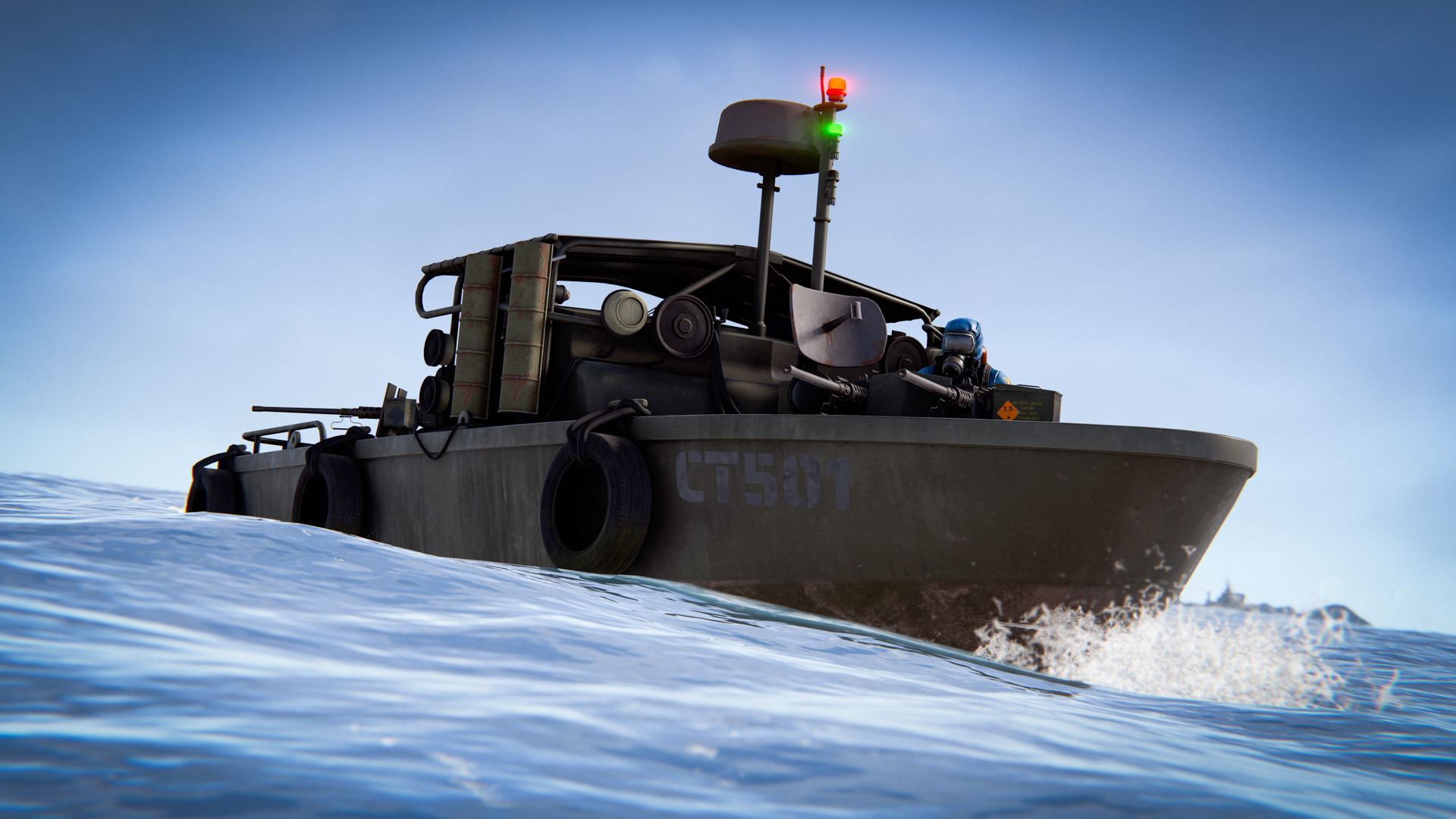
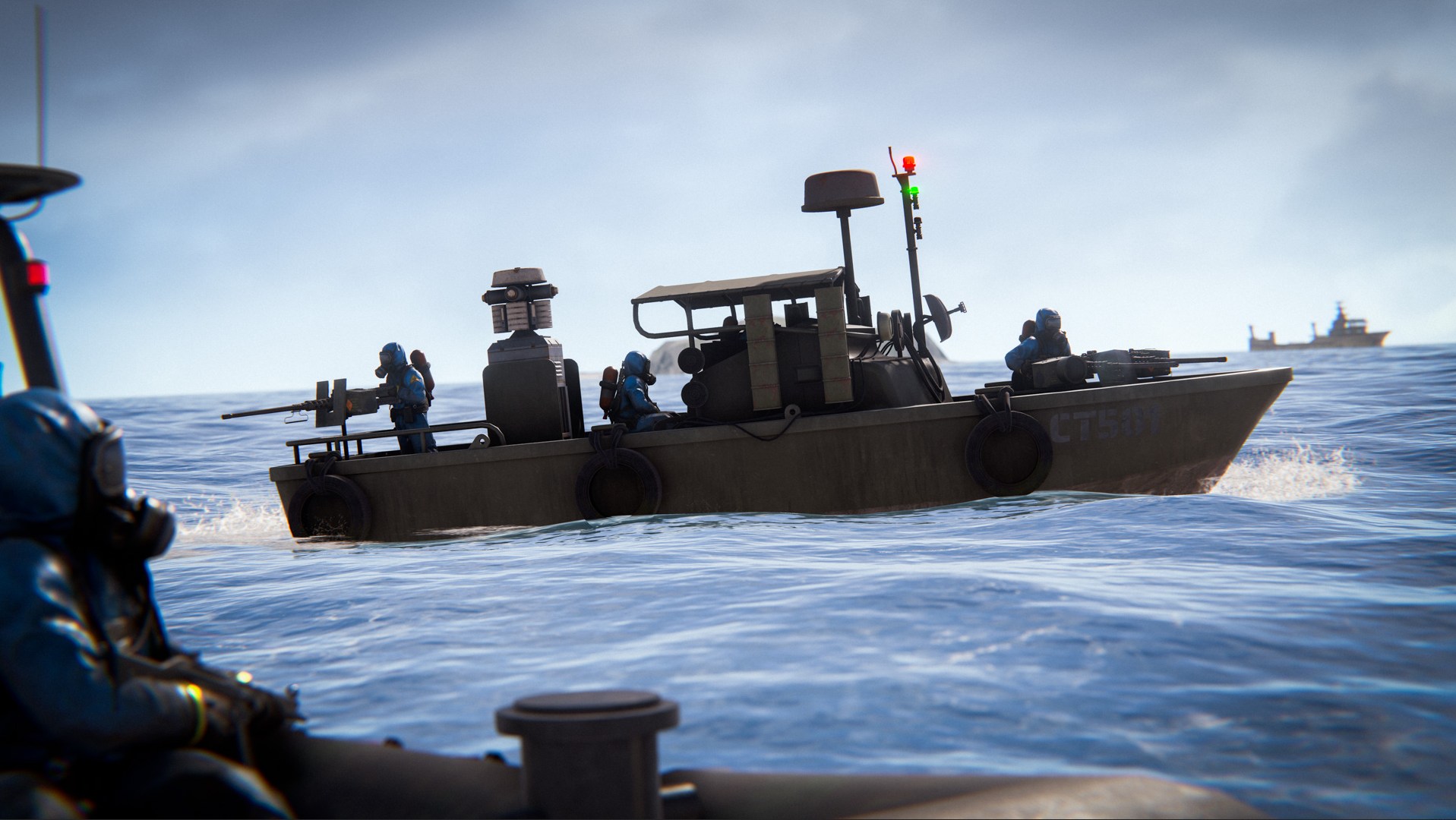
We've added a new boat - the PT Boat. Only found in the Deepsea - It's slower than the RHIB and consumes more fuel, but is stronger and packs a punch.
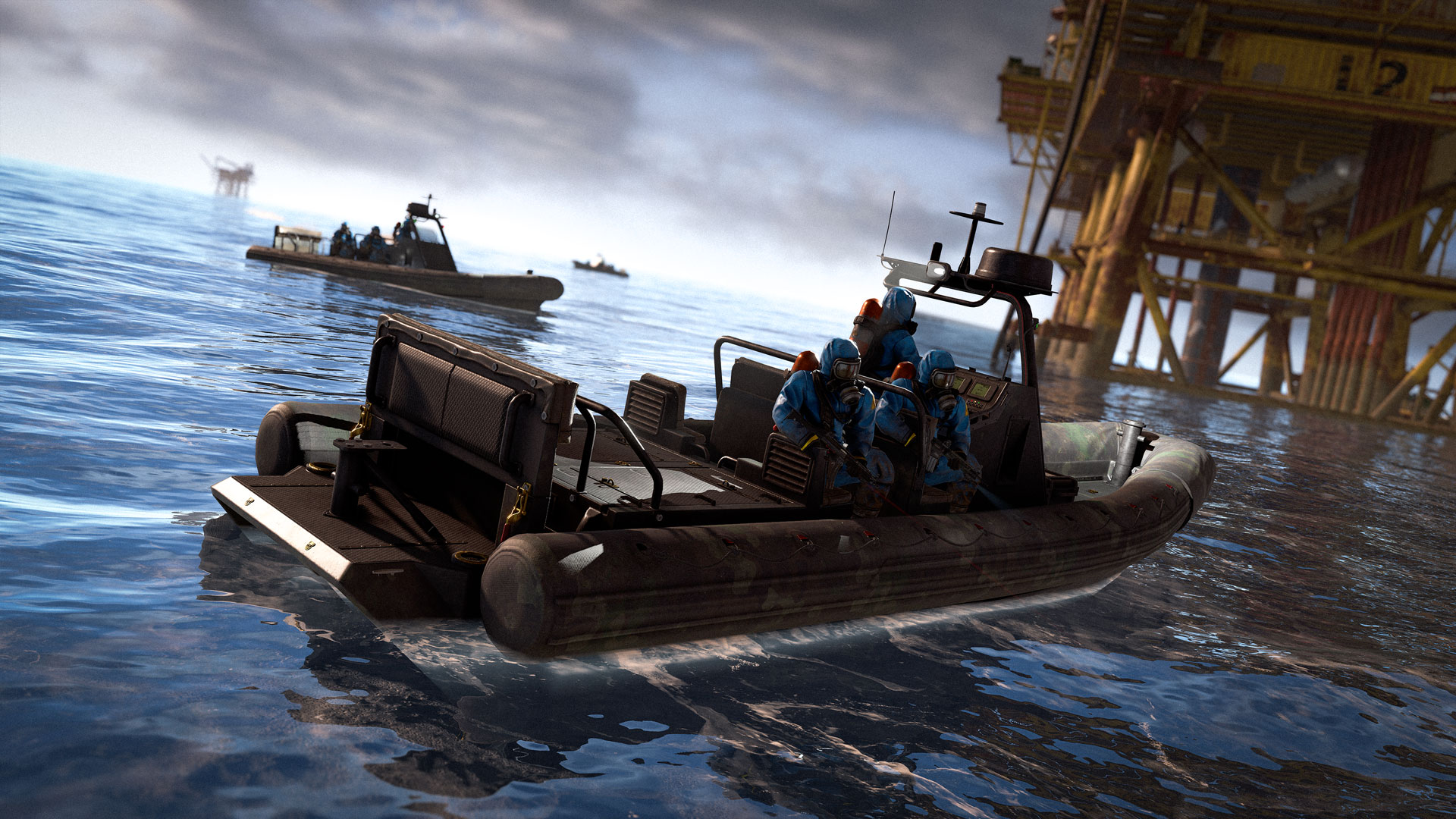
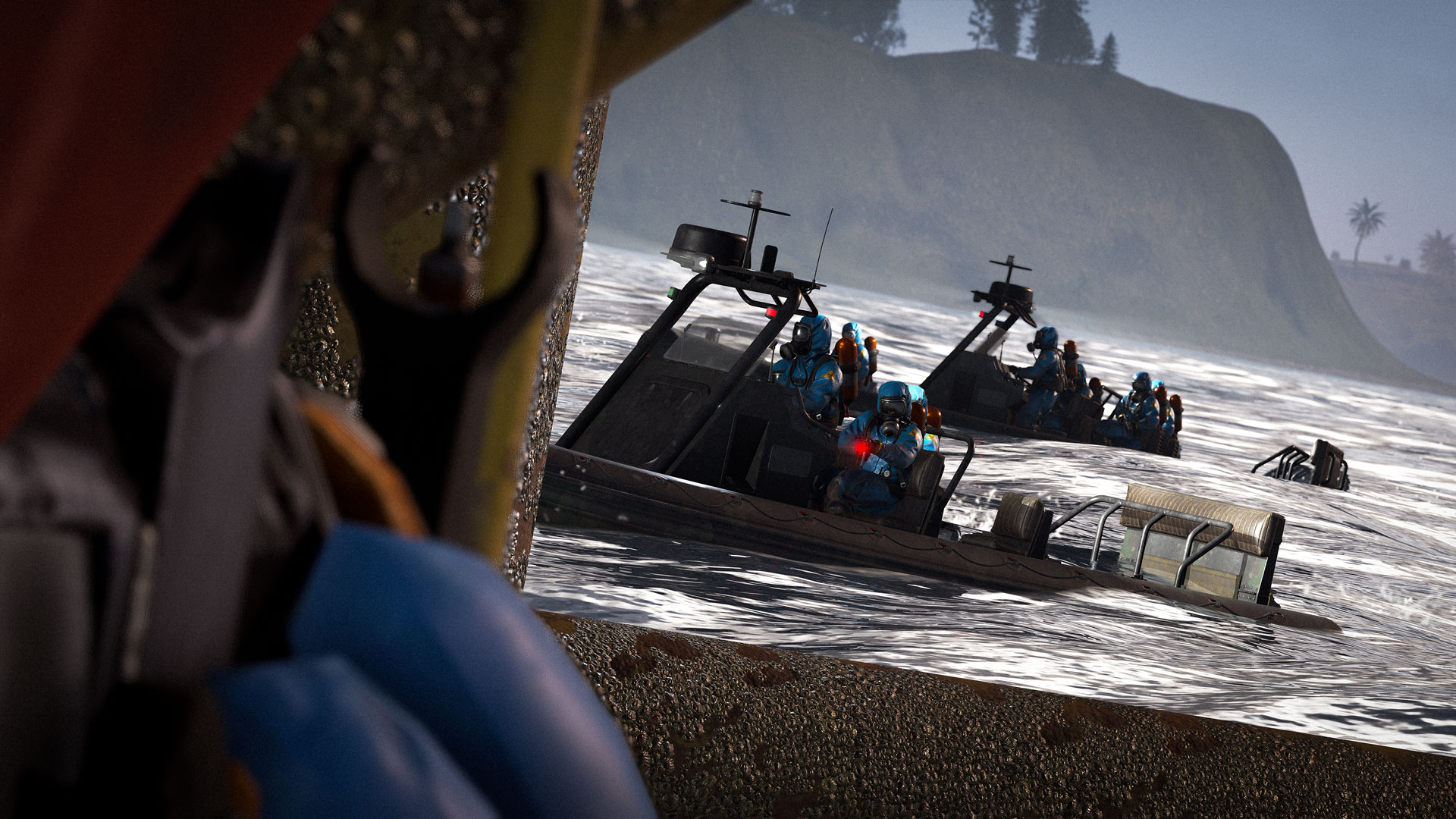
Beware, the Deep Sea is filled with the new Scientist Boats.

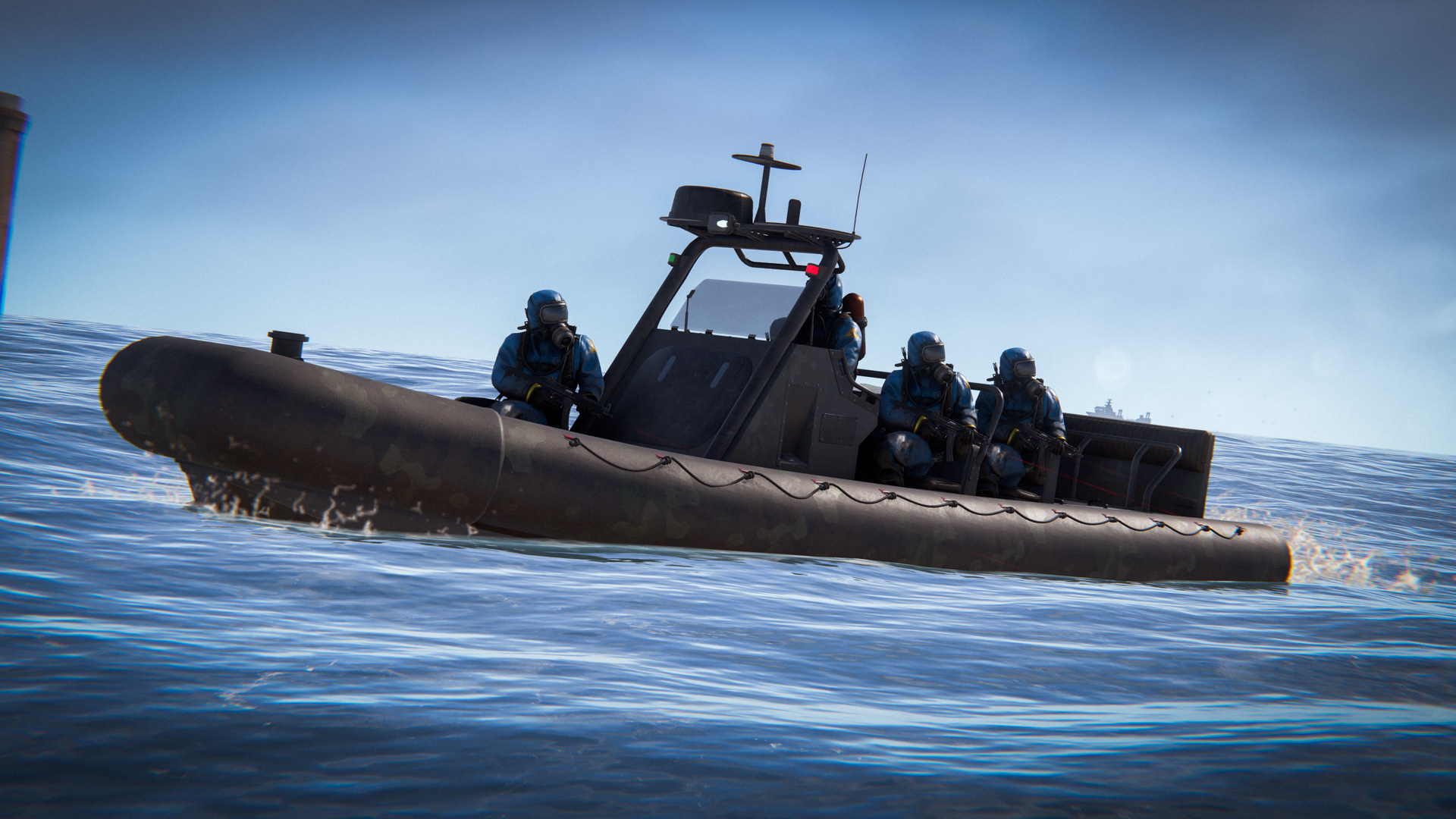
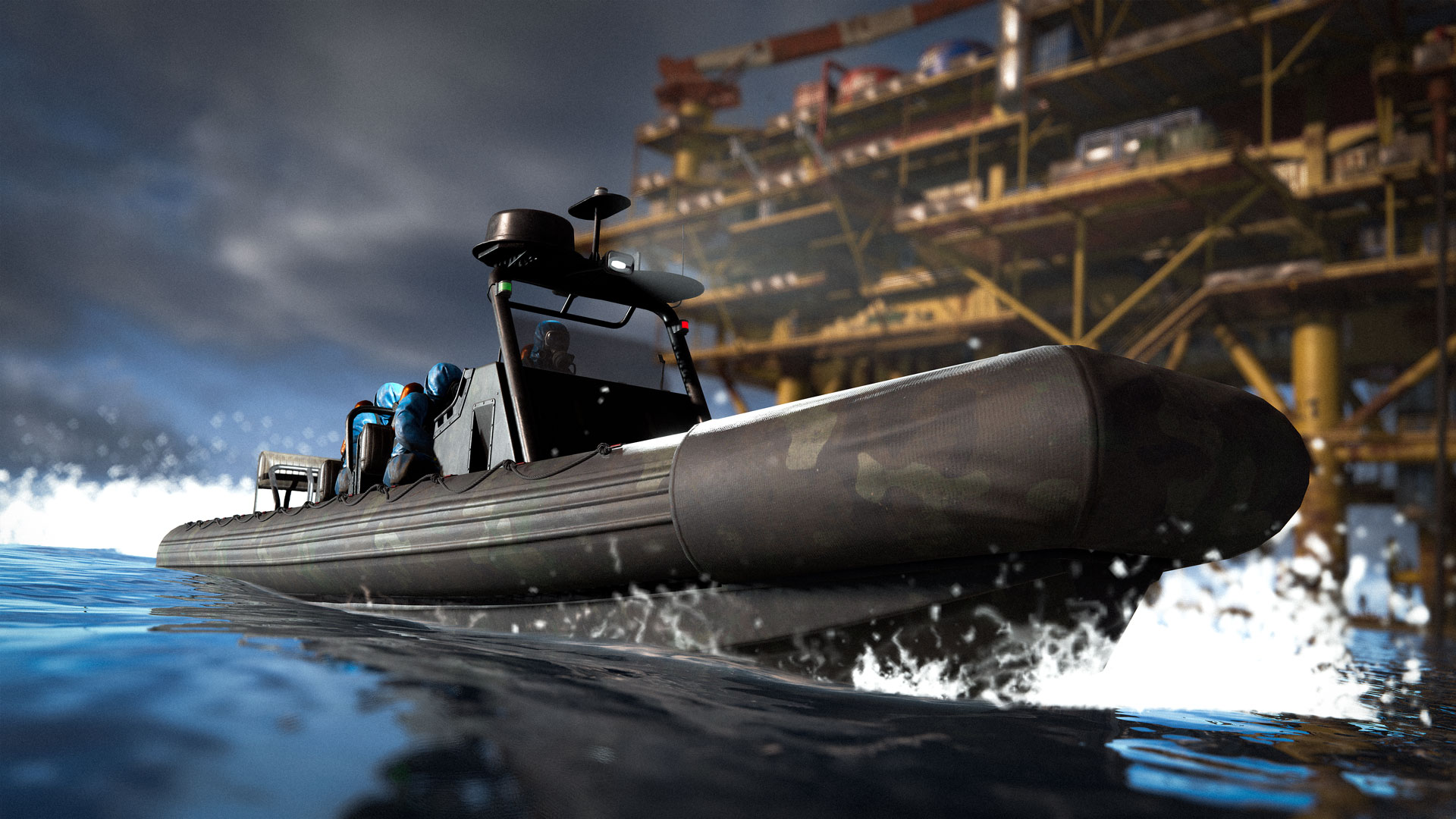
These vessels (including RHIBs and the new PT Boat), are crewed by scientists who roam the Deep Sea in coordinated groups looking for players to engage. You might find them protecting the Hacked Crate on board a Ghost Ship.

Each boat can be cleared of Scientists and stolen by the player.
We wonder what you'll find on-board?
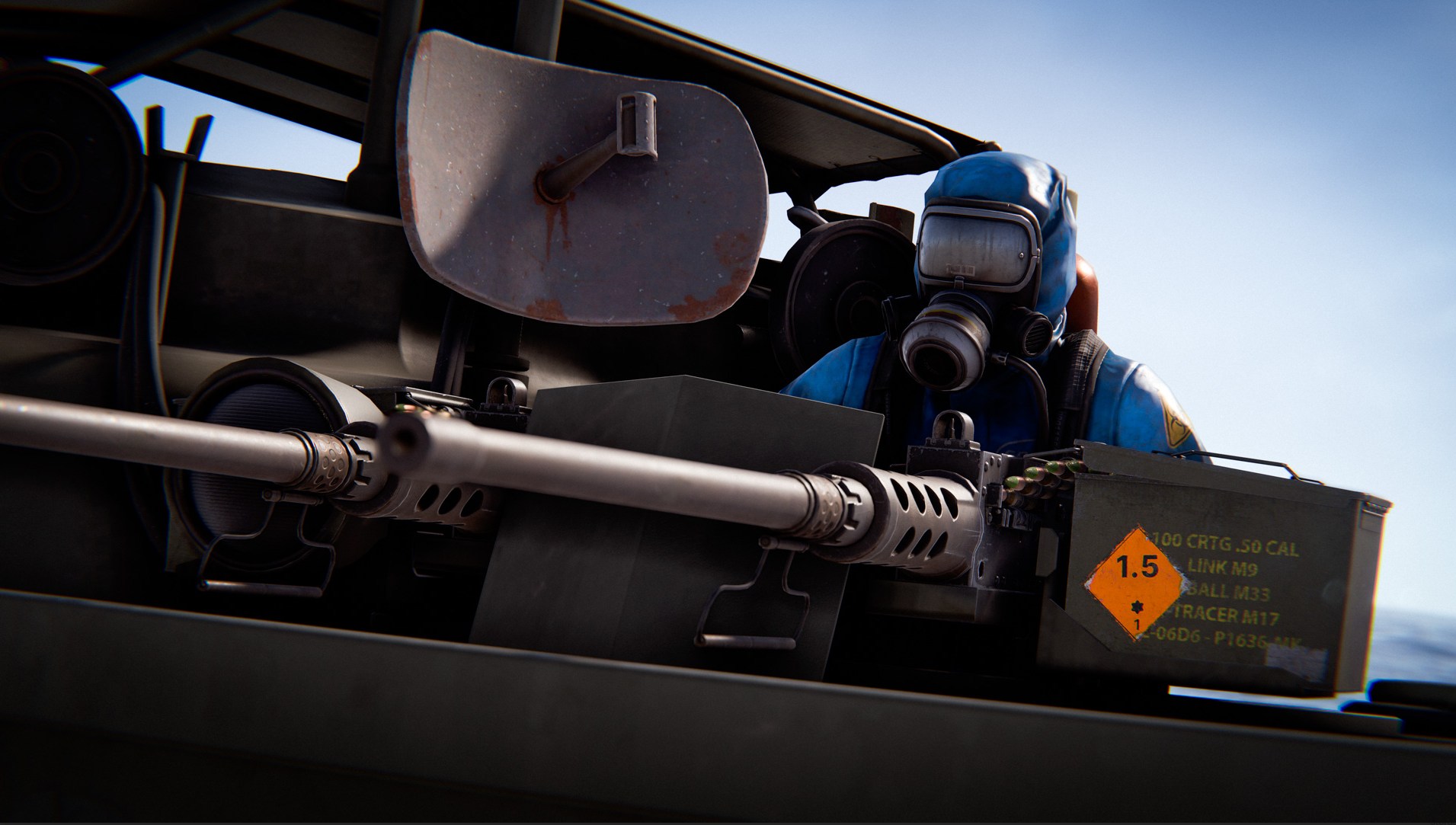
Each PT Boat comes equipped with two turrets. One packing dual 50 caliber machine guns, and the other with a single more precise 50 caliber gun. Each can be reloaded with standard 5.56 rifle ammo.

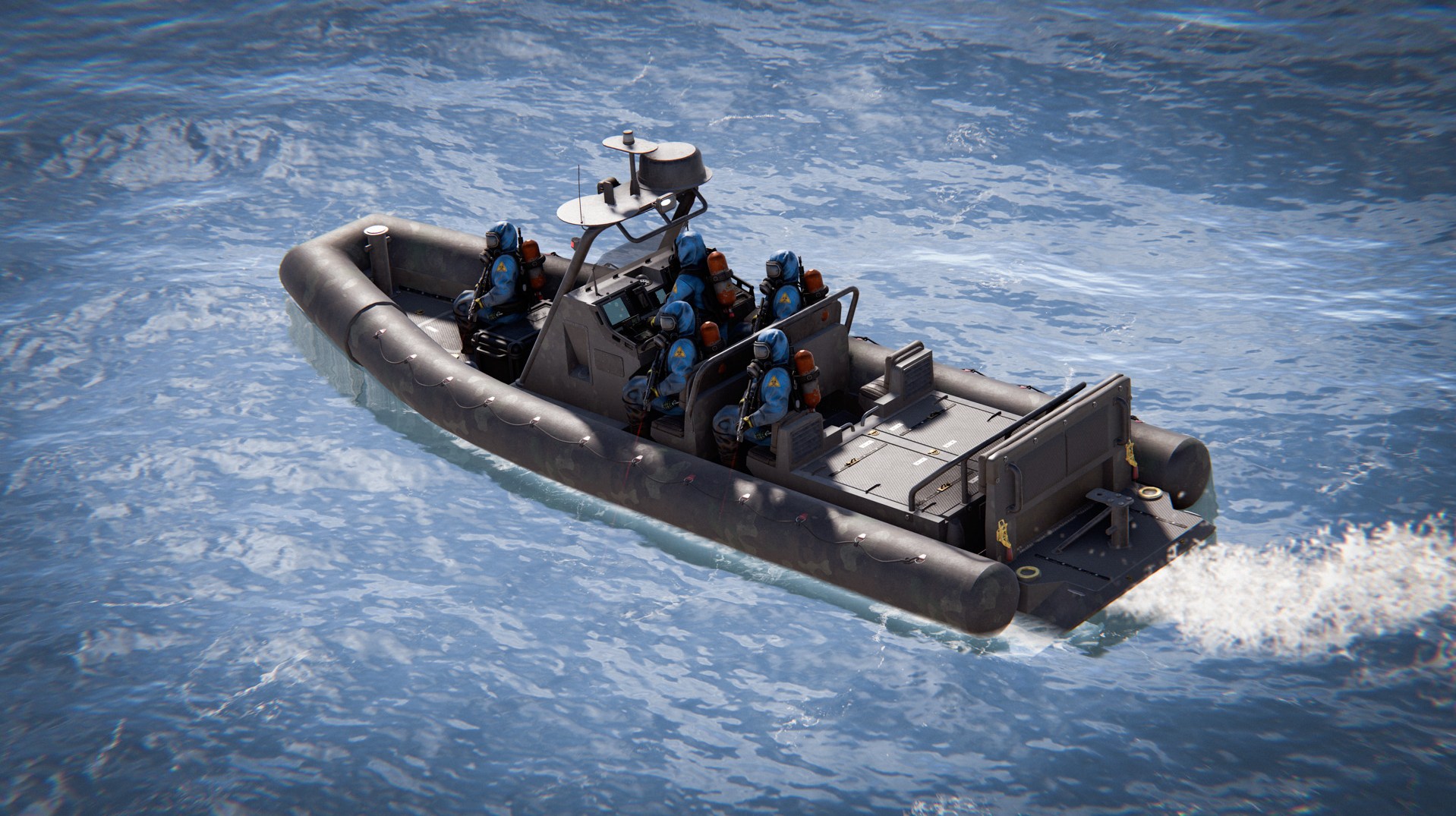
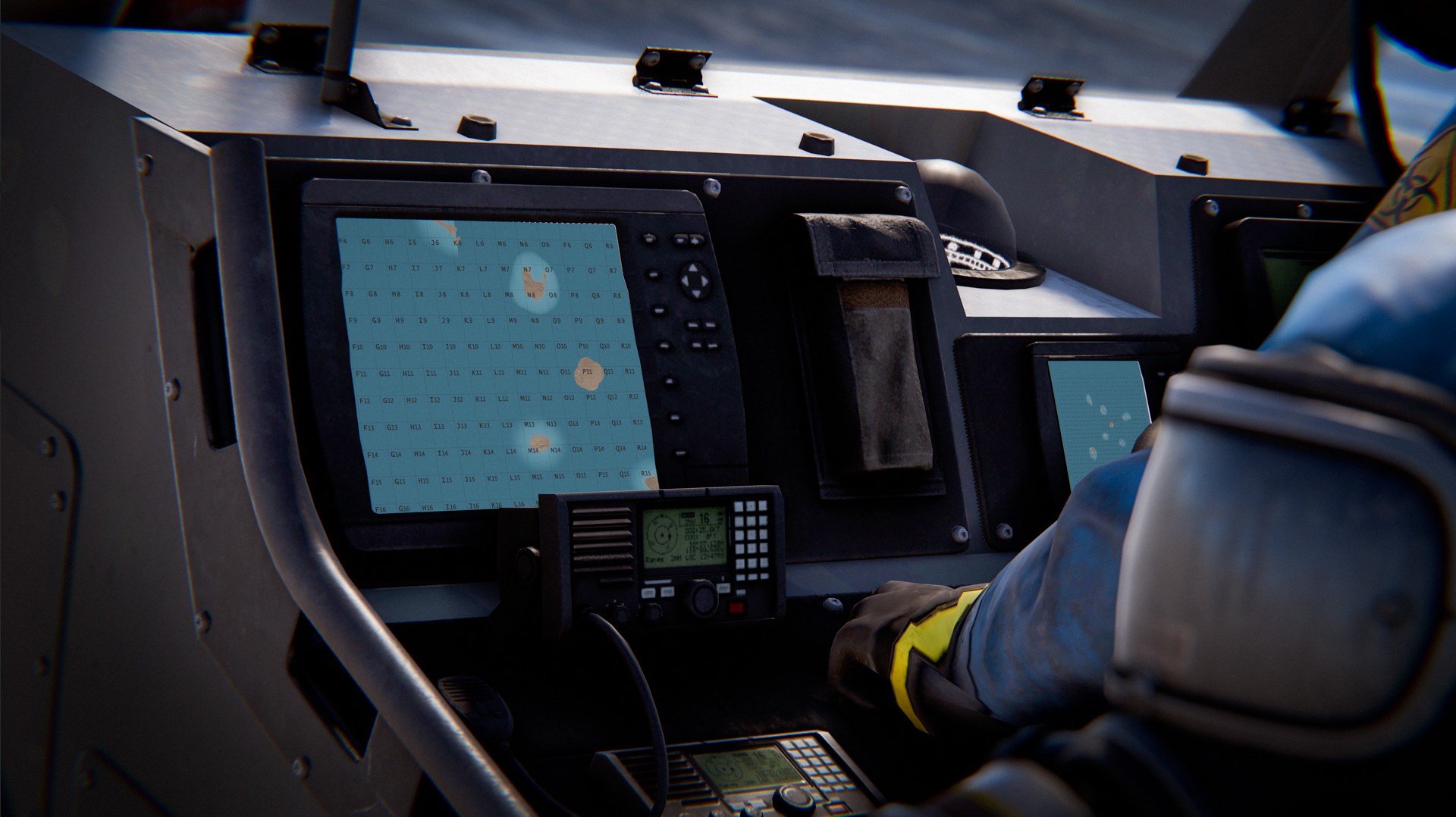
The RHIB has been in need of a little TLC, and there's no better time to do that than the Naval Update. The model and textures have been updated, along with a new storage box model.
The RHIB now comes equipped with a working compass and map display screens - helping you navigate the ocean.
If you fought a lot of scientists, you know, trying to sneak or flank them is the perfect way to get killed.

They always know where you are, and will instantly 180 and beam you if you try to play smart and outmanoeuvre them.

Because of this, it's very tempting to either snipe them from very far away or camp behind a bottleneck and wait for them to inevitably rush in one by one.

This makes taking a monument guarded by scientists a test of resources with a low skill ceiling.
It boils it down to: do you know the cheese, and do you have enough ammo and bandages to grind through them? 
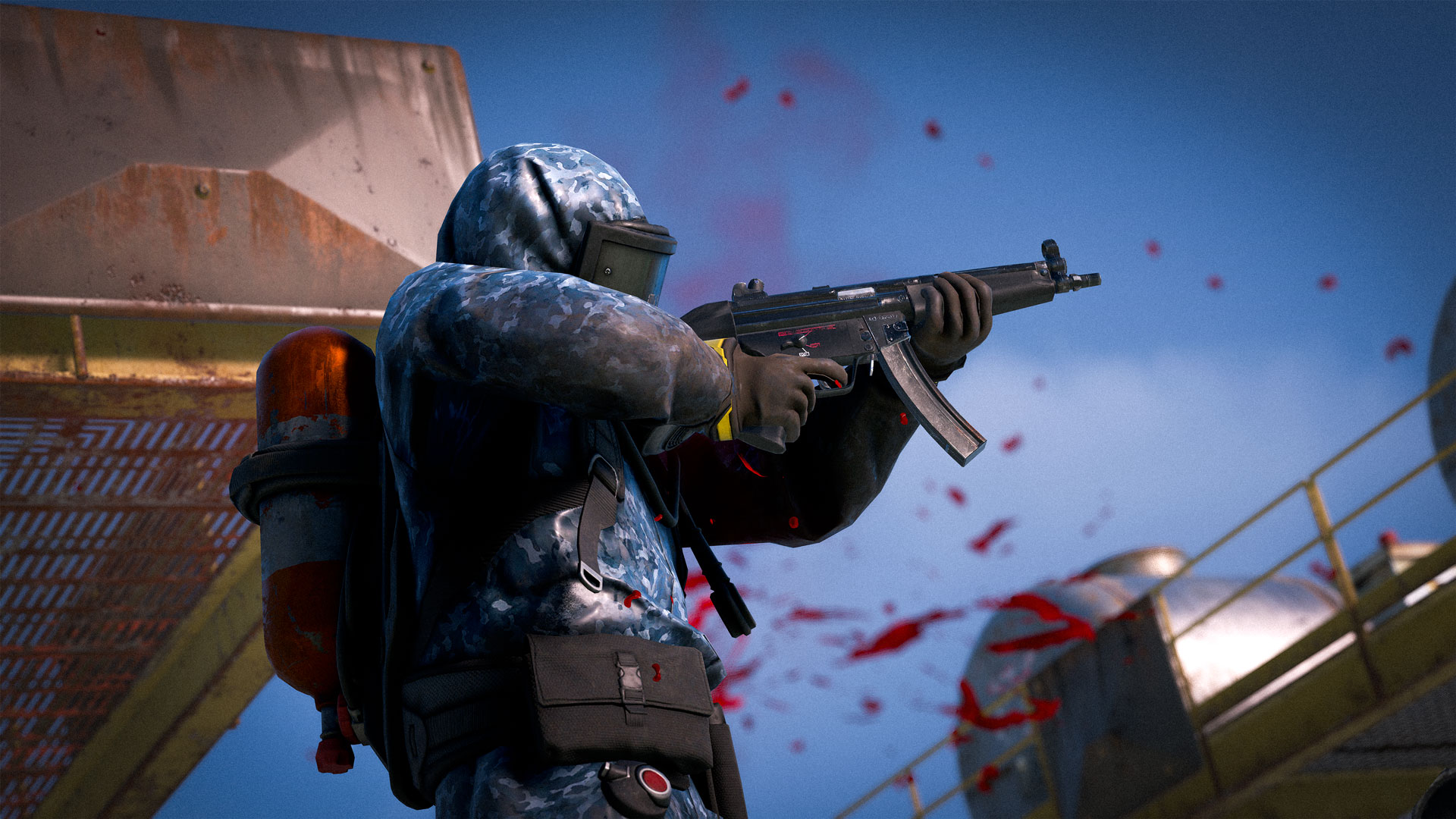
New scientist AI is progressively coming out, but only to oilrigs, ghostships and deep sea islands for now.
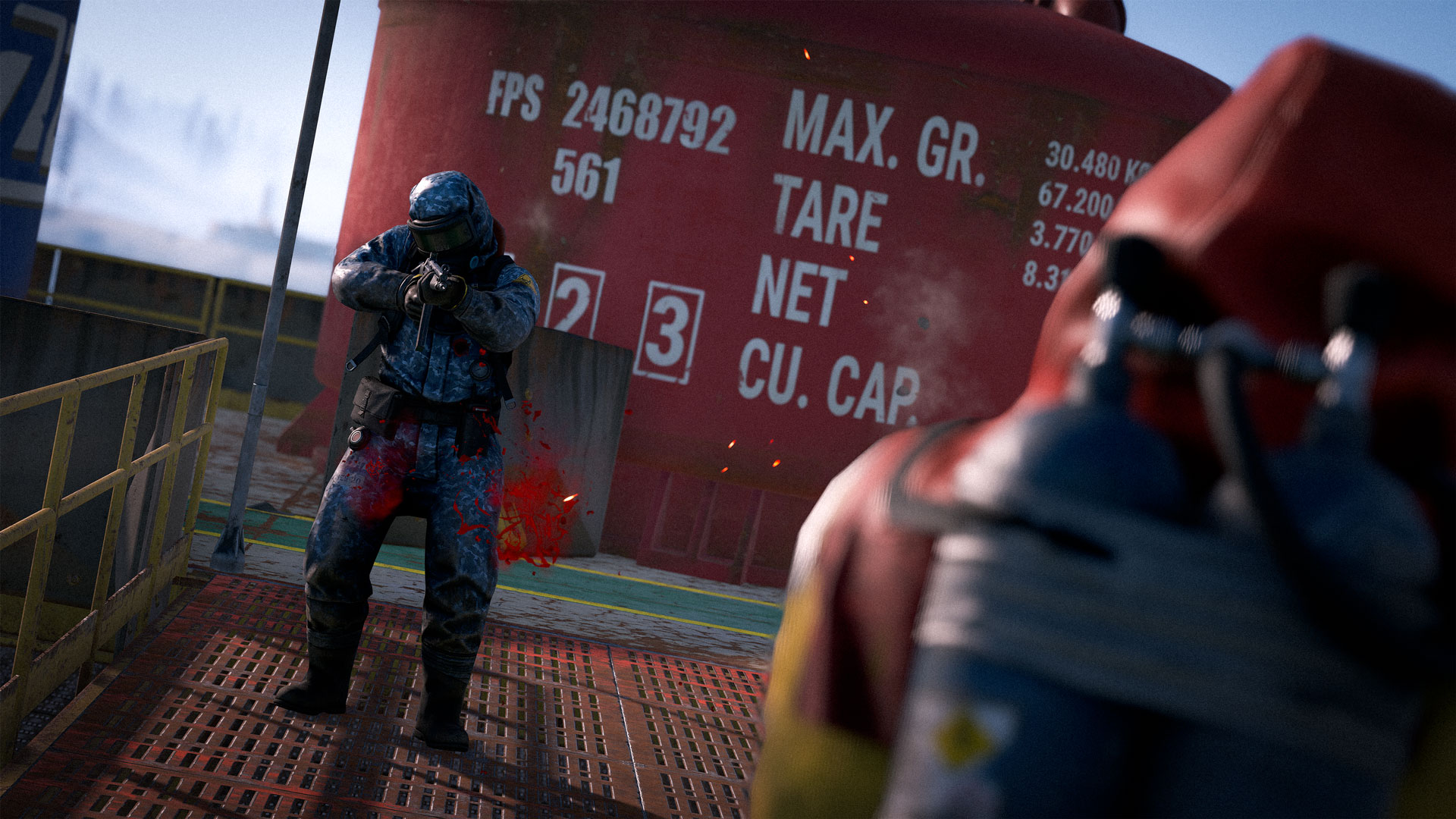
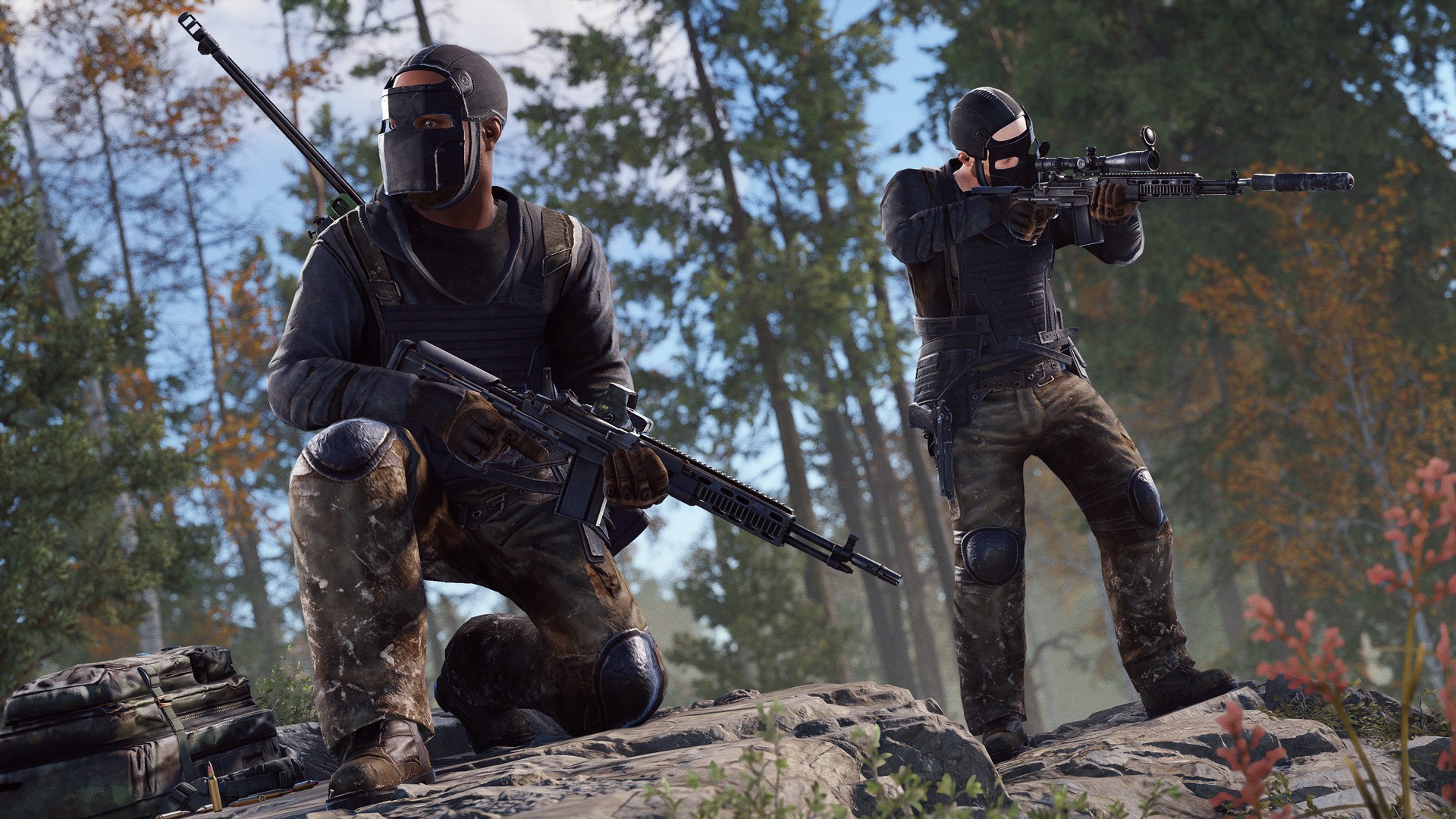
You can tell them apart from their naval camo outfit and square visor.

Unlike their cousins, they don't see through walls and need to rely on noises and recent sightings to find you.

This means you can bait them by peeking or making a noise, then go around and shoot them in the back.
This is further facilitated by their lower reaction time.
If you appear at an angle they didn't expect, they'll be surprised, and then you can shoot them down before they can even react.

Additionally, they won't rush down into bottlenecks to be slaughtered by a camping player, instead they'll try to flank, throw smoke grenades and rush together, or just wait in ambush on the other side.
They'll also be a lot more cautious against snipers, if they're hit or hear a shot, they'll all dive into cover and wait.

We'll keep a close eye on your feedback and keep tweaking them.
Where they're in a good enough state, we'll consider switching the other scientists on the main island to the new AI.
The planner when building or deploying an object has always had a third person model everyone else can see, but it's never had a first person Viewmodel. 
We think it would be nice to have what everyone else sees match what you see so we've added a Viewmodel to the planner.
We have 5 new naval themed missions in this month's update.

These can be picked up from a mixture of new and existing mission provider NPC's. Some of these require you to venture in the deep sea, some keep you rooted on the mainland.
This update brings in a lot of work to improve how we create and modify missions internally. There is still more we want to do with missions, but we are in a better place to work on them now than we were before.

This work additionally brings in several QOL fixes and improvements to existing missions and NPC conversations, as well as related background optimisations.
Scientist boats will now spawn at Large Oilrig with the crate - giving players an additional challenge when taking oil from the sea.
The RHIBs will patrol around Large Oilrig, preventing any players from getting close. These respawn each time the Oilrig resets.
You can kill the scientists and steal the loot on board. Stolen boats will stay around after the Oilrig reset.
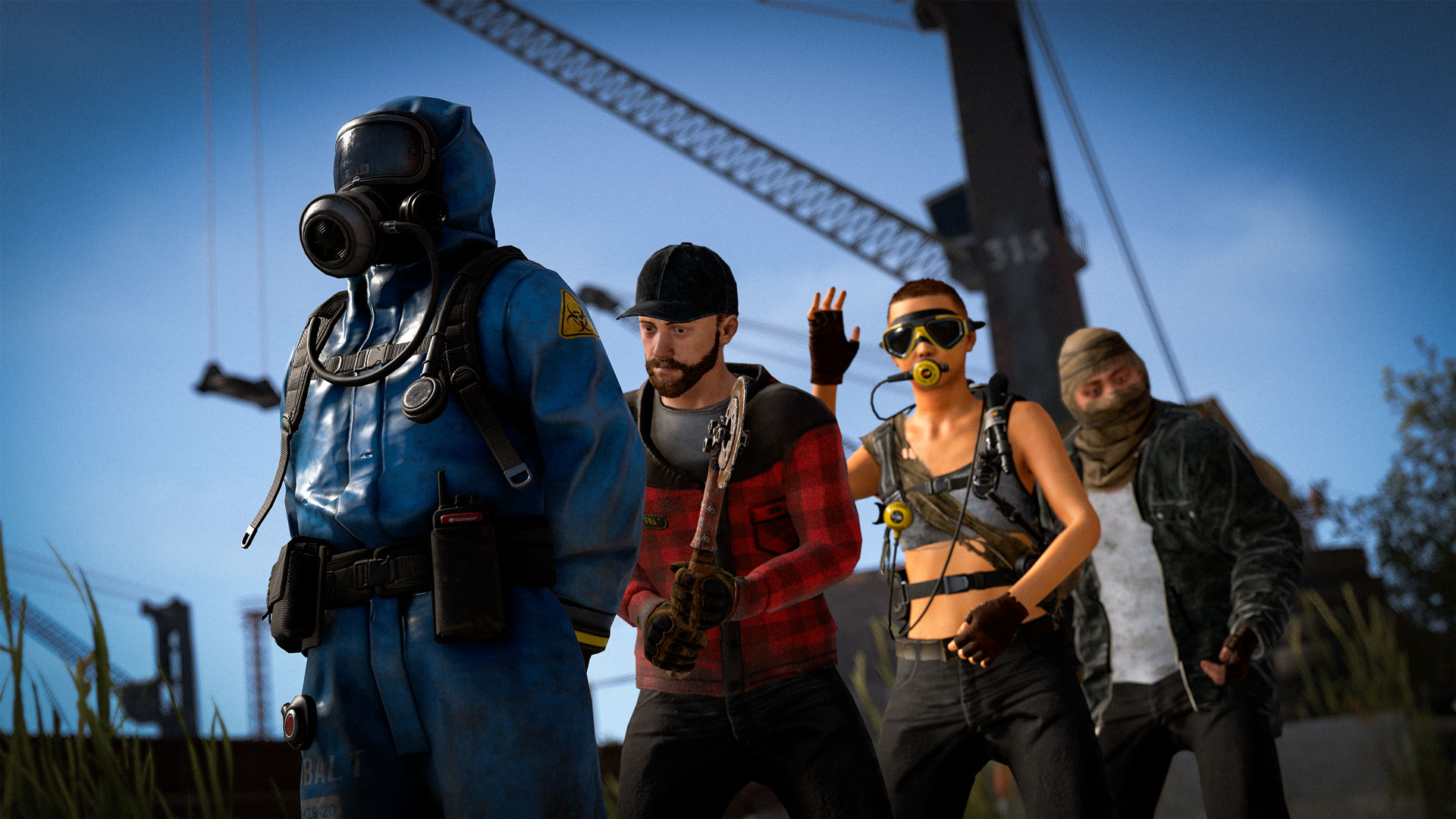
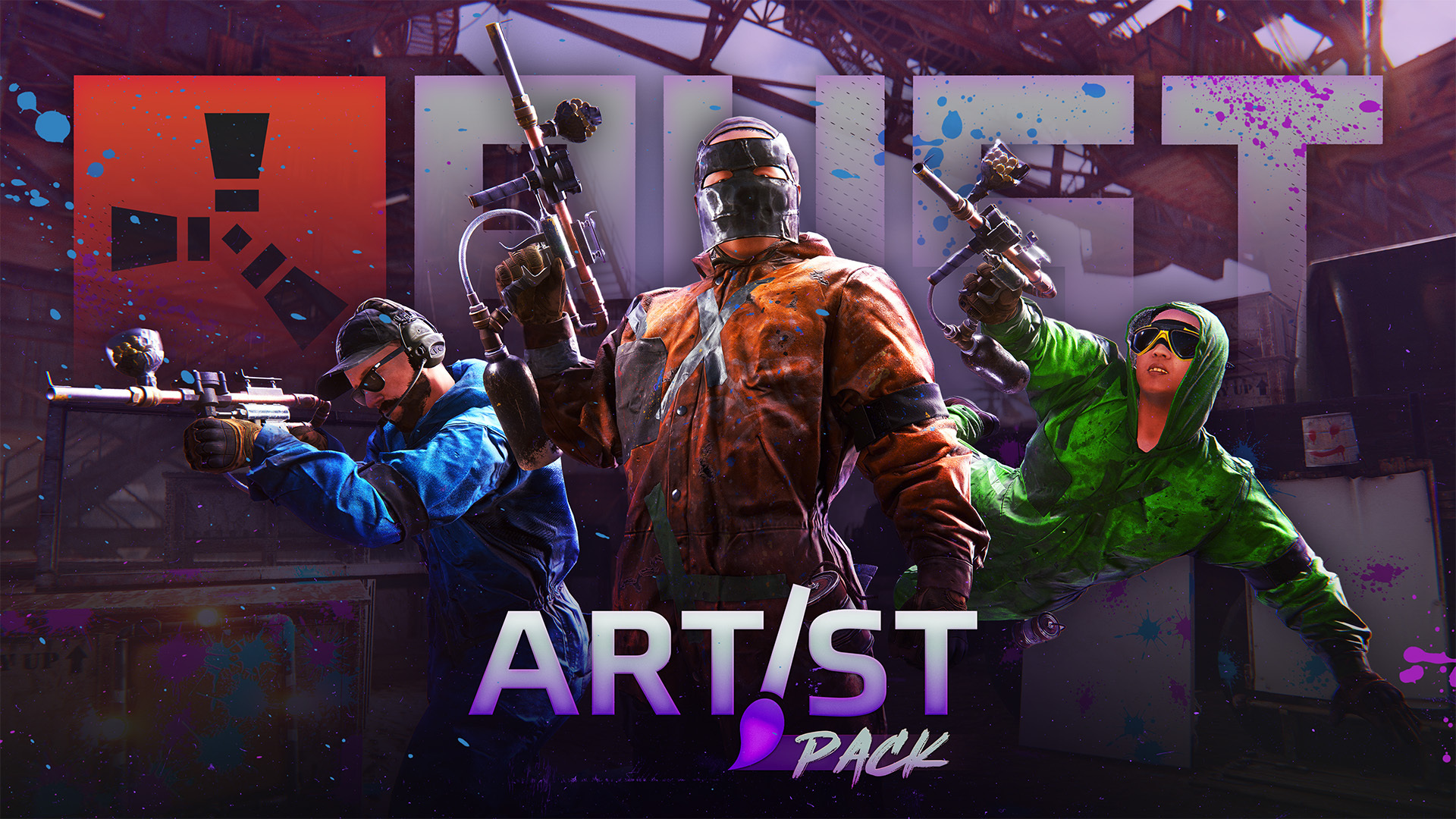
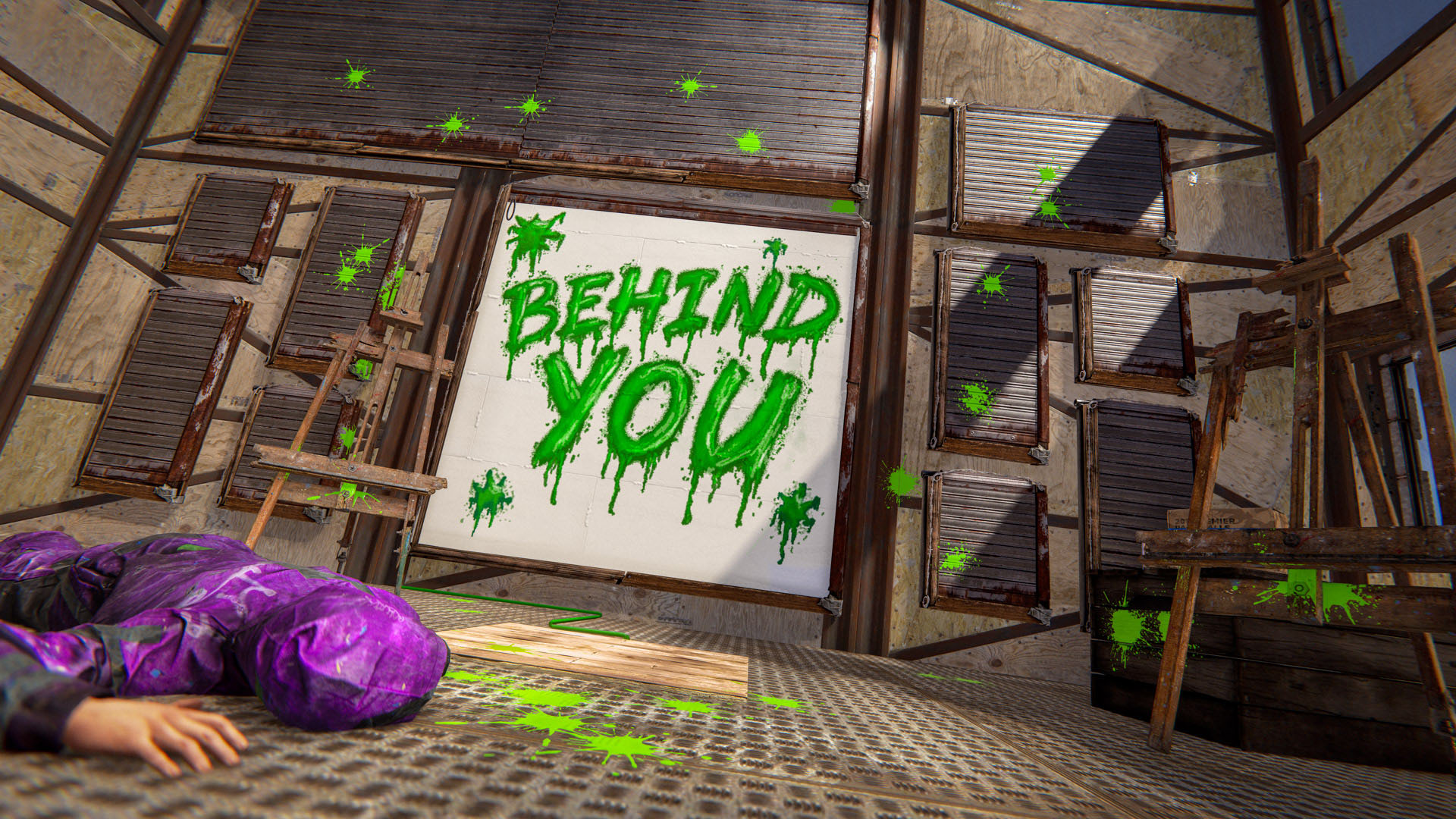
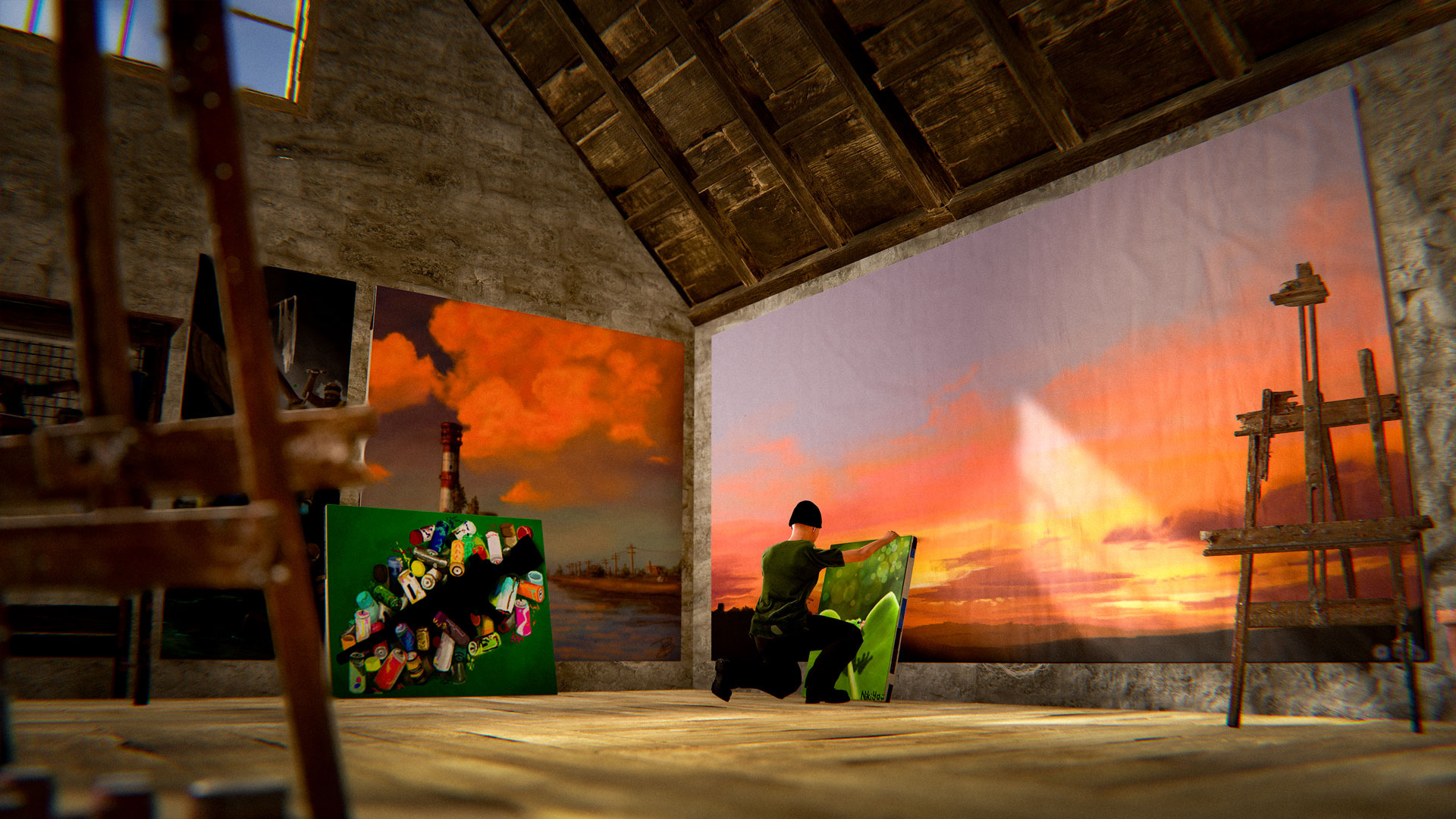
Rust has one of the most diverse playerbases of any popular game, from hardcore PVPers to friendly and not-so-friendly RPers. To reflect this, we’ve cracked out our finest digital brushes and created the Artist DLC Pack; a collection of cool and clever items designed to help you express yourself, no matter if you want to paint a charming portrait, or tag up your neighbour’s base. 


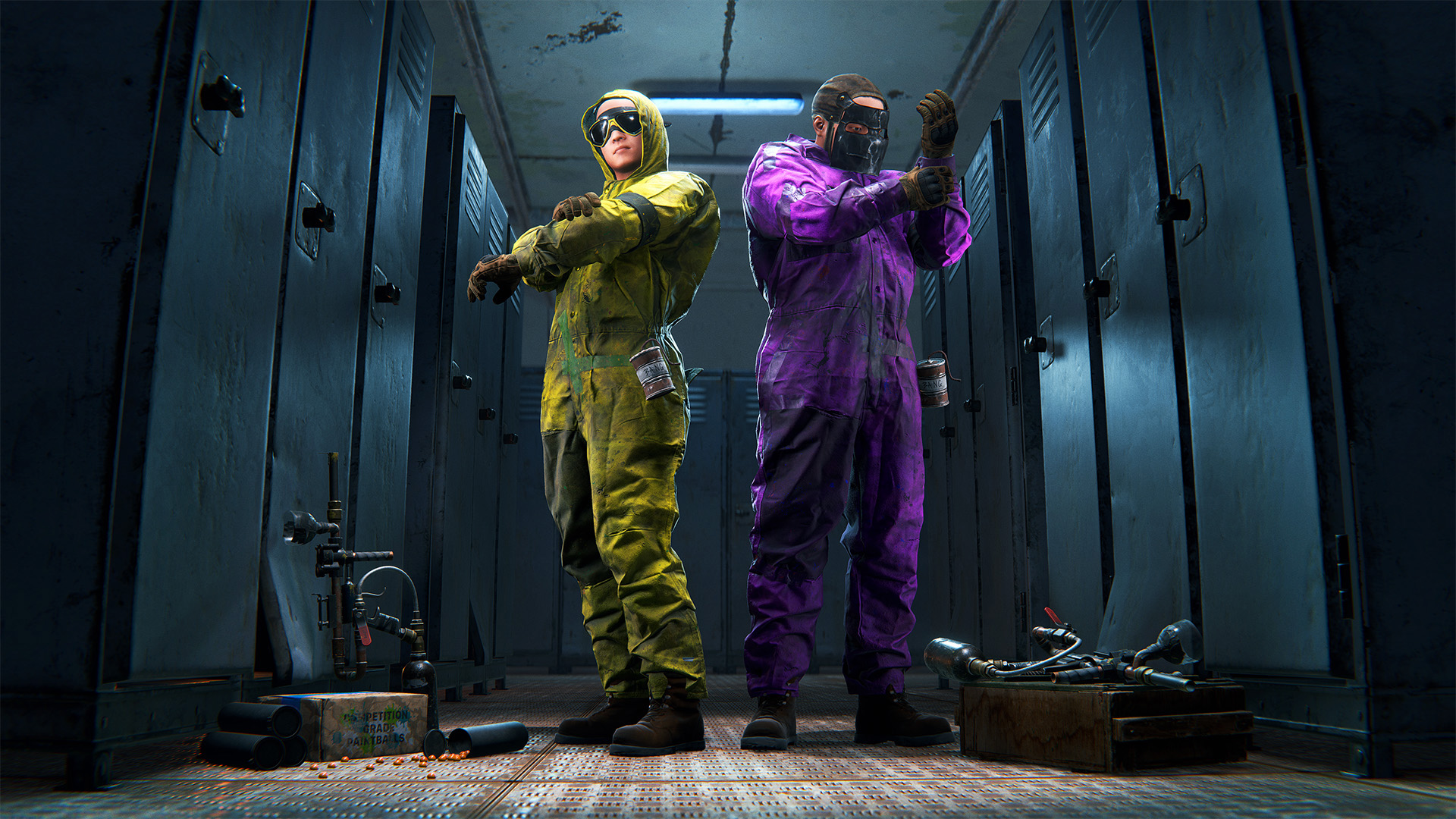
Paintball Gun and Overalls

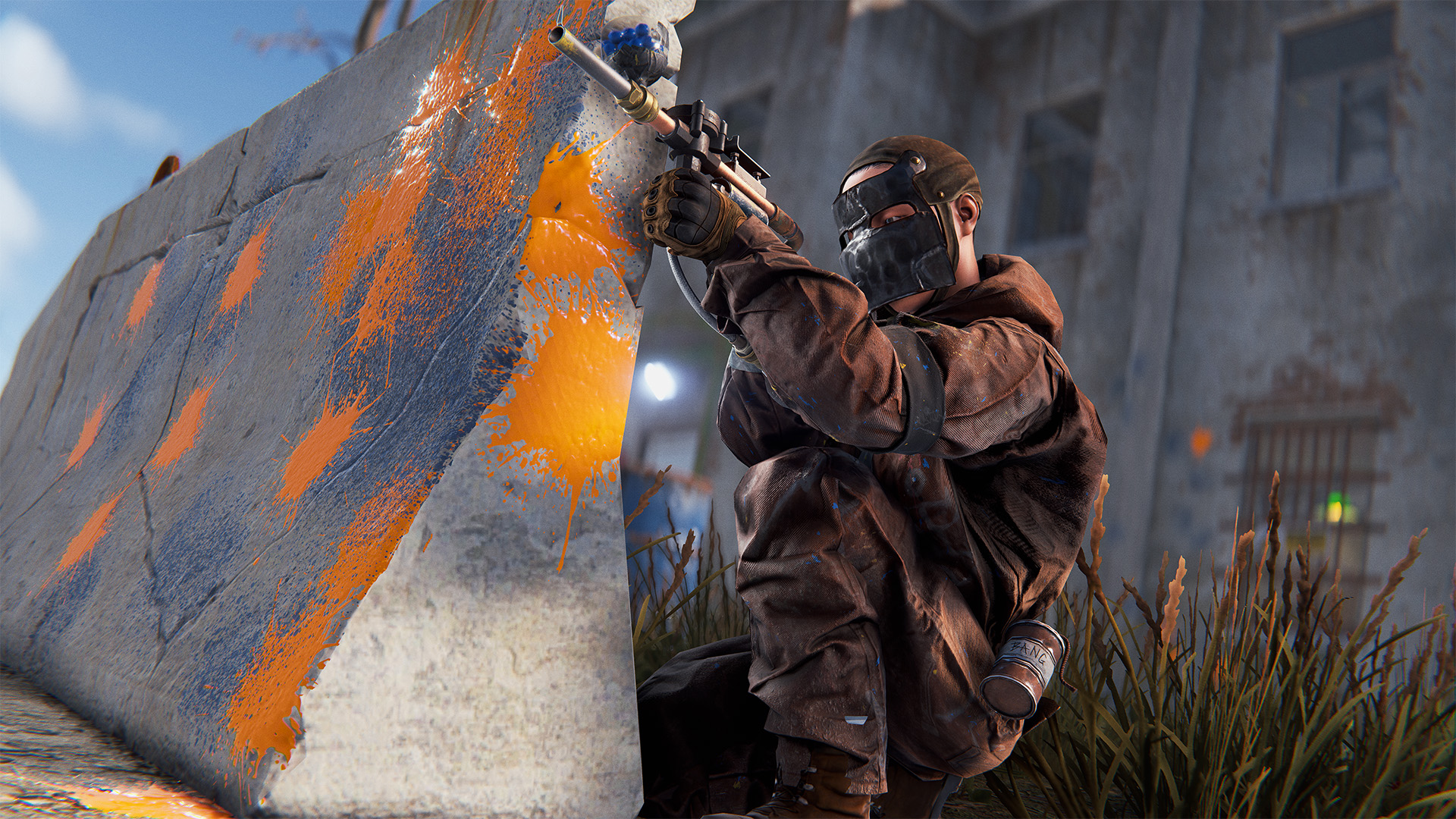
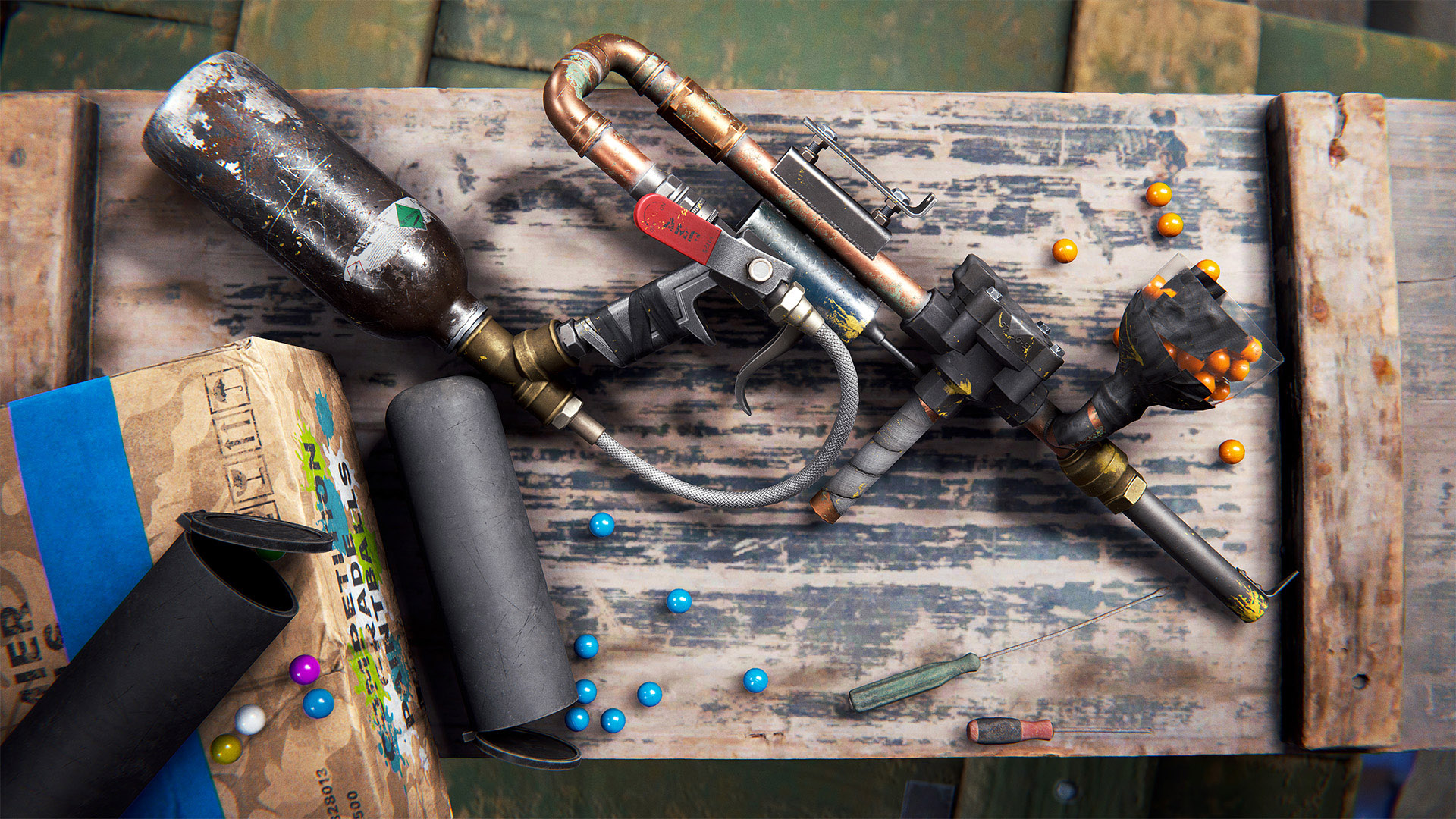
Turn tactical assault into art with the Paintball Gun and Overalls. Featuring a unique ammo type, load the hopper with paintballs, select your team colour and make a scene. Comes in 5 colours for multiple teams.

Paintballs do different damage amounts depending on whether both the hurt player and the instigator player have overalls equipped. There are separate server convas to scale these if admins desire, 'paintballstandarddamage' and 'paintballoverallsdamage'.

You can, of course, also use the paintball gun to tag up whatever you want, not just other players! Additionally, the paintball overalls have a unique feature where the hood is dynamically up or down depending on your choice of headwear.

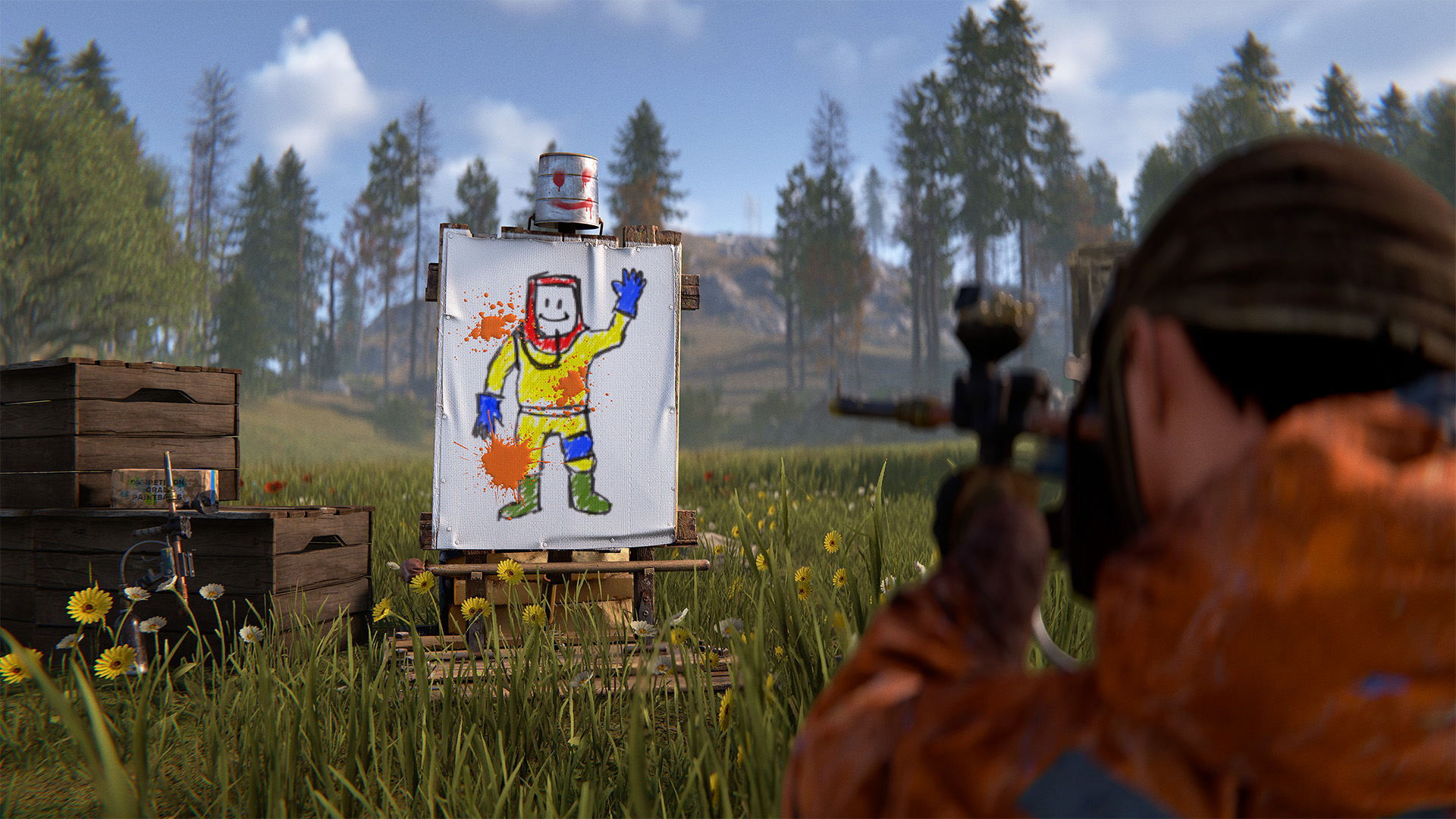
Paintable Reactive Target

Light up your own targets with this deployable skin for the Reactive Target. You can paint on both the target board and the bucket helmet. As an added feature, the bucket acts like a player’s head, allowing you to hone your headshot skills.

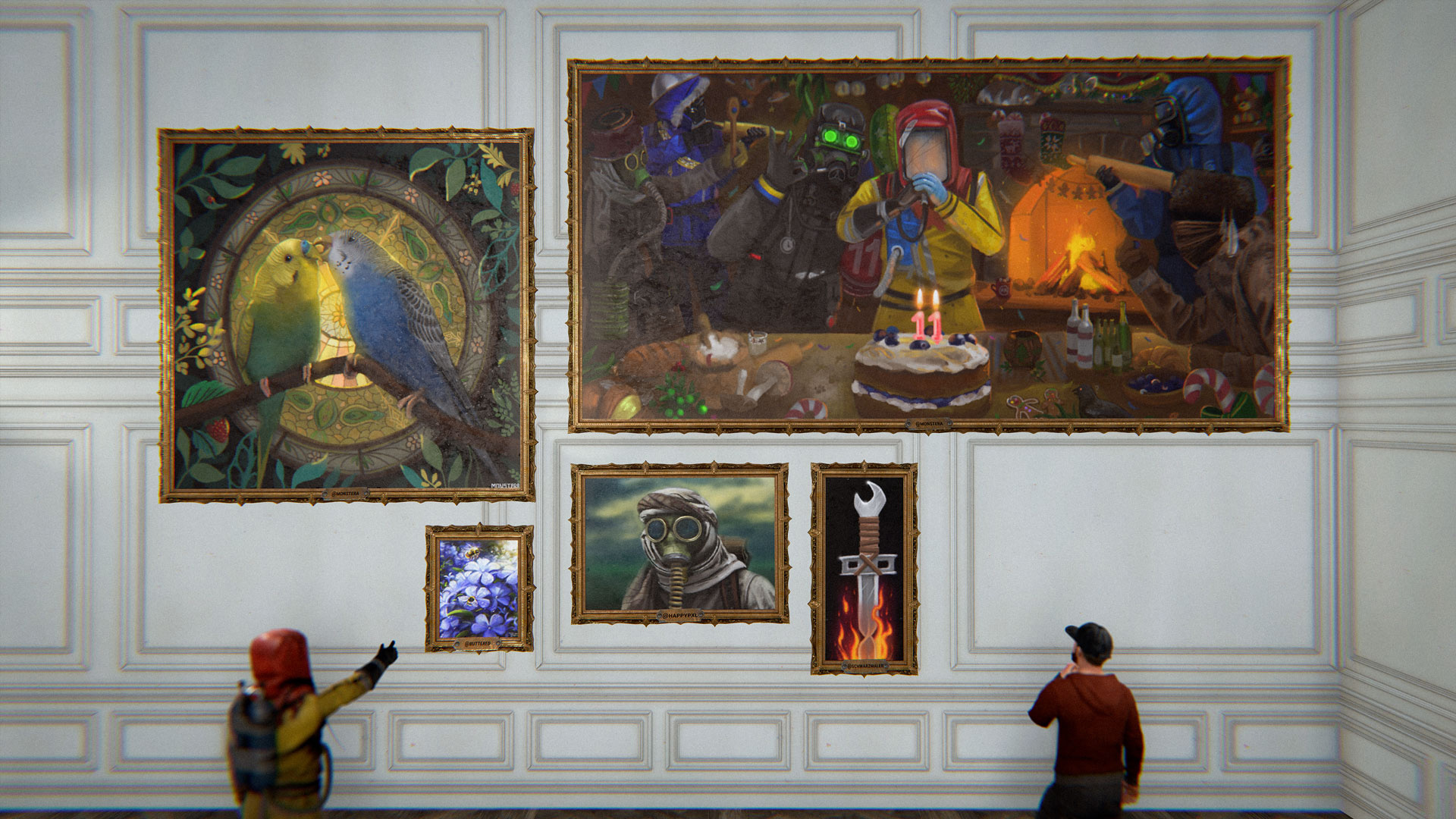
Ornate Frames

Bring a touch of class to your base with these Ornate frames. Paint on them or add a photo, and once you’re happy with your masterpiece, give the frame a unique description. Comes in 5 size varieties from small to extra extra large.


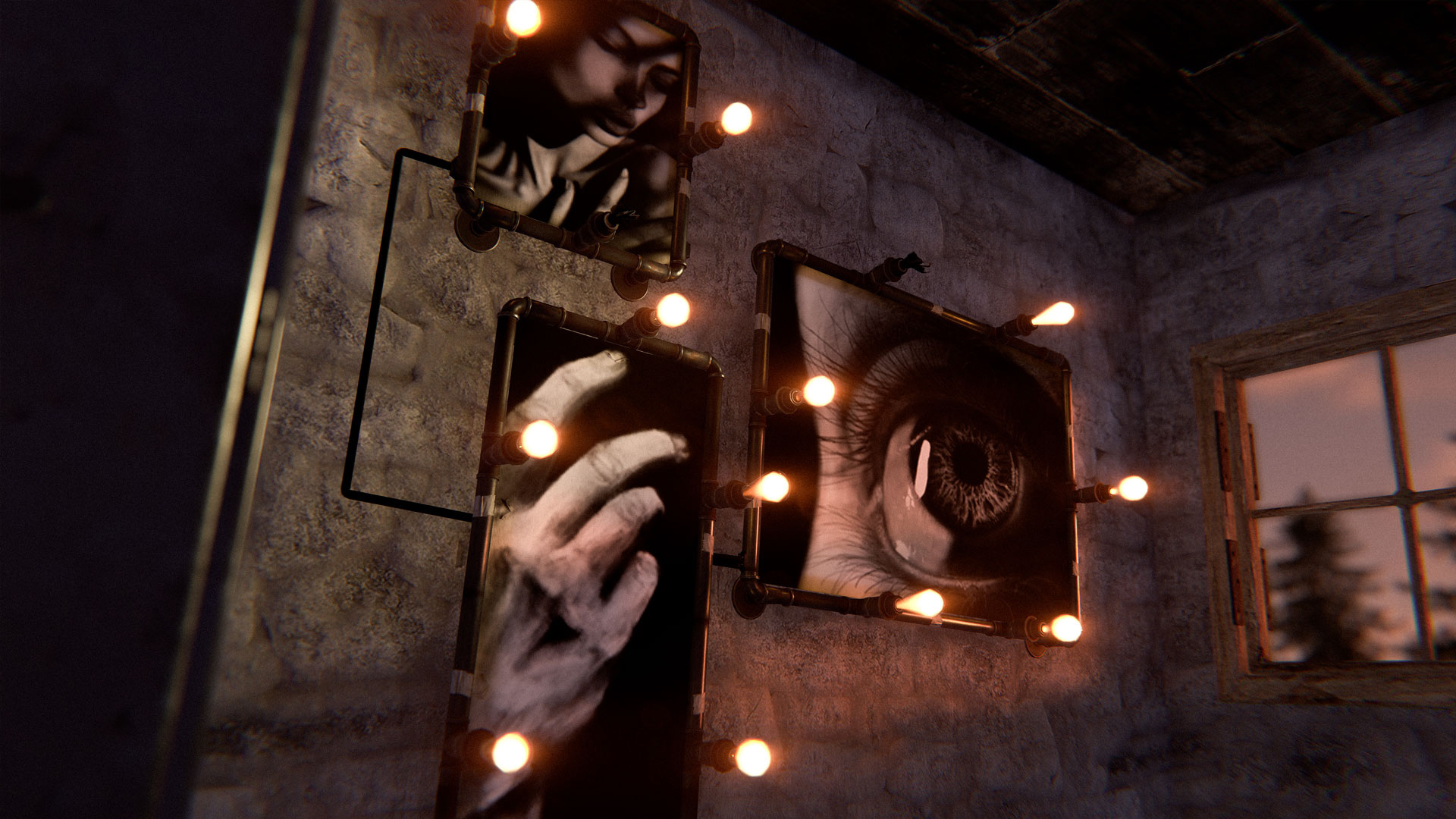
Light-Up Frames

Put your artwork up in lights with this collection of 5 light-up frames. Supporting IO, you can display these lights off or on, which will highlight your work for all to see.


Shutter Frames

Unroll your designs with the shutter frames. Coming in 5 size variants, you can roll up and down the shutters both manually and with IO, enabling endless possibilities from an RP Gameshow Contest to the ultimate trap base reveal. 
Frameless Canvases

If the extra-large frame isn’t big enough for your ambition, look no further than this set of 5 frameless canvases. You can use these to create murals of truly epic proportions.
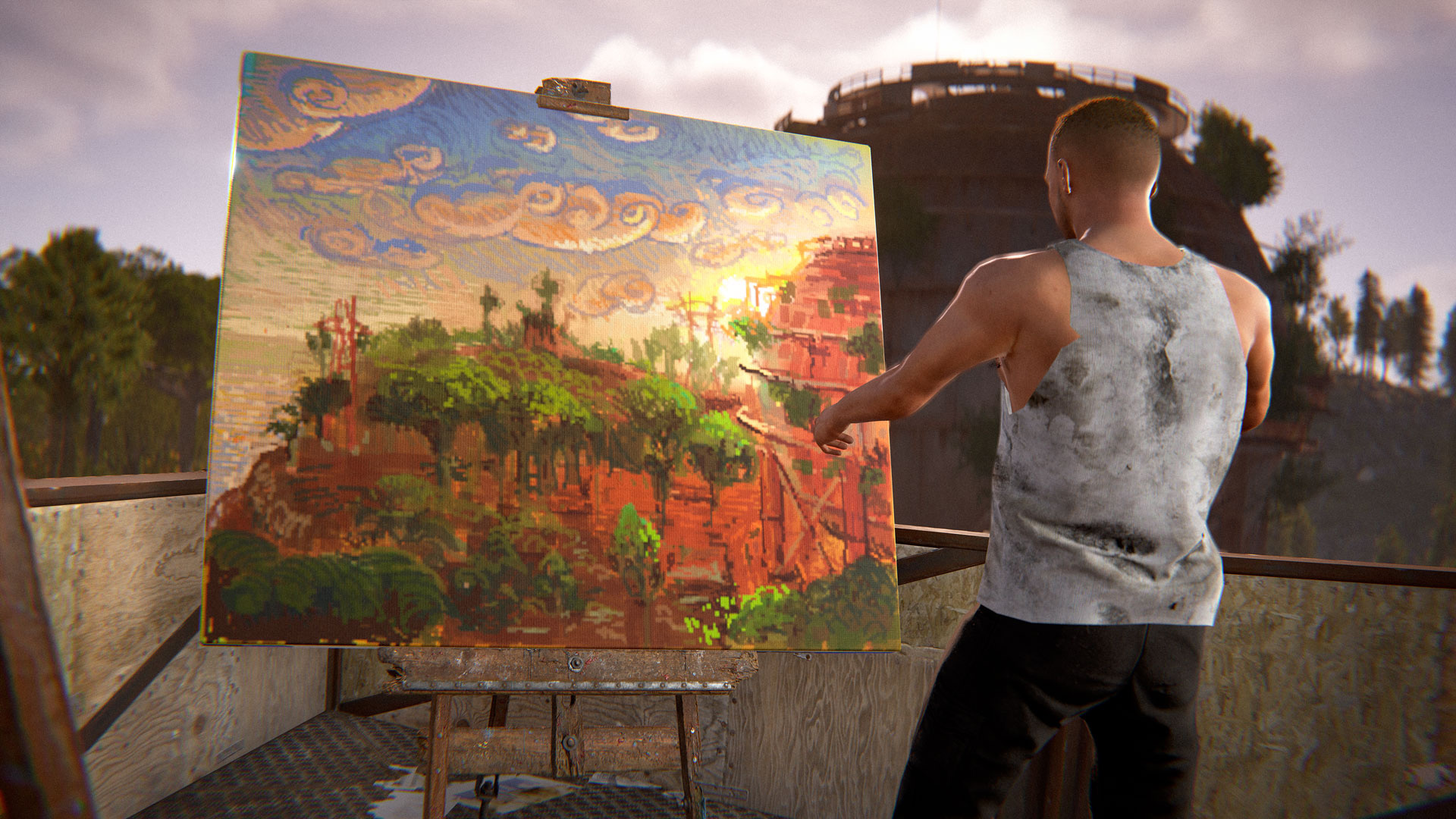
Portable Easel

Take your talent to the great outdoors with this new, unique deployable. You can mount any frame up to Large size and paint to your heart's content, taking in the crisp air downwind of Fishing Village. In paint mode, you can toggle the background and even the canvas itself, helping you in your creative vision. The easel supports any colour you want to use, even black…

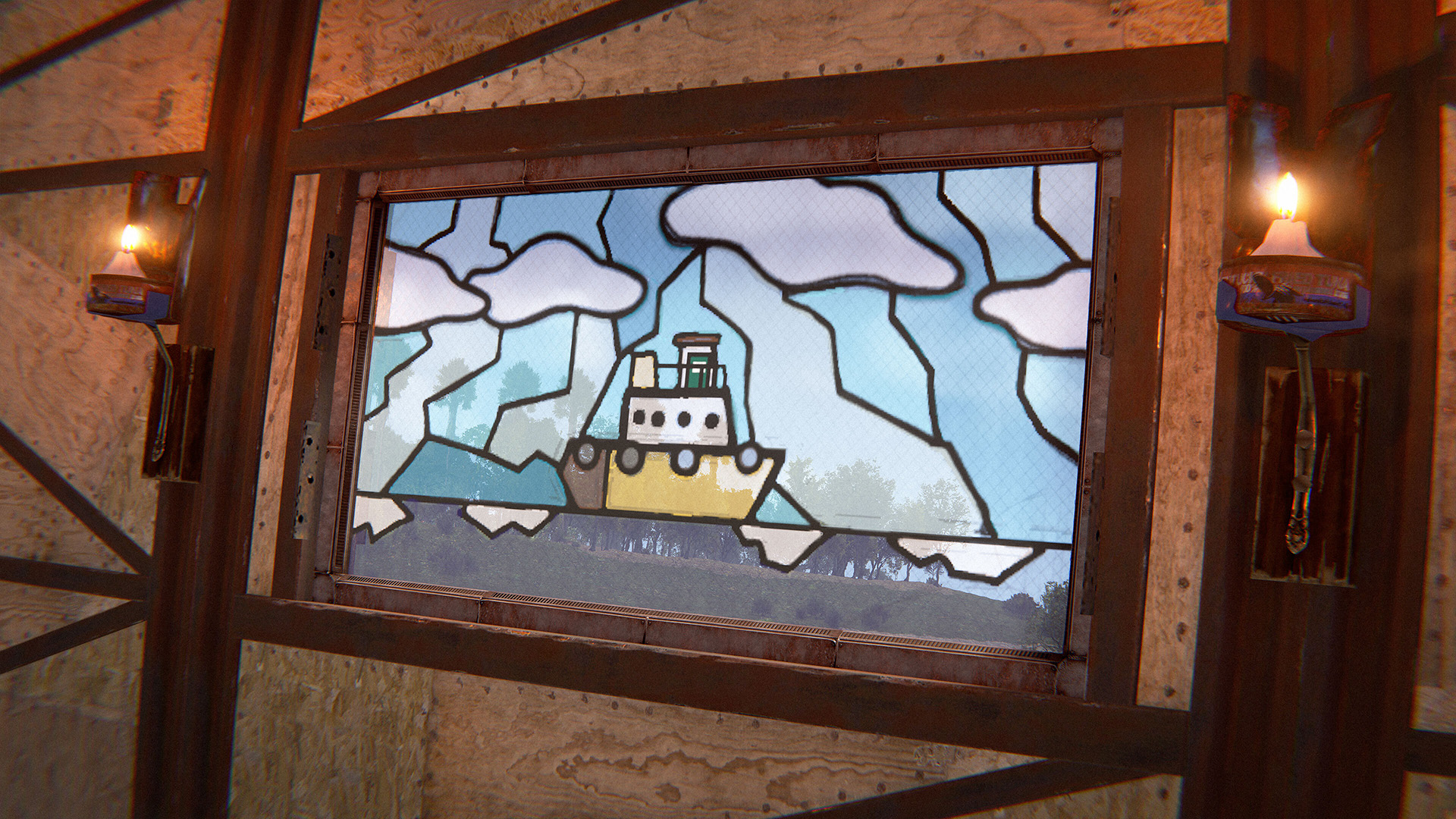
Paintable Window

Whether you want to make stained glass, a fish tank, a store window or a Home Alone-style decoy, this paintable window will come in handy! This deployable is a skin for the Strengthened Glass Window.

Rosette Award Sprays

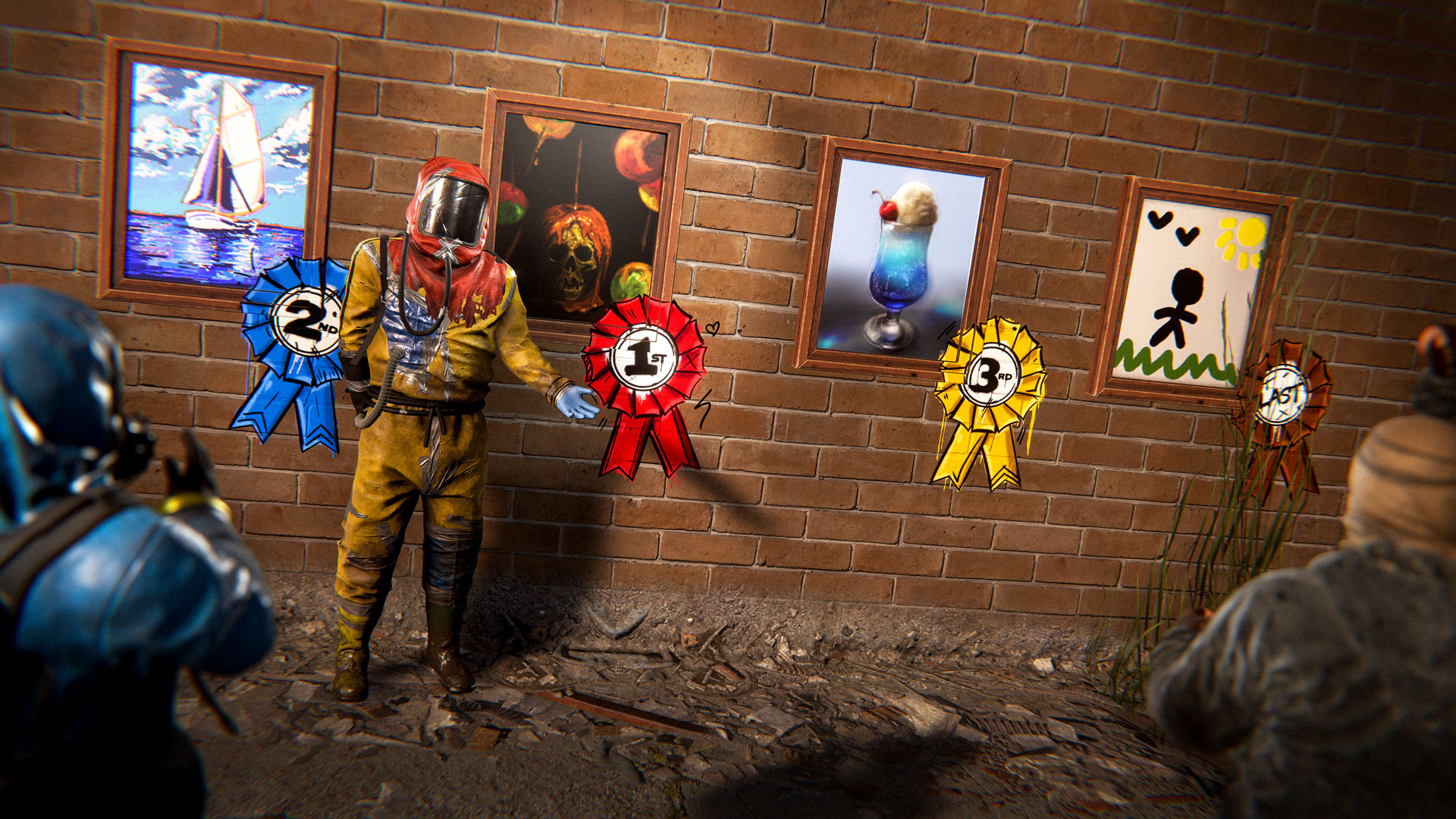
Last but not least, awarded with the Artist DLC Pack are 4 custom sprays usable with the Spraypaint tool. Included are sprays for 1st Place, 2nd Place, 3rd Place and… Last Place. Use these as you see fit.

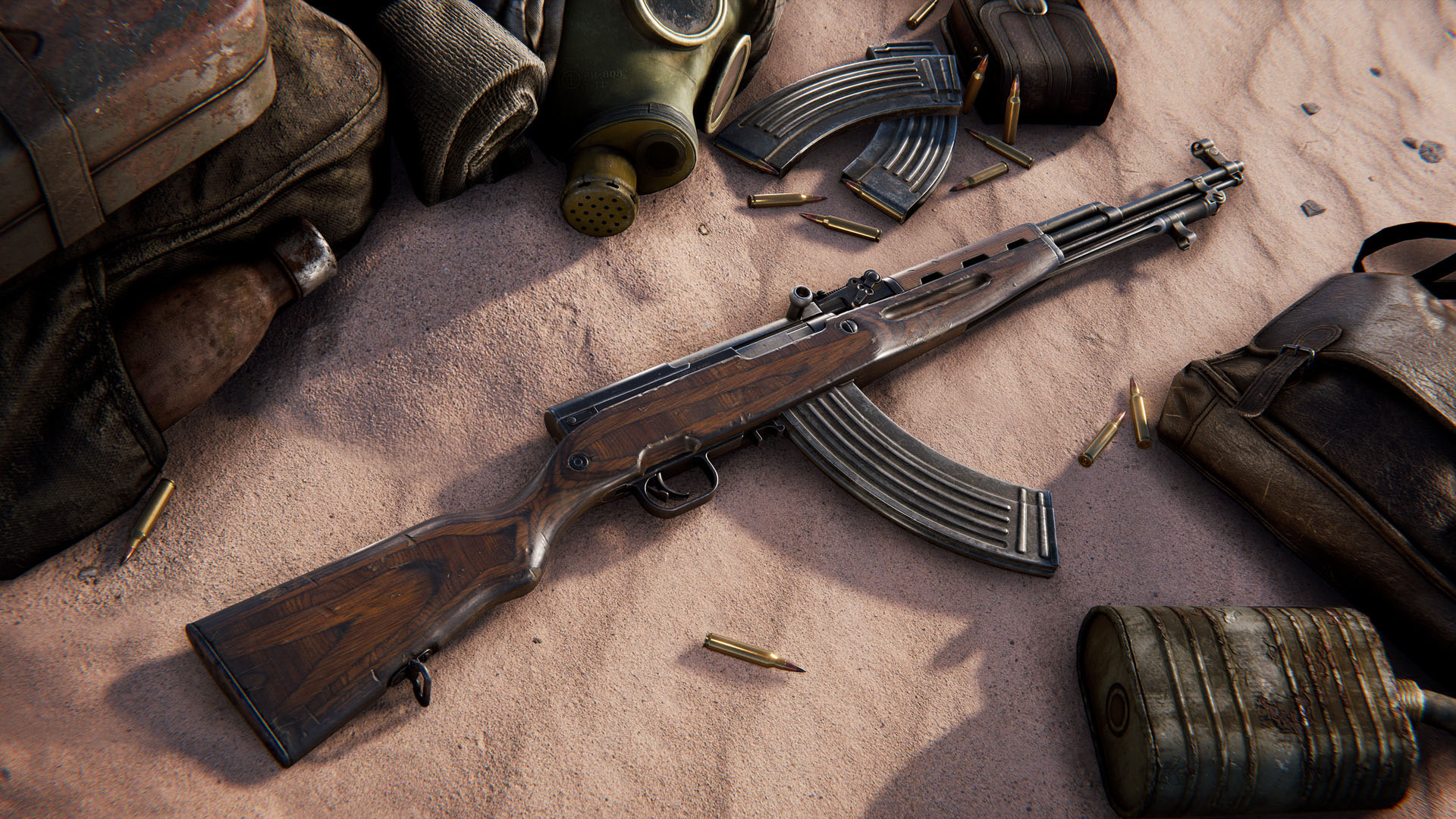
This month, we're introducing the next workshop skinnable: the SKS

The SKS has been a popular request from the skinning community, and we’re happy to oblige! As one of our newest weapons, we can’t wait to see how the community works with its updated visuals.

To make your own SKS skin, head over to the in-game workshop and locate the SKS weapon item. From there, you can download the model file and add your own materials.

If you've been following development of this update you'll likely know that we had to postpone it last year due to some concerning server performance issues. Since then we've been extremely focused on getting server performance as close to its pre Naval update levels as possible. While a lot of the issues were in new content, we didn't stop there and have made a lot of improvements to older performance bottlenecks.

A lot of these explanations might be a bit technical but we thought it might be interesting to see the process we go through when working through these issues.
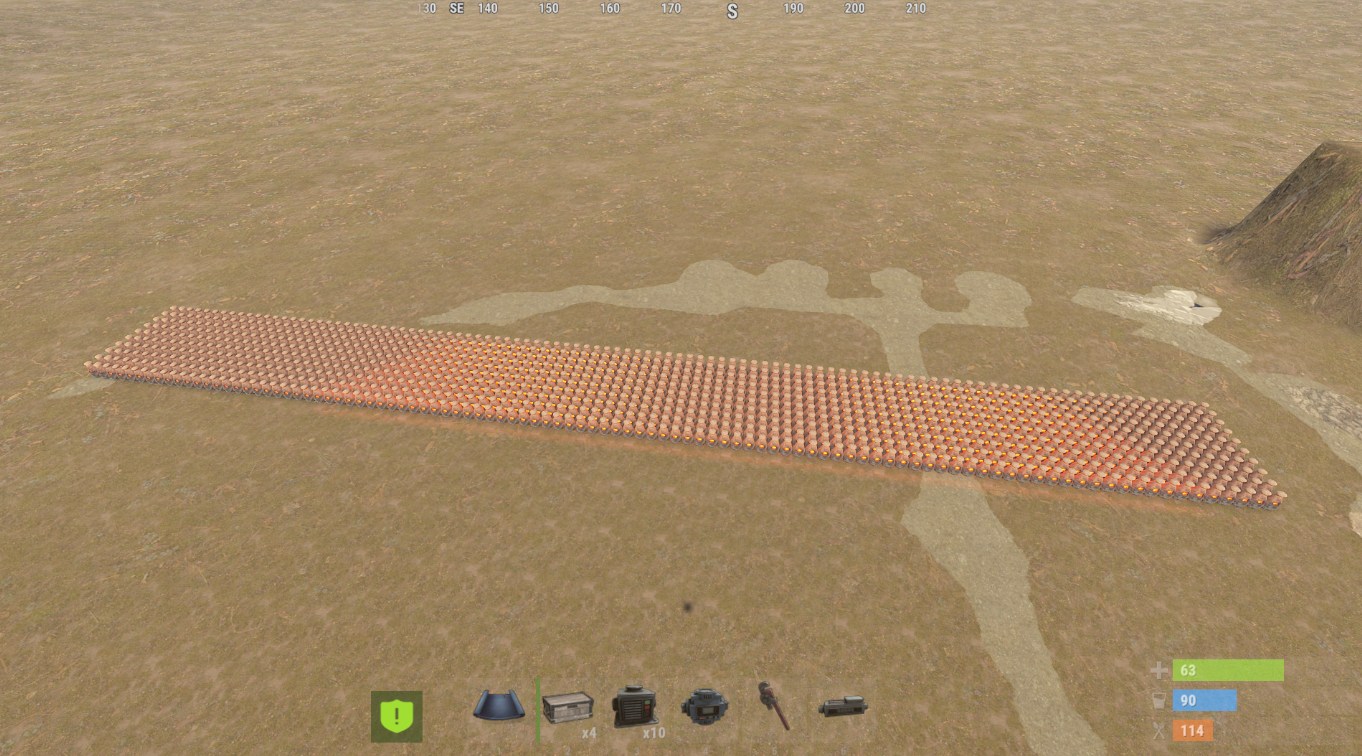
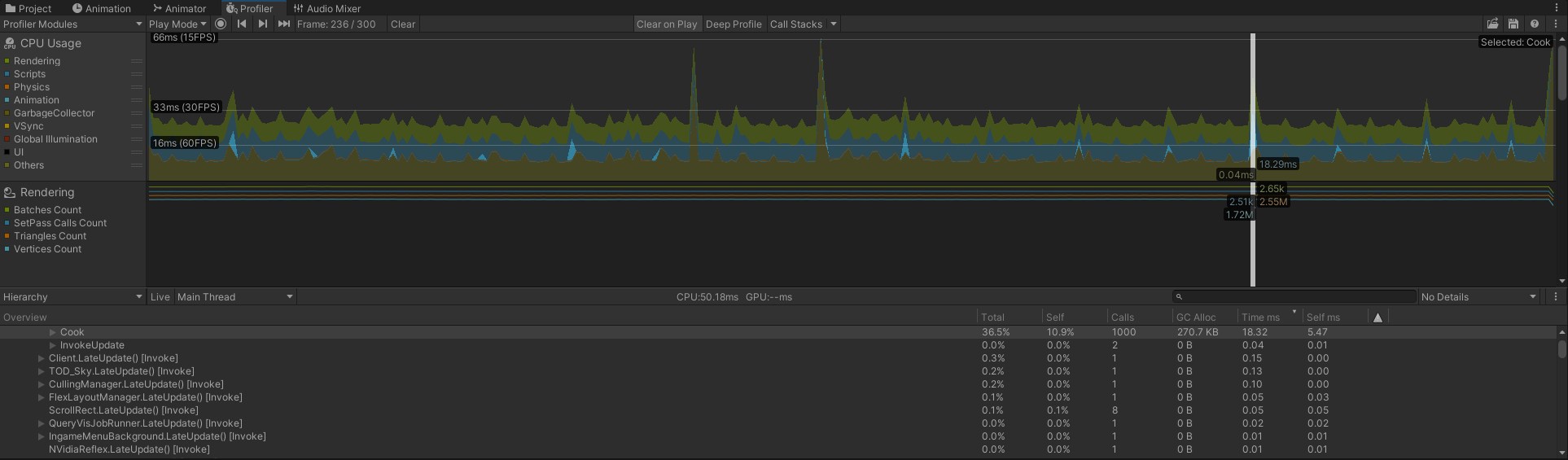
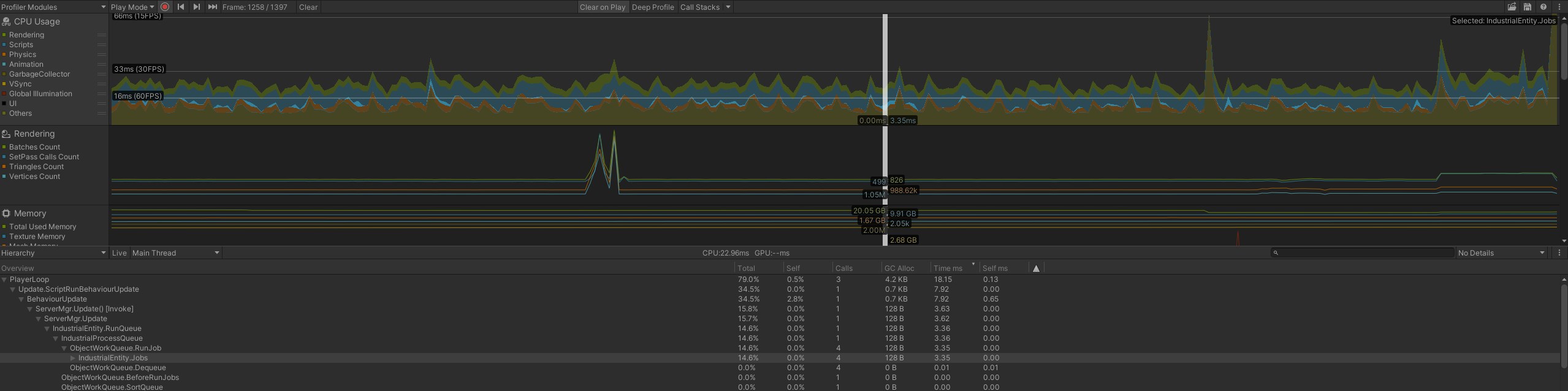
We noticed some large frame times attributed to the Oven process - this is any campfire, furnace, BBQ, etc. On closer inspection this had a few issues. The cook process runs every 0.5s with no randomisation, so if a lot of ovens were running at once they would likely bunch up and cause large spikes. In an artifical test case of 500 ovens running in sync, we were seeing 18ms to work through all of the ovens.

Ovens now use a maximum budget of 0.25ms per frame to smooth out the cost when running at scale. This would just make the system run slower, so we also made some optimisations to get each Oven running faster. When creating an output item, we used to make a new item (eg, 1x metal frag) and attempt to add that item to the output (which would usually add +1 to the existing stack and then delete the newly created item). It's much faster to check if there is already an item in the output and just increase its count, bypassing the new item creation process (we've used this trick on the Industrial system for a while). Each oven was also iterating over all of its items to find the fuel each tick, which is now cached. Finally, the oven was marking its inventory dirty every time it updated the cook process (to update the animated progress on the item icon), which now only gets dirtied when passing a threshold (5%, 10%, etc.), which dramatically cuts down the overhead from sending out the updated inventory.

These changes bring the artificial test of 500 Furnaces smelting Metal Ore down to a maximum of 0.25ms, often less than that and with no visible changes to players.
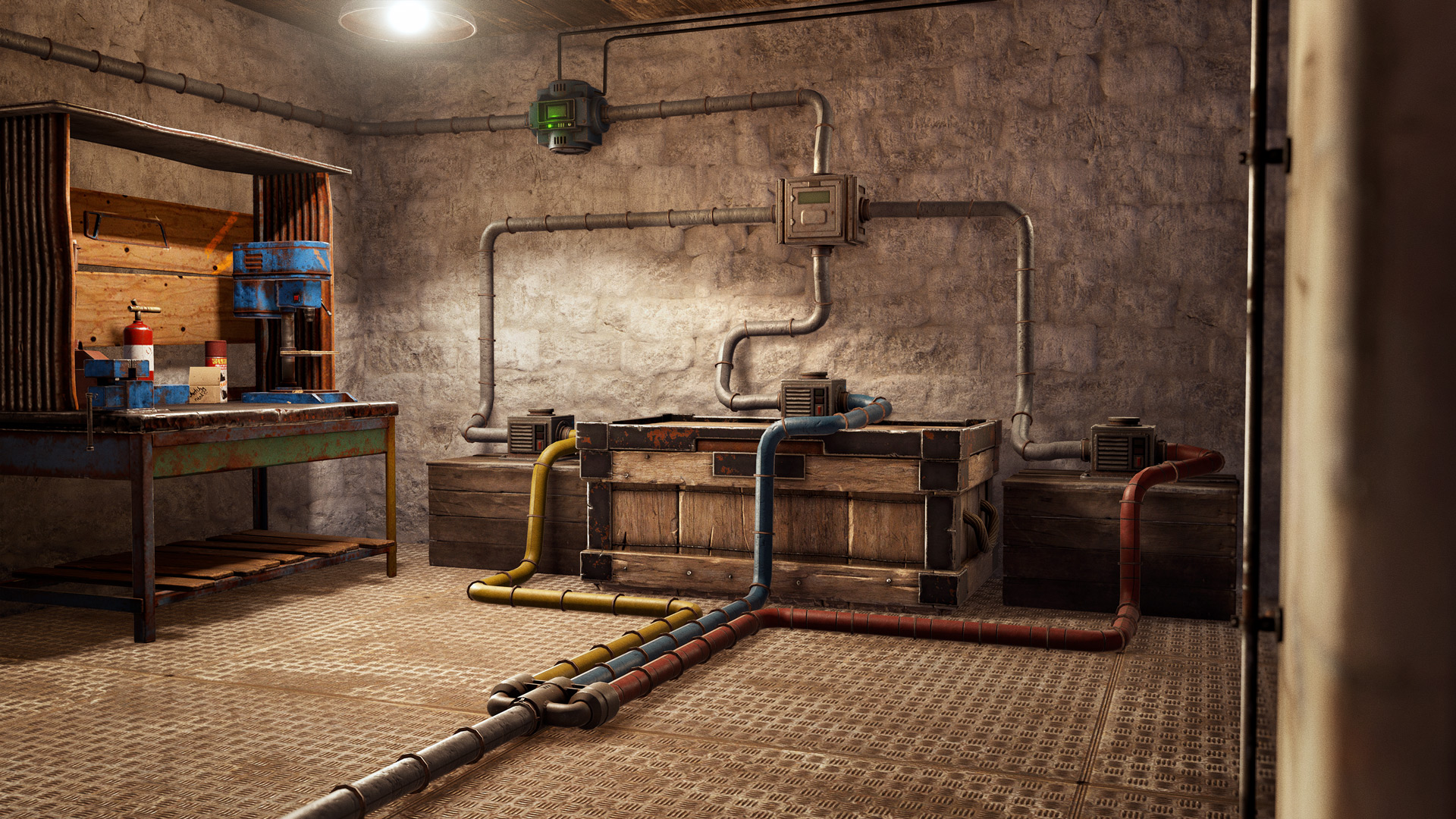
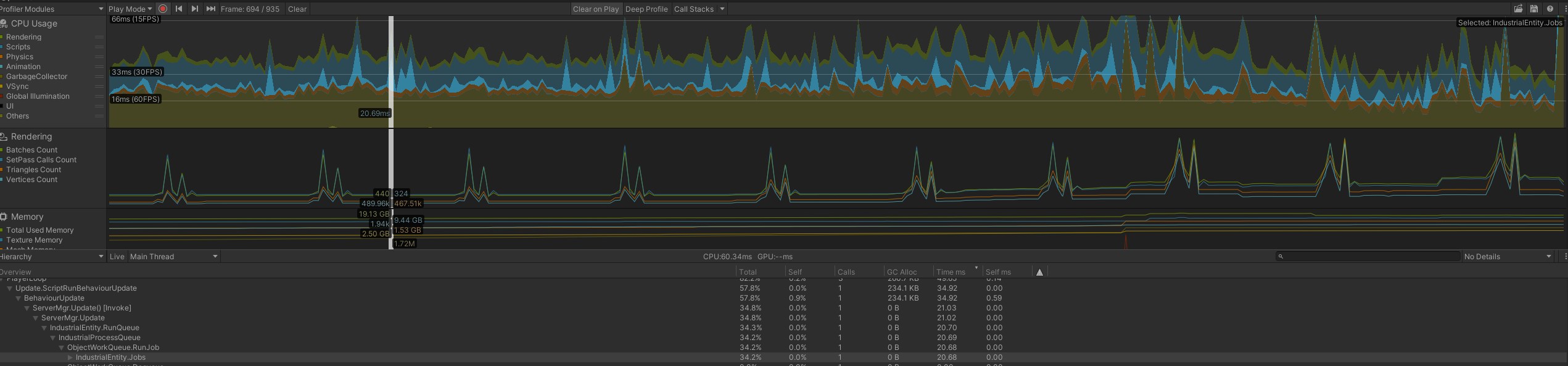
The Industrial system has always been a challenge when it comes to server performance. Base and pipe designs have been getting even more elaborate and complex over the years, which exposes new bottlenecks in the logic. This month, I was able to get a copy of an extremely poor-performing base from one of our live servers that was a useful benchmark. In some cases, this base was spending 20ms/frame to fully evaluate the entire Industrial system, which is obviously a problem on any server.

The main gains here involved reducing the number of times we had to iterate over item containers and other arrays. At this scale, simply getting an item from a container can be slow, as the order of items in memory may not match the order of items in a container, so we potentially need to iterate over the entire container to find what item is in a given slot. Multiply that by every slot in every input, evaluating every slot on every output, and the cost adds up quickly. Making a quick lookup that we can refer to during the Industrial process was a huge gain, in some cases, bypassing over 20,000 enumerations.

Checking items passed filters was also costing us time, running the whole input container through the filter a single time at the start of the process allowed us to bypass even more enumerations. It also meant we could remove a couple of layers of nested for loops. The end result is that the above base would now peak at 3ms for a frame. Still quite a while, but a marked improvement over the original case. 
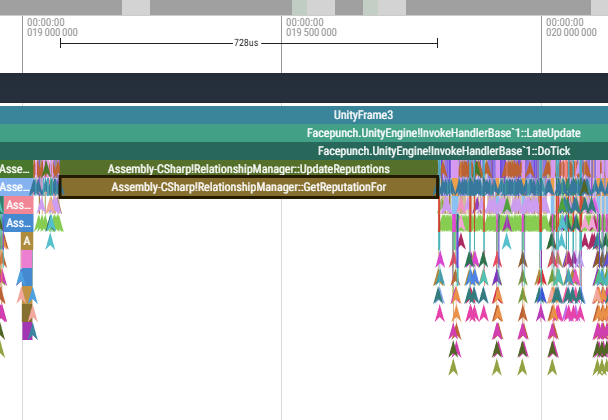
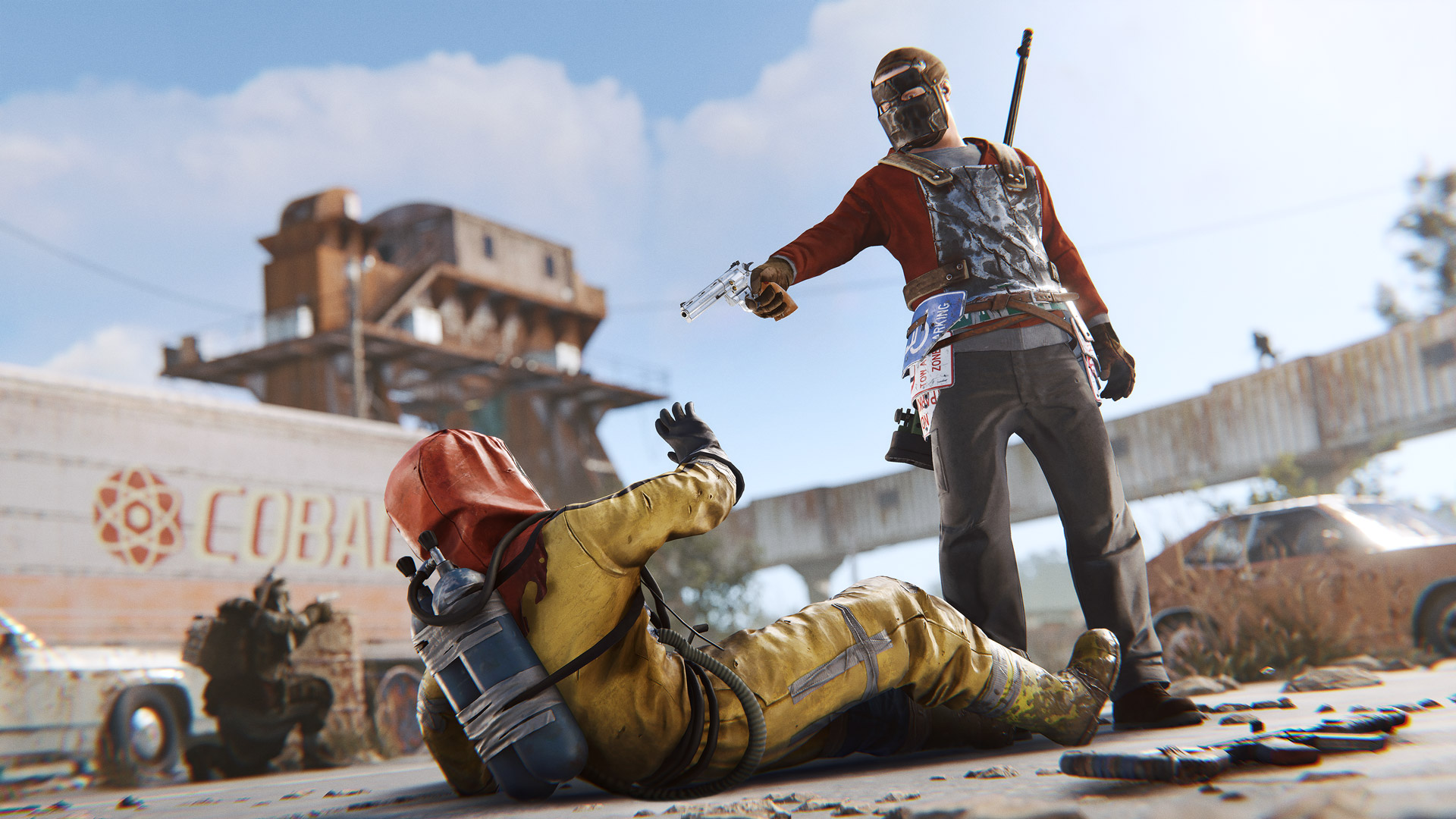
The RelationshipManager system controls the Contacts system - taking images of players you meet and keeping track of your relationships. It's relatively limited in functionality, but it was taking quite a while on heavily populated servers. 

This was iterating over every player in the server, finding any players in range, checking if they are visible (using a physics check) and creating a new relationship if needed. It would also go through every existing relationship a player has, calculate how many players have marked a player as negative and flag them as hostile by default (ie, their nametag will be red). This was happening every 1s with no protection for lots of players triggering this in the same frame, so this could lead to occasional very long frame times - up to 0.75ms on busy servers.

I've updated this process to use a budgeted queue, so we'll only do a maximum of 0.15ms of processing in a frame. If more players need an update, it will wait for the next frame. Since this logic doesn't need to be perfectly up to date, a slight delay is acceptable and will likely not be noticeable. I also updated the hostile calculation to only run if a player has modified a contact (marked friendly/hostile/neutral), as in most cases, this calculation was getting the same result every time. Finally, I updated the line of sight check when creating new contacts to use the server occlusion system as a first pass, which means we can skip the physics calculation a lot of the time.
We support changing the size of the player collider in select scenarios - when downed, sleeping, mounted to vehicles, etc. This was being applied by iterating over every player on the server, every frame and updating it as needed. On a moderately populated server, this was taking 0.25ms, even though in most cases it didn't need to update the collider size.

I've improved this to use a budgeted queue, so it will only update 0.05ms worth of players a frame. Since the player collider size is quite important, I've gone through and added a manual size adjustment when the player changes state (eg, goes to sleep), so the size should still be updated immediately and not delayed by a few frames. 
We have a system in Rust called "parenting volumes" - as the name implies, these volumes detect if a player or other entity is in the vicinity and should be parented to another object. As there are a lot of edge cases, we also run extra checks(like physics queries) to avoid issues.

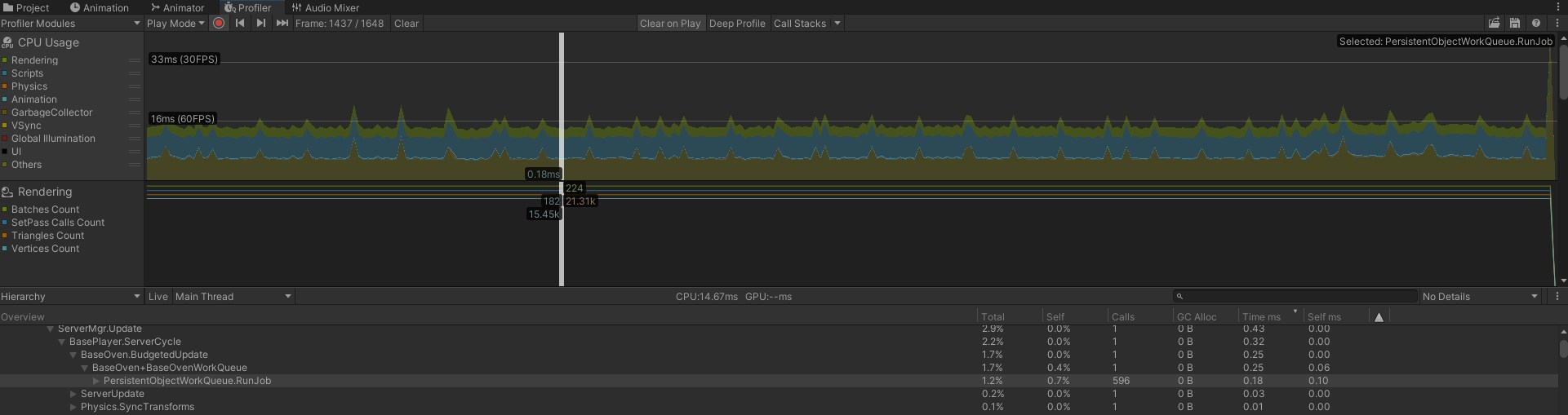
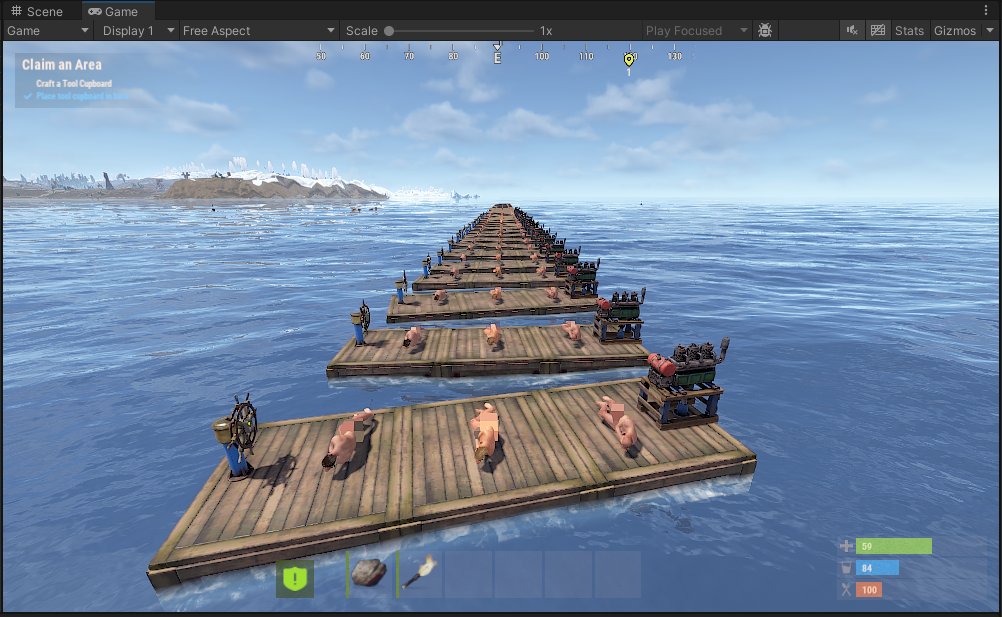
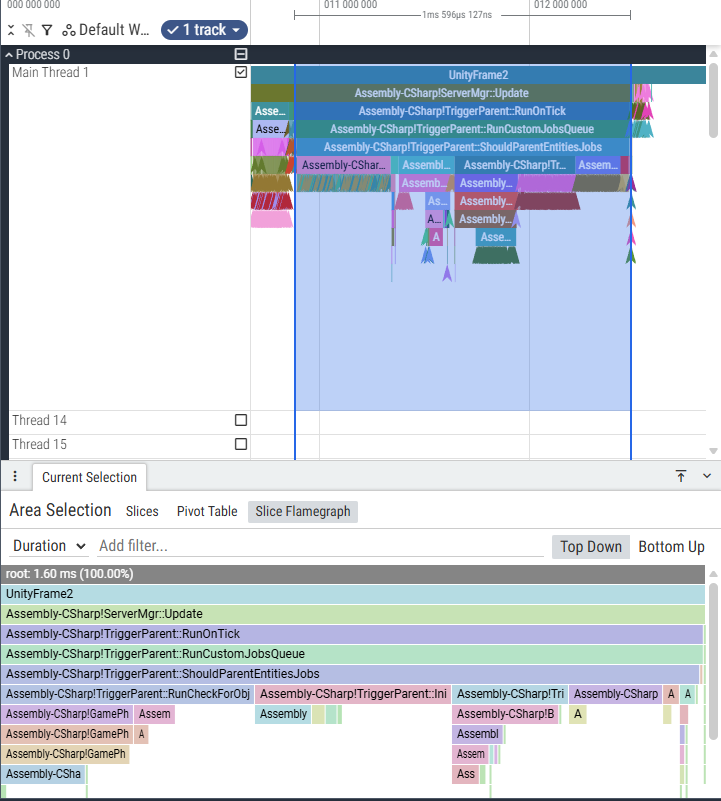
The upcoming player-made boats depend on it, and also utilise it quite a bit more than anything else in the world. During development, we've discovered that it adds a high cost to server processing. Here's an example of 100 boats made out of 3 blocks and 3 sleeping players:
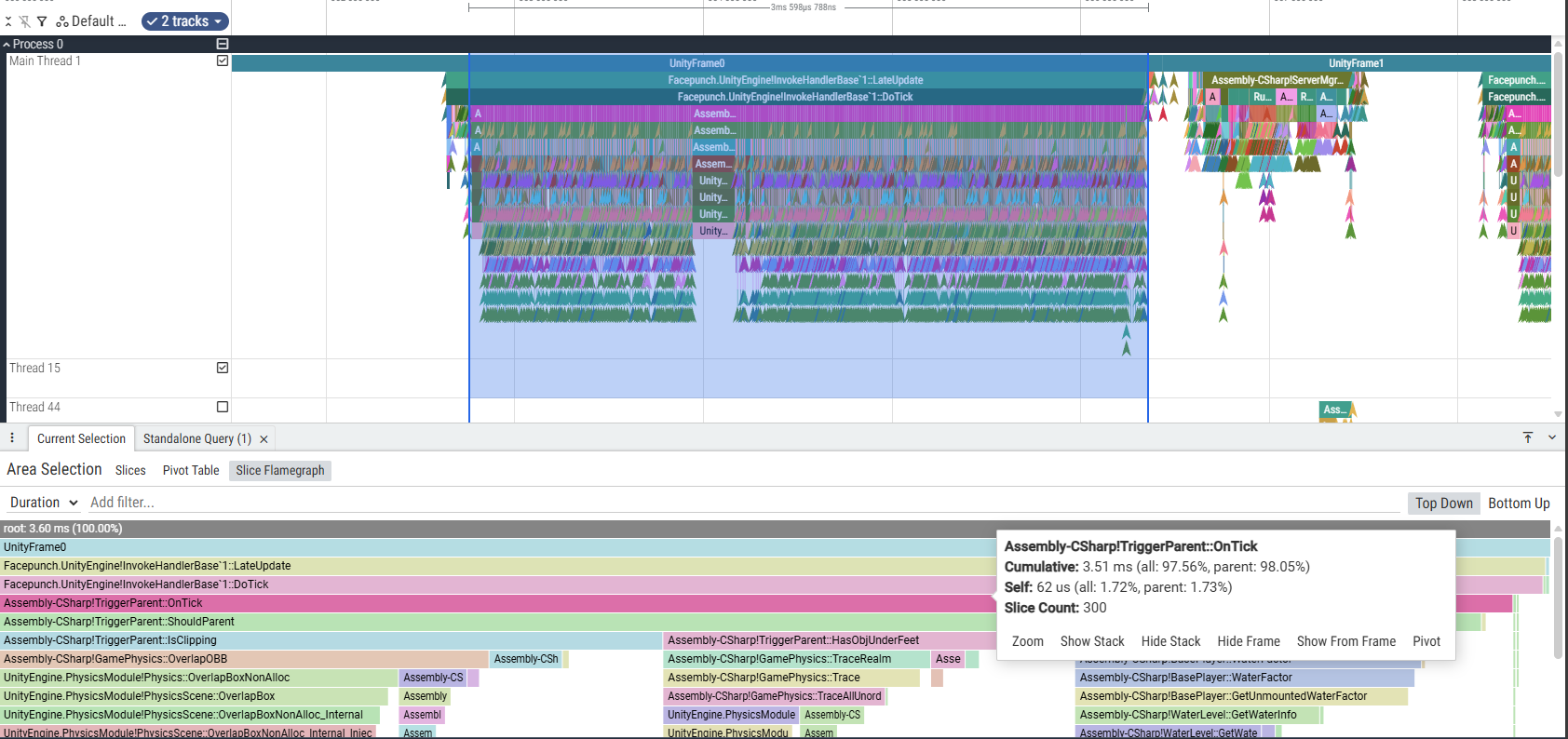
And here's how much it costs - 3.5ms, which is a lot for something that's not actively in use:

I've taken time to rewrite this logic that runs if TriggerParent.TickMode is set to 1 (which is default). It's now:
  • Uses its own processing queue instead of Invokes, reducing stalls if physics world changes between individual invokes
  • Used batch processing and Burst jobs to overlap work across threads where possible
  • Skip work if volume and its contents haven't moved/changed
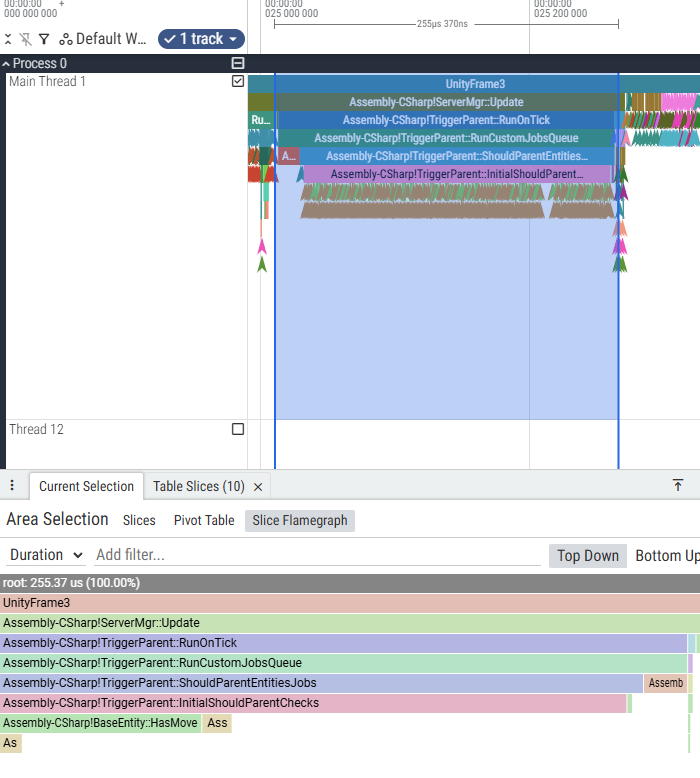
As a result, the above scenario now takes:
  • 1.4ms(-61%) if every boat is moving
  • 0.25ms(-93%) if every boat is static
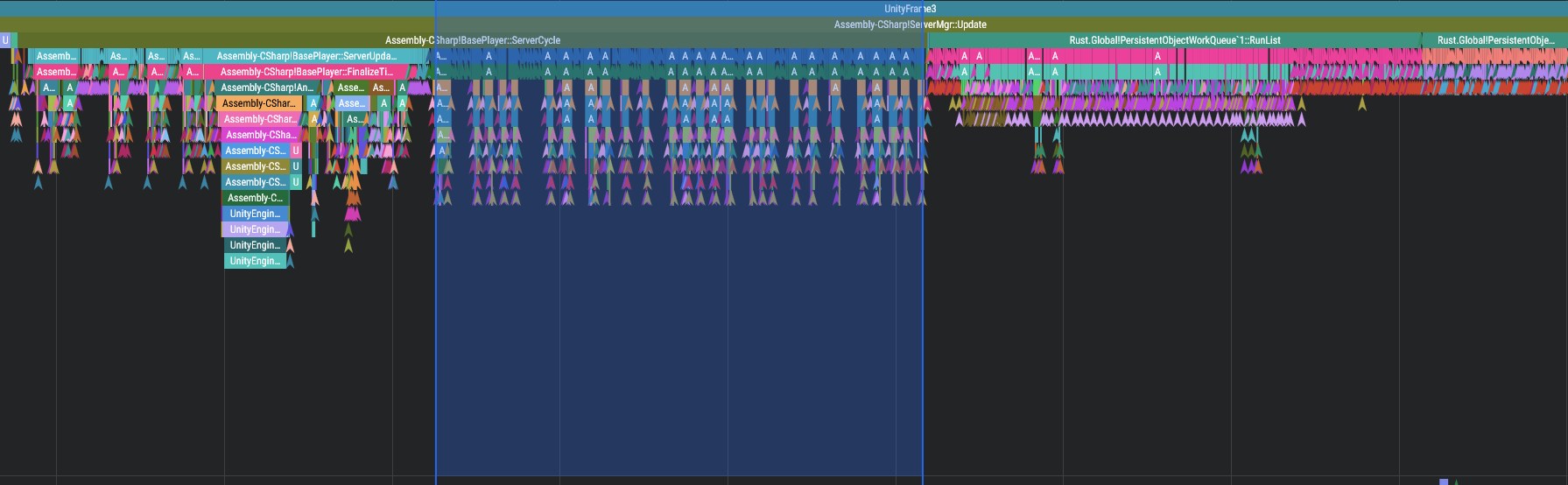
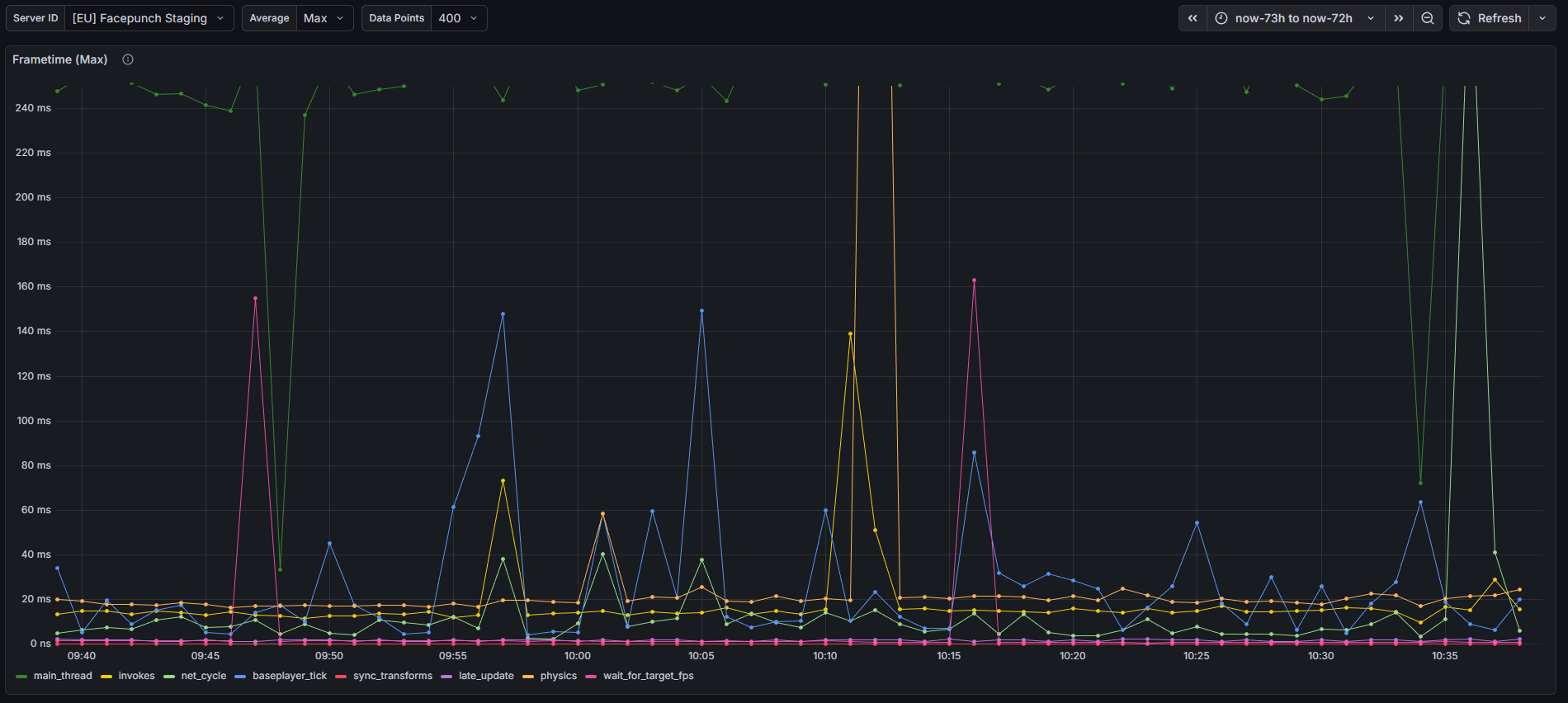
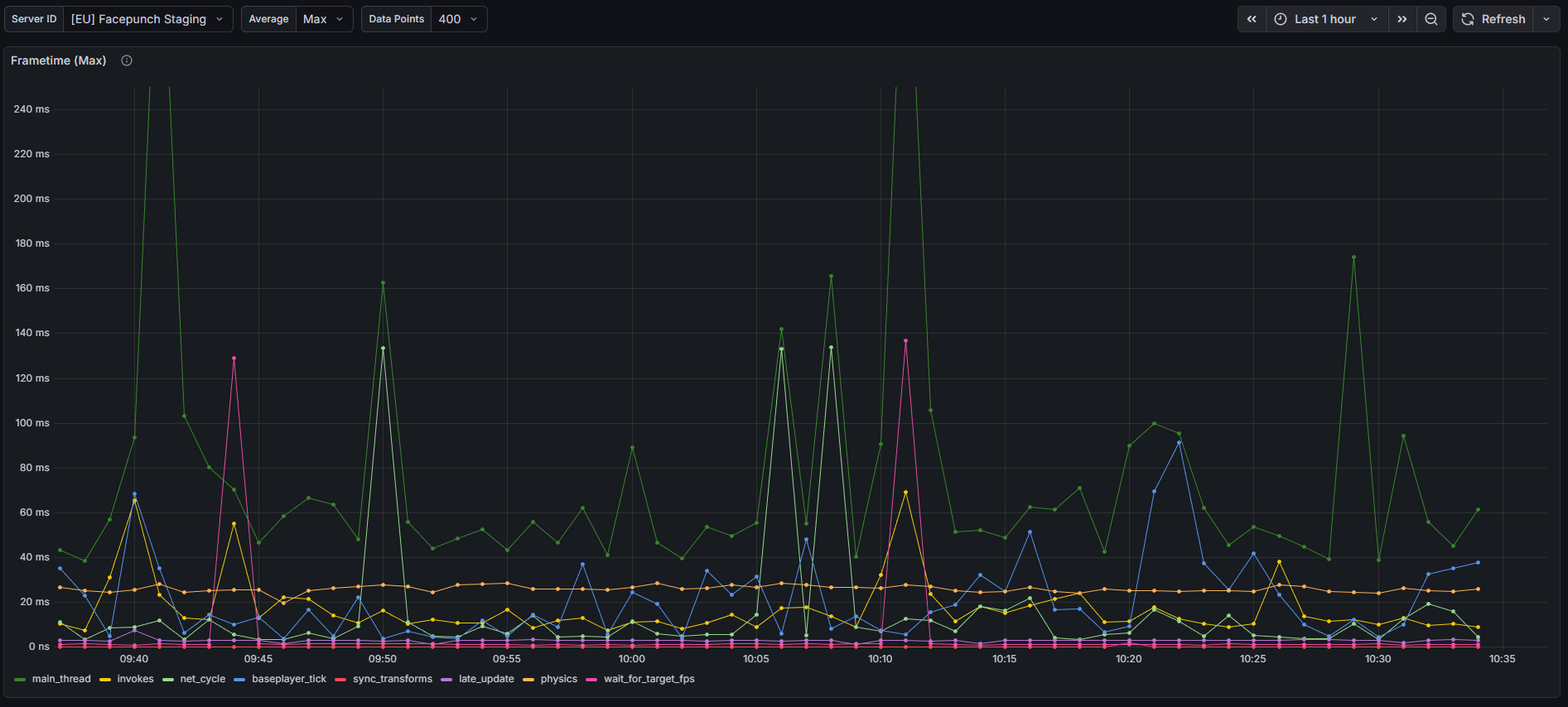
While looking through our performance telemetry, I've noticed that we've been experiencing weird, frequent massive lag spikes every minute or so:
Turns out our entity-population system was struggling to respawn all missing entities (specifically junkpiles). It works by tracking a population's density on the server, and running a bunch of random samples of the world, filtering invalid ones, then finally using those positions to spawn entities. 

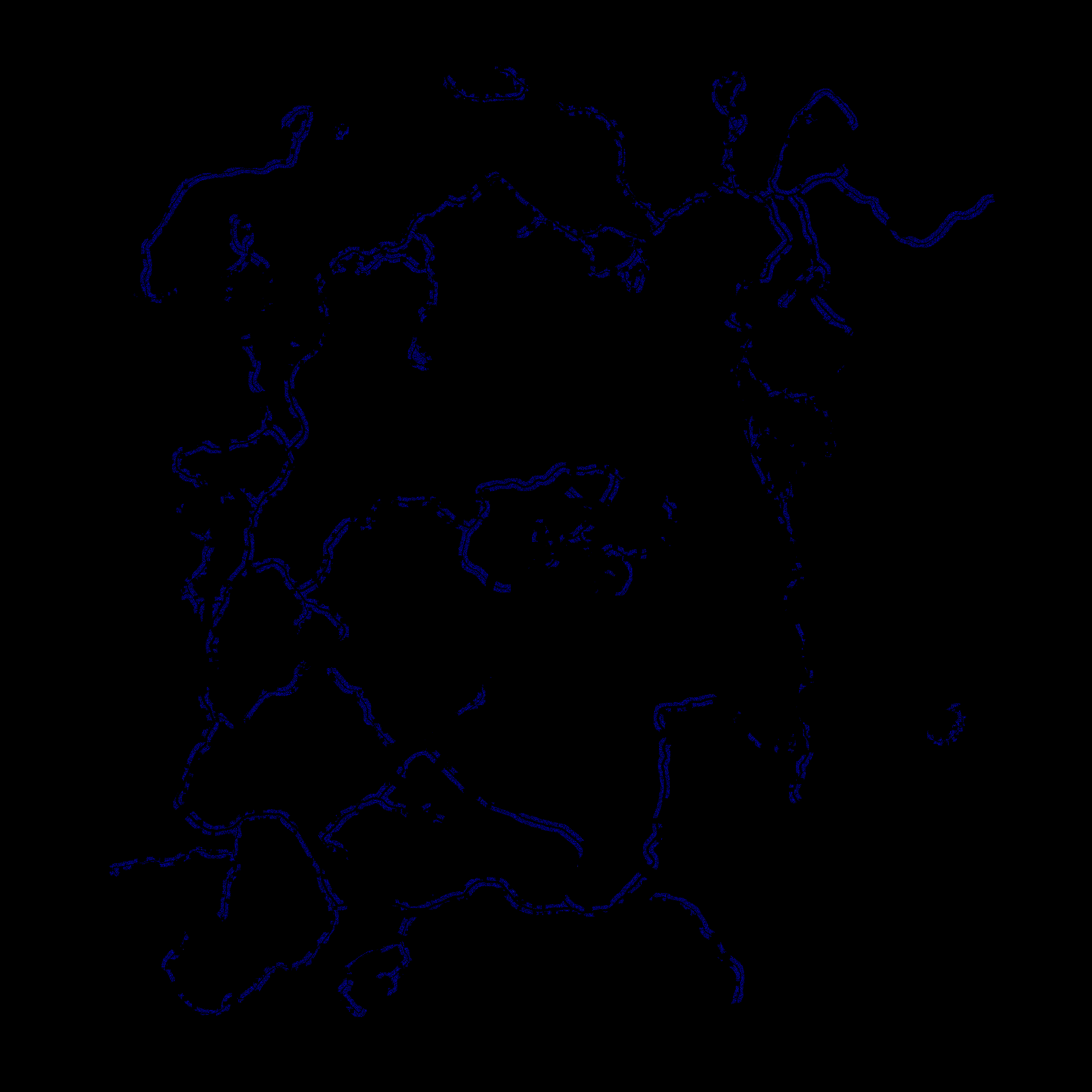
I wrote a tool that simulates population refilling(spawn.dump_map <popname> [count=100]), visualises how the sampling works and why samples get rejected. Various rejection reasons are colour-coded, with only "Green" being success. Here's the before fixes visualization - 25000(max limit) attempts to spawn 800 junkpiles:
Turns out, we had a couple of bugs that would both prevent spawning new entities as well as still samples even if we don't have any entities to spawn. Fixing those and running the tool again, we get 3019 attempts to spawn 800 junkpiles (need to zoom in to  see pixels):
This also had a positive effect on our max-frametime telemetry - lagspikes are much rarer now:
Auto Turrets are consistently a huge drain on servers. This is because they do frequent angle updates every few seconds, this happens for each turret on a server.

Each of these angle updates was being constantly synced via the network to all nearby clients. This was flooding the clients with a bunch of unnecessary network overhead.

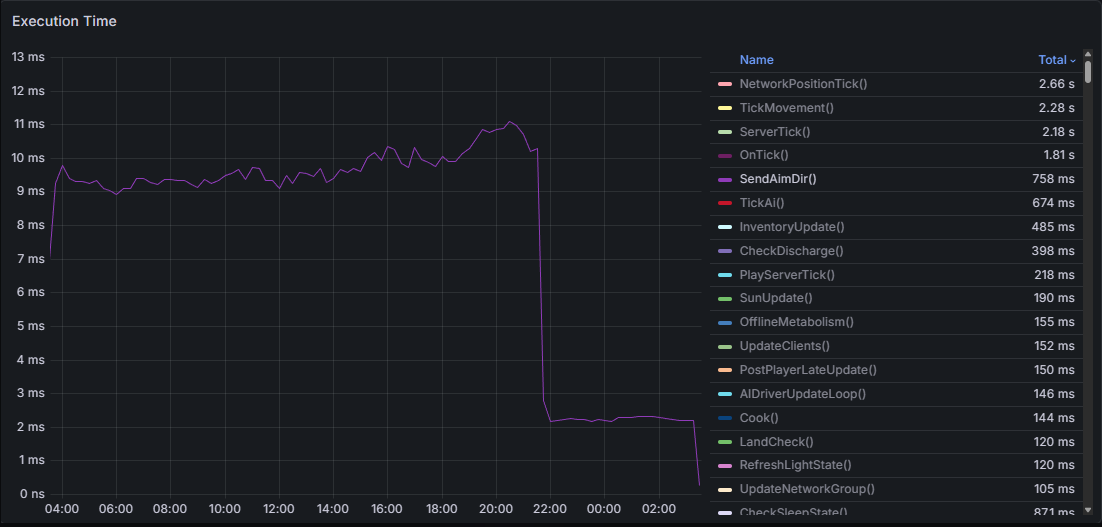
The graph below shows the execution time difference of the SendAimDir() method which was used to send these values over the network. The patch dropped at 10 PM on our staging servers ( you can see the harsh drop after implementation). This change also affects the Ballista and the new Cannon, reducing both of their networking overheads.

These angle updates were also being performed for every turret on the main thread without much load balancing or throttling. 

To combat this, I've introduced two new budgeted loops, which will prevent a bunch of Auto Turrets from over-consuming server resources. This will be more obvious on larger servers. Each of the server budgets for turrets can be configured with the Convars below:

NEW - tick_update_ms (default 1) -  Max milliseconds can be spent per frame on turret angle updates and general updates
NEW - ammo_update_ms (default 0.1) -  Max milliseconds can be spent per frame on turret ammo checks
scan_budget_ms(default 0.5) -  How many milliseconds can be spent per frame on gathering turret angles
 
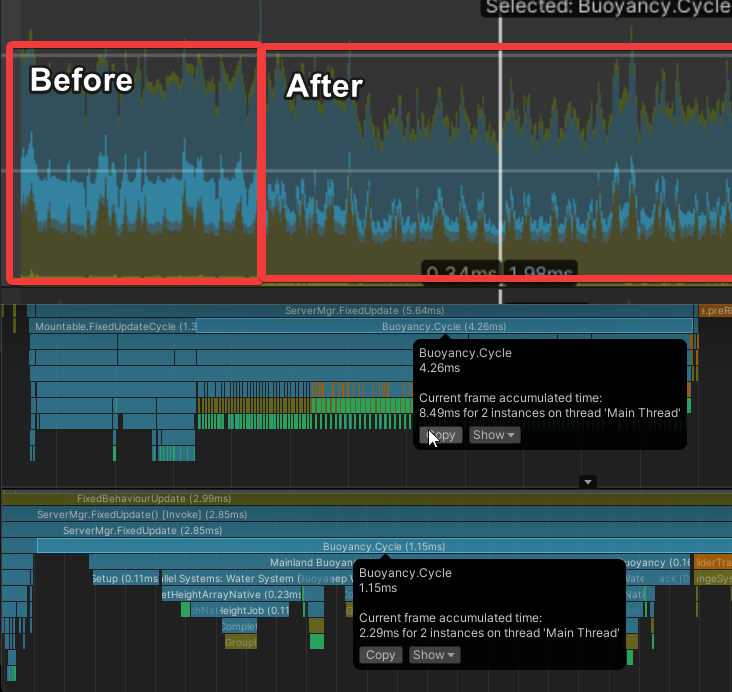
In preparation for the Naval Update, we needed a way for our water systems to be able to support a large amount of floating objects within the deep sea. This not only includes the new player boats but also existing buoyant objects like corpses or loot.

The buoyancy code itself was already fairly optimised and was using some of our newer APIs for getting things like the water height or checking collisions. However, each buoyant object was running simulations for itself, which means they ran all of the individual steps for buoyancy one by one. 

Instead of running checks one by one, we can batch these buoyancy checks together to run across all objects using multiple worker threads. Previously, in simplified logic, we checked water heights for multiple points on each object, then added some forces to move the object towards the water surface. We now get all the heights for all buoyant objects at the same time on multiple threads, calculate their forces, and then finally apply their forces back on the main thread. 

This ends up being 4x faster in a scenario with 200 boats (each boat having multiple buoyancy points), and scales better than it previously did as you add more objects. 

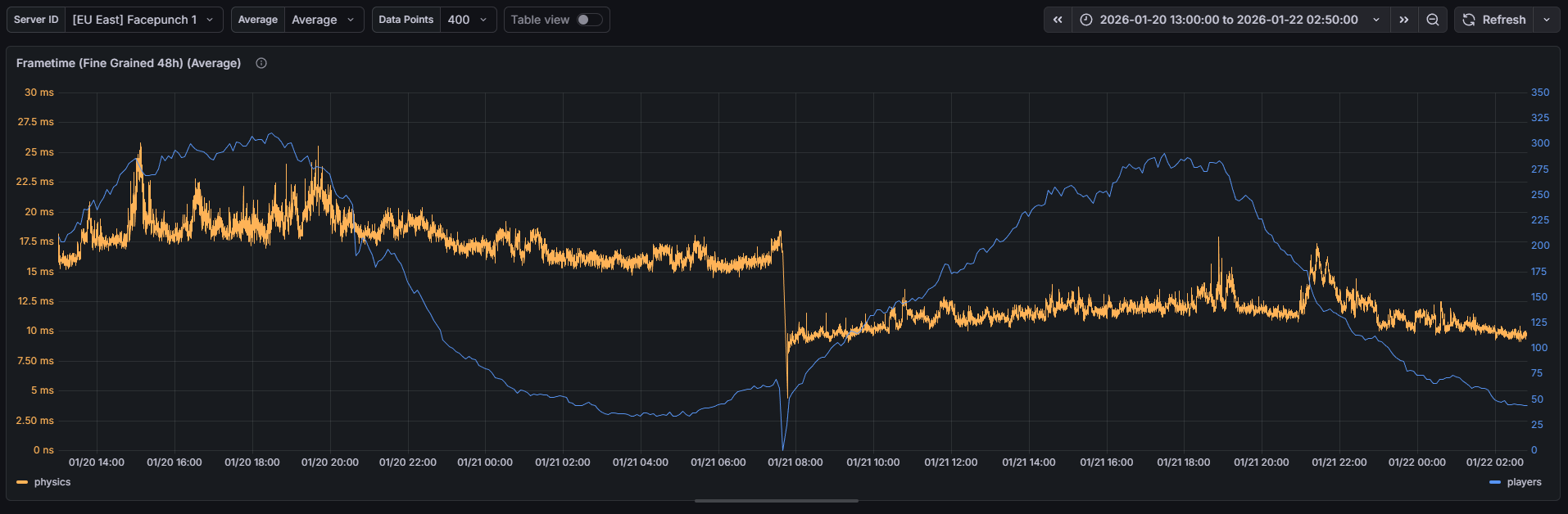
Physics has been the bottleneck for Rust server performance for a long time. Beyond reducing the number of colliders in the world, we've not had a way to reduce this cost by any significant margin. Last year, however, we gained the ability to make custom changes to our own version of Unity Engine and deploy updates to the game using it.

You can break down the physics tick in a lot of different ways. The largest bottleneck for Rust is called the broadphase. This is the part of the physics tick where you quickly find pairs of colliders that may potentially be colliding, before then performing more expensive calculations to find accurate contact info in a later stage. Simply due to the size of the map in Rust and the density of colliders that large bases have, this ends up being an expensive operation.

We've made targeted changes to the physics engine (PhysX), which drastically speeds up this portion of the physics tick. Parallelising the broadphase was the biggest impact change that we could make, splitting each region up into its own task that is scheduled across all available job threads before the results are combined again on the main thread.
The chart above shows the average time spent on the physics tick over a long period on one of our most active servers. The midpoint of the graph is when we switched over to the new Unity version with our custom PhysX libs in. The performance improvement is pretty drastic.

To make sure that these changes were safe, we pushed a server update prior to the naval update with just the switch to the new Unity/PhysX version. Naturally, all these performance gains turned into player caps being increased, and the cycle begins again.

I've got further PhysX/Unity improvements in the works for the future, so things will improve from here.
When a player was mounted, we were constantly setting their position to the mounted position every frame rather than just parenting the player. Parenting would automatically move the player to the mounted position for relatively cheap/free, whereas our setting method is pretty expensive. 

There are a few codebase reasons why we need to set each frame (relating to parenting volumes), but I've managed to get past enough of them that we can roll out mountable parenting to a select few mountables. At the moment, it will just be boats, but I'm confident we can get it on more mountables in the future.

This cost was also being increased by AI that are mounted to vehicles, which was increasing by a bunch this patch. Thankfully, these improvements also fix AI increasing the cost.

Before, showing a test server (approx 0.6 ms being spent per frame moving players) with a low amount of players (around 20~):
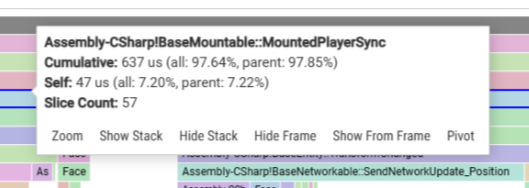
With hundreds of AI we are now hitting 0.02ms on the parent method of MountedPlayerSync and MountedPlayerSync itself isn't even called:
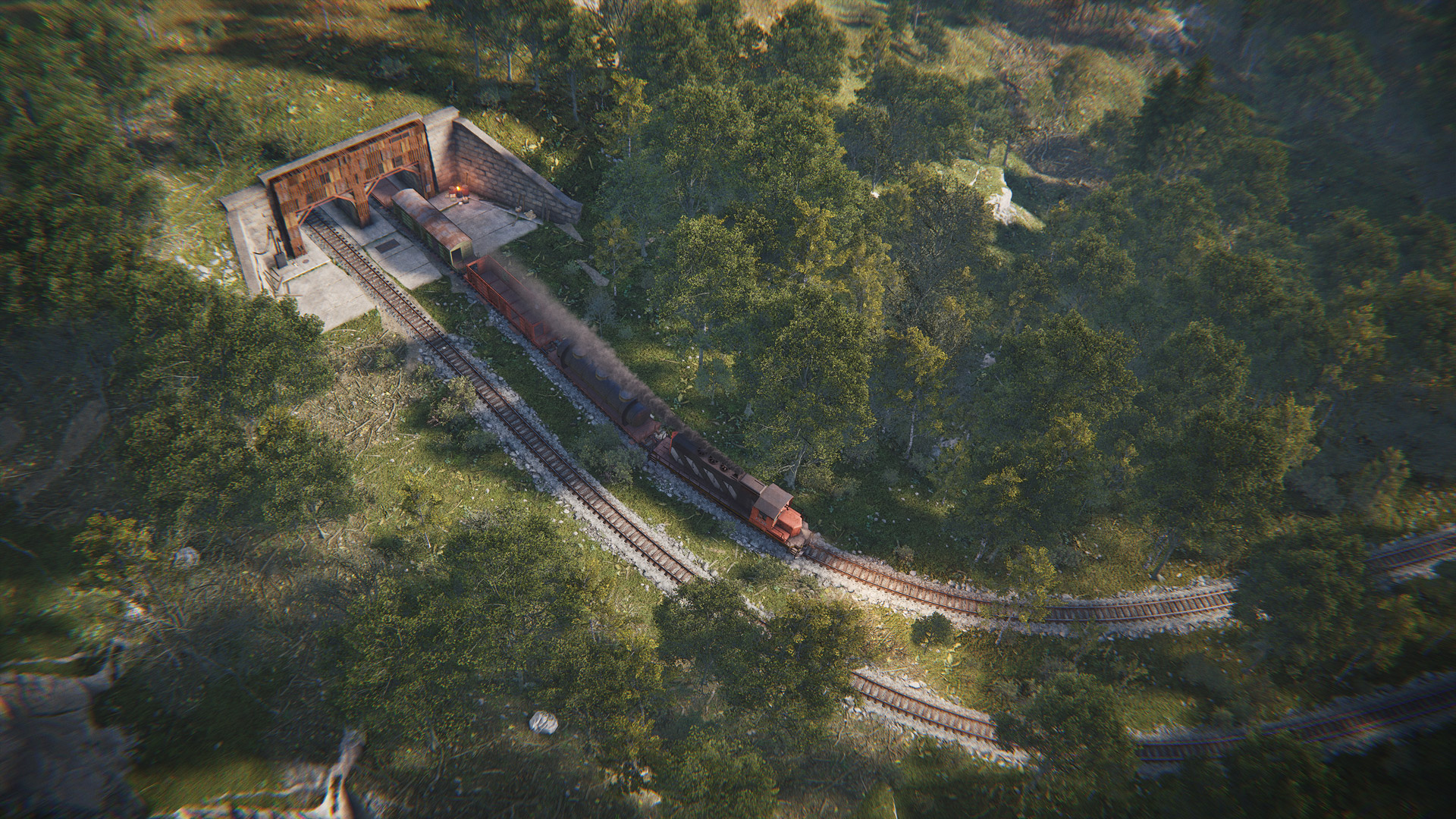
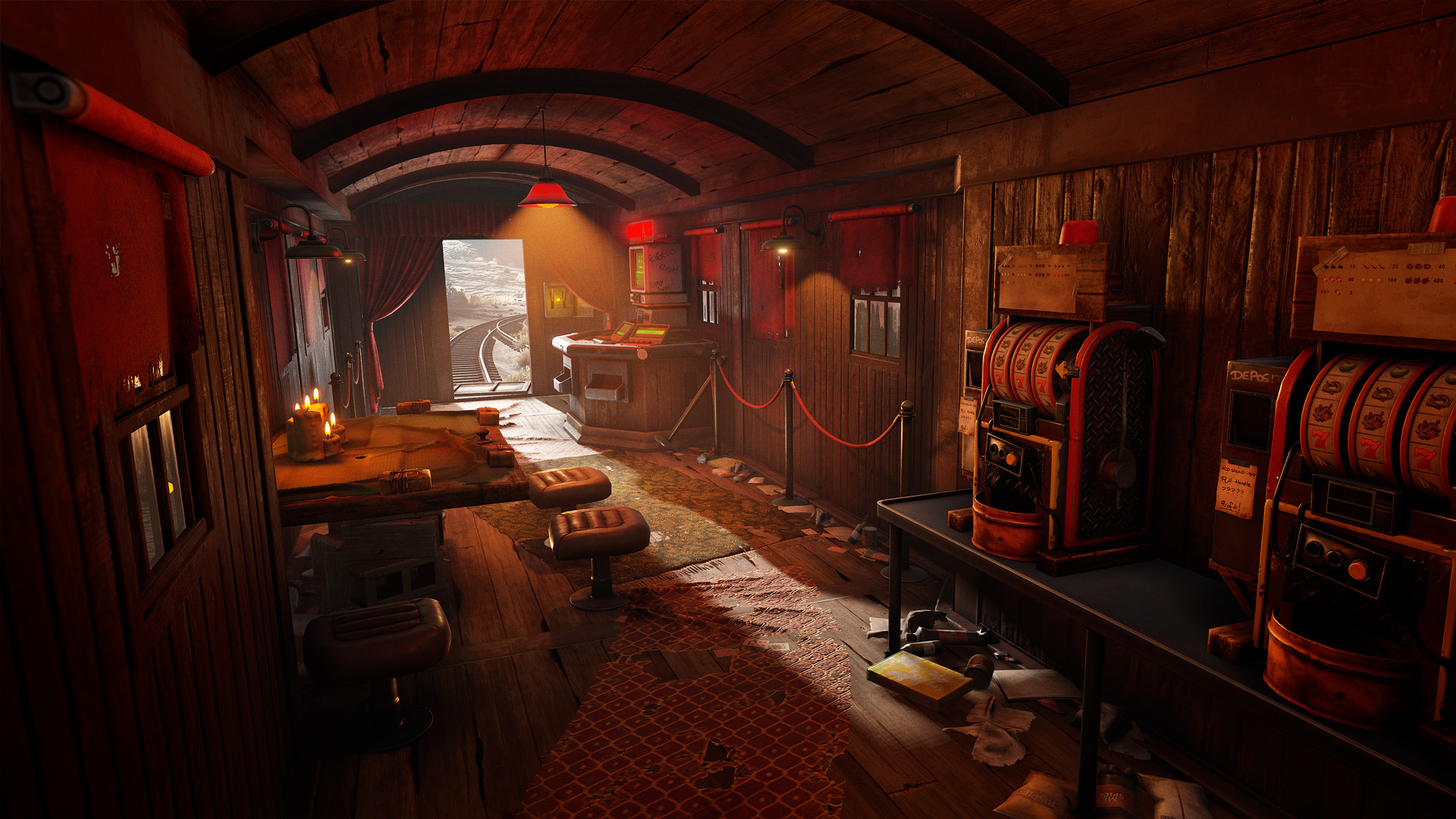
Last month I notice some unusual performance drop when running around Outpost, turned out the static caboose train was using an excessive amount of canvases, this is now fixed.


This also impacted players in the vicinity of caboose train wagon in the wild.
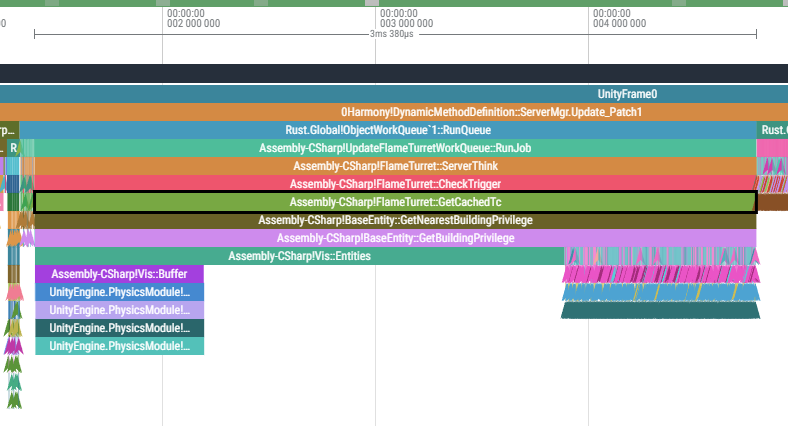
We've noticed some unusual spikes caused by flame turrets and shotgun traps. It was happening every few seconds in large bases without any TC. Quite rare, but fixed nonetheless.

I’ve also reduced the networking overhead of flame turrets. They were sending their rotation to every player in network range every 0.1 seconds, which was unnecessary.
A couple of days before the internal lockdown, I rolled out an experimental improvement to ServerProfiler - the ability to capture specific regions of code. This should be useful when chasing lagspikes or measuring infrequently running code. Here are a couple of usage examples:
// record Run() and all internals, then export a snapshot
using(ServerProfiler.RecordScope("IndustrialQueue",
RecordIndustrialQueueServerVar))
{
industrialQueue.Run();
}
// OR
// keep recording and export only when expend more than 5ms
using(ServerProfiler.RecordScopeIfSlow("IndustrialQueue",
TimeSpan.FromMilliseconds(5), RecordIndustrialQueueServerVar))
{
industrialQueue.Run();
}
in both cases it'll produce a IndustrialQueue.json.gz file, which you can find locally in server/<ident>/profiler/. In order not to flood with snapshots and not to have too much overhead(recording still slows down performance, export is async):
  • It is strongly recommended to have a flag whether scopes are active or not (RecordIndustrialQueueServerVar in example)
  • ServerProfiler has an internal 30-minute wait period after export where the scopes are inactive. Configured via profile.ExportIntervalS, the interval can be reset with profile.ResetExportInterval if you don't want to wait it out
  • The entire feature can be disabled via profile.ImmediateModeEnabled(default enabled)
  • It's designed for code that runs in 0.05ms or more, so don't use it to profile something cheap (setting up the profiler and installing profiler hooks costs)

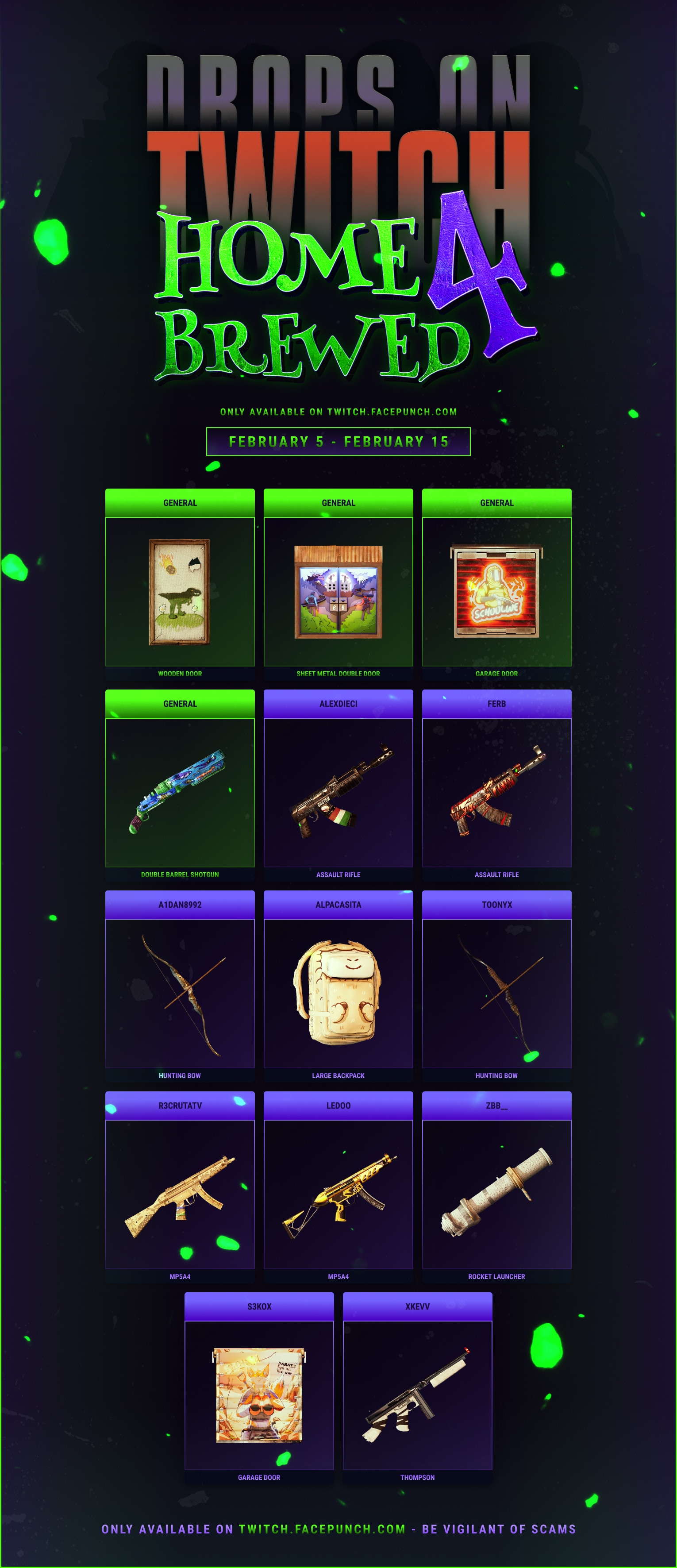
Twitch Drops are back!

February 5th - 15th!

Tune in to view incredible streams from some of our favourite rising creators in the Rust community!

Be sure to sync up and claim your Drops after watching these fantastic creators on Twitch.
Ahoy! 

To celebrate the long awaited release of the Naval Update, Rust is now half price for a limited time! Grab it from Steam and gift it to a friend to get some new crewmates on board!

add_circle

Features

  • Deep Sea explorable area
  • Floating Cities
  • Tropical Islands
  • Ghost Ships
  • Modular Boats
  • New Oil Rig Scientist AI
  • New Naval Themed missions
  • Scientist Boat AI
  • PT Boat
  • Refreshed RHIB Art
  • Planner Viewmodel
  • Experimental ServerProfiler Immediate Capture API
  • New server convars 'paintballstandarddamage' and 'paintballoverallsdamage' to configure paintball damage amounts
arrow_circle_up

Improvements

  • Tech tree will now always open the right-most tree
  • Improved the tooltip when a consumable is disabled due to being mounted
  • ‘deleteentitiesbyshortname’ now responds correctly
  • Incendiary rockets are now inserted into attack helicopters when using the ‘fixcars’ command
  • Deploy guides that are tinted orange (sleeping bags) aren’t as bright
  • Clicking a vending machine icon on the map again will now close its menu
  • Favorites in the server browser are now based on DNS record
  • The `puzzlereset` command can now be passed a radius
  • Health info display UI now pops up for 1s after damaging objects
  • Added ammo indicators on guns with loaded non-standard ammo
  • Added ‘teleport2nearest’ console command to teleport to nearest target entity
  • Missions can now have optional objectives, giving additional bonus rewards if they are completed
  • Missions can now contextually hide and show map and compass markers for current objectives
  • Missions can now show more than one objective marker on the map and compass at once
  • Various different mission provider NPC’s will now display mission icons next to dialogue options that would take you to preview a mission
  • Mission provider NPC’s can now have dialogue when you go to talk to them to complete missions. Currently only configured for the new naval missions
  • Client no longer does any mission point generation work
  • Improved server performance of Relationship system (Contacts)
  • Improved server performance of Industrial system
  • Improved server performance of player collider system
  • Improved server performance of cooking system (Furnaces, Campfires, BBQs, etc)
  • Server Performance improvements for processing inventories
  • Server Performance improvements for TriggerVolume processing
  • Server Performance improvements for procedural scattering of entities (Population system)
  • New wallpaper tool viewmodel and 3rd person deploy animations for different surface types
  • Shields display their information panel when viewed on the tech tree
  • Pressing Escape now closes the painting UI
  • The travelling vendor will no longer attempt to spawn on maps that are too small
  • The Quick Craft menu is now more responsive and will display skins
  • Improved the consistency of 'authradius', 'authcount', 'ent auth' and similar commands
  • Renamed the "Rug Bear Skin" to "Bear Skin Rug"
  • Chat message which appears when failing missions is now localised and also now displays the failure reason
handyman

Fixed

  • Fixed an issue resulting in ghost items / bodies / players on cargo ship
  • Fixed gaps in various monuments at lower quality settings
  • Fixed powerlines distant LODs not hiding players when they should
  • Better traversal on stairs in excavator and water treatment plant
  • Fixed fog being too strong in sewer branch and launch site
  • Fixed some holes in monument terrain allowing peek
  • Fixed falling weapons becoming unaccessible in large oilrig in several spots
  • Fixed snow and tundra overgrowth wind intensity being out of whack
  • Fixed case where running DLSS and volumetric clouds would corrupt visuals
  • Fixed nametags visible through walls if two layers of glass are in the way
  • Fixed missing popup in store when adding wallpapers to cart
  • Fixed server error when a spectator disconnects
  • Fixed not being able to switch to third person while spectating
  • Fixed cargo ship causing players to receive global network traffic
  • Fixed chat messages not appearing in server console
  • Fixed a case where drones could clip into floors
  • Fixed game crashing when attempting to spectate yourself
  • Fixed a gap in some rocks in Military Tunnels
  • Fixed some inaccurate colliders on the chains at the top of Cargo Ship
  • Fixed confetti cannon not rendering its particles
  • Fixed UI error when using the server browser
  • Fixed incorrect textures on M15 in third person
  • Fixed a case where a HBHF sensor could be deployed inside walls
  • ‘connecthidden’ command no longer prints into the players log
  • Fixed Storage Adaptors able to sort if not connected to power
  • Fixed Storage Adaptors calculating passthrough incorrectly when connected via pipes
  • Fixed items dropped near abyss barrels affecting their foliage
  • Fixed sun sometimes leaking through into train tunnels
  • Improved a staircase at Water Treatment that stops players at the top
  • Fixed some z fighting manhole covers at Ferry Terminal
  • Fixed some cliffs rendering incorrect shadows
  • Fixed some barricades at Train Yard culling too early
  • Fixed Adobe wall frame displaying wood impact decals
  • Fixed some AC tubes in sewer caves that were in the wrong spot
  • Fixed not being able to see into the captains deck on Cargo Ship with low quality
  • Fixed a bin clipping through the ground on Small Oil Rig
  • Fixed incorrect visibility on some windows at Airfield
  • Fixed a searchlight at the Large Barn not glowing properly
  • Fixed unpowered fridges in the arctic biome not cooling food
  • Fixed food in backpacks and fishing rods dropped in the arctic biome spoiling
  • Fixed being able to deploy rugs on some movable entities (cargo ship, excavator)
  • Fixed swamp environment settings making base interiors too dark
  • Fixed not being able to complete Outpost spawn point quest if documents were lost
  • Fixed a rare error caused by Cargo Ship movement
  • Fixed TMPro.TMP_InputField.GenerateCaret error
  • Fixed lighting in bases inside swamps being too dark
  • Fixed broken lighting on various spinning lights, e.g. on supply drops
  • Fixed chinook crate dropping on top of a powerline in Power Plant
  • Fixed being able to clip inside a wall next to the harbor bridges
  • Fixed `spawn_all_deploybles` command not spawning the legacy shelter
  • Fixed players being able to drop loot inside control panels inside the Nuclear Missile Silo
  • Fixed shadow errors on coastal cliffs
  • Fixed graphical clipping issues on certain temperate, tundra and arctic trees
  • Various fixes for different NPC dialogue trees relating to speech node flow and English dialogue strings
  • Fixed NPC dialogue option numbers showing as the wrong number
  • Can now talk to NPC’s whilst noclip is on
  • NPC dialogue panel no longer appears clickable when clicking does nothing
  • Various different mission objective types should now reset their completion state if their completion criteria is no longer met whilst the mission is still active
  • Upon talking to a mission provider NPC to complete a mission a conversation will no longer automatically start upon pressing complete mission
  • Minor optimisations to missions todo list HUD
  • Optimised the generation of serialized network data for missions - should now be getting generated less often
  • Memory optimisations on the client and server for player mission progress data
  • Resolved issue where client could see missions as available when they were not
  • Boombox radial context menu no longer refers to a cassette tape if there is no valid tape inserted
  • Fixed an issue where most mesh-based particles would be invisible
  • Changed the texture streaming budget to dynamically adjust based on how much memory is needed to prevent low-res textures from appearing
  • Fixed the normal map and ambient occlusion not appearing correctly on the RHIB
  • Fixed the delay with texture streaming when placing deployables
  • Fixed spectators players leaving a ghost in other player's view
  • Fixed Server Occlusion group inconsistencies leading to potentially invisible players
  • Fixed invalid standard deviation calculation in performance analytics creating NaNs
  • Fixed child entities of moving entities becoming invisible
  • Optimisation for checking which environment volume something is contained in
  • Memory optimisation for finding currently worn clothing parts
  • Set various headgear items to be compatible with other clothing items which are configured to be under headgear
  • Memory optimisation for client launching projectiles
  • Memory optimisation for opening ammo swap radial menu
  • Fixed underground workcarts leaking their storage entities on server restart
  • Projectile impact decals should now always spawn for the local player irrespective of the impact distance if the local player instigated the shot
  • Fixed not being able to repair minicopters if the front wheel wasn't touching the ground
  • Fixed server lagspikes caused by junkpile spawning and despawn checks
  • Fixed several cheat related exploits
  • Fixed 'clearinventory' not updating the players clothing correctly
  • Fixed a floating slot machine in outpost
  • Fixed a floating trash pile in giant excavator
  • Fixed a rare bug that caused playermodels heads to be visually stuck looking down
  • Fixed flyhack false positives when jumping on the oil rig moonpool ladder
  • Fixed missile silo loot not respawning correctly on server restarts
  • Fixed puzzle reset radiation applying inside train tunnels at some monuments
  • Fixed jungle animals not counting for death screen "animals kiled" stats
  • Fixed sorting by "last played" not working correctly in the server browser
  • Fixed several issues related to building skins and improved consistency
  • Fixed an ambiguous path on the tier 2 tech tree
  • Fixed not being able to reskin the RPG Launcher back to default
  • Fixed some modding xmas prefabs spamming collision errors
  • Fixed a bug causing custom item images to randomly appear on newly created items
  • Fixed copypaste sometimes randomly missing entities when pasting
  • Fixed being able to stack half shelves infinitely
  • Fixed being able to clip drones trough ceilings
  • Fixed a number of small memory leaks on both client and server
  • Fixed mission rewards being able to exceed stack size
  • Fixed lots of bee grenades tanking server performance
  • Fixed getting stuck on the ladder volumes of water junkpiles
  • Fixed not being able to place rugs on windows
  • Fixed players rubberbanding for a few seconds after respawning in camper vans

remove_circle

Removed

  • Disabled Tugboat spawns - they were the test bed which led to player built boats. Will explore reintroducing in future
  • Removed the Shadow Mask setting from the Graphics Settings menu, as the Shadow Mask is only for baked lighting, which Rust doesn't use
Newsletter

Receive monthly updates straight to your inbox