Rust Marque Logo menu
Printed and Polished

This month's update brings you a Blueprint Rework, the new Uzi 9mm, and our biggest optimisation focused updates yet! As well as many more bug fixes, refreshes, reworks, and lots of quality of life improvements.

05 November 2026
Devblog
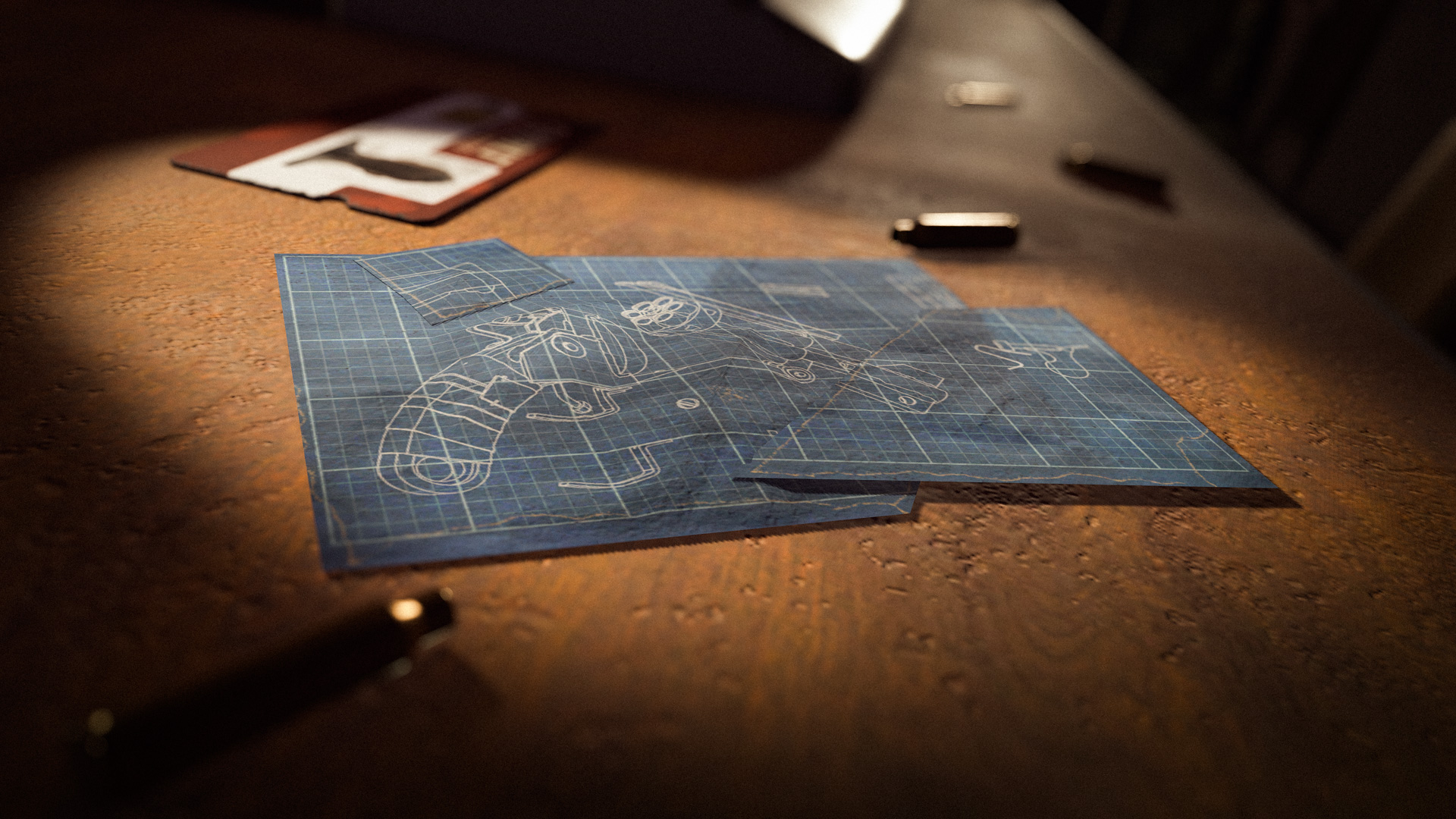
Workbenches no longer require blueprint fragments to craft, and scrap isn’t used on the tech trees. Instead, we’re introducing three tiers of blueprints; blueprint fragments, blueprint pages and blueprint books. These are the new currencies spent to progress tech trees. One for each tech tree level.

Items can still be researched with scrap on the research table. There is a much greater emphasis on finding, trading for, or making allies to get items you need. This part of Rust was somewhat lost along the way.

The overarching theme for this overhaul is shifting the difficulty. The previous blueprint fragment system caused a lot of friction in the early game progression, especially for players with less time on their hands. Due to the spawn locations of basic fragments, transitioning to a Workbench level 2 could be a difficult task. If you couldn’t compete, you weren’t just slowed down, you were locked out. The lowest tier blueprint can now be found in common loot sources such as barrels and boxes, but most importantly can be upgraded into the next tier of blueprint. Puzzle rooms and harder content will still be the fastest way to progress.
Workbench upgrades which affected scrap used on the tech tree have also been reworked. Instead of reducing the amount of scrap used, the salvage workbench upgrade now has a 20% chance to not consume a blueprint. The prototype workbench upgrade will now be a flat 25% success rate, with the cost doubling removed.

We don’t know exactly how this will play out, and we’d be kidding ourselves to think we’ve got it perfect on the first iteration. Adjustments will be made when needed and we certainly won’t wait as long as last time when that time comes.
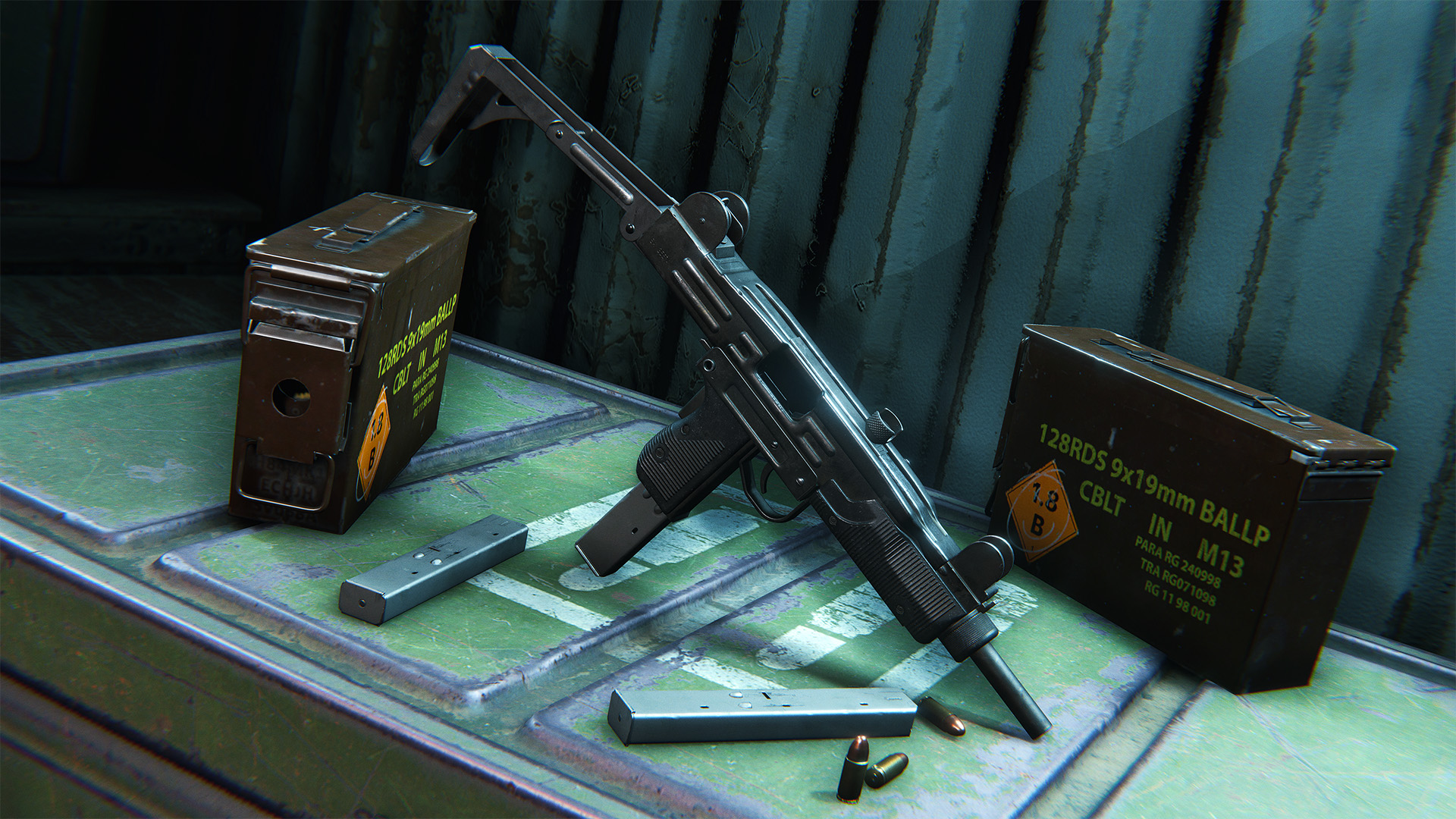
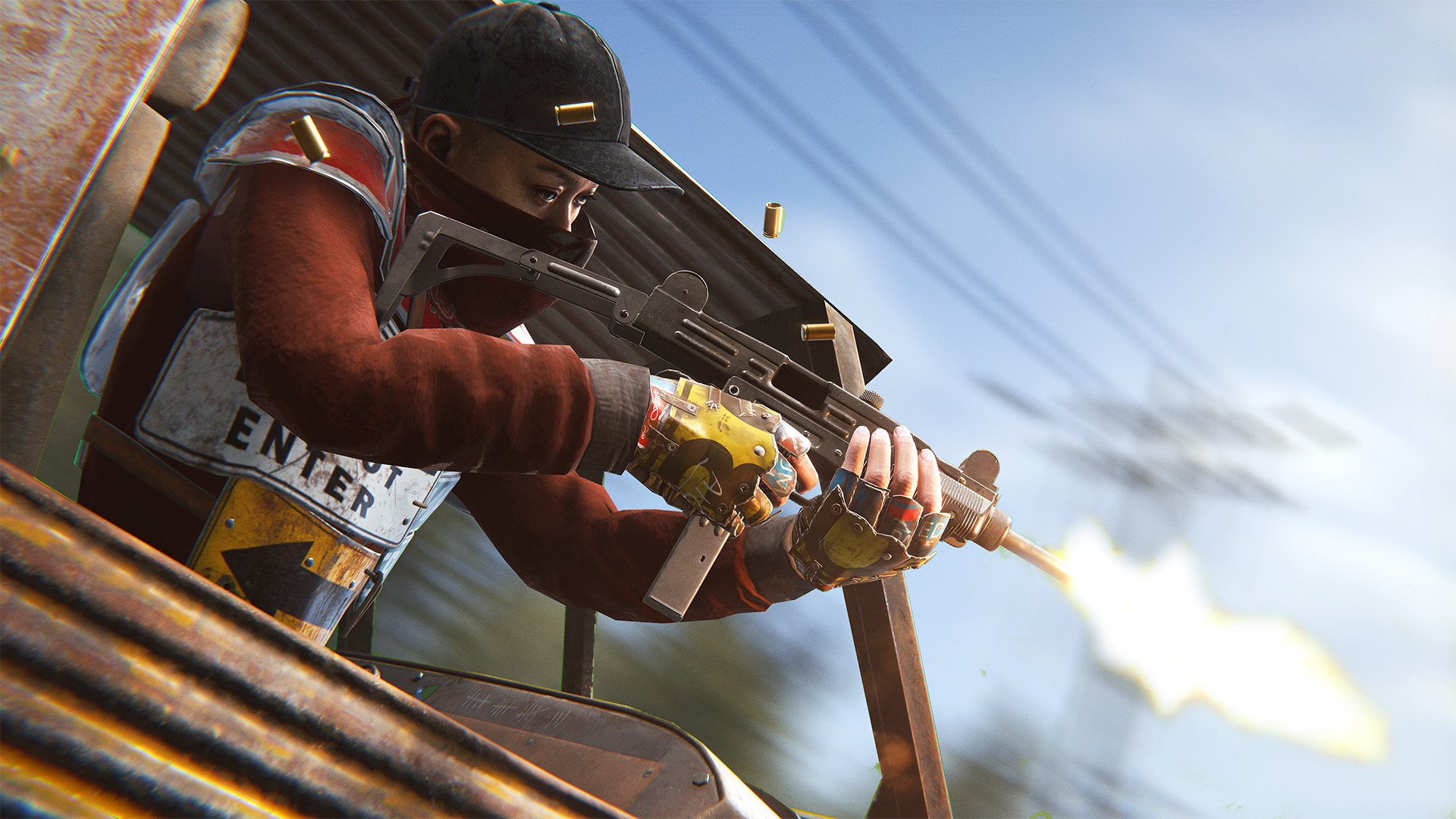
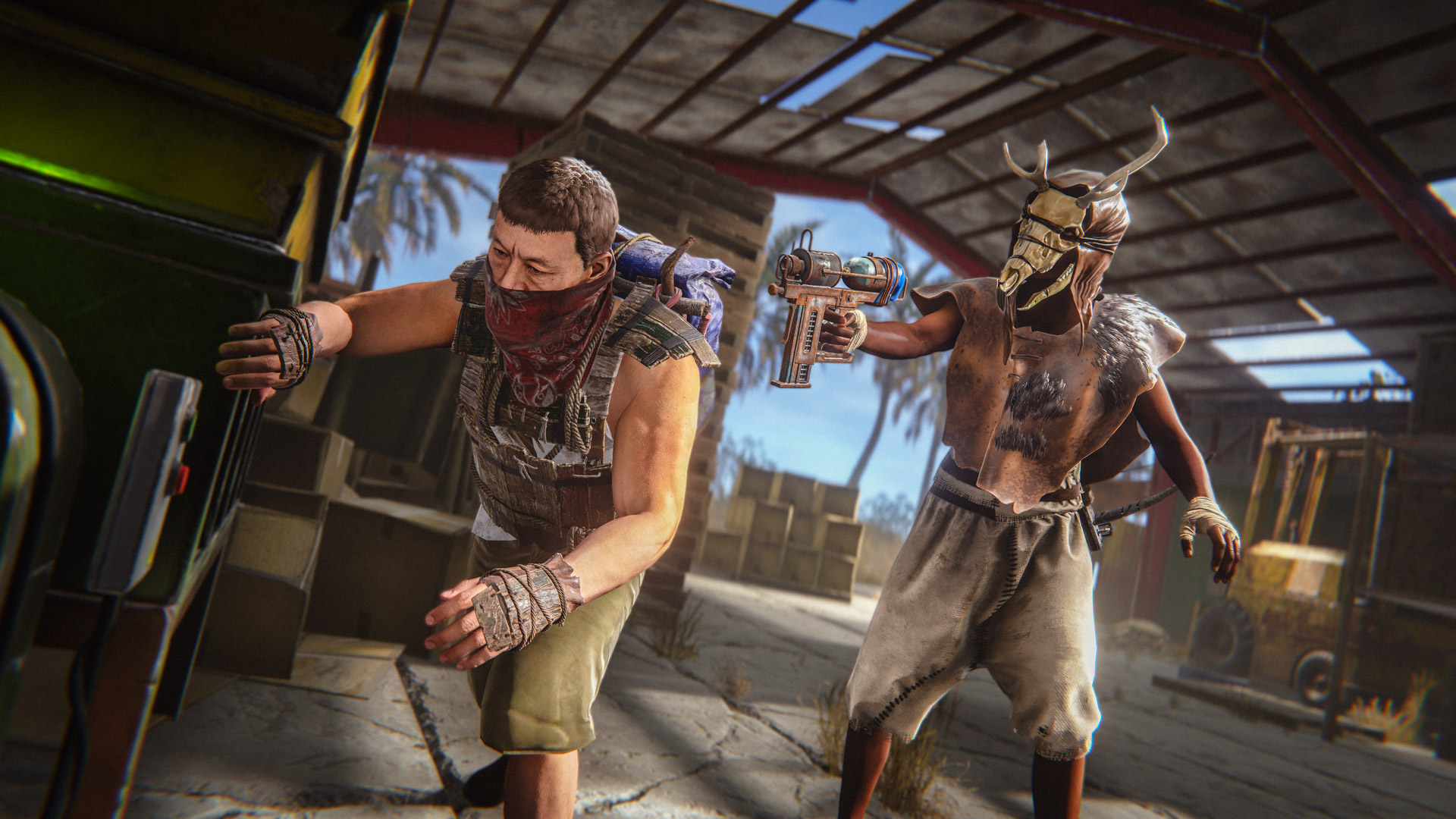
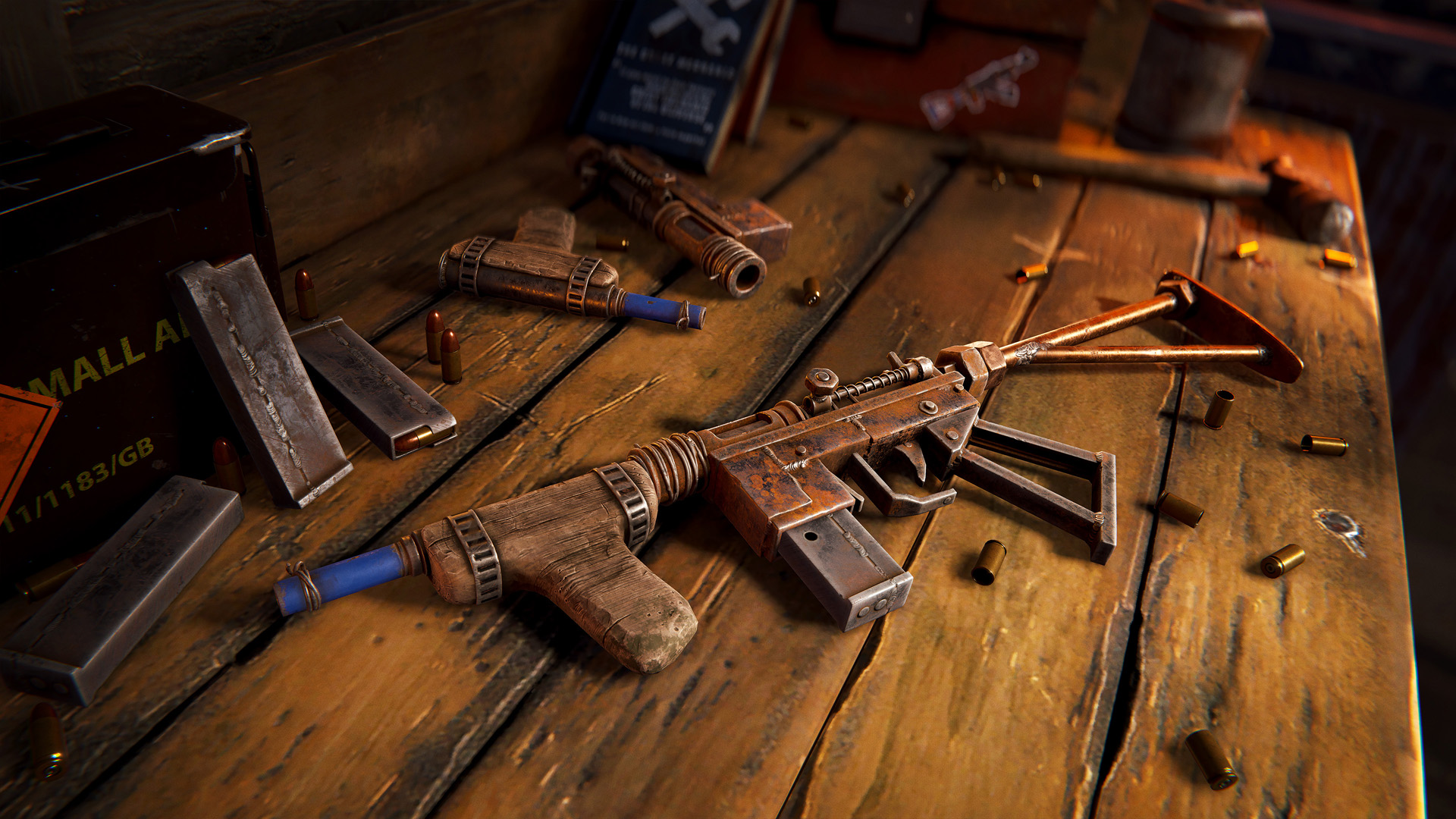
Introducing the iconic new UZI 9mm Submachine Gun. This weapon offers two different firing modes depending on the stock configuration. When folded, the weapon is automatic and compatible with shields. When unfolded, the Uzi becomes semi-automatic and gains increased accuracy.

Hold the fire mode button to switch between them.
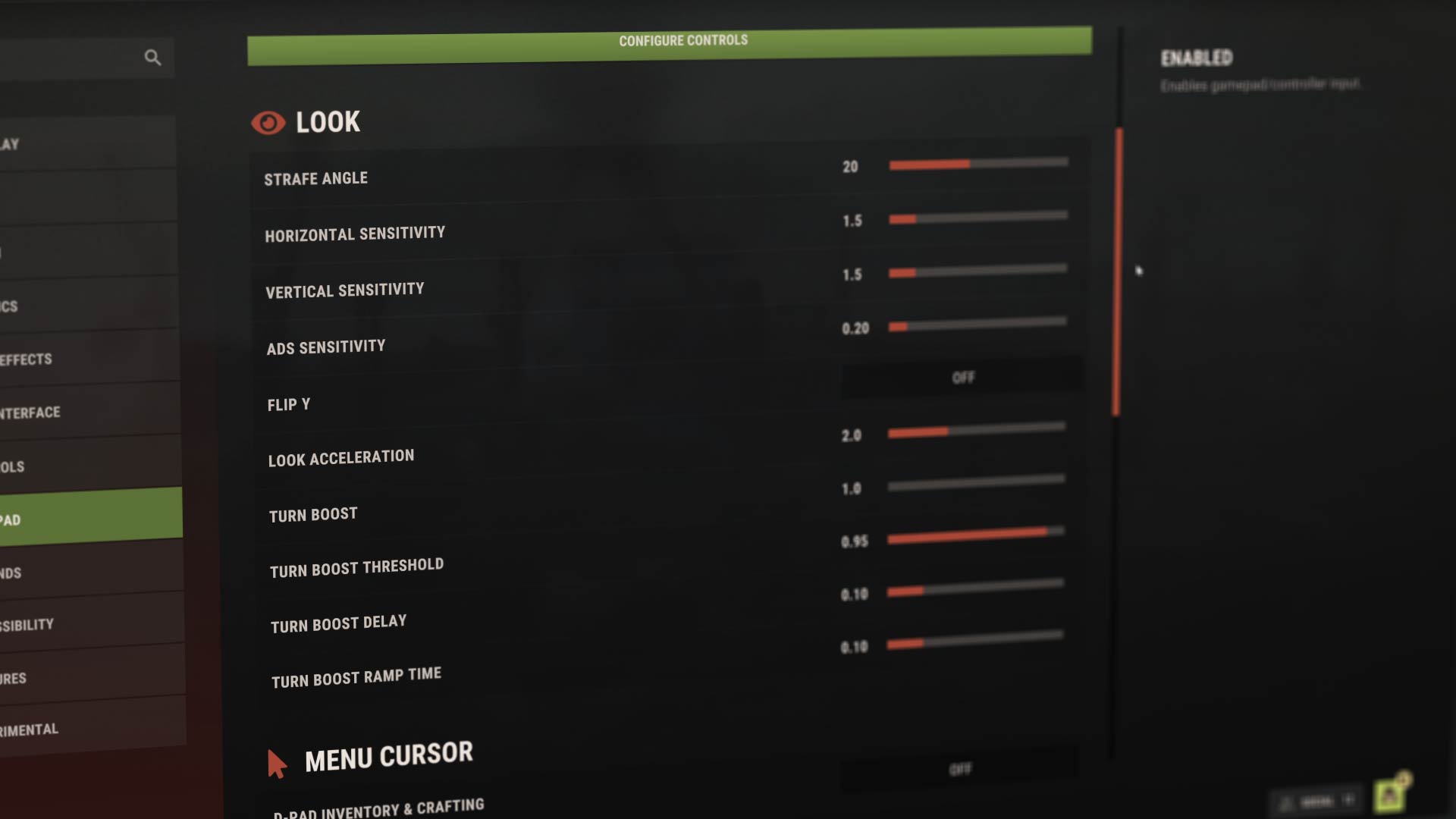
Gamepad support has arrived in Rust, with controller functionality now available across the core gameplay via Steam Input.
The inventory and crafting UI is handled via a stick cursor by default, but there's a D-pad toggle in the new gamepad options screen, which is definitely worth trying out! You can find a bunch of other settings there too, to tweak the feel of the gamepad.

This first release brings a pretty solid experience already, but not every feature or functionality will have dedicated gamepad support yet. I'll continue to add additional support over time, so if there's something in particular you feel is missing, let us know!
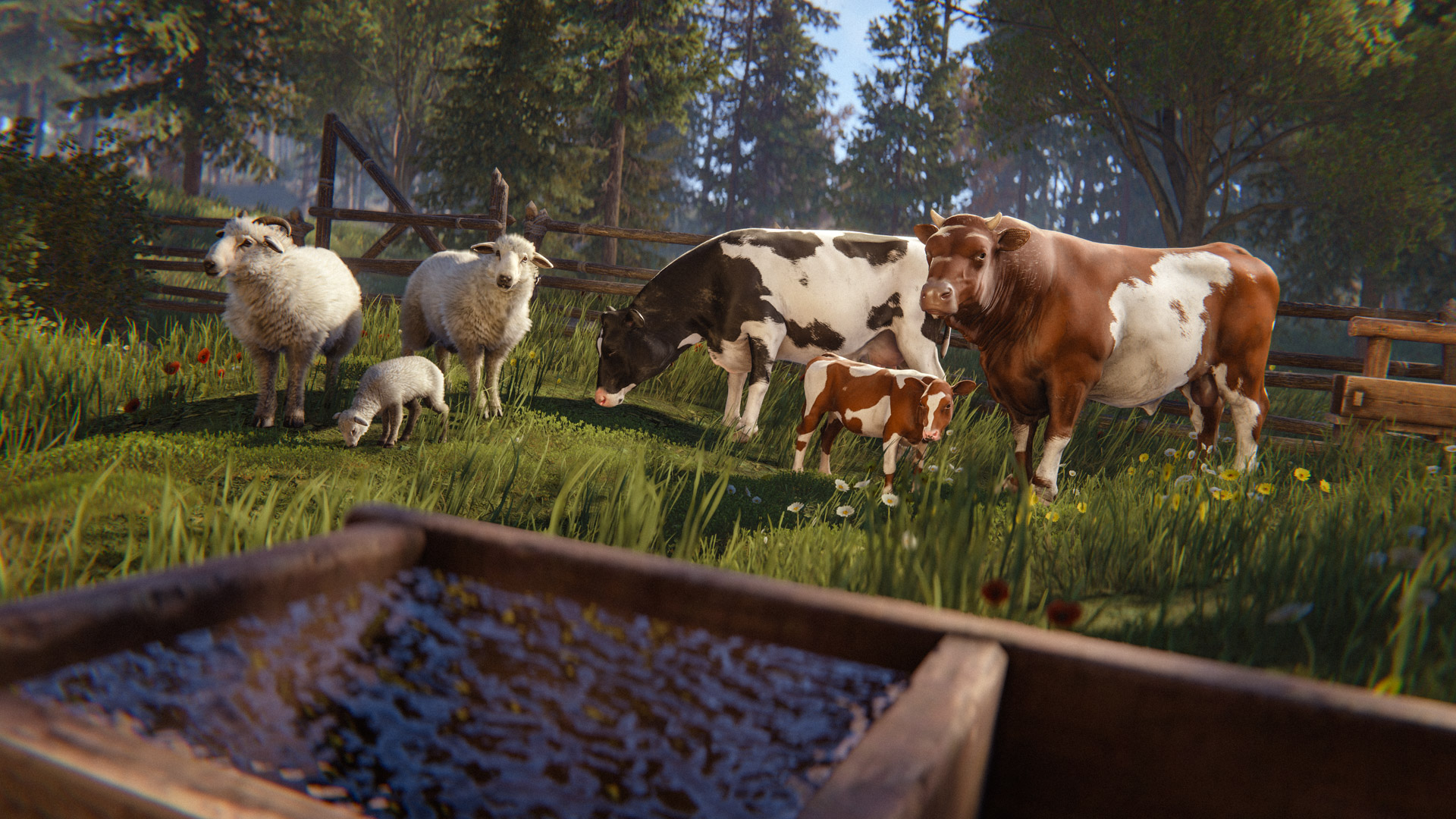
This patch the focus has been on making livestock more intuitive and less punishing.
  • You are now simply the owner of the cow if you buy it or have it eat at your trough, no need to stay near the cow or be worried it'll forget you anymore except for leading.
  • Cows don't die of old age anymore, and instead of dying of starvation just lie down at 1 hp.
  • How long a trough can sustain a group of cows is now shown in the trough UI similar to upkeep.
  • Cows can now eat any food a horse can.
  • Overgrazing "grazed bare" is gone. Having enough grass in your pen will simply cause cows to eat at the trough twice less often and save on food.
  • Show everything in the UI, owner, pregnancy status father and cooldown, dung and milk/wool cooldown...
  • Cows will store up to 3 milk to reduce micromanagement.
  • Hint at recessive genes with the UI and the NPC buyer, also hint at them in the UI.
  • Personal space need is simplified, it just measures the area of the pen and check if enough cows can fit, it should not fluctuate as much and we should have the same value for the whole herd.
  • Free range owned cows stop reproducing past 6, indoor cows stop reproducing when there is not enough space (eg personal space need is not full), cows without an owner don't reproduce
  • Cow names are no longer sampled based of the language ratios on the server, instead wild cows have no name and once owned have a named based on your locale.
  • Increase lead break distance, and make cows mirror the player speed when be led to allow just sprinting away instantly.
  • Bugs that could cause cows to not eat, UI to be wrong, no collision, or heads to clip through walls have been fixed.
  • There is a new stat for animals - Potential. This measures how happy an animal was during it's childhood, which is then locked in once they become an adult. Rewards are multiplied by potential, so making sure your young ones are happy is a top priority. Only animals borne in captivity can have potential.
Most importantly, you can now pet your cows and sheep to show them some love and appreciation!
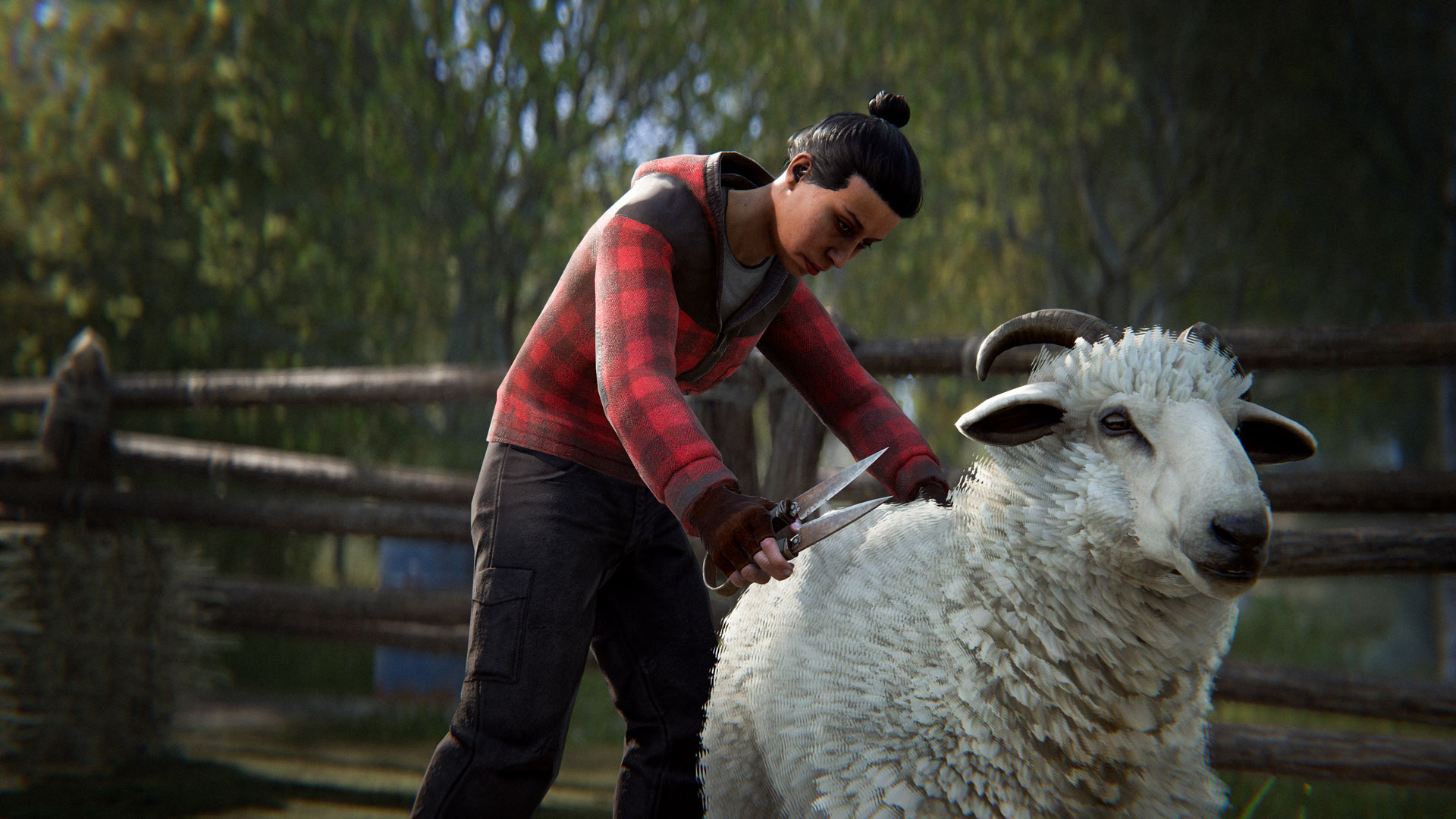
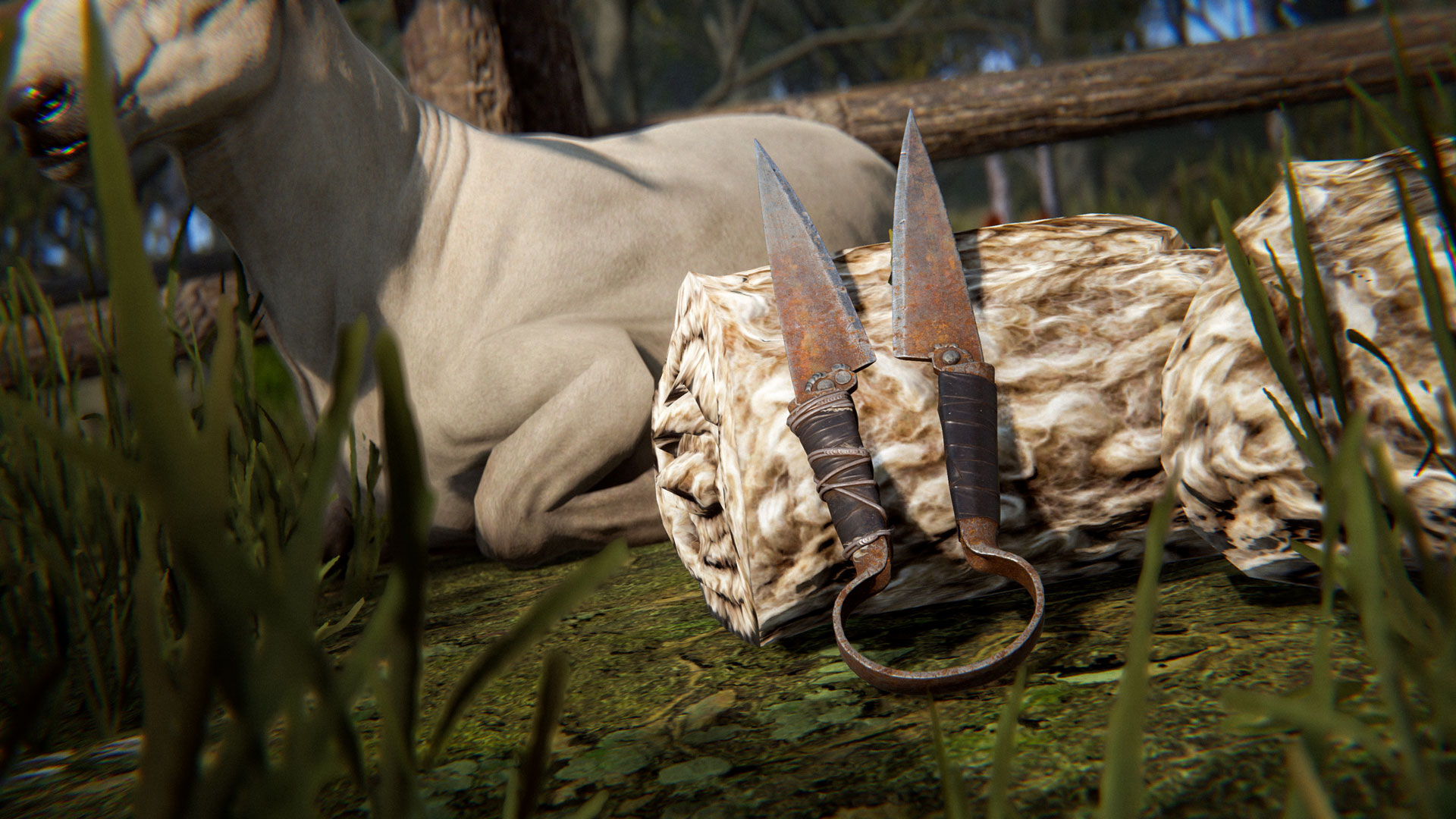
Take your Sheep farm to the next level with the new Shears weapon.

Shears will produce more wool and cannot hurt the Sheep if you accidentally miss the wool and hit it's skin. 
It's a new default blueprint and requires a Level 1 workbench to craft.
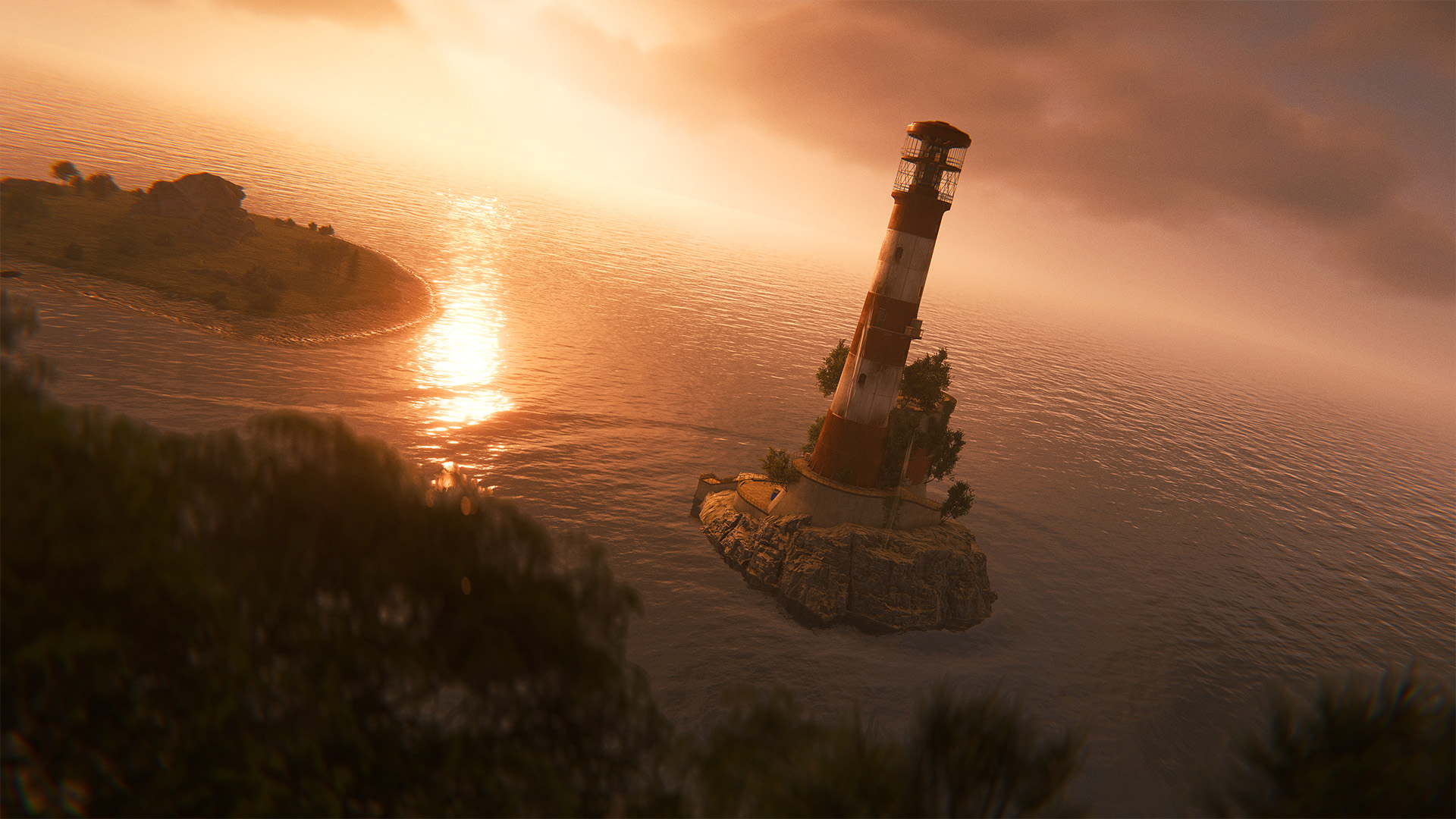
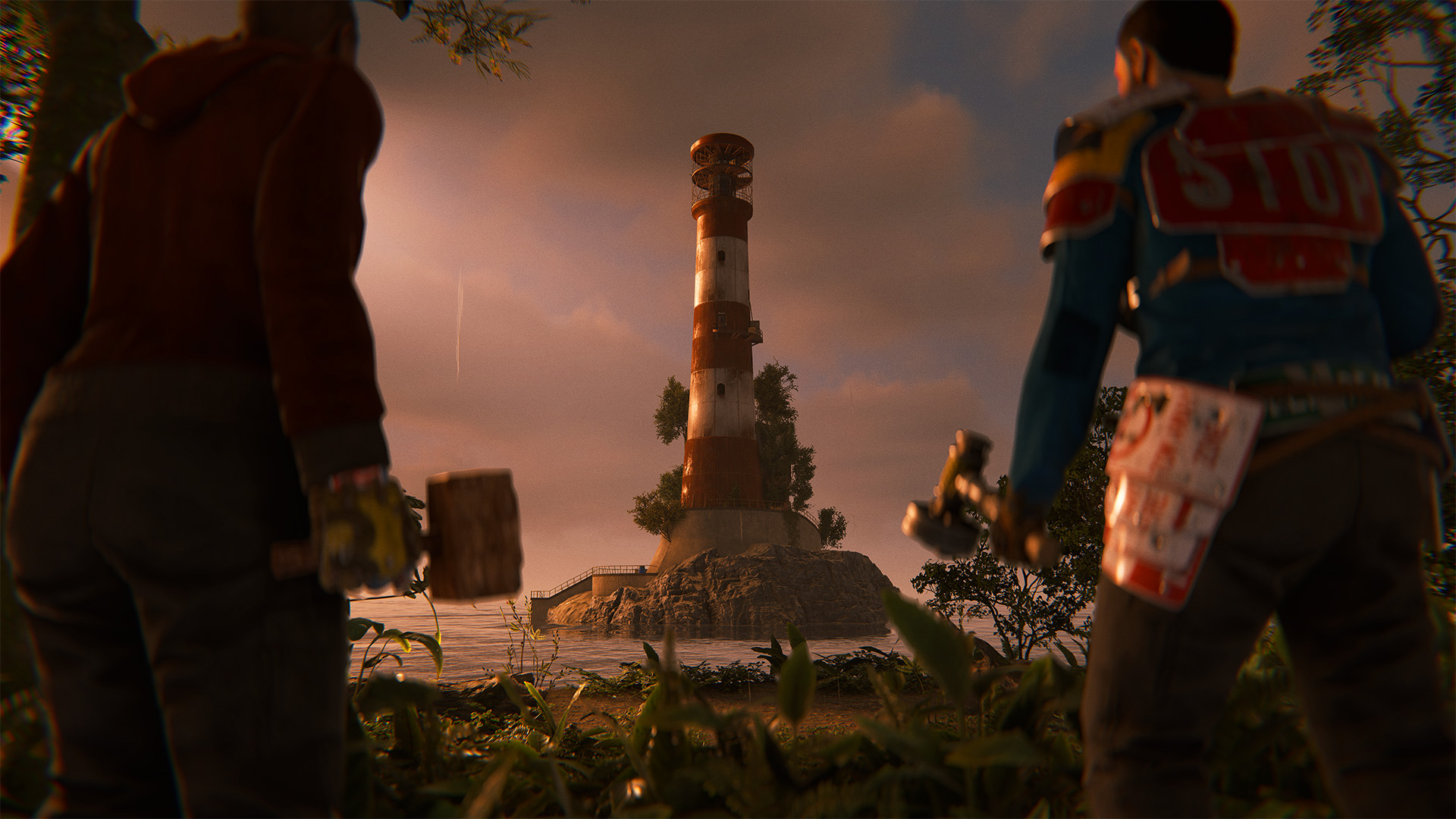
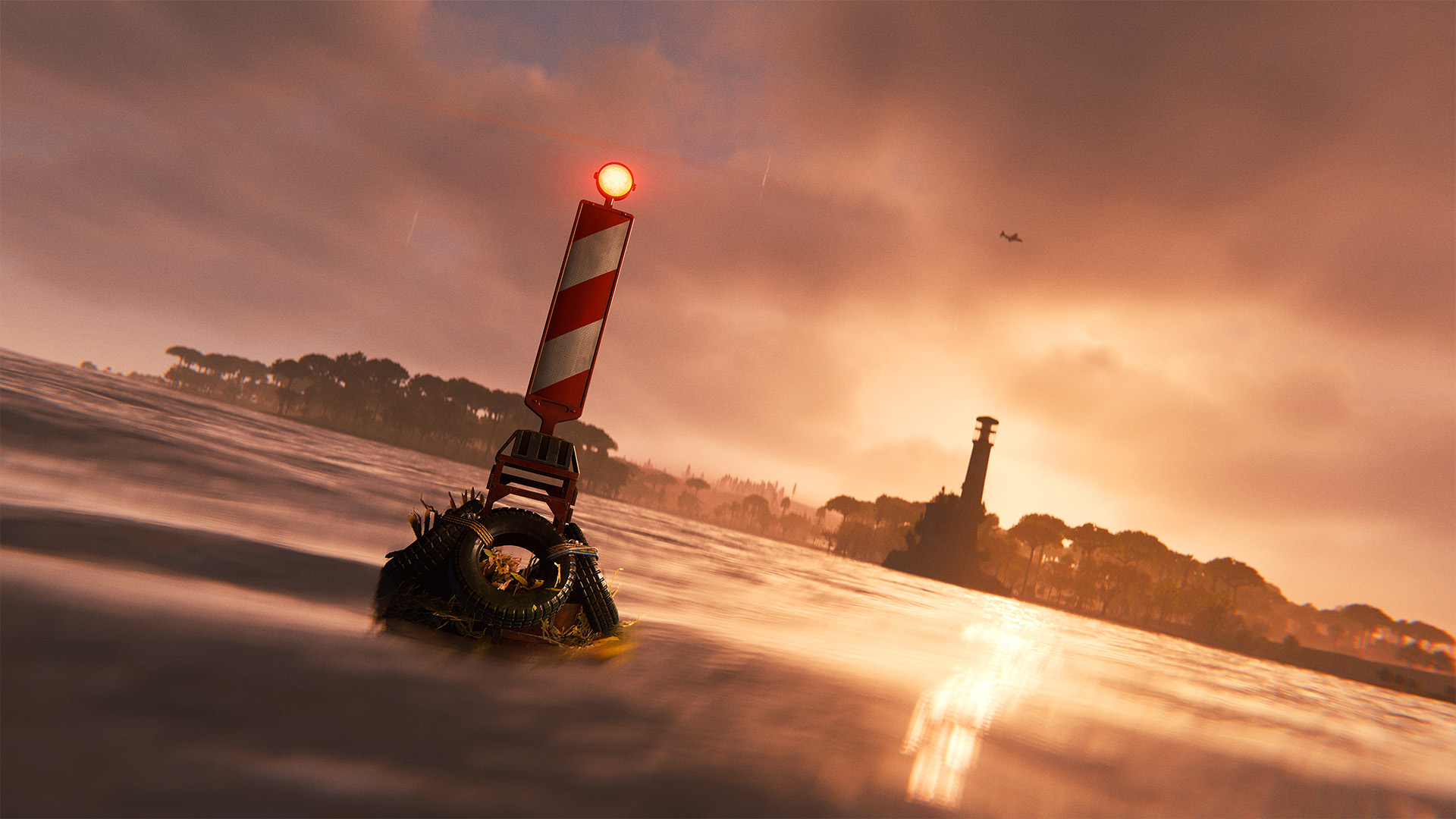
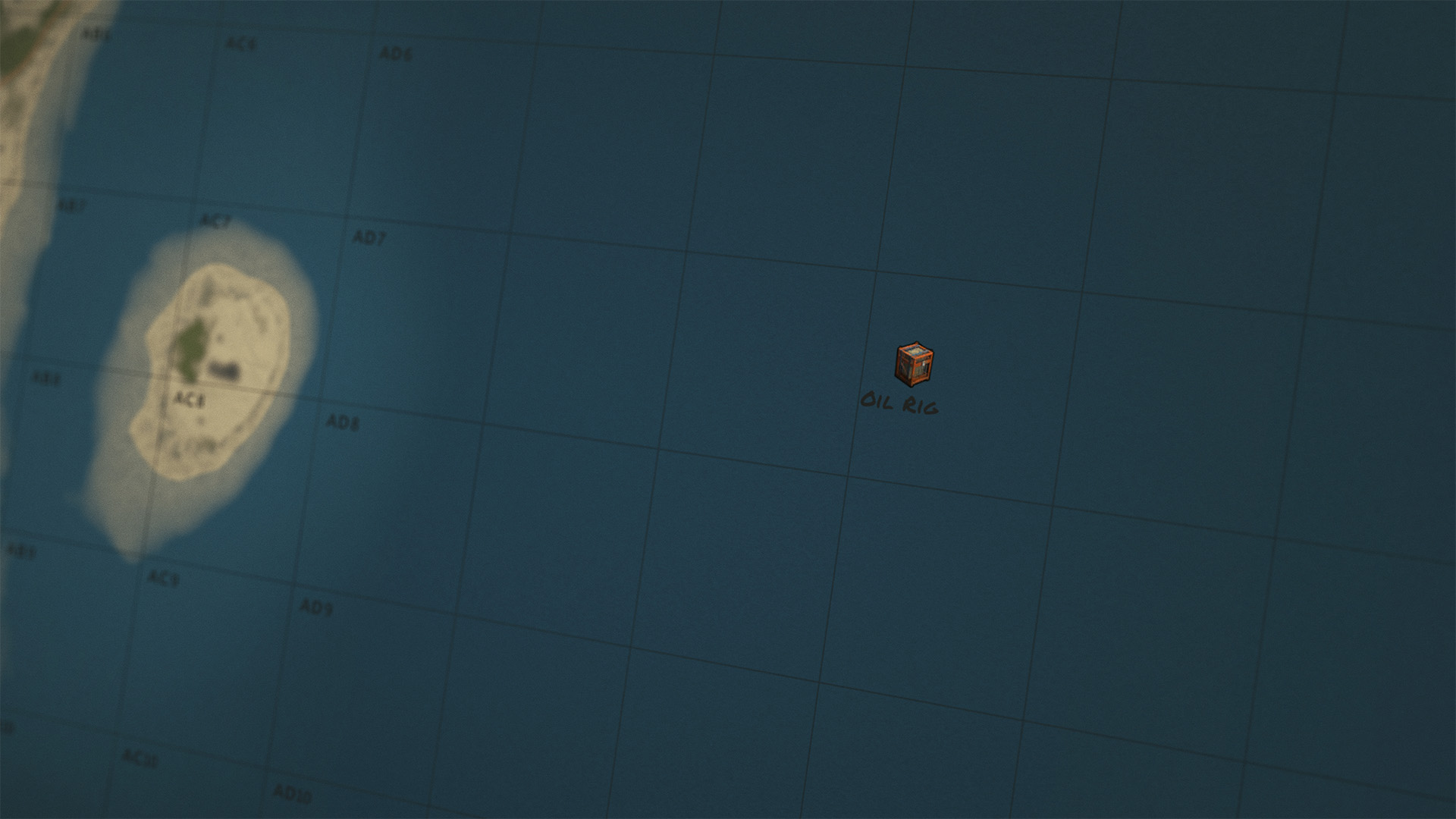
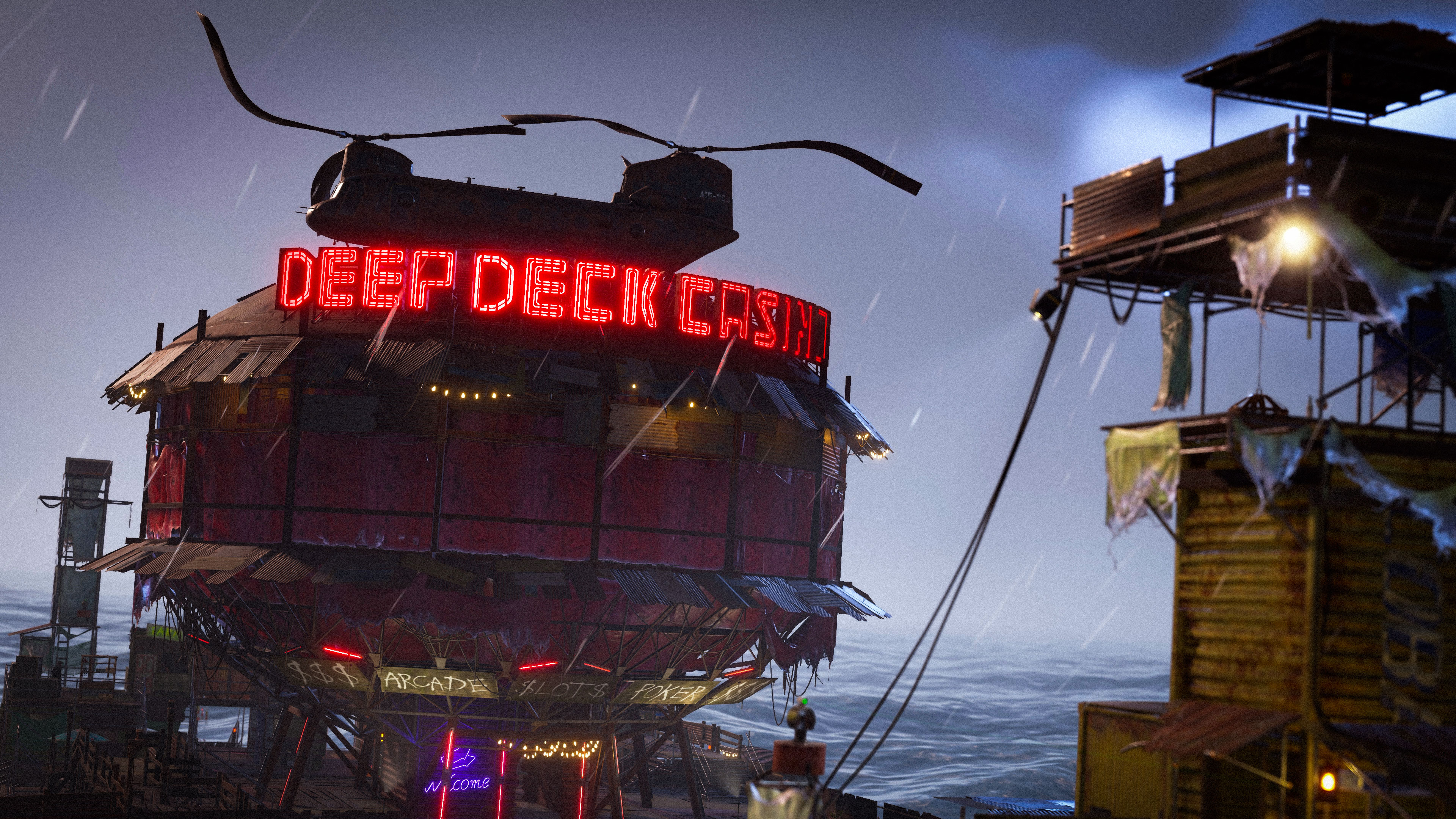
The regular deep sea cycle now starts once the lighthouse has been repaired. It opens immediately after the repair is complete, and the cycle then continues as normal.
Multiple lighthouses all share the same resource and progress, and repairing one will repair them all.

Maps without a lighthouse start with the deep sea cycle already active.
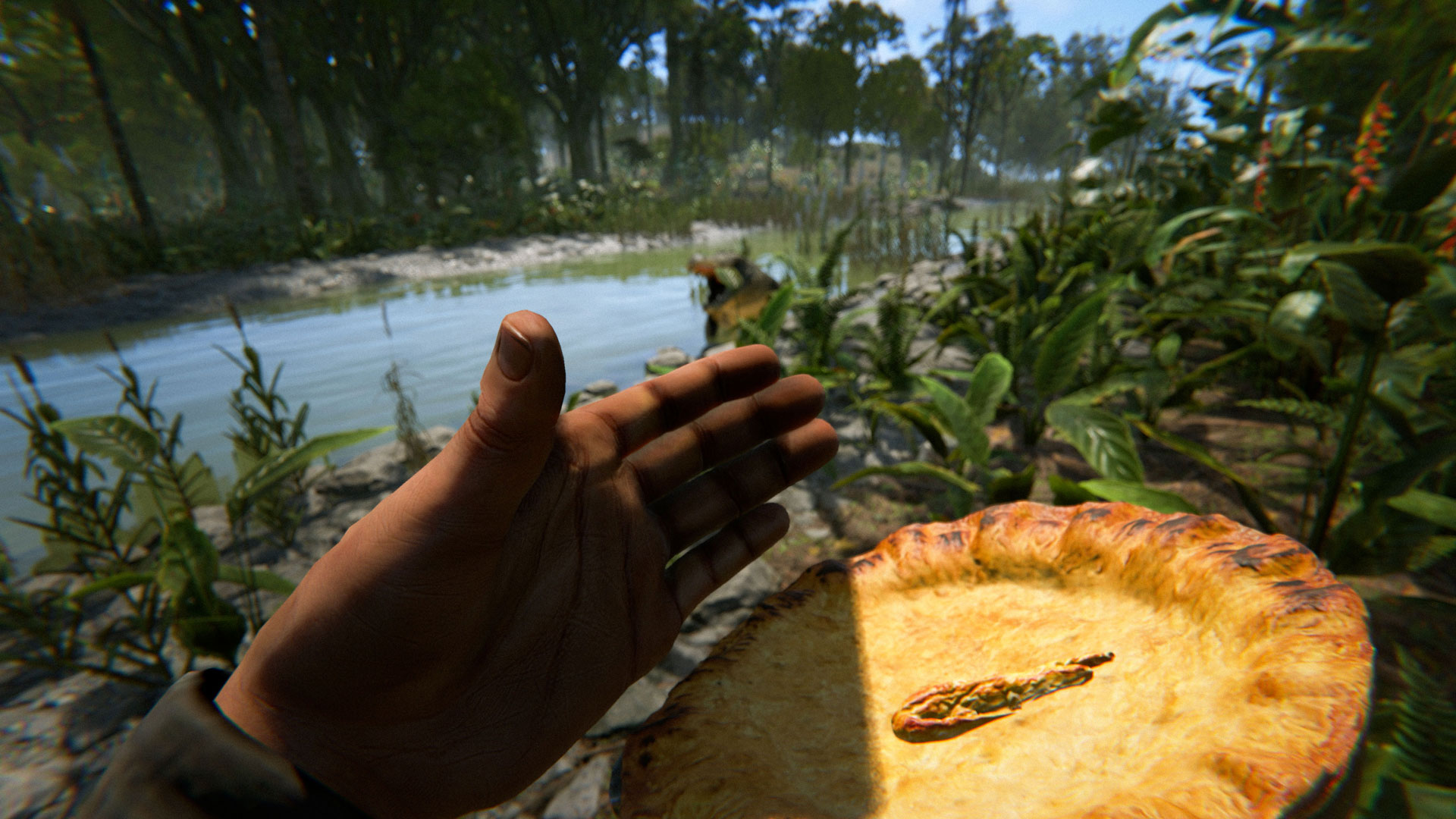
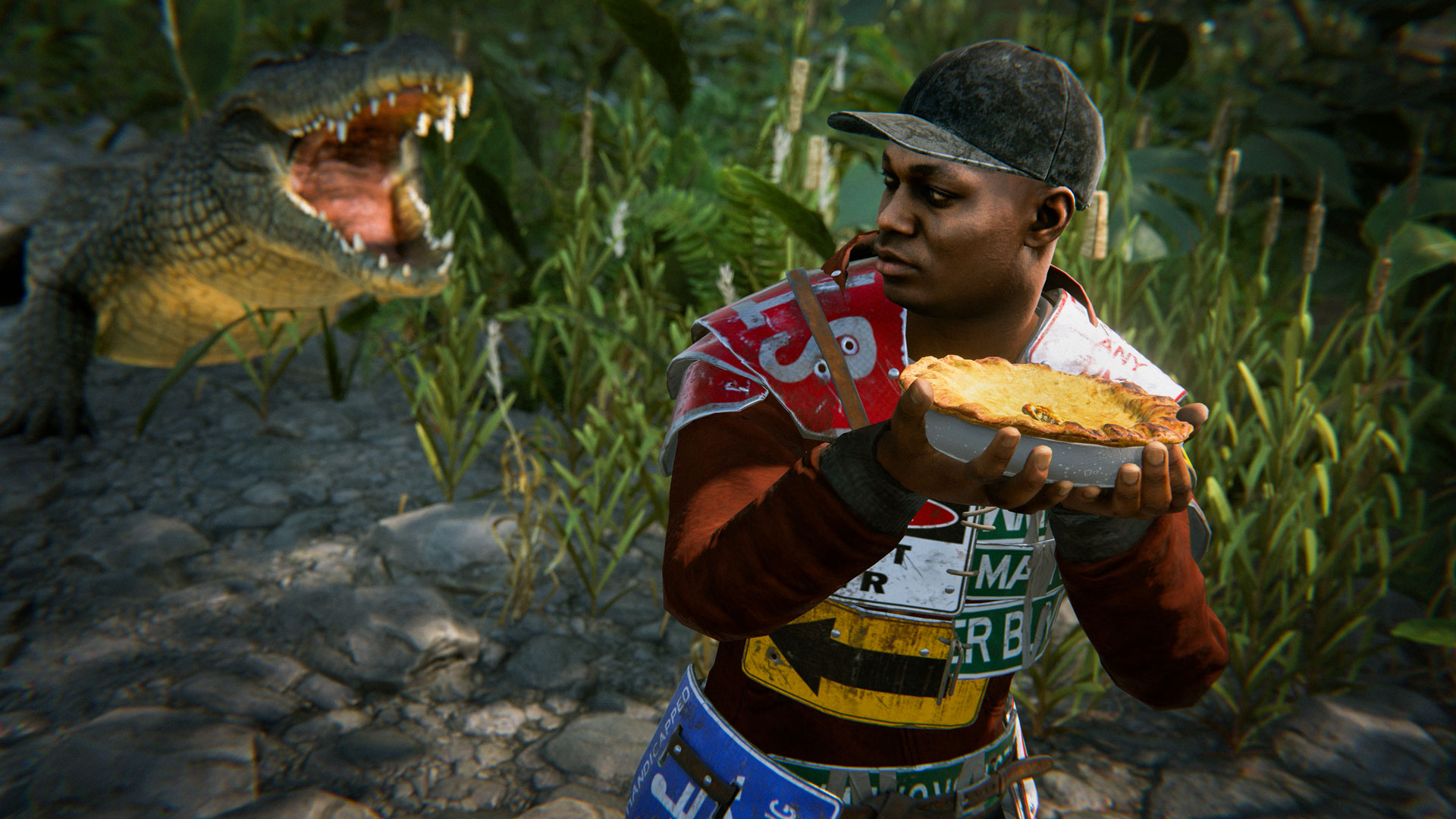
You can now use all of that Crocodile meat you harvested in the jungle on the cooking workbench - creating a new pie! The Crocodile Pie will intimidate nearby animals and cause them to keep their distance.
This includes common animals like Wolves, Bears, Boars, etc. as well as Sharks and Bees. Rams and Bulls won't flee but they also won't charge you, making this a useful tool for someone setting up a livestock farm.

Also includes a rich version with double the duration.
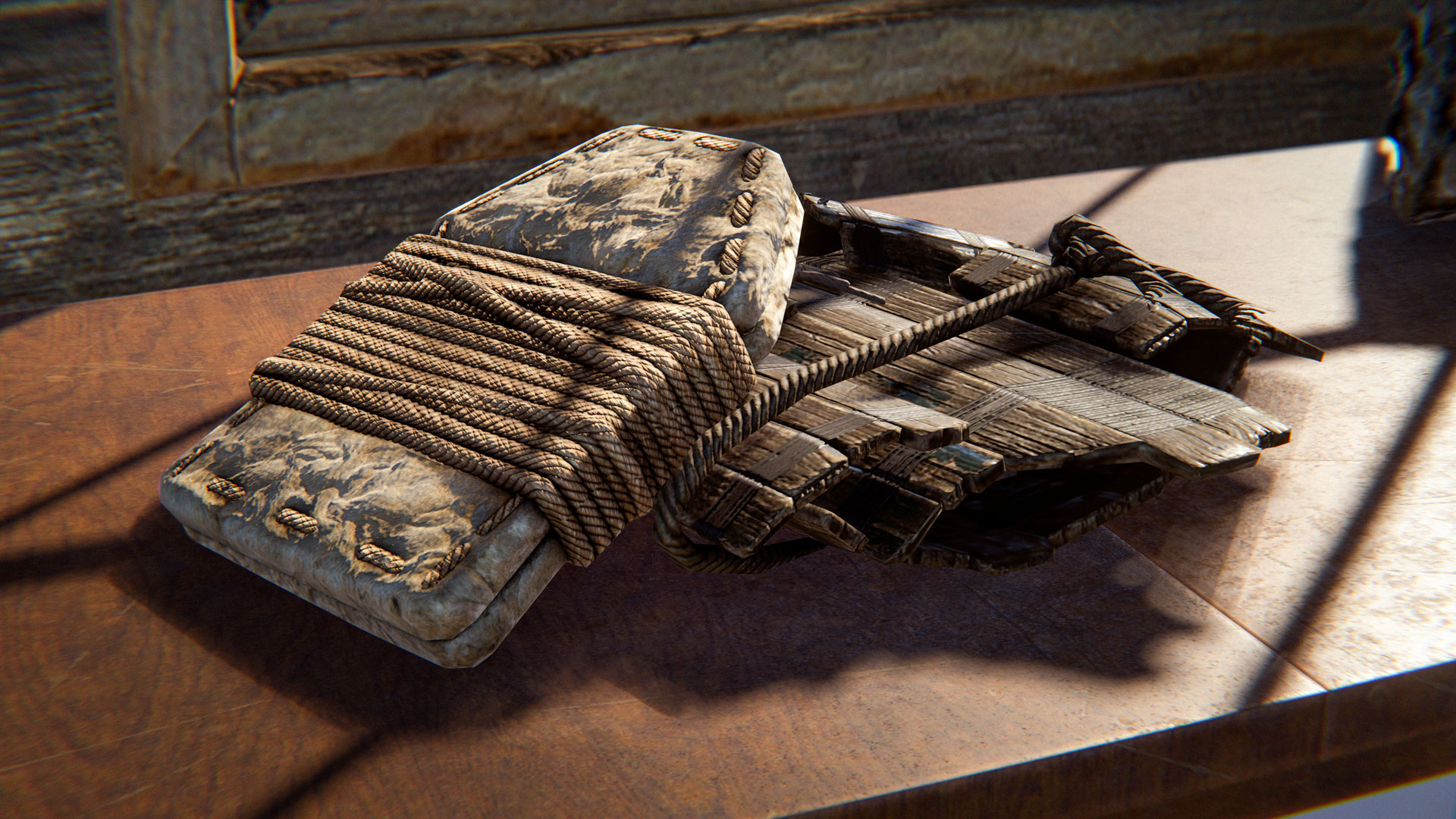
Get your sheep ready, as this month includes a new Armour Insert using Wool. It offers a small buff to melee and projectile protection but a large buff to cold resistance, making those chilly nights in the Arctic more survivable. 

You'll find it on the Workbench Level 1 tech tree.
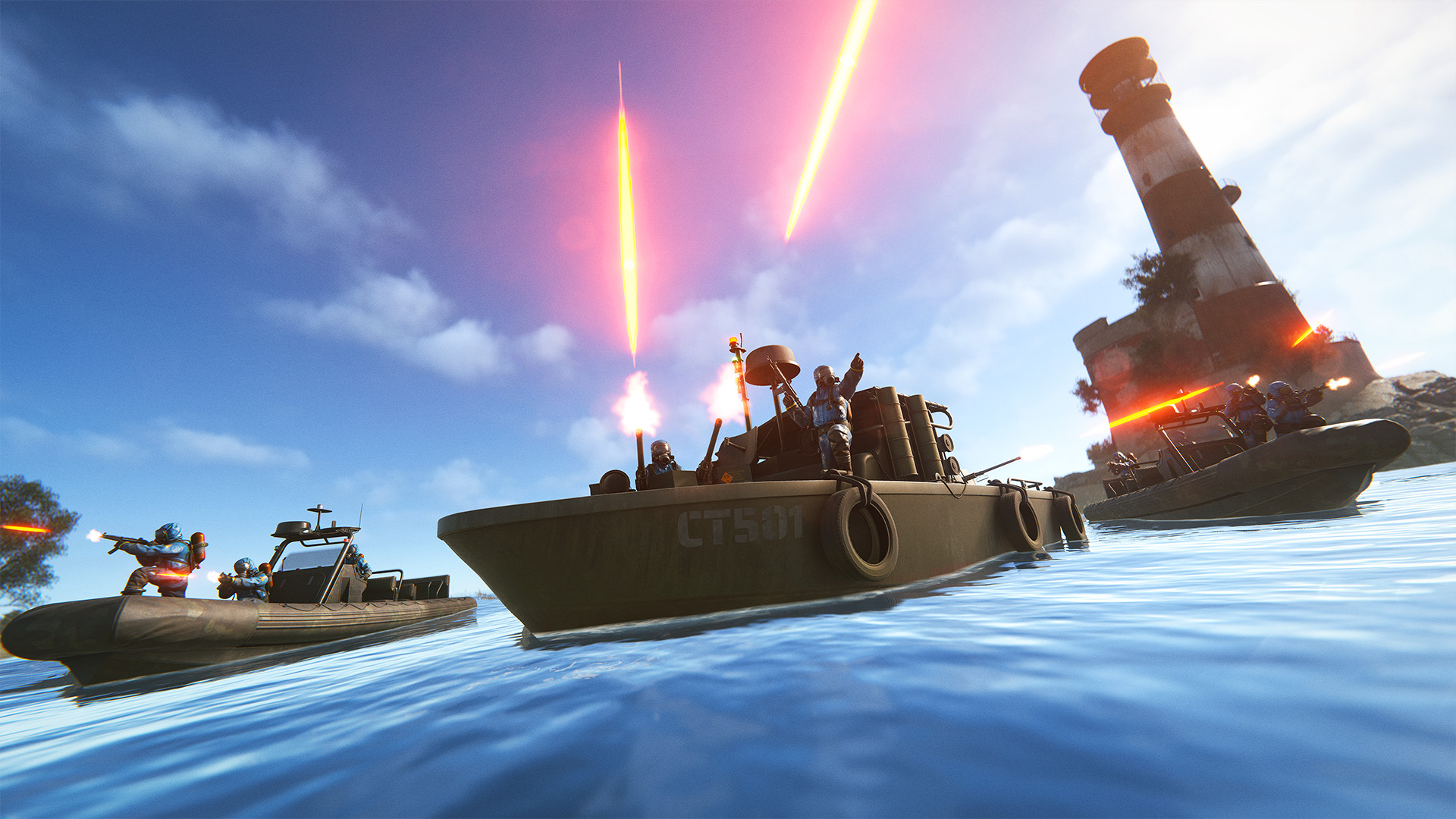
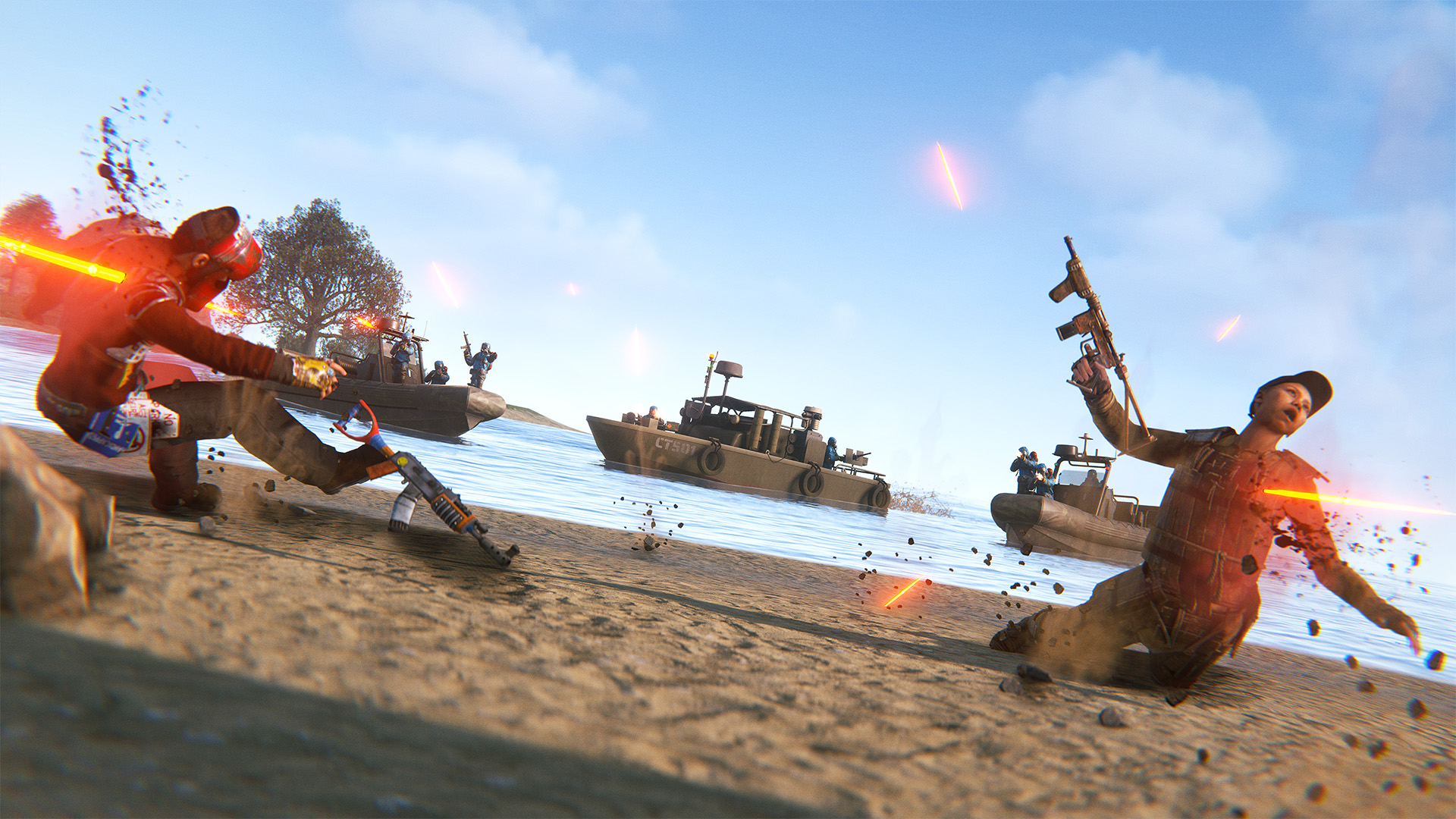
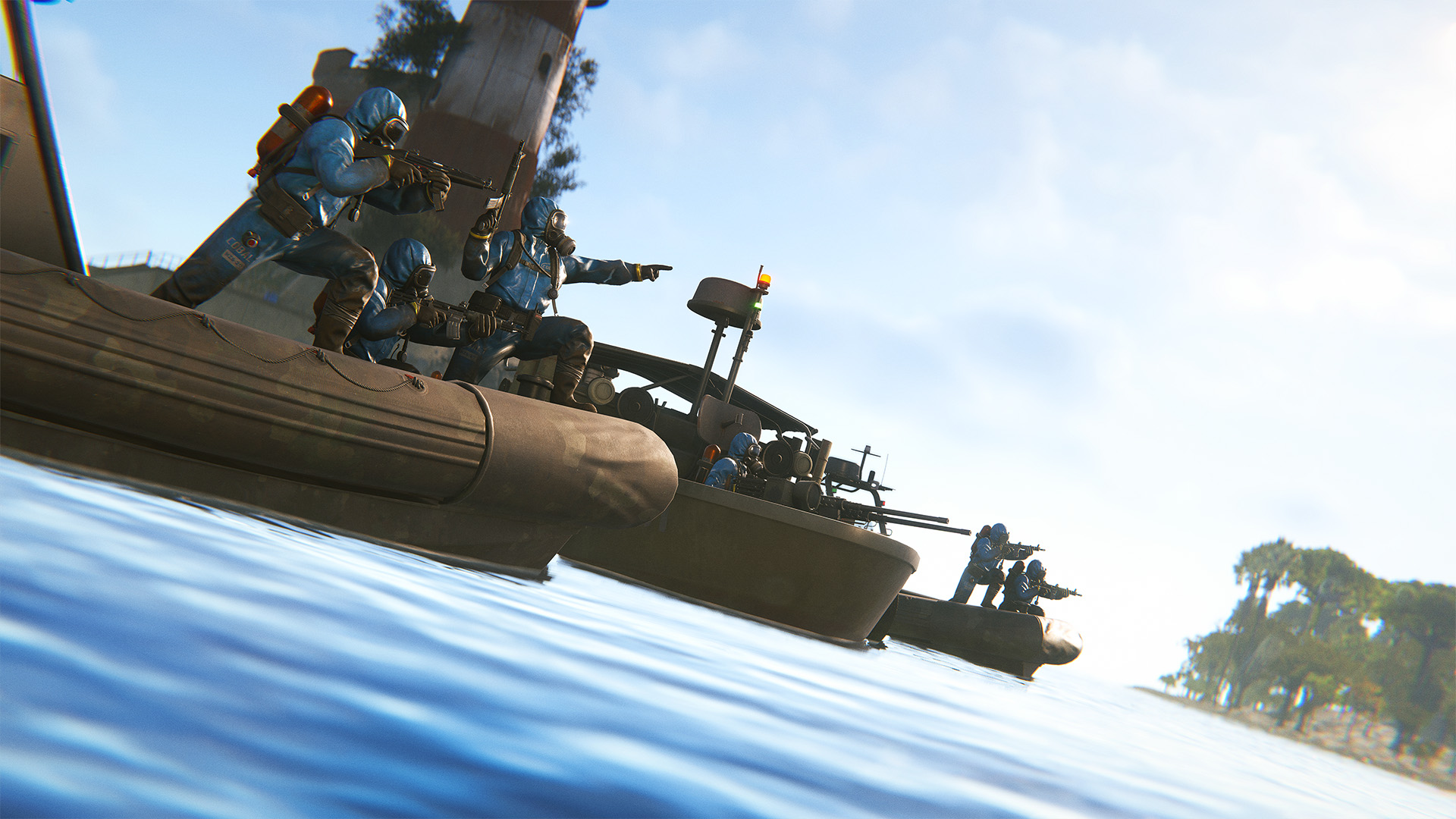
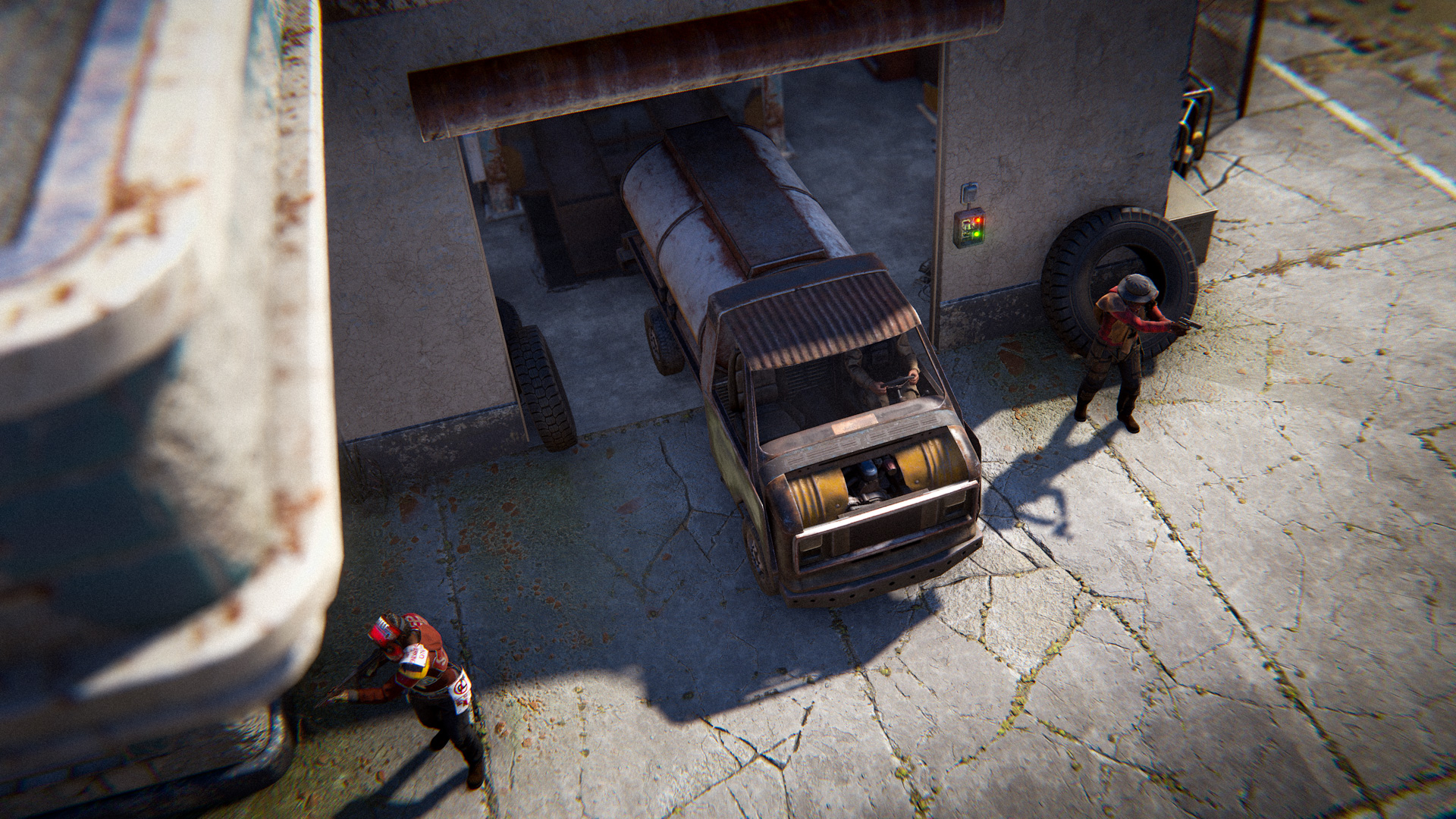
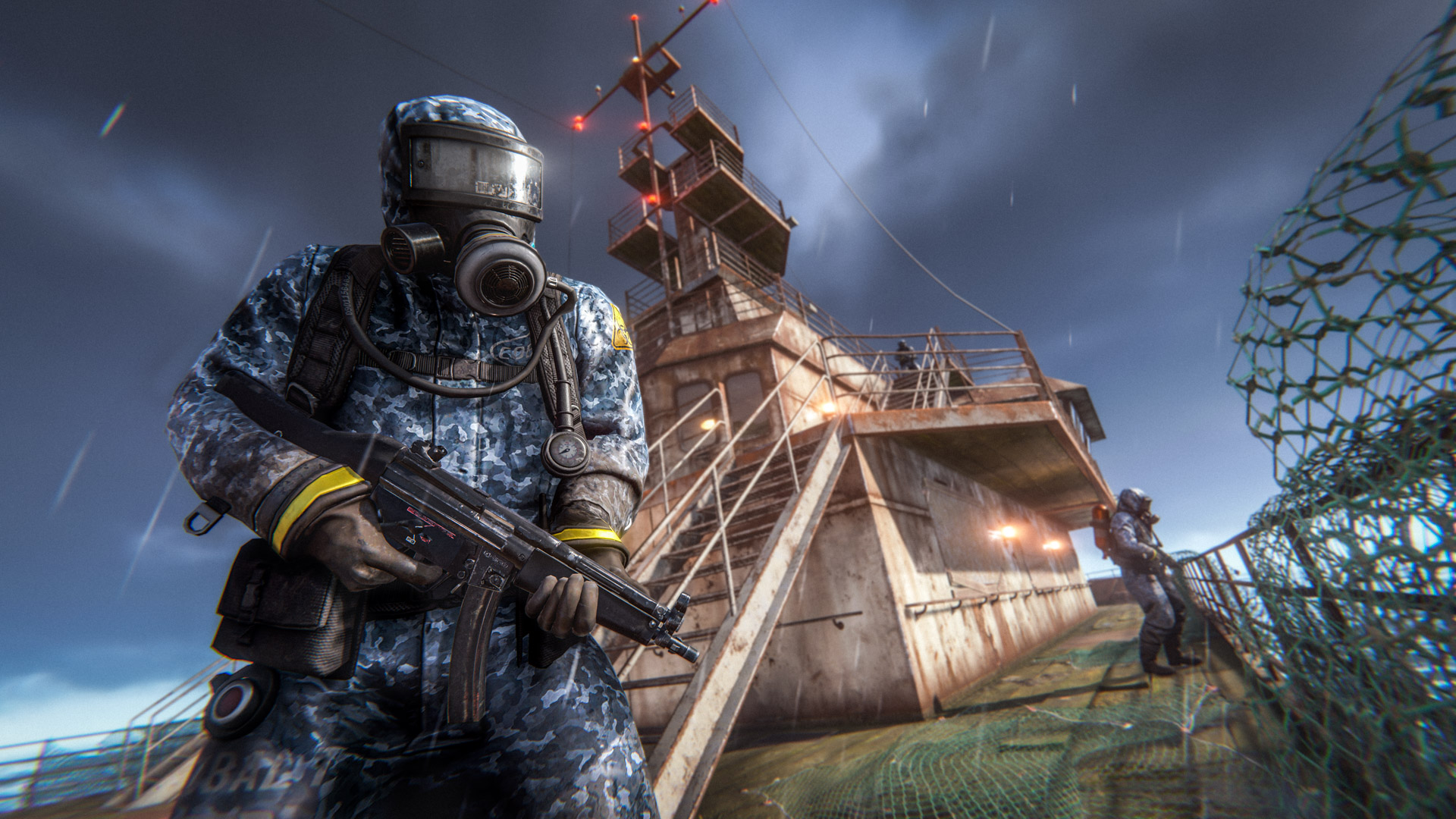
We are introducing a rare set of roaming scientist boats that patrol in and around the main island.
Up to two groups will enter the island and patrol the seas for up to an hour before leaving.
These boats will only engage with geared players (following the same rules as the patrol helicopter), unlike traditional 'events' they don't have any map markers or notifications.
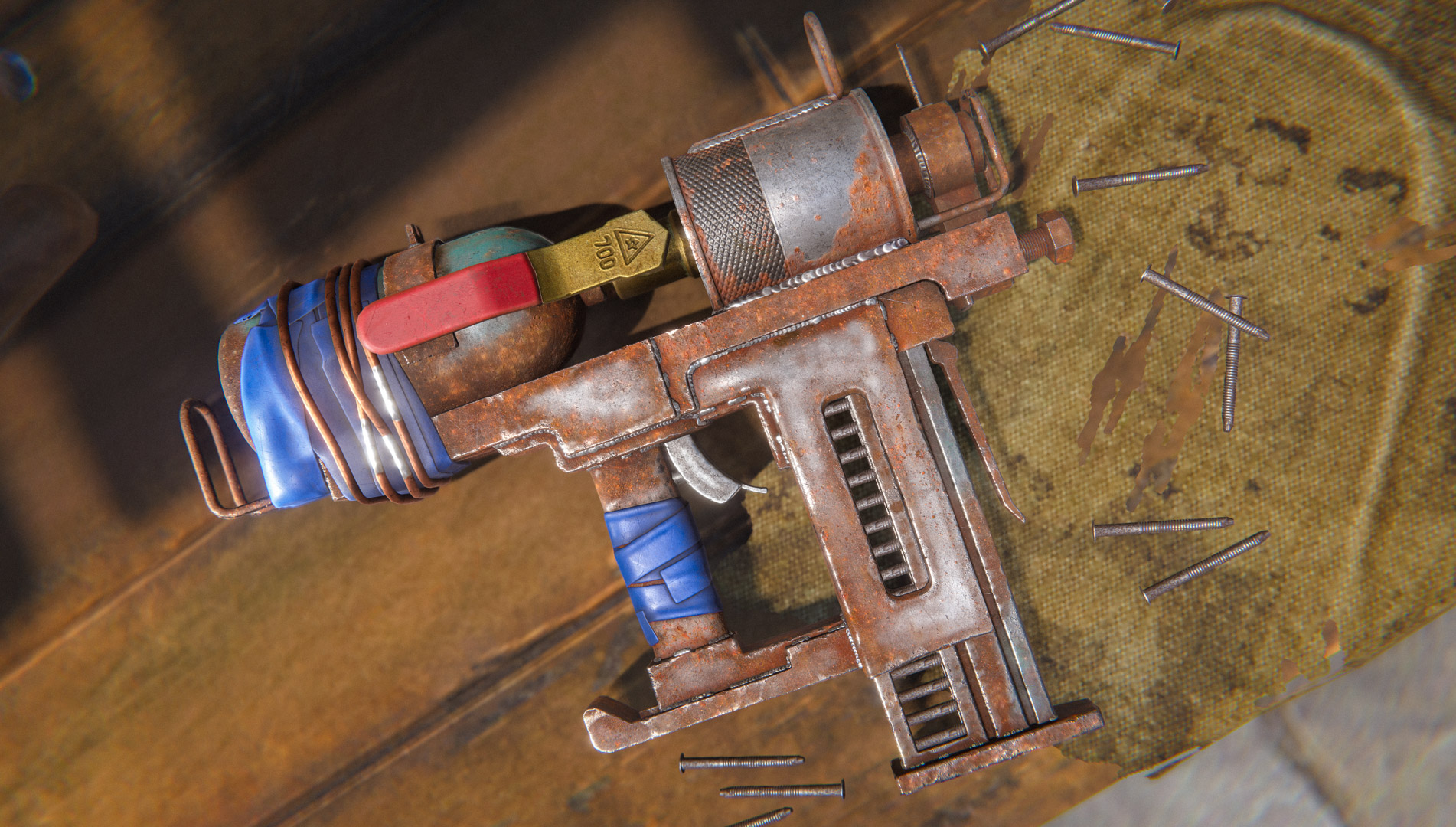
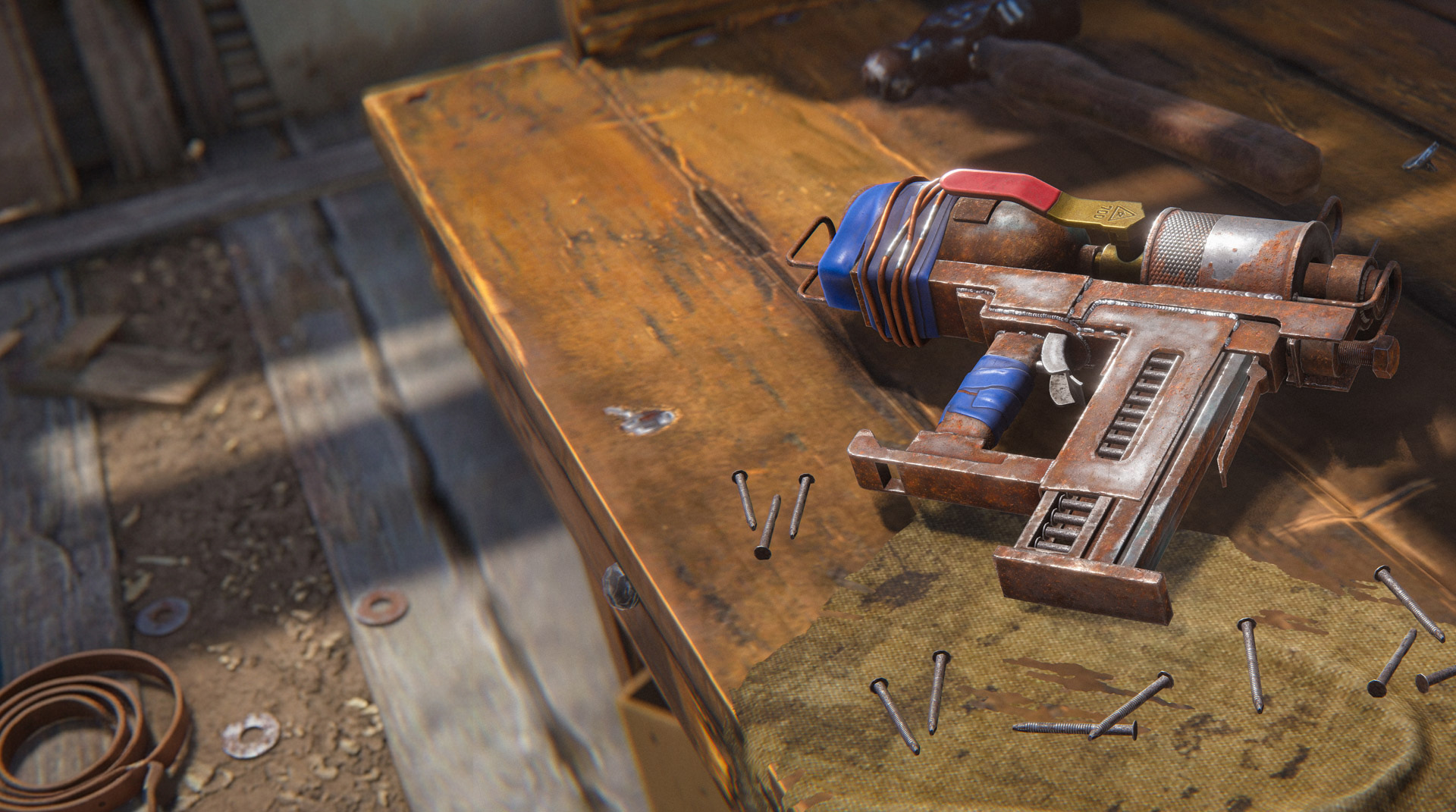
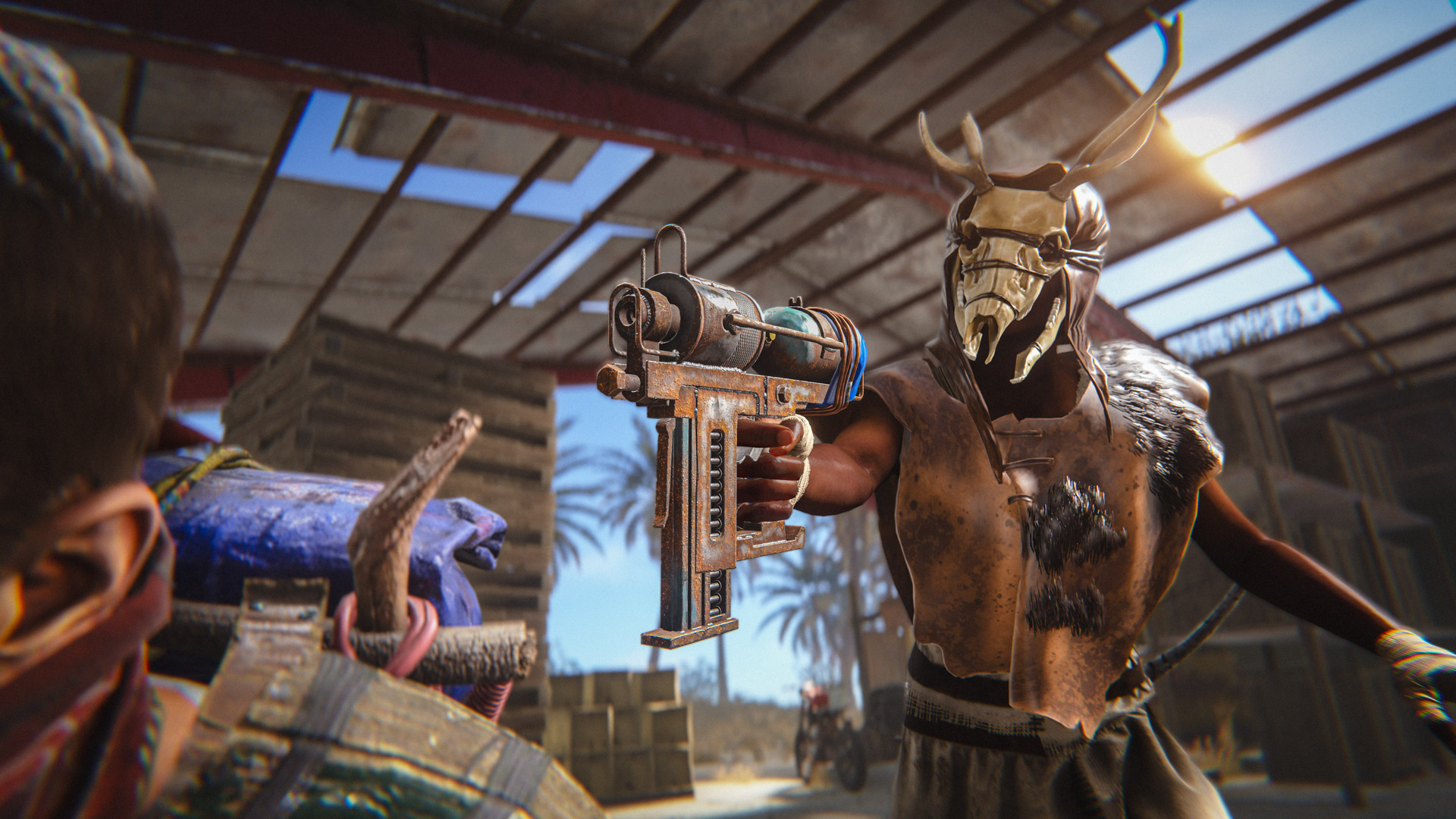
After almost 9 years in the game, the Nailgun has finally received a well-deserved visual refresh, bringing an updated look to one of Rust's more makeshift weapons.
This update introduces a brand-new, highly detailed model, higher-resolution textures, and some fantastic new animations to go along with it, all while retaining the improvised, cobbled-together look that the Nailgun is known for.
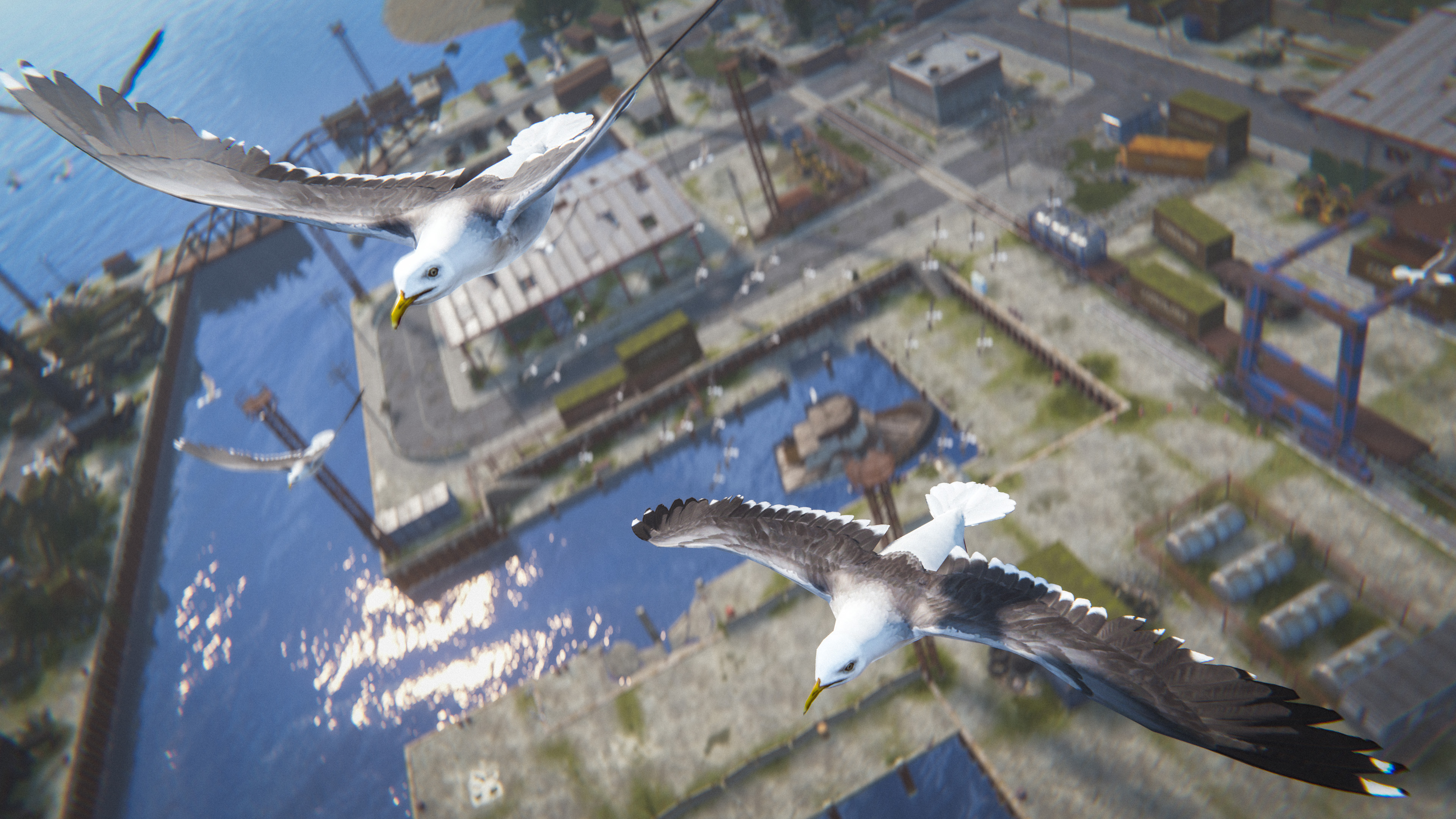
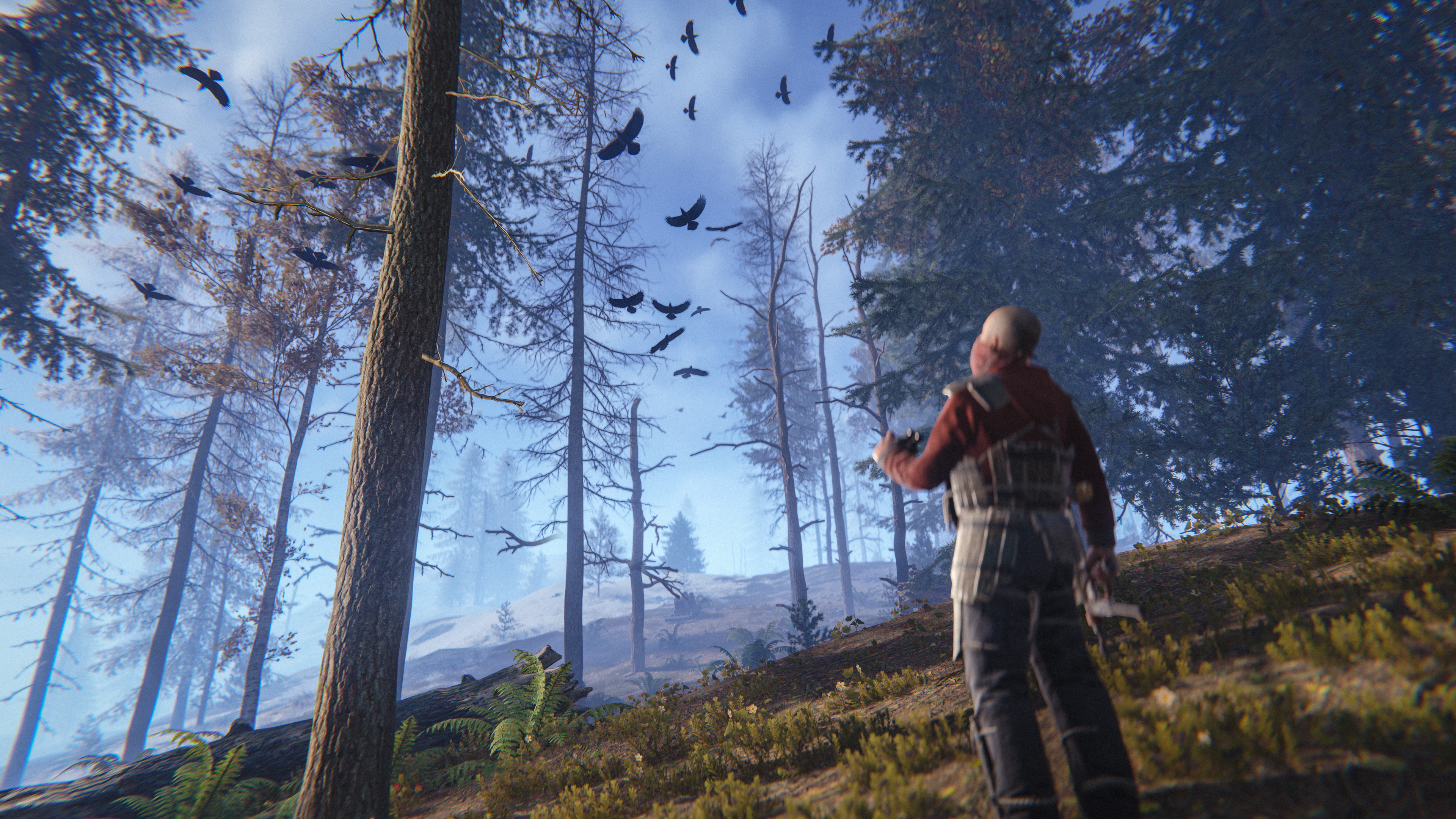
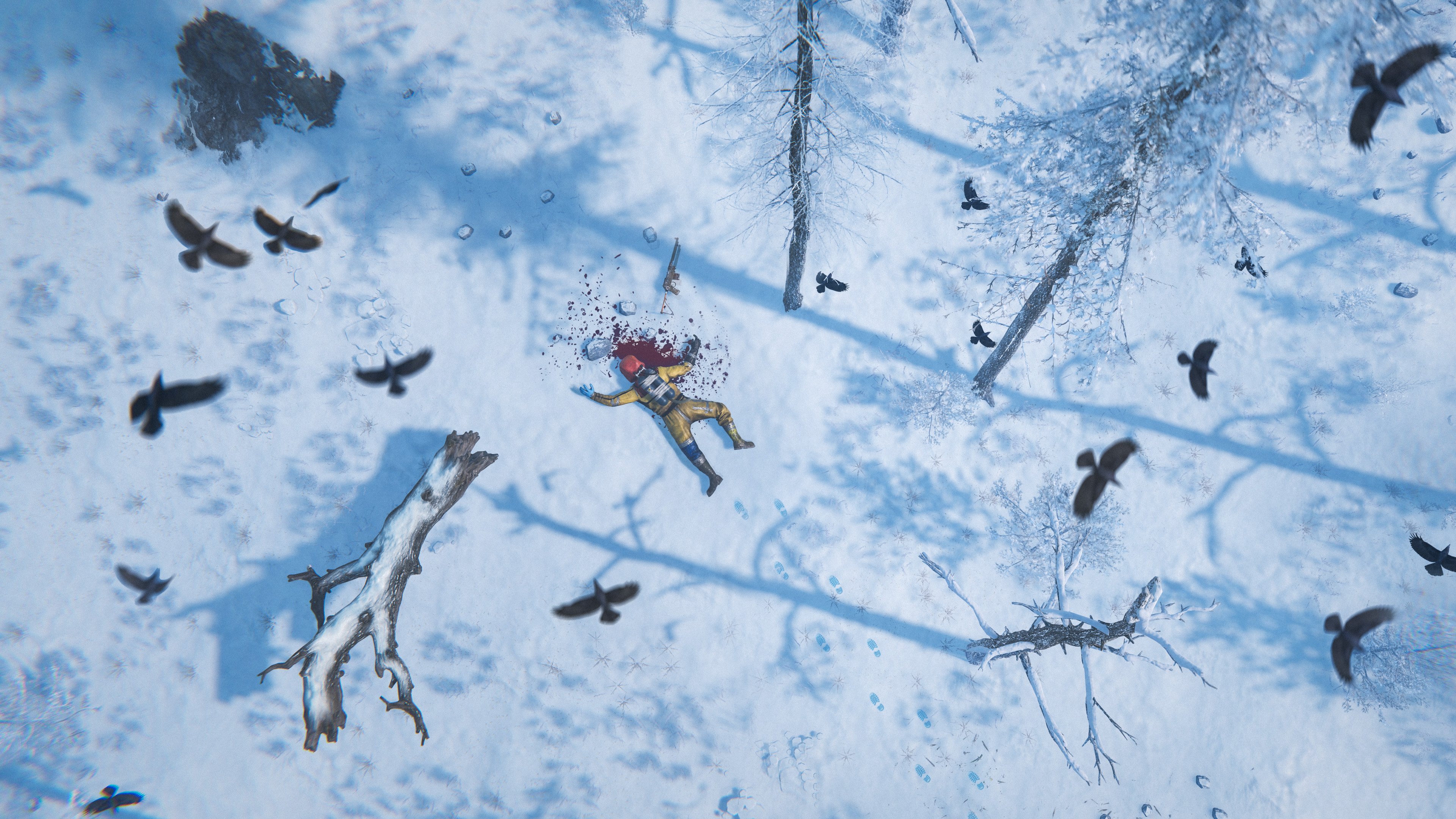
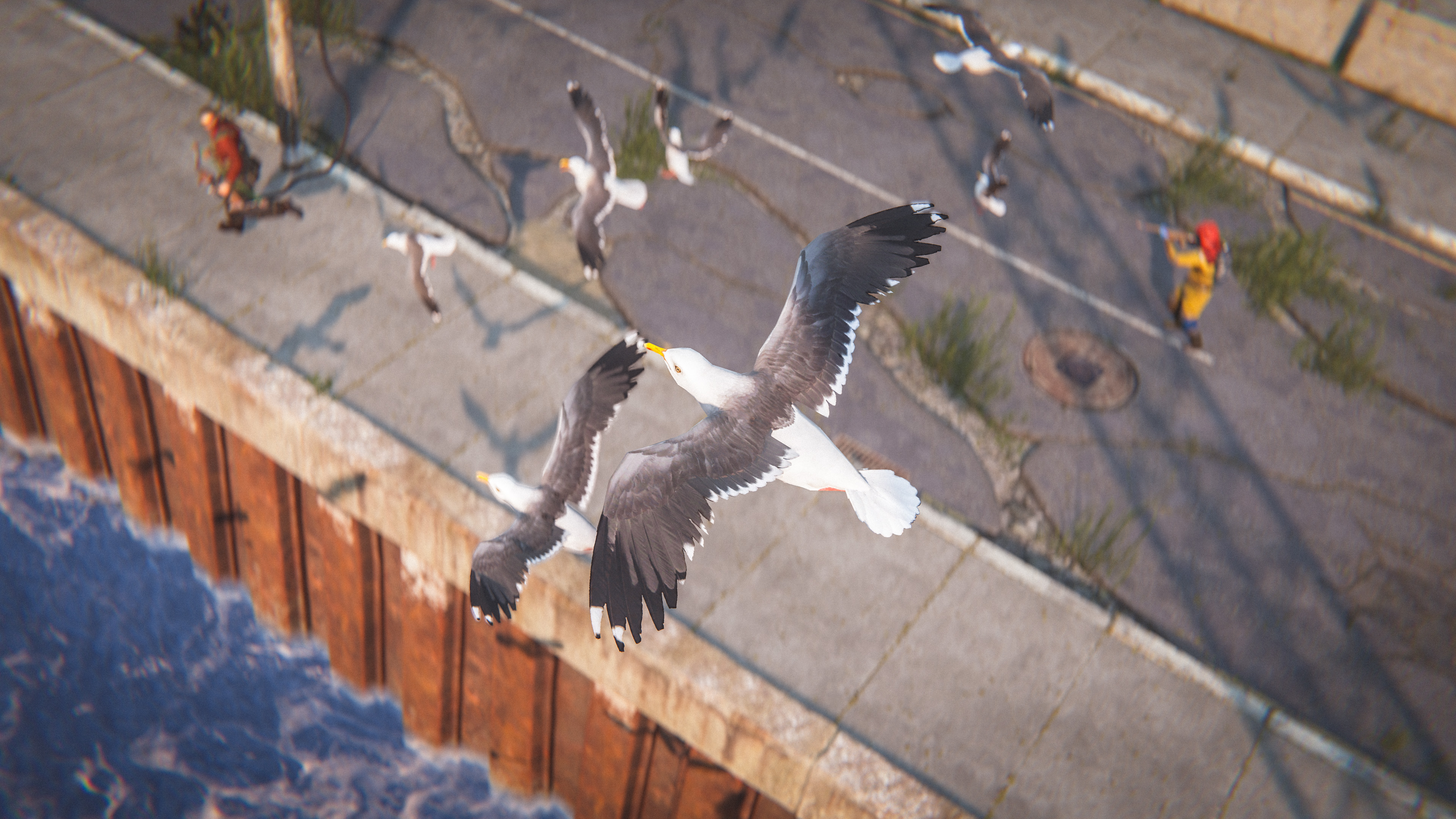
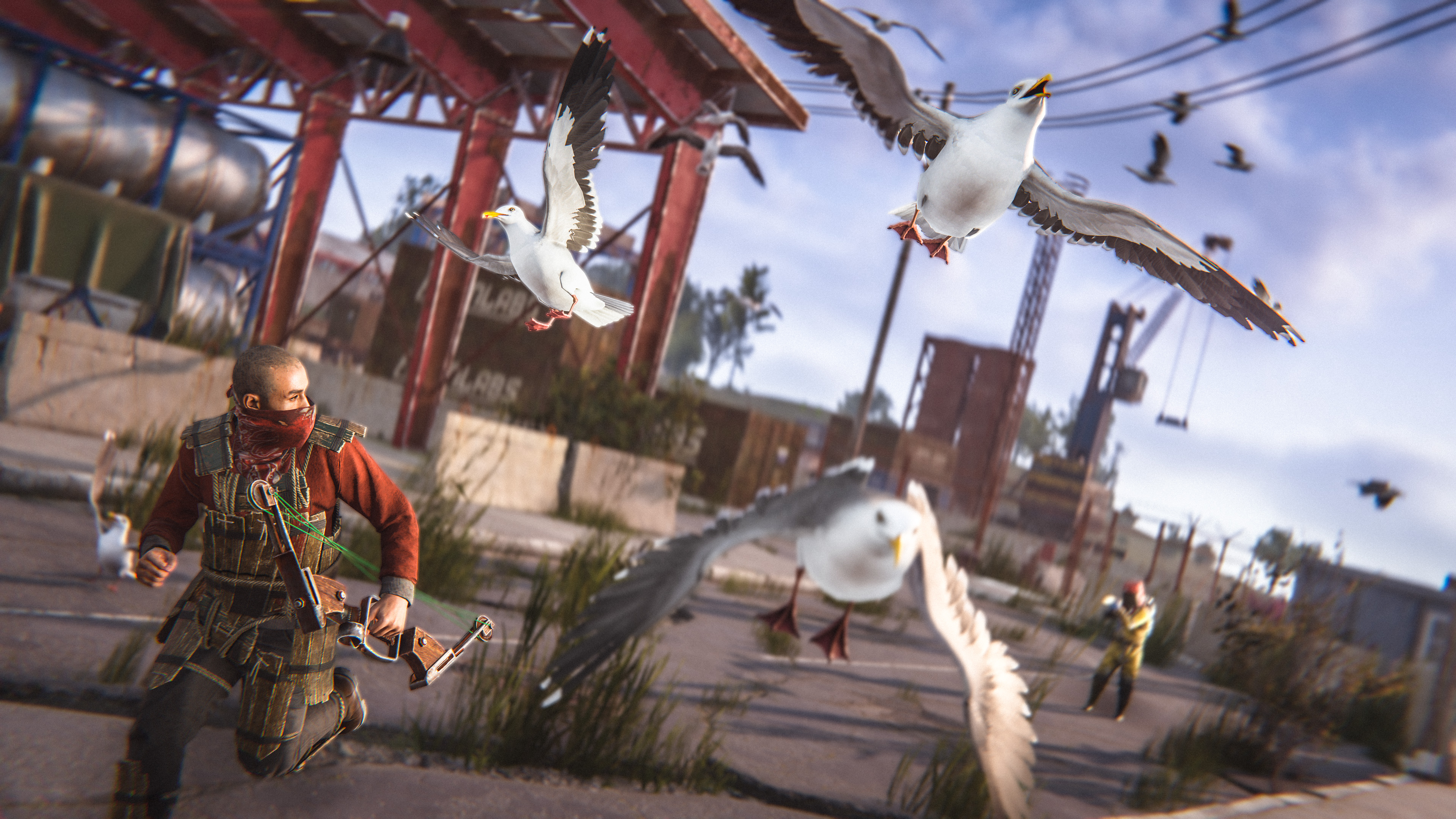
Flocks of birds have been added in a minor wildlife expansion. 
Crow and Seagull flocks will fly across the map, looking for things that interest them.

Inland, the crow flocks will be attracted to corpses of any kind, circling above to check out a potential meal. Explosions will scare them off if the pests are giving away your position.
Seagull flocks will swarm above coastal and water-based monuments when players are inside. After a time they will lose interest, some kinds of rats are a bit too large for them to eat...
Also, in the coastal monuments, you'll see groups of seagulls landing to rest. When something comes nearby, they will startle and fly off. Keep an eye out for them when you're trying to track down a target. These seagulls, unlike the fast-moving flocks, can be shot down if you want to stay stealthy.
We added a new set of animations for when a player turns while standing. In the past, they would just slide around while you were looking around which looked pretty dated. 

It took quite a long time to tune the timings, deadzones and other parameters to make these turns feel responsive. A lot of other games have the benefit of limiting how fast a player can rotate which makes these turns a lot more controlled, whereas in our case we needed to keep them 100% true to the player's flicks and fast rotations. 

We tried a couple of different approaches like using IK for the feet movements, which felt really robotic even with a lot of randomization, we also tried a hybrid approach of both animations and IK but in the end, we ended up just using animations. 

I think there is still plenty of ways we could improve them and we'll continue to do so in future patches.
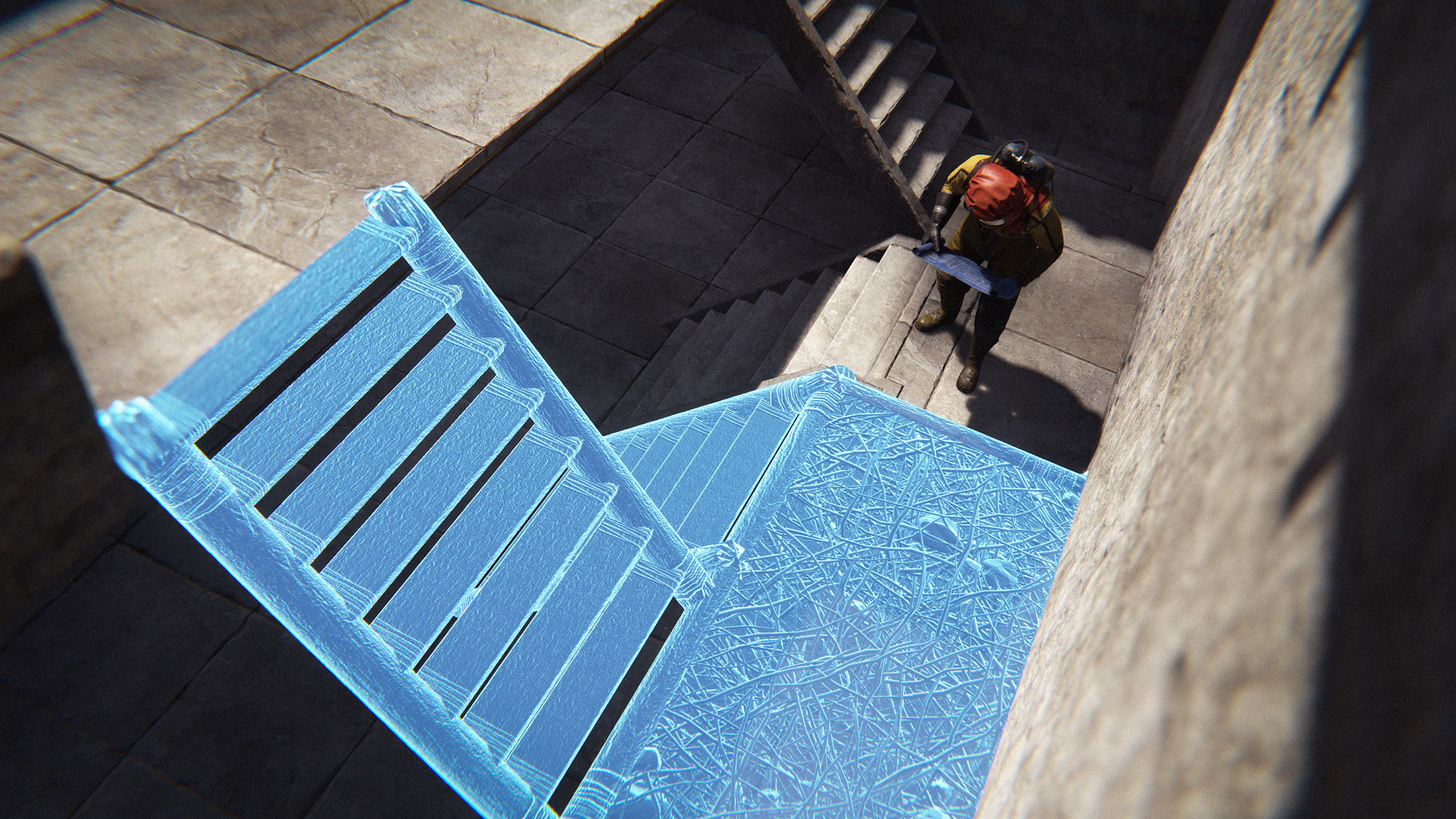
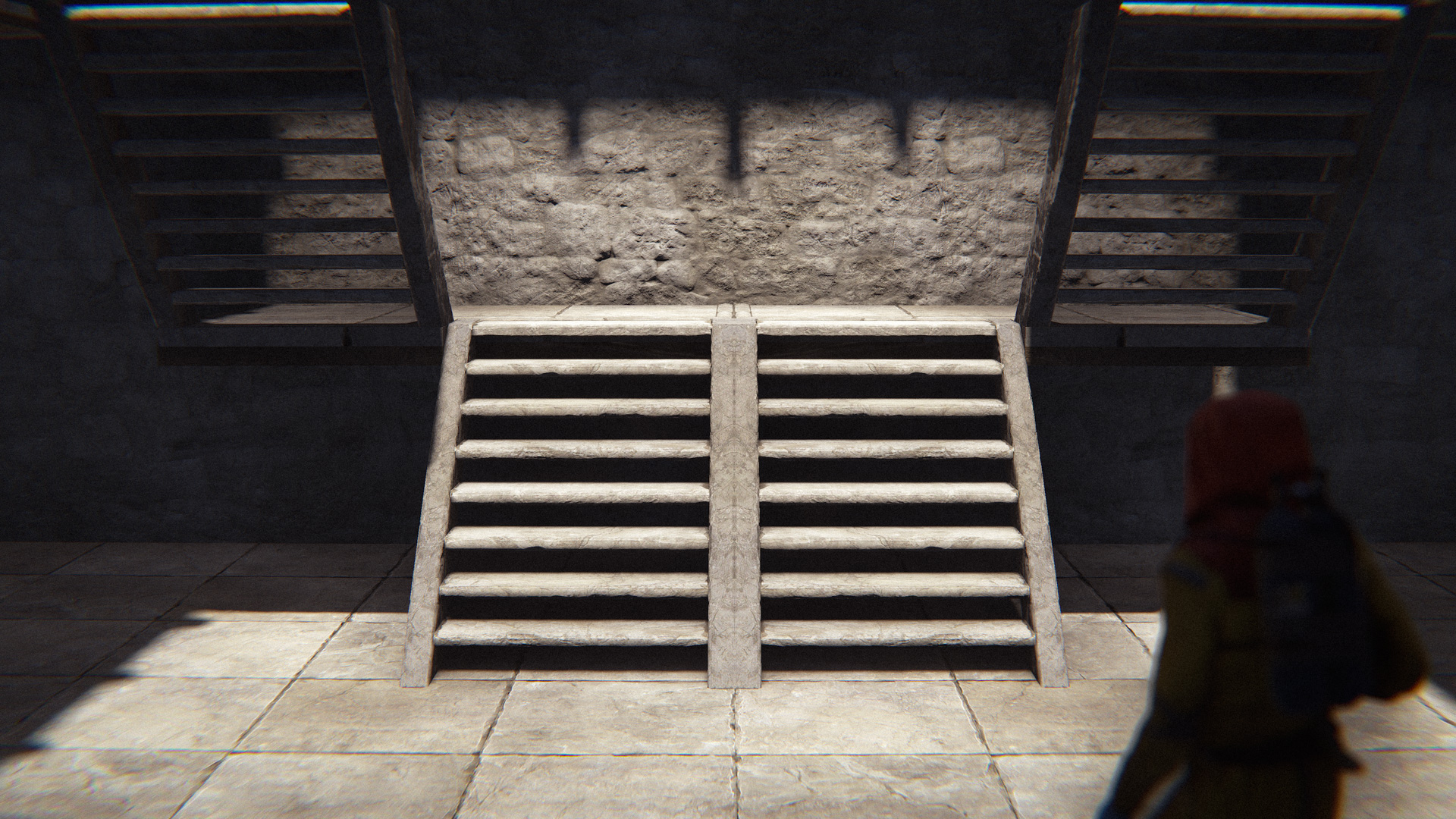
We've added mirrored versions of the L and U stairs.

You can flip them with SHIFT + R while deploying, or with the hammer within 10 minutes of placing them.
Randomly spawned modular cars will now start with half of their engines filled with low-quality parts. We felt that getting a car up and running was a bit too frustrating. This way, you'll still need to provide some parts, but it should be a bit less work.

To prevent the parts from just being stolen for recycling, these prefilled parts are now locked until a car is loaded onto a car lift for the first time.
There have been a number of improvements to scientist boats this patch. A new movement system, targeting system, and a bunch of refinements to the PT boat turrets.

Movement and Targeting - Scientist boats can now avoid and navigate through obstacles better, as well as following and swapping targets more fluidly. 

Seat Swapping - If the driver is killed, then one of their fellow scientists will take over as a new driver.

PT Boat Turrets - PT Boat turrets have been rewritten from the ground up, and as a result they're now a lot more responsive. They have their own dedicated viewmodels, as well as a new shooting system.
We have updated the animations when dropping and attaching grenade type items - previously these all shared the same throwing animations.
You will also notice these updated animations the next time you catch someone sticking a grenade to your base, as they apply to the third person player models as well as in first person.
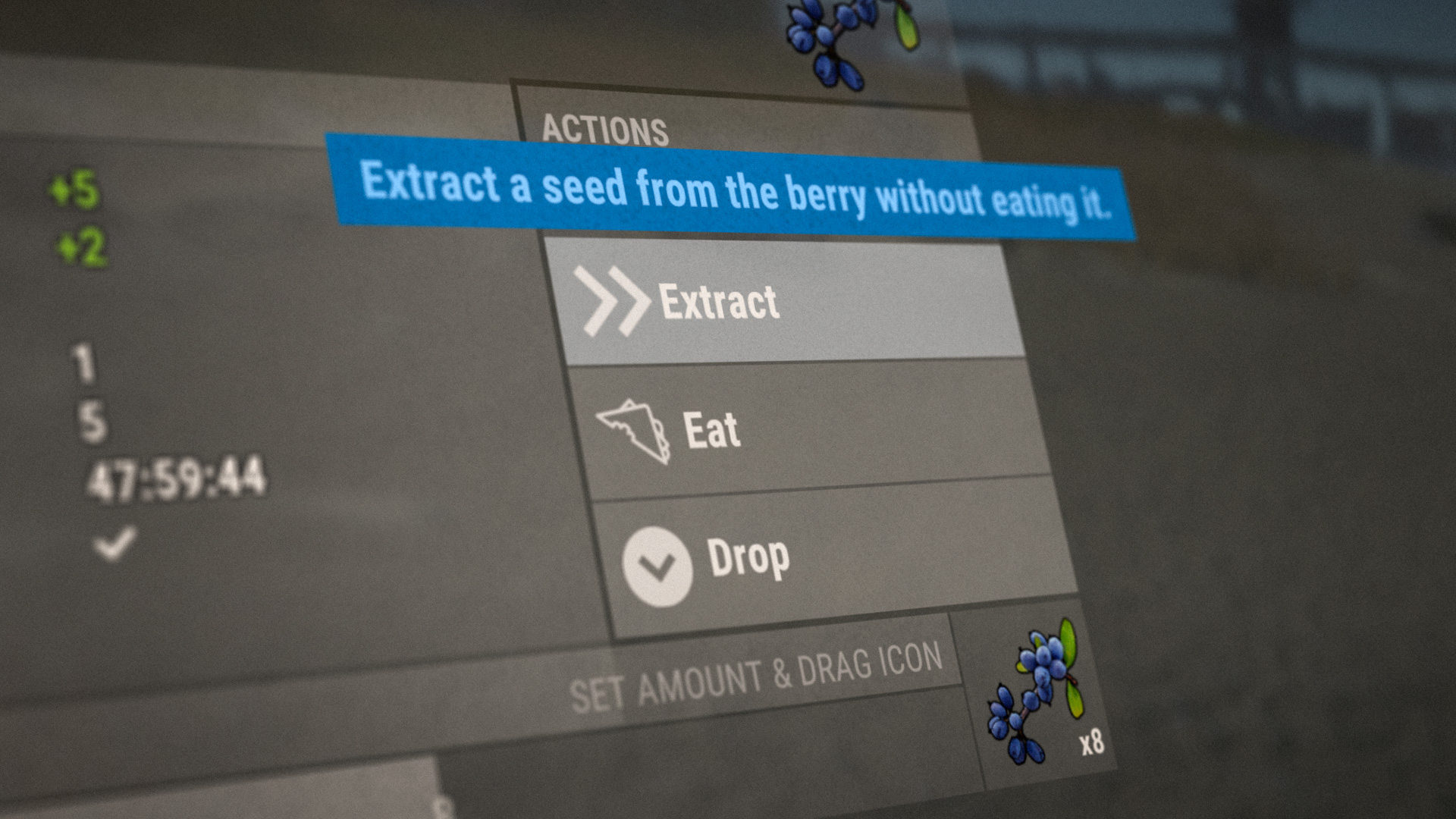
Seed Extraction
Berries now have an 'Extract' option to remove seeds without eating them.
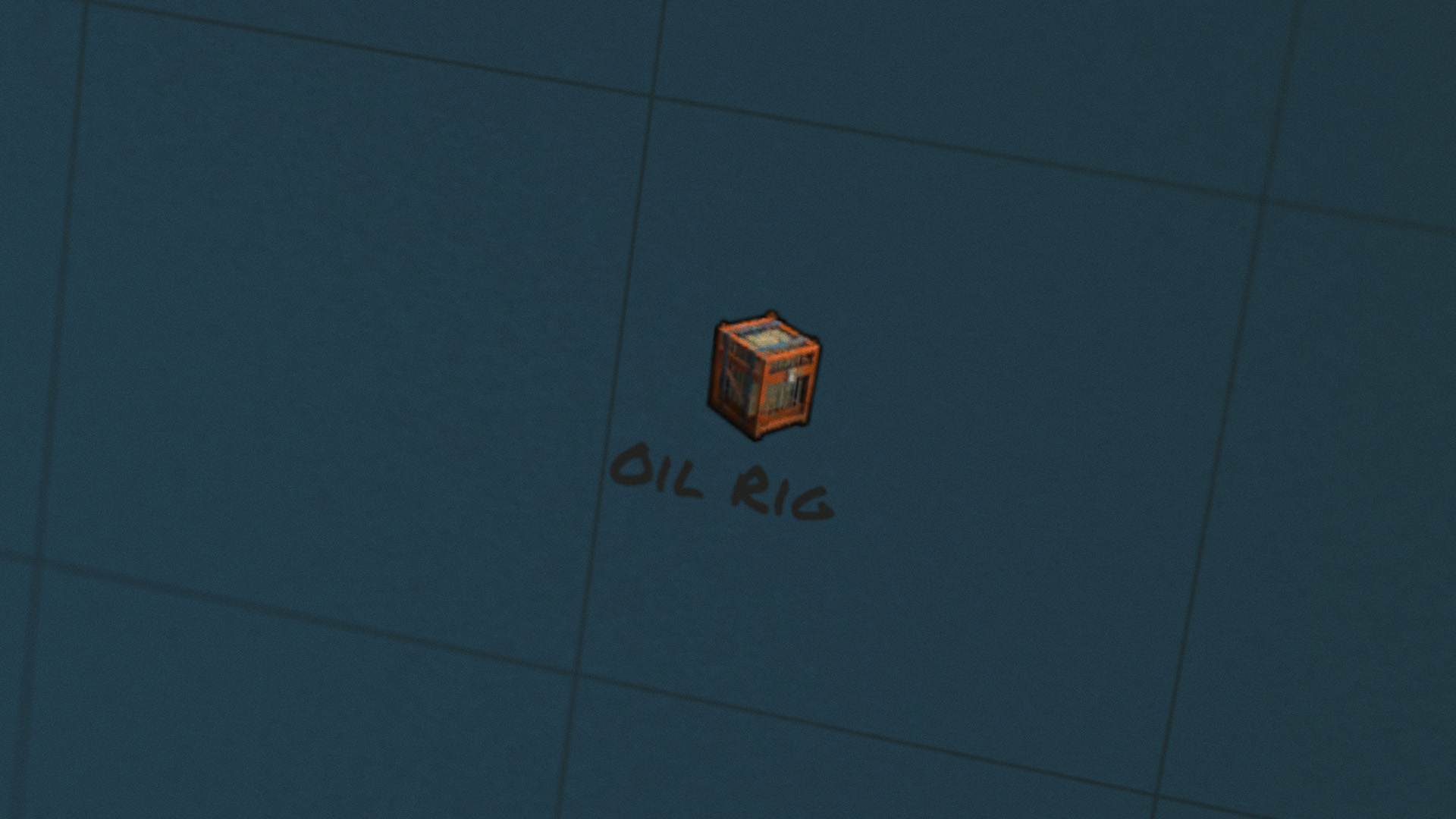
Hackable Crate Icon
The hackable locked crate map icon has been updated to reflect the 3D model.
DPV buff
Lower fuel consumption, no condition loss on pickup, faster acceleration.
Small tree hit forgiveness
Small trees are now easier to hit.
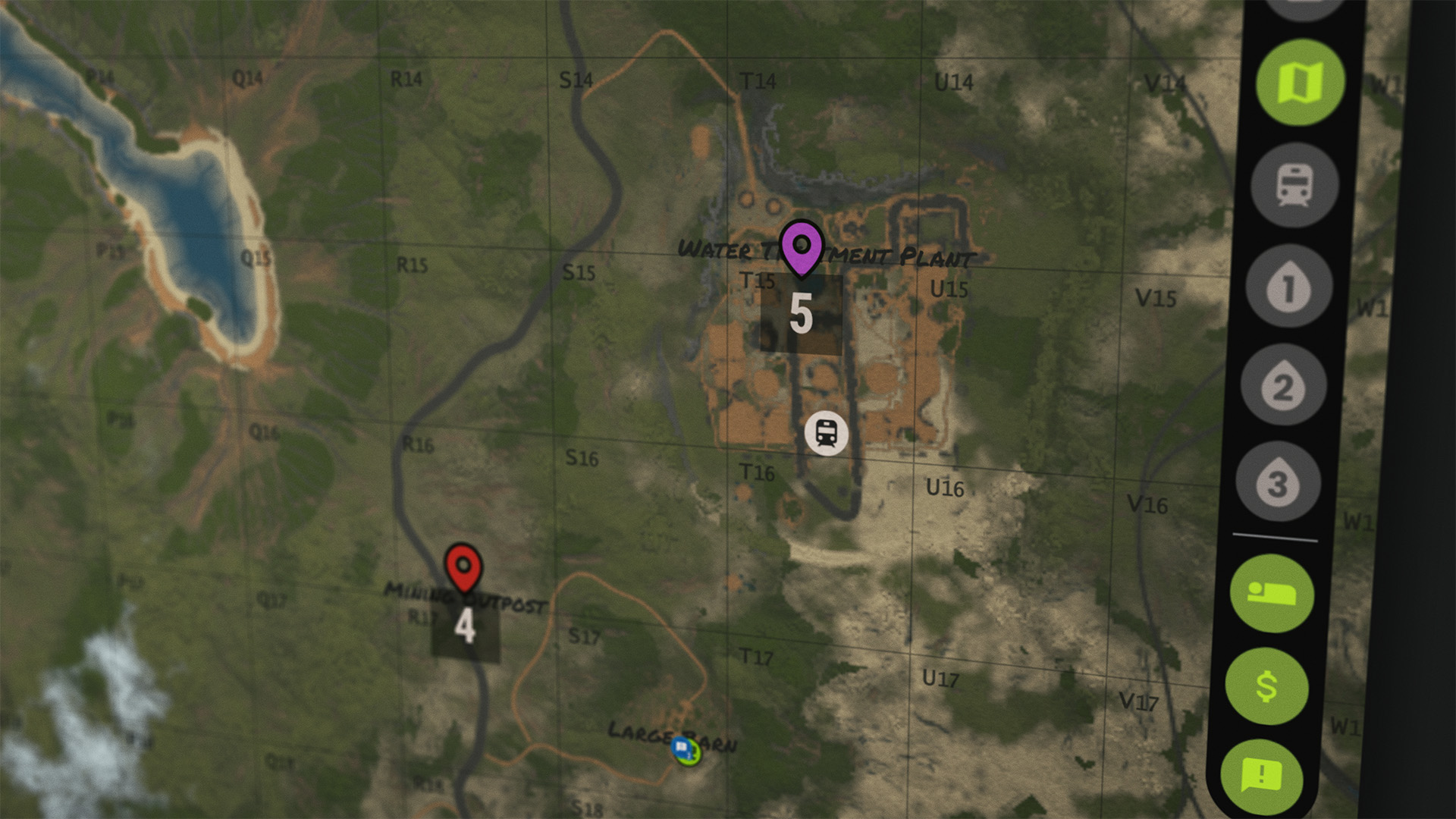
Draggable Map Markers
Map markers can be dragged by holding middle mouse button.
Handmade SMG buff
The handmade SMG now does slightly more damage.
Hemp colour
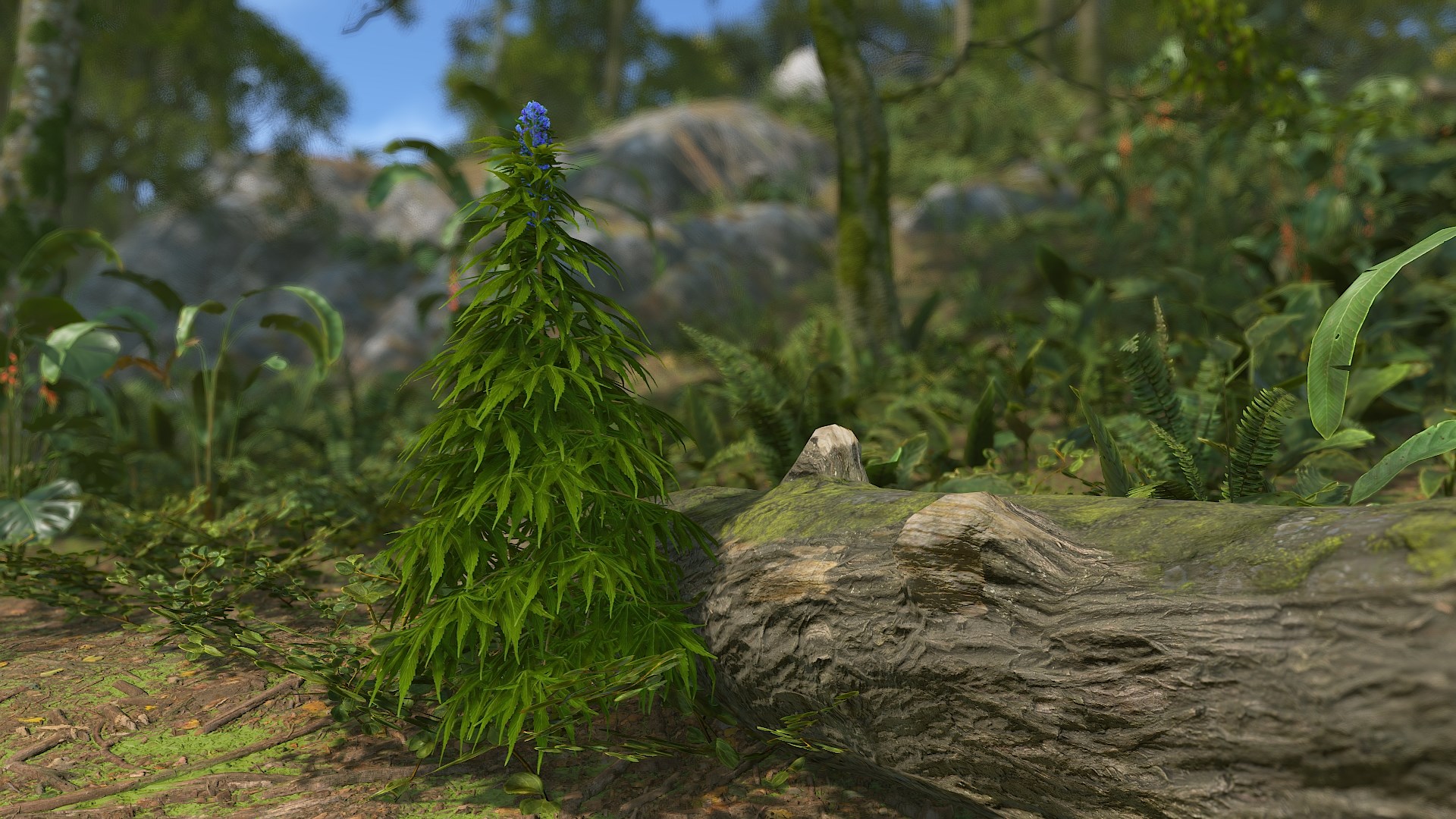
Added an accessibility colour setting for the flower bud on hemp plants.
Animal renaming
Players can now rename their livestock, as well as horses.
We have added support to initiate conversations over telephones, in the style of existing NPC conversations. There are 4 new phone numbers available in the phone directory which each start a new conversation - these are all separate conversations to the ones which you can initiate with NPC's in person. These new conversations provide:
  • A mostly reliable weather forecast
  • The current status of the power grid
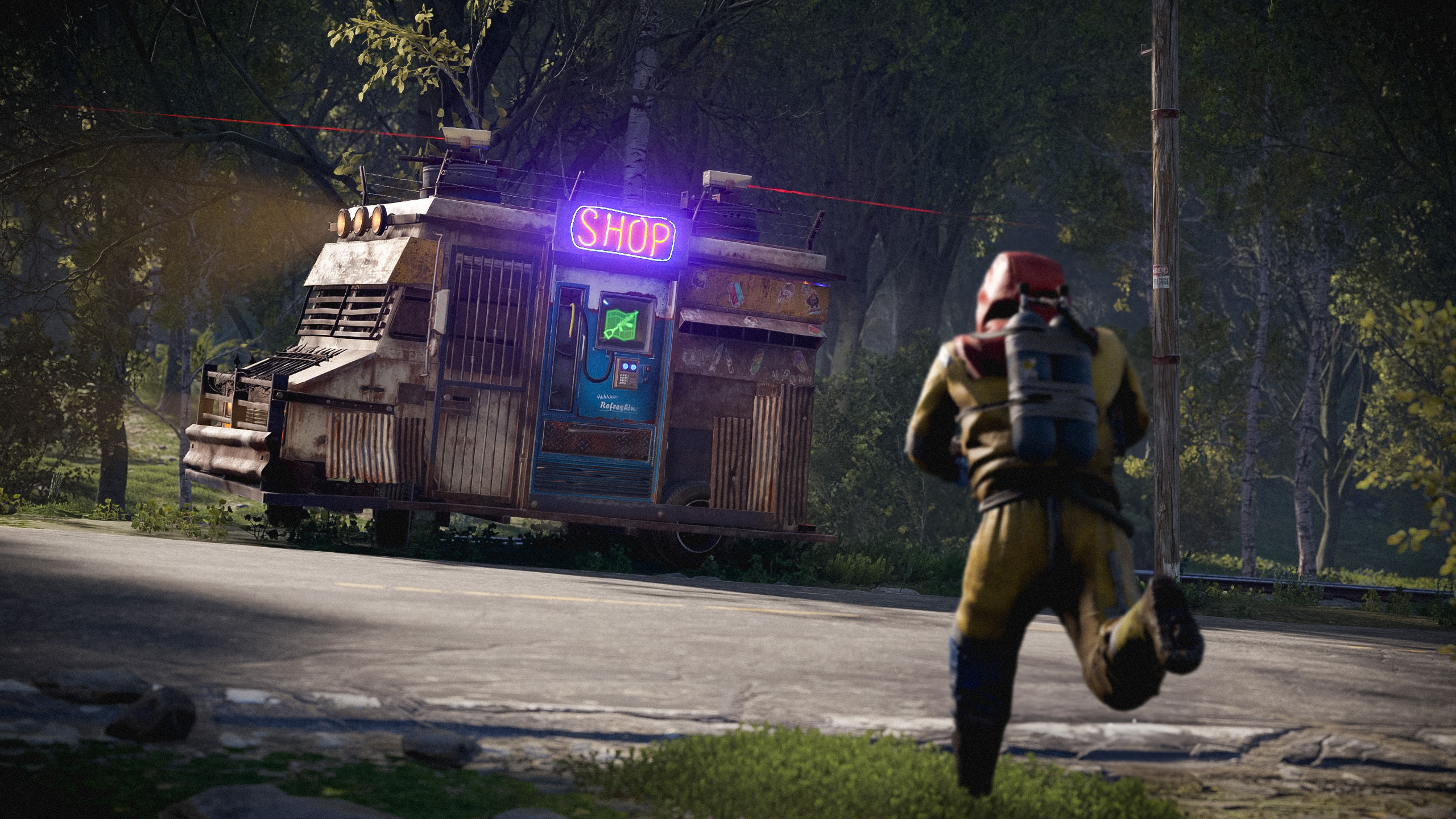
  • The travelling vendor's event countdown
  • The number of available apartment rooms
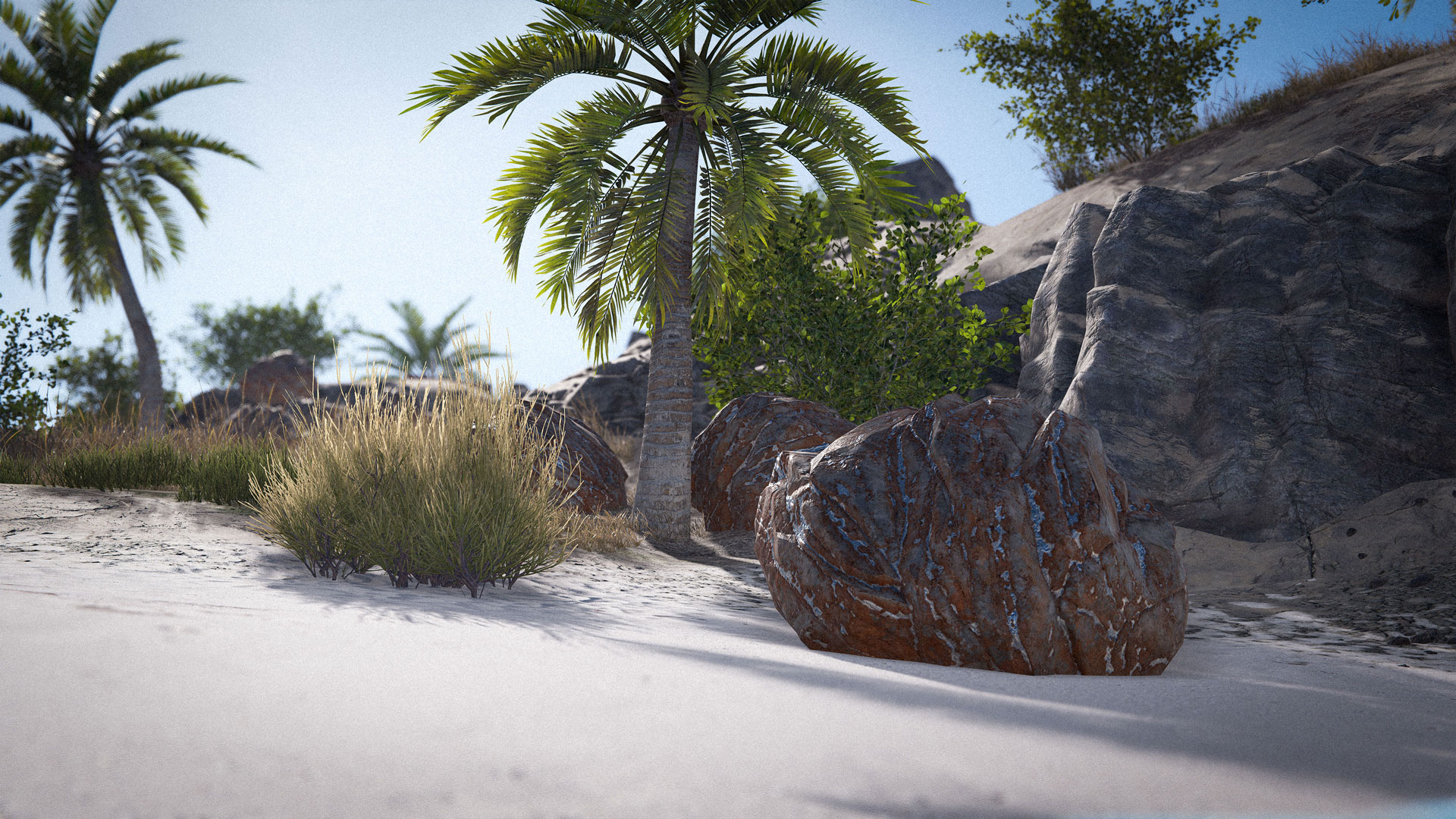
Apples and coconuts now have a small chance to spawn on certain oak and palm trees. This should give players more avenues to find apples for baking delicious apple pies and coconuts to quench their thirst while exploring the deep sea islands! 

Be sure to harvest the fruit before cutting down the trees, as this would dramatically decrease the yield, especially for those delicate apples.
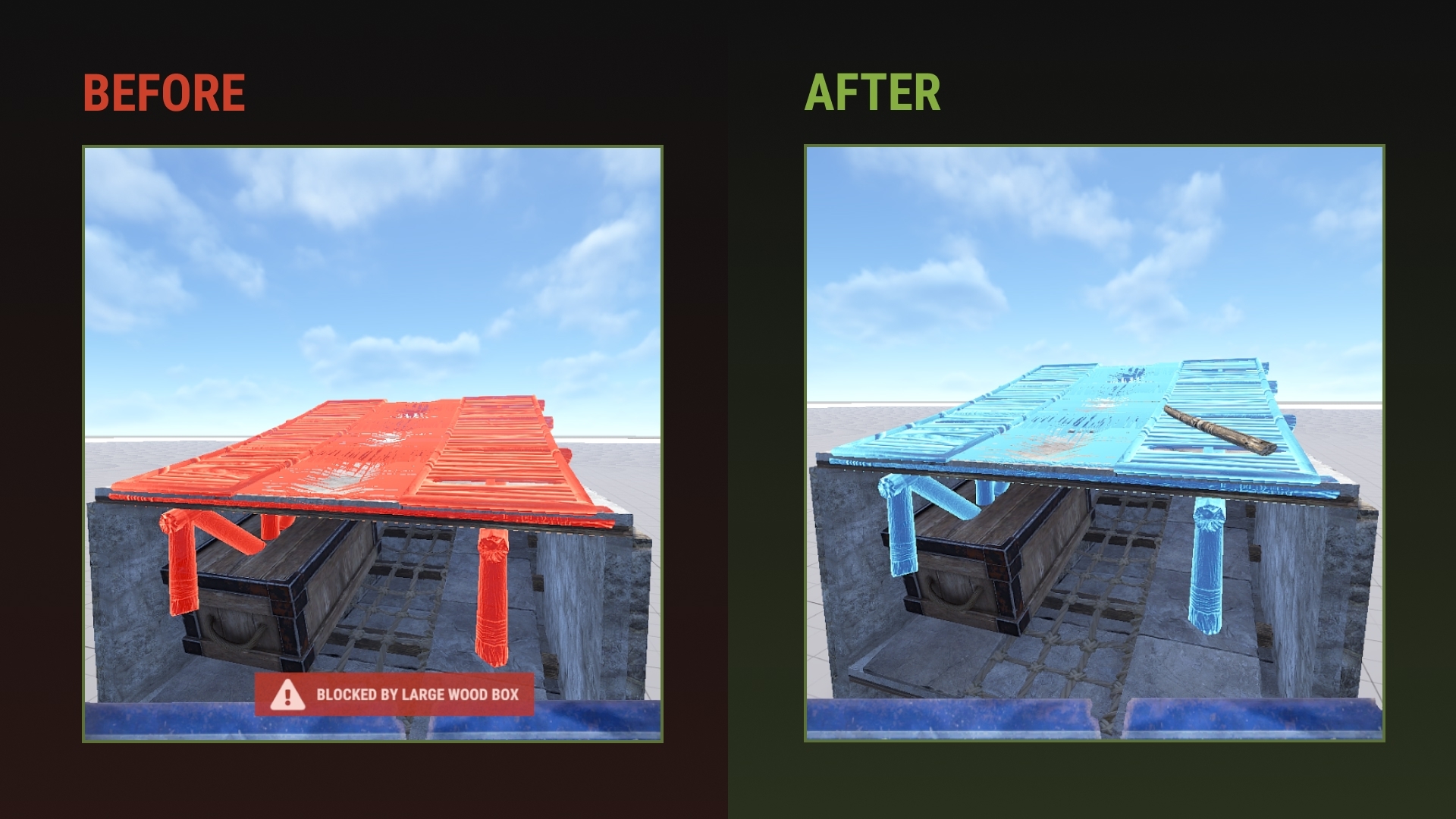
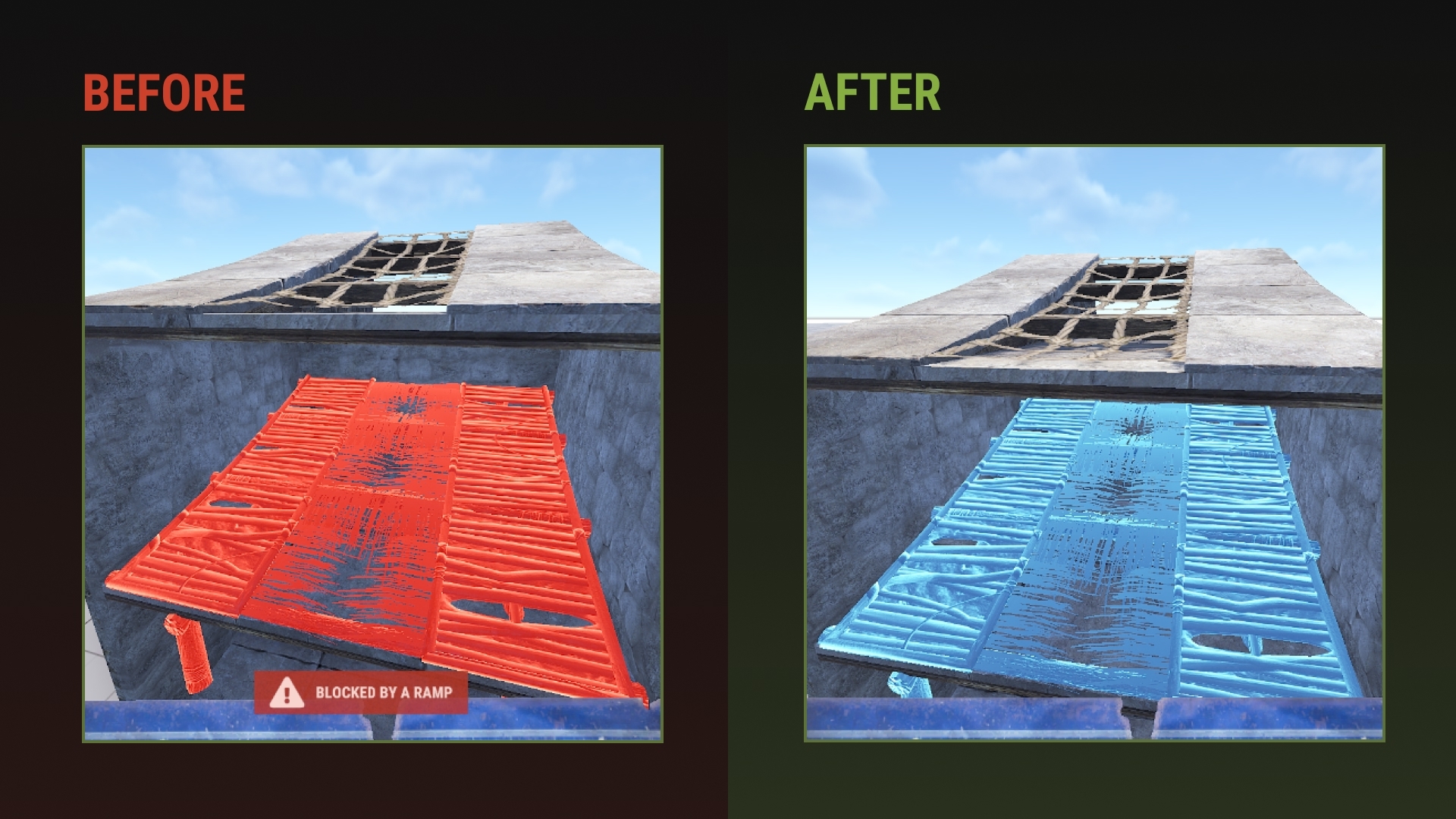
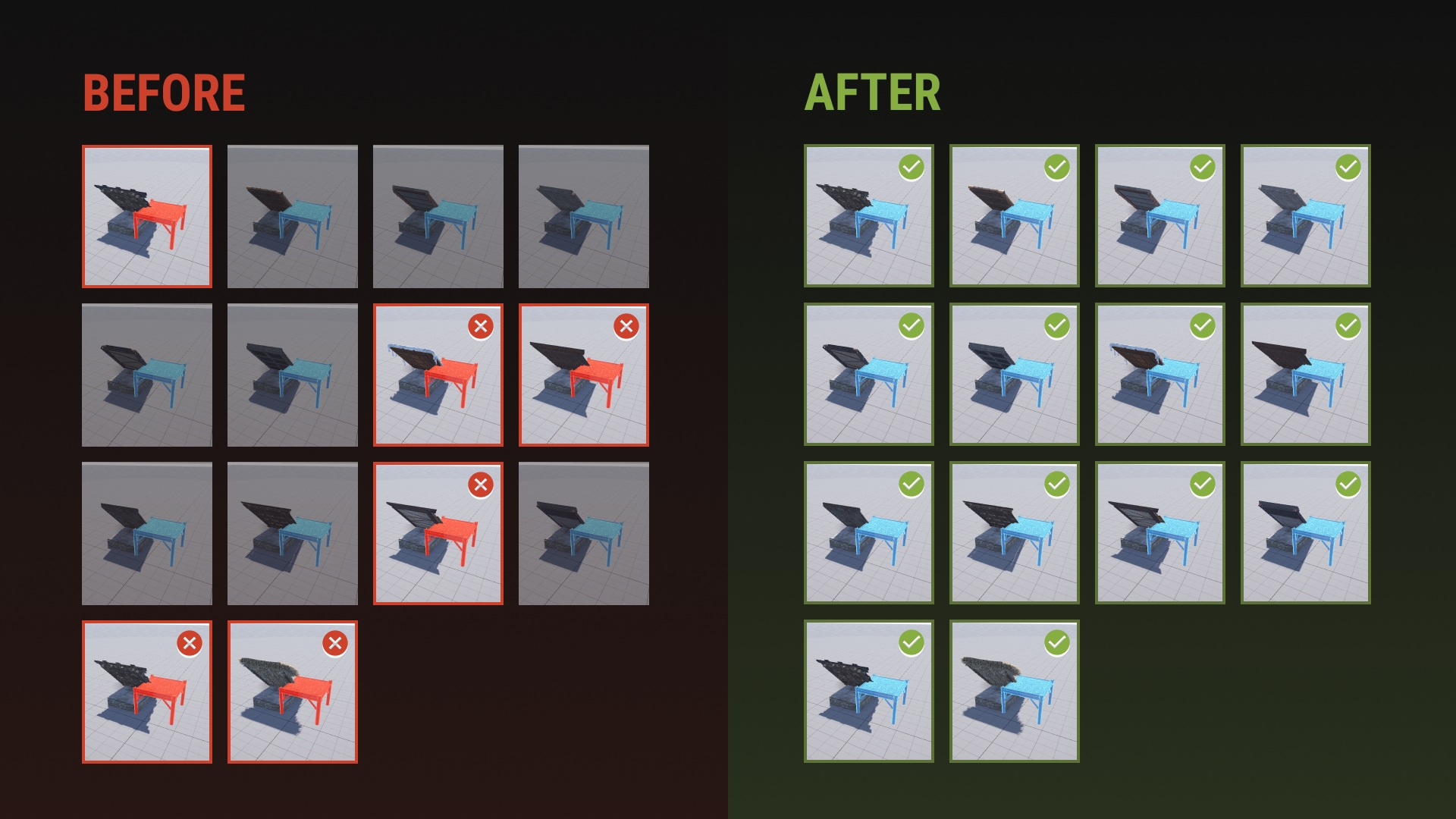
Some longstanding annoyances with ramps have been fixed.

Ramps are no longer blocked through roofs by deployables or other ramps, including when upgrading.


They should also feel easier to place on foundations.
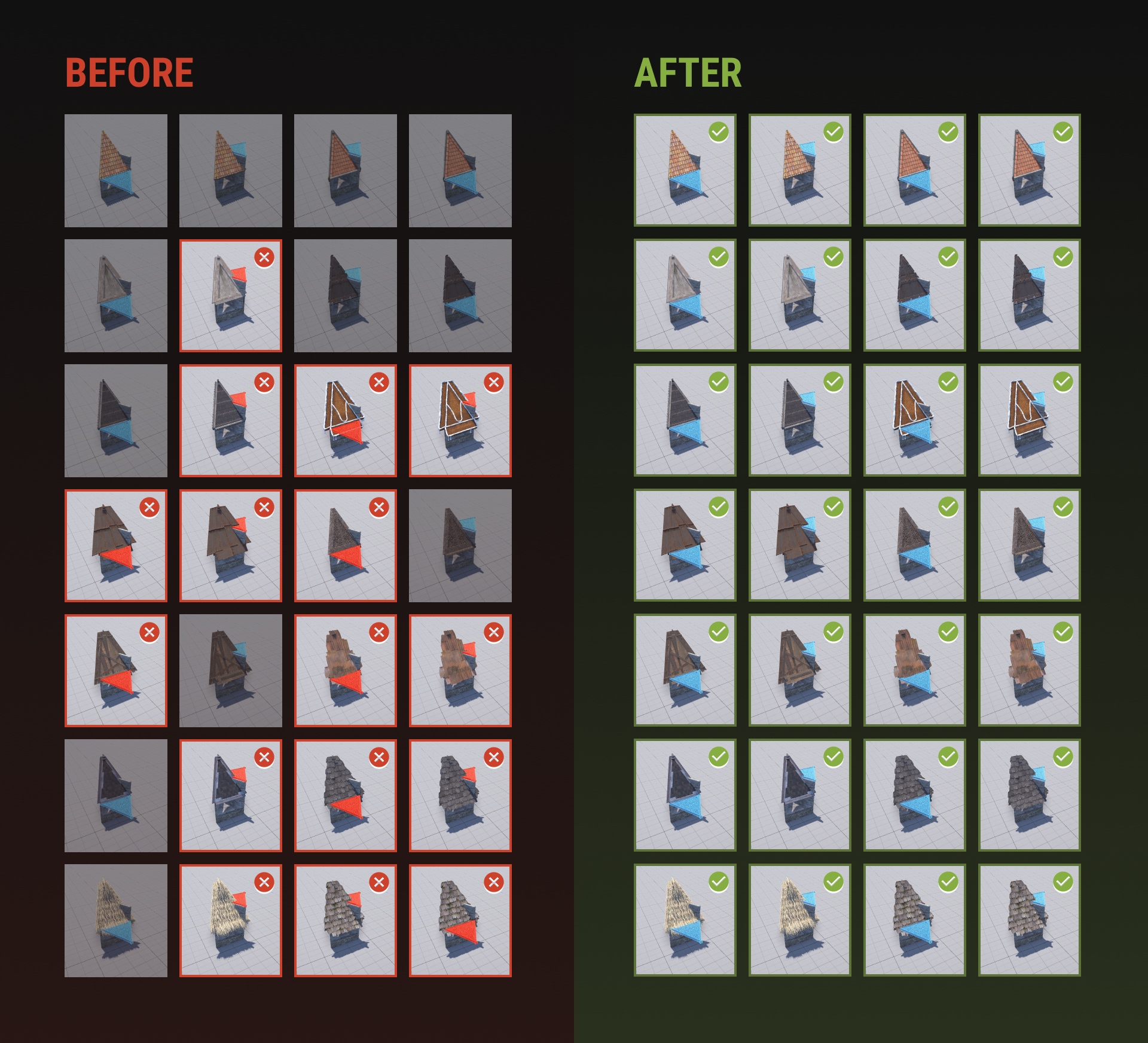
We've fixed unintended inconsistencies across the building skins.

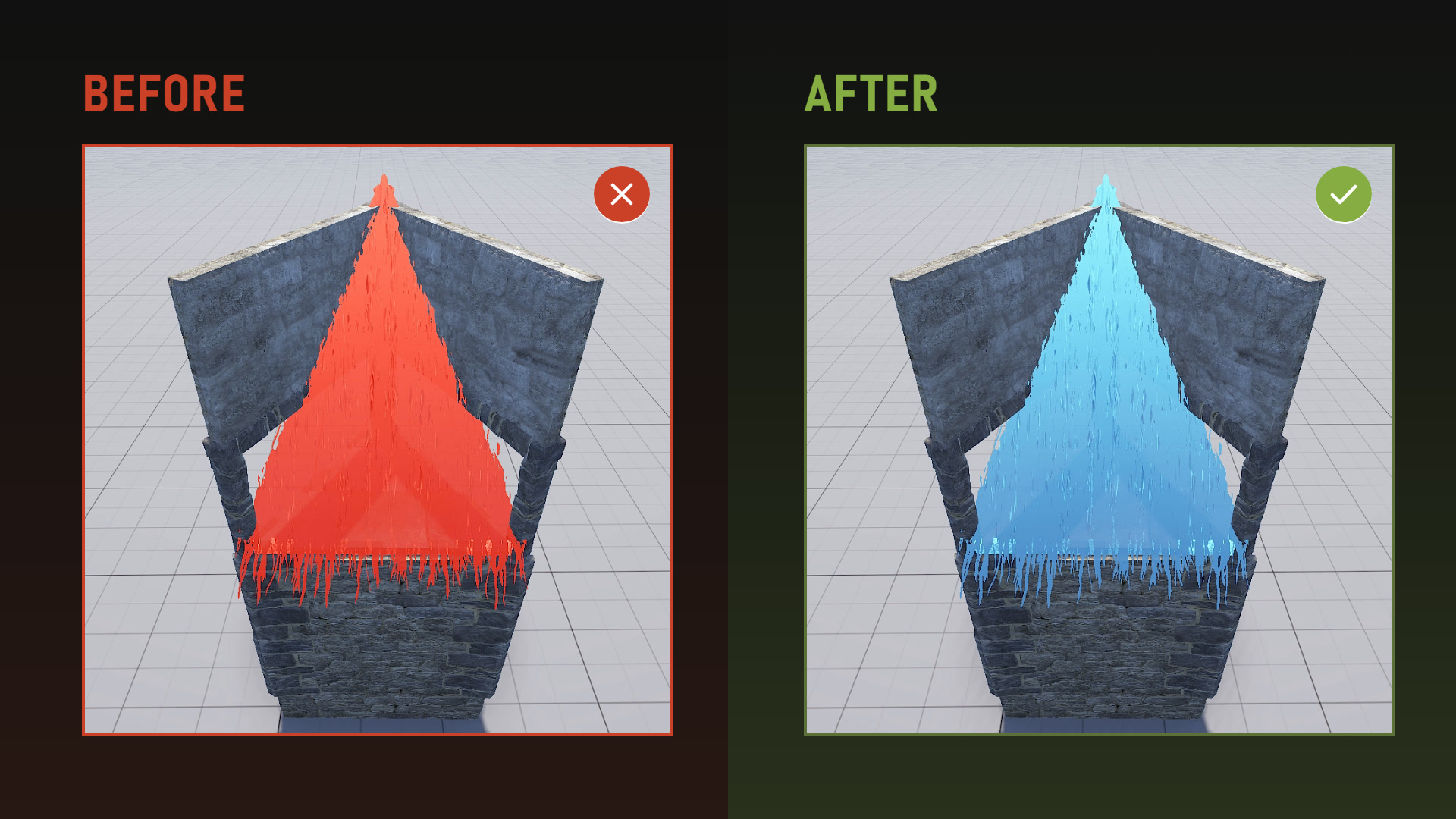
Roof overhangs on some skins could stop you placing building blocks next to them. Overhangs now only block deployables, whatever the skin.

Square roof side overhangs no longer block foundations placed beside them.

Finally, frames now have the same colliders on every skin of the same grade, so triangle roofs are no longer blocked by stone frames depending on their orientation.
For years triangle frames have taken splash damage from explosives through walls in some situations, depending on their placement.

We fixed it.
We know the game isn't where it should be performance wise. 

Optimisation is a never ending task, every update comes with improvements. Sometimes we fuck up and new content eats into our efforts.

This month is packed with optimisations. CPU, memory, networking... our staging data is showing some good improvements:
  • The median framerate across all players is ~10% higher
  • ~1.6GB less memory in total
  • We went after the worst stutters: firing guns, loading a base, running cargo
  • Garbage collection happens half as often (every ~12 minutes instead of every ~6)
  • Up to 25% less network traffic on a 500 players server
The posts below go into detail on the main improvements coming in this update. More will be coming in the following months.
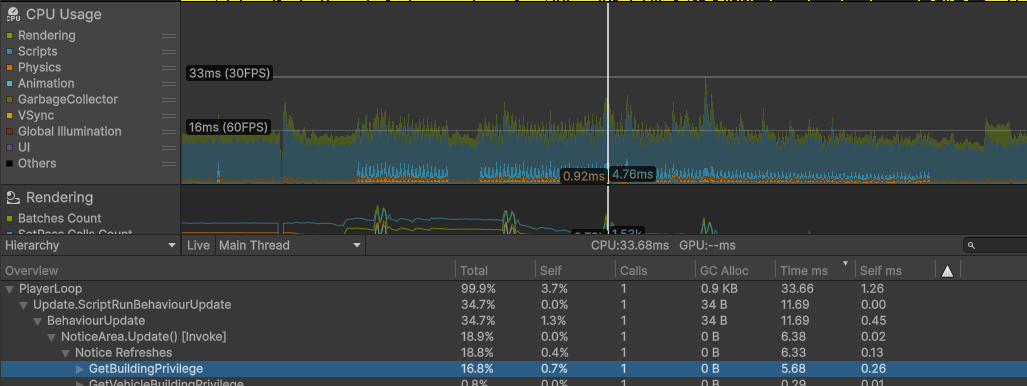
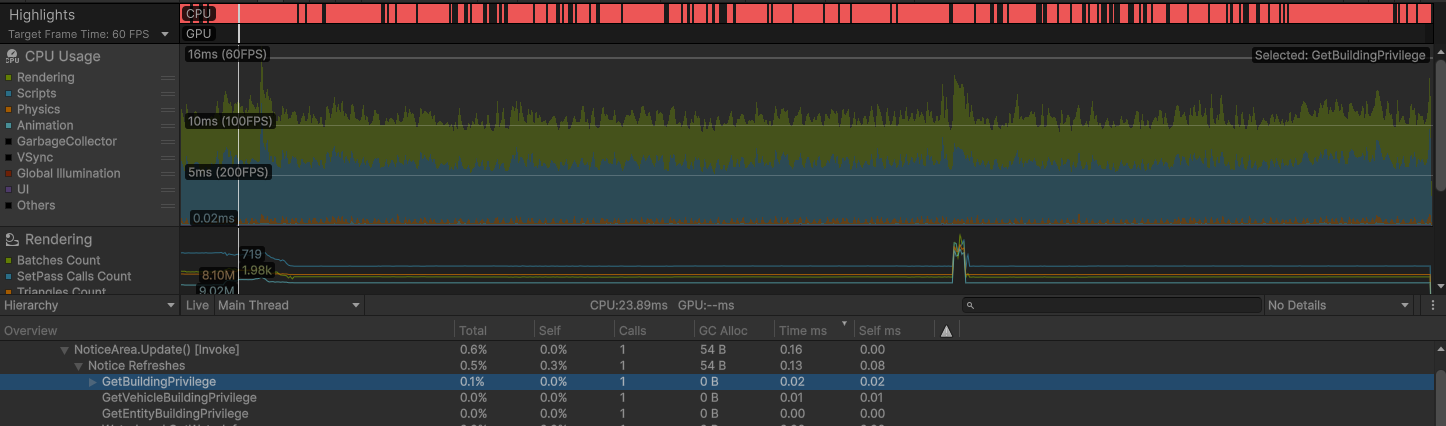
Building privilege has always been a performance hog. Every time you place a block, deploy something or move around a base, the game checks which tool cupboard controls that spot.

Until now, each check ran a physics query looking for every building block nearby to find the nearest building privilege. The bigger the base, the slower it got. In a large base, a single check could take up to 5ms.

We already had a cache system in place, but it was still expensive. For the server and the client.


The game now keeps a grid of building blocks it can check for cheap instead of running the physics query each time. In that same big base, a check dropped from 5.7ms to under 0.02ms, on both the server and the client, with exactly the same results as before.

We've worked on reducing the noticeable framerate drops when firing guns.
Firing a gun could cause small hitches, especially the first time after joining a server.
  • Fixed a hitch up to ~1ms when a sound got cut off, which happens a lot when firing
  • Fixed muzzle flashes triggering a slow engine check up to ~7ms
  • Reviewed the distance at which we cull effects
  • All the gun effects are now prewarmed in a sufficient amount (muzzle flashes, firing sound, bullet impacts, etc)
Prewarming more effects didn't cost memory overall: we used to keep 100 copies of every throwable weapon and tool ready, now 3. That's ~30MB less memory, even with the extra gun effects.
When you walk into a big base and enter its network range, it spawns thousands of entities at the same time. Every single deployable runs its own code, industrial pipes are being rebuilt, the LOD and batching systems are busy, loads of stuff is happening at once.

We've put a lot of effort into reducing the noticeable hitches when loading a base.


  • Various entities that toggles things on and off depending on their state now spawn 10x faster (~26ms -> ~2ms for 248 of them)
  • Industrial pipe mesh generation is now done off the main thread
  • The most used deployables are now pooled (storage adaptors, conveyor, windmills...)
  • The LOD system now spreads its work over several frames when a dense part of a base needs updating, instead of doing it all at once (~15ms -> ~1ms for the worst frames)
  • Code locks, storage adaptors, and other entities are now treated as static while not moving, previously everything attached to a parent was automatically assumed to be moving all the time, taking up more work than it had to
  • About a dozen more LOD and culling bugs fixed, like lights and particles staying visible at any distance after a base loaded in
  • Fixed building blocks getting stuck unbatched, which made them more expensive to render

Everything here will make loading and moving around bases not only a bit quicker overall, but more importantly smoother, improving FPS 1% lows and reducing lag spikes.

We are also actively working on a base occlusion system. This will essentially stop loading anything inside a base until you can see it. These optimizations were still necessary as base occlusion only delays the moment everything loads in.
We generally already try to avoid allocating new memory during gameplay as much as we can, since anything that goes on the heap has to be cleaned up by the garbage collector later, which can cause lag spikes.

This month, I looked through the codebase for places where things could be done more efficiently, whether it be through using our object pooling system, or just slightly smarter (and sometimes less pretty) programming.

Most of these were in older systems, for example UI updating text every frame when looking at plants, inventory icons refreshing even while hidden, sleeping bag map markers reformatting their timers, etc.

Each gain is small, but a dozen of them add up, so the GC runs less often and those lag spikes happen less frequently.
In addition to audio compression, we've also worked on reducing the overhead caused by the sound system.
  • Fixed a hitch of up to ~1ms when a sound got cut off (as mentionned in the gun firing post above)
  • Occlusion: muffling sounds behind walls is now over 10x cheaper outside a base
  • Allocations: sounds now allocate almost zero memory when they play, meaning less garbage collection
Until now, everything in the deep sea was loaded when you joined a server. It stayed in memory for your whole session, even if you never sailed there.

The deep sea content is now only loaded when you go through the portal and is unloaded again once you sail back out.

Outside the deep sea, this saves around ~260MB of RAM.

Modded servers that spawn deep sea content on the main island still work. The game loads it as soon as it's needed and keeps it for the rest of the session.

As part of the memory investigations this month we noticed that we had a surprising amount of terrain textures loaded. This included multiple quality levels for the mainland and multiple quality levels for the deep sea all loaded at the same time. We generally don't unload assets while the game is running as the cost of loading the assets back into memory is bad for performance (it usually causes hitching while moving around the world) but in this case the deep sea transition has a loading screen so we could get away with it.

Players should now only have their current quality level for the current environment loaded, which saved 138mb on the highest quality level and should save even more for lower quality levels.

Both flashlights and lasers received similar optimizations, with lasers being a bit more complex but still mostly suffering from the same issue. Since we use Unity, both scripts relied on updating the laser/flashlight every frame, and while these per frame updates were quite cheap, just running them for every single instance of these does add up when you have a 100 of them. 


Flashlights were actually pretty simple, we were doing work at the end of each frame, for each flashlight that could've just been done on the shader. The code we were running every frame was tiny so we were mostly paying for the cost of it existing. Laserbeams already had a similar issue in the past and were replaced with a system to only update X amount of lasers per frame, we could've done the same thing here but that would've just pushed the problem to be resolved in the future. The simpler solution was to just do all of the math in the shader. 

For laserbeams it was a bit more complicated, we already had a system in place to only update some lasers every frame under a 0.25ms budget, however this led to us only updating like 5-10 lasers a frame. We couldn't just do the same fix as flashlights, lasers are a bit more complicated with them shrinking to whatever they end up getting raycast to. 

The fix basically boiled down to, batching raycasts for all lasers at once rather than checking them one by one, updating the dot visual at the end of the raycast, then reconstructing a mesh for every single laser on the screen. 

We tried solutions like just scaling up quads using batched transform operations, but in the end everything ended up slower than just creating a new mesh every frame. 

The new solution can handle 5x the amount of lasers at half the budget of the old solution. (0.125ms)

We added many new animations last month for all of the new animals which prompted us to look at our project wide animation compression settings. We found that applying conservative compression settings to animal animation clips allowed us to save quite a bit of memory with no perceptible visual difference. This is now applied across all animal animations and we saved around 100MB of memory.

There may be scope for more improvements in player animations, but that will require more investigation as we wouldn't want any sort of fidelity loss for the player model.

We have quite a lot of audio in Rust - we recently passed over 0.5gb of loaded audio on the client so I had a look to see what changes we could make. In a lot of cases we were running audio with no compression at all which took quite a lot of space in memory. By applying a very conservative vorbis compression we were able to reduce total audio memory use by 84% with no audible quality loss. This saved about 470MB of memory.
When we release new skins, the game downloads them from the Steam Workshop when you come across them. 

Every month, we bundle the newly released skins in the game files so you don't have to download them anymore.

Once downloaded, their textures were sent to your GPU, but a full copy was also kept in RAM that nothing ever used. That copy is now dropped as soon as possible. With 22 workshop skins loaded, that's ~300MB of RAM saved.

This should have a greater impact on modded servers using more unapproved workshop skins than vanilla. On the same topic, we're working on ways to support texture streaming for those downloaded skins, reducing the VRAM usage. 
This month I reviewed our active terrain textures and found multiple no longer used or replaceable channels and textures. For example with Rust Render Pipeline we can use better techniques for cutting out fine holes in the terrain, meanwhile in the old system we required an entire new screen space texture (which is now gone). There should be some minor optimisations in terrain GPU performance due to better texture use + caching and better LOD geometry for lower quality levels.

In total you should see around ~115MB memory improvement
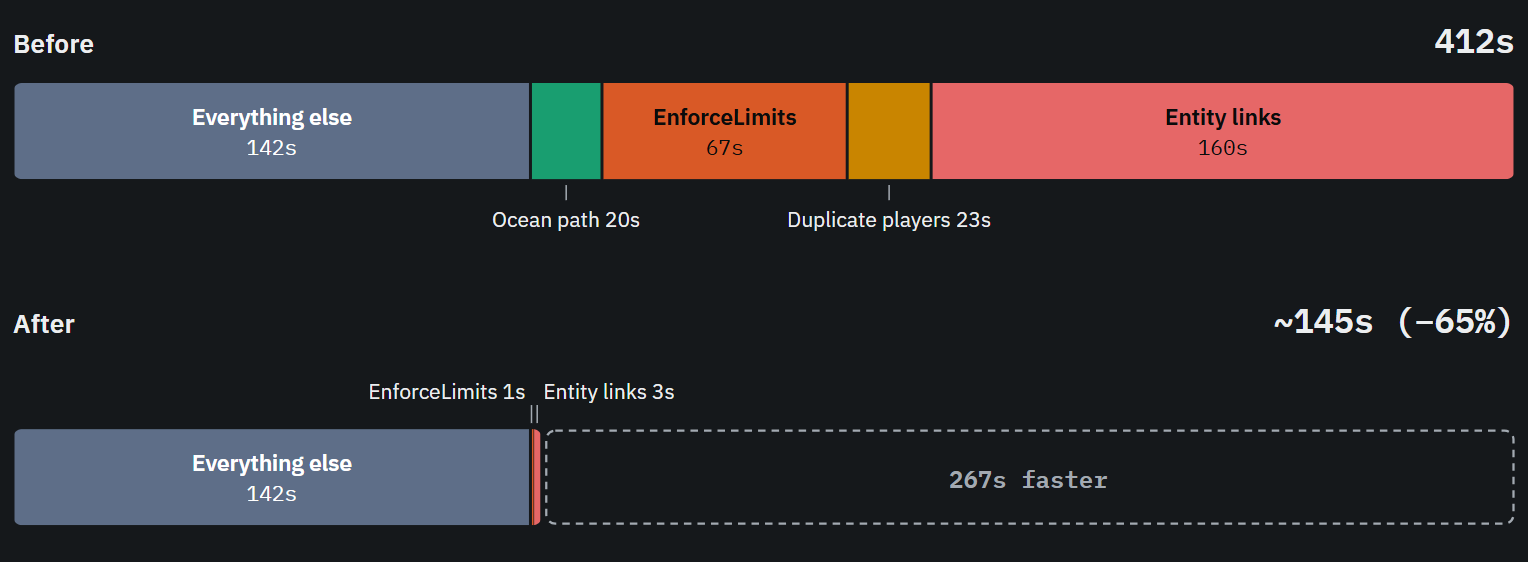
Servers now restart faster!

The first problem was we spent the majority of time reconnecting all the foundations & walls on a server after loading the save. We can actually save and re-use the connections during a restart saving 3 minutes! Same idea for the cargo ship's path: reusing it saves another 20s.

The second problem was some parts of the "loading save" code scaled poorly with high entity counts. Fixing these saved another 1m30s.

This brings the highest population servers down from 10 minutes -> 2 minutes to restart.
Procedural map generation is a cornerstone of Rust. However, as Rust has grown, so has the amount of time it takes. This month I spent some time optimizing the map generation process, while keeping the results it gives the same. The main goal here was to do the same thing, but faster.
After improving erosion and cliff/rock placements, it's now almost twice as fast to generate the map for the first time, all while giving you the same result.
In Unity, a prefab is a reusable template for a game object. It's how we save our assets and then load them in-game - be it a loot crate, an animal or a deployable, pretty much every object in Rust is a prefab.
When we author these prefabs they often contain extra settings, components, and empty game objects who's sole purpose is to keep its hierarchy organized and maintainable.
But in-game at runtime all of that doesn't matter and we just need the data packaged as efficiently as possible for performance, so there are various steps that happen during build time that transform the prefab and handle stripping unnecessary things from it.

This month we have expanded on this with a new mechanism to flatten the prefab hierarchy, allowing for many more game objects to be completely removed.
The primary gain here comes from building blocks. Every instance carried extra game objects with it before that were not needed at runtime, a regular foundation for example had 20 of these, which after this change all get stripped.

On a populated server, these unnecessary game objects accounted for ~43% of total objects on the server, which translated directly to -1.44 GB of memory usage.
Navmesh stalls on the main thread caused by ghostships and megabases has been smoothed.
Ghostships used to not be built asynchronously because they were moving, navmesh building for them now does not rely on physics queries and just iterate through colliders in local spce.

Navmesh rebuild was throttled so that it builds tiles one by one, and if we go past the 1ms budget for the frame it stops until next frame. Some tiles in some megabases however take way more than 1ms, so breaking up per tile is not enough.
We can now postpone the build to the next frame mid-tile, as we break them in 4 chunks and iterate through colliders one by one, checking the budget at each step.

Saving navmeshes has been moved to a background thread, making it much less of a weight on the main thread.

The old navmesh that can still be used with the -useOldNavmesh startup arg will be removed next patch.
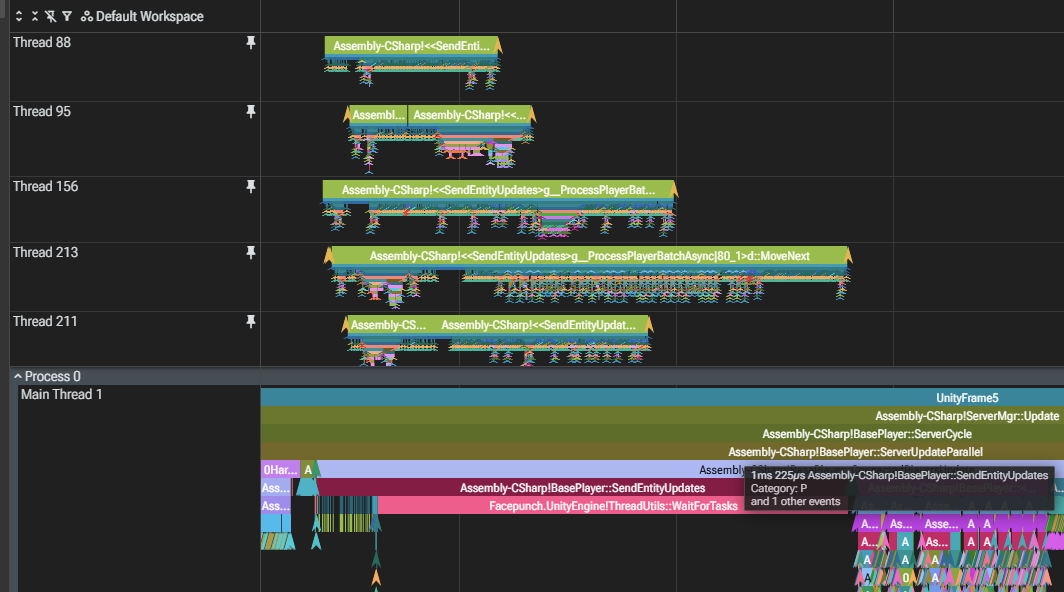
This month we've reduced the network overhead. Reducing this is important for a number of reasons: it gives servers more bandwidth to play with (so player numbers could be raised), as well as keeping sends to a minimum to help give the server a more CPU cycles to work with.

General Reductions

There have been a few notable reductions made which total an average reduction of around ~270 KB/s on a 100~ player server. With player numbers these savings will scale exponentially.

Network LODs

We are now rolling out a new system to send less network information about entities that are far away. This makes a lot of sense: since entities in the distance don't need to be updated as frequently as ones nearby. In initial testing we are reporting around a 30% reduction in overall position networking traffic. 

Network LODs can be controlled with two convars:
  • net.position_lod (0 = off for everything, 1 =  only for entities (NPCs, animals, other), 2 = 1 +  global network entities (cargo plane, cargo, chinook)
  • net.position_lod_players (0 = off for players, 1 = players are included but only medium or full rate, 2 = same setup as entities)
Network LODs will be enabled on a few select FP servers for testing before being rolled out properly mid-month.
TLDR: up to -25% bandwidth

Our network library RakNet has done surprisingly well despite the abuse we put it through. We can send up to 500,000 packets per second to 800+ players before it starts to complain! However just because we can, doesn't mean we should...

Individual packets do more than apply extra load on the networking layer: we also pay a 22 byte encryption overhead for every single packet we send. In some cases the overhead from encryption was larger than the actual data we were sending!

This month I grouped together packets before they are sent to players which significantly reduces the overhead from encryption. This reduced network traffic by 25% based on a capture of a 500 pop server. Bonus: it reduces the load on the network layer too.

This feature is enabled by default and can be toggled by servers via the ConVar `batchpackets`
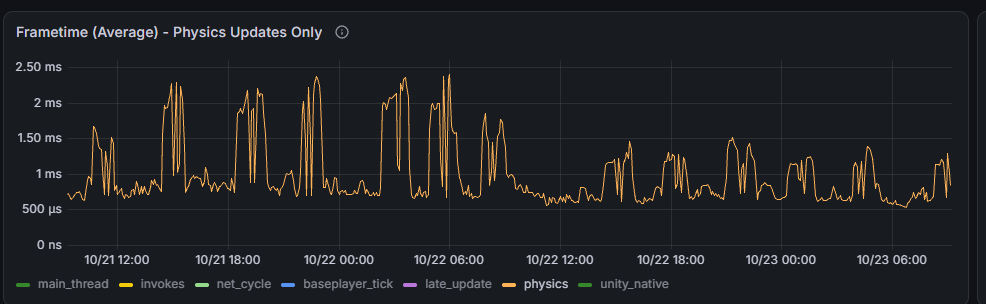
In our custom physx implementation, there's multiple tree structures used to speed up both collision detection and physics queries. They're split in two: one for things that move, and another for things that don't.

The problem with Cargoship is that for various reasons, we can't make it truly "dynamic" as far as the physics is concerned. However this means that whenever cargoship is active, it's having to do slower and more expensive updates to these static tree structures. This is hurtful to performance for both clients and server.

We now have a custom solution for this: any static that moves too much gets promoted (or demoted, it's a matter of perspective) into a tertiary tree. In practice this will include some things like doors, but generally is just filled with cargoship colliders. On clients we expect you'll see some gains from this for things like cars, which are dynamic on the server but handled as moving statics on the client.
The spikes you can see above are when cargoship is active on a server, you can see the spikes shrank significantly after the update was pushed at 10/22 12:00 internally.
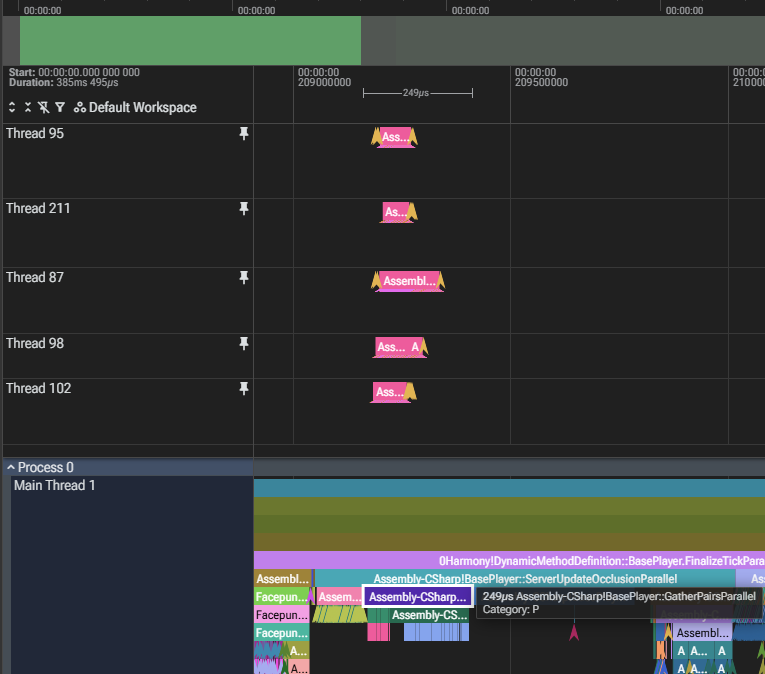
Latest UsePlayerUpdateJobs convar level, 4, is now considered stable and is shipped as default. Last notable bugs have been chased up and fixed, and we have been running it on our official servers for the last 3 weeks.

As a quick refresher, UsePlayerUpdateJobs parallelizes work related to player processing. The new level, 4, further parallelizes Server Occlusion and moves player network queue saving to thread pool. This helps high-pop server performance scale much better - one community server reported 30% frame time improvements at 1k players (10fps -> 13fps or 100ms/frame -> 70ms/frame).
Next patch I plan to remove Jobs 3 mode and related code.

We've updated the graphics settings to remove the option to disable volumetric clouds.

Alongside this change, we've identified and resolved a performance issue with volumetric clouds.  Their performance should now be on par with the old billboard clouds.

Our goal from the beginning has been for volumetric clouds to fully replace the legacy billboard clouds.  The removal also allows for better visual consistency between players, marketing material, etc.

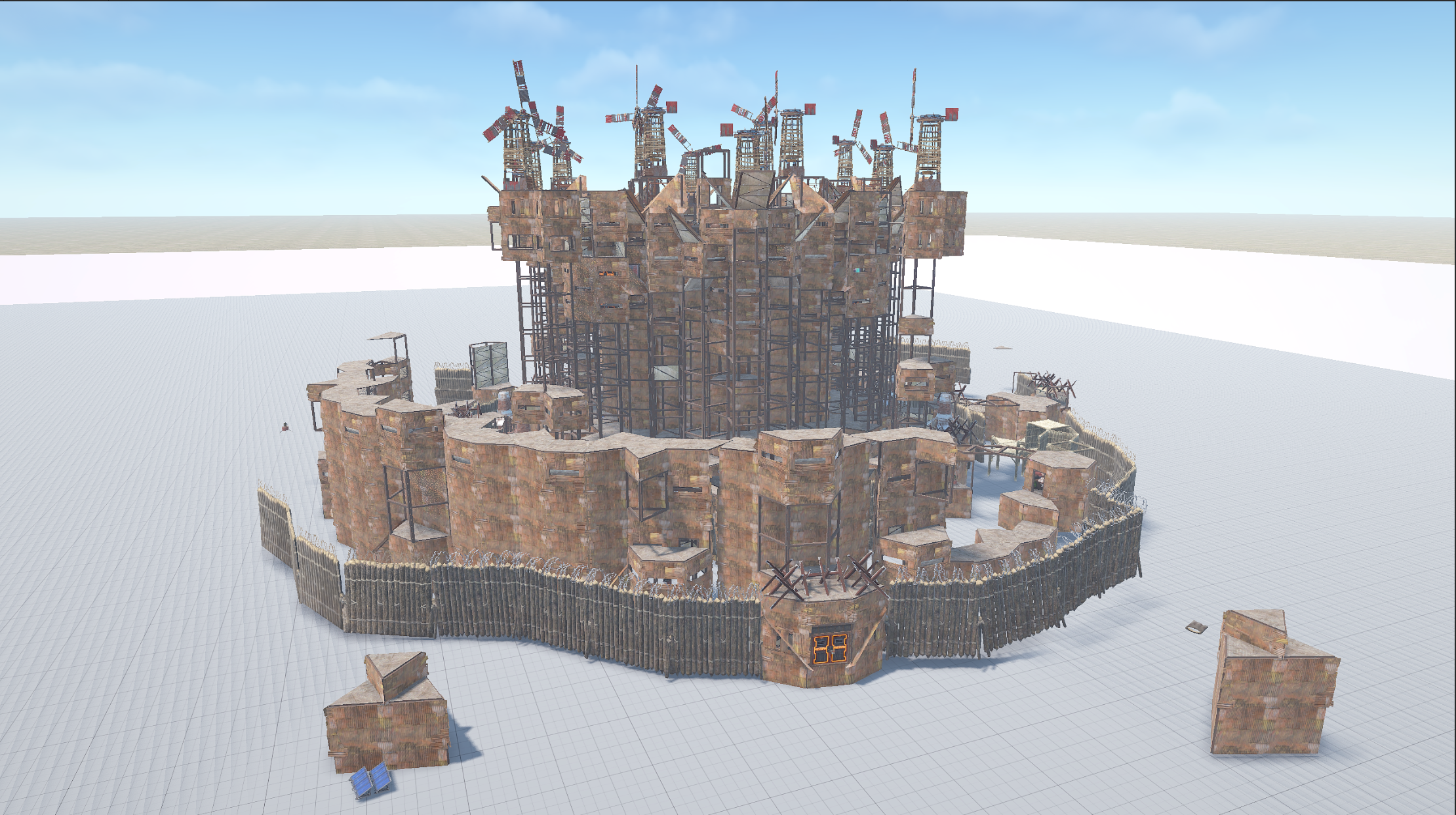
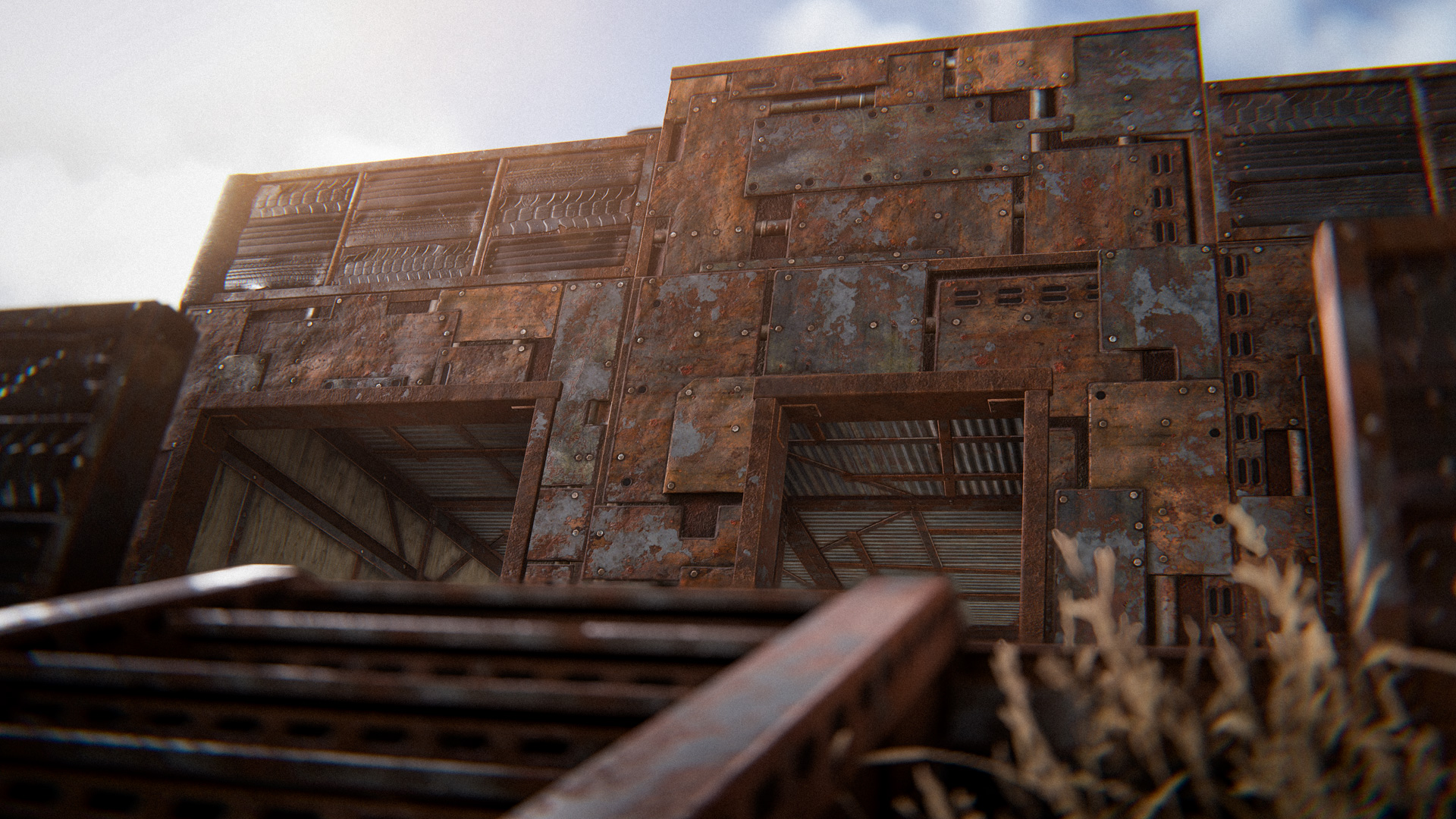
Become king of the scrap heap with this latest skin for the Sheet Metal building tier. 

Constructed from the wrecks of endless battles. Bolt on a door, weld the walls shut and take up the throne. 

Just watch out for tetanus.

The Scrap King Building Skin can be purchased in-game or from the Rust Steam item store
A few changes to softcore this month.
  • deployable corpse system removed
  • TC limit of 6 placed per player

The deployable corpse system served it's purpose of protecting half your loot when you were raided making it easier to bounce back. Unfortunately it became too much once we added 2x gather and offline raid protection so we retired it for now.

The TC limit has been added to discourage players from spamming TCs to claim large areas on the map. We feel this detracts from the goal of softcore being a casual mode and felt it was prone to abuse during the offline raiding window when players could spam TCs that couldn't be destroyed until the next day.
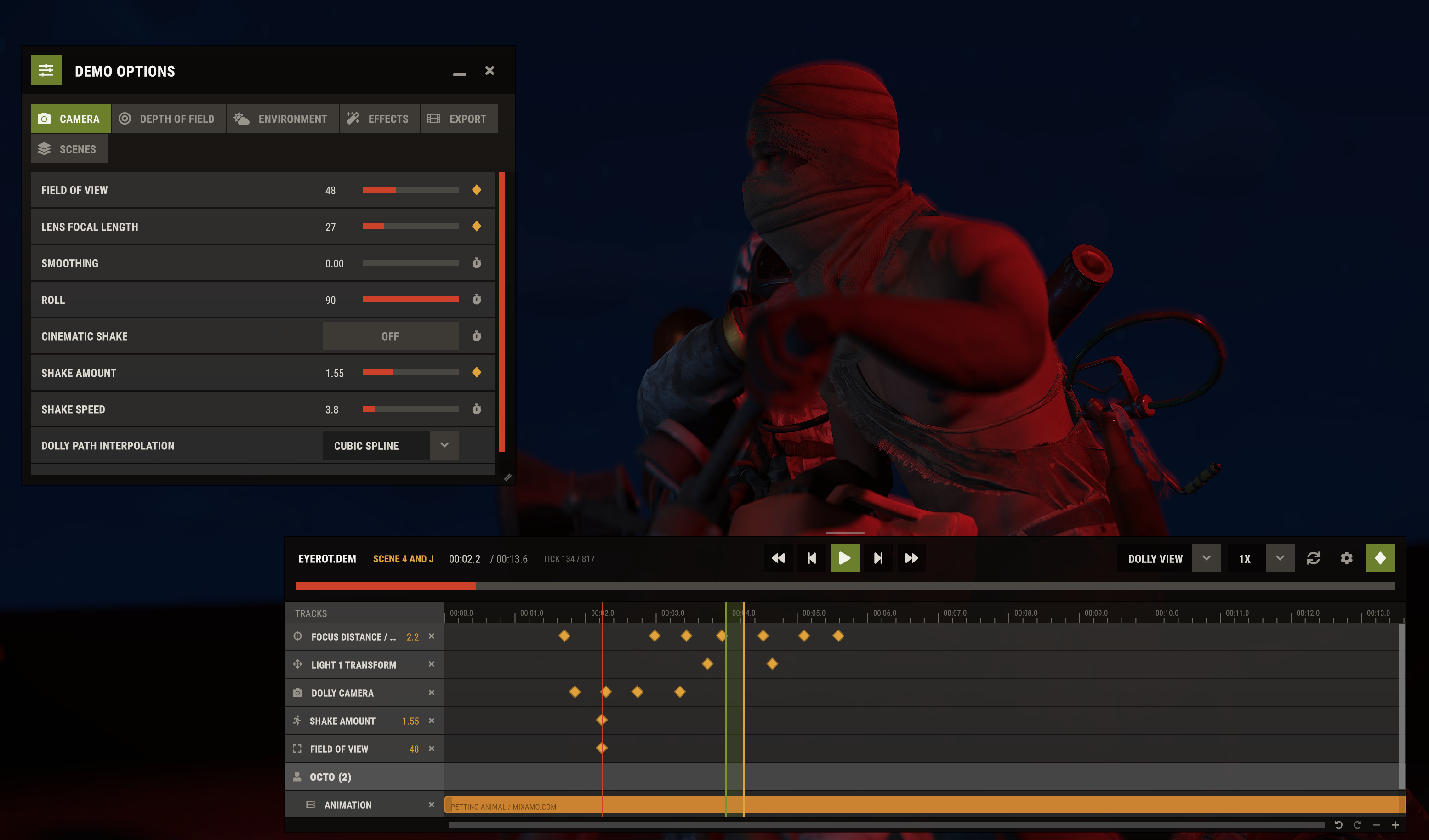
As of this patch, the new demo UI is enabled by default. You can still enable the old one through the demo.oldui convar. 

We've been using it internally for trailers and social media clips, and while there are still some people that prefer the old UI, for most new users it's the easier tool to learn. 
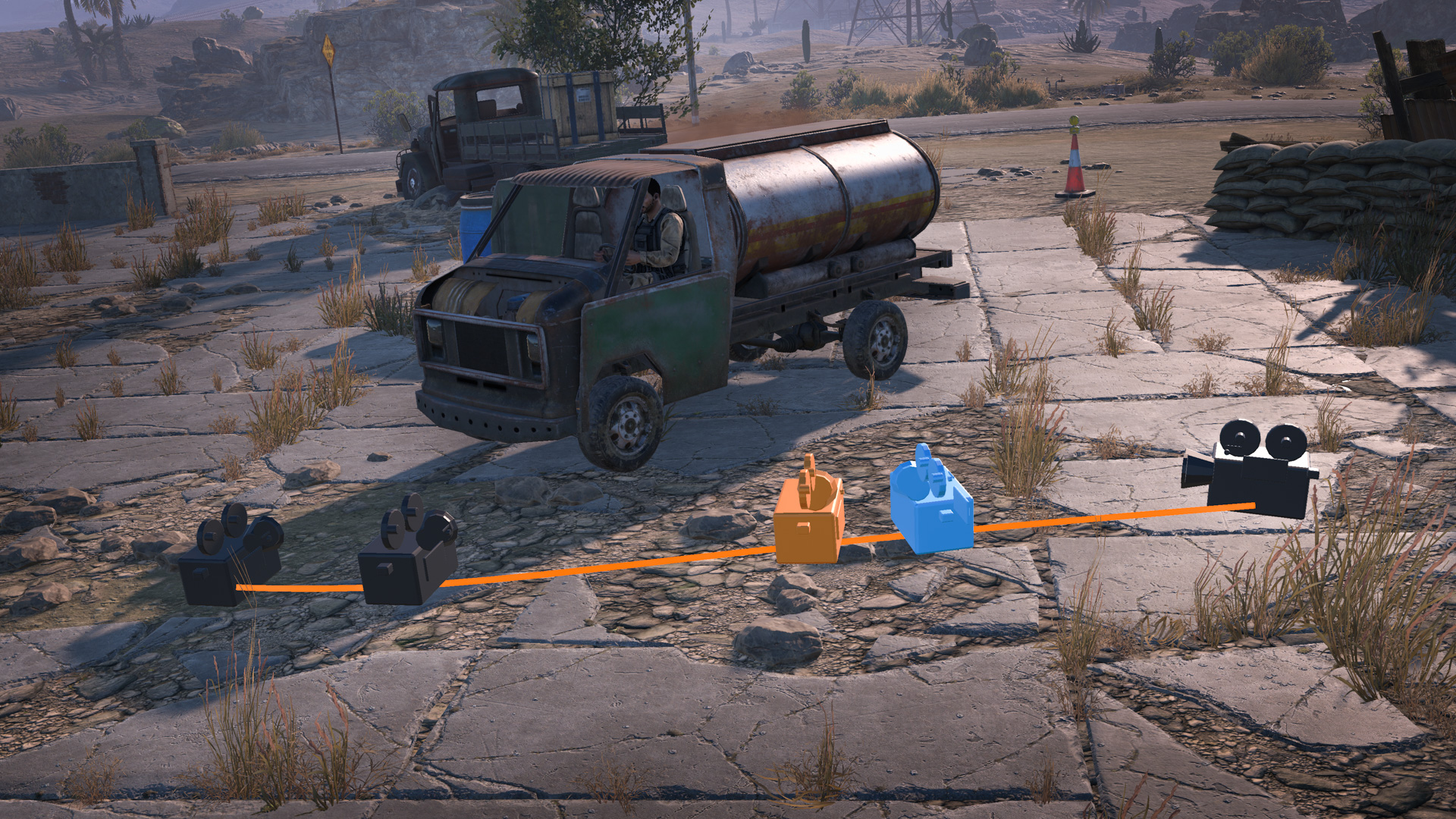
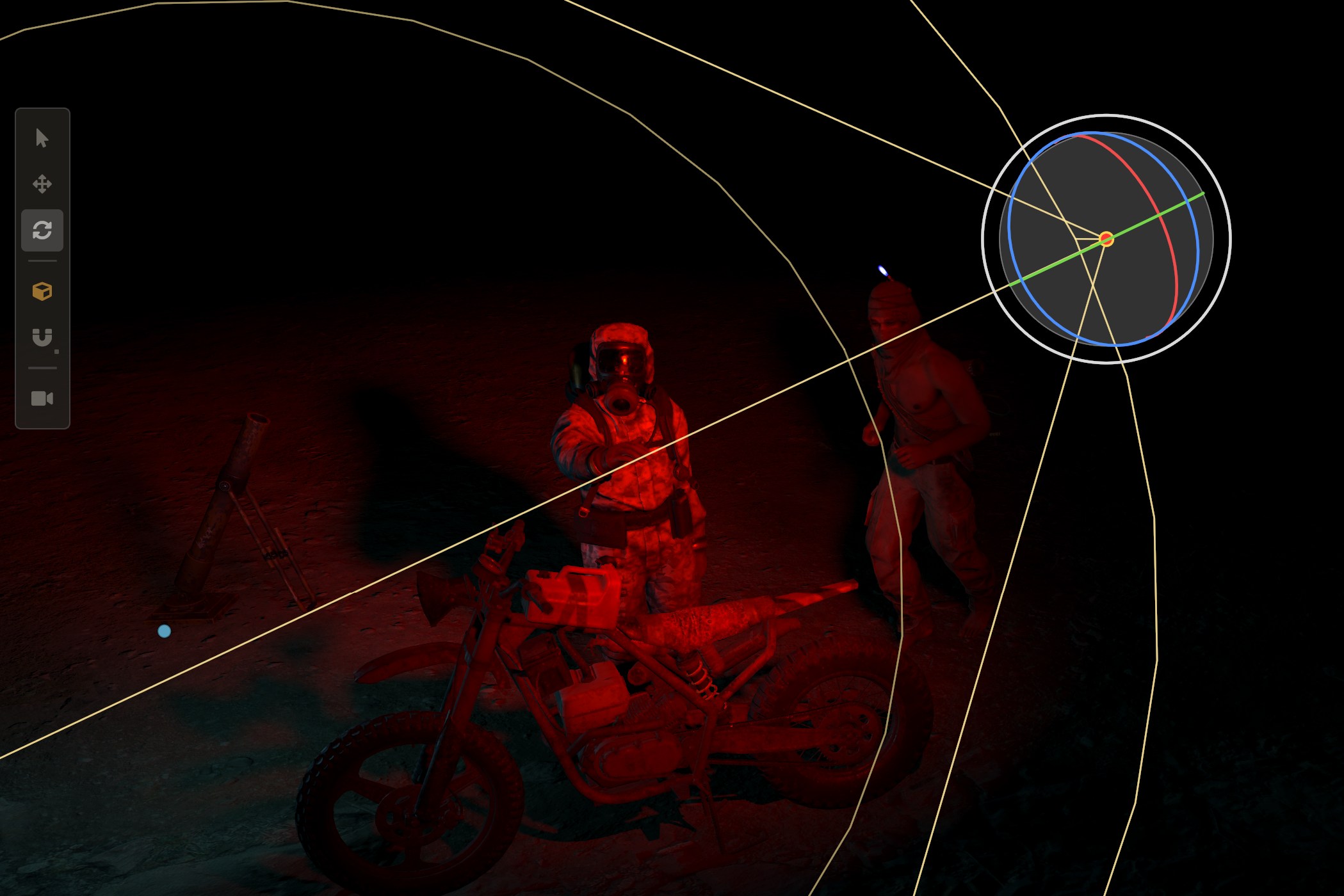
For some recent improvements, you can now create spotlights in the sandbox mode to light your scenes. Lights also received some new gizmos and the ability to animate their position/rotation. 
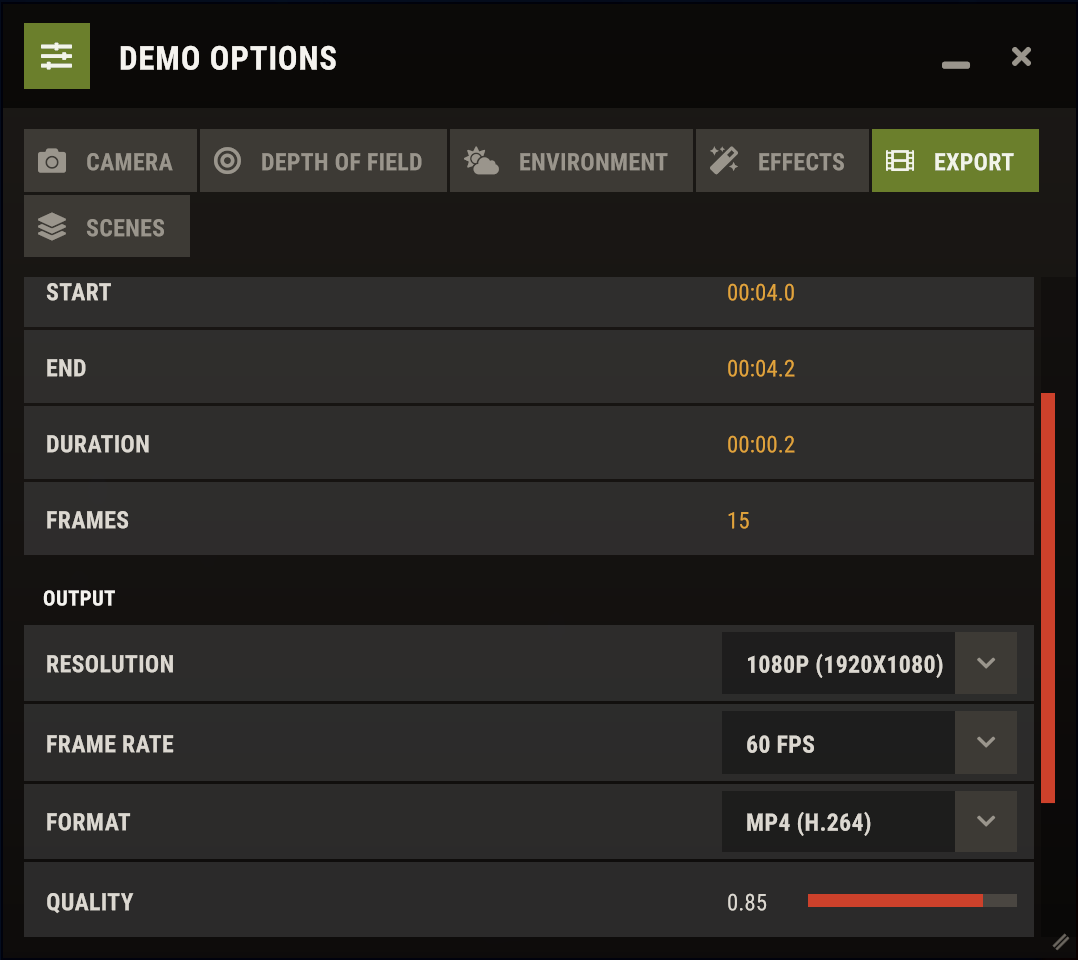
As of this patch, you can also export demos as videos. This requires you to have FFmpeg setup in your PATH, once its detected you can export use any of the video formats in the dropdown. Depending on the speed of your storage, exporting to a video format is a lot faster than just recording it yourself with an external program and it allows you to use higher framerates (up to 600fps) for slow motion. 
This month’s workshop coincides with a weapon remake! The shiny new Nailgun is also available to the skinning community.

Whether you’re a master crafter or just like shooting nails at bears, you might as well do it with the latest gear. Leave the ideas to the skinning community! 

To make your own Nailgun skin, head over to the in-game workshop and locate the Nailgun weapon item. From there, you can download the model files and add your own materials.

Starting with this patch, we are no longer providing x86 builds for Intel-based Macs. Only ARM64 / Apple Silicon will be supported going forward. 

We already had the minimum requirements set accordingly for many years, so this shouldn't be a surprise. The main driver behind this is the lack of graphics driver support for these older Macs, which is increasingly starting to cause issues.
Back in January we shared some stats on bans, reports and general cheating behaviour. While we are still saving a full update for January, we do have some details to share in the meantime.

Scripting

Scripting has been a long-standing issue in Rust and remains a wider issue in shooting games, detection and enforcement can be difficult, and it severely disrupts the balance of the game, giving players an unfair advantage in gunfights. We're happy to share, following some recent developments, we are better positioned to combat scripting.

As this wipe begins we'll be rolling out bans to users of public and private script providers, totalling over 3,000 accounts! We hope this serves as a reminder that we have a no tolerance policy for 3rd party software that offers an unfair advantage.

Cheater Playtime

We have recently re-calculated some of our key metrics for determining how long a cheater is in-game for (on average), and we're happy to share we've continued to bring this number down year-after-year, our previous calculations that you might've seen in some of our older blog posts on this matter were overstating the value.
While it is nice to share a big number with the amount of bans we've applied, cheater playtime is one of the more important metrics that we focus on. Rust is unique in the sense that cheating impacts our players more than your average game, if you die you are possibly losing hours of progress, if you are raided you are possibly losing days/weeks of progress. That's why it's important we minimise the time cheaters spend in-game and we hope you have noticed a positive shift in the last few months.
Rust Premium is coming, so we wanted to share a bit of information surrounding what Premium is and isn't. Firstly, Rust Premium is not a Battlepass. There will be no gated progression or reward track, and no defined way you have to play the game. 

Rust Premium will be a paid monthly service that offers exclusive in-game skins and some premium perks.
  • Monthly rewards will include high quality skins for deployables, clothing, and more, as well as collectibles and other items. 
  • Perks will include useful extra non-gameplay features across the game.
We're really excited to show Premium to you soon, so stay tuned for more details.
About a year ago I was investigating issues around clients getting NREs in all the different places - they were a bit sporadic and didn't make sense. Like someone took a shotgun to client's runtime state.

Around the same time, one mod dev/server owner shared something that wild to me - they found a way to change the map on the client, even force it to load something different to what the server is running. And it seemed to work.

Turns out, it was working but left client heavily limping. We can't really afford these random issues, so we're making a couple changes:
  • Old method of forcing client map load is deprecated, and will be blocked in December. For completeness, old method was sending an "Approved" message to the client with potentially different info about the world
  • New method, "CL_LoadMap" RPC now servers as a "blessed" mechanism to allow server to control what is loaded on the client. I've left an example of how to use it in ServerMgr.ChangeLevelFor
In terms of what happens with CL_LoadMap, it's basically same stuff as old Approved flow:
  • destroys every entity(players, containers, items, npcs, etc) on the client, except for player
  • resets the player (items, convars)
  • reloads the scene, or changes to a new one
  • loads the new map & run it's setup
  • sends ClientReady rpc to the server
This should be enough for various modding needs. I'll be chasing up some left-over bugs.
We are making some changes to our servers this month with a new addition, increased population and some consolidation.

New
  • [EU East] Facepunch Softcore 1
Max population Increased
  • [EU East] Facepunch 1
  • [EU] Facepunch 1
  • [EU] Facepunch Premium 1
  • [US East ] Facepunch Premium 1
Retiring
  • [EU] Facepunch 12
  • [EU] Facepunch 13
  • [EU] Facepunch 14
  • [EU] Facepunch Large 2
  • [EU] Facepunch Small 4
  • [EU] Facepunch Small 5
  • [EU] Facepunch Small 6
  • [EU East] Facepunch Premium 3
  • [EU East] Facepunch Premium 4
  • [US East] Facepunch 5
  • [US East] Facepunch 6
  • [US] Facepunch Small 2
  • [US] Facepunch Small 3
  • [US West] Facepunch 3
  • [US West] Facepunch 4
  • [US West] Facepunch Premium 3
  • [US West] Facepunch Premium 4
  • [US West] Facepunch Premium 5
add_circle

Features

  • •
    Added Blueprint Fragment, Blueprint Page, and Blueprint Book
  • •
    New Uzi weapon
  • •
    New Crocodile Pie - repels animals
  • •
    New Shears item
  • •
    New Bird Flocks
  • •
    Added 4 new NPC style conversations to telephones
  • •
    Added mirrored L and U stairs
  • •
    Nailgun remake
  • •
    New Wool Armour Insert
  • •
    Added roaming scientist boats on the mainland ocean
  • •
    Better scientist boat AI
  • •
    Added repairable lighthouse mechanic to open the deep sea
  • •
    "pool.debug_mem_start <name-filter>" & "pool.debug_mem_stop <max log count>" - debug utility that reports callstacks for any objects that might've overflowed or spilled
arrow_circle_up

Improvements

  • •
    Updated to Unity 6000.3.26f1
  • •
    Optimisation: The deep sea now loads its content only when you enter it
  • •
    Optimisation: Workshop skin icons and textures no longer keep a copy in RAM
  • •
    Optimisation: Fixed fonts being duplicated in memory
  • •
    Optimisation: Reduced UI managed memory
  • •
    Optimisation: The server map image is now freed from VRAM about a minute after the connect screen closes
  • •
    Optimisation: Freed a lot of useless colliders and game objects from the client
  • •
    Optimisation: Building privilege checks now use a cache instead of physics queries on client and server
  • •
    Optimisation: Improved gun firing performance
  • •
    Optimisation: Tons of improvements to reduce hitches and overhead when entering network range of a base
  • •
    Optimisation: Fixed audio causing stalls when a sound got cut mid-play
  • •
    Optimisation: Reduced the networking overhead of windmills
  • •
    Optimisation: Reduced the overhead of idling SAM sites
  • •
    Optimisation: Industrial pipes are now much faster to generate and render
  • •
    Optimisation: Sound occlusion is much cheaper
  • •
    Optimisation: Removed GC allocations when playing modulated sounds
  • •
    Optimisation: Reduced overhead of seeing equipped clothing for the first time
  • •
    Optimisation: Rain and snow are cheaper
  • •
    Optimisation: Rail segment colliders are now built off the main thread
  • •
    Optimisation: Horses are much cheaper to animate on the client, and to process on the server
  • •
    Optimisation: Opening the map is faster, it no longer allocates every frame while open
  • •
    Optimisation: Many small savings across different systems
  • •
    Optimisation: Reduced the overhead of wild animals
  • •
    Optimisation: Fixed building privilege causing stutters when walking in your base
  • •
    Optimisation: Fixed a leak when disabling occlusion culling
  • •
    Optimisation: Reduced the overhead of idling rowboats and RHIBs
  • •
    Optimisation: Improved memory usage of animal animations (saved 65mb of memory)
  • •
    Optimisation: Improved memory usage of audio files (saved 470mb of memory)
  • •
    Optimisation: Improved how we load/unload deep sea terrain (saved 138mb of memory)
  • •
    Optimisation: Converted more renderers to more efficient LOD systems
  • •
    Optimisation: Improved performance when spawning some clothing items and hairstyles
  • •
    Optimisation: Most deployables in the players inventory will no longer create entities, reducing server entity count
  • •
    Optimisation: All building skins are now batched correctly, making them cheaper to render
  • •
    Optimisation: The friends list is much cheaper to rebuild, and no longer rebuilds while the friends menu is closed
  • •
    Optimisation: Fixed industrial conveyors causing server spikes when the destination refuses an item (e.g. ammo into a furnace)
  • •
    Optimisation: Reduced LOD and building batching spikes when moving around big bases
  • •
    Optimisation: Reduced CPU and GPU overhead of volumetric clouds
  • •
    Optimisation: Stripped a ton of unnecessary gameobjects with prefab flattening
  • •
    Optimisation: All mountables now use parented mounting, reducing network and CPU overhead
  • •
    Optimisation: Reduced network overhead of turret aiming, animal look direction, tree billboards, doors on door controllers, flame turret triggers, waterwheels
  • •
    Optimisation: Fixed a ~200ms server stall the first time a workshop-skinned item is crafted or reskinned after a restart and vending machine map markers
  • •
    L and U stairs can now be rotated after placement
  • •
    Rotating or upgrading a building block now tells you why when it's blocked
  • •
    The building plan now says "Blocked by X" instead of "Cannot build in this area" when the blocker is in plain sight
  • •
    Reworded the "Client update required" kick message
  • •
    Map markers can now be dragged by holding the middle mouse button
  • •
    Small trees have been given hit forgiveness. If your melee hit missed, but was close, it will now land.
  • •
    Diver propulsion vehicle no longer uses loses durability on pickup. Uses less low grade fuel and accelerates quicker.
  • •
    Cows moo less often
  • •
    Livestock animals now have colliders, you can no longer walk through them
  • •
    Added an 'Extract' option to berries so you can remove seeds without eating them
  • •
    Swapped the monument blockers outside Military Tunnel to the explosive-only variant
  • •
    Moved many items from 'Items' to 'Fun' in the crafting menu
  • •
    Animals now dismount closer to the player
  • •
    Animals can now earn potential while they are young, affects sales price
  • •
    Animals now dismount to the side if the back of the flatbed is blocked
  • •
    Horses, cows and sheep can now be renamed
  • •
    Chickens now need an authorised tool cupboard nearby in order to be renamed
  • •
    Chickens can now be renamed with streamer mode enabled. Only names inputted by other players will be filtered and instead shown as a random name
  • •
    Cows and sheep which spawned as rare specials are more clearly distinguished as being special on their UI stats panel
  • •
    Updated the UI showing who owns a cow/sheep to better distinguish between being owned by you or by someone else
  • •
    The livestock vendor now tells you how much wool you need when you don’t have enough to sell
  • •
    Added sfx when selling wool/animals
  • •
    Traincar loot is now doubled in softcore
  • •
    Neon sign sfx are now occluded
  • •
    Bread and brioche dung boost now applies to livestock
  • •
    Sprinting now increases hunger and fluid consumption by 10%
  • •
    Added ability to change colour of hemp (Accessibility settings)
  • •
    Added information to the livestock vendor to explain what they are looking for
  • •
    When quick moving items from a container they will go into the main inventory even if there is a matching item on the belt
  • •
    Lowered X markers on Swamp trees and made them slightly more forgiving
  • •
    Grenade type items now have animations for dropping and attaching
  • •
    Added audio muffling to the prisoner hood
  • •
    Disabled clans in softcore
  • •
    Loot panels now close automatically when moving out of range instead of going to the quick craft menu. Game setting can be found in Gameplay->Auto Close Loot (default on)
  • •
    In the “An Important Broadcast” mission activating a boombox now counts for all teammates who are in the same lab on the same mission
  • •
    Crabs colour variations are stronger, the rare blue crab is far more noticeable
  • •
    Improved performance of Crab and Jellyfish swarms
  • •
    RustRelay - reduce network overhead by merging websocket message header + message data into 1 packet.
  • •
    RustRelay - use Fleck instead of websocket-sharp
  • •
    UsePlayerUpdateJobs 4 is now default
  • •
    Greatly improved the handling of pt boat turrets
  • •
    Radiated water now has a unique colour
  • •
    Server events now persist their cooldown through server restarts
  • •
    Added a heartbeat sound when wounded
  • •
    Scientist boats will now swap out to a new driver
  • •
    Scientist boats now reposition when none of their shooters can see the target
handyman

Fixed

  • •
    Fixed turrets draining their ammo on players behind twig foundations
  • •
    Fixed low ramps being blocked by deployables in the room below when placing or upgrading them
  • •
    Fixed ramps being blocked by another ramp up to 3m above them through a floor
  • •
    Fixed triangle foundations being placeable on top of brutalist ramps
  • •
    Fixed building skin roof overhangs inconsistently blocking building placement
  • •
    Fixed square roof side overhangs blocking foundations placed beside them
  • •
    Fixed triangle roofs being blocked by stone frames depending on their orientation
  • •
    Fixed "Line of sight blocked" errors on L, U, spiral and triangle spiral stairs when you have a clear line of sight
  • •
    Fixed ballista and catapult sounds not playing
  • •
    Fixed the battering ram broken-down animation not playing
  • •
    Fixed the quarry bucket drop effects not playing
  • •
    Fixed many deployable playing the wrong sound when they deployed or spawned in
  • •
    Fixed medium and large battery arc effects playing on uncharged batteries when coming back into range
  • •
    Fixed wires parented to doors stretching towards the world origin after leaving and re-entering network range
  • •
    Fixed boat privilege showing for edit mode boats you have no auth on
  • •
    Fixed horses losing their towed entity after a server restart
  • •
    Fixed players pulling siege weapons being slowed forever if the server restarts while they're pulling
  • •
    Fixed the catapult reload progress bar staying on screen if the catapult dies mid-reload
  • •
    Fixed the movement speed modifier showing in the inventory boosts UI when leading animals or pulling siege weapons
  • •
    Fixed horses sometimes flying after a ragdoll
  • •
    Fixed the cooking workbench not showing the kettle when preparing the new teas
  • •
    Fixed not being able to change the accessory of guns that have no skins in the repair bench (M16)
  • •
    Fixed mushroom pickups not showing your total in the pickup notice
  • •
    Fixed item pickup and item dropped notices not working with right-to-left languages
  • •
    Fixed oversized and misplaced ellipses on Arabic texts
  • •
    Fixed the crafting menu opening on top of the main menu when pressing both keybinds at once
  • •
    Fixed the main menu chat hiding the rest of the screen with the new render pipeline
  • •
    Fixed the safe zone warning staying on the main menu, and its missing title
  • •
    Fixed the F7 feedback screen thanking you for reporting a player instead of for your feedback
  • •
    Fixed the tutorial welcome video not playing correctly
  • •
    Fixed rain falling under some roofs
  • •
    Fixed generic popup sorting with the new render pipeline
  • •
    Fixed coming into network range of a half-mined node triggers impact animation
  • •
    Fixed players being able to drive bike through graveyard fence
  • •
    Fixed Halloween Dungeon crates hovering off the ground
  • •
    Fixed Spiral Stairs not decaying sometimes
  • •
    Fixed dungeon entrances spawning in building privilege
  • •
    Fixed players being able to shoot players through several deployables
  • •
    Fixed Halloween candies persisting after server restart
  • •
    Fixed scarecrows spawning within safezones
  • •
    Fixed radiation applying instantly when entering halloween / xmas portals
  • •
    Fixed scarecrow not always spawning in halloween dungeon collapsed end
  • •
    Fixed carvable pumpkin being lockable
  • •
    Fixed cooked wolf and human meat can be burnt inside the small oil refinery
  • •
    Fixed awkward player movement over xmas and halloween string lights
  • •
    Fixed the death screen appearing when first connecting to a softcore server
  • •
    Fixed some incorrect settings on the sleeping bag compass radial menu icon
  • •
    Fixed dances not unequipping weapons
  • •
    Fixed pumps at dome not saving correctly when usePlayerUpdateJobs was set to 4
  • •
    Fixed players being able to damage NPC's with vehicles in safe zones and not be marked as hostile
  • •
    Fixed players being able to park their vehicle on top of the livestock vendor
  • •
    Fixed being able to load two cows into a large flatbed
  • •
    Fixed incorrect material displaying when reskinning a double door on low mesh quality
  • •
    Fixed explosives appearing distorted when attached to a solar panel
  • •
    Fixed food sometimes acting refrigerated in random parts of the world
  • •
    Fixed a few ways for industrial connections to go through walls by destroying building blocks
  • •
    Fixed Hemp only being visible from 50m, now swaps to a 2d visual from 50m-250m
  • •
    Fixed Krieg shotgun spamming warnings when reloading
  • •
    Fixed being able split item stacks into a vending machine from the wrong angle
  • •
    Fixed animals sometimes rotating incorrectly when dismounting vehicles
  • •
    Fixed animals dismounting into the collider of a car if the flatbed was not at the back of the car
  • •
    Fixed seeds planted outside of planters sometimes showing inaccurate genes in UI
  • •
    Fixed a fluid IO issue where some circuits could cause massive amounts of io queue spam
  • •
    Fixed headshot sounds flipped directionally
  • •
    Fixed minigun bullets visually shooting through objects if they were within 2m of the camera
  • •
    Fixed being able to place a sky lantern inside of a door
  • •
    Fixed players being able to briefly clip into floors while ducking underneath them and jumping
  • •
    Fixed arrows briefly appearing behind the player shooting them
  • •
    Fixed animal corpses sometimes spawning clipping into the terrain and falling through
  • •
    Fixed rentable shops not processing transactions with sulfur
  • •
    Fixed some 3rd person weapon sfx playing twice
  • •
    Fixed spraycan becoming unusable until the item is requipped if player sprays at a surface and then quickly looks away
  • •
    Fixed being able to insert water into Xmas wrapping paper
  • •
    Fixed chickens in tutorial acting too aggressive towards players
  • •
    Fixed player markers sometimes appearing in the wrong space for a frame when entering range of a player
  • •
    Fixed ghost costumes equipped on trophies not rendering properly
  • •
    Fixed abyss hazmats not rendering on trophies
  • •
    Fixed bee grenades appearing white when thrown with client.throwprediction enabled
  • •
    Fixed a rogue swarm of bees being visible outside the bee jar whilst held and during the throw animation
  • •
    Fixed calf purchase dialogue showing as successful when you don’t have enough scrap
  • •
    Fixed the admin third person camera zoom whilst using alt+scroll wheel also cycling the inventory hotbar
  • •
    Fixed firecracker throwing not working as intended
  • •
    Fixed the “An Important Broadcast” mission not being available for underwater labs with only 1 boombox
  • •
    Fixed bags assigned to you while you were dead not showing on the map
  • •
    Fixed lamps on player boats disappearing after sailing away from where they were switched on
  • •
    Fixed plants growing on player boats disappearing after sailing
  • •
    Fixed being unable to close open ladder hatches from certain angles
  • •
    Fixed the ramp placement guide flickering between floors stacked 1.5m apart
  • •
    Fixed the IO infinite power convar breaking static CCTV cameras
  • •
    Fixed sorting issues with stacked blurred CUI panels
  • •
    Fixed the admin UI's UGC history scrollbar layout
  • •
    Fixed the skin viewer showing a cart button when opened from the Steam inventory
  • •
    Fixed the water purifier showing its viewmodel in the skin viewer
  • •
    Fixed skull trophies being invisible in the skin viewer
  • •
    Fixed the store's NEW notification when skins are released
  • •
    Fixed pie menu icons stacking in the top right corner and emojis being offset
  • •
    Fixed a rare UI tween error
  • •
    Fixed players/NPCs briefly disappearing at 1 section inside the Nuclear Missile Silo
  • •
    Fixed canyons sometimes having an invisible hole at the bottom and killing players
  • •
    Fixed monuments sometimes spawning too close to eachother causing erroneous terrain artifacts
  • •
    Fixed some critter animations when transitioning between states
  • •
    Gameplay - add missing calls to ItemContainer.OnItemAddded-/RemovedFromStack
  • •
    Fixed player model hands being offset when driving a RHIB
  • •
    Fixed scientists on boats often being stuck on an unreachable target
  • •
    Fixed an issue causing projectile invalids on players mounted to boats
  • •
    Fixed players randomly dying in boats when driving near terrain
  • •
    Fixed being able to hide autoturrets inside ramps
  • •
    Fixed sleeping bag buttons on the deathscreen overlapping sometimes
  • •
    Fixed white line artifacting on a few item icons and map markers
  • •
    Fixed rope ladder in ferry terminal being annoying to climb
  • •
    Fixed the jungle biome having no ground water
remove_circle

Removed

  • •
    Removed Intel x86 Mac support
  • •
    Removed Basic Blueprint Fragment
  • •
    Removed Advanced Blueprint Fragment

Newsletter
Receive monthly updates straight to your inbox