Rust Marque Logo menu
Common Ground

This month's update features a New Monument: The Apartment Complex, Rentable Shops, a New Clan System & Table, plus QoL changes and much more!
02 July 2026
DEVBLOG
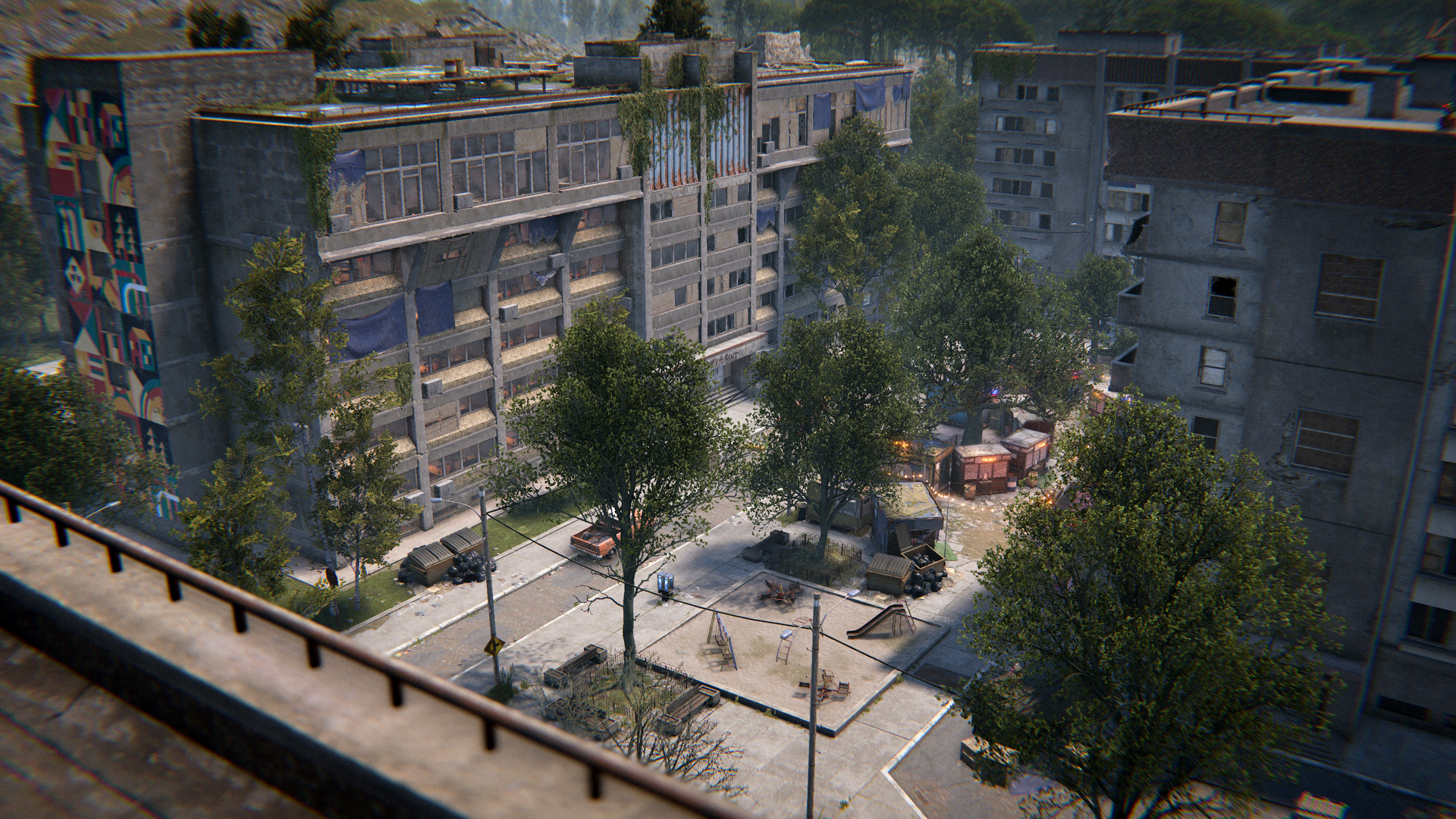
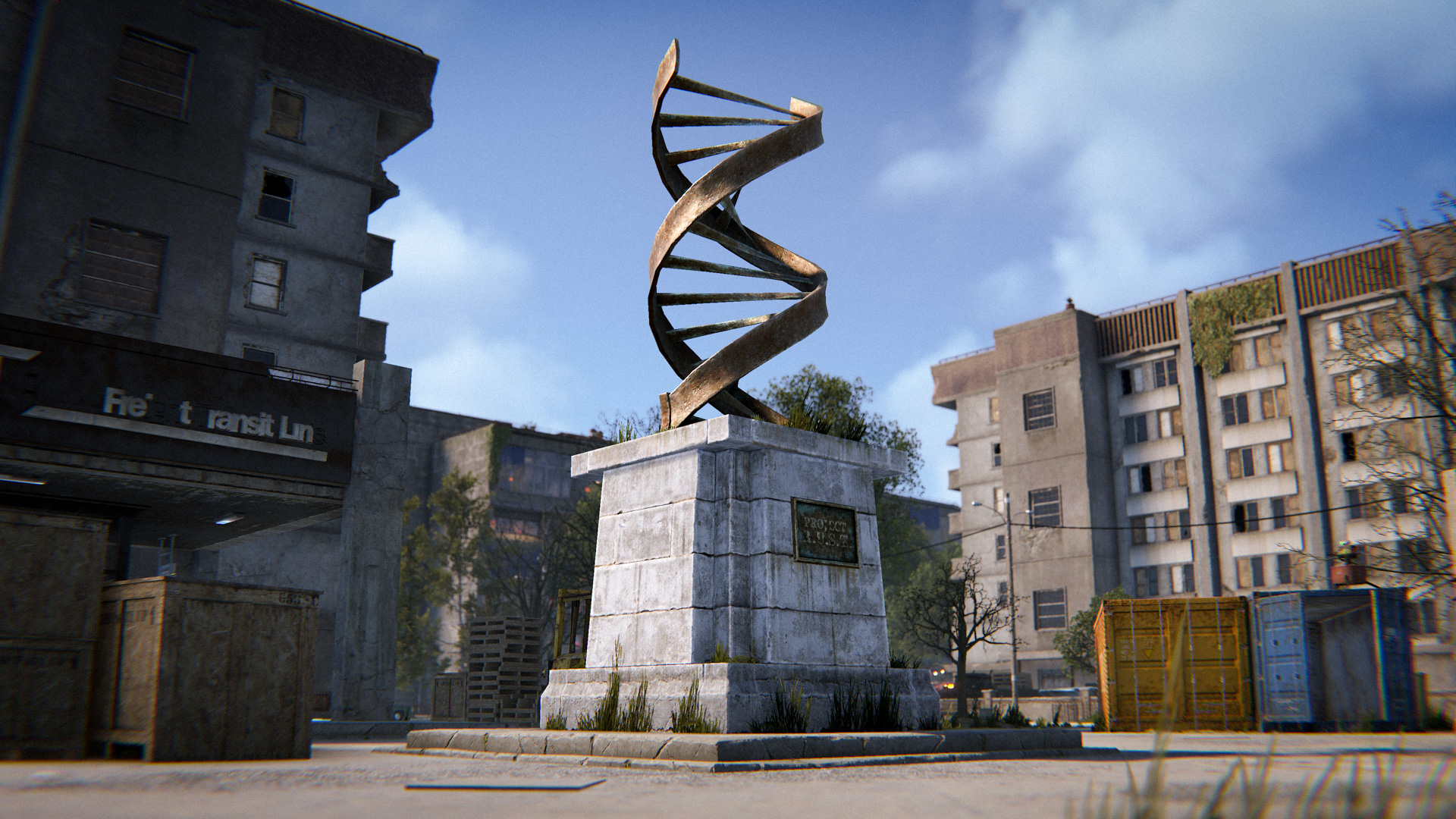
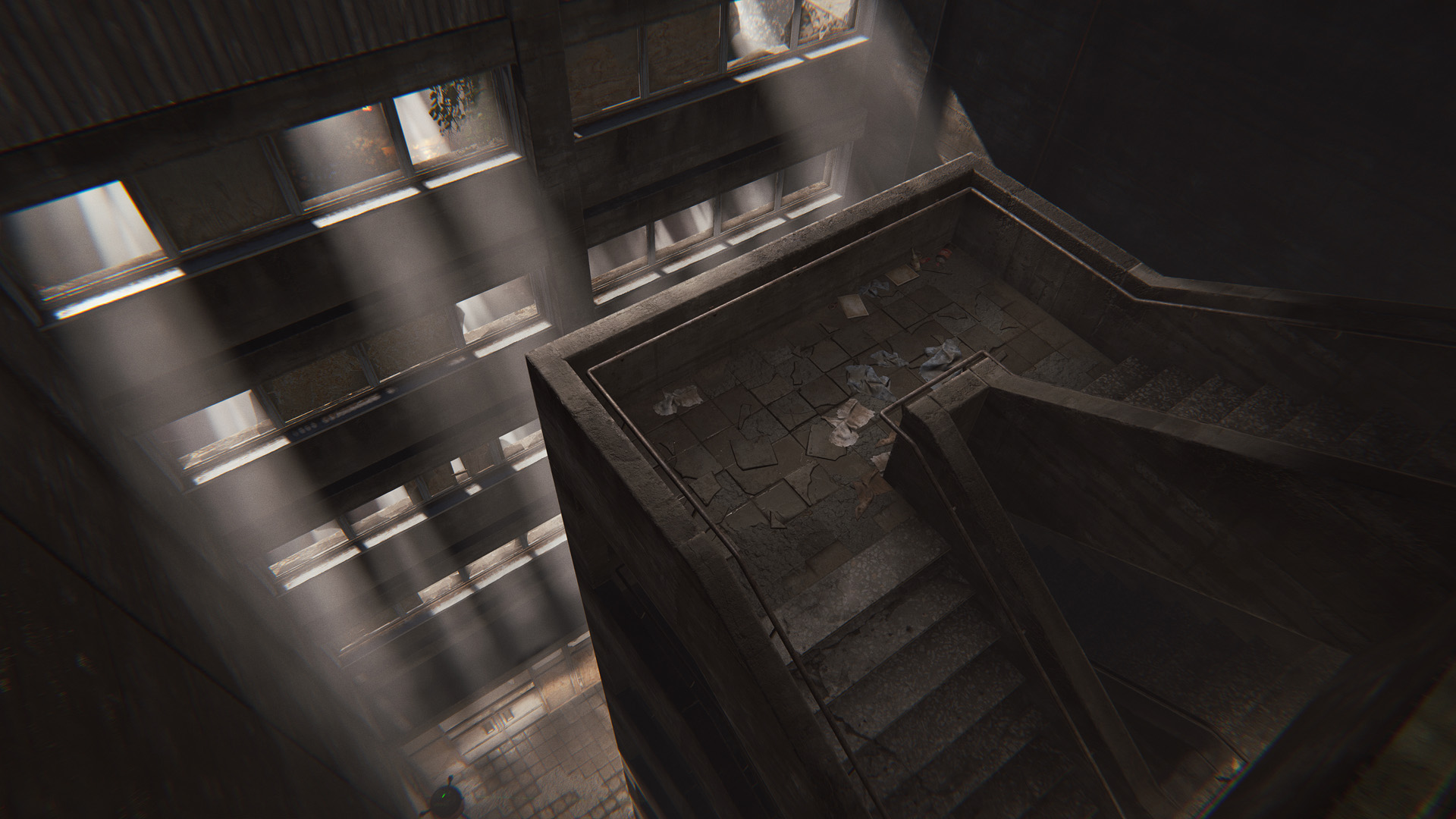
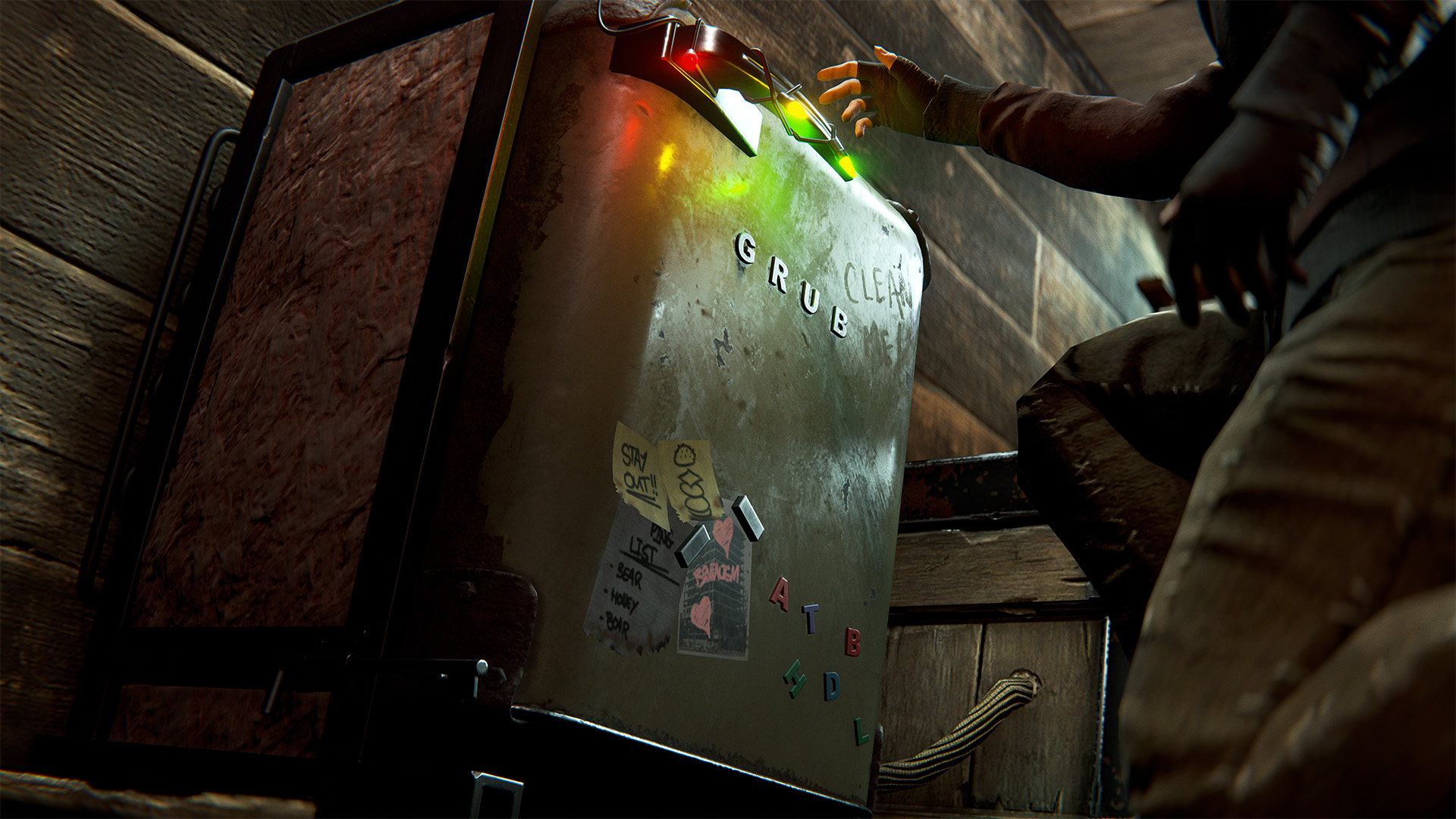
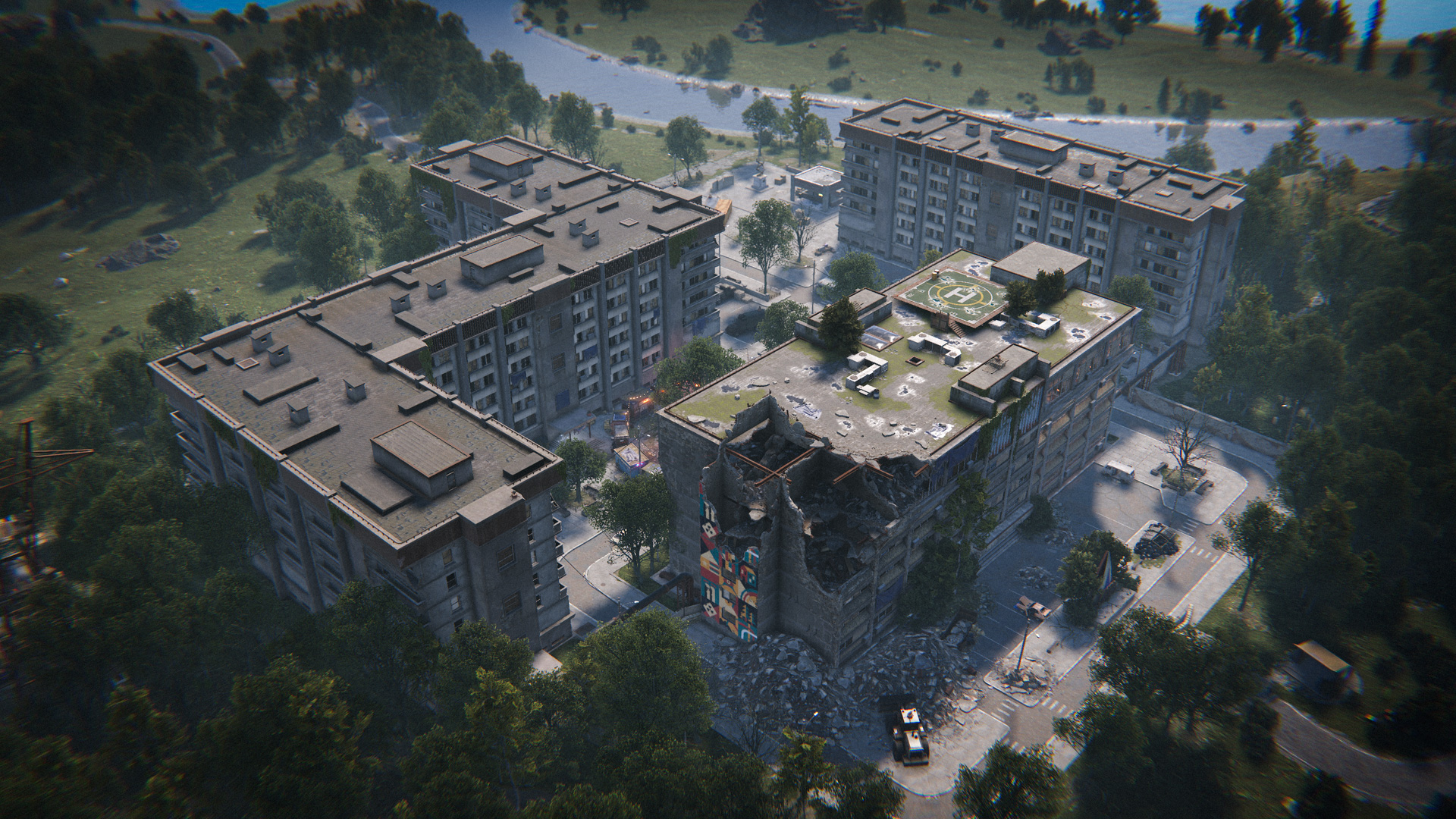
The apartment complex is a new monument that allows players getting started with a wipe to find a place to call home. Simply talk to the receptionist in the lobby to get started and rent a room.
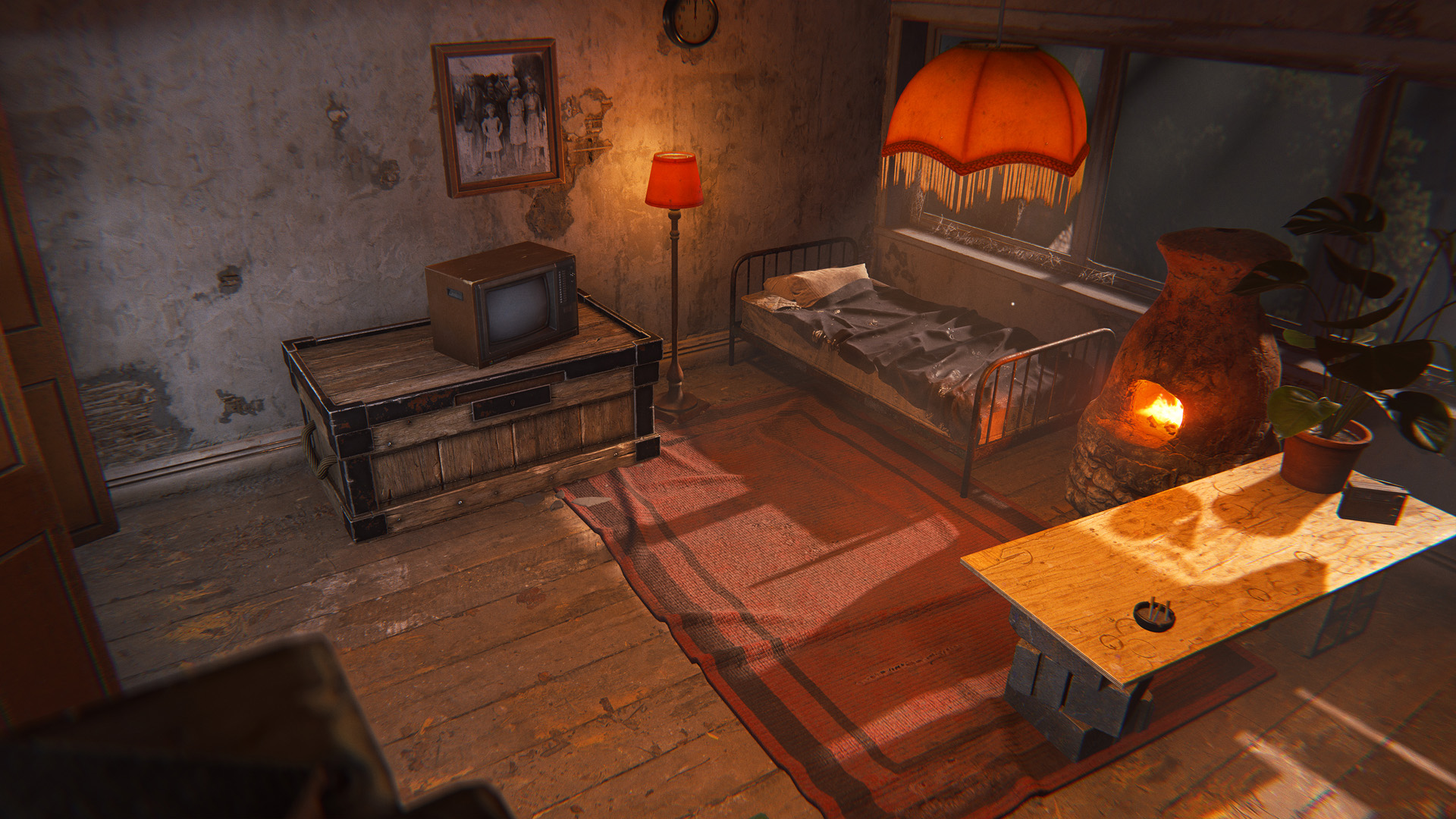
There are options for every budget, from the basement to the penthouse. Different room types come with different perks, like more storage, furnaces and more.
Once you've rented a room you'll need to insert scrap into the slot next to your door, otherwise you'll be evicted and all of your possessions will be seized.

There is a master key available somewhere on the island - find it and you can unlock access to any occupied room in the apartments for 5 minutes.

 
Need a hint as to what room to burgle? There might be a guard in the basement who has more information.
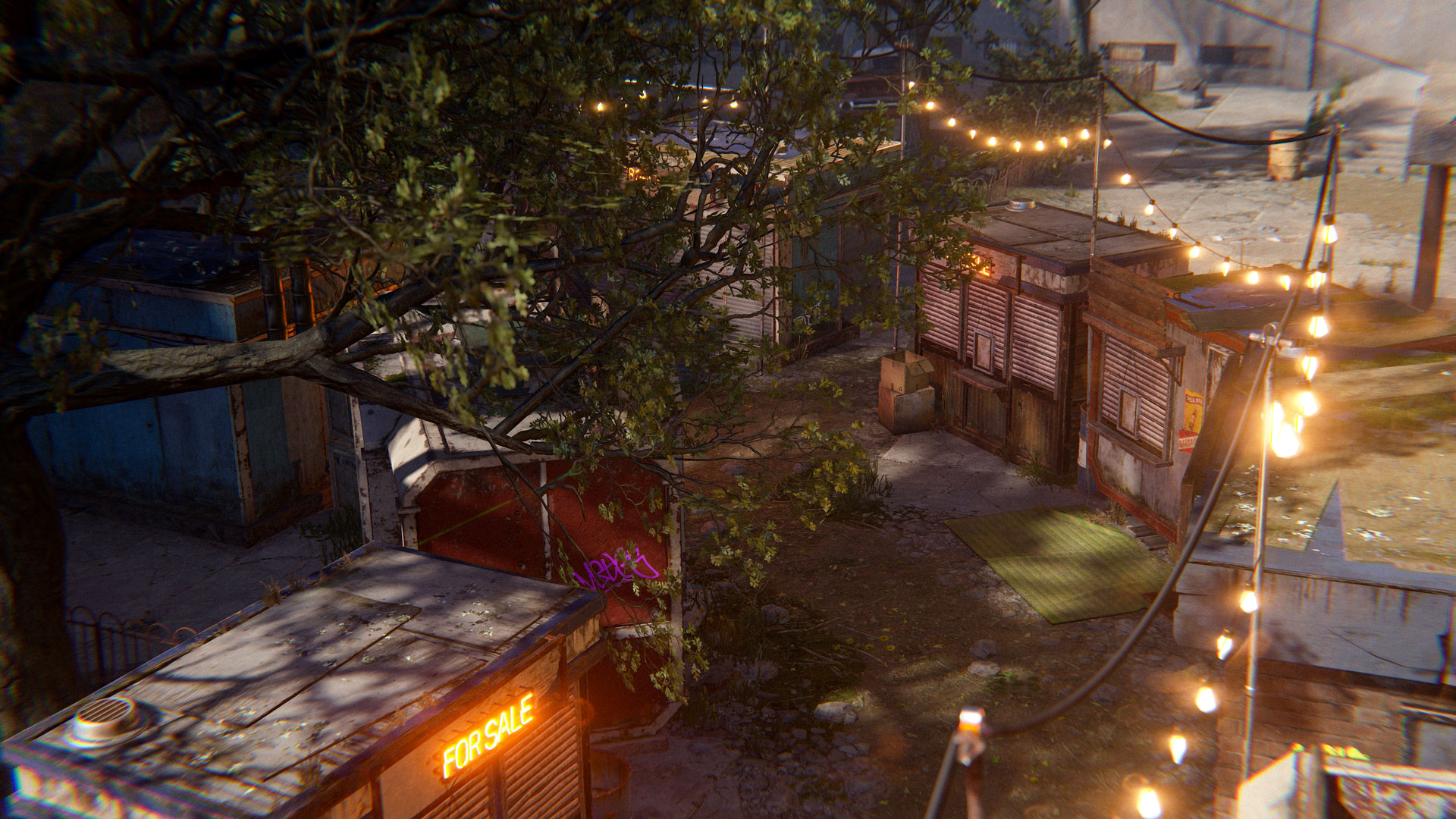
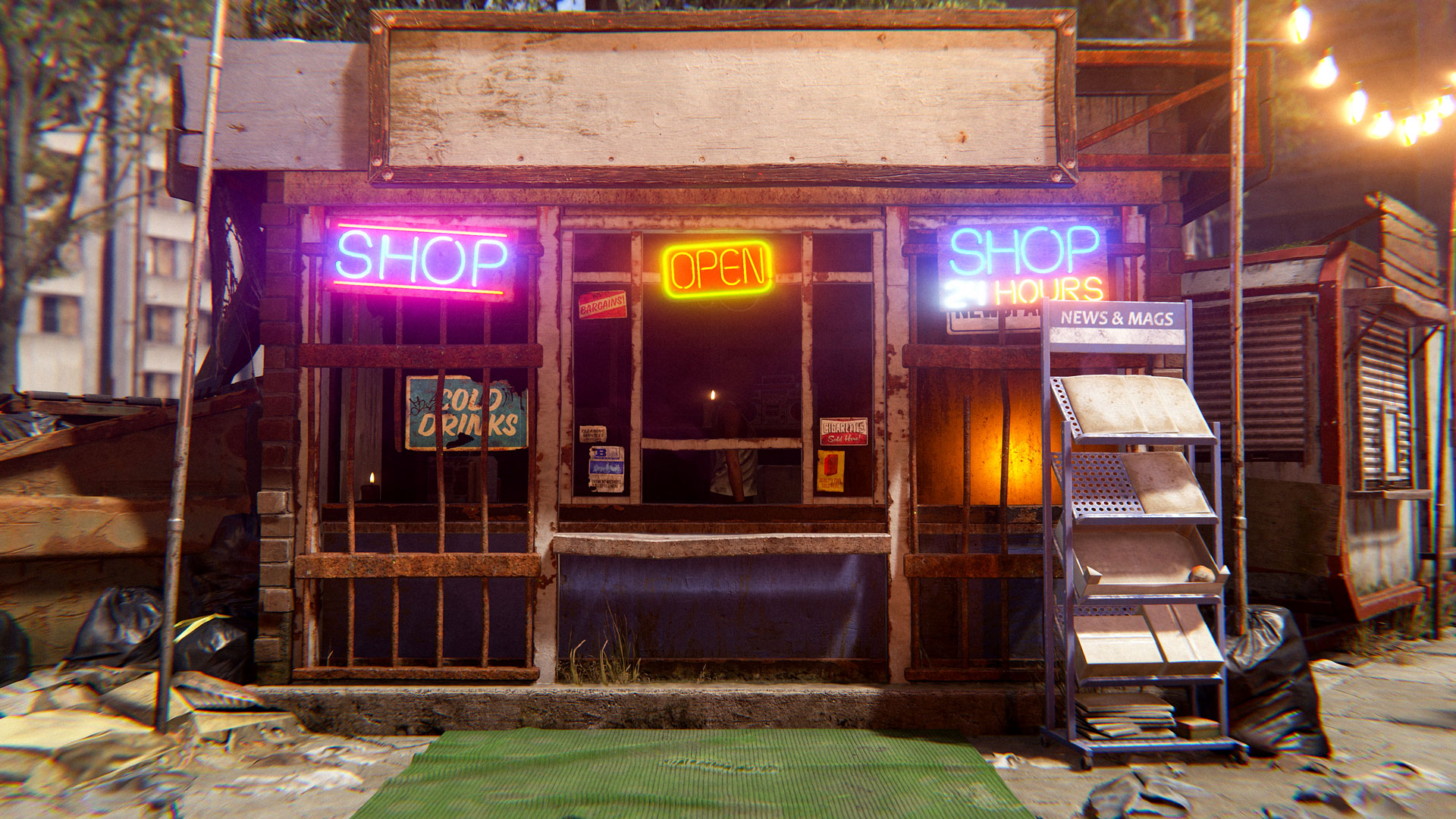
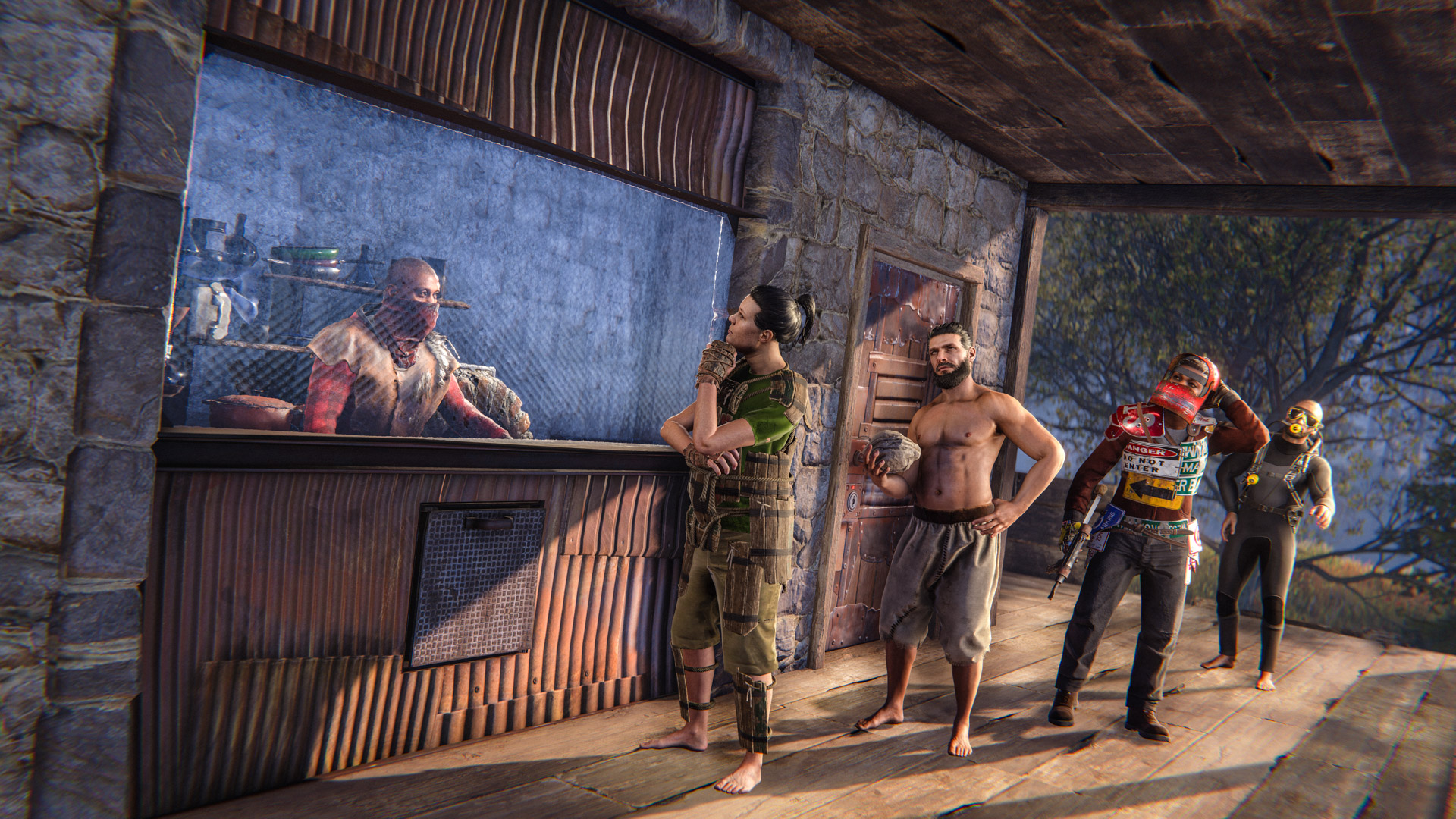
The new apartment complex monument features a small marketplace of shops. Each shop can be purchased and run by players, allowing you to sell your wares to the residents of the apartment building.

To get started, simply approach the shop and interact with the contract hanging out front, and you'll get a breakdown of how much it costs. This includes a non-refundable upfront scrap fee as well as a per-hour (real-time) scrap cost. You will need at least 12 hours of rent available to open the store.

Once open, you can modify the sale listings and adjust stock levels like any other Vending Machine. These shops cannot be accessed by drone, but you can modify the sign above the shop to add some personal flair.
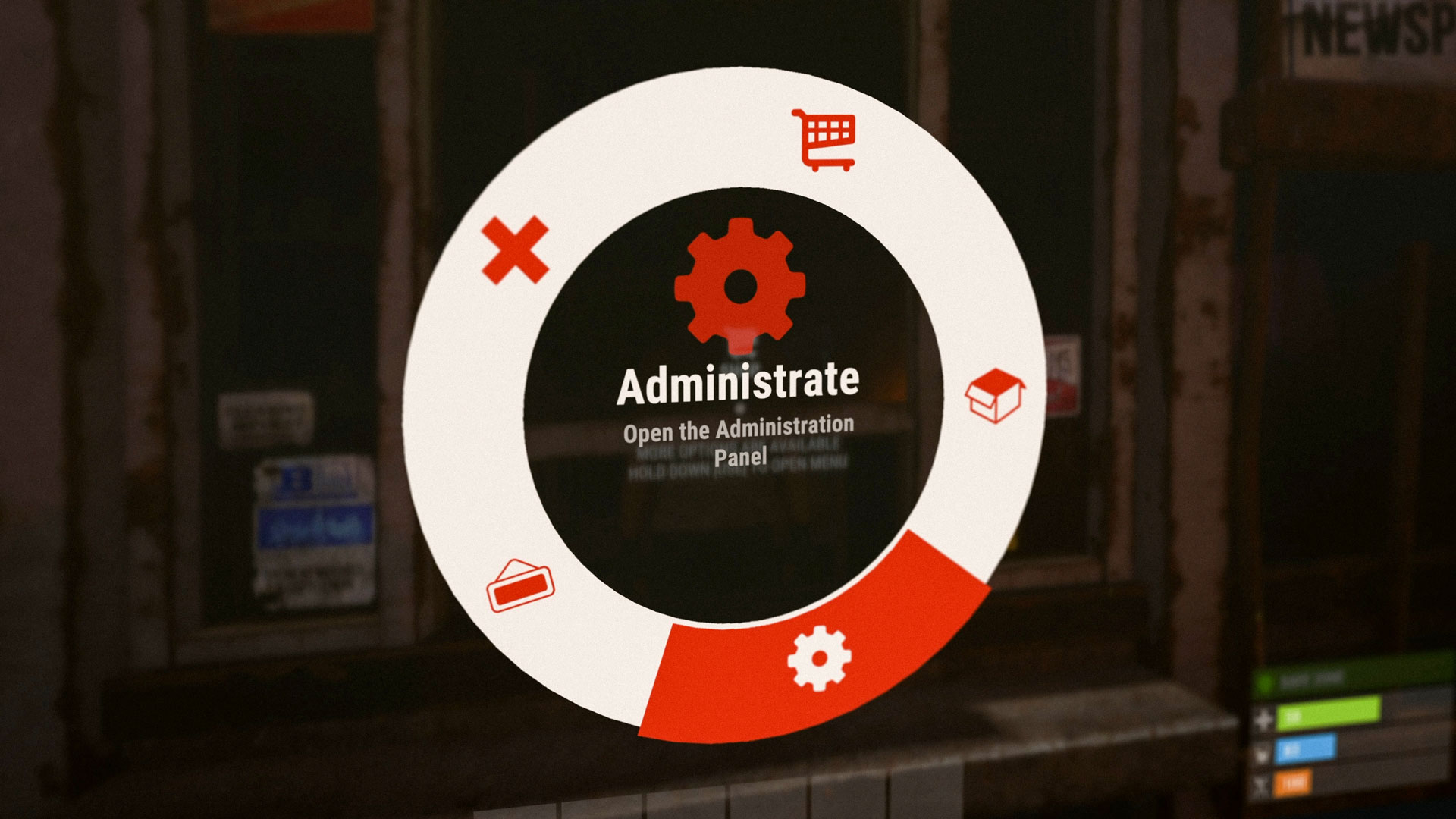
All of the shops already taken? After a shop has been open for 6 hours, you may take it over, but you will pay x2 on both the upfront scrap cost and per-hour rent. This will continue to escalate (3x, 4x, etc) if someone else takes over the shop after 6 hours until eventually someone runs out of rent and the shop (and cost multiplier) resets.

If a shop is taken over or closes and it has your belongings in its inventory, you may return to the shop to retrieve them. Just interact with the shop to pick up your items. These items will only last 24 hours though, so be quick!

Be warned, the master key can also be used on these stores so your items could be stolen if you try and store valuable goods.
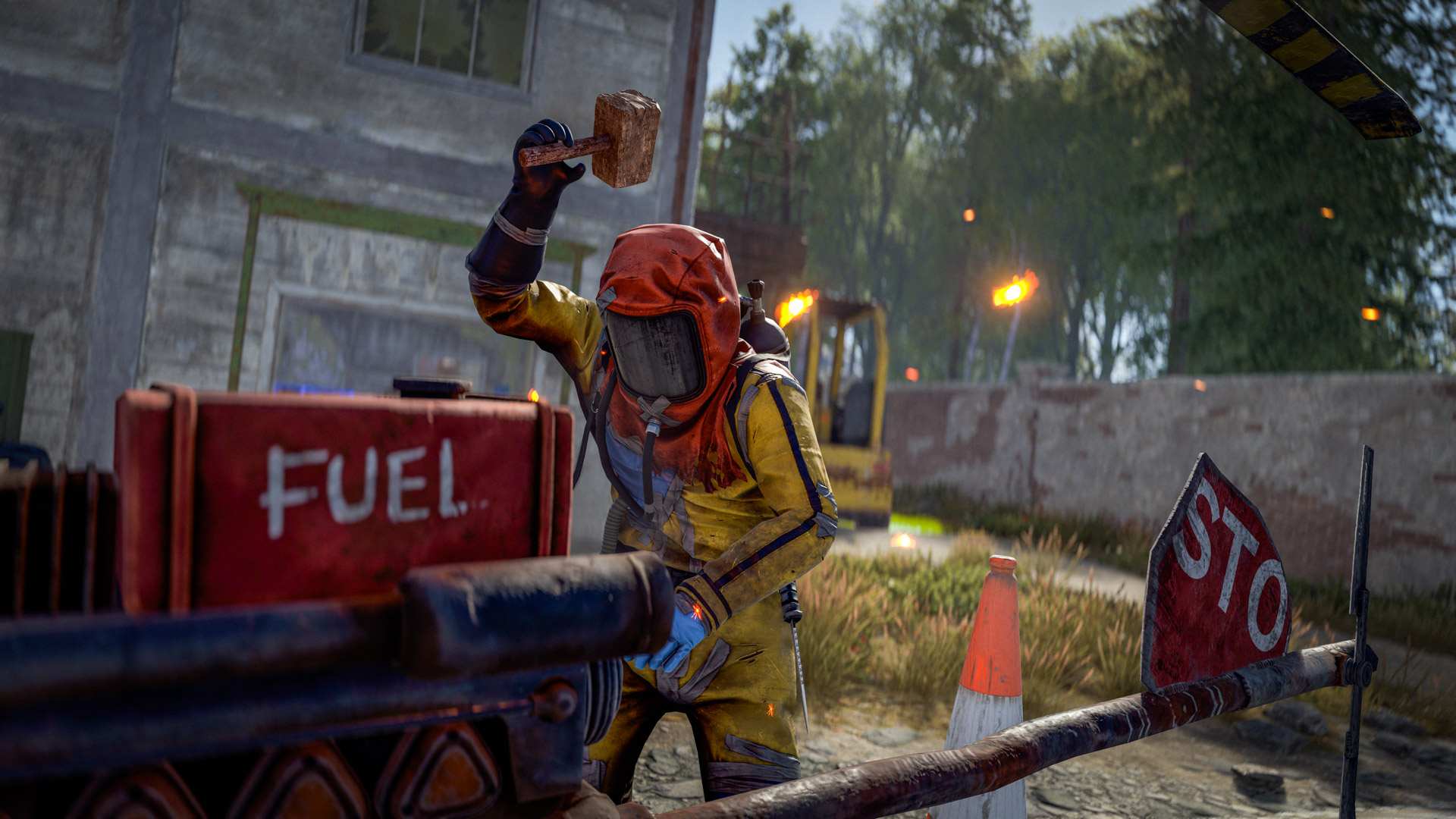
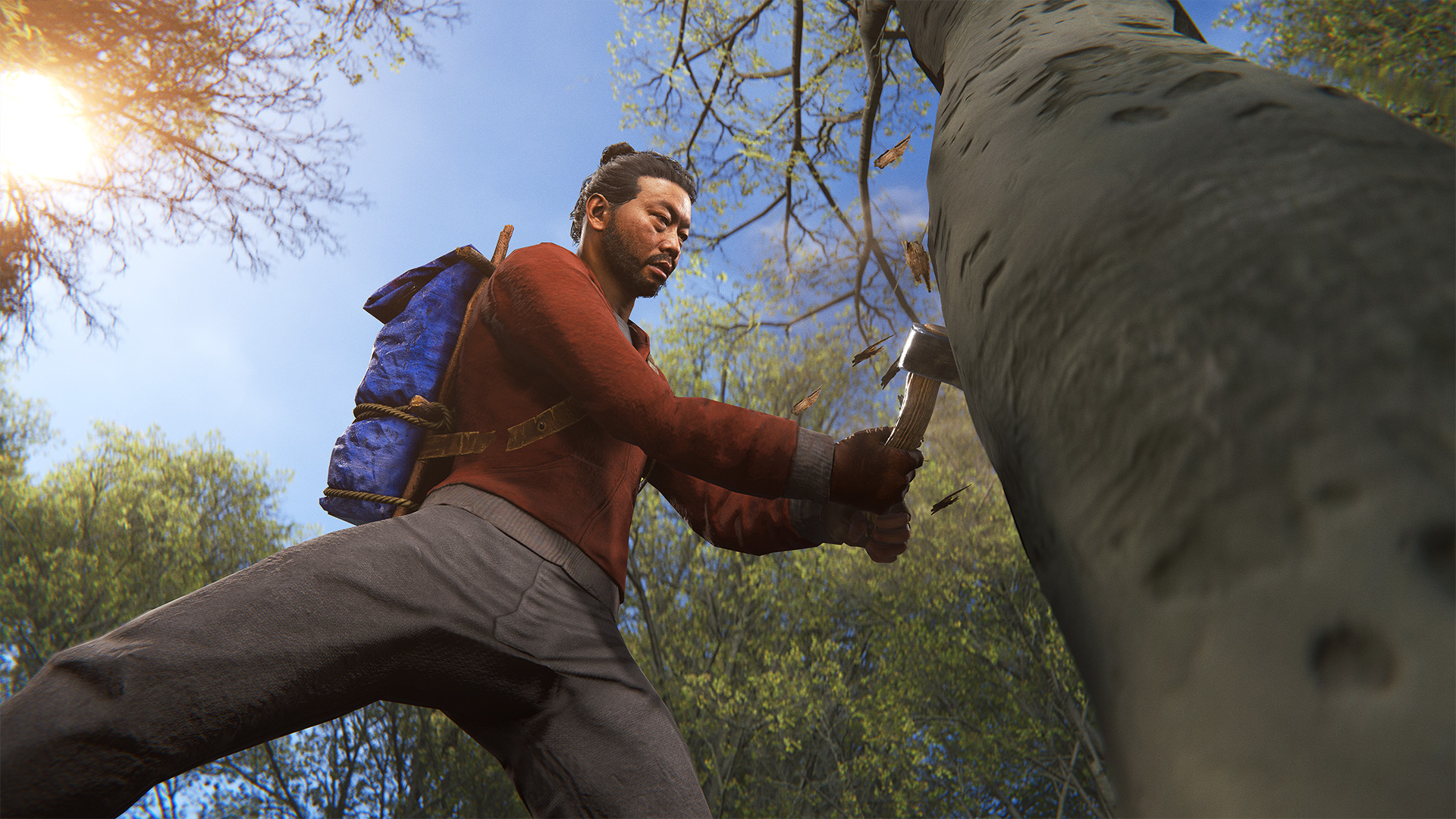
We've made some new changes to the Softcore game mode. 

Accelerated Progression

There's now a 2x multiplier on resource gather amounts. This works pretty much as you'd be used to on modded servers, giving you extra ore, wood, food and animal loot. 

RAID WINDOWs

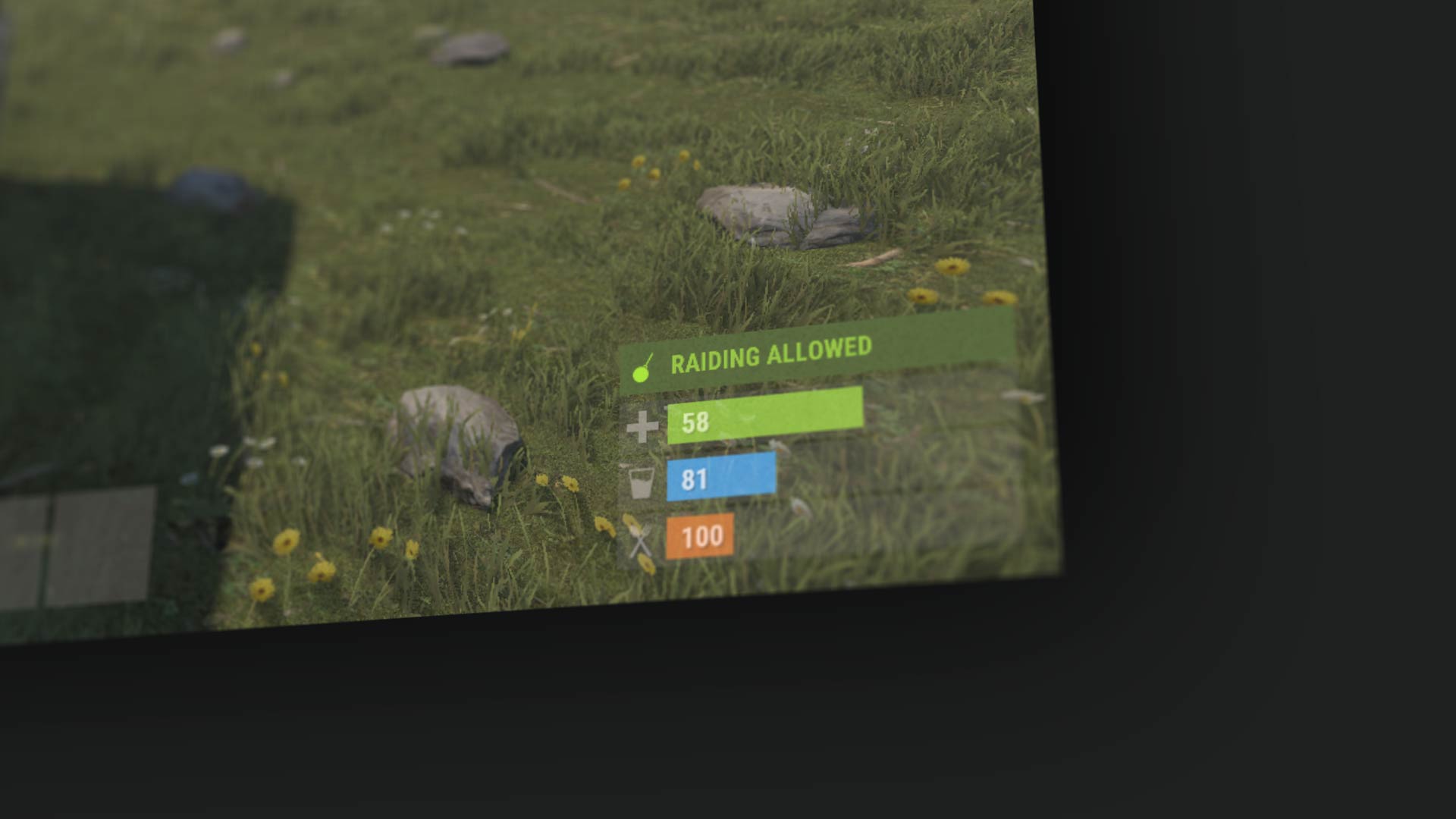
It's hard to handle raids for more casual players. To combat this, we've created pre-defined time windows where you are allowed to raid each other. By default, raids can only happen between the hours of 6 PM - 9 PM. This is set via your server's local time, so it's the same time zone for everyone. E.g. 6 PM local time no matter where you are. During a Raid Window, everything is fair game, it's regular rust.
Outside of those times, Tool Cupboards 'project' the raid blocking system, so you need to be inside a TC radius to be protected outside of the window. During this time, building blocks and doors cannot be raided: walls, floors, roofs, doors, ladder hatches, etc. Deployables can still be attacked, as can a Tool Cupboard (if it's lying unprotected).

A Tool Cupboard must be at least 1 hour old to be able to block raids. This means a young TC can be raided regardless of whether the raid window is on or not. Helping prevent misuse of the system.

Server Owners have been given a bunch of ConVars to tweak this.
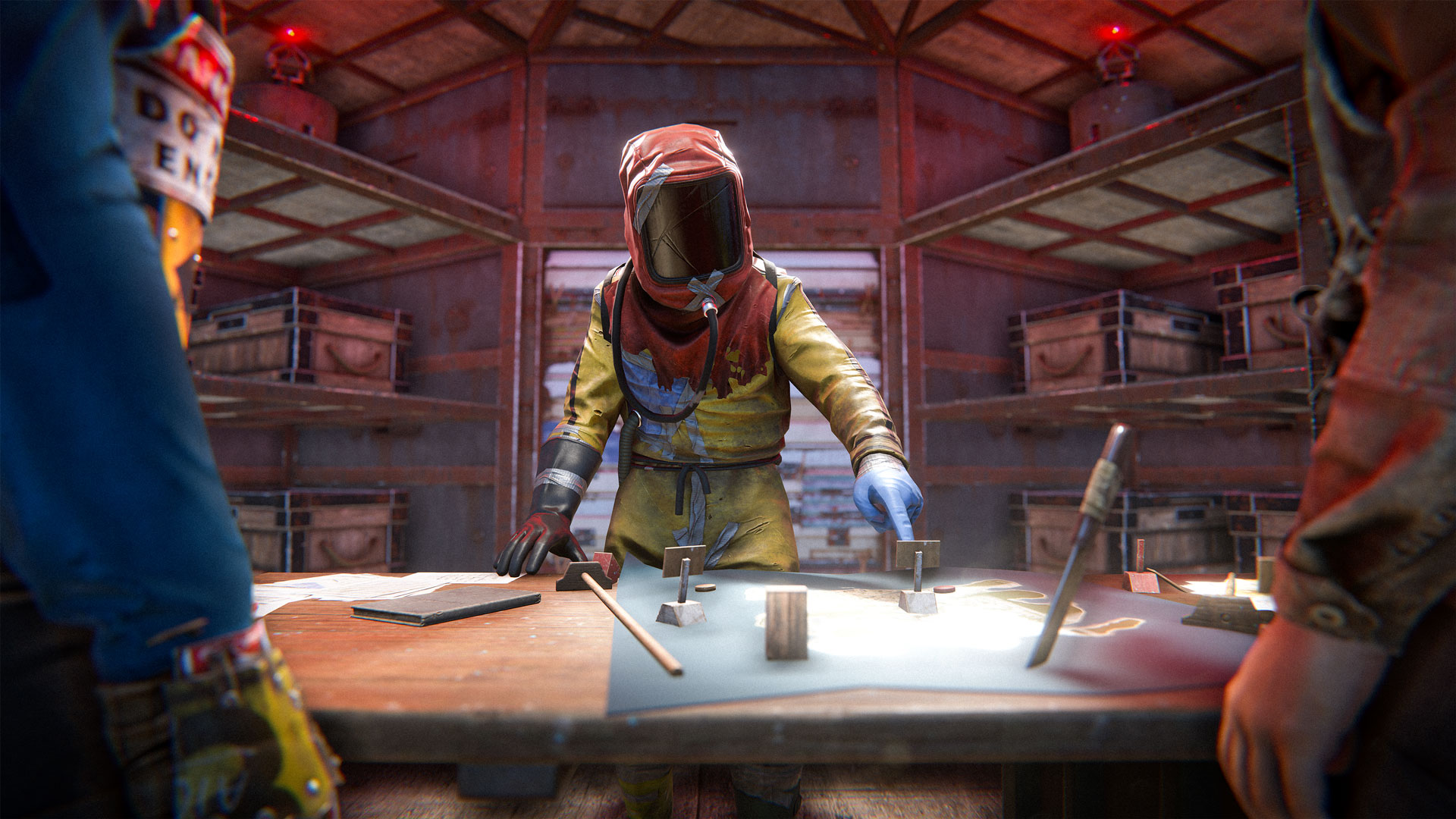
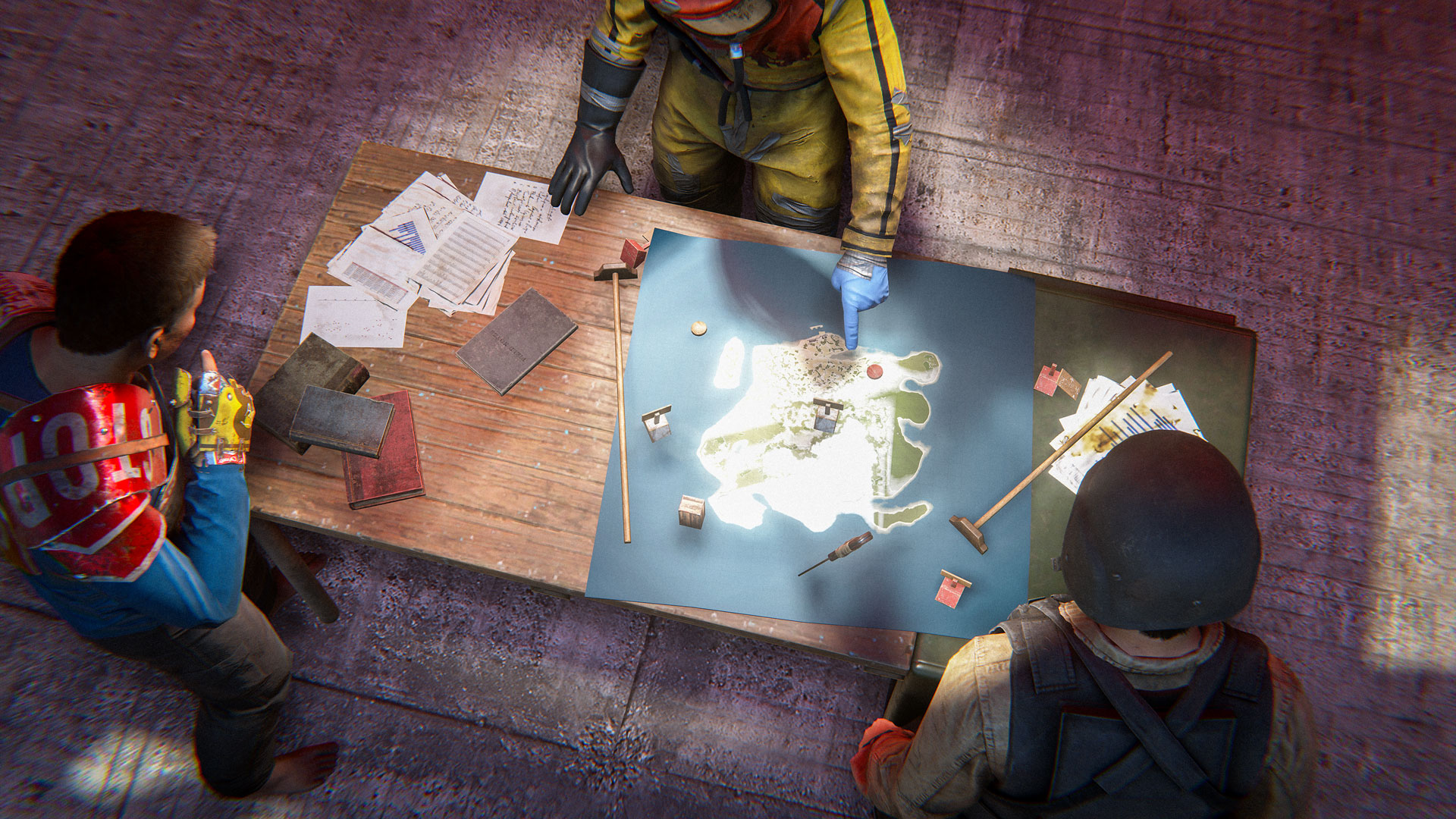
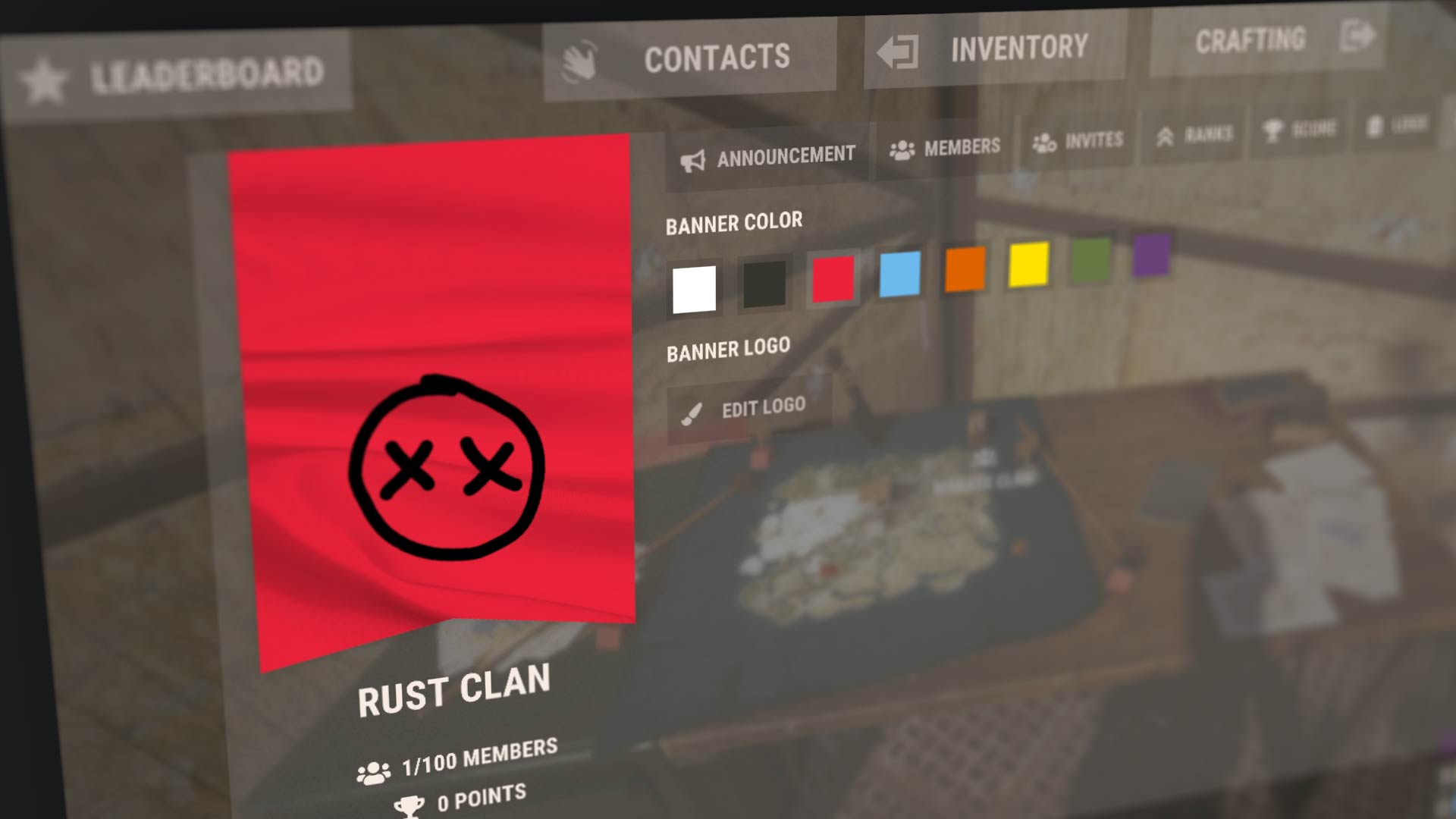
Clans are a more advanced version of teams where you can have more members with different roles/permissions. There is a separate clan chat channel and announcement/MoTD text for communicating with clan members.
Clans can be created and managed at Clan Tables.
You can now see clan names on player nameplates. You'll also see your clan members' locations on the map if they're nearby.
The clan system is disabled in hardcore mode.
As mentioned last month, we're starting to use a new set of animation tools to improve the player animator. This month we're rolling out new sprinting animations while holding most two handed projectile weapons/rifles. 

The player now pops their right arm up and lets the sprinting animation take over the rest of the body, looking much more responsive and less robotic.

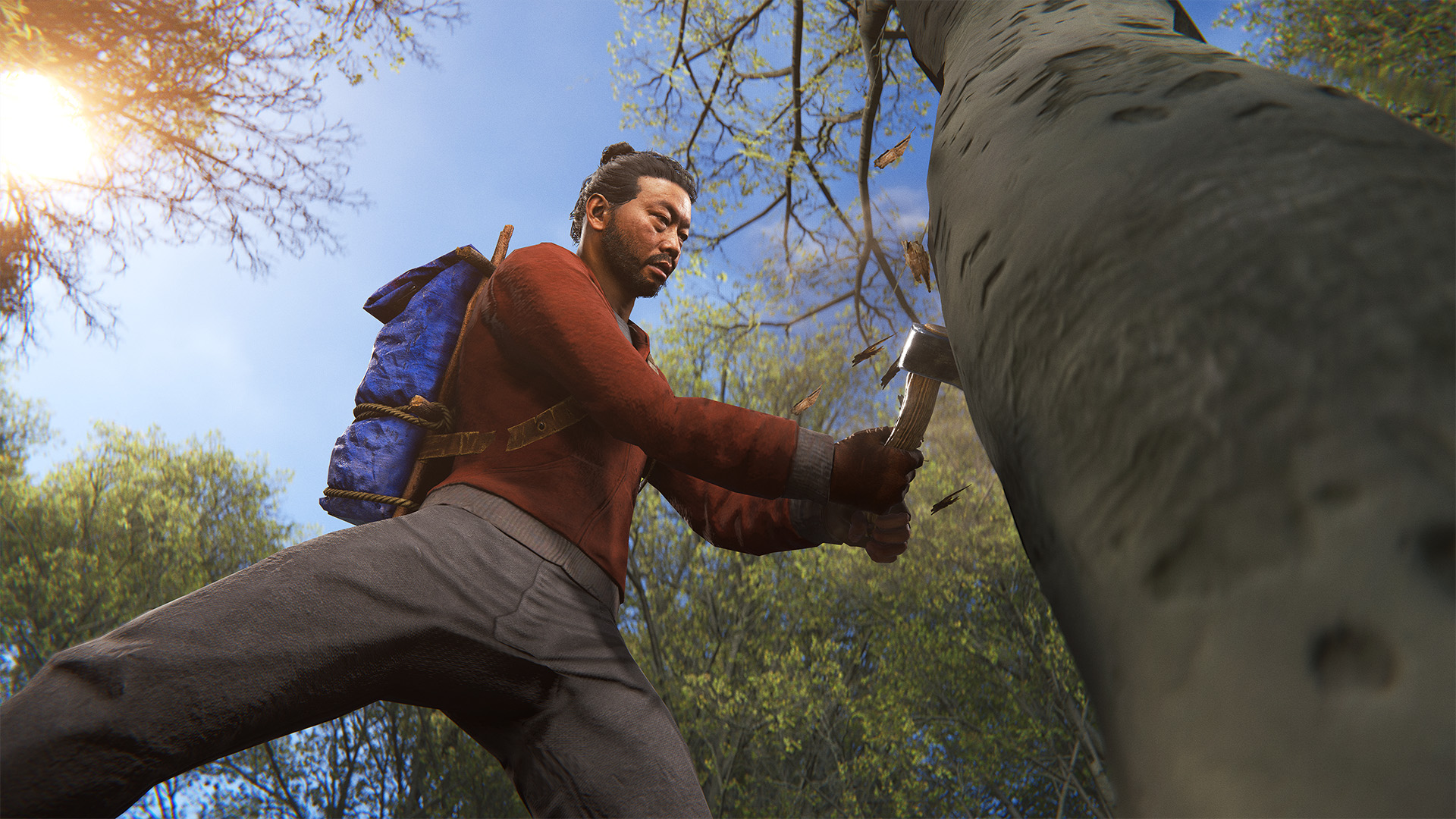
We've extended last month's Torch animation system to support one handed melee weapons. We're just testing this out on the vanilla Hatchet for now, but once we're happy with the results we'll roll this out to other melee weapons. This allows for nicer movement while holding a weapon while still allowing two handed animations like throwing to play as expected.
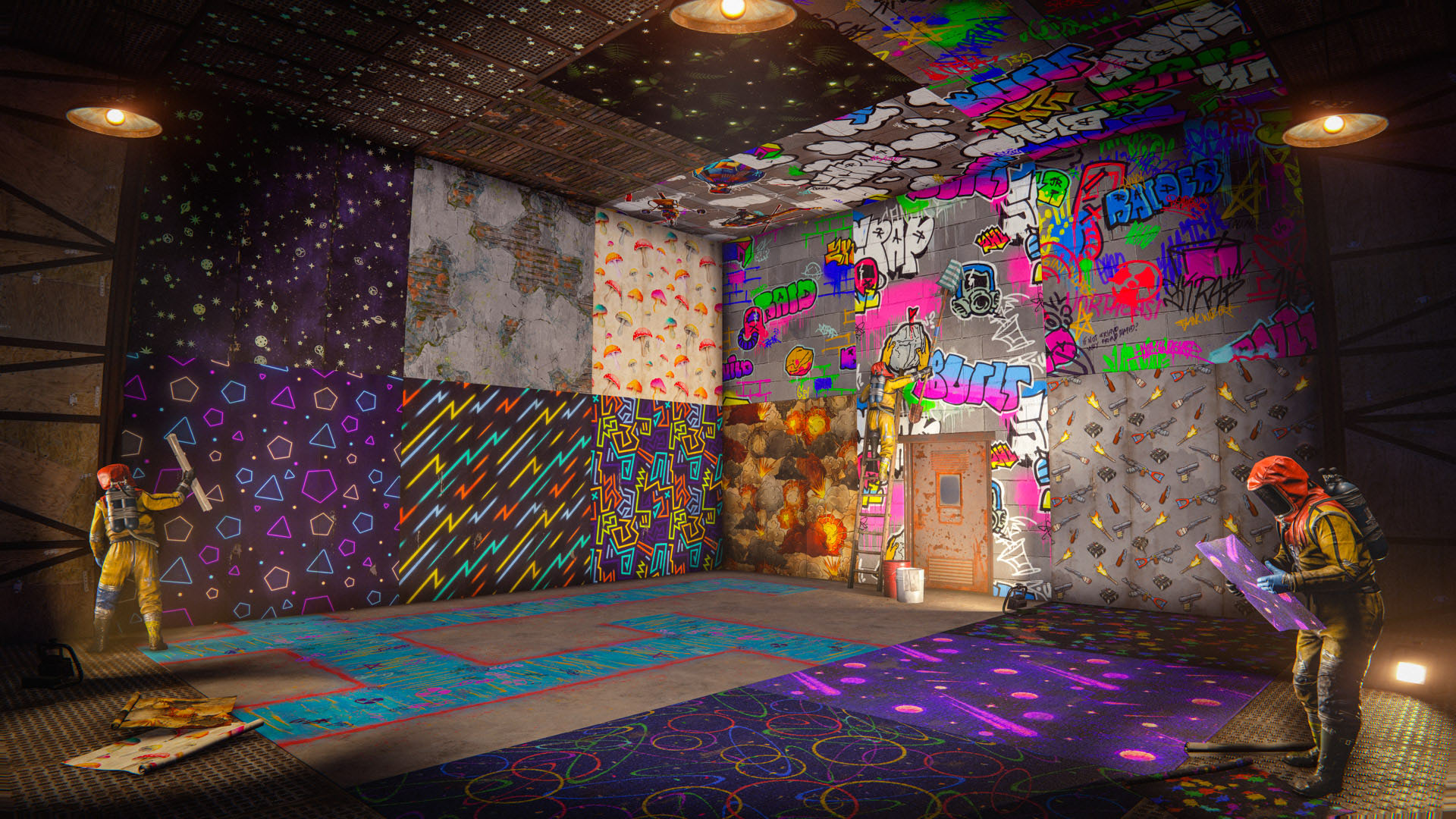
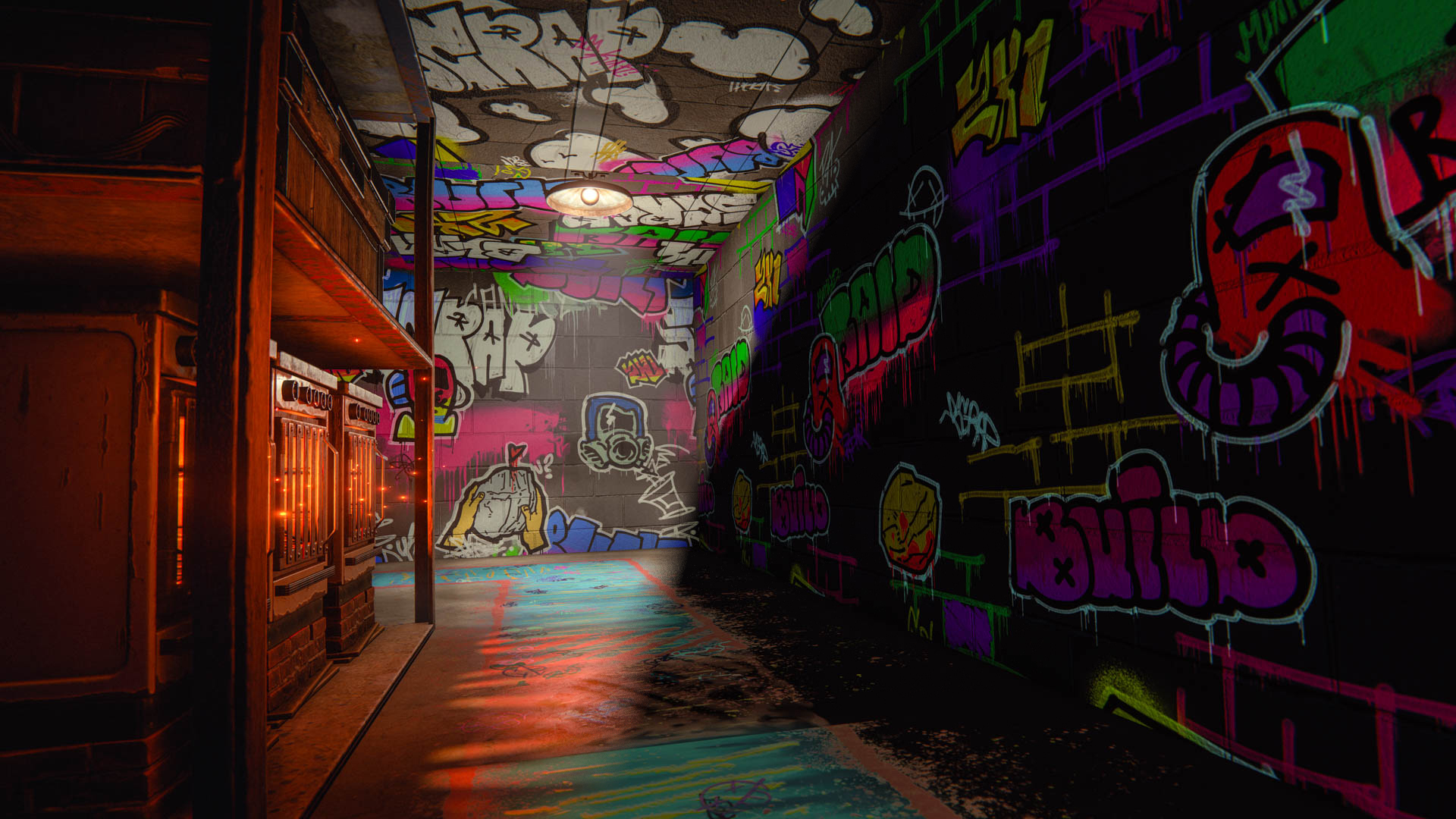
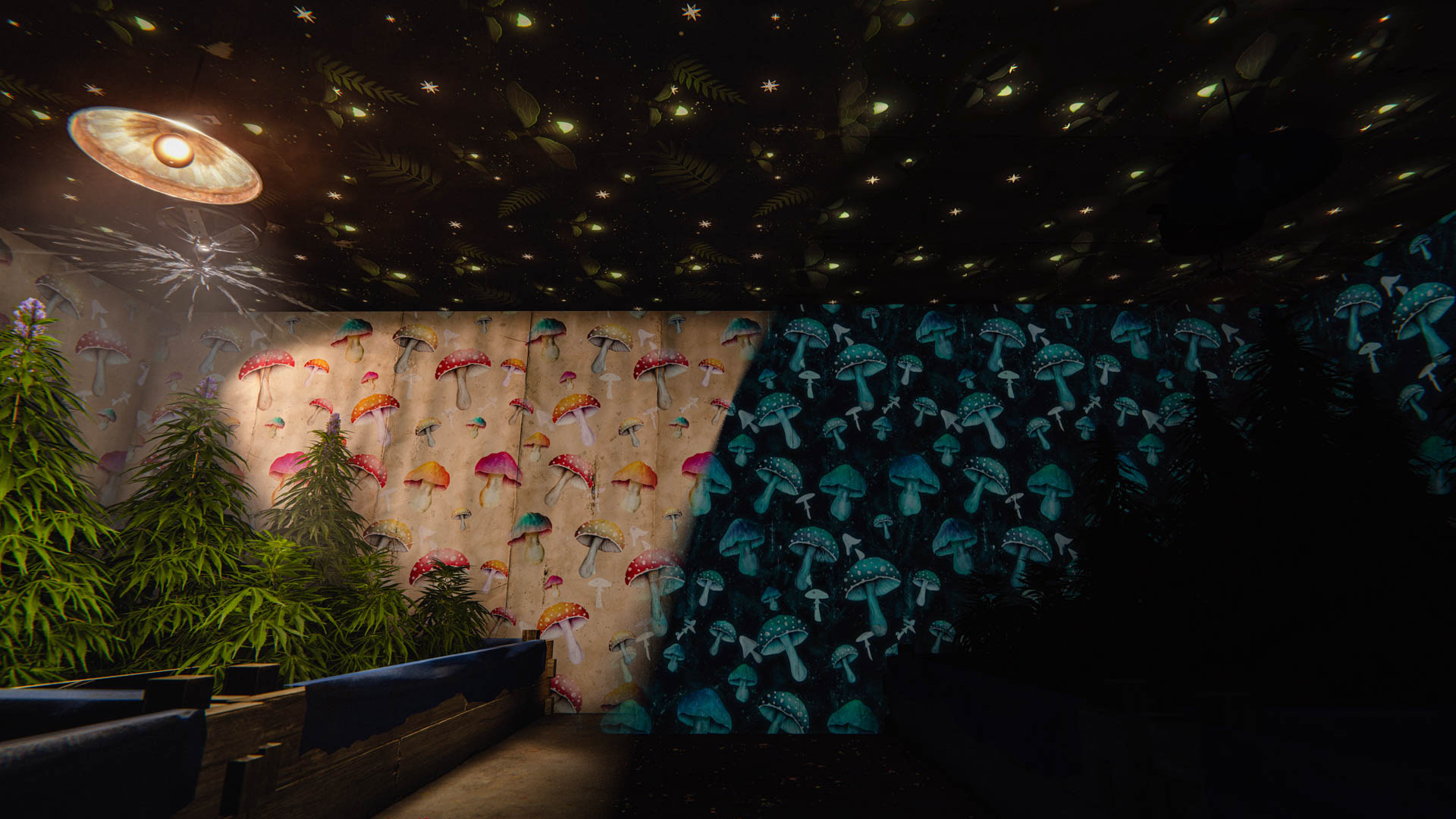
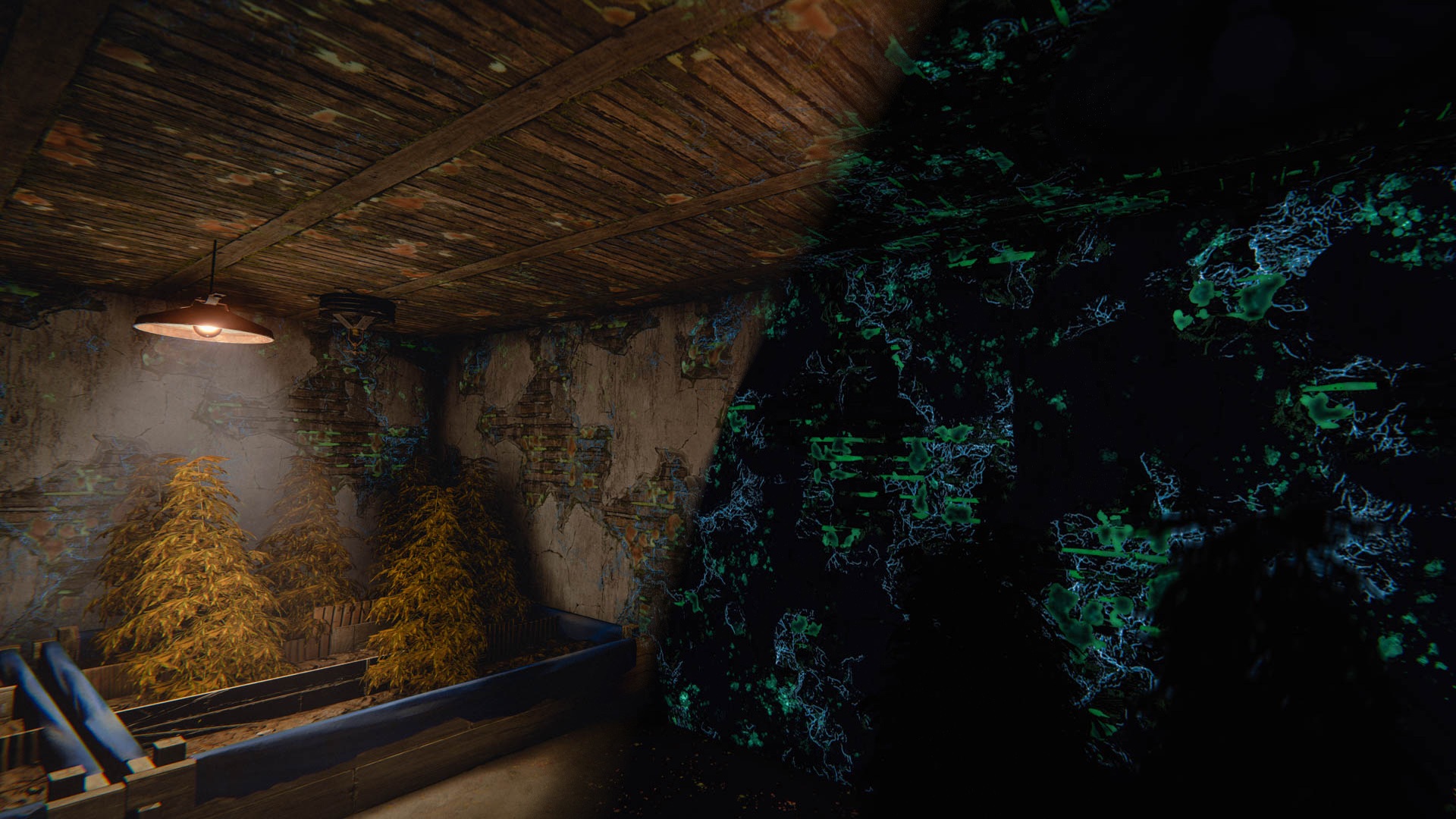
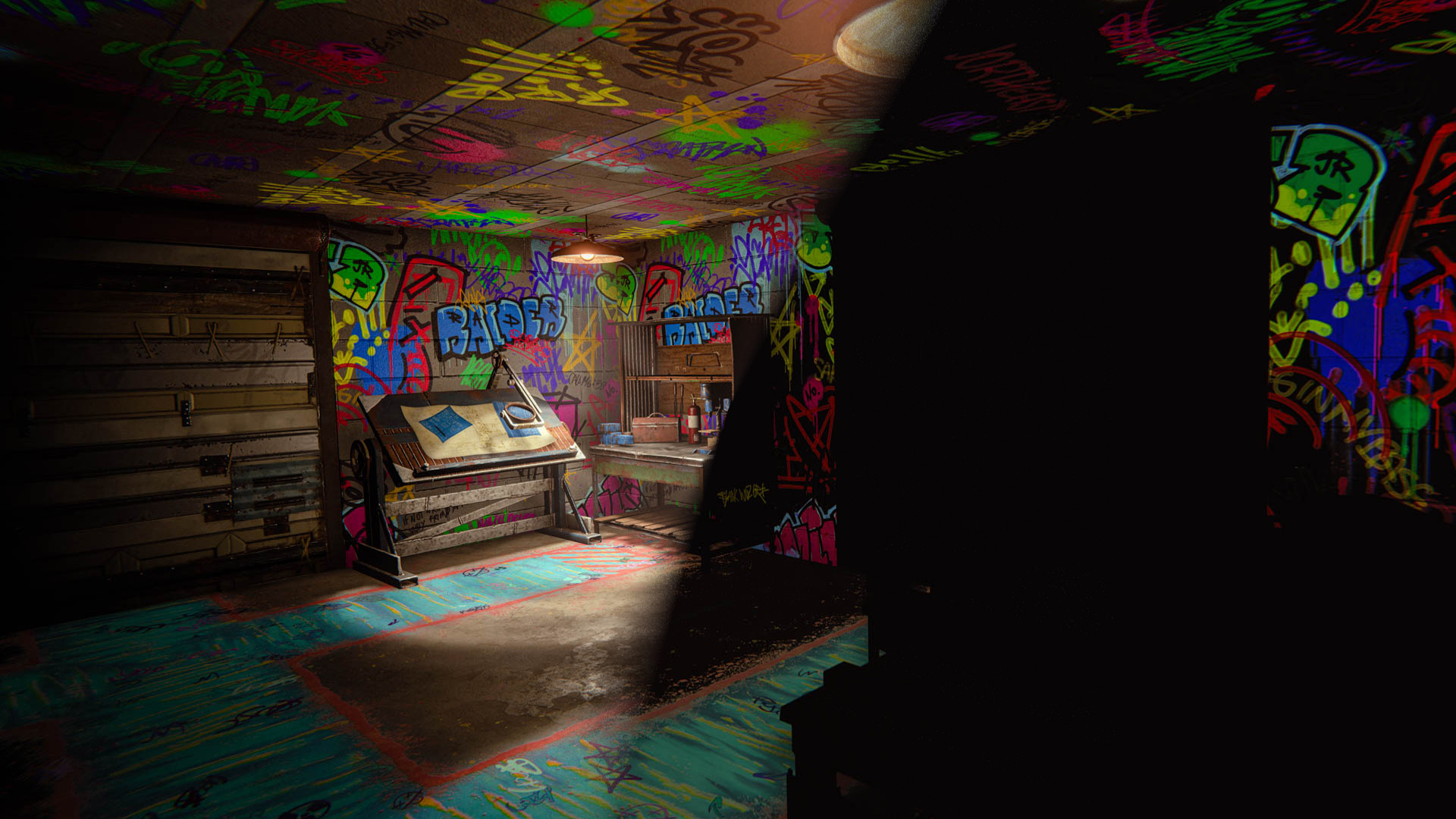
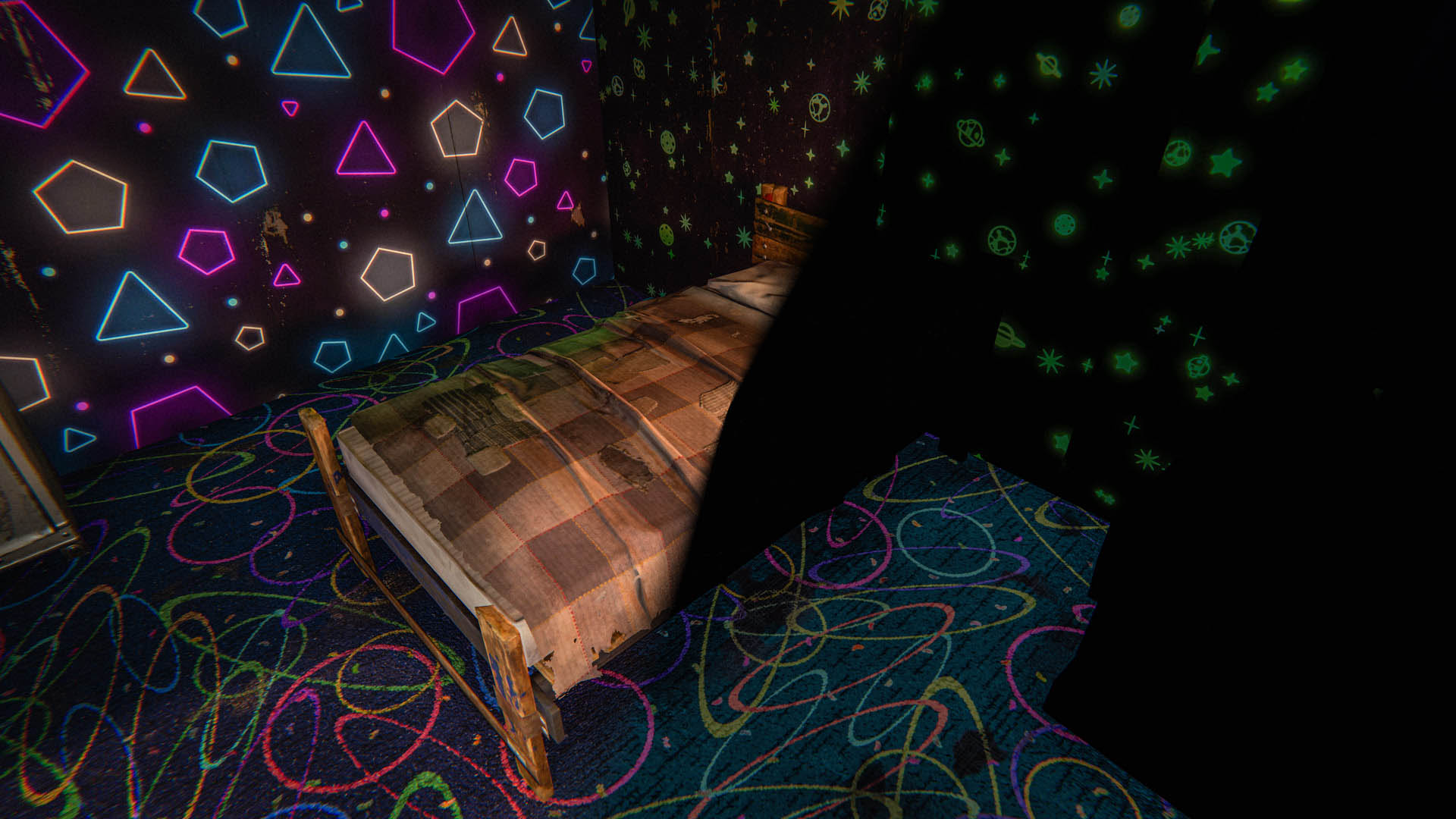
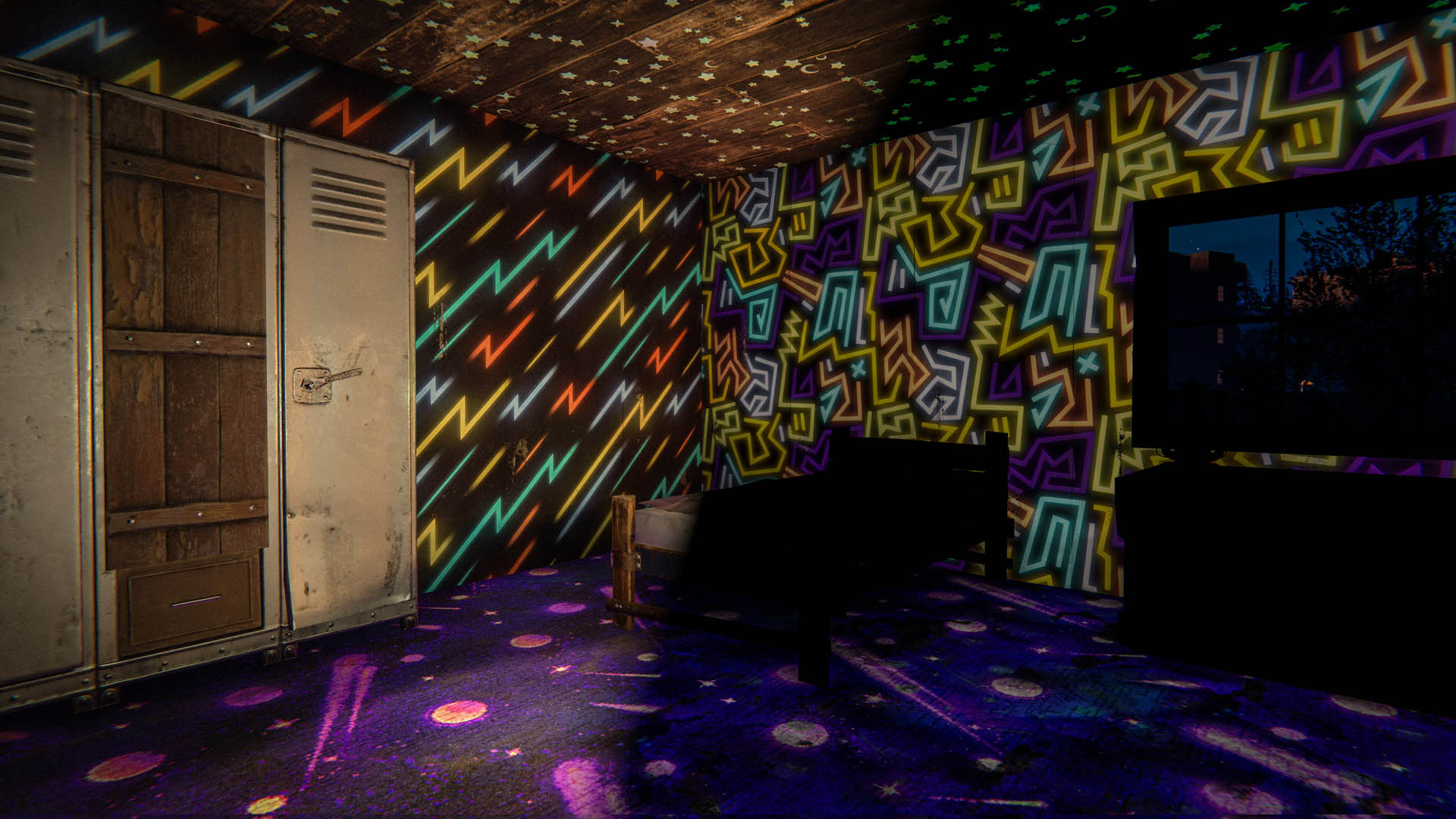
This month, we’re introducing the Glowing Wallpaper Pack. 

Brighten up your base with this collection of 27 wall, floor, and ceiling wallpapers. Featuring luminous neon, glowing graffiti, foxfire fungi, and more. Whether you’re building the coziest crib or an industrial powerhouse, this pack has something for everyone.   

These wallpapers look great in the day, but are even more special when the lights go out.
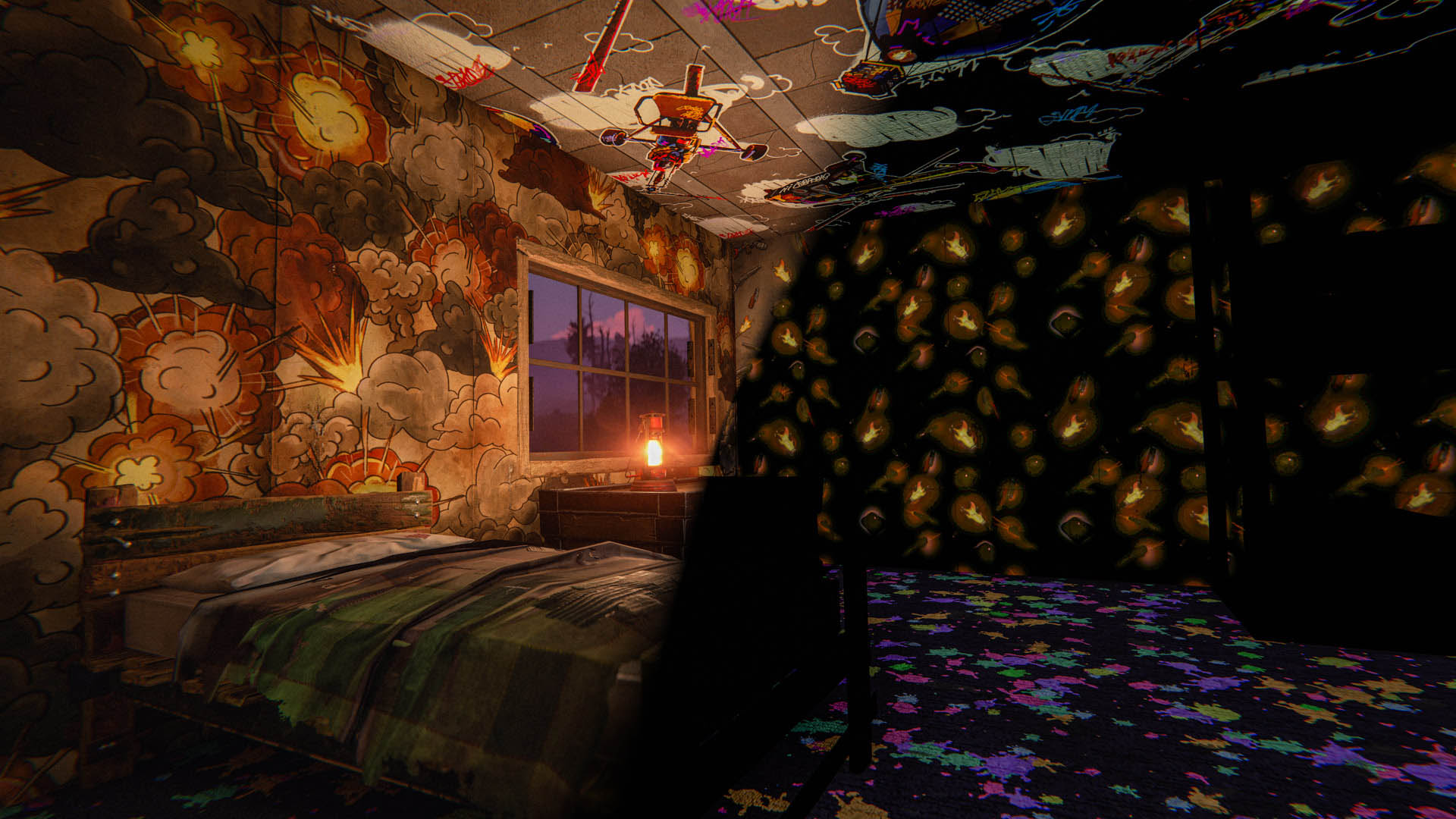

Included in the Glowing Wallpaper Pack:

Walls
  • Stars And Planets
  • Mushrooms 
  • Firearms
  • Explosions
  • Graffiti Murals (3 variants)
  • Neon Shapes (3 variants)
  • Foxfire Fungi
Ceilings
  • Glow In The Dark Stars
  • Fireflies
  • Graffiti Murals (4 variants)
  • Foxfire Fungi
Floors
  • Directional Graffiti (6 variants)
  • Glow In The Dark Carpet (3 variants)

The Glowing Wallpaper Pack can be purchased in-game or from the Rust Steam item store

Jobs 3 is now default, Jobs 2 to be removed

This month we've added a couple more changes/improvements to Jobs 3 code and we've had the it active on our servers for half of the month and things looked stable. We've also done a bit of a rewrite how we pass around server player state, which will force server mods to update their code as well. This makes it the perfect time for us to promote it to default, as it would enable us to clean up a bit more code and simplify things.

This means Jobs 2 mode will become deprecated and will be removed in August - one will still be able to set it to 2, but it will run mode 3 underneath.

As Jobs 3 has been modified over multiple months, here's the full list of improvements that comes with it:
  • Use of UniTask library to avoid allocations from multithreading code
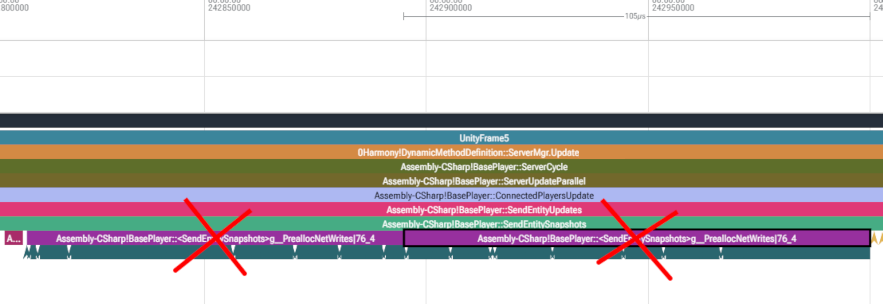
  • Speeds up per frame player snapshot sending by using new fuzzy pool and removing buffer preallocation
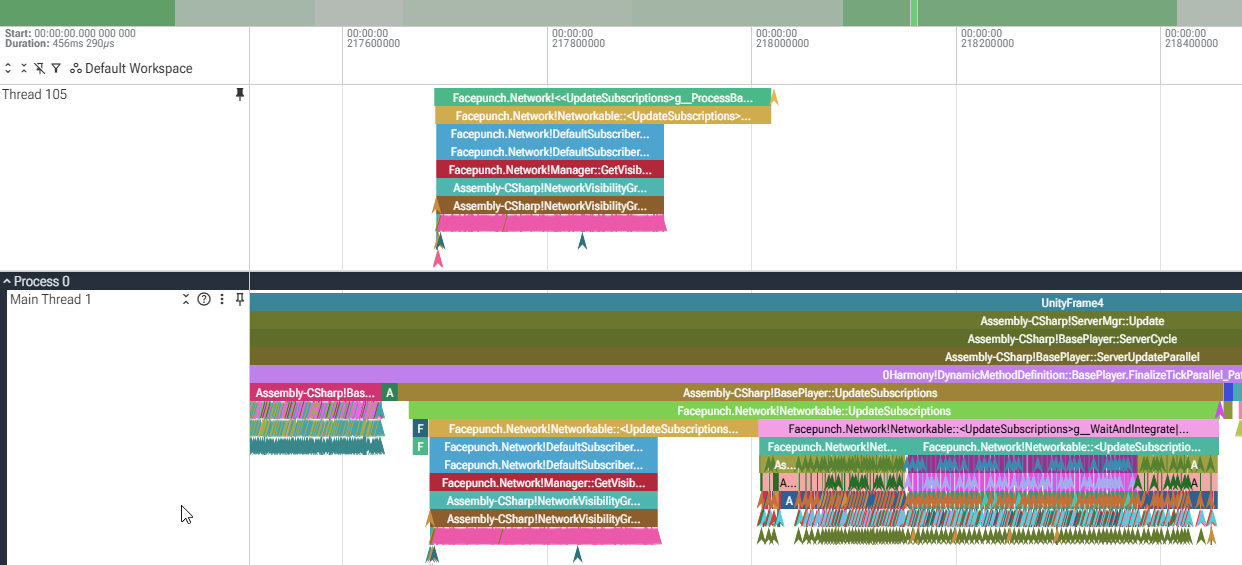
  • Runs portions of player network subscription updates in parallel
  • Schedules EAC and Analytics tasks earlier to avoid main thread waiting on them
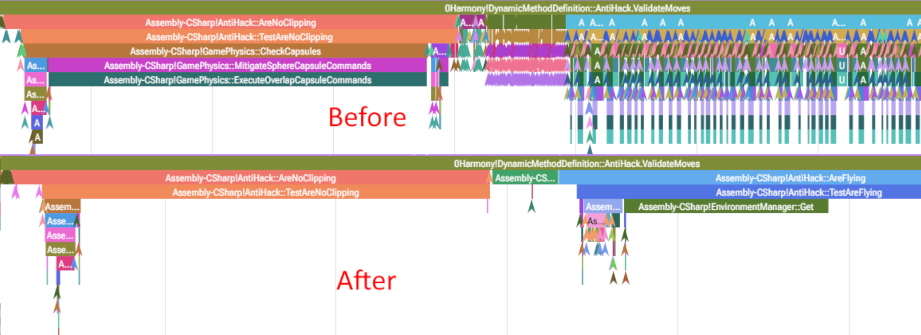
  • Parallelized remaining server Anti Hack logic

New Jobs 4 level

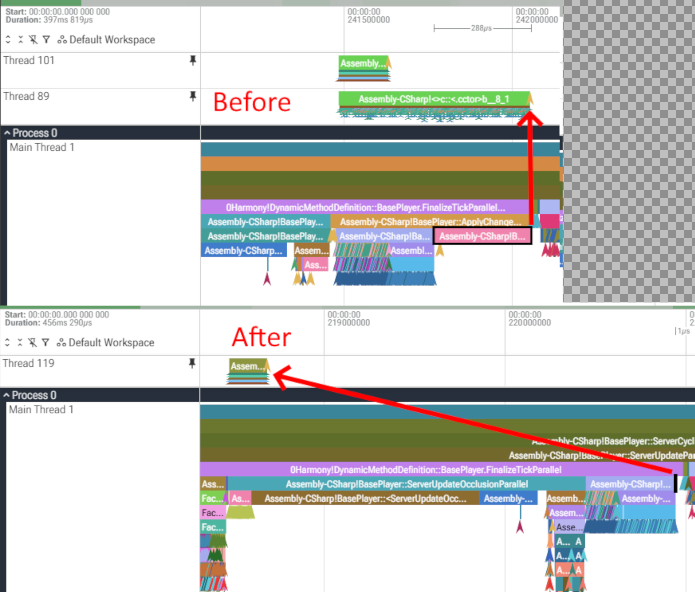
We've also started to explore Jobs 4 optimizations - our first contribution to it is parallelization of server occlusion pair gathering. We're also going to be looking what kind of more risky or breaking changes to make, so it'll likely be a couple months before Jobs 4 will have enough substance to ship it.
Picked Skin Grey Out
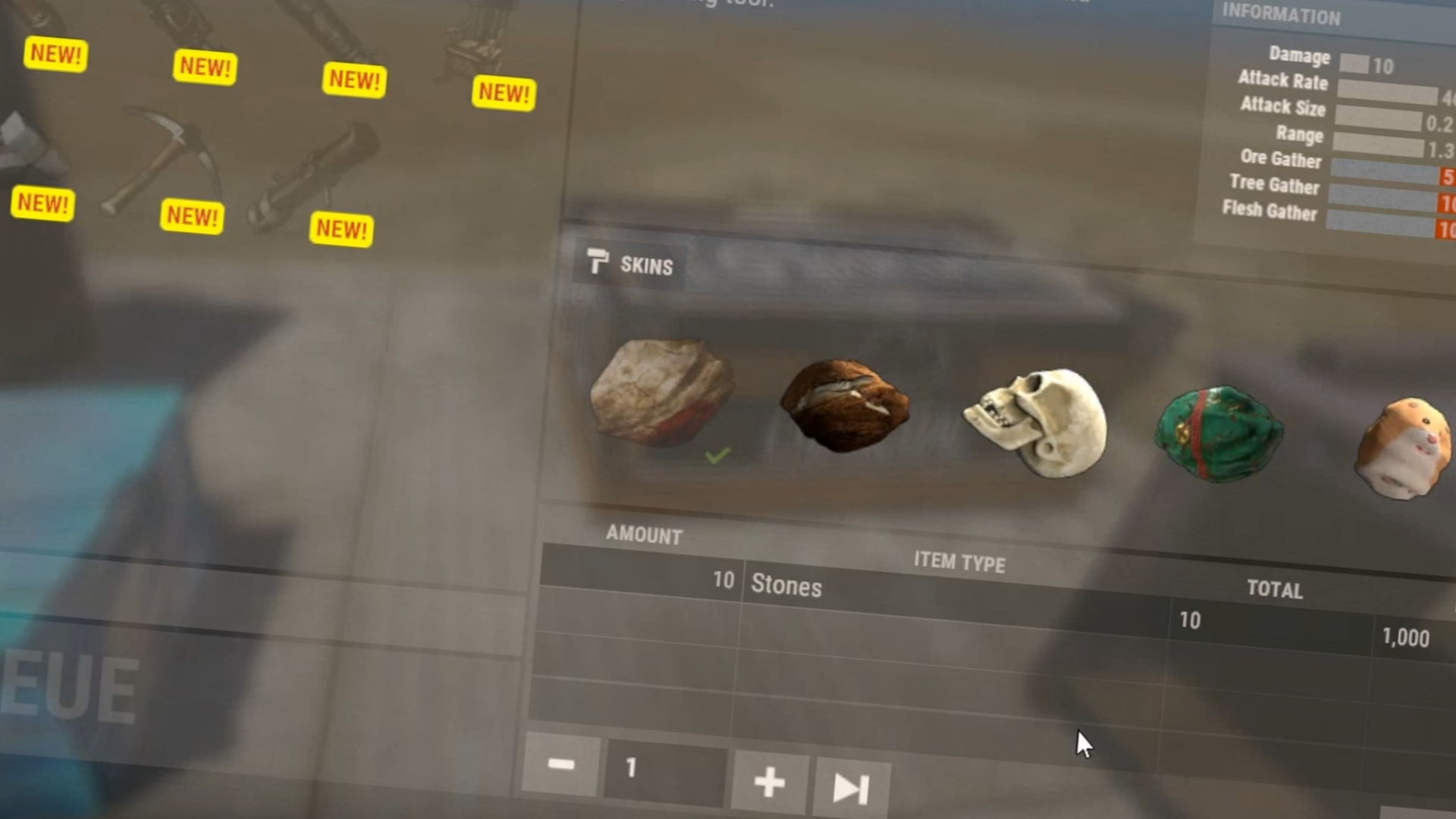
Picked Skin is now Greyed Out
Auto Sorted
Vending machines and fridges now support storage adaptor auto-sorting
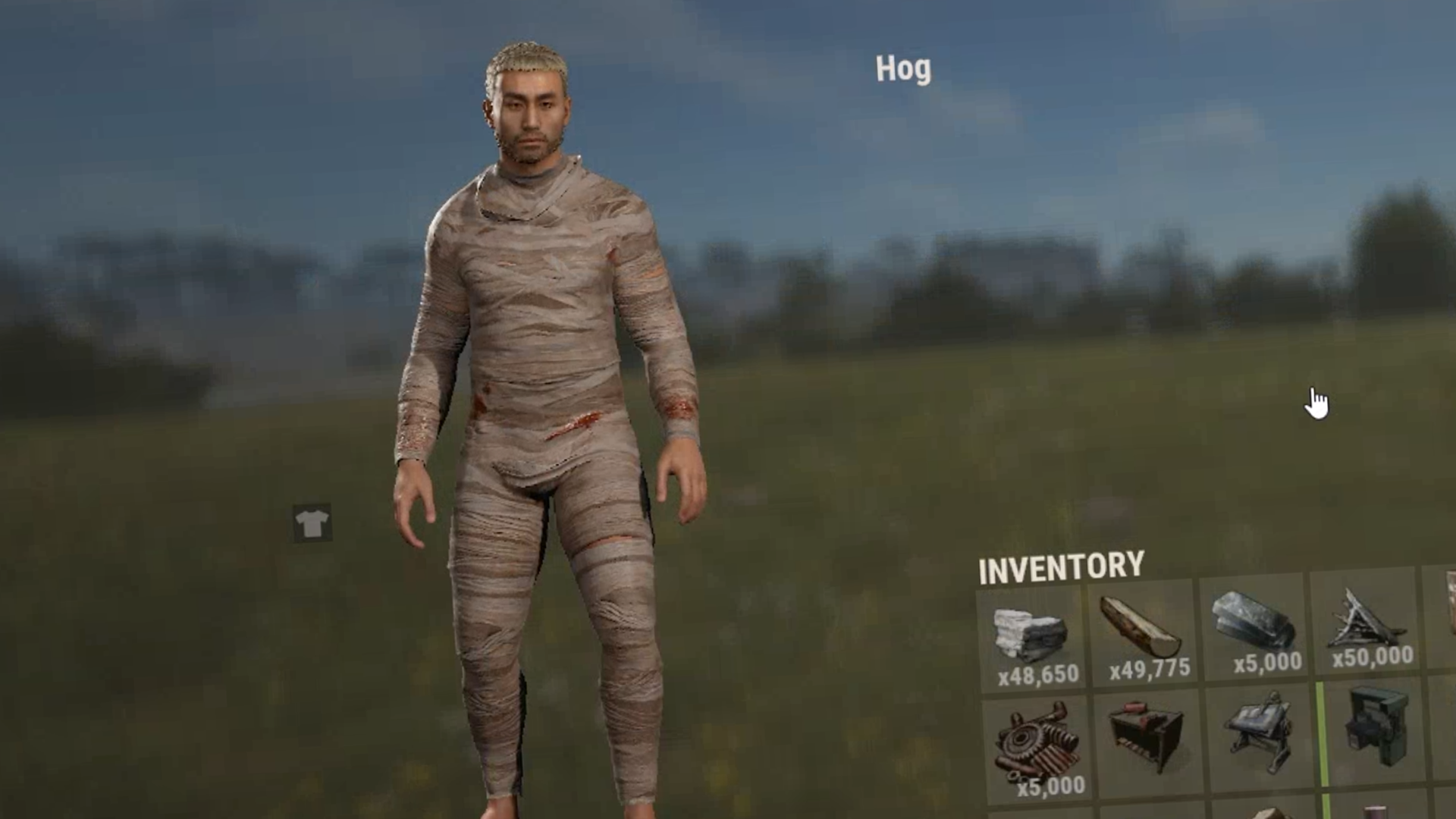
Inventory Player Model
Player model quality now changes within the inventory to yield better performance
Footstep Frequency
Adjusted the footstep frequency to be closer to the old player rig

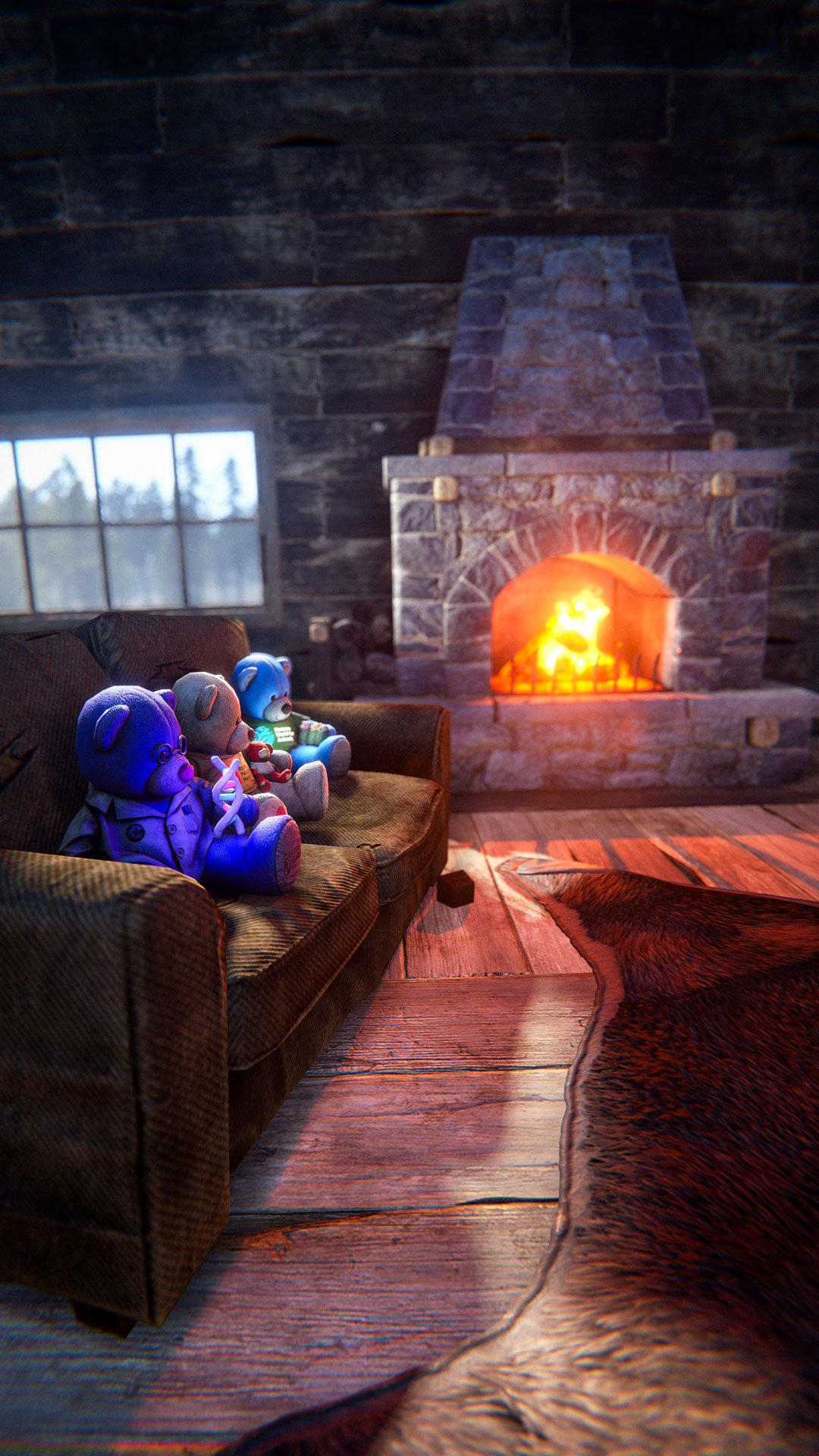
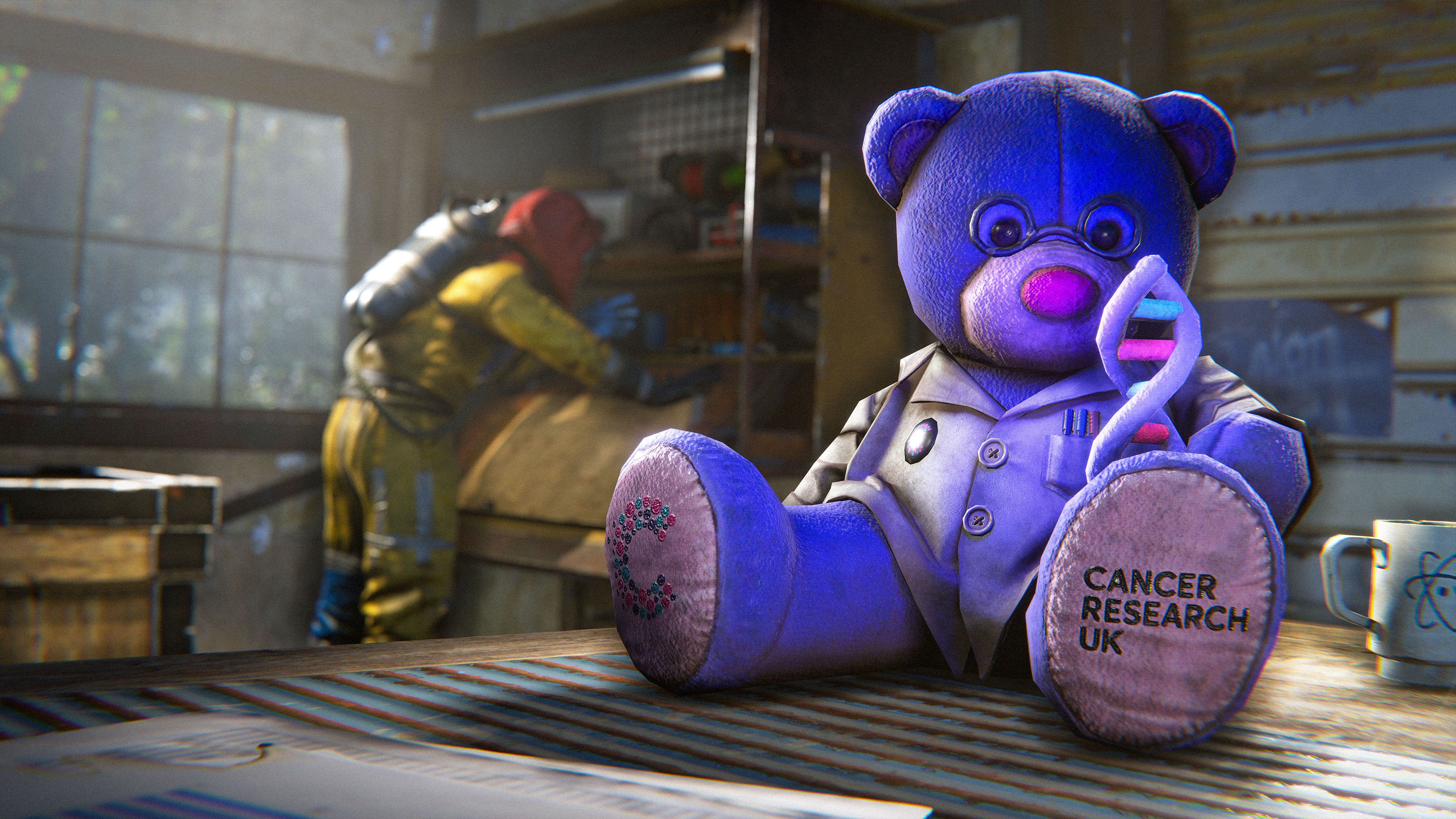
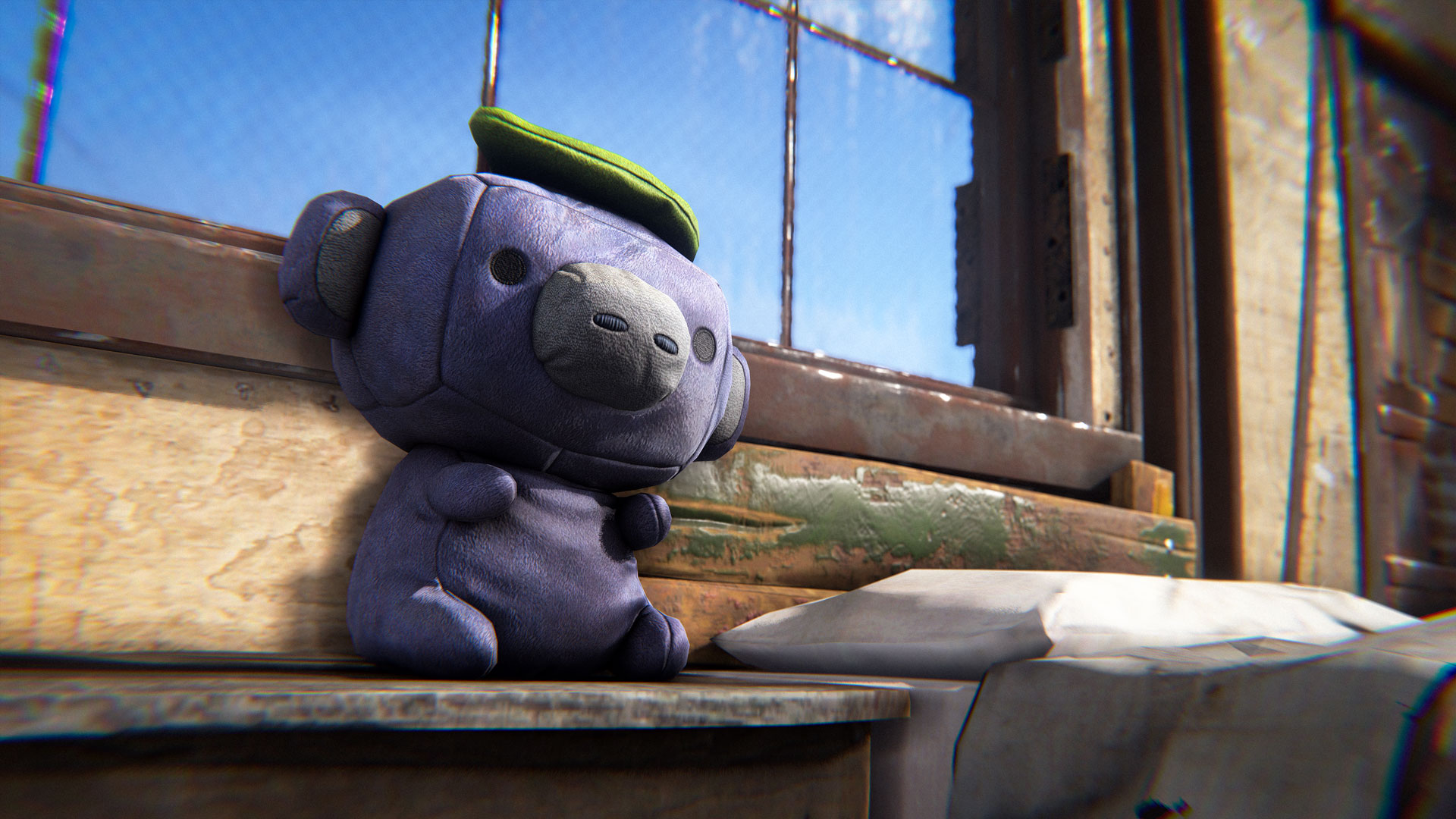
Get ready to cuddle up with a bear that’s not only adorable but also changing lives!
Starting July 2nd, Rust will host a massive charity drive to raise money for two incredible causes: Cancer Research UK and Ronald McDonald House UK.

Rust is also partnering with some of the biggest names in the Rust community! Throughout the drive, partnered creators will be hosting their own fundraising streams, with free Twitch Drops to also help raise awareness of the charities and allow players to show even more support.

We even have a Charity Auction! Want a signed Displate poster?  Or to design your own Rust Skin?  Go check it out!
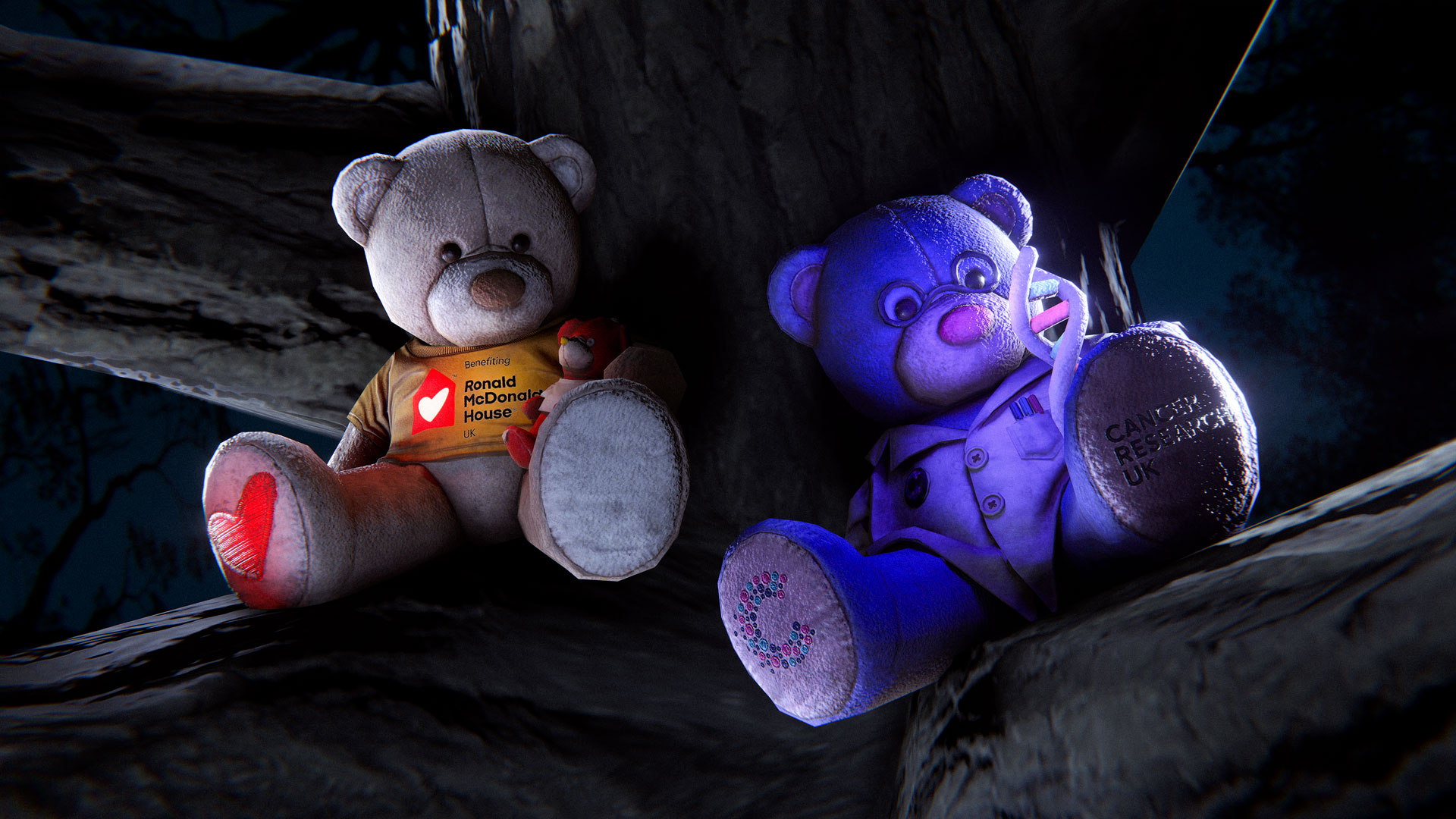
100% of sale proceeds after Steam fees and tax from the sale of these charity bears will be donated, helping support Cancer Research UK's critical work in funding cancer research and saving lives, and also supporting Ronald McDonald House UK to provide free accommodation and support to families with children in hospital. Every purchase will make a difference.

These one-of-a-kind charity bears are available through Rust’s in-game item store, and players can choose from two cute, quirky, and (actually) glowing but true-to-Rust designs which represent your contribution to supporting families in need and funding groundbreaking cancer research. Every bear purchased is a symbol of the community coming together to create a lasting impact beyond the game. 
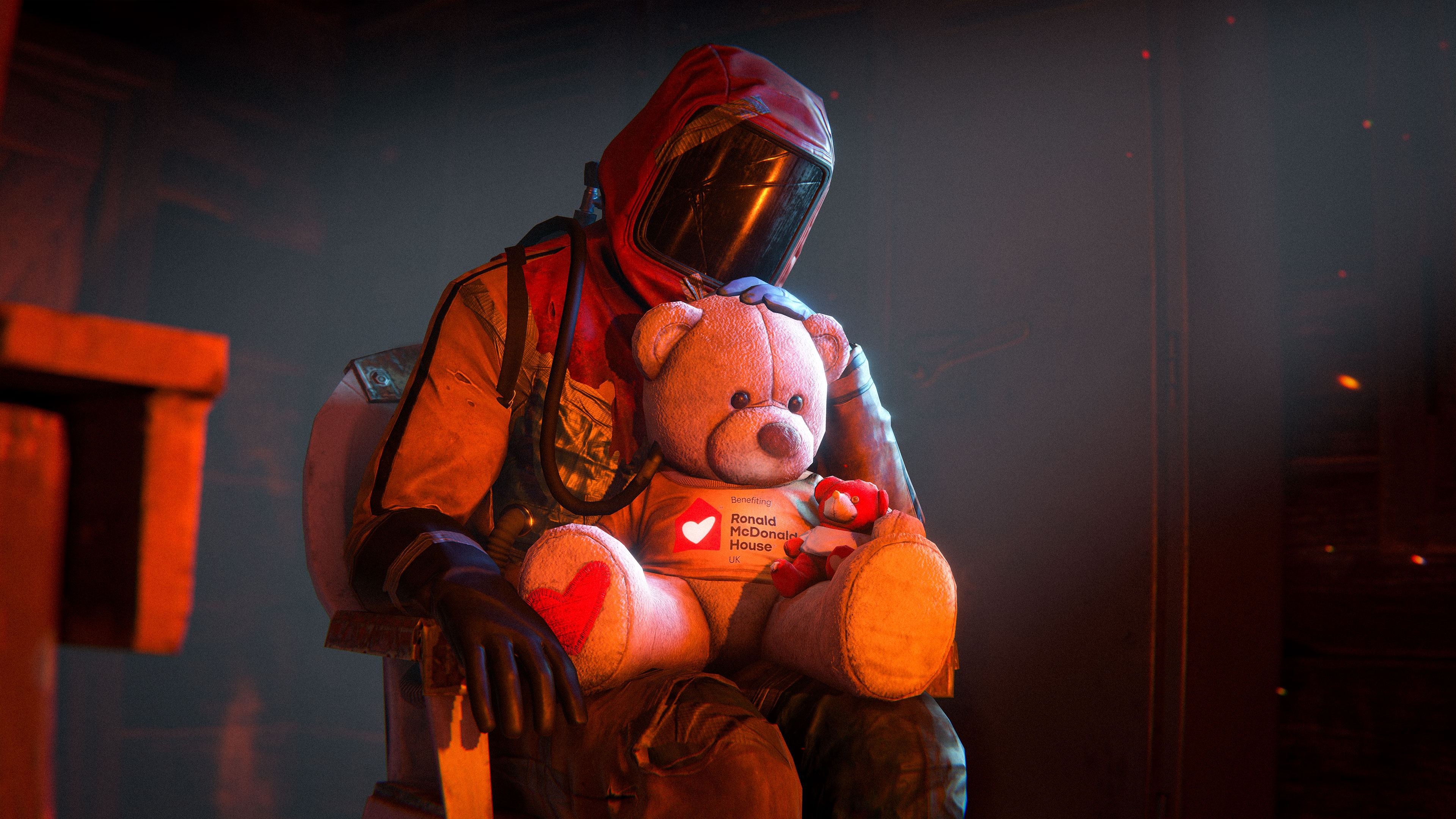
Starting July 2nd, players can purchase these bears, but the clock is ticking as they are only available for a limited time.

Whether you’re surviving the wilds of Rust or just want to spread some good vibes in your base, these bears are a perfect way to help others while you play.

Charity Bear Plushies can be bought here!

You can donate directly to the charities through Rust's drive here.

And you can see creators and drive progress here.

Twitch Drops! 

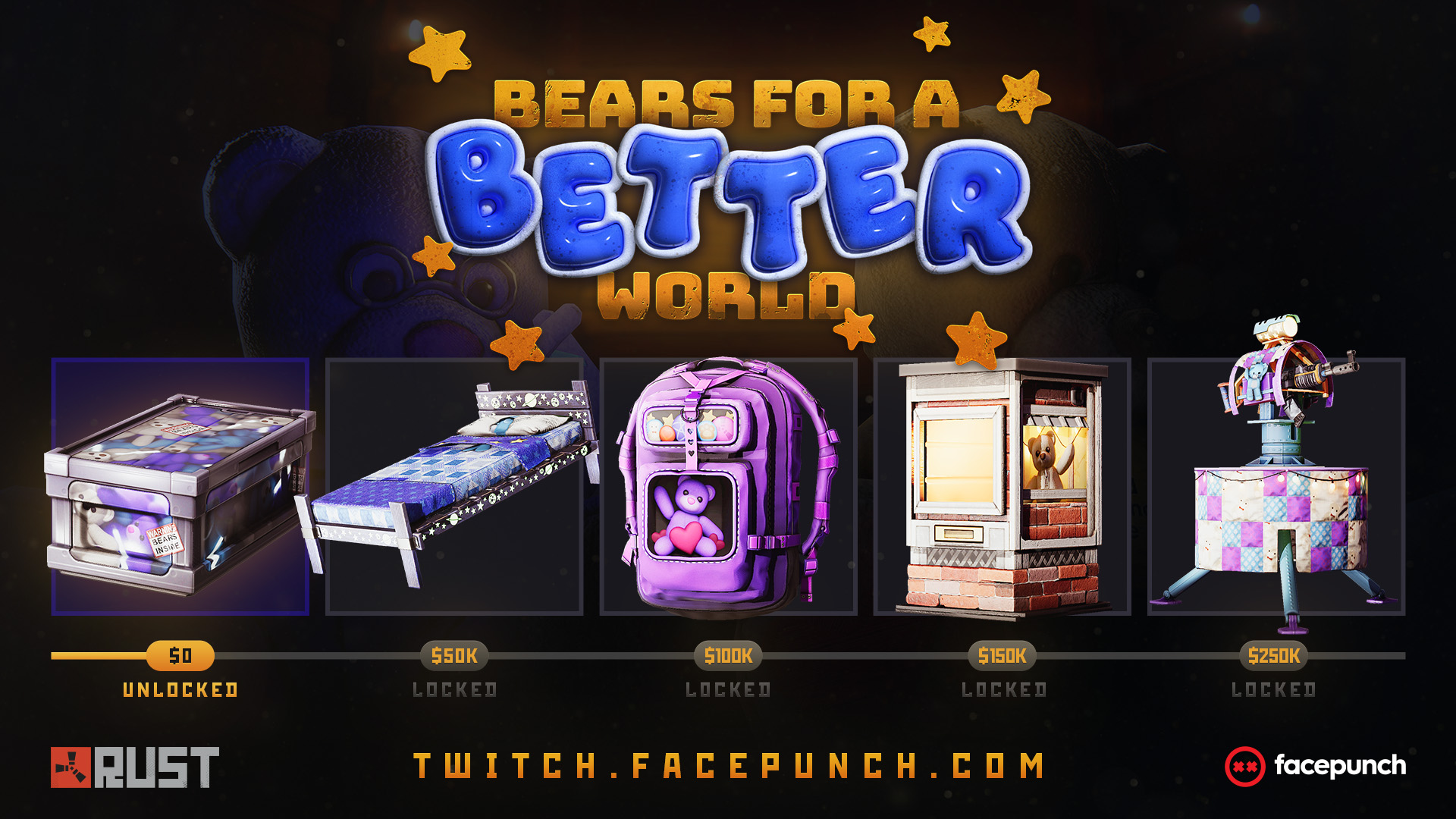
Also starting July 2nd - we will have 5 drops you can earn watching any Rust stream on Twitch!
Over the course of the next few weeks you can help unlock more drops as we meet donation goal milestones!

Sync your Steam and Twitch accounts to claim your drops! https://twitch.facepunch.com/

If you're a content creator or a community group and you want to help fundraise with us you can make your own Tiltify team here!  Just select the Quick start option and publish your team page!  Your teams progress will go towards the main campaign.
Every Rust update has the ability to break older demos. On our end its incredibly simple to do so, more than it should be. To this end: I've introduced a compatibility layer into the demo system. This layer will try and get old demos working on your new Rust version. 

When opening an old demo you will be asked if you want to use the compatibility layer (should it be applicable). When enabled the layer will attempt to remap changed item names to what they used to be in order to get the demo to run. It's important to note that this is only likely to work provided the demo has been taken within the last few months, the older it is, the less likely it is to work.

The one catch is that this system wont work for demos taken on older Rust builds than now. Eg: this layer only works for demos taken from now onwards. Demos taken on older builds of rust don't have the information required to be able to turn on this layer

This month’s workshop skinnable is the Metal Shopfront.

Supporting customisation on both the front and back, you can finally sell your collection of severed wolf heads on brand. We’re looking forward to seeing some incredible submissions by the community. 
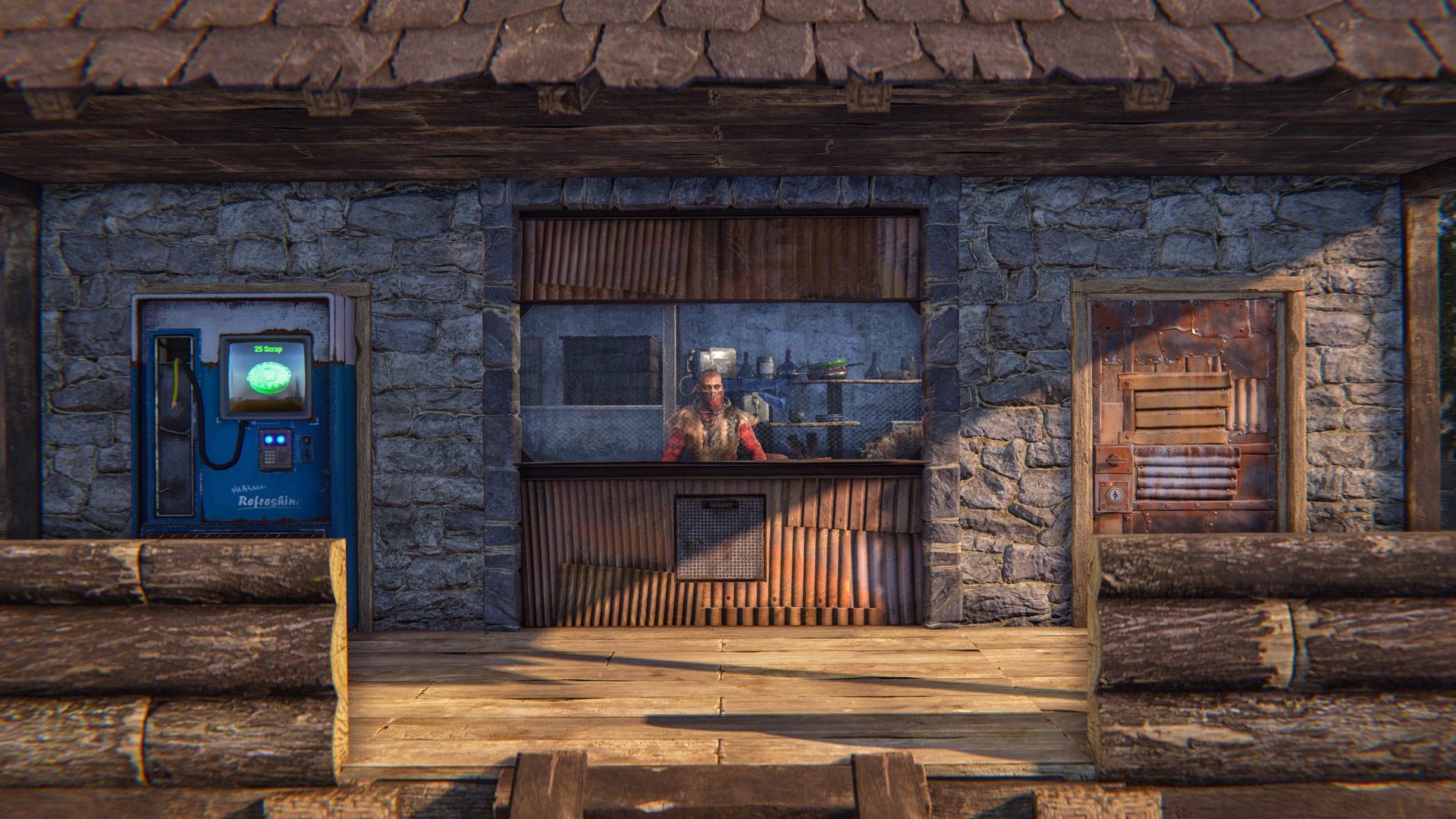
To make your own Metal Shopfront skin, head over to the in-game workshop and locate the Metal Shopfront deployable item. From there, you can download the model file and add your own materials.
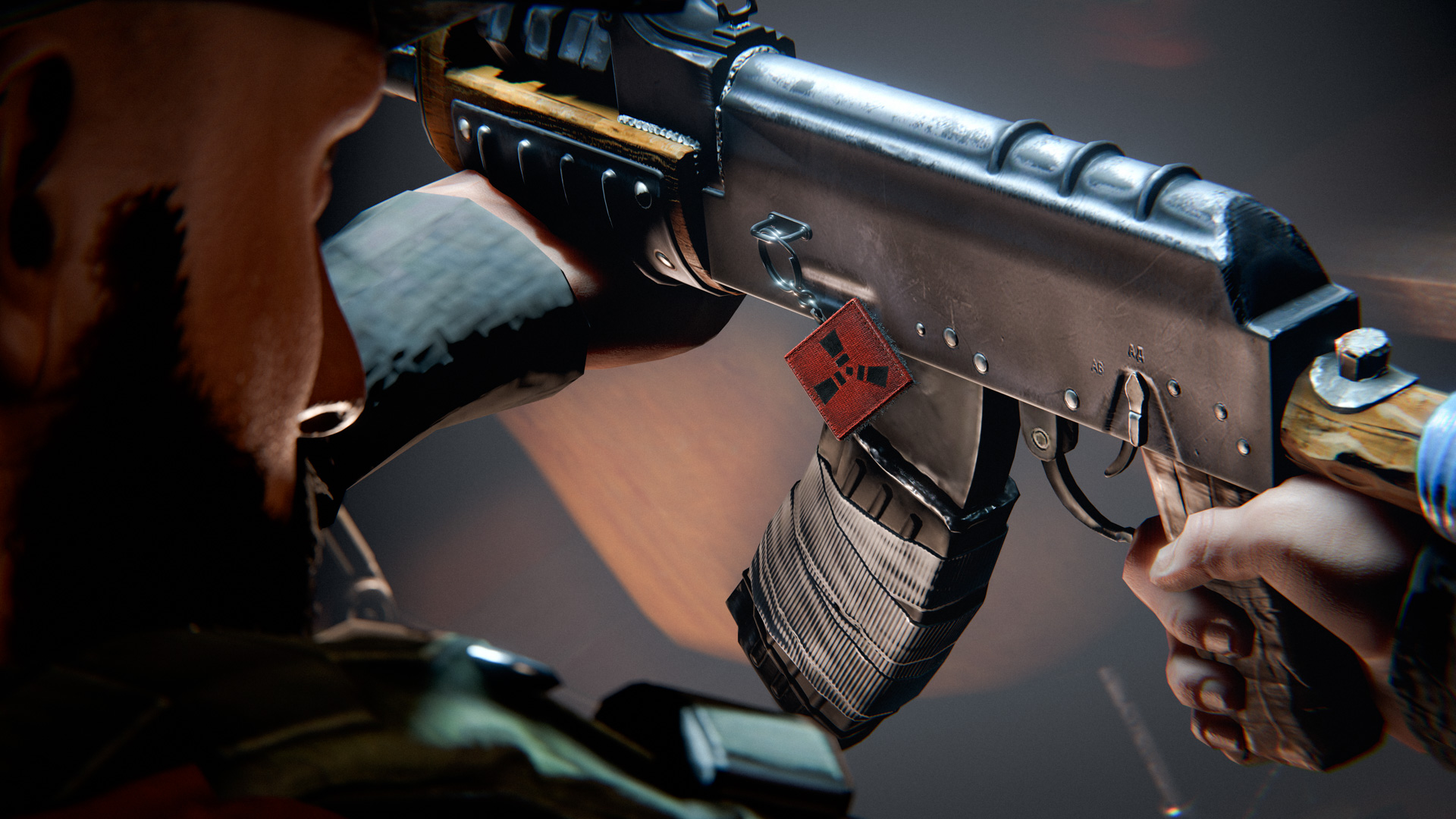
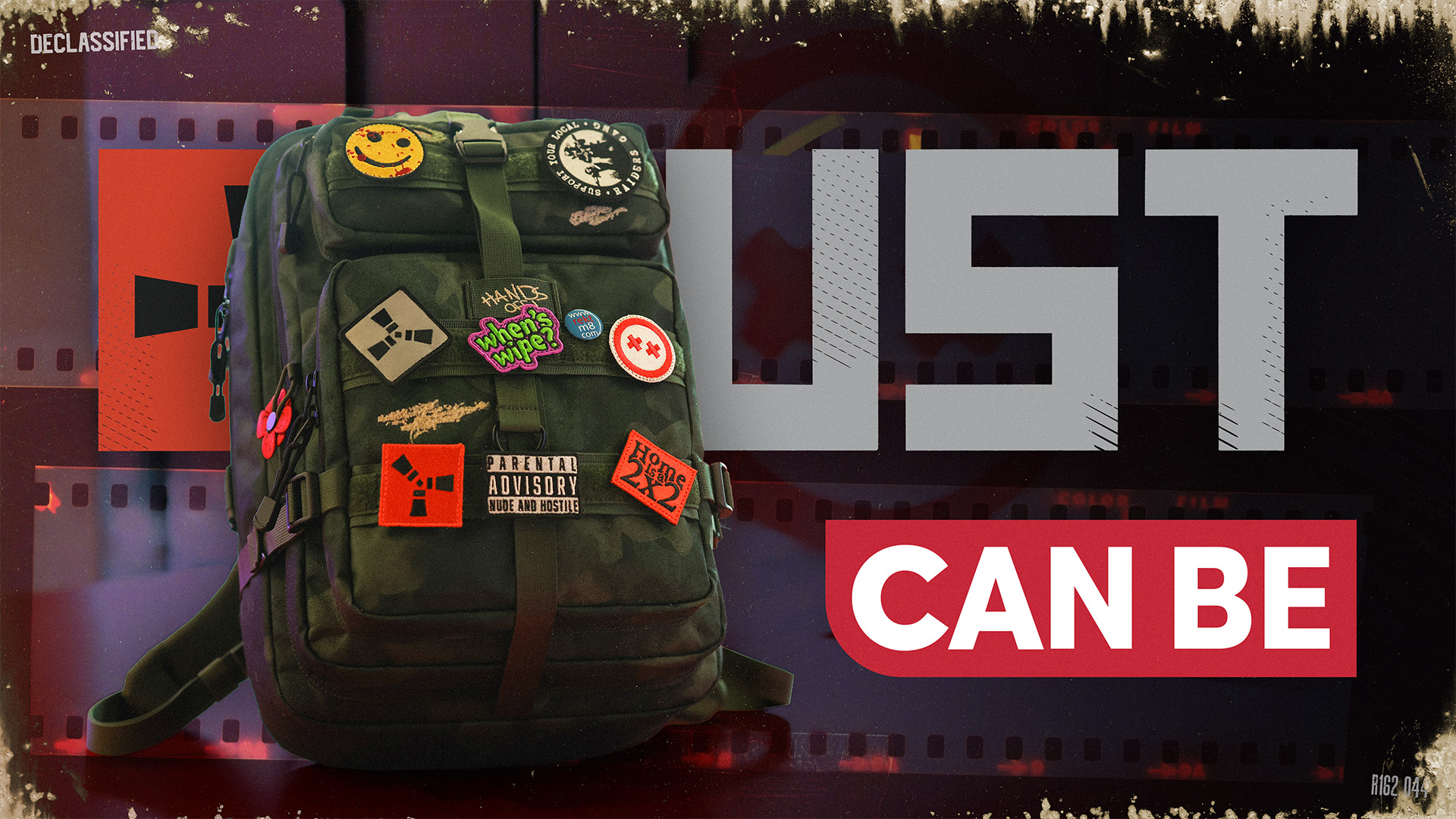
The Rust x Can Be backpack will begin shipping this month.
Every backpack purchase includes exclusive free in-game weapon charms.

What are Weapon charms?

Weapon Charms are fun cosmetic weapon accessories that can be attached to almost any ranged weapon. There are over 55 ranged weapons that currently support Charms with more to be added as we continue to develop Rust. 

To add a charm to your ranged weapon simply open up the inventory, select the weapon and use the Change Accessory button to select from available charms. You can set the charm during the crafting phase, or when dropped into a repair bench. There is no crafting cost. You can even do this with looted ranged weapons that have charms already affixed. The selected charm is tied to the individual weapon, so if you pick up someone else's weapon with a charm attached it will still be there unless you remove or change it.  

Weapon Charms are viewable both in first and third person, so other players will be able to see your selected accessory. 


Check out the full collection over on the Can Be store.
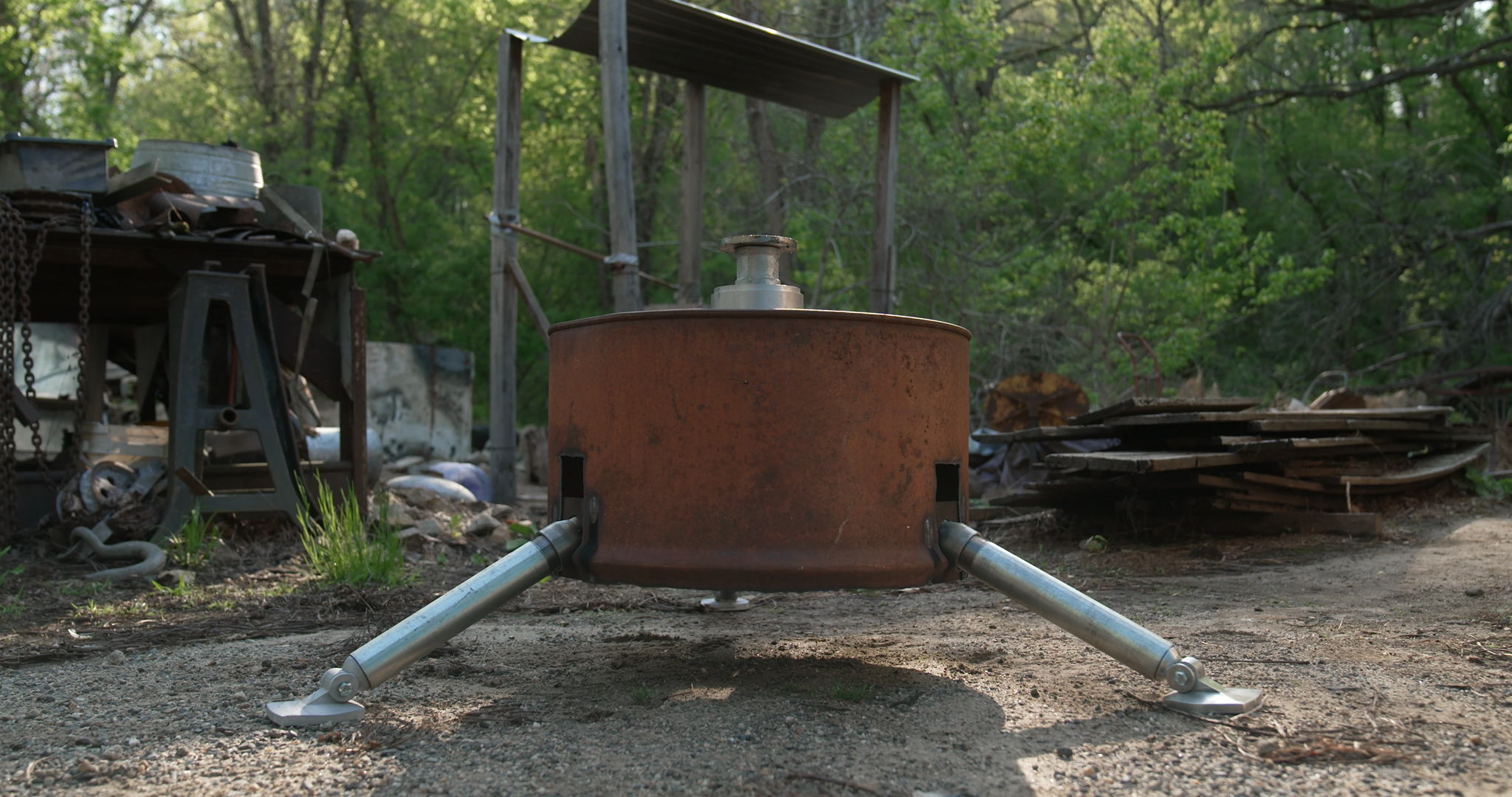
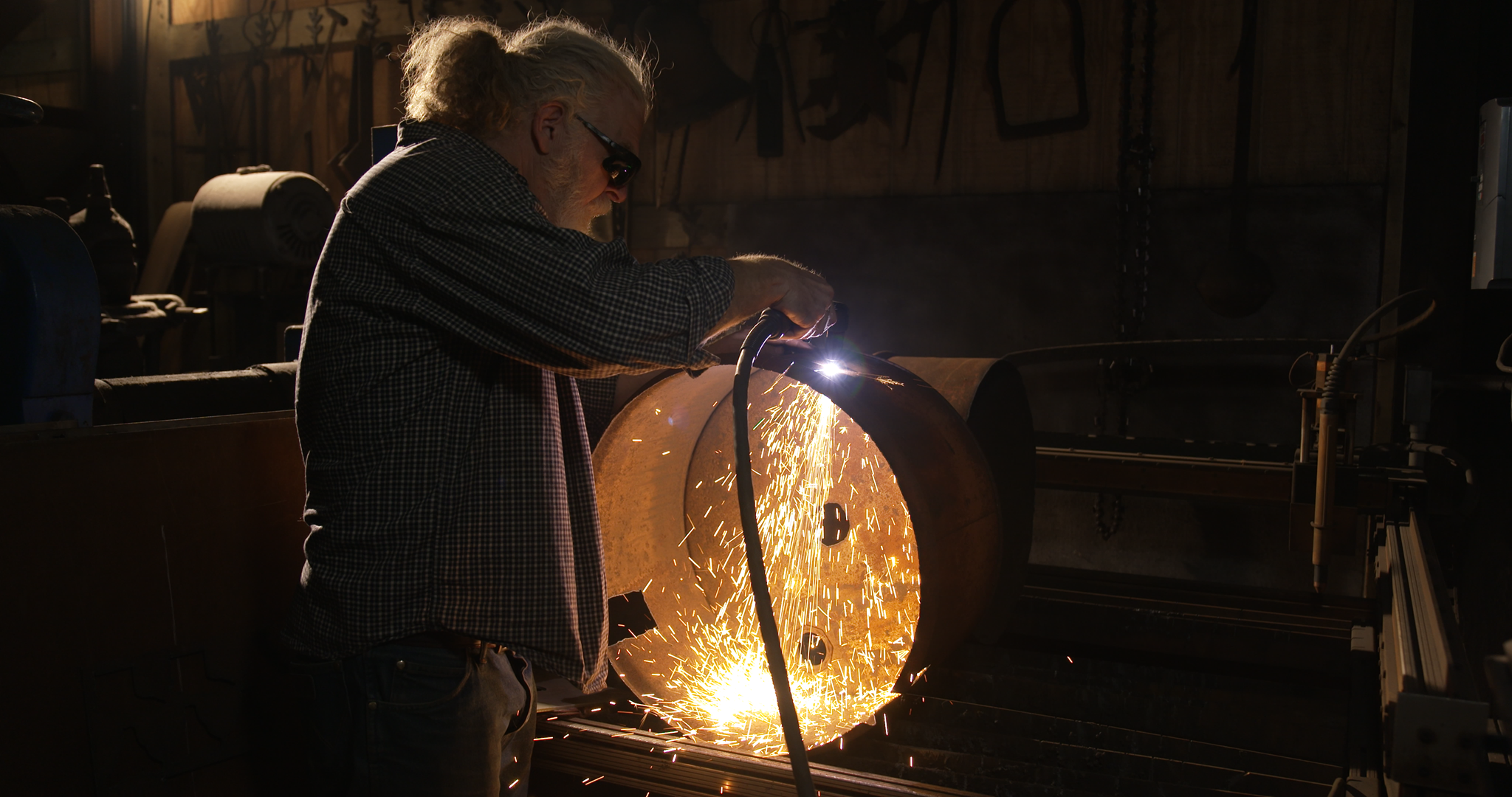
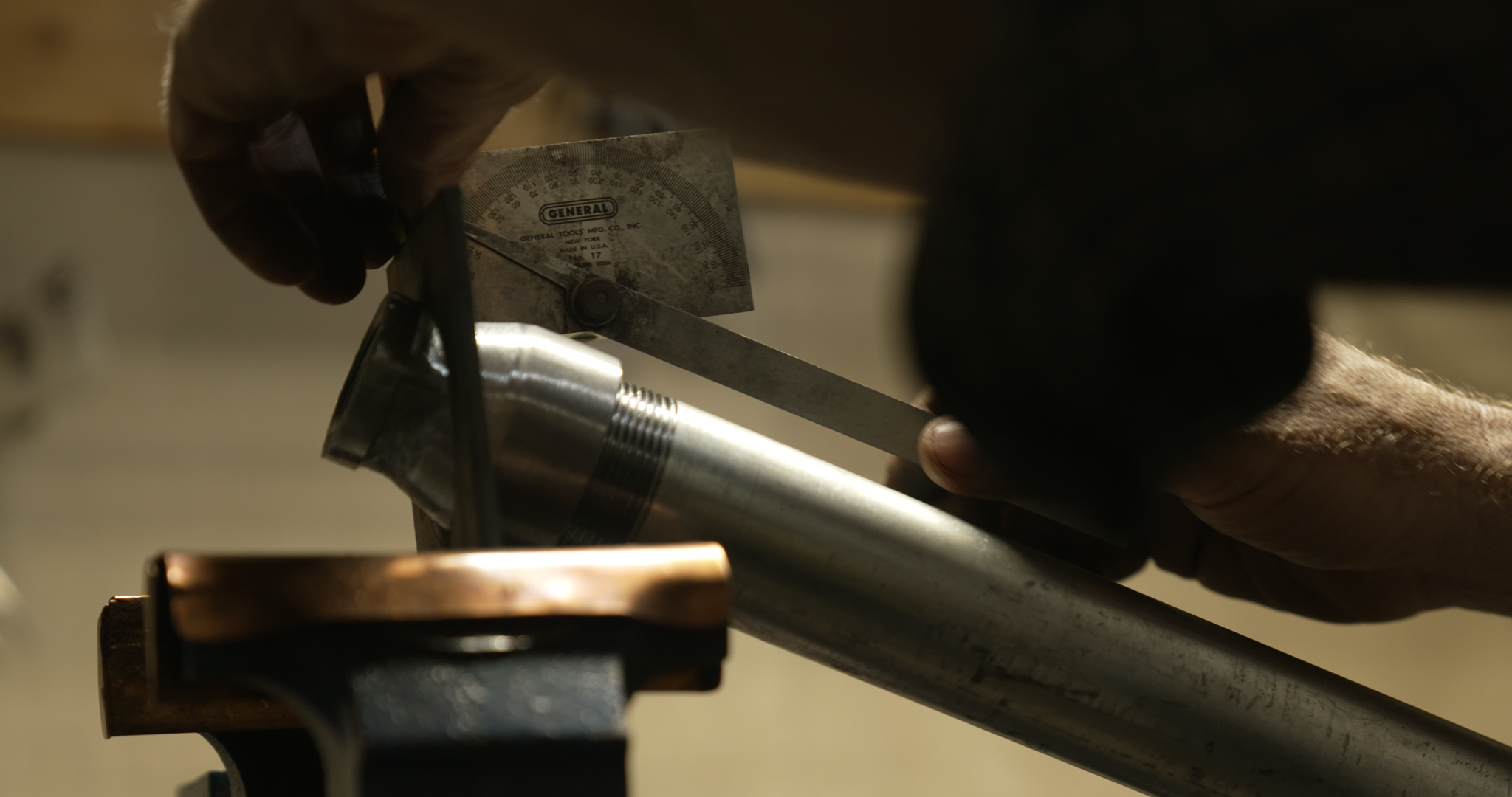
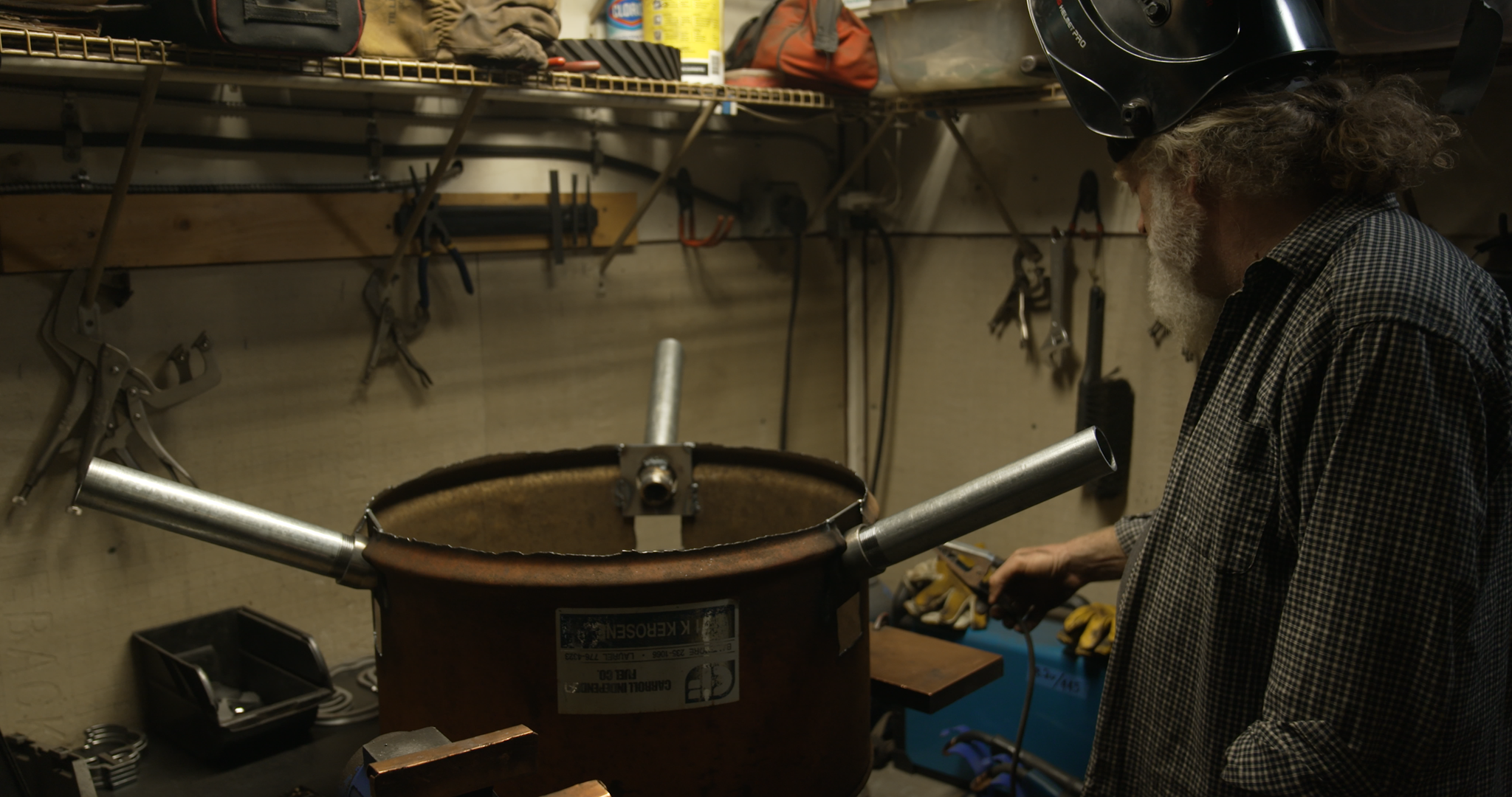
We've teamed up with the talented ASH Entertainment and The Baltimore Knife & Sword Crew behind the YouTube series, Man at Arms, to bring to life one of Rust's most iconic items: the Auto Turret. 

The team of expert fabricators and blacksmiths set out to recreate a 1:1 replication of the infamous base and safezone protecting Turret, with auto-tracking and a bespoke gun slot with firing mechanisms!
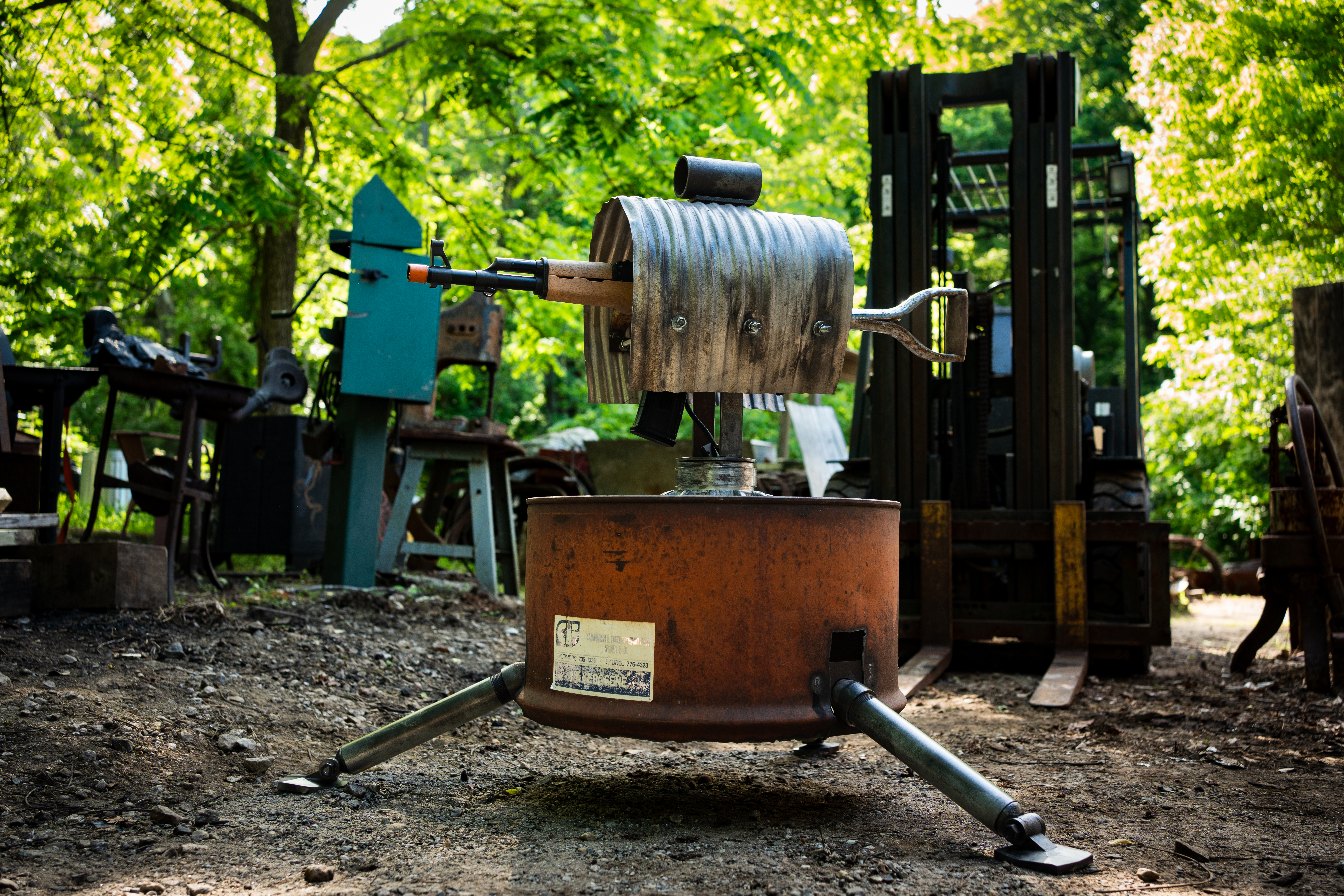
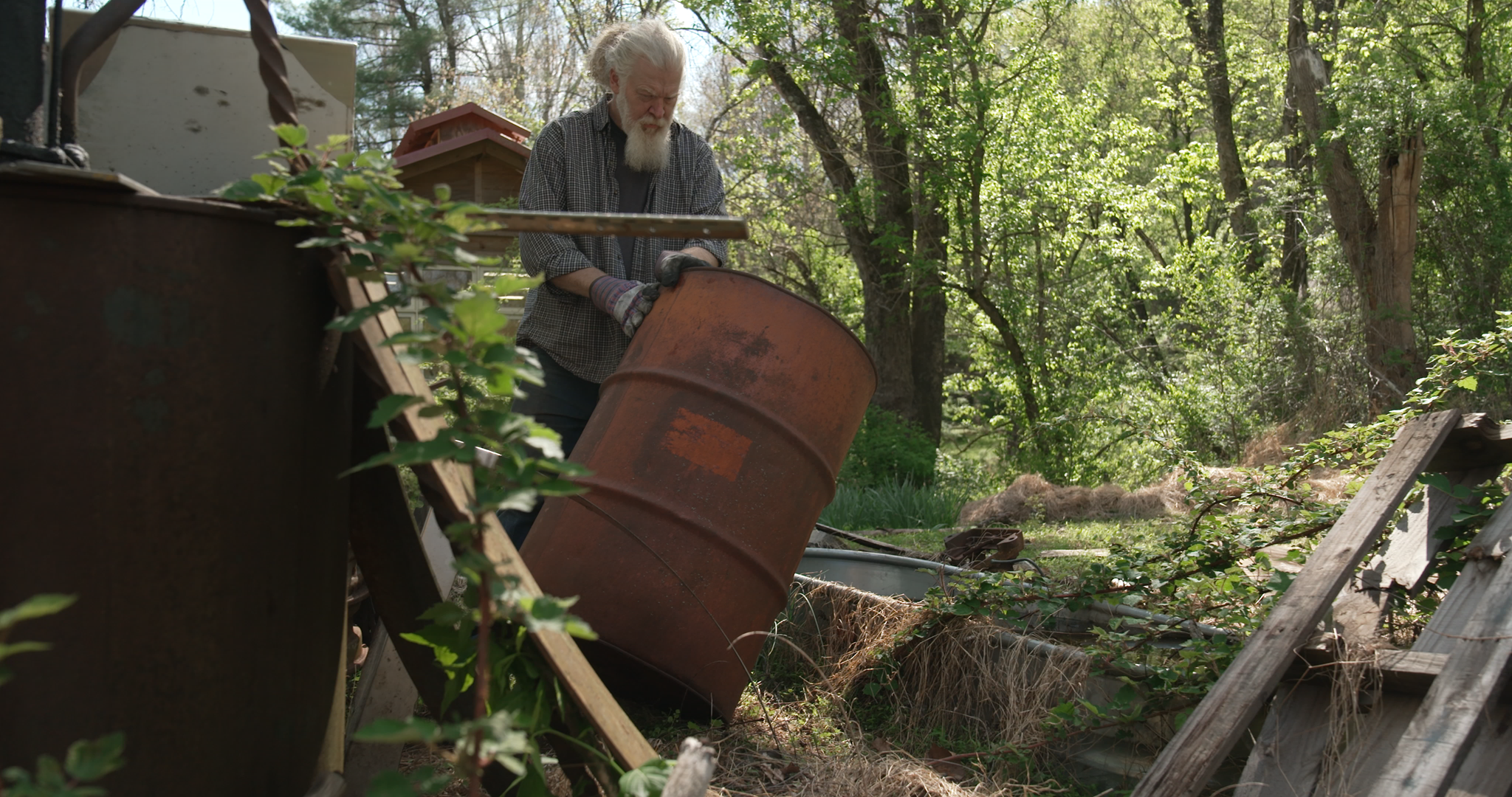
This custom, one-of-a-kind build was exclusively created for Facepunch. 
Check out the full build over on the Man at Arms channel now.
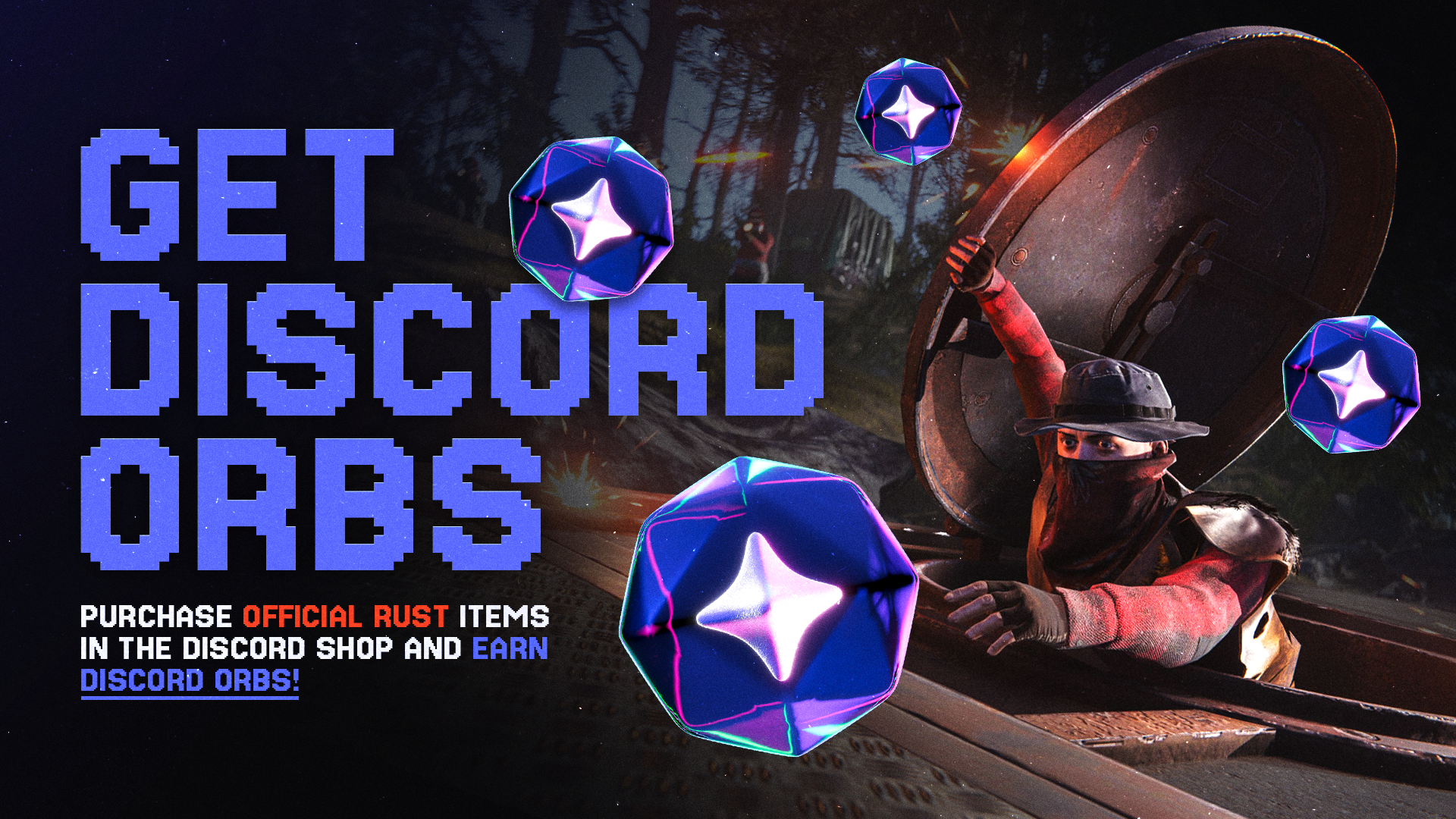
Purchase official Rust items in the Discord Shop and earn Discord Orbs.
Orbs can be used on eligible items in the Discord Shop. Offer ends 16th July!
add_circle

Features

  • Apartment Complex Monument
  • Rentable Stores
  • Added an experimental shadow caching mode for improved shadow rendering performance
  • (Softcore) Added 2x gathering rate
  • (Softcore) Added raid windows
  • Added a demo compatibility layer
arrow_circle_up

Improvements

  • New sprinting animation system while holding rifles
  • Hunting Trophies can now show player skins
  • Demo cfg files will now be rerun whenever the demo is restarted
  • New animation controller for vanilla hatchet
  • Removed texture projectors that could be causing performance loss
  • Optimized weapon rack config scripts to use PrefabAttribute
  • Added a new way of setting entity flags within a disposable scope to discourage invoking multiple unnecessary entity snapshot sends
  • Replaced usages of deprecated ‘FindObjectsOfType’ with faster unsorted ‘FindObjectsByType’
  • Reduced persistent server heap memory usage of missions WorldPositionGenerator and sped up initial and subsequent execution time runs
  • Turrets attached with a gun that only uses burst-fire (M16A2) will now also use burst-fire
  • Added a screen explaining what's Softcore
  • Improved main menu notifications
  • Computer station UI is now scaled by the UI scale convar
  • Added a new setting to control the quality of the player preview in the inventory
  • Set UsePlayerUpdateJobs 3 as default
  • Removed allocations from PlayerVoice processing
  • Reduce how much player's server state we cache every frame
  • Cleaned up a bunch of allocations (~15 sources, mostly more invokes)
  • Reduce drawcalls by about 15-20% when rendering meshes with both occlusion and batching setups
  • Opening the demo browser will now automatically refresh the list
  • Vending machines, fridges, and wall cabinets now support storage adaptor sorting
  • Added a better error message when placement is blocked by industrial piping
  • Reskinning / crafting UI will now visually highlight the currently applied skin
handyman

Fixed

  • Possibly fixed case where voice chat would get more delayed over long play sessions
  • Fixed some leg jittering when holding a torch on horseback
  • Fixed some issues with cinematic_play and cinematic_stop commands
  • Fixed Abyss torch not using new animation logic as other torches
  • Fixed Wanted Poster text disappearing when entering/leaving the deep sea
  • Fixed the player briefly standing when rapidly switching between items while sitting
  • Fixed some clipping issues with the new player models in some Modular Car seats
  • Fixed some body parts sometimes culling too early while they are still in view, particularly on ragdolls
  • Fixed phones not attaching to the hand properly while in use
  • Fixed Ladder Hatch unlocking after learning the Elevator blueprint
  • Remove client.SetPlayerSeed convar (duplicate of client.playerseed command)
  • Fixed case where sometimes reskinning the riot helmet would leave some parts on the prior skin
  • Fixed the shield power bar staying visible if disconnecting while the shield was held
  • Fixed motorbike player model hit reaction animations playing too often
  • Fixed case where the female breast censorship effect would sometimes appear even if clothing was worn
  • Possibly fixed a rare occlusion culling error
  • (Softcore) Fixed skins of torches and rocks being included in reclaim terminal
  • Fixed LR300 space skin ammo display count being initially invisible
  • Fixed held entities potentially being visible whilst performing gestures when they are supposed to be hidden
  • Fixed stale NPC conversations being active when disconnecting and reconnecting to another server
  • Fixed hatch on the ladder hatch not rendering shadows with ‘graphics.aggressiveShadowLod’ enabled
  • Fixed M16A2 viewmodel animation issues when firing at low FPS
  • Fixed incorrect move/drop sound effects for ballistic leg armour
  • Fixed store's cart button drawn on top of friend list
  • Fixed painting binds not working in the painting menu
  • Fixed F1 console input field losing focus when connecting/disconnecting
  • Fixed wires attached to doors not following the doors correctly when it opens
  • Fixed blurry wires on moving boats with motion blur enabled
  • Fixed console input field text vanishing after pasting a long string
  • Fixed console logs using UTC time instead of local time
  • Fixed contact menu default mugshot resolution
  • Fixed fuel tanks not being connectable together
  • Fixed not being able to place wallpaper on finished boats
  • Fixed escape not closing the console when mounted to a computer station
  • Fixed painting mode not switching back to brush after picking a color at low FPS
  • Fixed friend list missing context menu
  • Fixed IO entities getting free power after being reskinned
  • Fixed stacked steam items showing as one single item in the steam inv menu
  • Fixed building errors/toast messages not showing up when a teammate is holding a planner, when building preview is enabled
  • Fixed electric heater appearing ON after leaving and re entering network range
  • Fixed industrial lights not lighting the player boats
  • Fixed drone controls not being keyboard layout aware
  • Fixed workshop file dialog still using the old input system
  • Fixed player dying instantly when touching a cactus while mounting a horse
  • Fixed battering ram middle wheels rotating backwards
  • Fixed needing cloth in your inventory to reskin wallpapers (reskin is free)
  • Fixed an NRE when closing the checkout result page too quickly
  • Fixed DPV fuel bar text regression
  • Fuzzy Pool no longer gets stuck spilling objects after a heavy multithreading contention
  • Fixed some of player's server cached state being potentially out of sync for 1 frame after applying network positions from client(ex: IsSwimming)
  • Fixed deep sea potentially using overworld heightmap for swimming checks and ocean wave simulation
  • Fixed NRE when 2 player spectate a player being kicked/banned
  • Fixed bots/sleepers potentially being network streamed out when cargoship moves
  • Fixed ballistic armor and bowless crossbow drop/pickup sounds being audible from far away
  • Fixed admin-only mannequin suit being invisible
  • Fixed a server warning related to corpse buoyancy
  • Fixed the bowless crossbow animation looking odd when firing in quick succession
  • Fixed a case where streamer mode would not hide your own player name
  • Fixed the flash of the instant camera being offset
  • Fixed an issue with reskinning barrels giving you the wrong item
  • Fixed an issue where the Frontier Decor barrels were not deployable in to shelves and half-height shelves
  • Fixed the purchase amount not clamping correctly when buying from a vending machine
  • Fixed the vending machine stats page sometimes updating / closing when it wasn't supposed to
  • Fixed a random green light in the middle of radtown
  • Fixed some lights in ferry terminal having oversized collision
  • Fixed scientists chasing players into the water on the deep sea islands
  • Fixed abandoned military base sometimes having a building clipped inside a silo
  • Fixed some hair styles clipping with helmets
  • Fixed small gaps appearing in the deep sea island terrain on low object quality
  • Fixed the belt animation on quarries playing too fast
  • Fixed a texture issue on quarries, with low object quality
  • Fixed rich text rendering in various UI elements
  • Fixed text written on photographs not saving
  • Fixed streamer mode not applying to the chat messages when spawning items as an admin
  • Fixed vending machine IO slot displaying "short cicruit" warning when selling skins seperately was enabled
  • Fixed wanted posters deploy guide not matching their actual size when placed
  • Fixed the ingame video player not working since the Unity upgrade
  • Fixed certain characters creating new lines in chat to create spam
  • Fixed military silencer not spawning in loot
  • Fixed a case where unloadable traincars would stay locked when unloading
  • Fixed the splash sound when jumping into water not playing
  • Fixed the auto turret cover being invisible when viewing turret skins in the skin viewer
  • Fixed being unable to invite players to a party in the ingame friends list
  • Fixed the industrial garage door destroying vehicles when closing
  • Fixed radtown buildings turning invisible when viewed from very far away
  • Fixed industrial shelves missing from conveyor filters
  • Fixed certain lights killing fps near the world origin on custom maps
  • Fixed an issue with invalid projectiles when mounting to a boat
  • Fixed player voices glitching out when heard through a computer station / CCTV
  • Fixed an issue with shields when using an attack heli turret
  • Fixed deployable snapping being inconsistent and often not working
remove_circle

Removed

  • Removed all obsolete and generic versions of BaseEntity.ClientRPC, ClientRPCEx, ClientRPCPlayer, ServerRPC and ServerRPCList calls - switch to existing methods or write your own via *RPCStart->*RPCWrite->*RPCSend
  • Removed Full Server Demo support (not related to recording normal player demos on the server)

Newsletter

Receive monthly updates straight to your inbox