Rust Marque Logo menu
Power Trip

This month's update brings you Player Maintained Monuments in the form of a new Satellite Crash, Dome Pumping, restorable Power Plant, plus more. As well as plenty of balances, bug fixes, optimisations, upgrades, and more improvements!
06 August 2026
DEVBLOG
This month we're releasing a set of features we call Player Maintained Monuments - tying together our existing monuments in new and interesting ways while pushing players to interact with each other in the process.
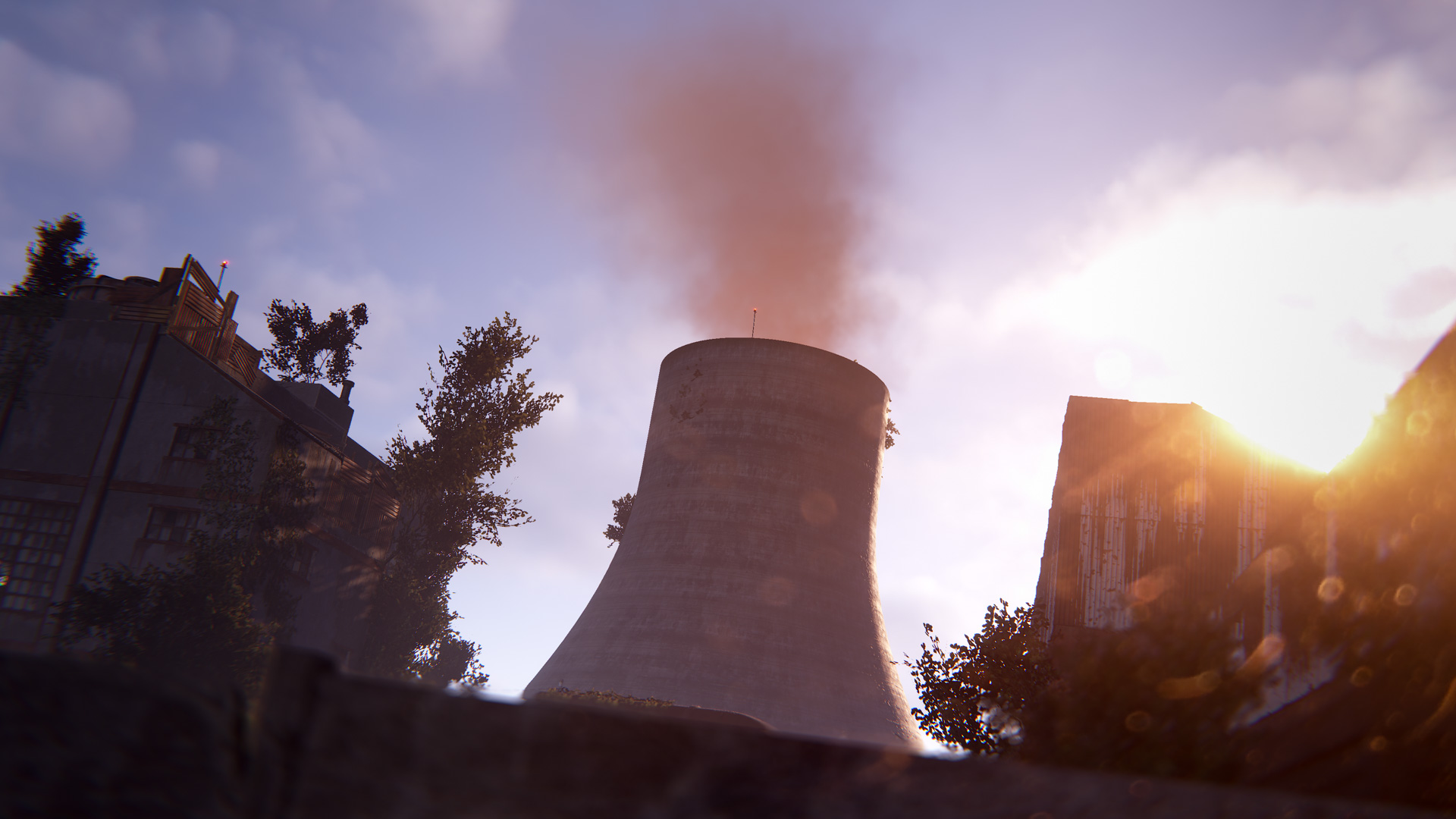
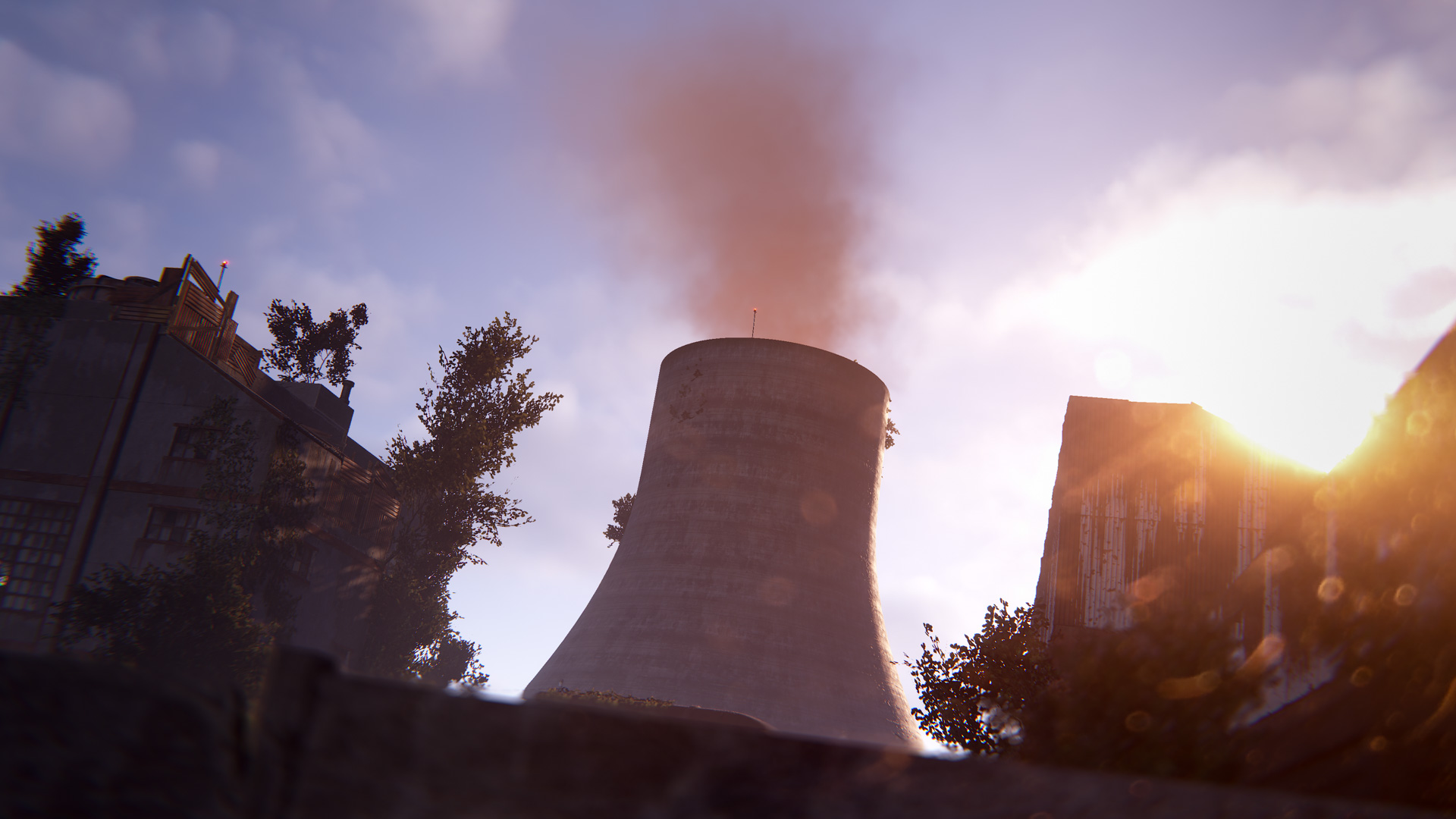
Using new Heavy Fuses, the power plant can be fired back up to unlock several new gameplay features for everyone around the island.
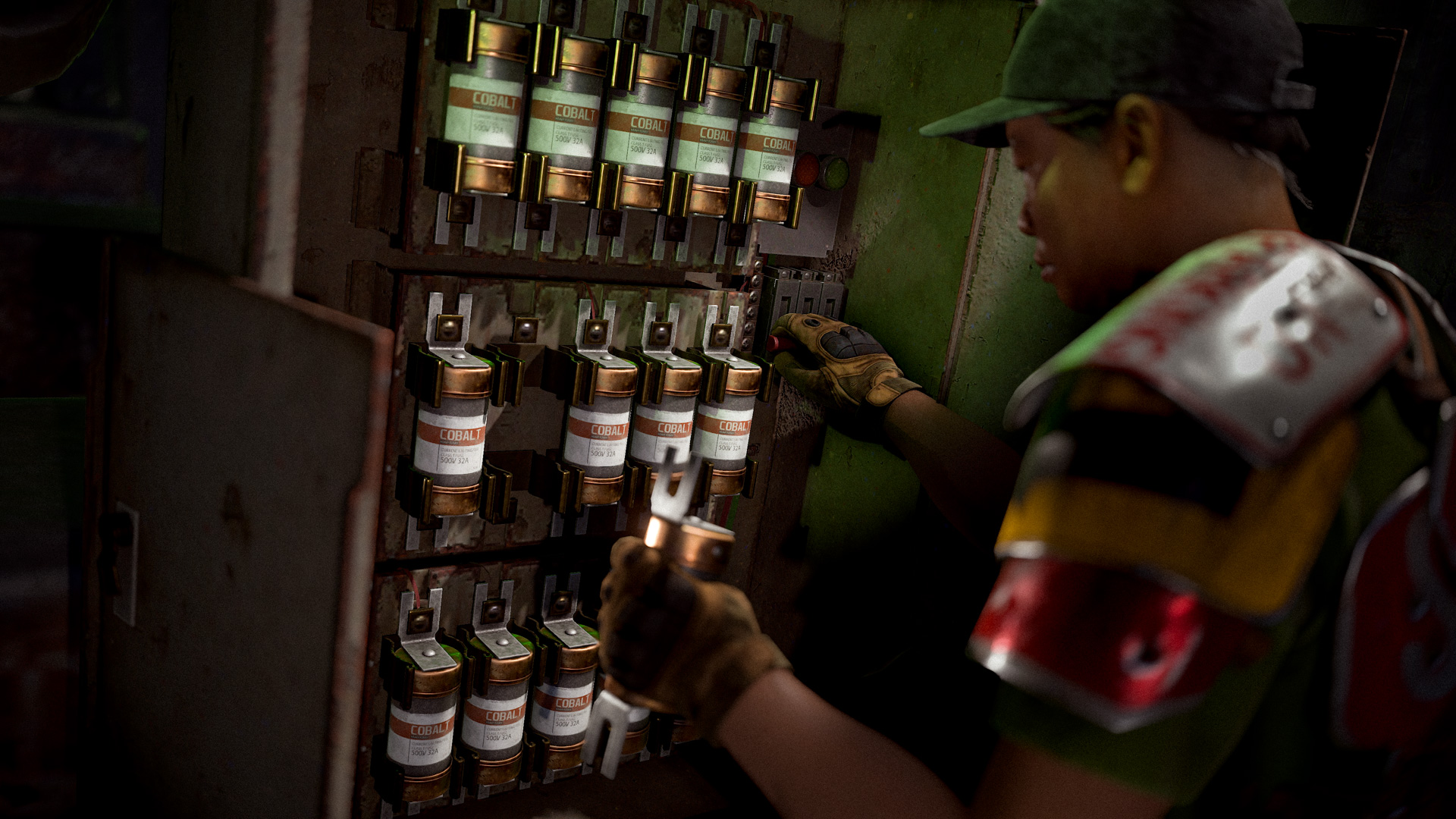
Heavy Fuses can be found as loot and must be inserted into the new special fuse boxes located at the power plant. Not everything will be unlocked all at once - some things connected to the power plant require more fuses than others to become functional.
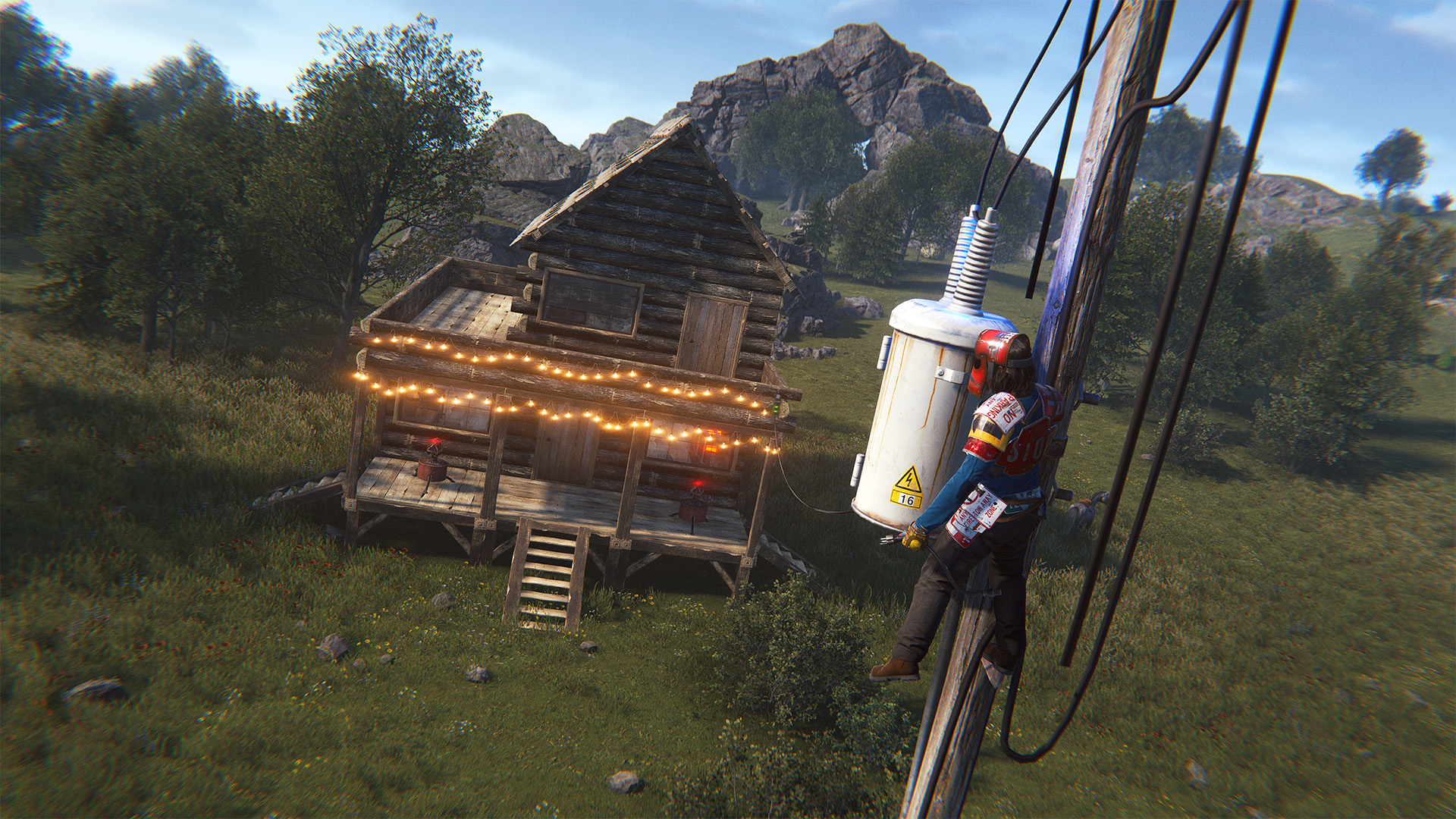
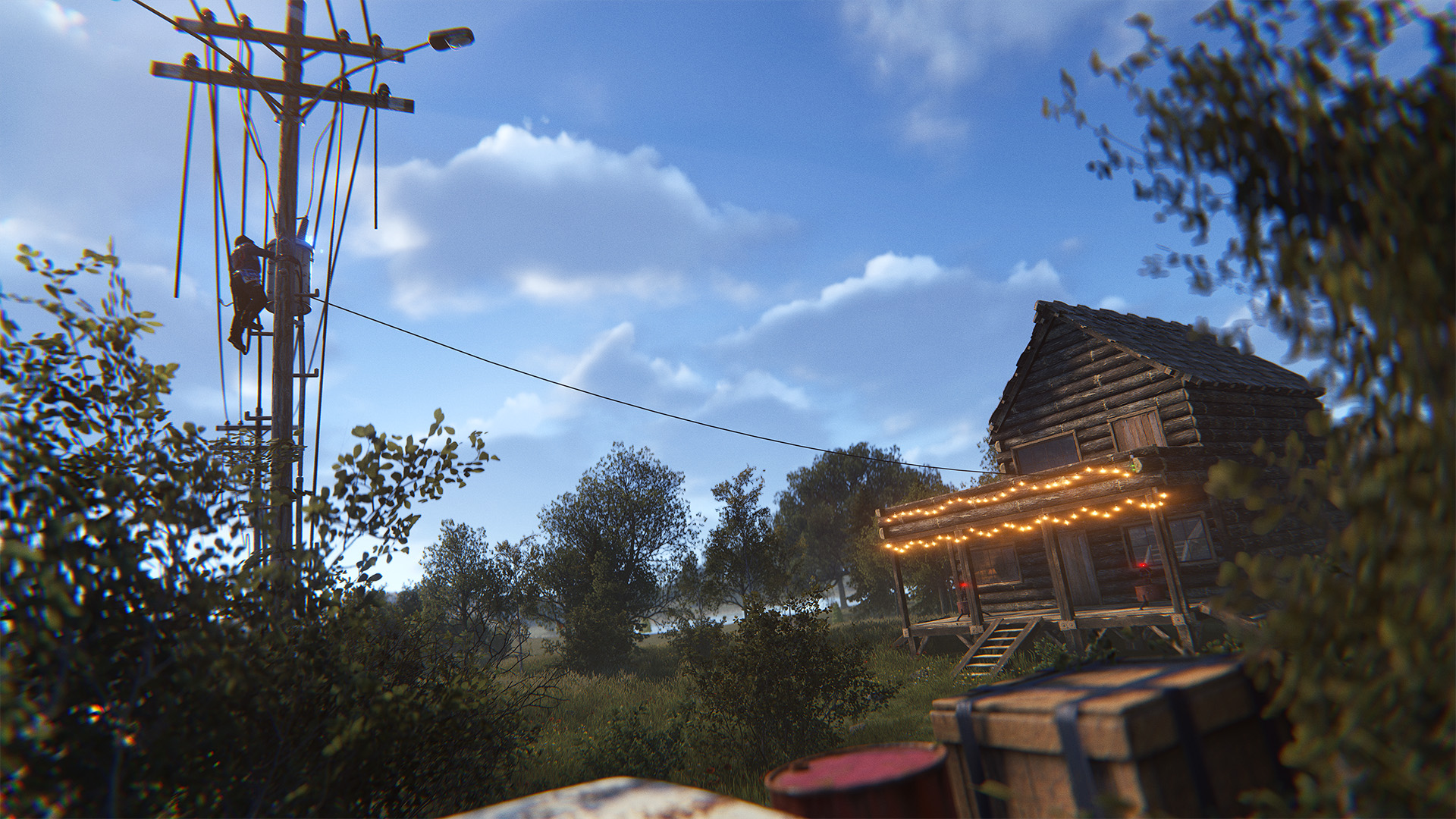
Once the power plant has started providing power, the powerline poles with transformers (the white cylinder-looking things) which appear alongside roads can now provide power for electrical circuits. These powerlines can also now be climbed - no need for a ladder, just approach the powerline and jump.
Green recyclers (the ones outside of safezones) have received a 10% nerf to their baseline efficiency of 50%, being restored to 60% with sufficient power from the power plant and additionally receiving a duration buff from 5s to 4.5s once the power plant is at maximum power. Yellow recyclers (inside safezones) remain unchanged from their previous behaviour. We have also added a single special new red recycler with 75% efficiency to the power plant, only usable at maximum power.
A new in-game event!

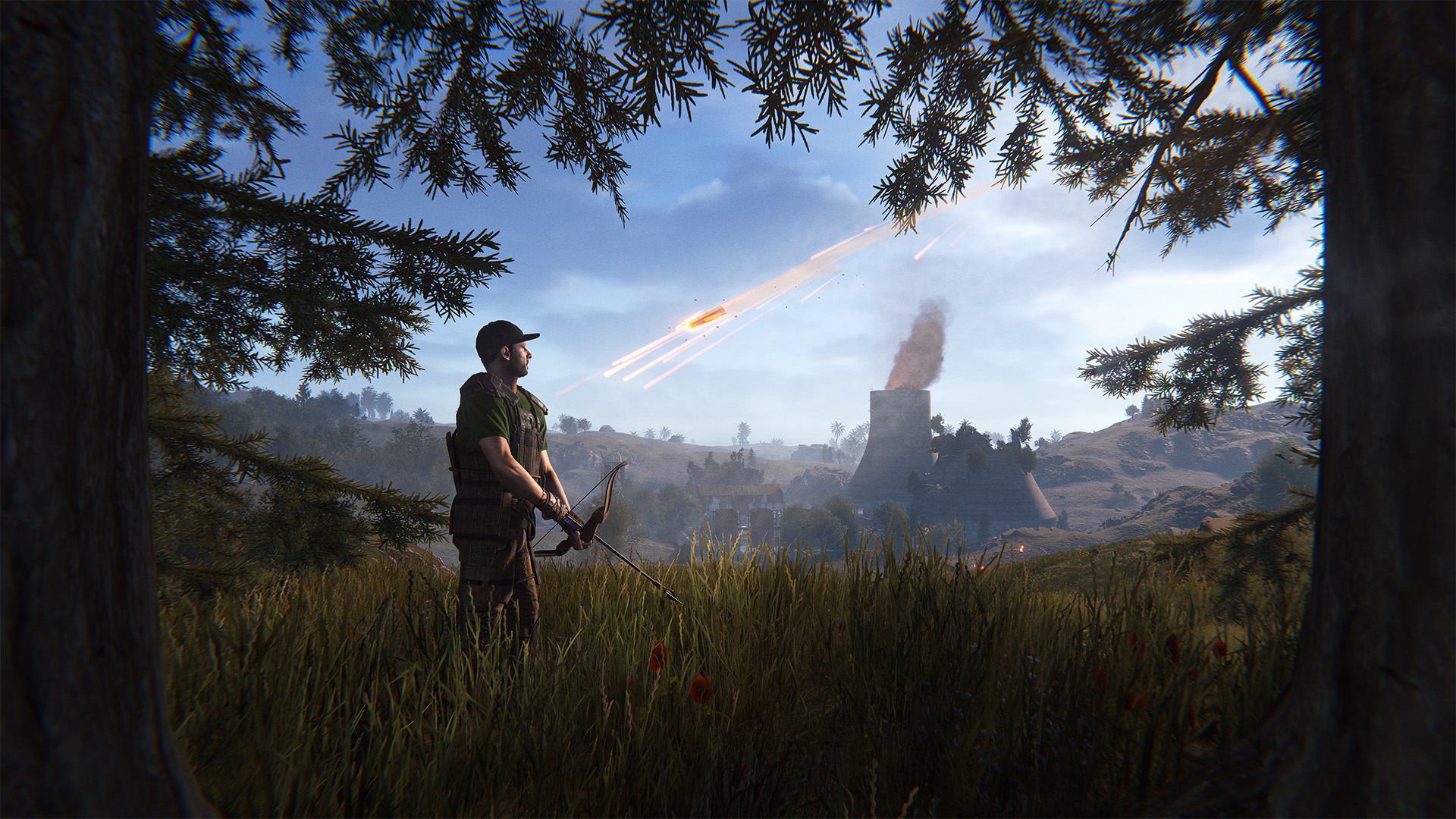
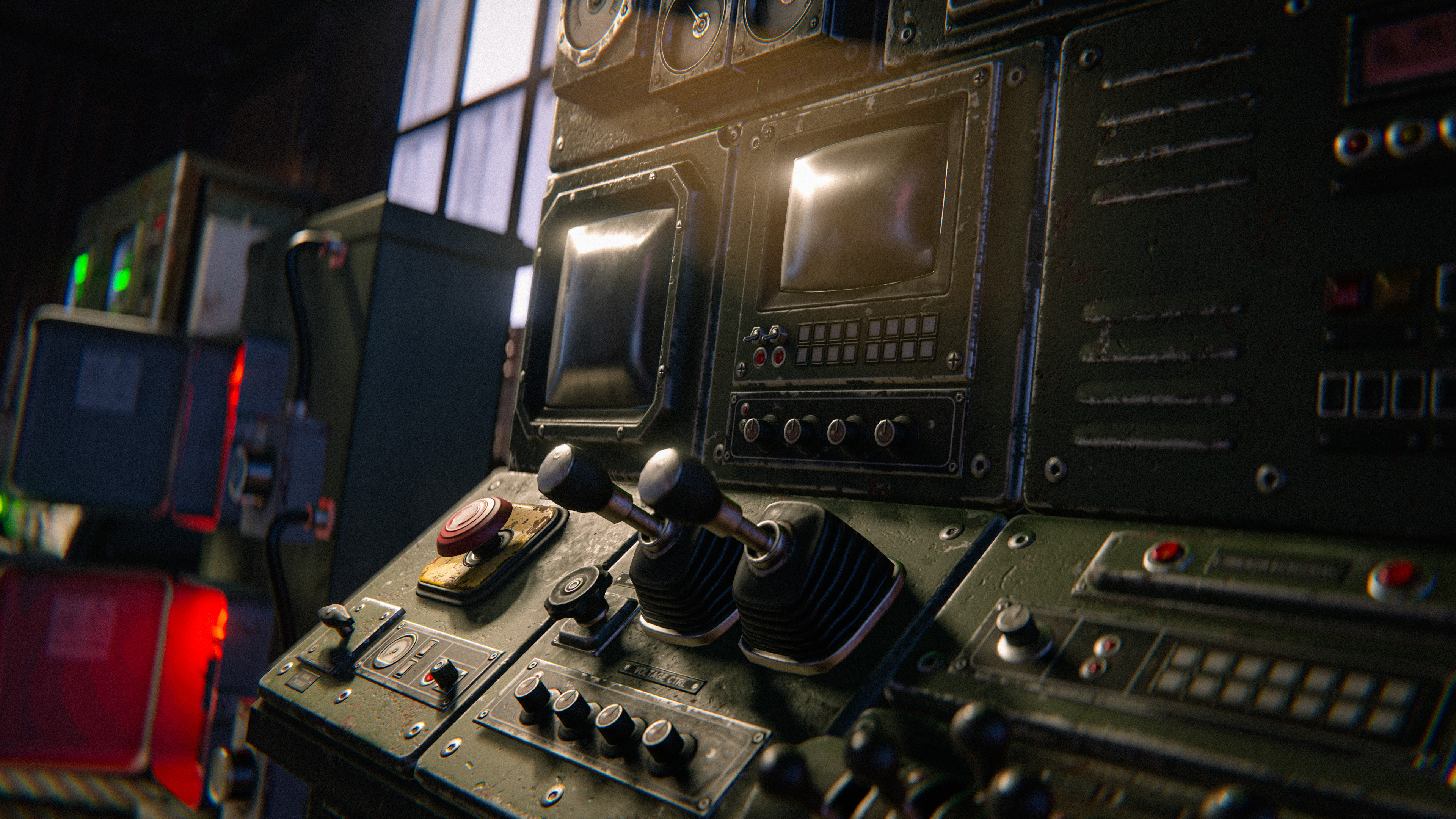
Power up the new Satellite Control Computer at the Launch Site with an aiming module and then take control of a satellite of your choosing.


Use the thruster buttons to target the crash location before locking it in. It doesn't come with a manual though, so you'll have to figure out which thruster button does what, first!

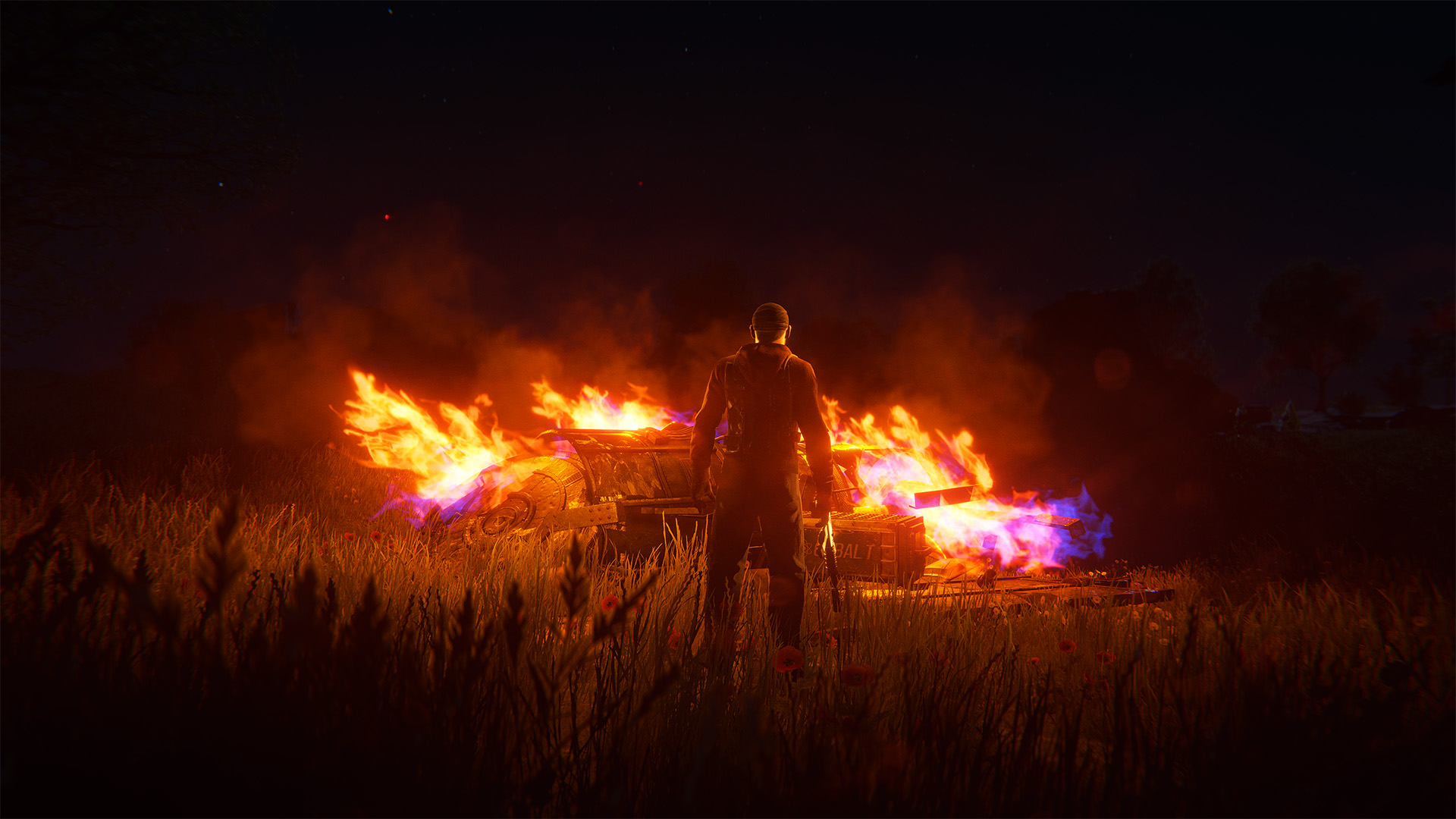
Once locked in, the satellite will start its descent, visible to all players on the server. After a short while it will impact and spill its new satellite loot crates.

Once they've cooled down, they're ready to loot - but the whole server knows about them too!
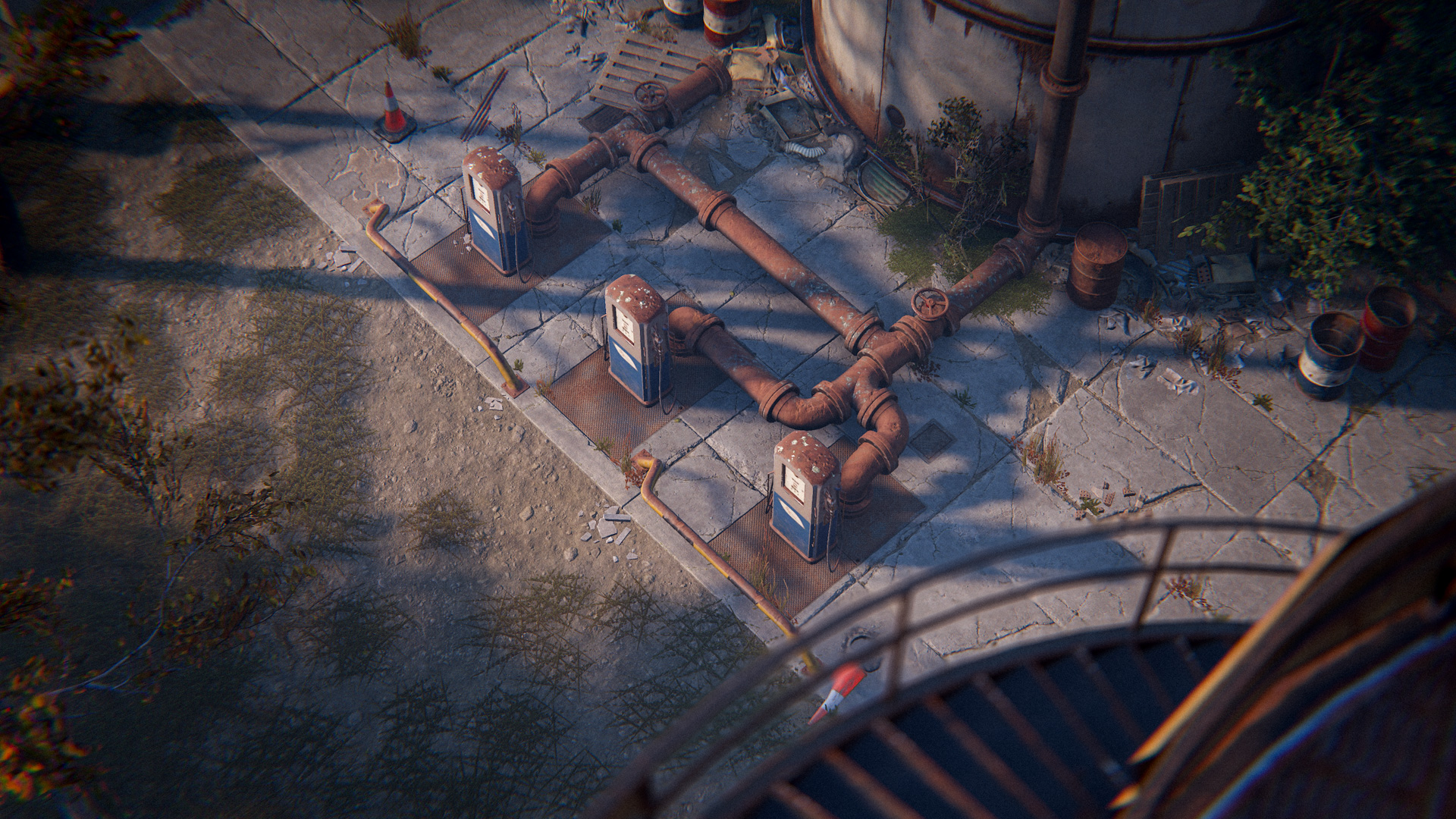
Once the Power Plant is running, a new switch on the Large Oil Rig will become usable. This controls the flow of crude oil to Dome. Once activated, this will pump Crude for 20 minutes.

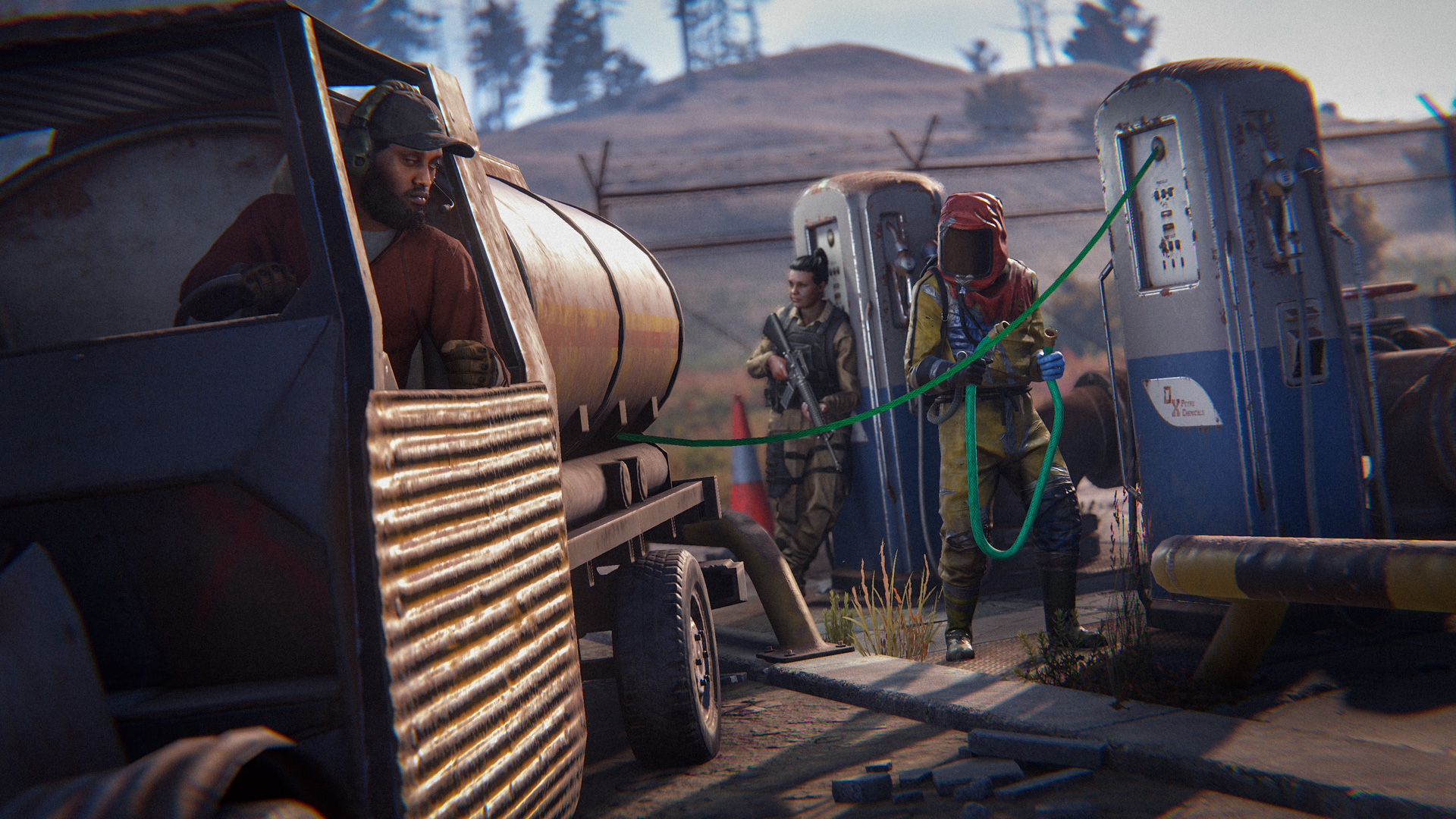
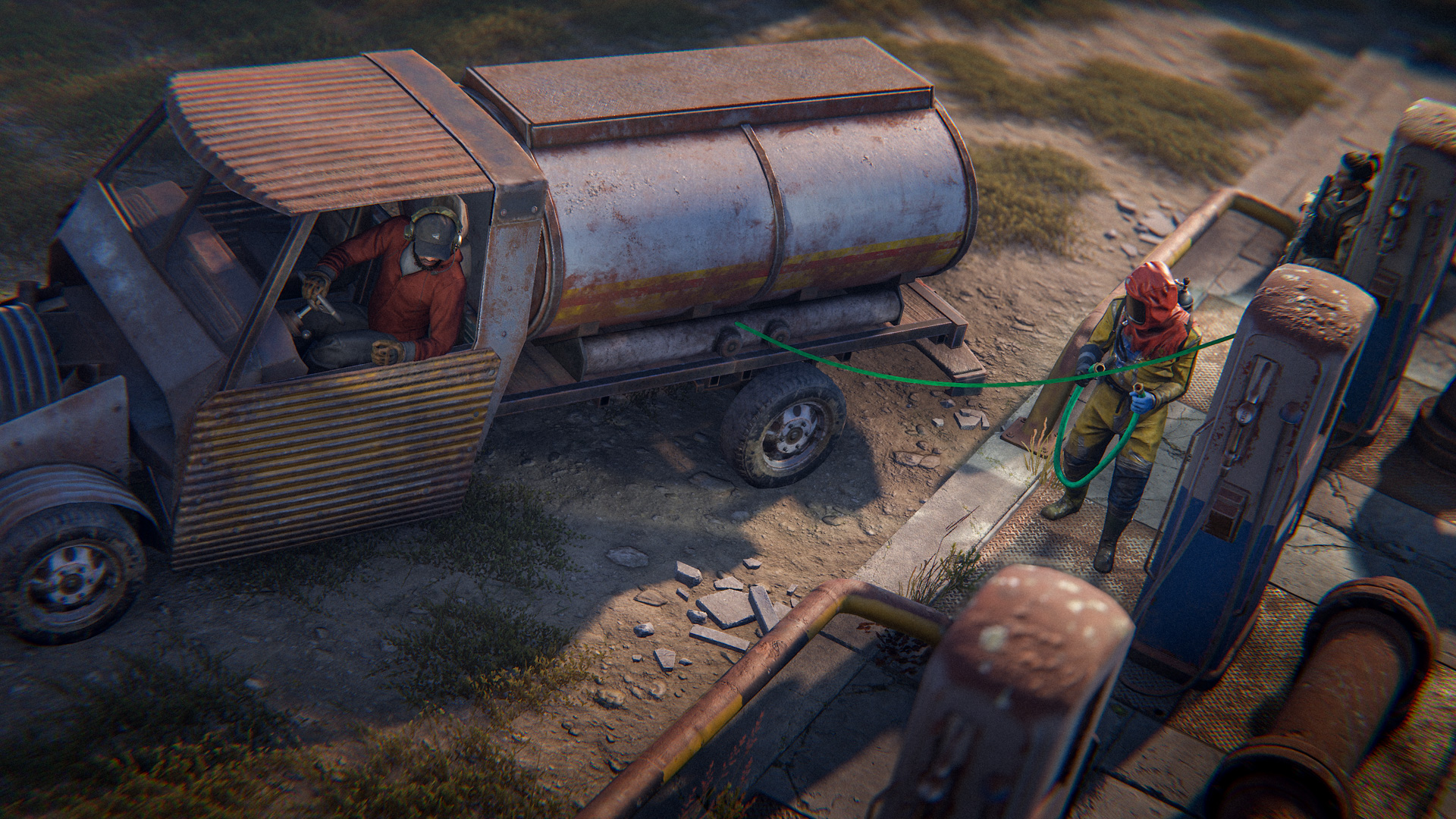
However, you can't retrieve it by yourself - you'll need to use the Tanker vehicle module to drain the oil and then transport it to a car lift to extract it. 

There is also a switch on Small Oil Rig that pumps at half the rate. You can enable both switches at once to get 1.5x the Crude.
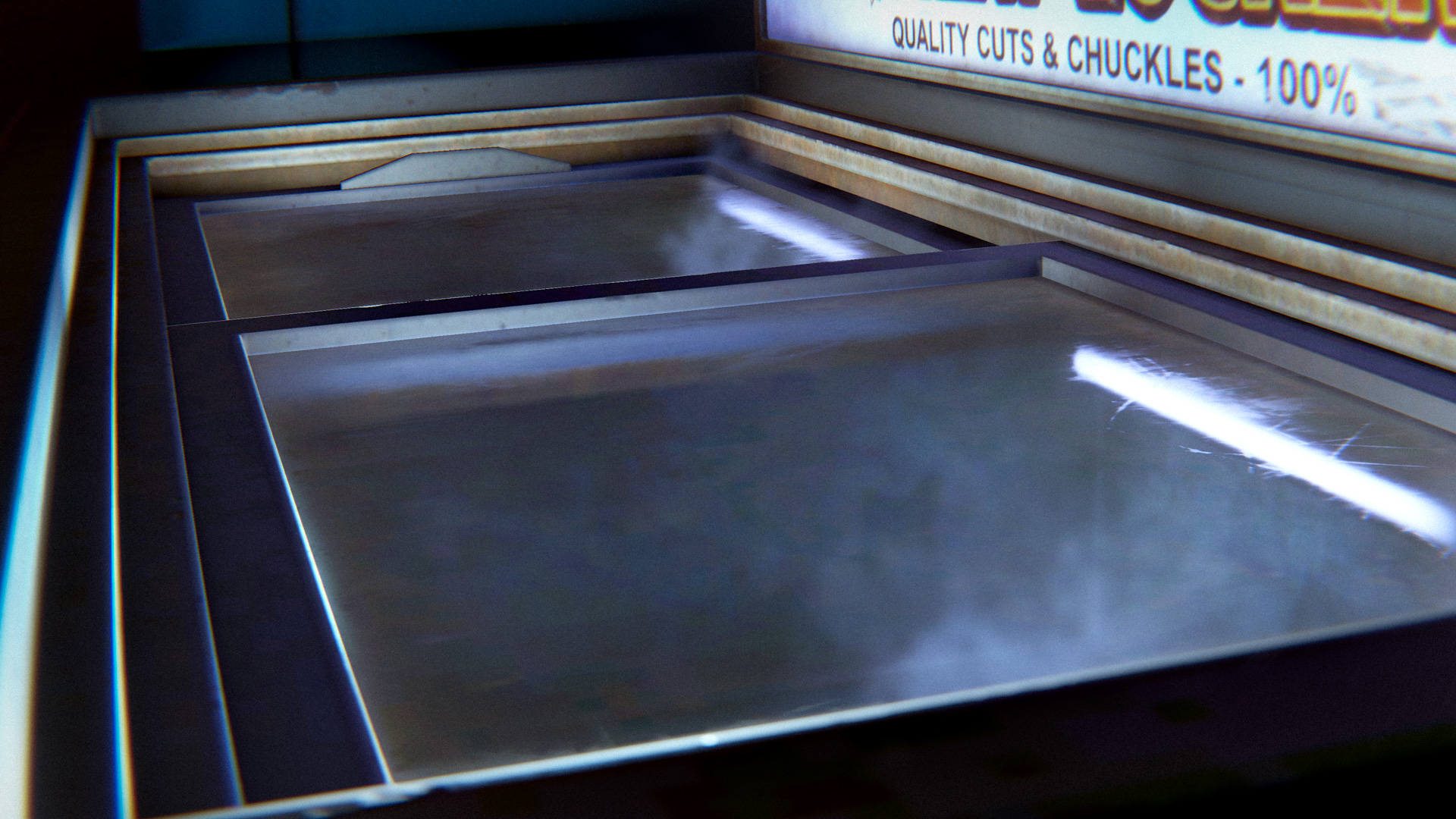
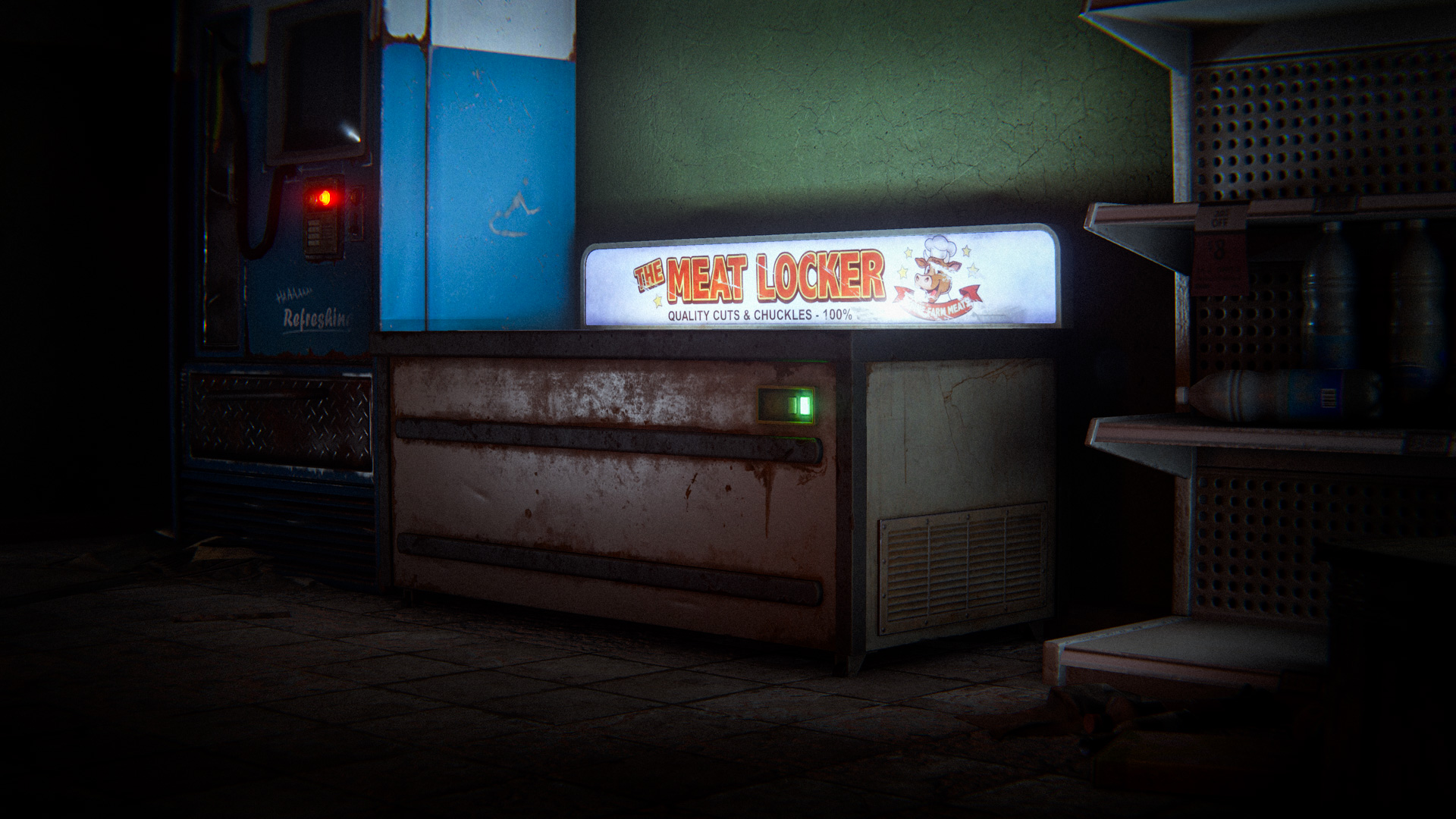
There is a new freezer located inside the Supermarket that provides a steady stream of chilled food so long as it is receiving power from the power plant.

Every so often, it will provide a larger food cache than usual. Happy shopping!
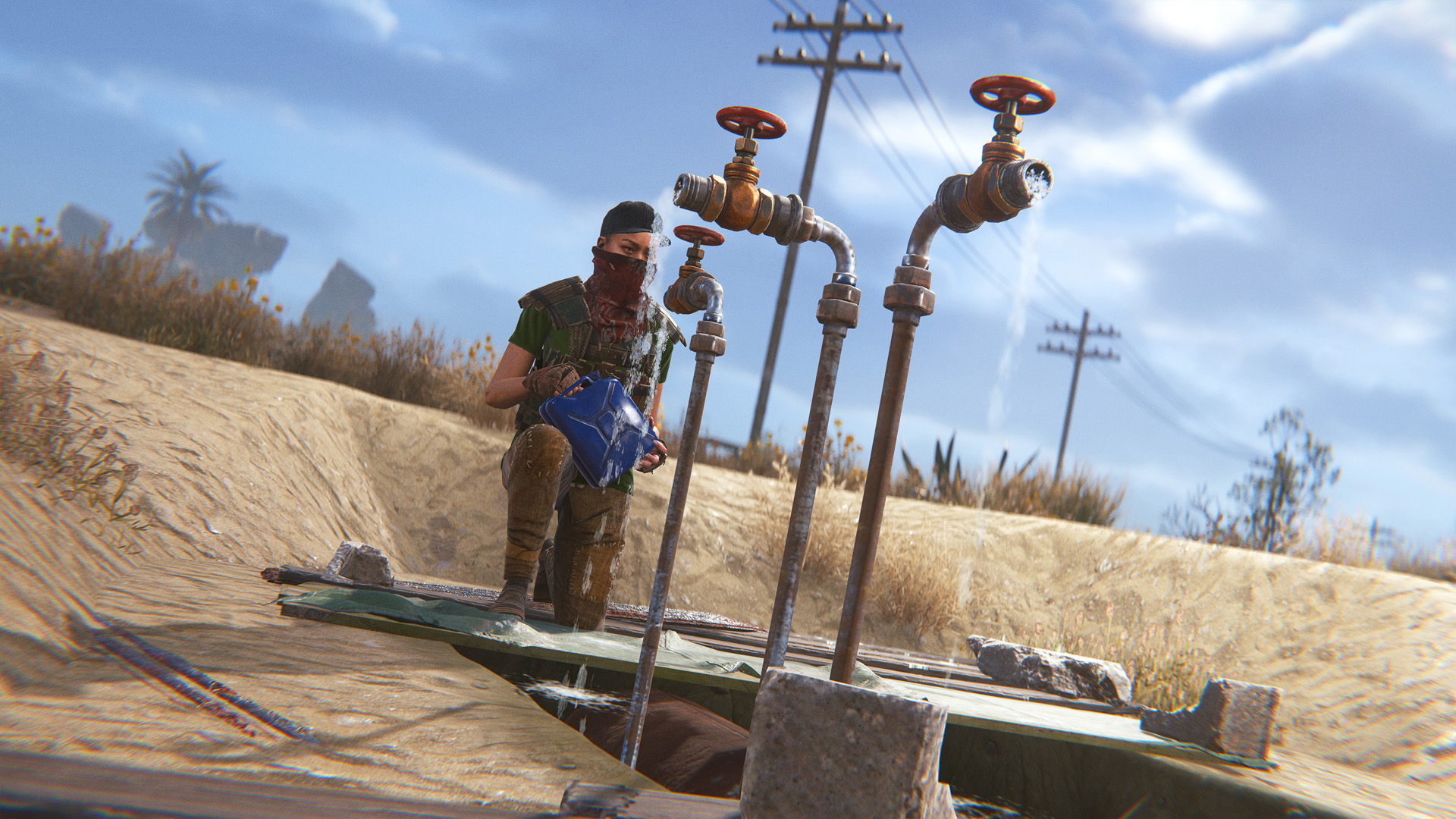
Water pipes will now spawn around the roadsides of the map. To start, the pipes will be empty and won't produce any water. To get them to start pumping, the Water Treatment Plant will have to be maintained.
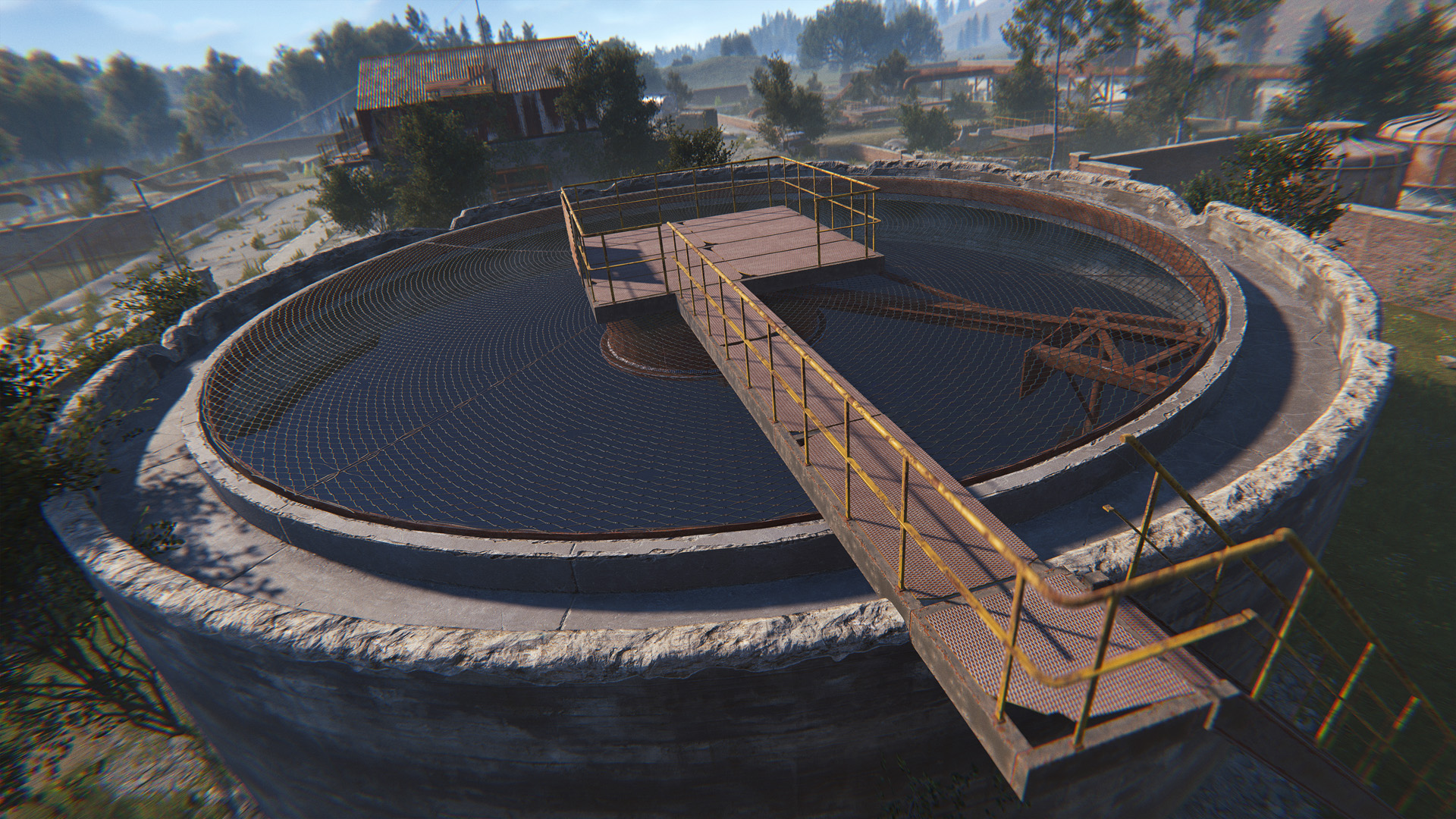
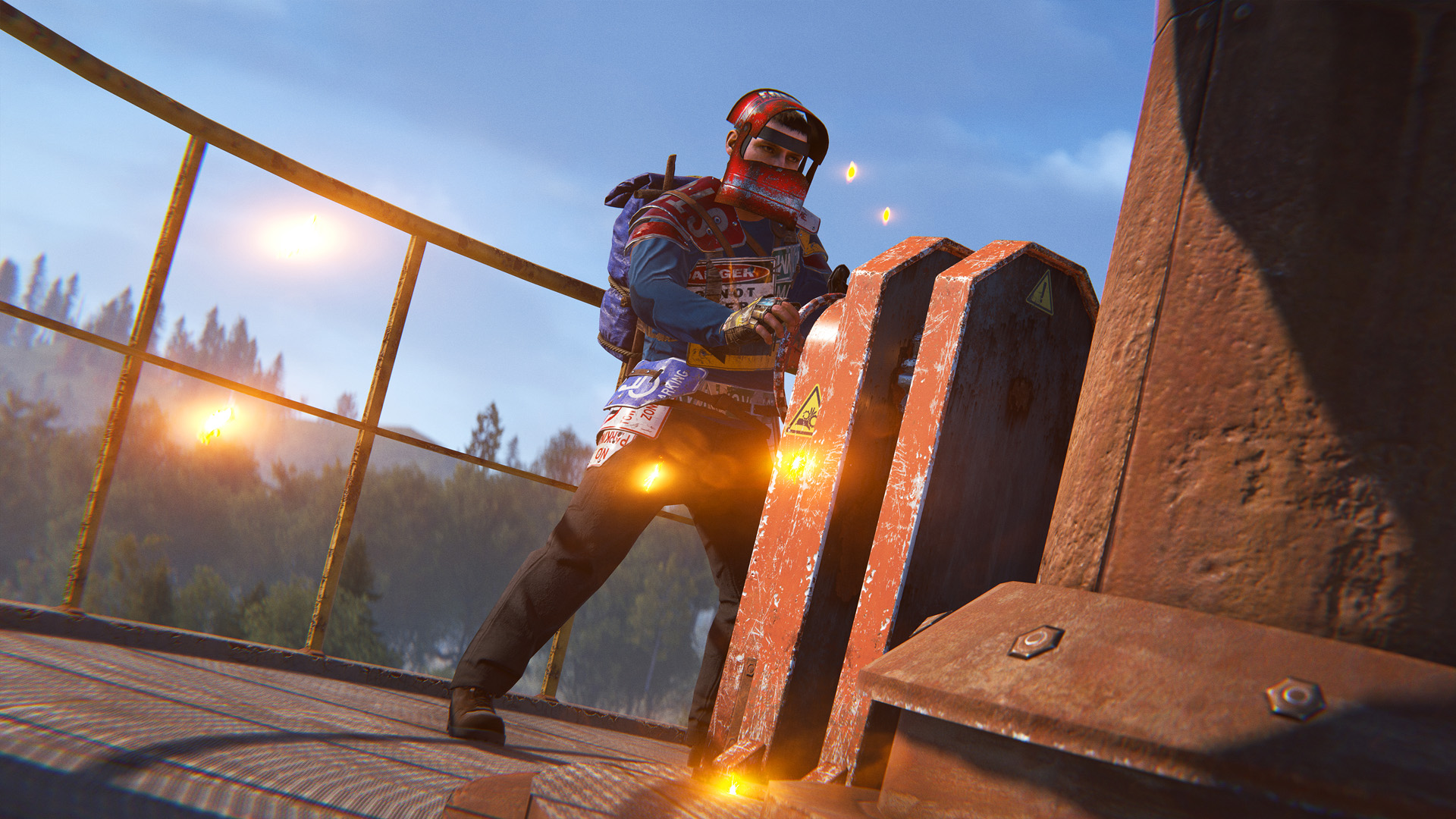
Two gearboxes have been added inside the monument, and turning them pressurises the new intact water tank at its centre. To get a gearbox moving, the powerplant's grid needs to be live, then you'll need to place a gear into the gearbox and interact with it to start the valve wheel spinning. Gears are consumed as the wheel turns and can't be pulled back out once inserted.
When the tank reaches full pressure, the blades will start spinning and clearing up the blockages, restoring water flow across the map. After that, coming back every once in a while to keep the pressure up and the blockages clear will be much easier than a cold start.
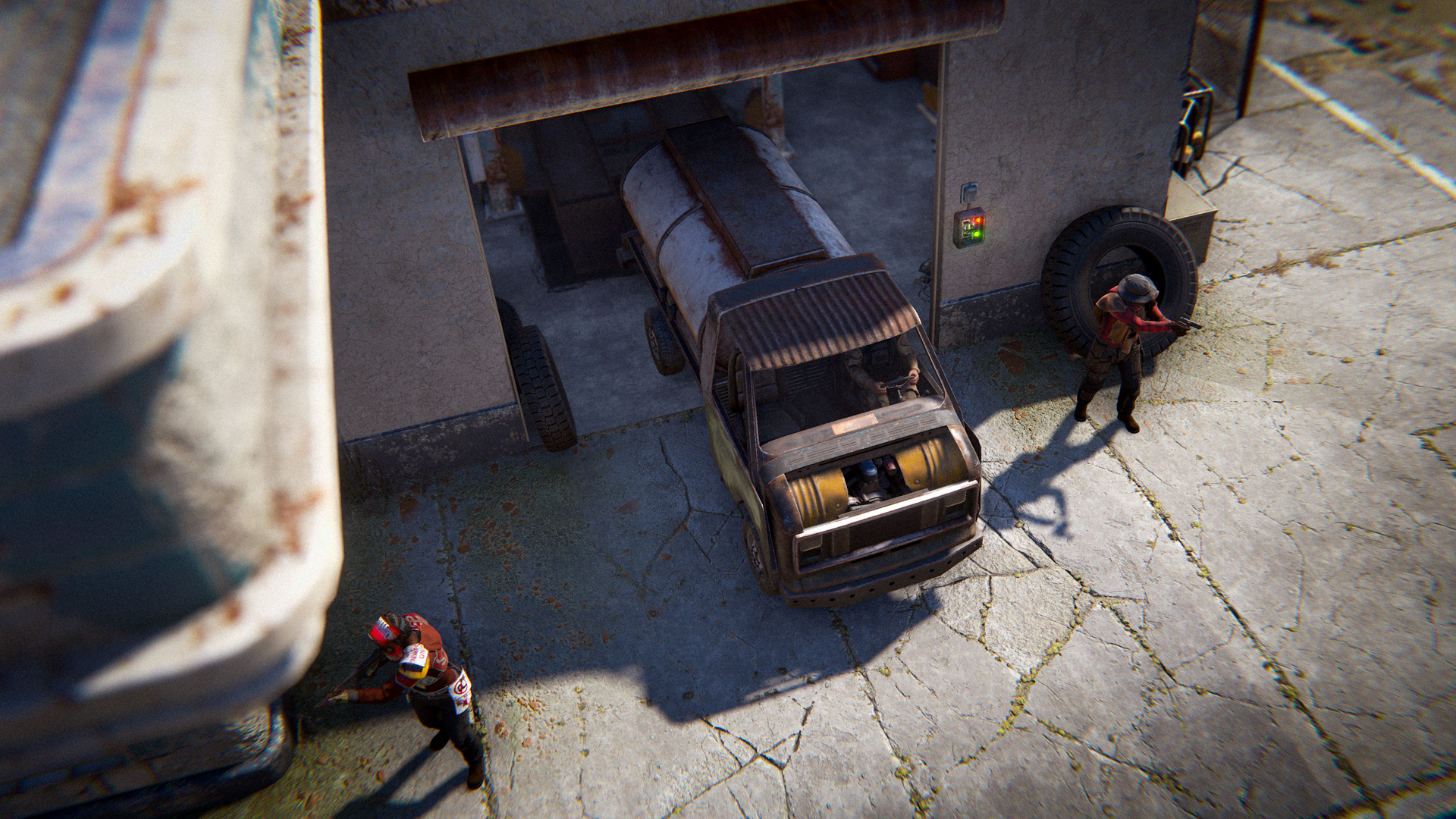
In Oxum's, the car garage has received a tune-up. When the power grid is active, or when the backup generator around the side is turned on, the garage will power up with some new features.
The garage door can be opened or closed with a switch on the outer wall, so long as that switch has power.

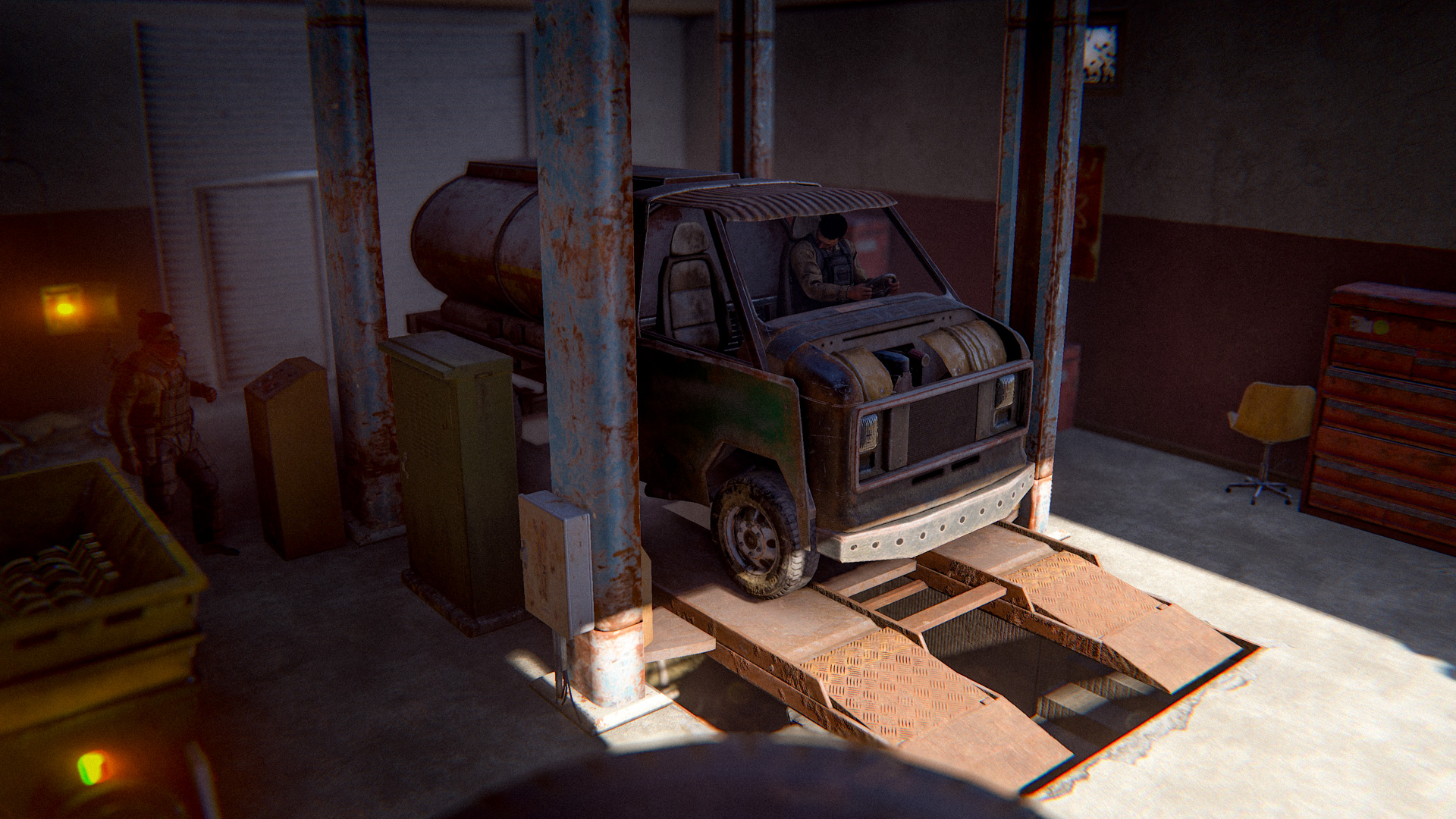
Inside the garage, the car lift will be operable and ready for business. Lower it down using the controls and drive a car on to start using it just like any other car lift. When you're done, raise the lift back up and head down into the cave for a chance at higher quality car part spawns!
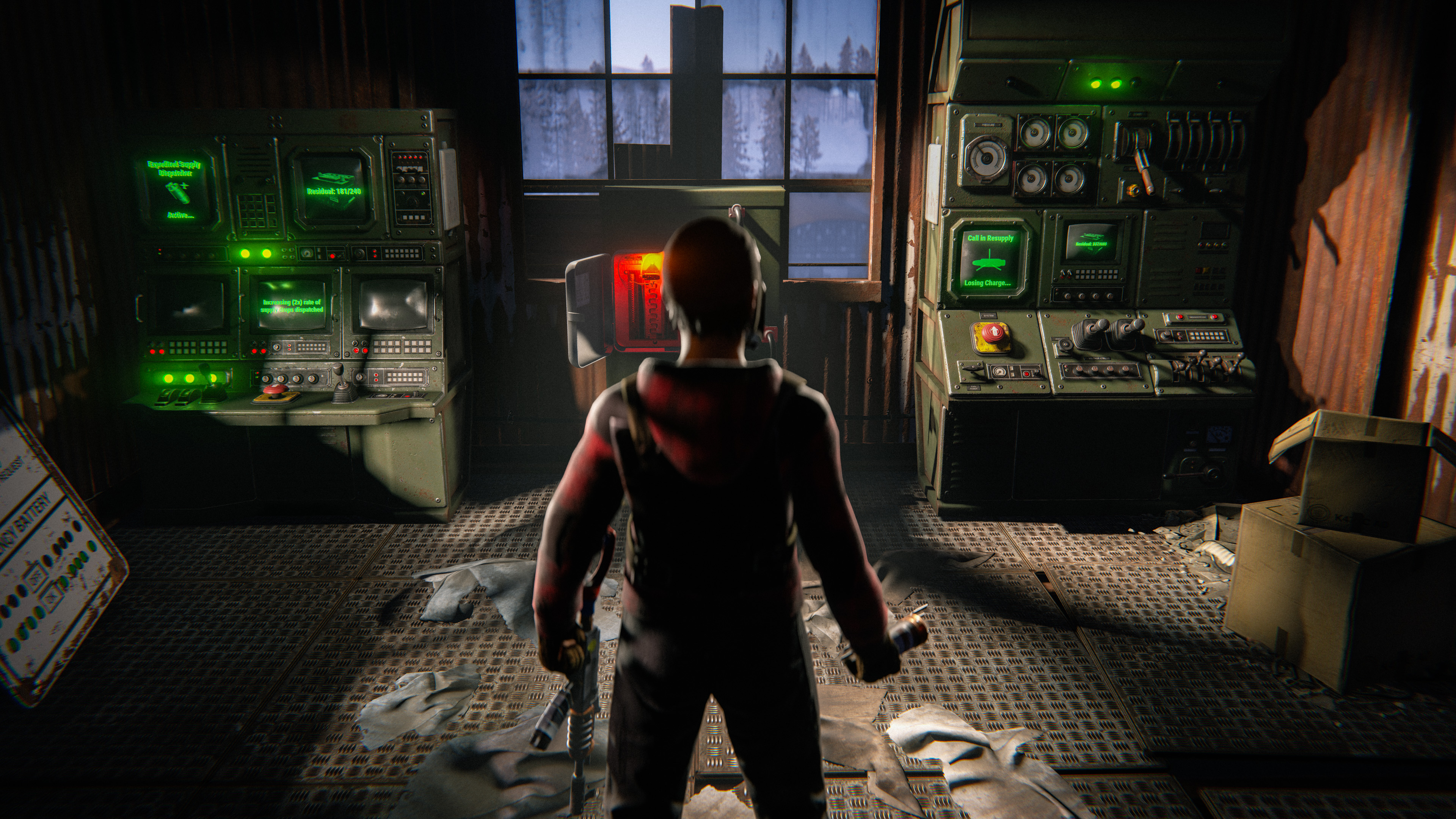
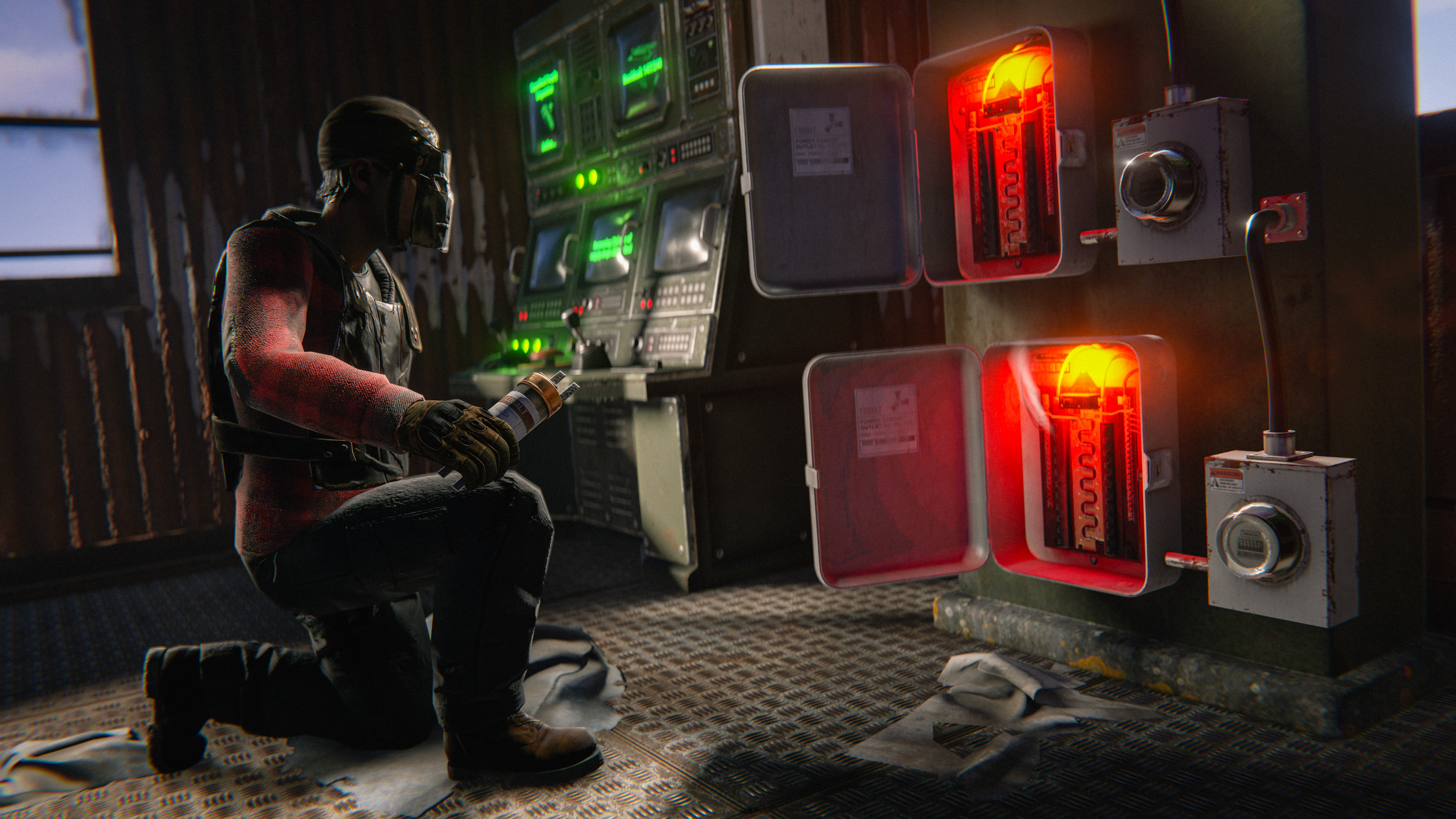
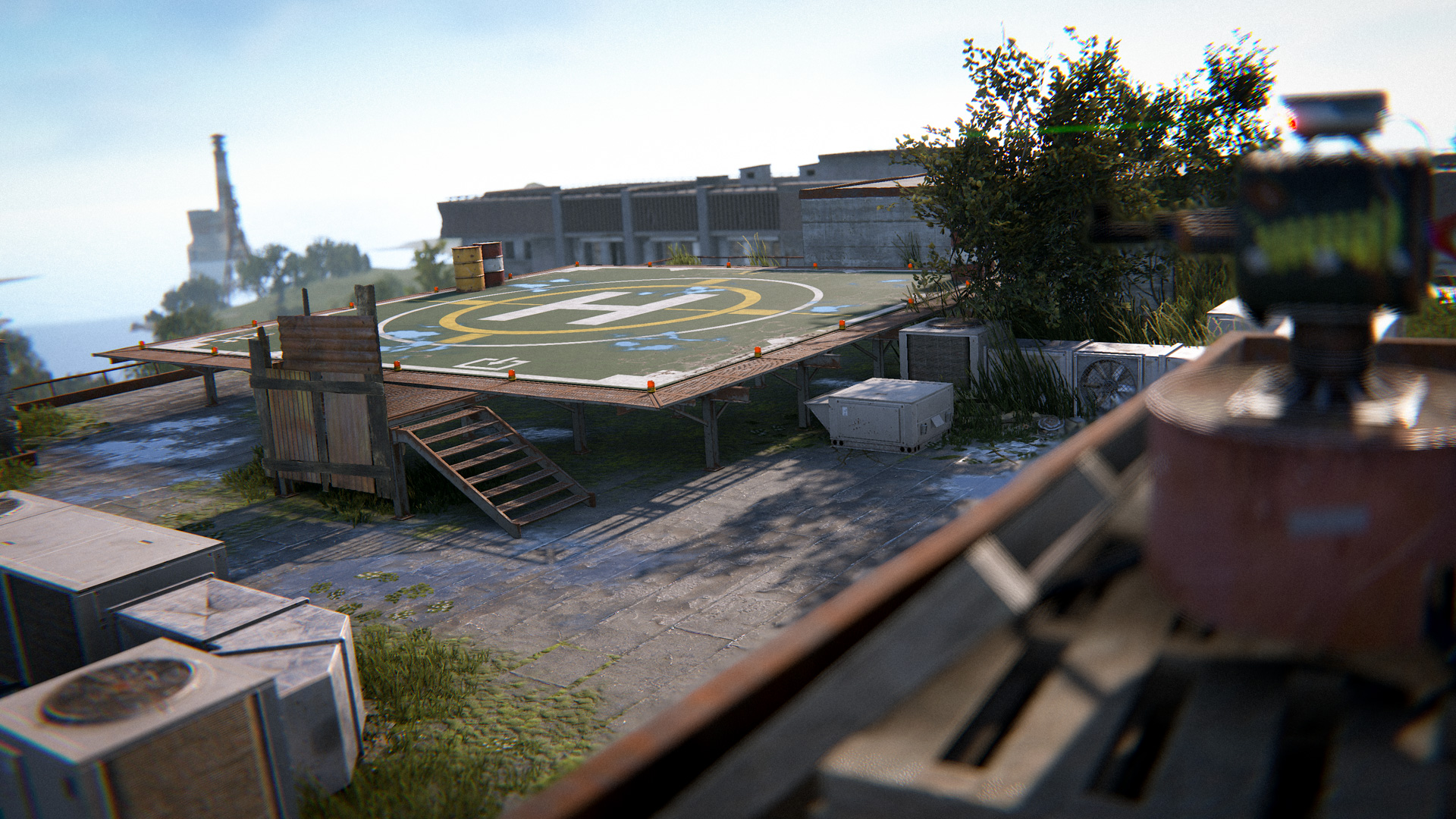
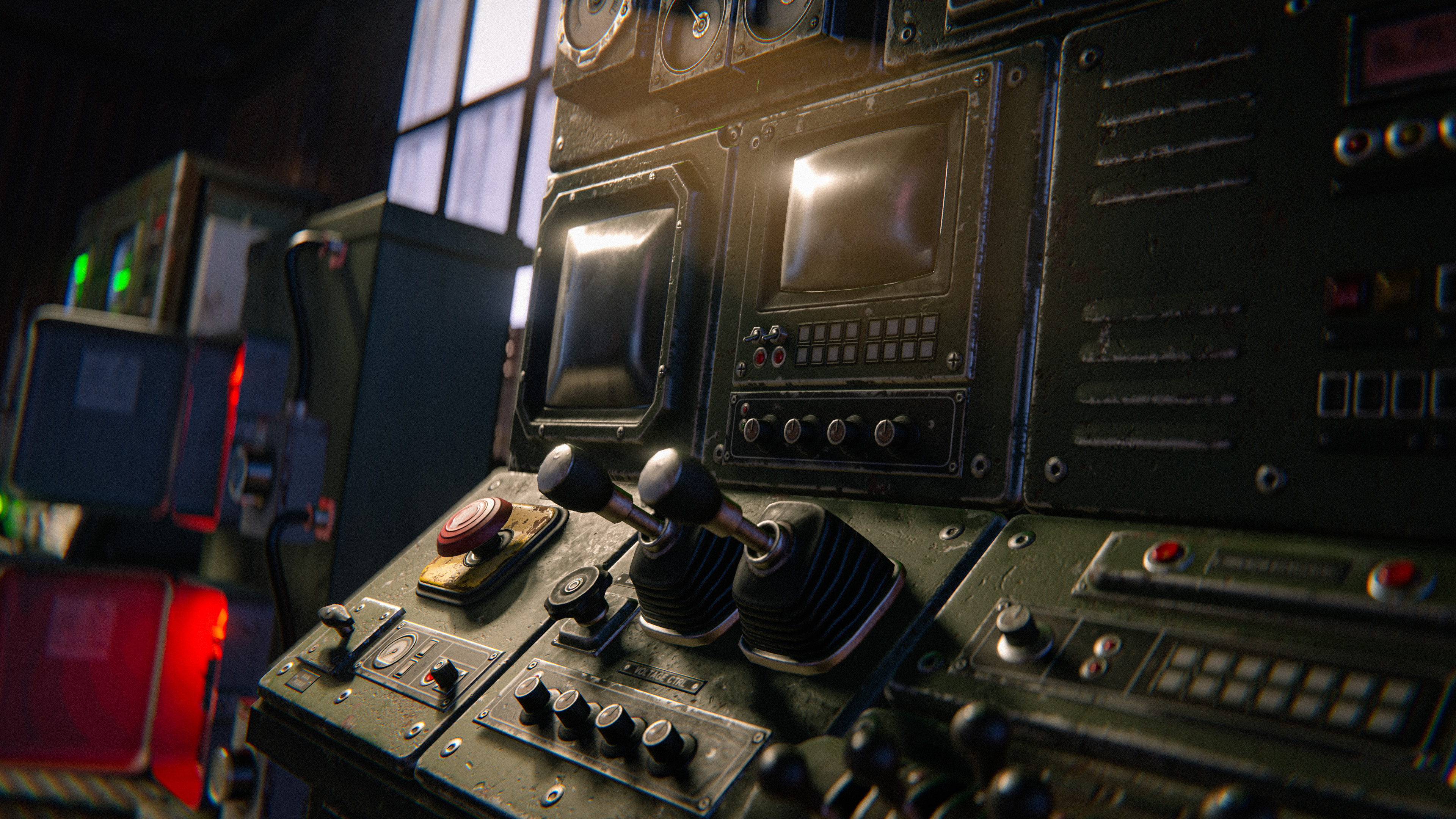
A newly refreshed control tower has hit the airfield. On the second floor, you'll find two new terminals that charge up from fuse boxes connected to the power grid. 
The smaller terminal will increase the rate at which air drops fall across the map when charged.

When the larger terminal is charged, a Chinook resupply crate can be called in to drop a crate near the airfield tarmac.

The terminals will slowly lose charge after they are activated. Once they've drained the residual charge completely, they will be available for use again.

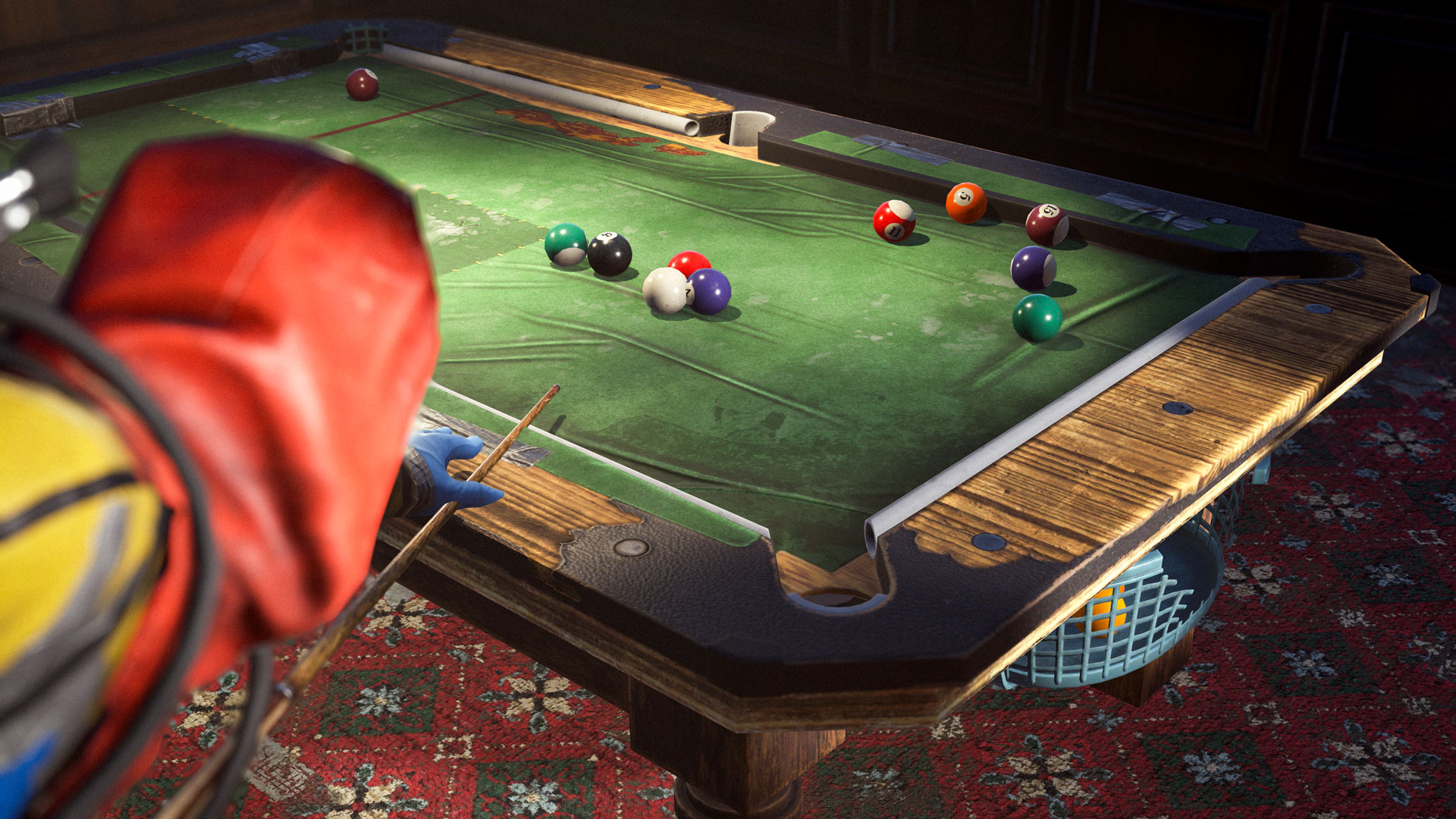
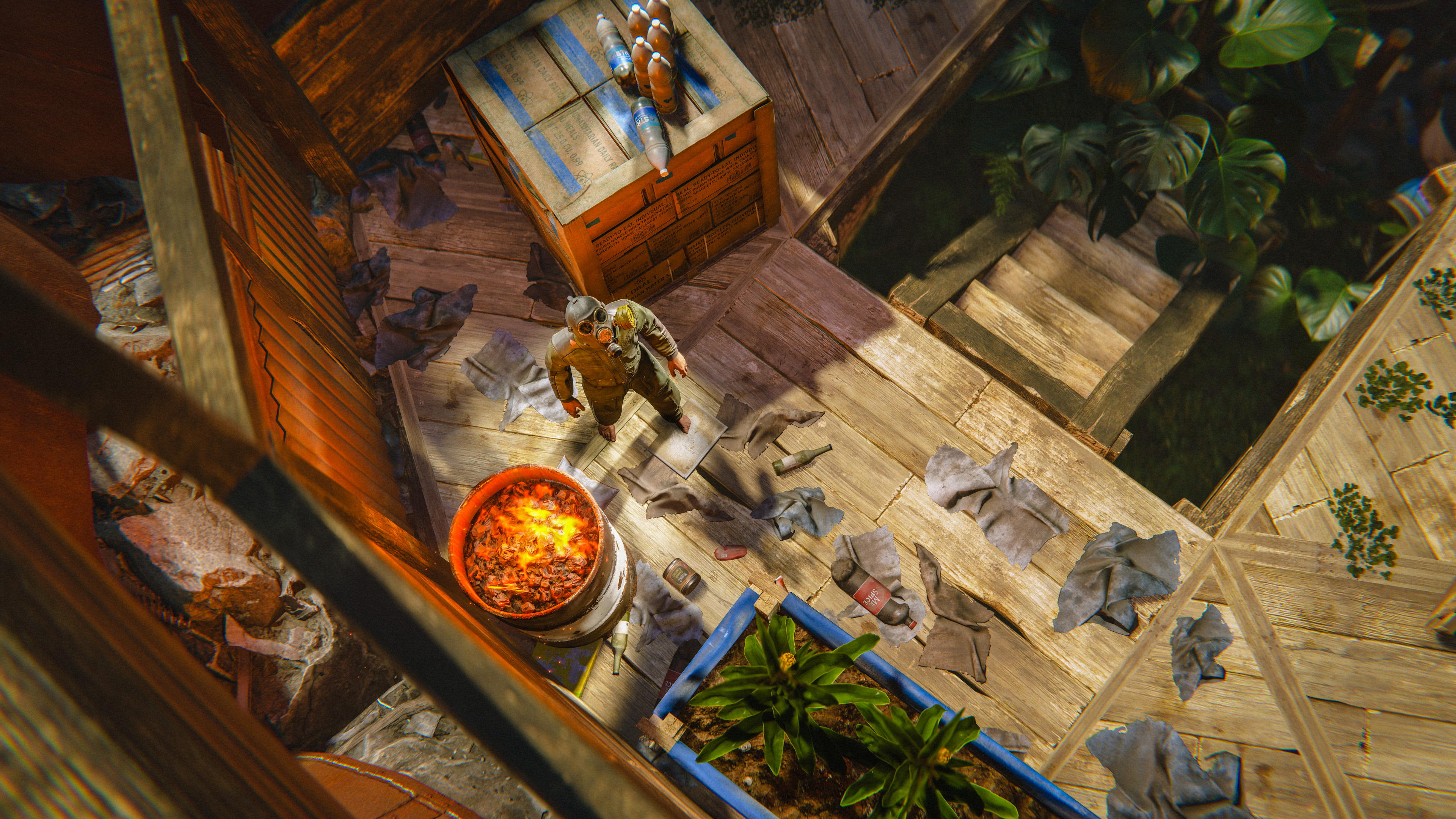
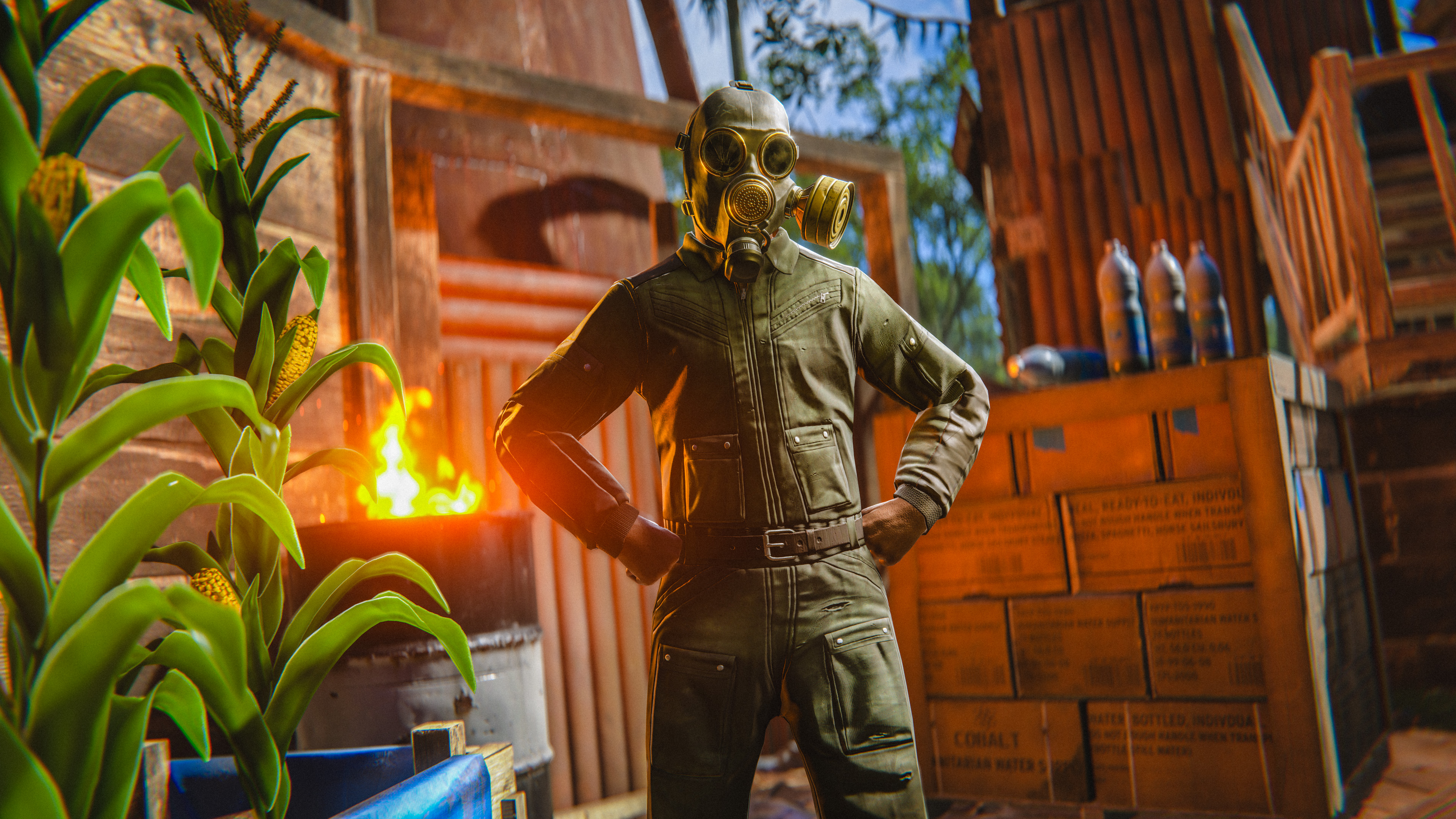
This month we’re serving up the Bar Games Pack. 
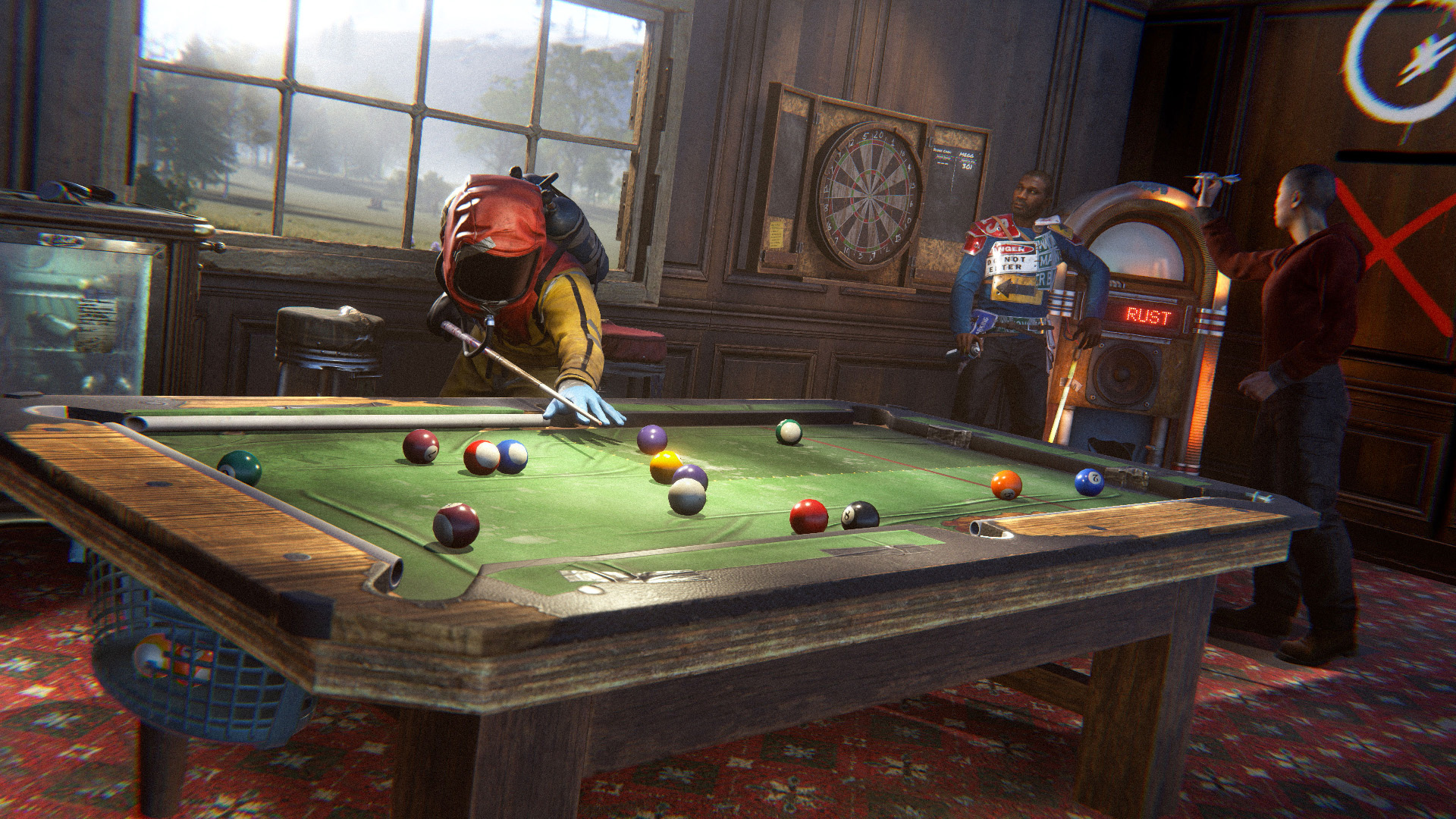
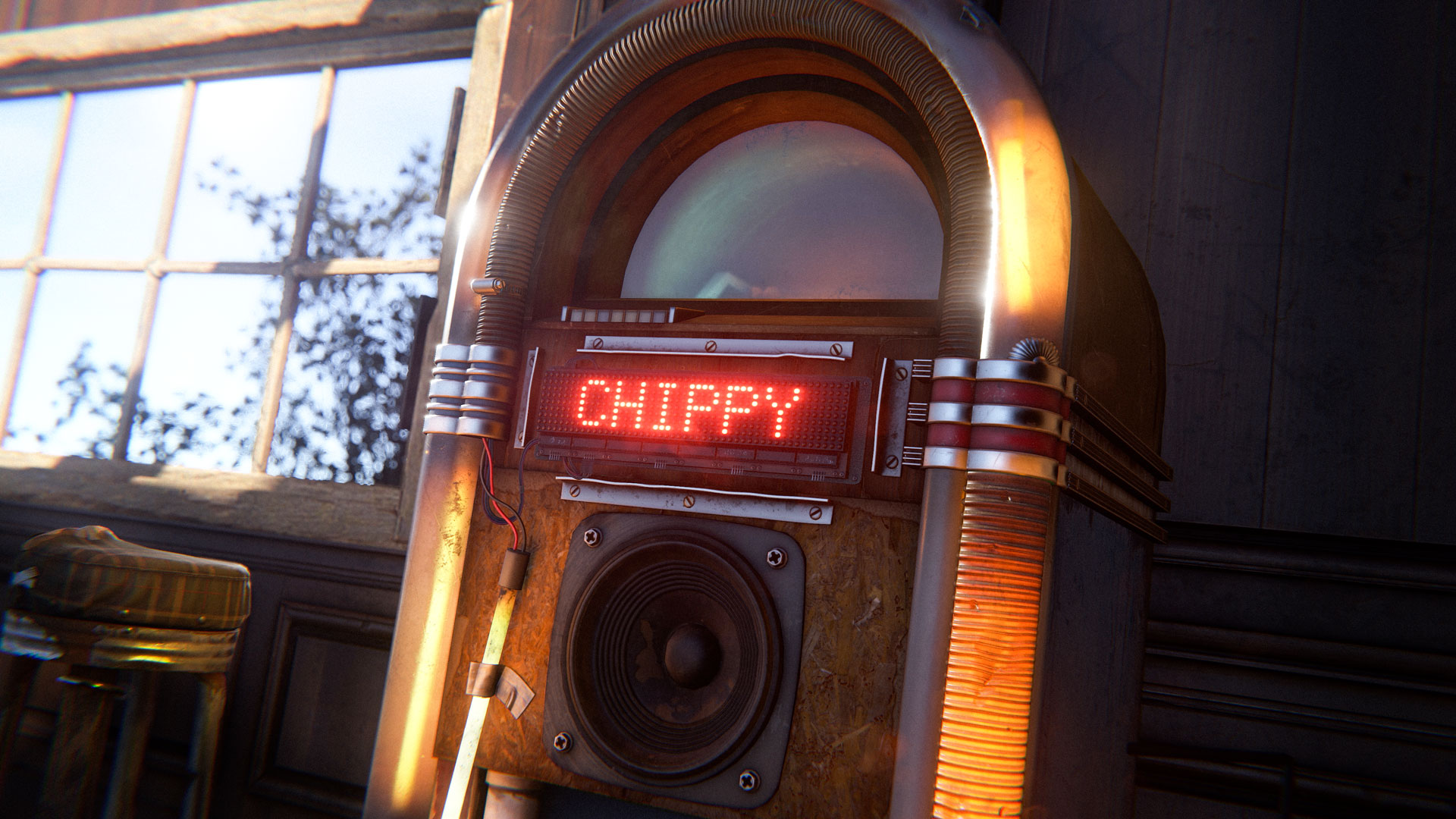
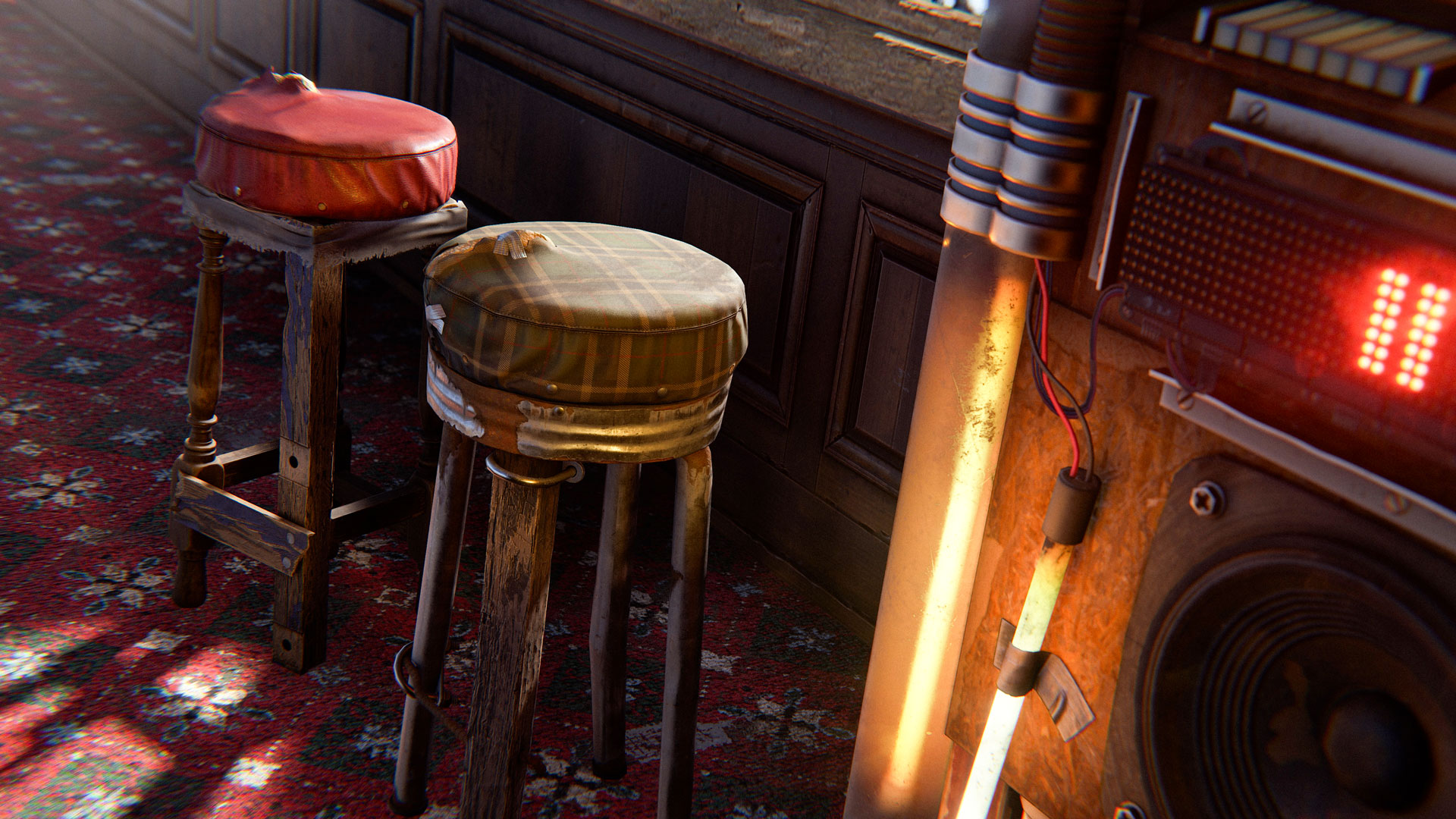
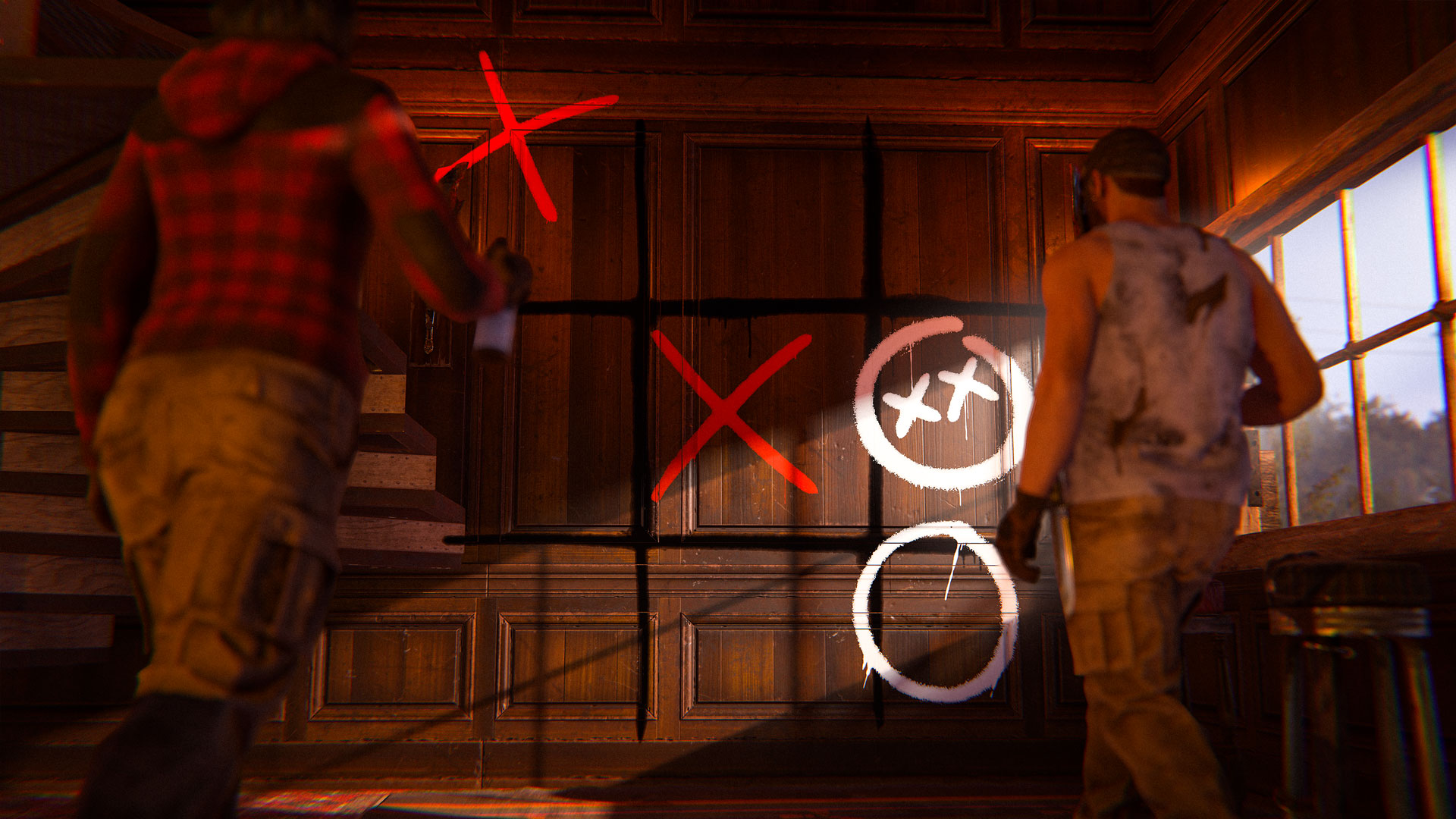
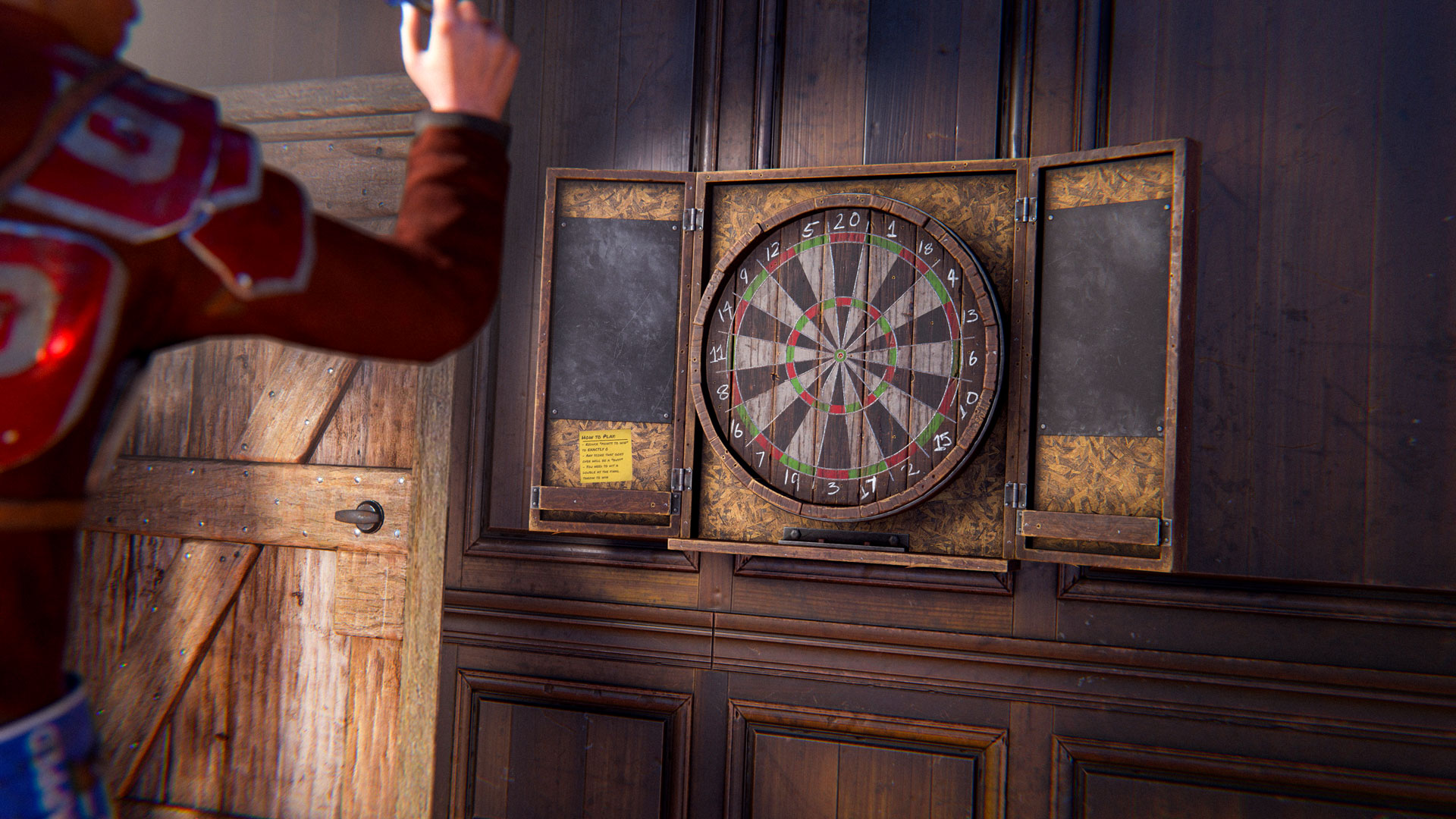
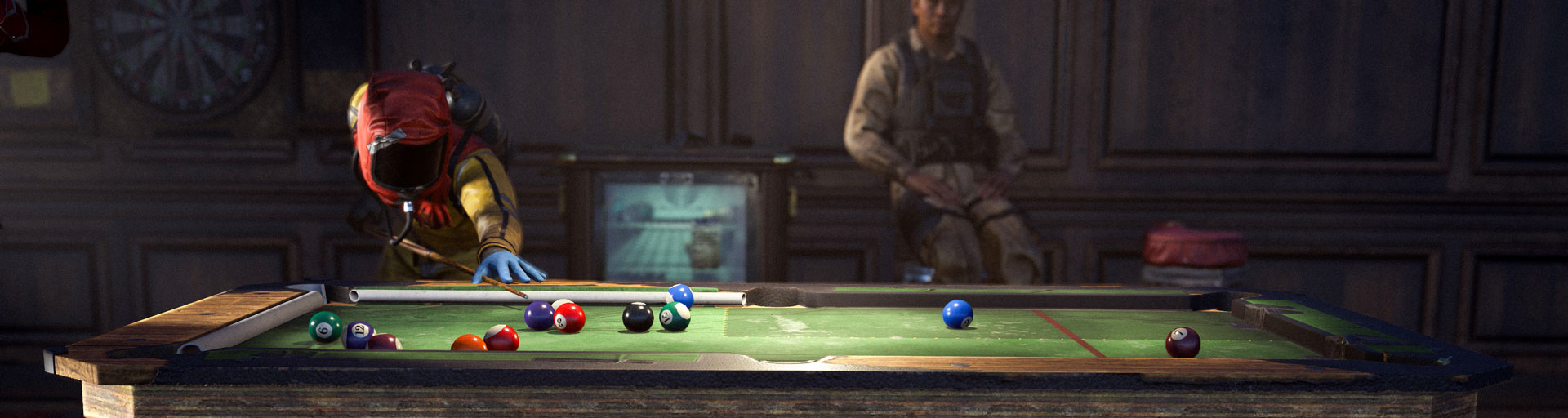
Get your buddies together and come on down to the Bar Games Pack. Featuring the unique and complex mini-games Pool and Darts, and a range of bar game-themed items to turn any base into the hottest joint in town. 

Both the Pool Table and the Dart board are self-contained mini-games for both solo and multiplayer fun. Deploy them in your base, interact and play them in real-time, setting your score for others to beat. 

The Pool Table allows one/two players to have a classic game of pool! It can be placed down as a normal deployable. Players will then walk around the table, jump on to get ready to hit the cue ball and pick their desired power amount before flicking their mouse up to shoot. Standard pool rules apply!

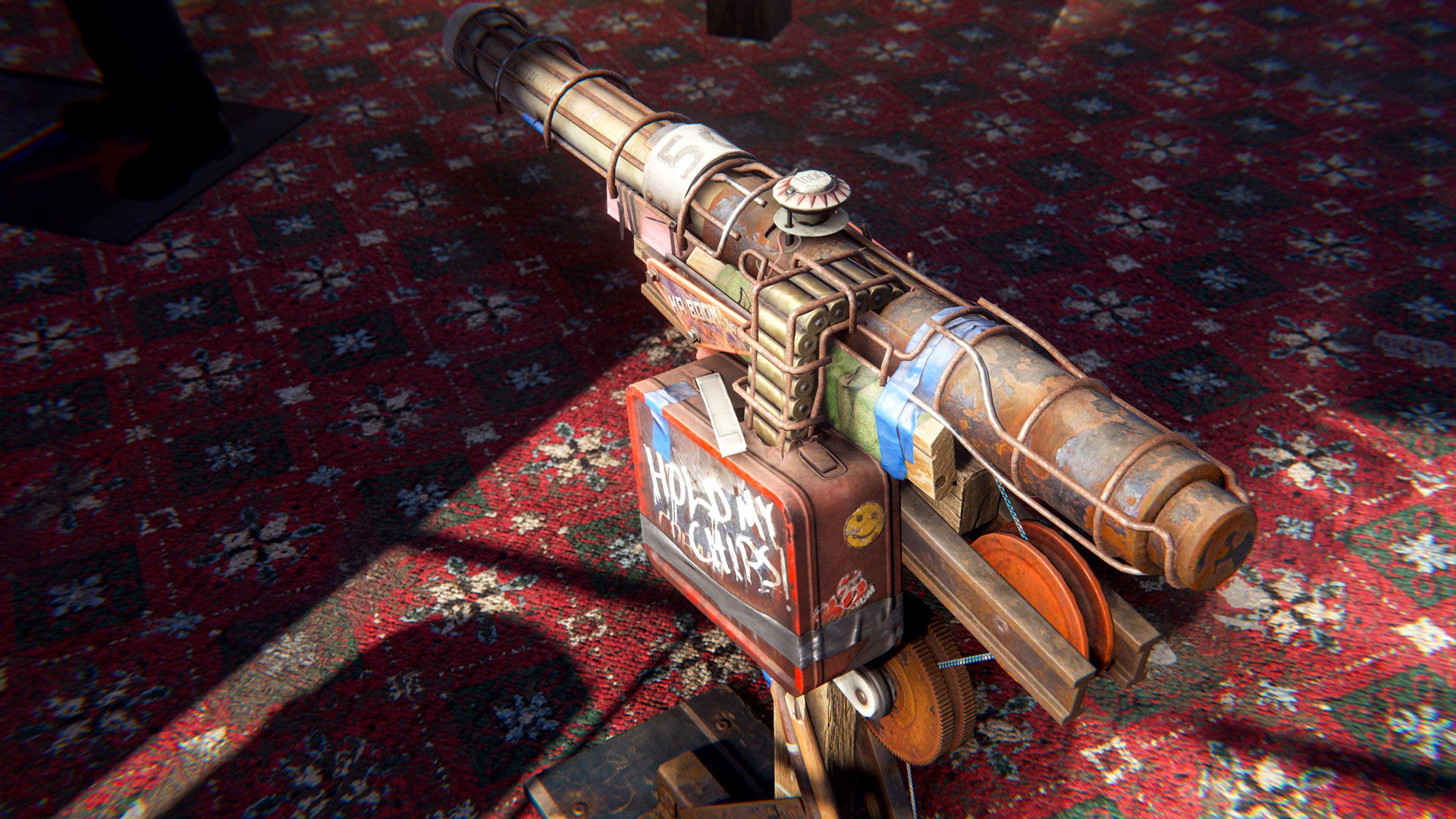
Other items include an interactive Juke Box deployable, skins for the Mini Fridge and Shotgun Trap, unique bar stools seating, and themed wallpapers and sprays. 
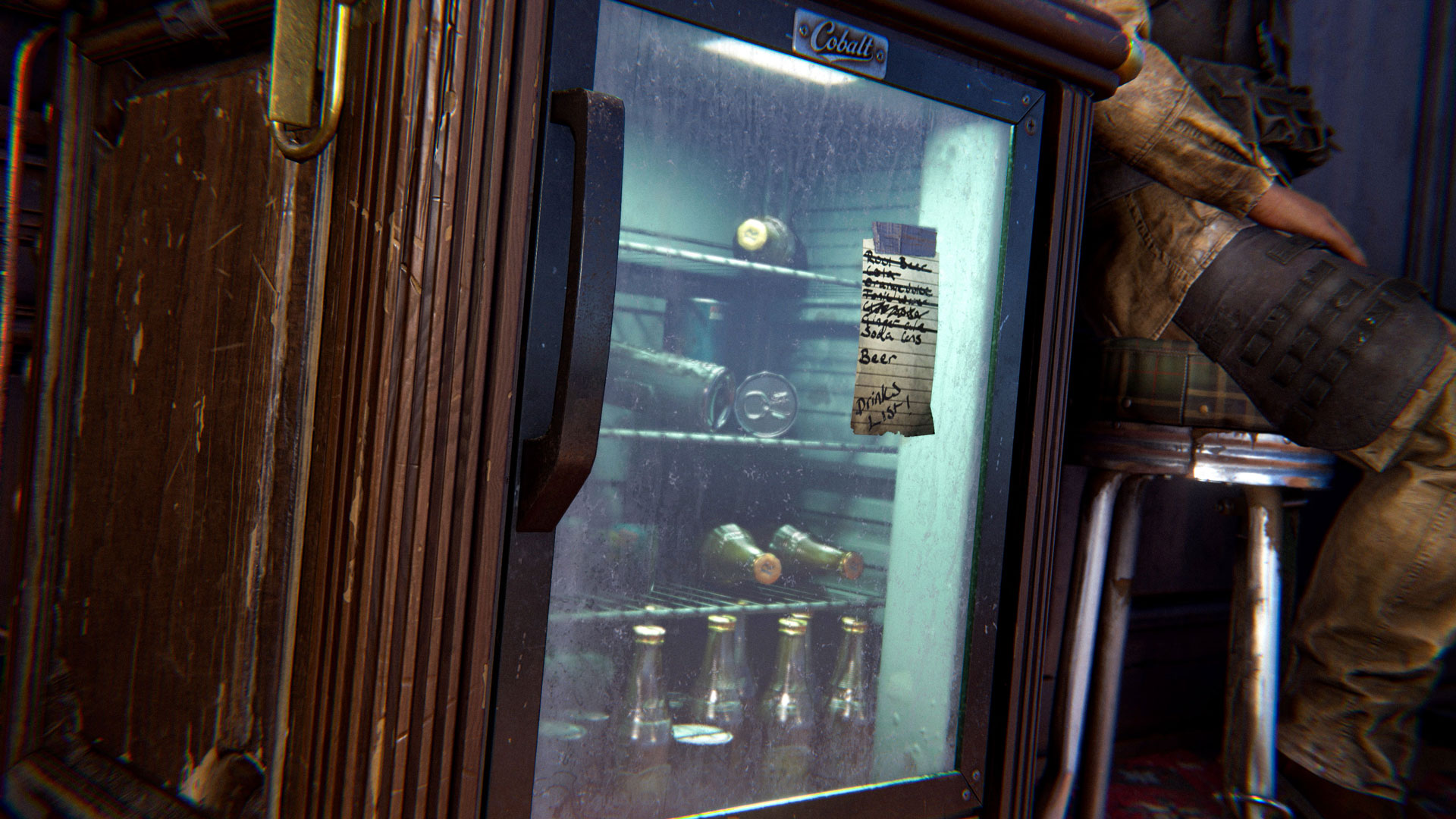
The Bar Games Pack can be purchased in-game or from the Rust Steam item store.

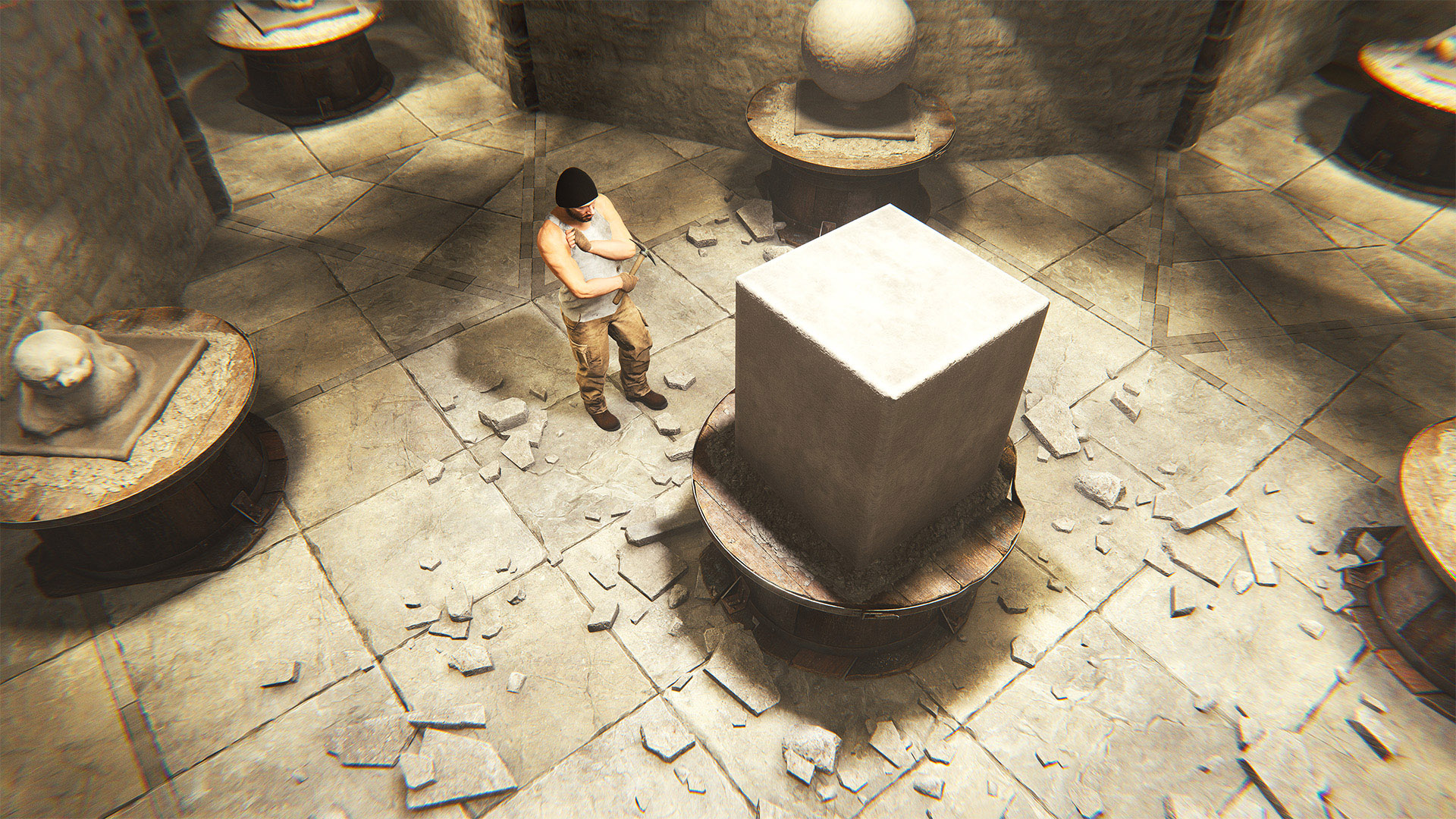
On the pedestal these words appear: 

“My name is Oxidemandias, king of grubs:

Look on my works, ye Mighty and despair!”
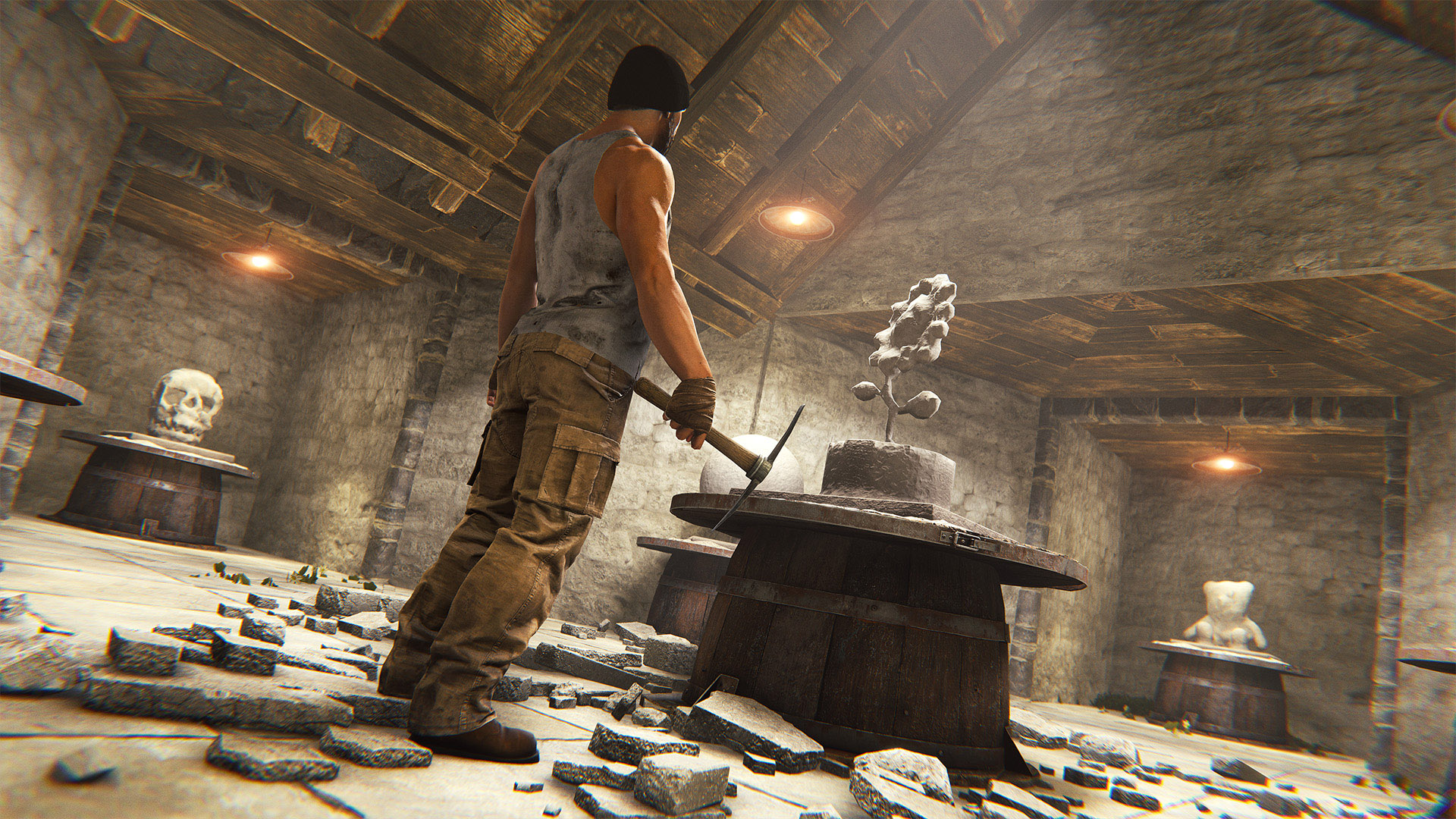
Leave a lasting legacy with the Stone Sculpture. This interactive deployable lets you carve away at stone until you create the shape of your heart’s desire. Or just sculpt your favourite appendage. Either is a surefire way to stand proud.


The Stone Sculpture can be purchased in-game or from the Rust Steam item store.
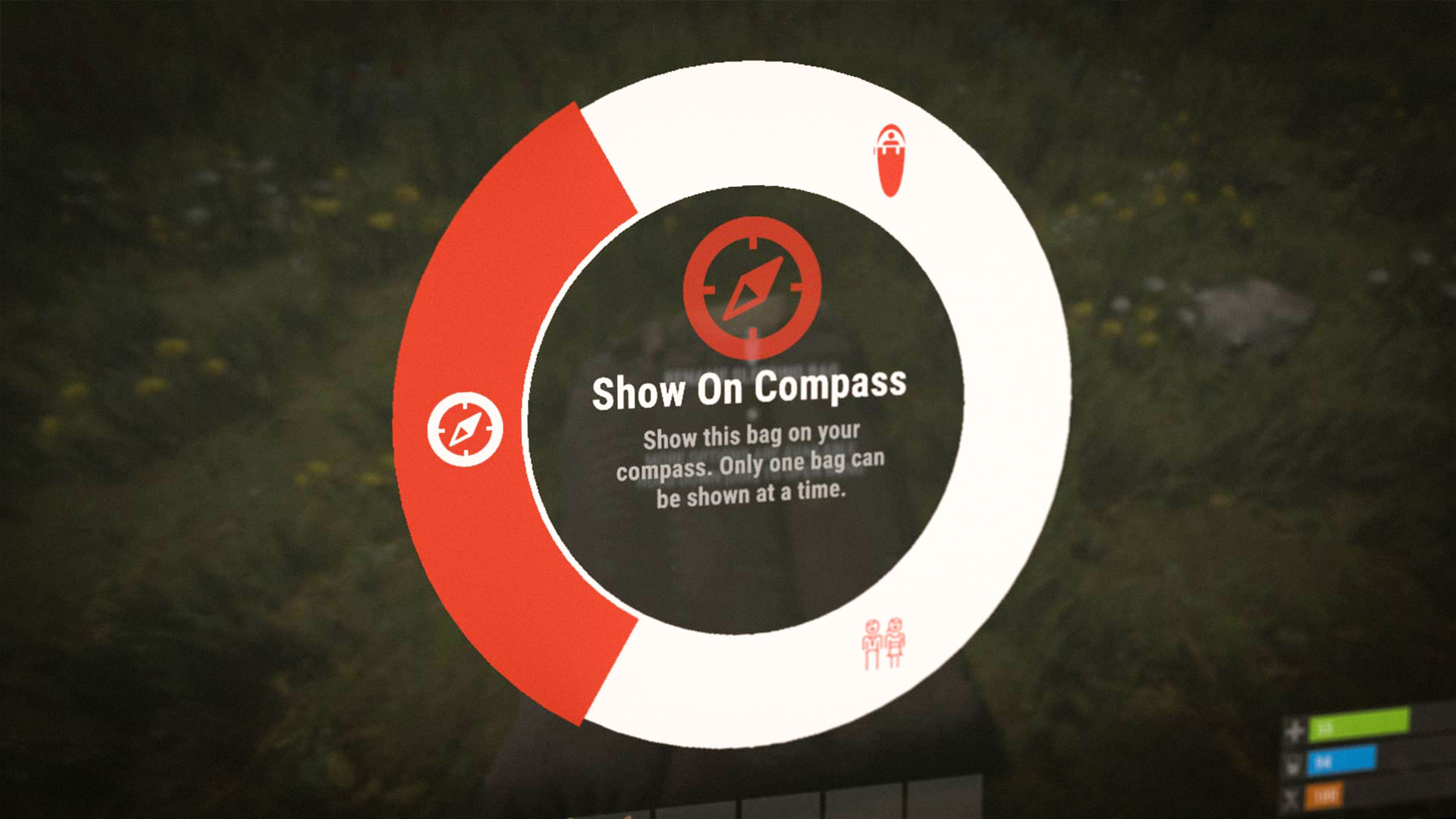
You can now toggle a respawn option (bag/bed/etc) to display on the compass. Only one can be marked at once, and you need to interact with the bag directly to enable it. The thinking is that this will free up the standard "home" map marker.
You can also now Favourite bags on the death screen, these bags will appear first in the respawn list.

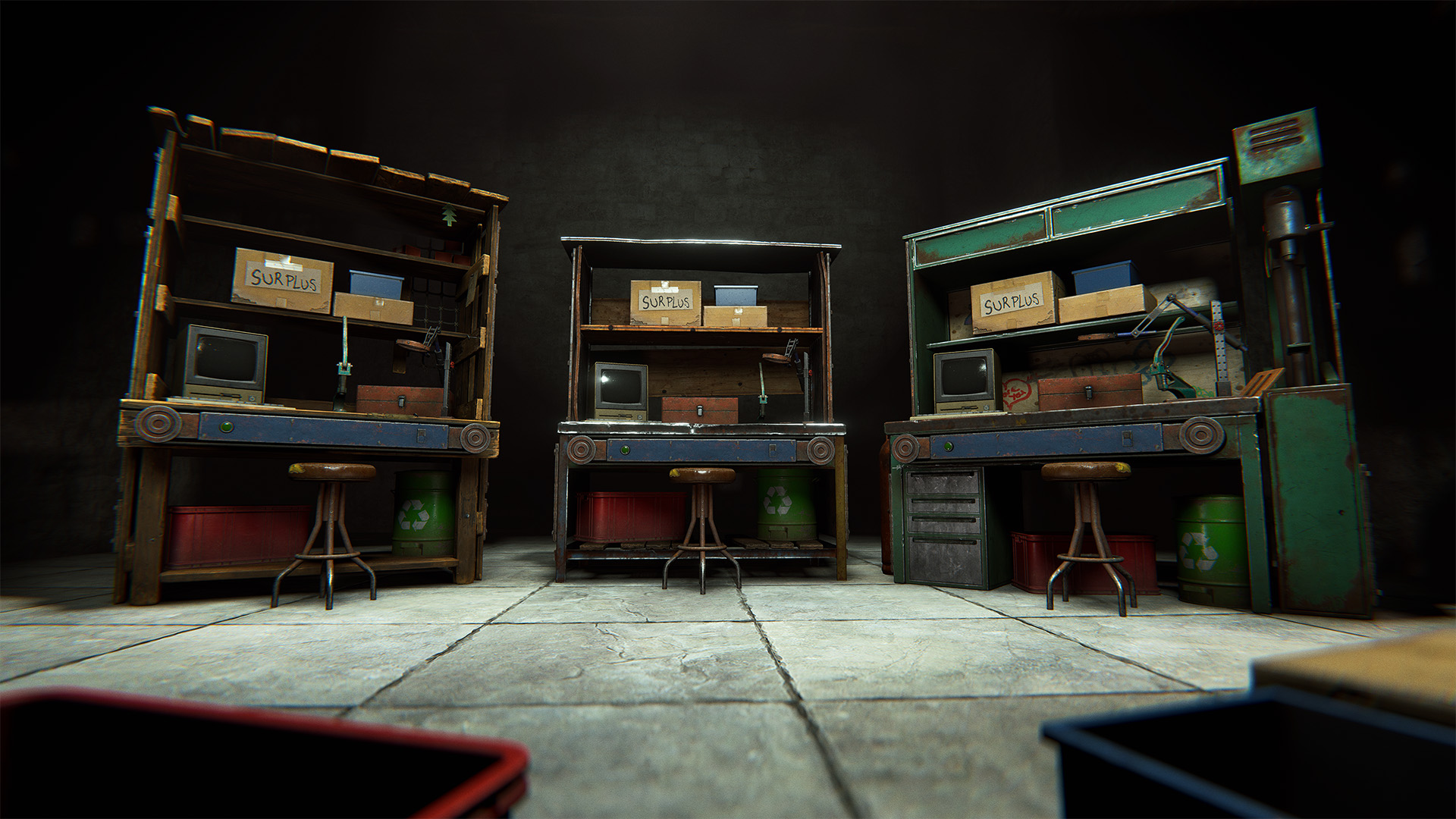
The Recycle Bin workbench upgrade got an upgrade of its own!

It now has its own inventory, which can be accessed by interacting with the bin itself.
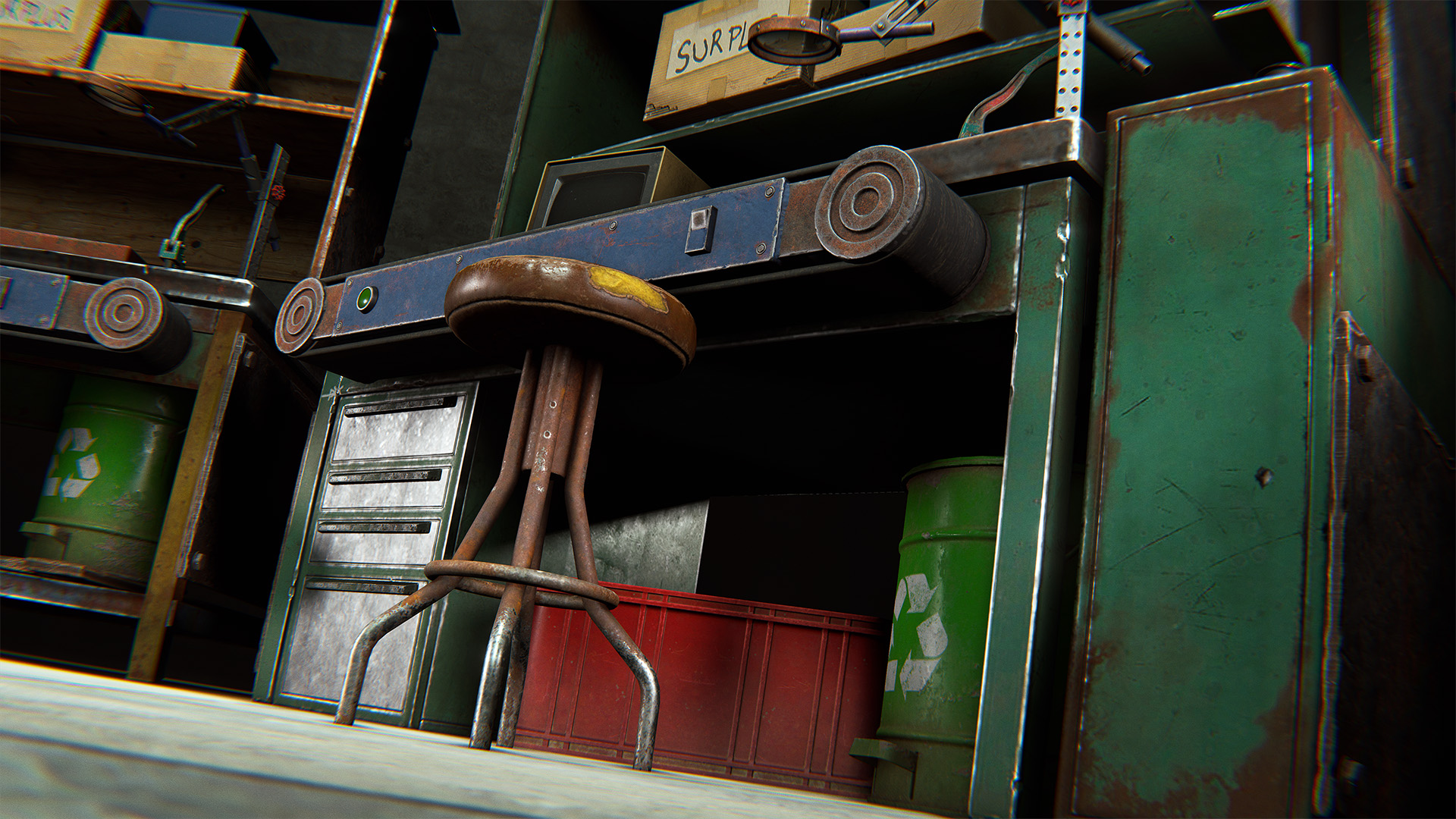
All bonus items returned by the Recycle Bin upgrade now go directly into this new inventory, ready for you to collect at your convenience!

It's take-only though, so you can't fill it with loot yourself.
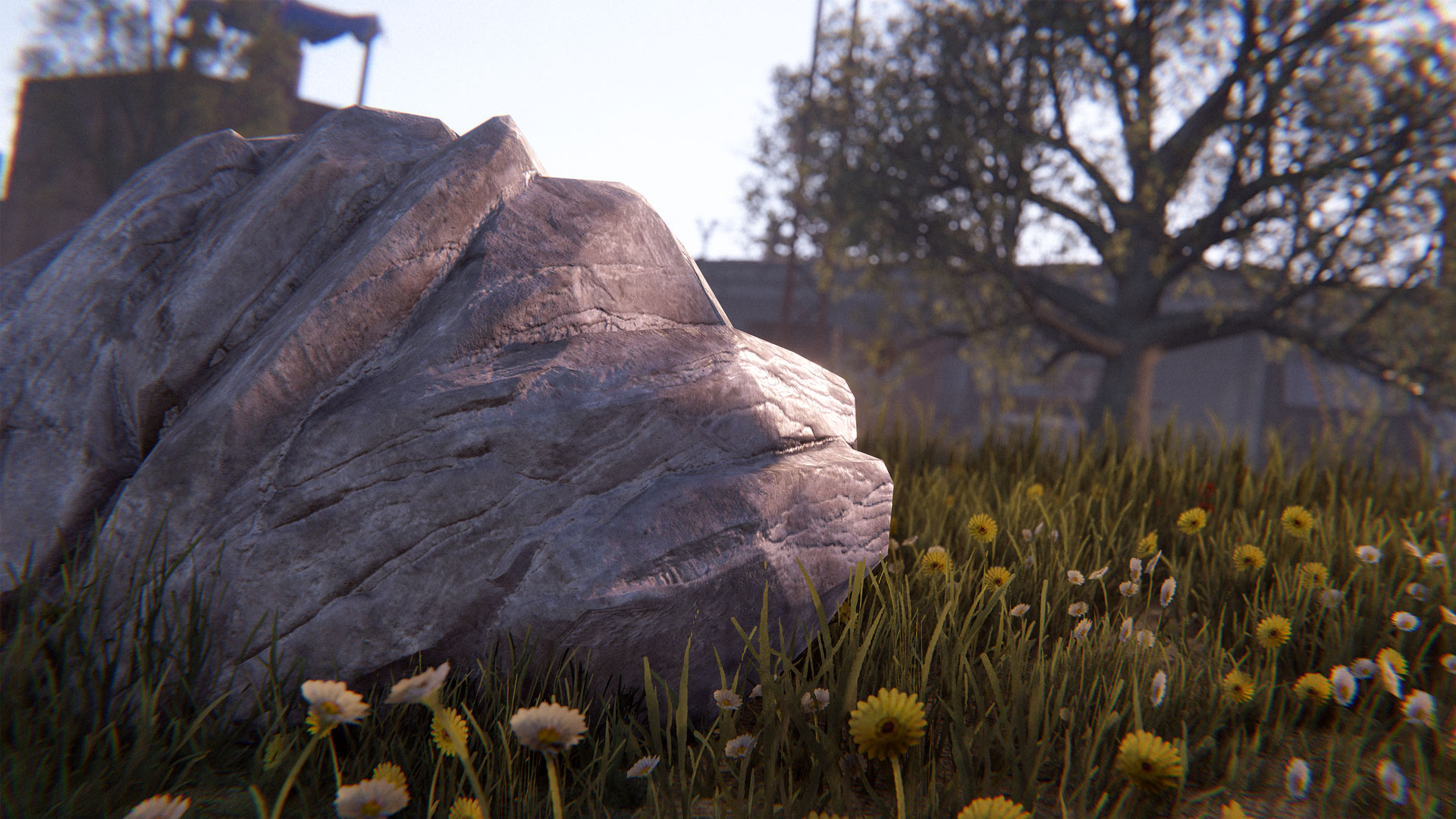
Ore nodes and woodpiles can no longer spawn in safe zones. 

As they could only be harvested using a rock, they tended to pile up and eventually drained the global spawn population, preventing new nodes from appearing elsewhere on the map.
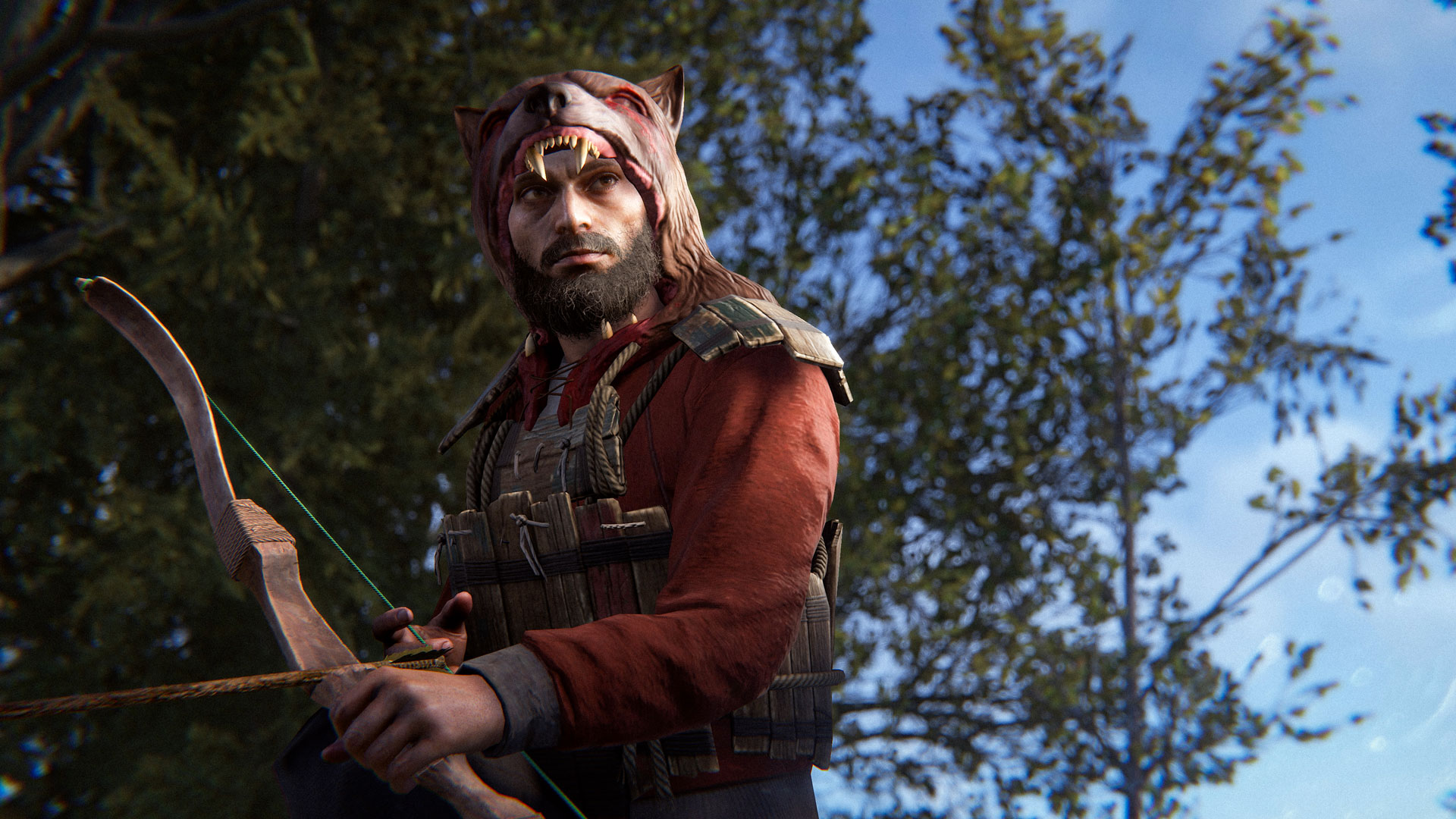
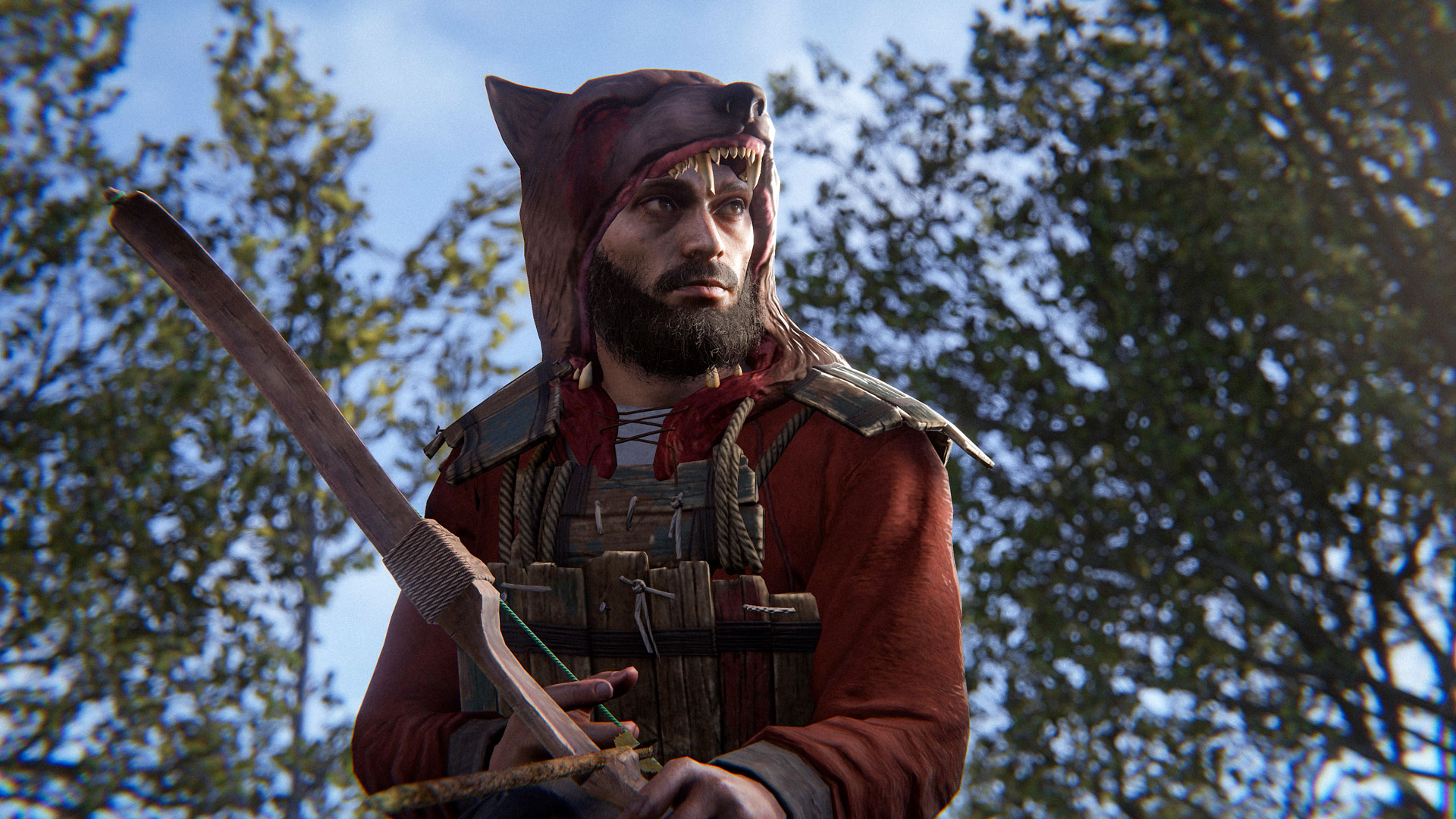
The Wolf Headdress has always been a strong option early and mid wipe, providing good head protection and the ability to be combined with a bandana. To give other helmets a chance as a viable alternative in early bow fights, we have decided to lock its crafting behind needing a Tier 1 workbench.

Also, a quality of life improvement is coming to the lunar new year animal masks. These have always had the same stats as the Wolf Headdress, and have now been set up as skins, allowing you to freely re-skin between all of the variants, and avoiding clutter in the crafting menu.
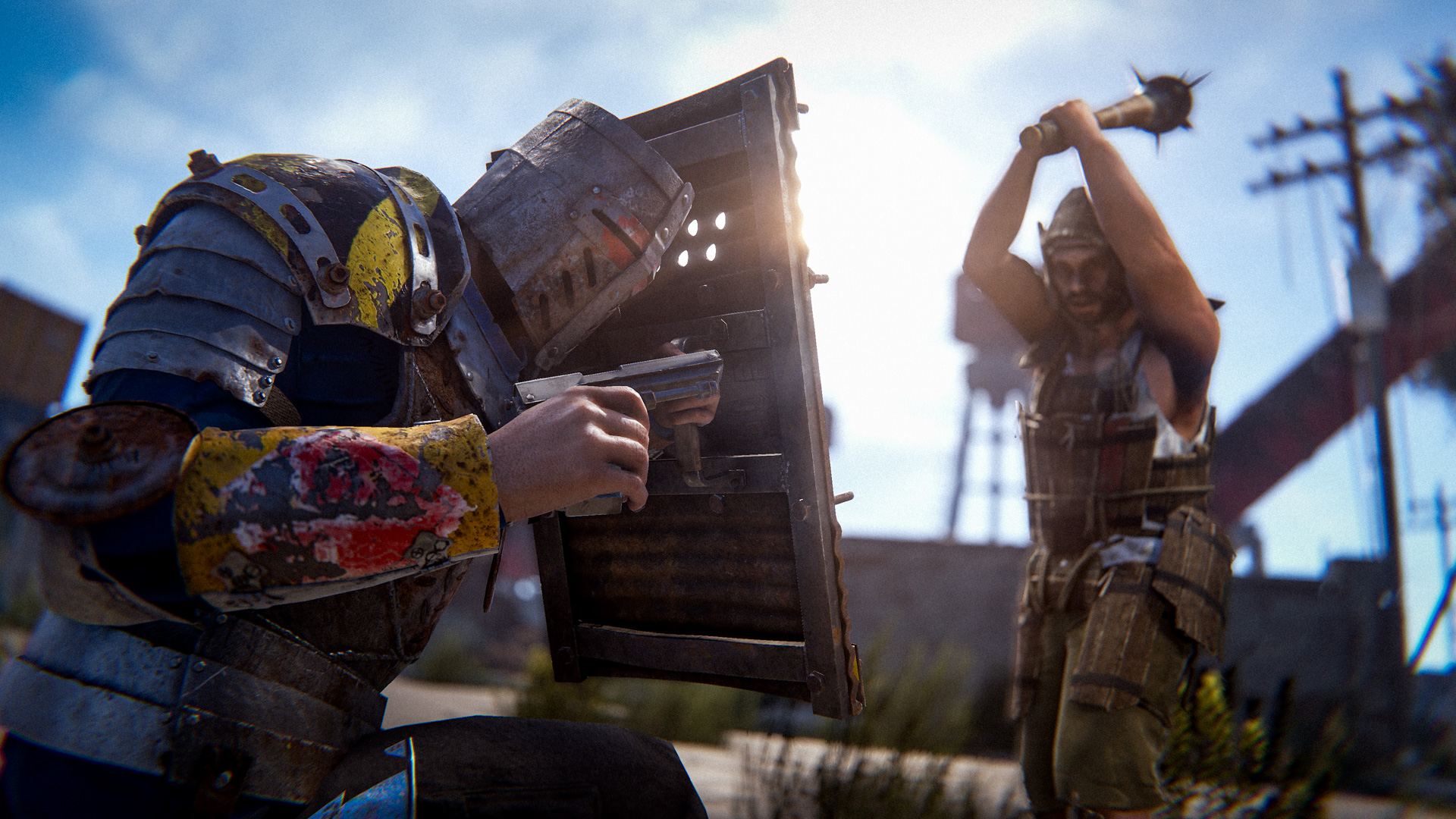
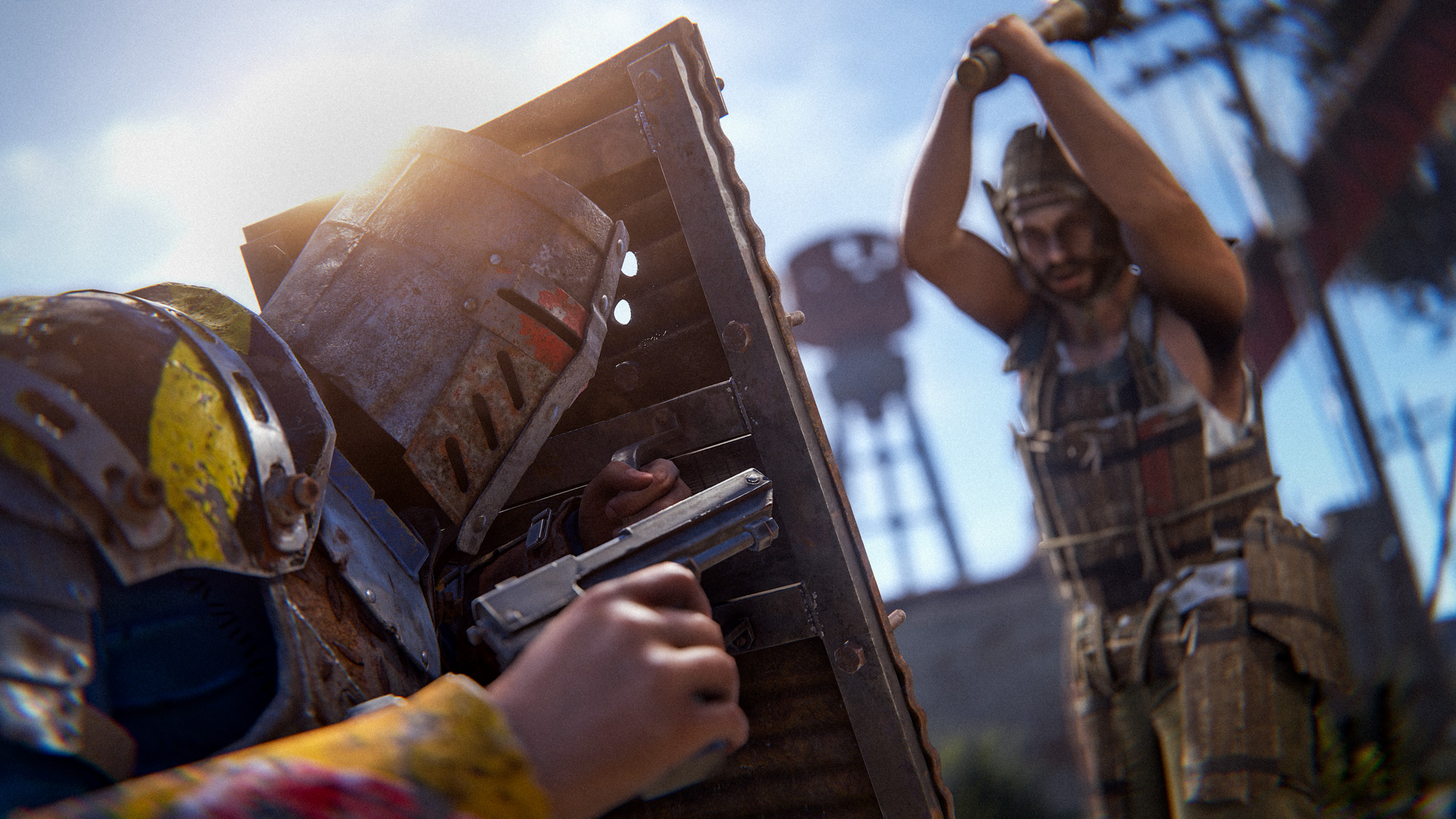
You can now swap between having the shield on your back and aiming down sights vs. having it to the side and blocking with it. 

To do so, go to your settings panel and set up the bind. Once you have it set, you can switch between the two stances every couple of seconds.

 
We added a cooldown to the stance switching to prevent players from spamming it - it'd lead to more randomness in gun fights rather than players strategically sticking to one stance. 
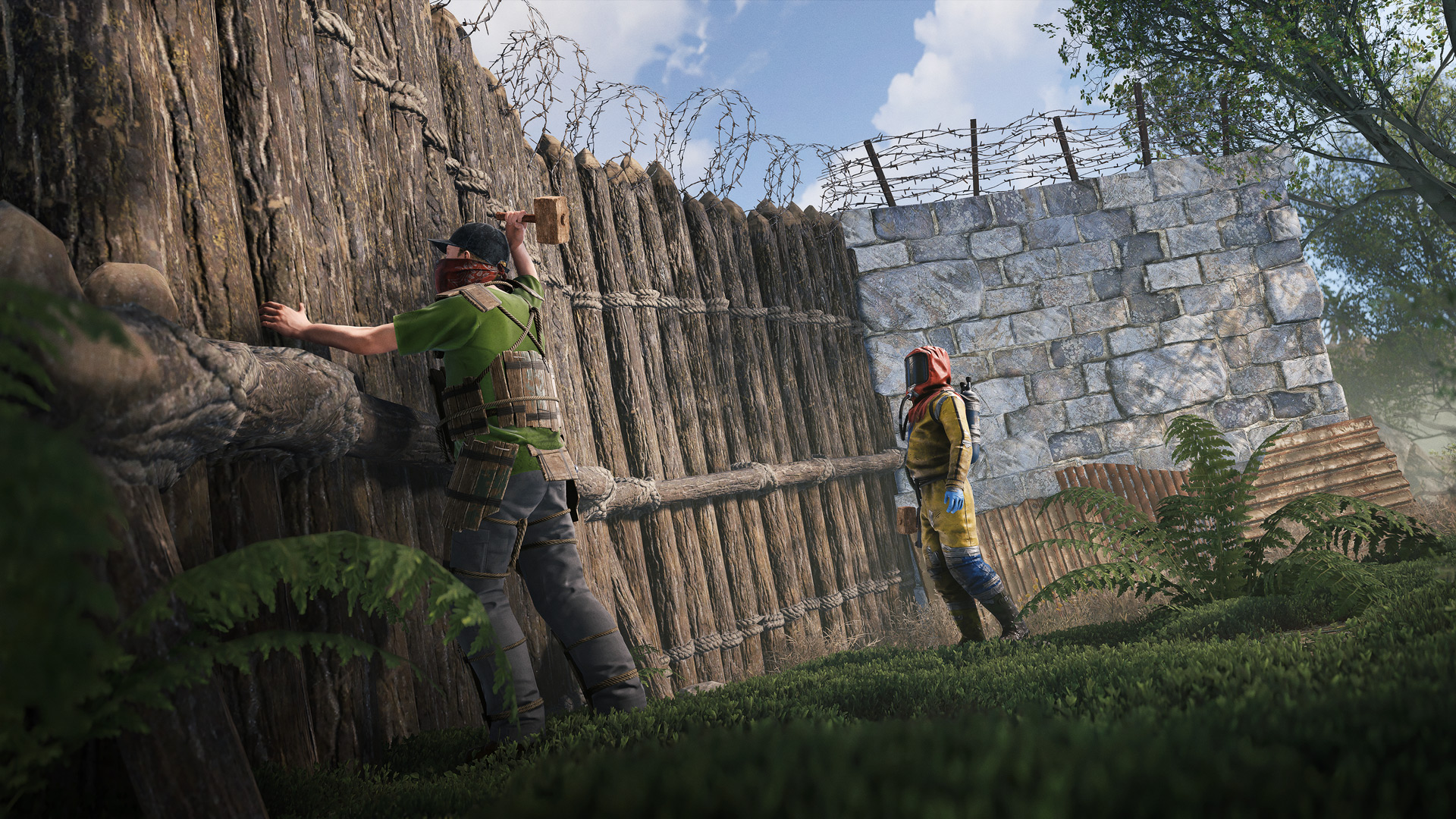
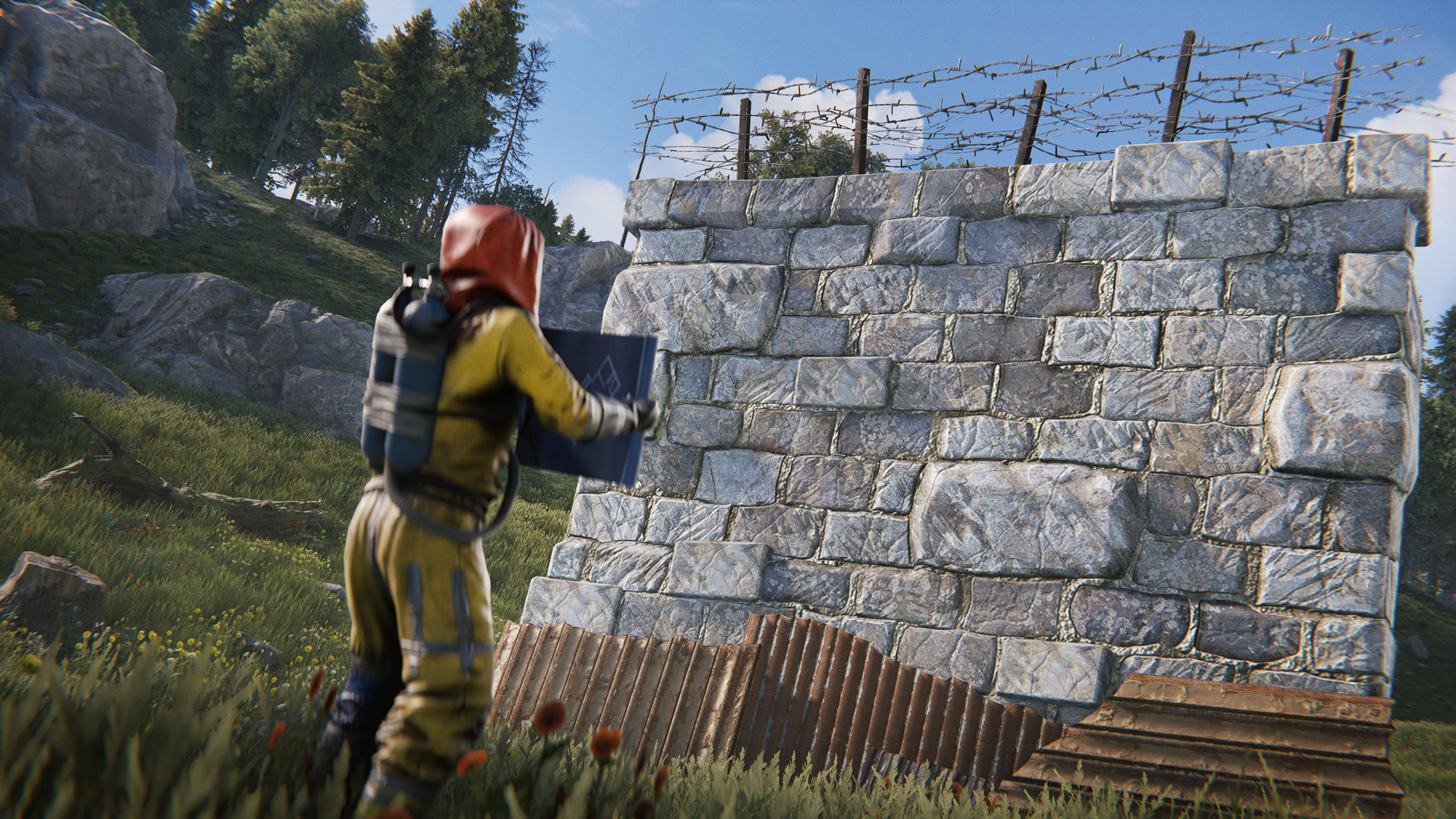
Players have found ways to claim large areas of the map by spamming deployables as long as the game has been alive, whether it's been pillars, TCs or high walls. Changes in the past have helped address this, such as upkeep and adding a sheet metal crafting cost to high stone walls. This is another step forward to reducing the effectiveness of blocking access to large areas of the map.

High walls now have a static upkeep cost of 20%. This brings them in the middle of building blocks (10% -> 33%) to keep them the intended way to make compounds while discouraging spamming them.

This makes it more expensive and a hassle to come up with enough upkeep for external TCs if you don't want to keep refilling them. It should also help clear up old compounds after a base is raided.
Water wells are a great stepping stone into the world of farming by allowing you to get a taste of tea buffs and high level tools. However, over time (and especially with the extra influx of scrap from the blueprint update), more and more players started using it as an alternative to farming. In the most extreme example, you could buy 10x jackhammers and 10x advanced teas a few hours into wipe, leading to much faster progression than intended.
To return to its intended function, we kept the prices the same but reduced the stock that each water well vendor has.
  • Stock lowered from 10 -> 2
  • Restock time increased from 2m -> 10m

This should allow you to use it as a quick boost without it becoming an alternative to the intended farming progression of setting up farms and cloning plants.
This is a "relatively minor bug" but it needed a dedicated section in the blog to explain it properly.

In Rust's inventory system, when holding ALT, it will try to move the item "onto your player".

Examples:
  • move into backpack before main inventory
  • wear clothing instead of dumping in chest
  • move from backpack to main inventory instead of dumping in chest
  • equip clothing instead of putting into main inventory
The bug was "hover looting a body bag corpse would do nothing if it needed to swap clothing". When nothing happened, you would try to hover loot again... and it still wouldn't work. Next, you would panic and try to manually swap the items.. which still wouldn't work. So finally, in the middle of the fight you would start unequipping your current armour just to be able to equip the armour off the body bag.

This is fixed so it works intuitively. It will now allow you to swap clothing despite the inventory being locked and put the clothing you are taking off into your main inventory. There is also special handling so if your inventory is completely full, it will move the clothing you are taking off into the body bag you are looting. 

This should reduce frustration when looting clothing from corpses in big fights and raids.
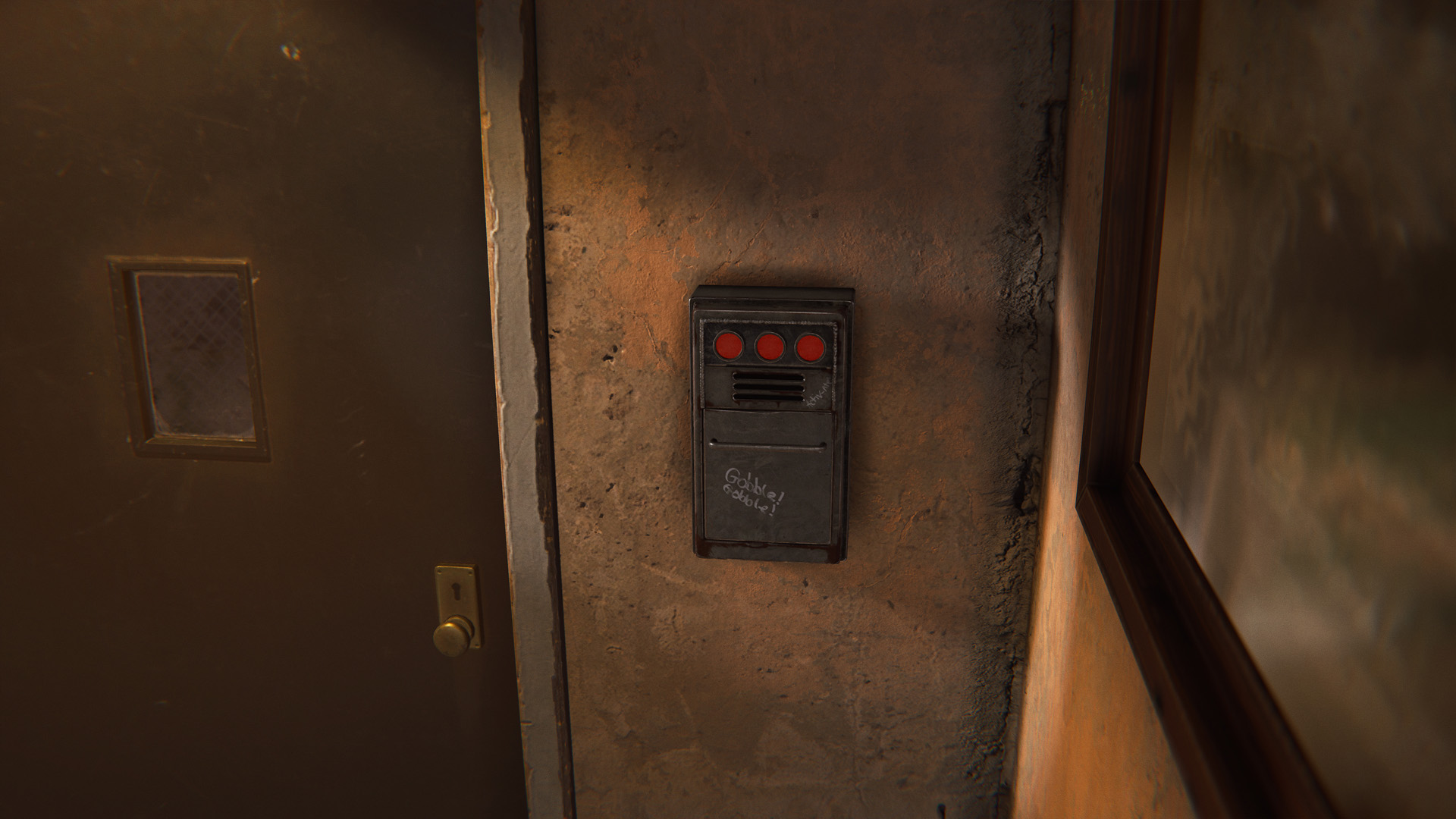
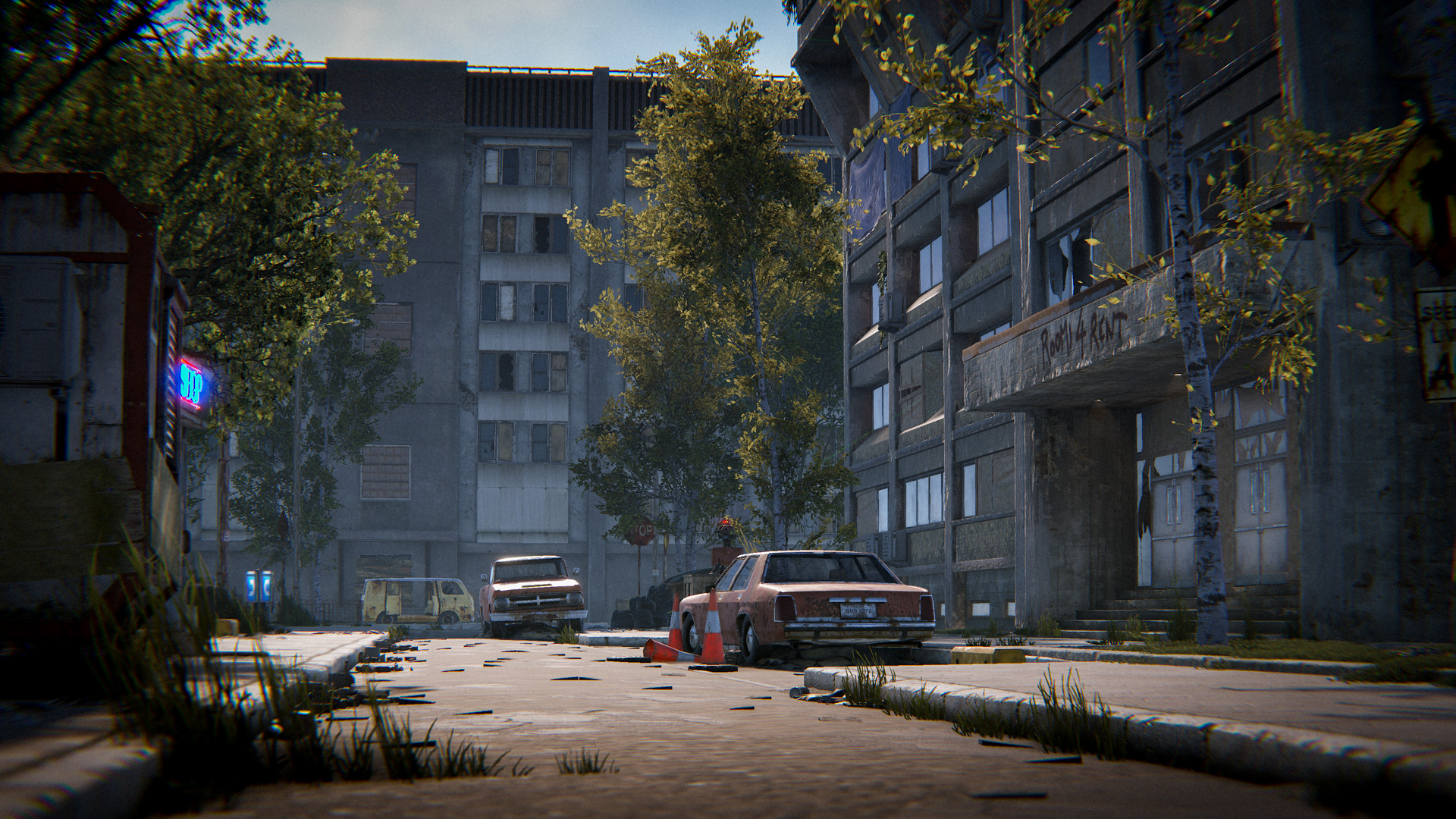
Last month, the Master Key used in the Apartment Complex shipped without a model. Of course, none of you noticed because nobody would ever break into their poor neighbour's apartment for scraps, right?
It now has a fully functional view model and animations, so the experience of cracking open your neighbour's apartment can feel even better.
Arrows have had a facelift. Wooden arrows have now been updated to have more visual interest (complete with new fletching) and to feel more "RUST".

Under the hood, it's been a fiddly one, as each existing weapon contained the arrow mesh directly, so updated rigs and prefabs were required.

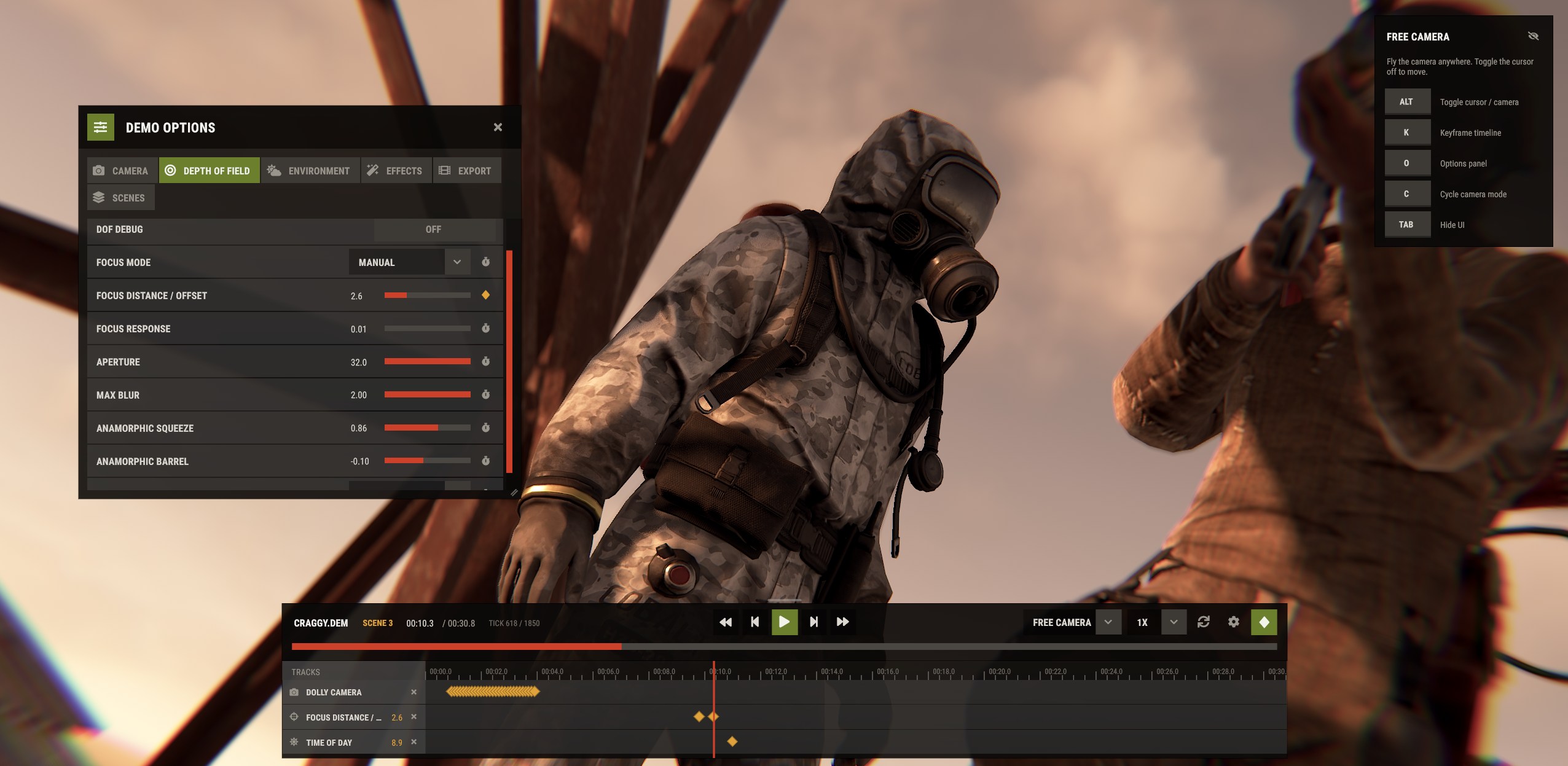
The demo UI got a complete makeover; everything in the UI was recreated from scratch, not only to be much easier to use but also to provide powerful features for both our internal trailers and content creators.

Most of this was just done in my free time as a love letter to video game editing communities, as being a part of them when I was younger led me to working on Rust. This explains why it wasn't on any of the roadmaps. 

One of the main goals of the new UI is to ease the learning curve needed to create basic content. Previously, you needed a lot of binds and console commands for even the simplest cinematics, with the new features, you should be able to access everything from the UI.

Some of the features that will help you with that are:
  • Options panel - a set of sliders and toggles that let you control the camera, depth of field, time of day and post processing.
  • Dolly camera - lets you place cameras at any point in time and sweep through them. 
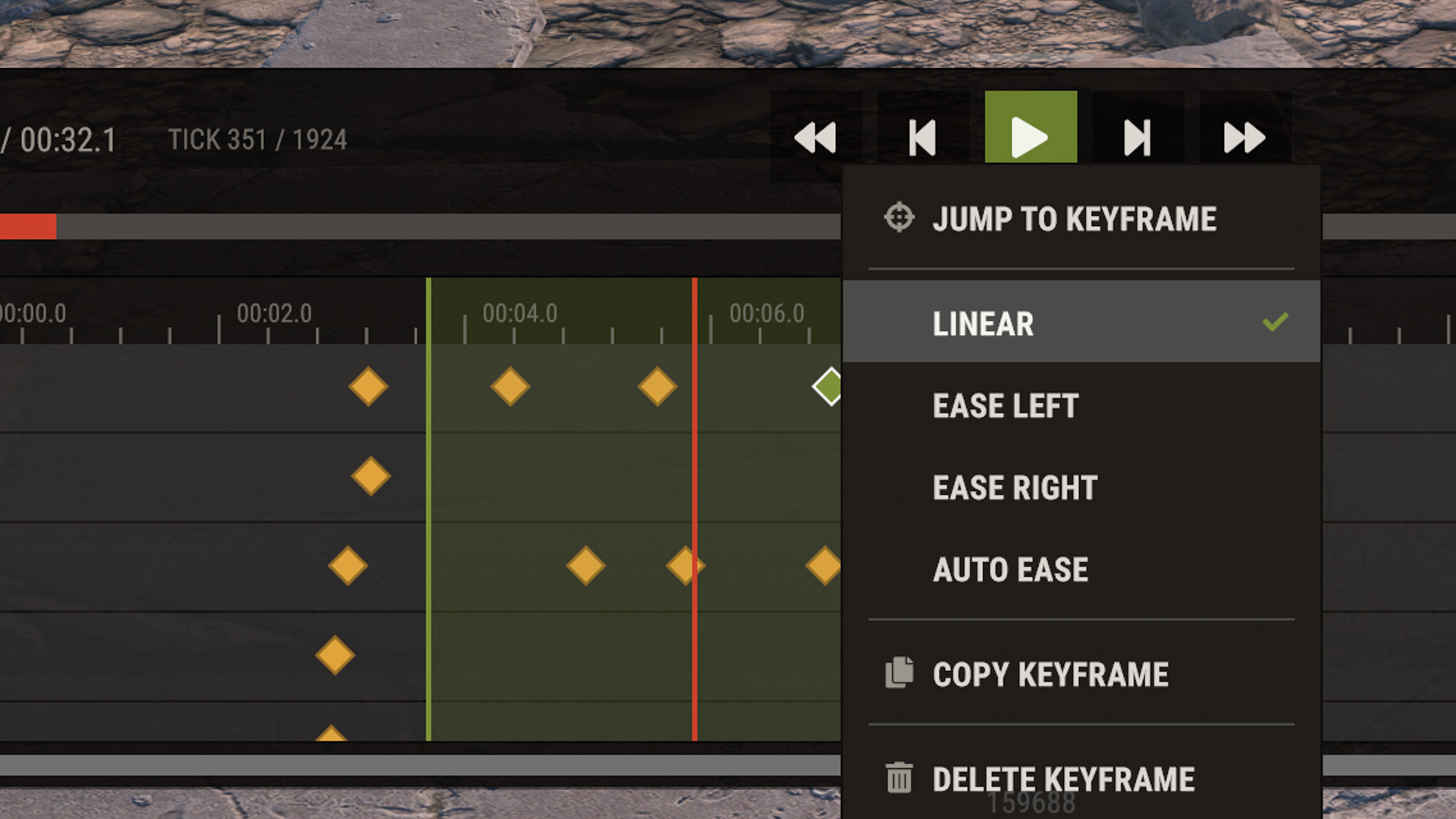
  • Keyframe timeline - animate any slider in the options panel to create things like cool timelapses, sweep the focus distance, etc.
  • Sandbox mode - clone players, place lights, with more features coming in the future.
  • Scene system - Do all of the above, create variations, its our equivalent of project files within a demo. 
  • Change appearance - You can change the clothing and seed of any player or hide them altogether.
  • Export as a png sequence - this will be further expanded to export videos in the future. 
Using the new demo UI should feel familiar to anyone who worked with video editing applications before, however, we also tried to make it intuitive to new content creators by adding tooltips and keeping the UI fairly simple.

This is the first iteration of the new demo UI, it's going to receive more features as time goes on based on both internal needs as well as community suggestions. With the new timeline and sandbox mode, we have a really solid foundation to add new tabs to the options panel in the future as well as new sandbox objects like entities. 

For now, the new UI is not enabled by default and requires `demo.newui` to be set in the console. This is mostly to gather more feedback before we enable it by default in future updates. 

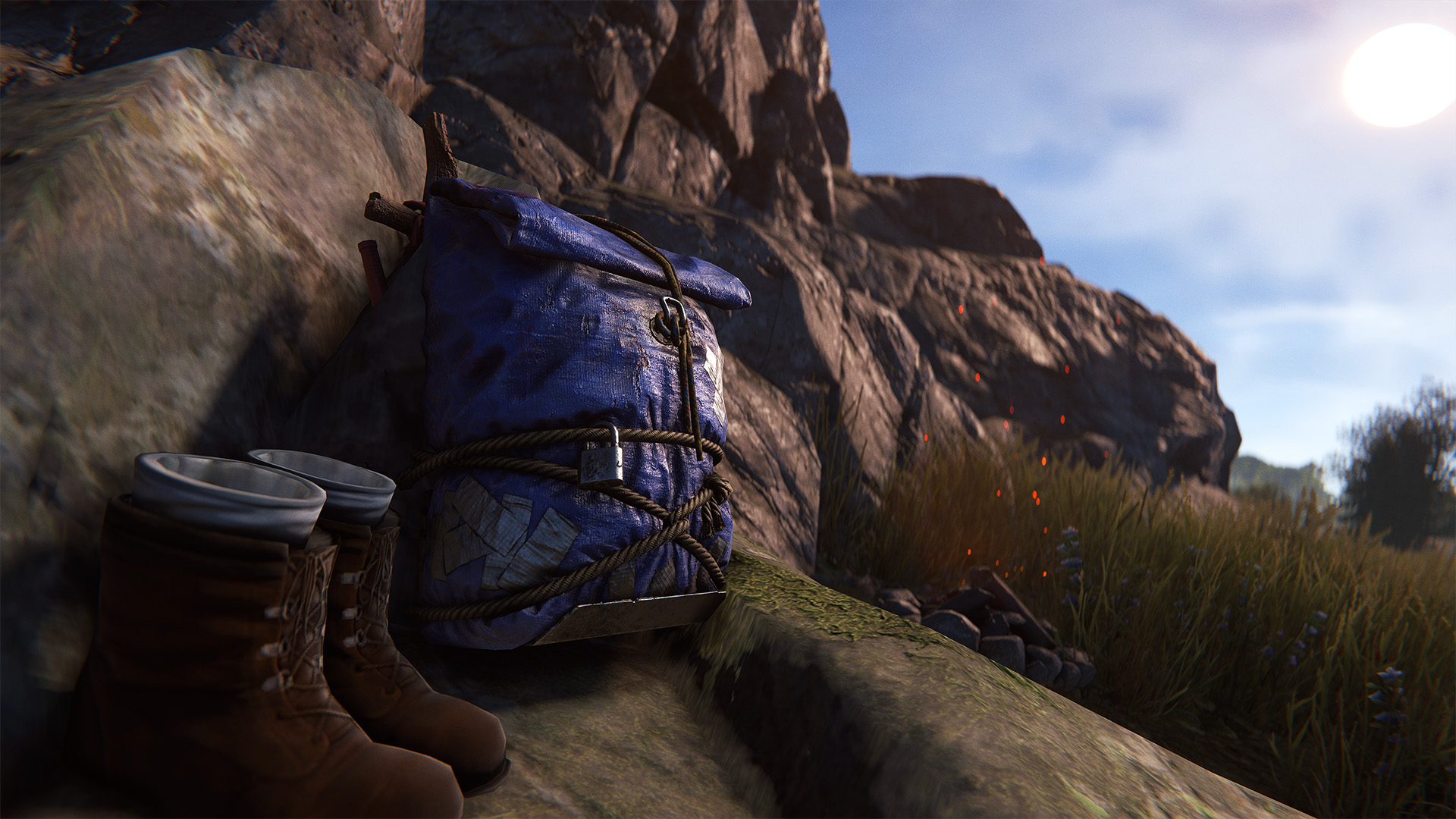
This month’s workshop skinnable is the Small Backpack.

Our first wearable in a while, the Small Backpack should be a great receptacle for some exciting skins! 
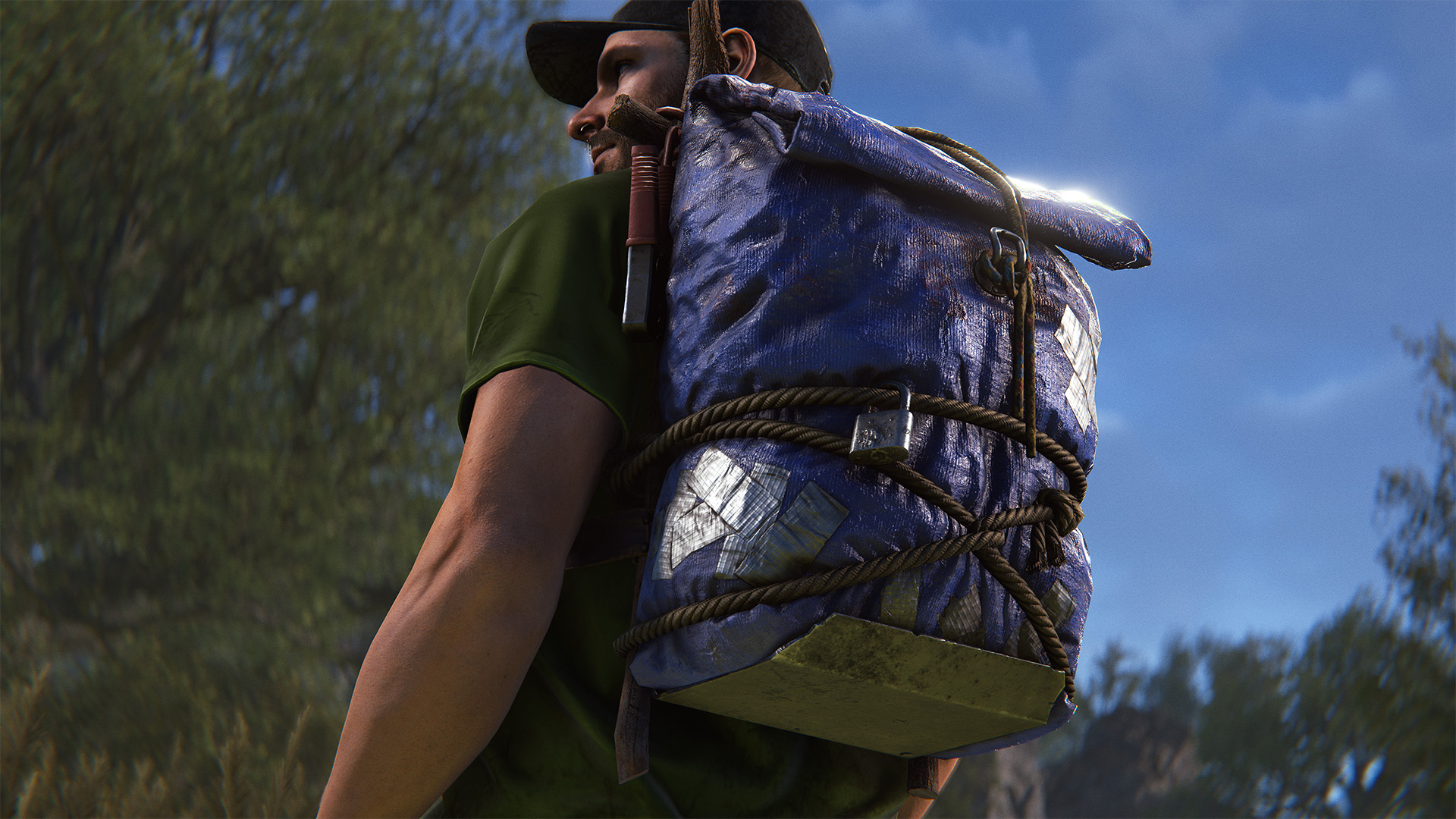
To make your own Small Backpack skin, head over to the in-game workshop and locate the Small Backpack deployable item. From there, you can download the model file and add your own materials.
We've improved the startup loading times.

Loading into the main menu was pulling in a lot of assets that weren't needed yet. It now only loads whats strictly required to reach the menu, with the rest streaming in the background. 

On most machines this should be about twice as fast.

Parallel Entity Saving on Jobs 4

Currently experimental UsePlayerUpdateJobs 4 mode is gaining a pretty important feature - fully parallel saving of entities, which should ease up one of the main bottlenecks in a server's frame processing.

Back in Jobs 2 era I've introduced parallel snapshot sending. I only mentioned in passing on the blog, but the short version of what it does is:
  • Build a dependency chain of snapshots (if we send both a parent and a child snapshot, then they gotta send in order as one chain)
  • Sort chains by ones having entities to serialize vs ones without
  • Former go to main thread, latter to worker threads
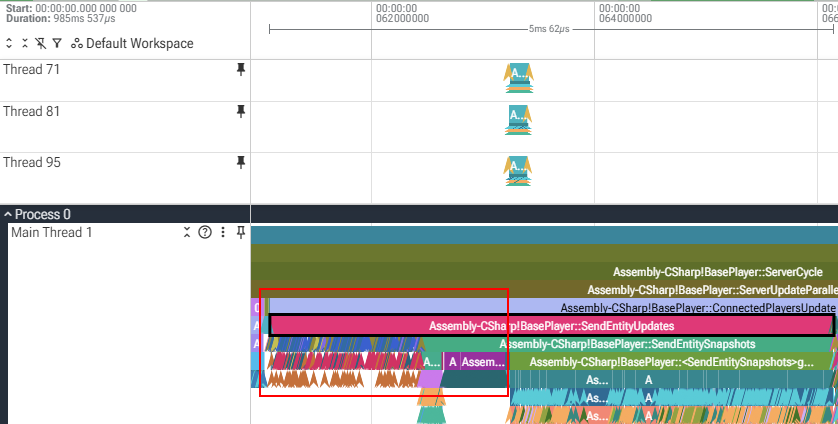
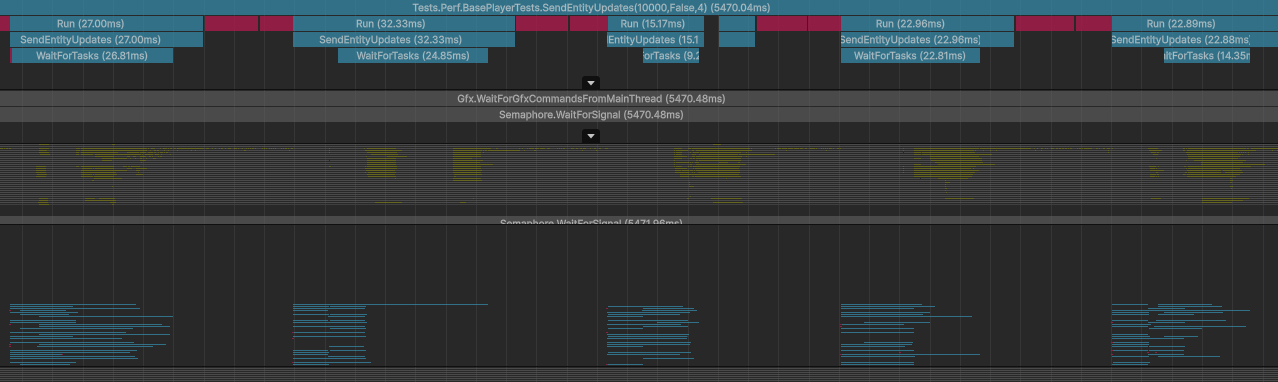
Here's the most egregious example where this implementation struggled:
The entire process took 5ms, where about 2.5ms was spent on building and sorting chains into task groups(the red square). Afterwards about 13 threads were helping send data while main thread spent another 2.5ms to serialize everything.

There's no nice way to fix this, so we had to just support parallel saving if we wanted to improve things further. After making all save code thread safe, I simplified the logic - now snapshots get packaged up into batches(controlled by ParallelNetworkQueueBatchSize, def 256), each batch is it's own task for thread pool.

Our synthetic tests(256 batch size, no parenting, no caching) show following improvement:
  • 1000 entities: 6.6ms -> 3.6ms
  • 10000 entities: 64.4ms -> 10.6ms

New Pool, Take 2

Back in June update we shipped a new pool that I called "FuzzyPool". It's fast, but it has a tendency to leak a small amount of objects during high contention. I got feedback from a bunch of community devs that it's a problem for them and they had to fall back to old mutex pool.

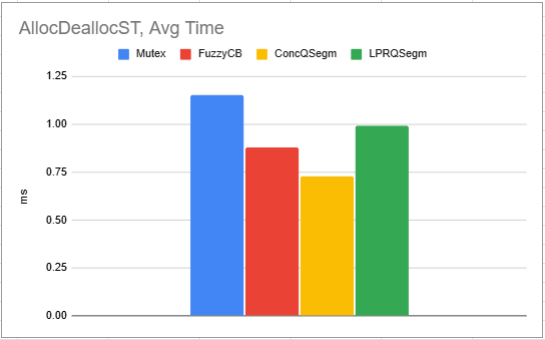
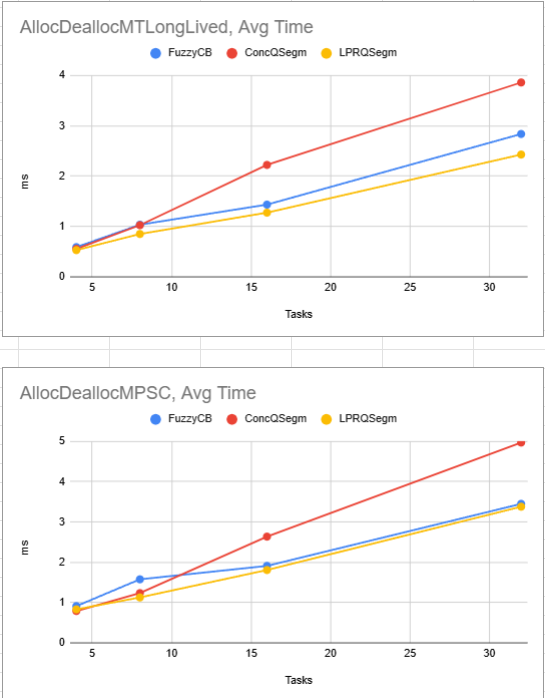
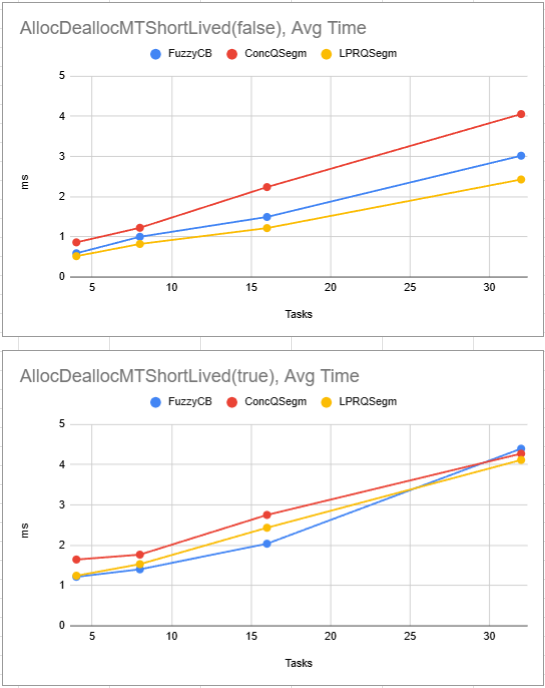
So I rewrote it again - FuzzyPool is gone. This time instead of trying to invent it myself and have it be derpy I did some research and discovered LPRQ implementation by Raed Romanov and Nikita Koval. I repurposed one of it's internal mechanisms (PRQ) to make our pool better - it either matches FuzzyPool perf or exceeds it up to 20% in some scenarios, while also showing 0 leaks in high-contention scenarios.

Bellow you can see some graphs - less is better:
  • Mutex - our original implementation, omitted in most graphs as it breaks scale
  • FuzzyCB - current implementation of Pool
  • ConcQSegm - implementation based on CoreCLR's ConcurrentQueue shipped with unity's mscorlib
  • LPRQSegm - new implementation
If I don't hear about issues with it, then I'll rip out Mutex pool in the patch after this.
Maximum Rent
Maximum stored rent at the Apartment complex is now capped at 72 hours
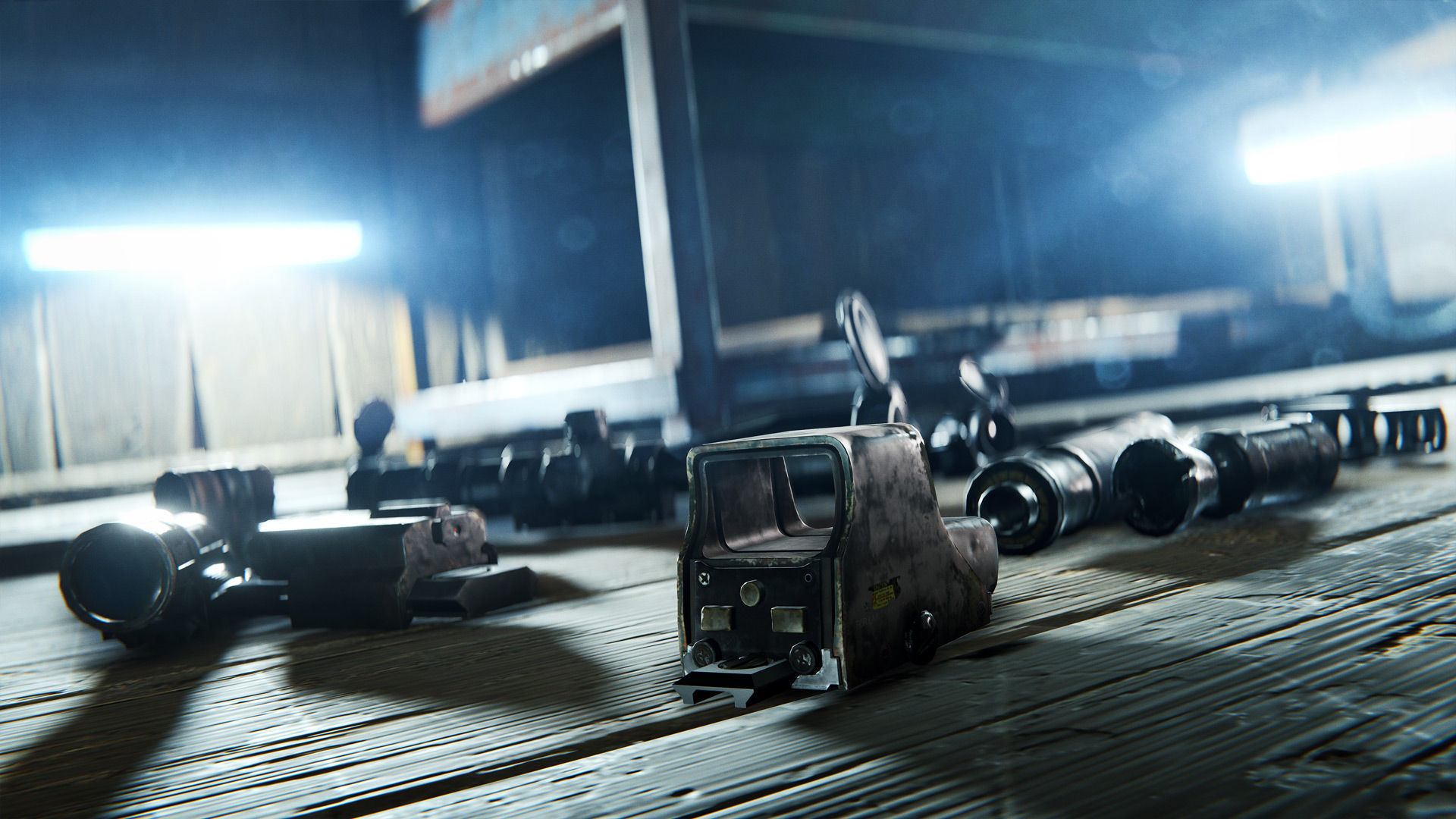
Attachment Sounds
Audible range of equipping a weapon attachment has been reduced from 60m to 20m
Swing ragdolling
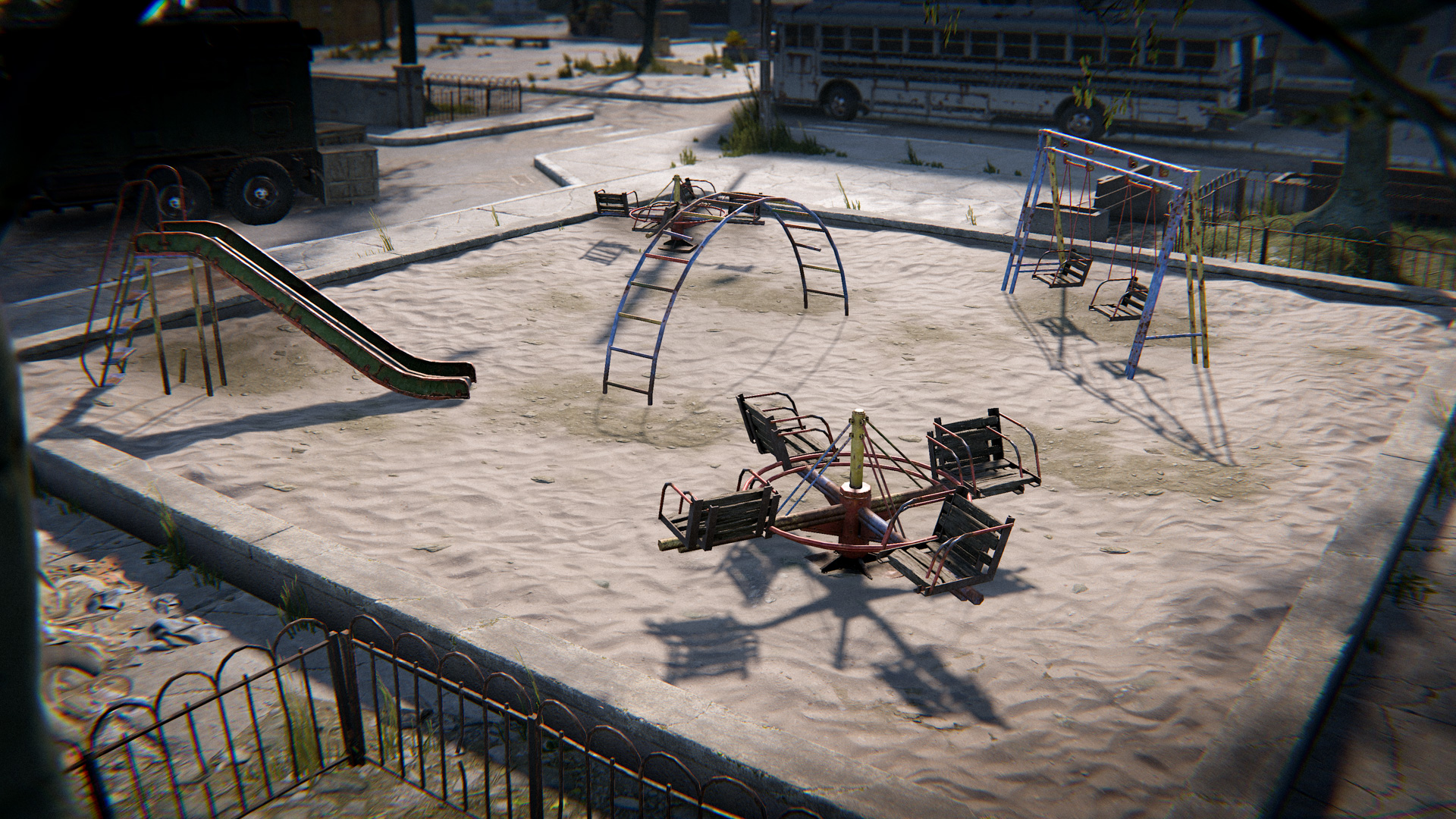
Players will ragdoll when dismounting the Apartment Complex swing set
Kayaks and Paddles
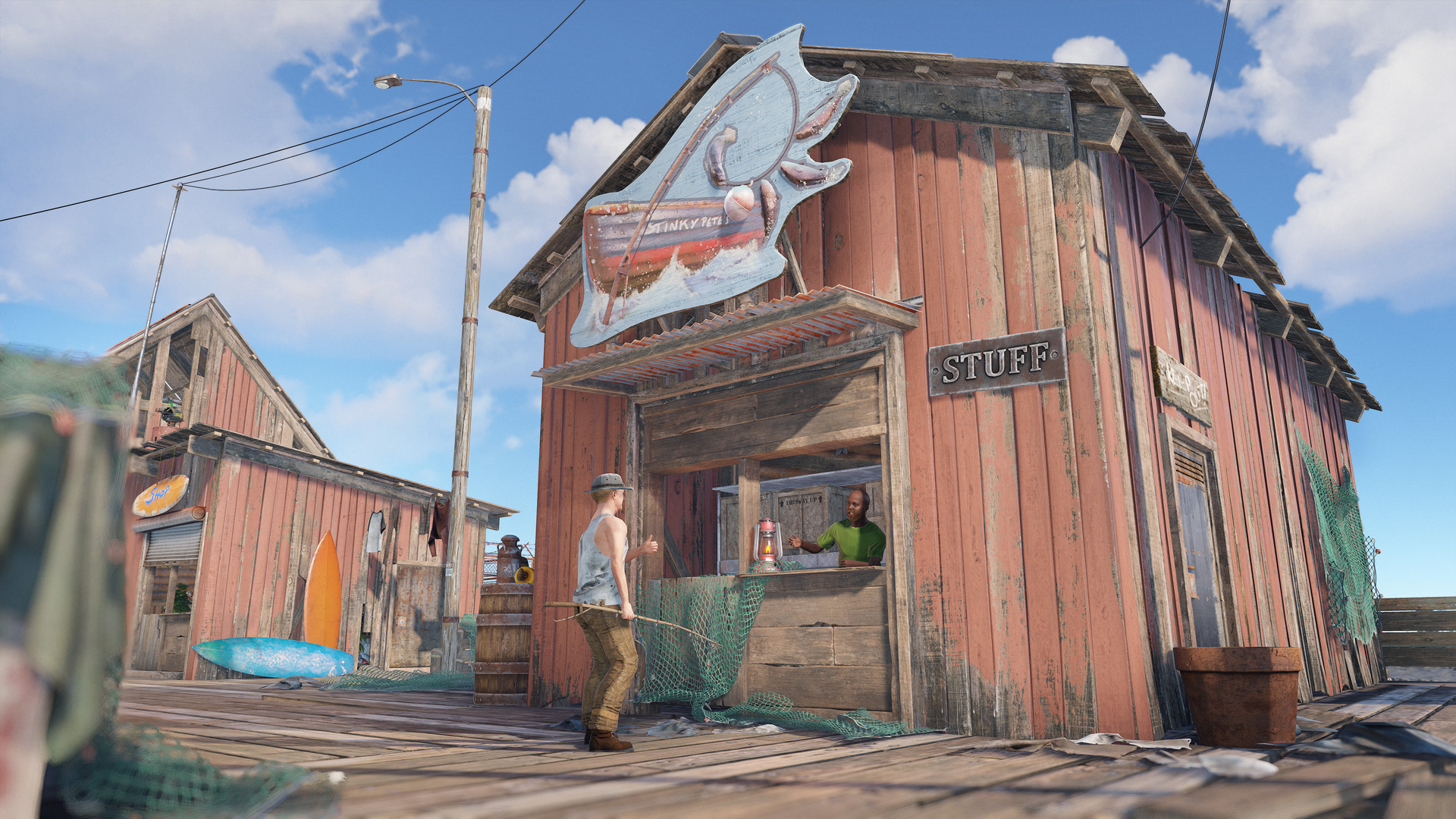
Fishing village now sells Kayaks and Paddles, rather than the blueprint of those items
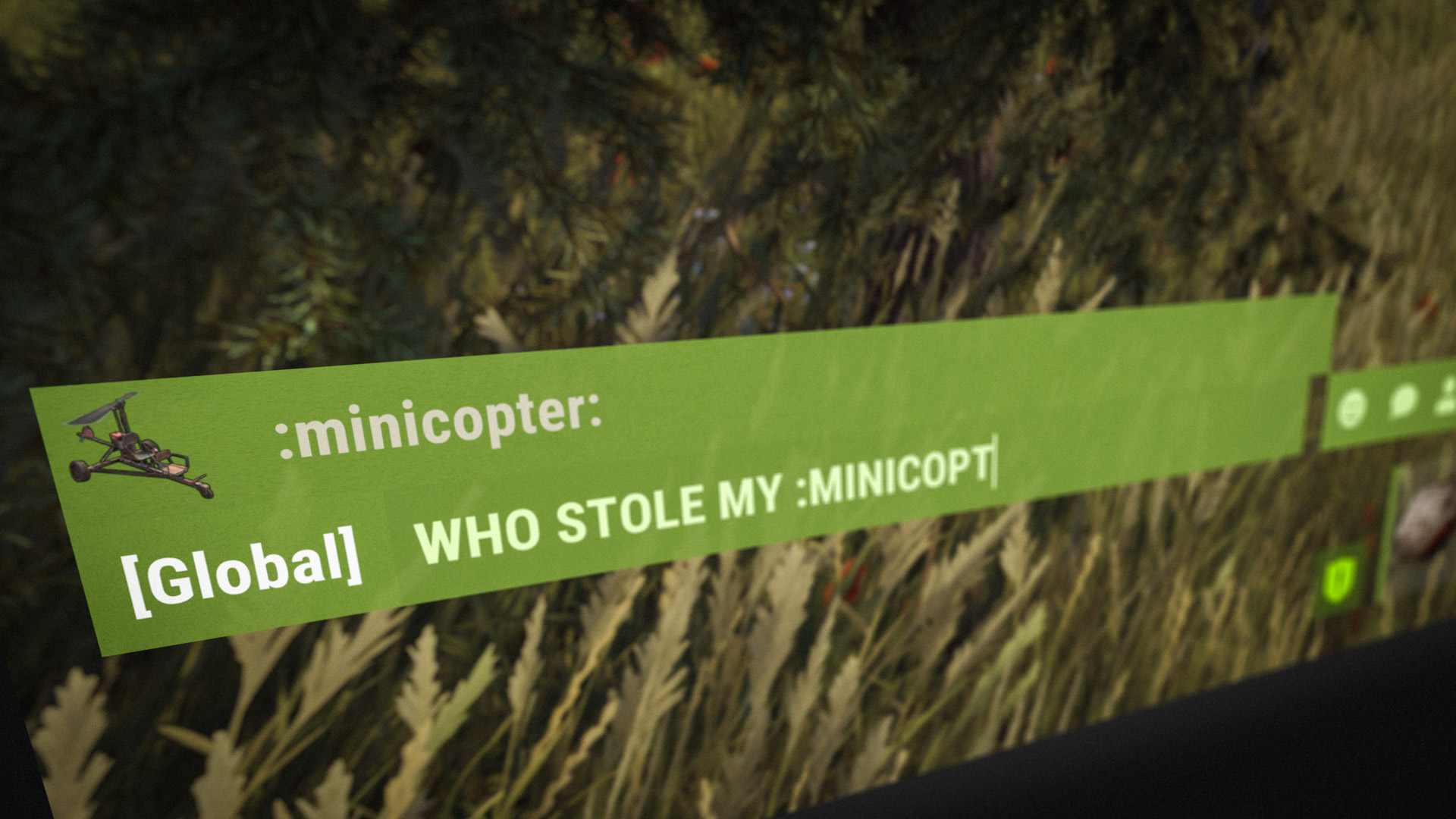
In addition to regular and item emojis, all vehicles now have their own emoji available in the in-game chat.
Along with that there have been some improvements to the emoji picker UI. Before you had to remember or guess the "short name" of the emoji you wanted to use, now it allows you to search for them by their name in your selected language.
For modders - we intend to remove SetFlag from the codebase with the September wipe (3rd Sep 26). We recently replaced this with a disposable pattern to encourage more efficient usage of updating entity flags.

Where before we could have a flags update look like this:
SetFlag(Flags.Reserved1, true);
SetFlag(Flags.Reserved2, true);
SetFlag(Flags.Reserved3, true);
That would now look like this:
using (var setFlags = StartSetFlags(FlagsUpdateMode.SendNetworkUpdate_Flags))
{
setFlags.Set(Flags.Reserved1, true);
setFlags.Set(Flags.Reserved2, true);
setFlags.Set(Flags.Reserved3, true);
}
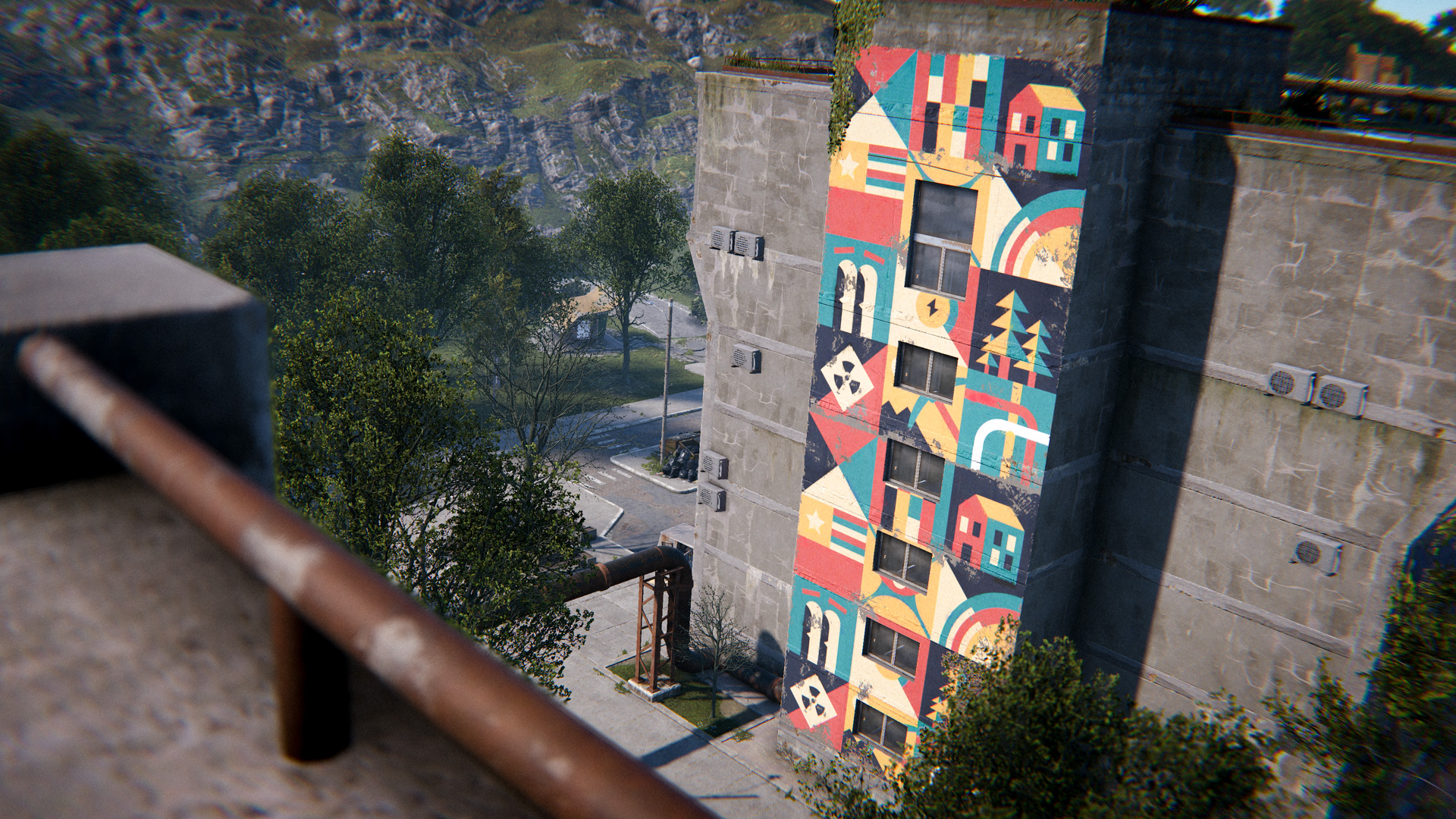
This month, we've done a pass of additions, improvements and fixes to the Community UI used by the modded community. This adds new CUI components, as well as a new feature and mechanic which allows server-side pie context menus.

New component: Tooltip

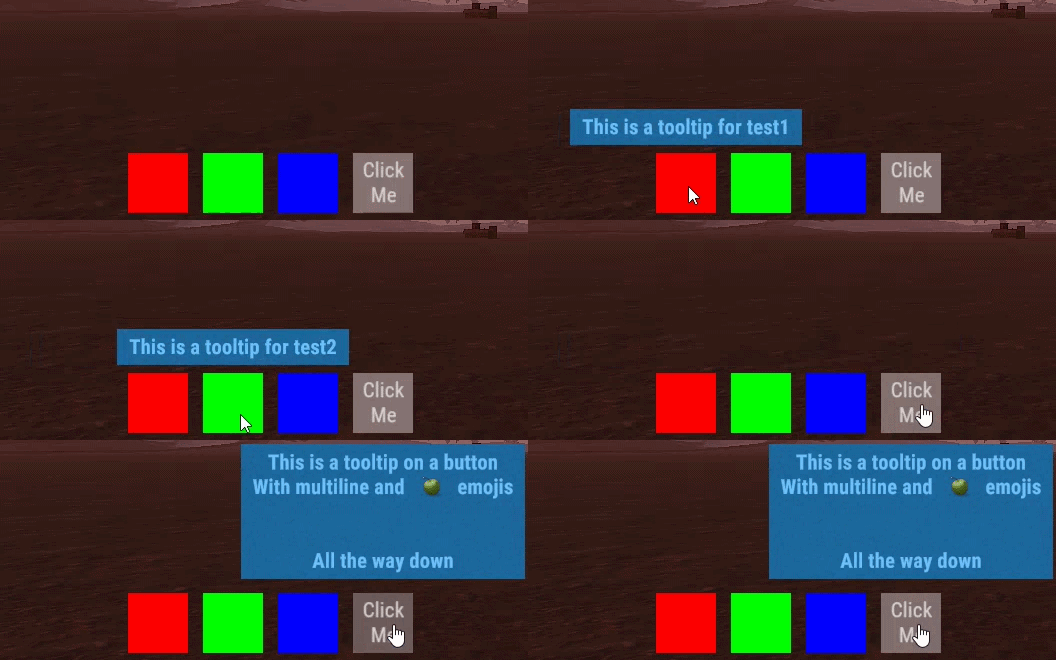
This adds the ability to show a tooltip when hovering over any graphic element in your CUIs.

New Component: Canvas Group

Adds the ability to change graphic alpha, blocksRaycasts and interactable - this includes all child panels of the group component object.

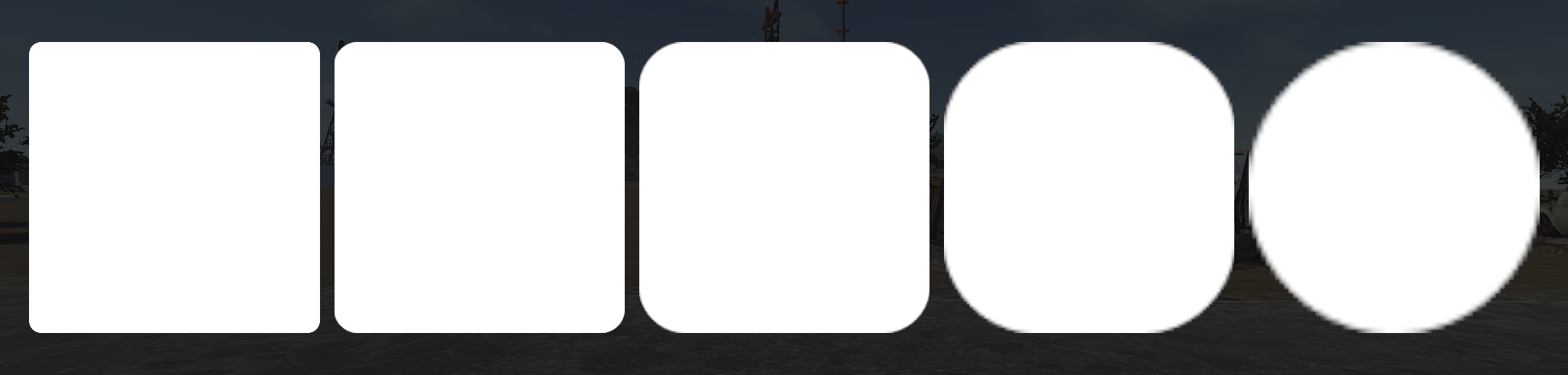
New Component: Mask

Adds the ability to mark an Image / RawImage as a mask, of which all child components will be masked by using the invisible alpha of the mask. 

Image PPU (Pixels Per Unit)

An issue which would block users from using the Image slice property was the lack of control over the PPU variables which has been exposed with this update under "ppuMultiplier".

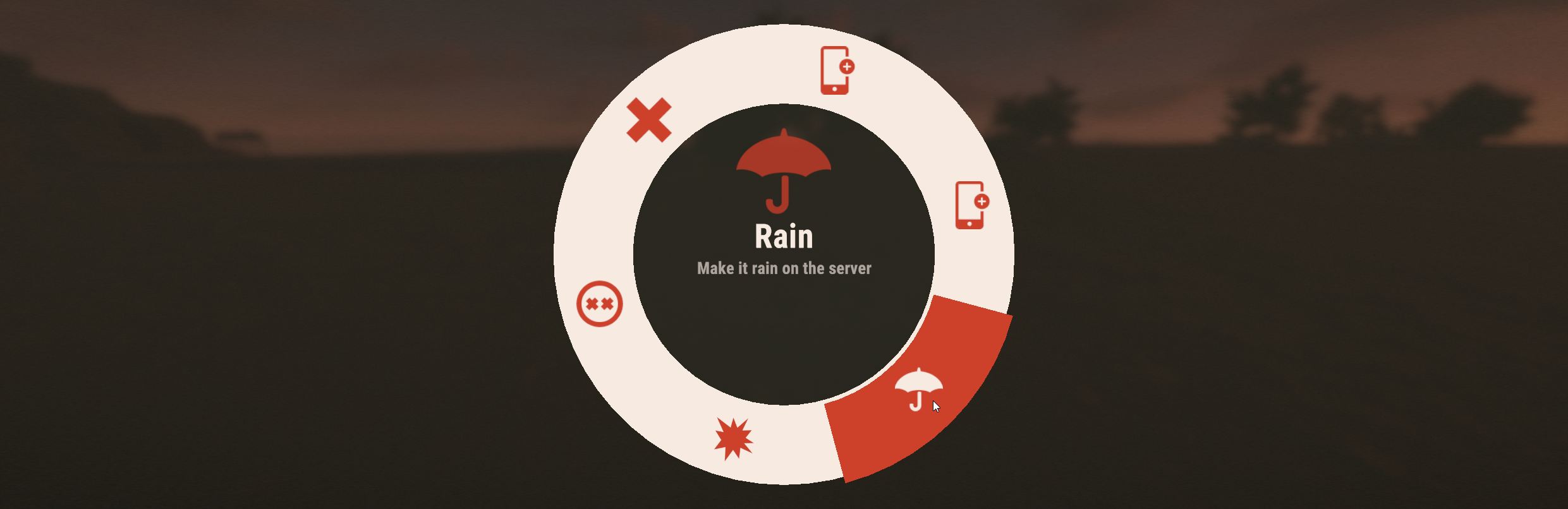
New Mechanic: Custom Pie Menu

This allows plugins to create a custom context menu from the server, which executes a command when an option is picked, or when the pie menu closes.

Misc Changes

  • New RPC: CommunityEntity.DestroyUIs - takes a list of panel names to destroy at once
  • Fixed: Button and Scrollbar color tweening / transition fade when it first gets created
  • Exposed: Button and InputField "interactable" individual property
  • Exposed: Individual graphics can now use "blocksRaycast" property
All source code for the changes above are available on the Rust.Community Github.

The Rust Original Soundtrack is finally coming to vinyl.

For the first time, Alex Rehberg's acclaimed score has been pressed onto a deluxe triple-LP.
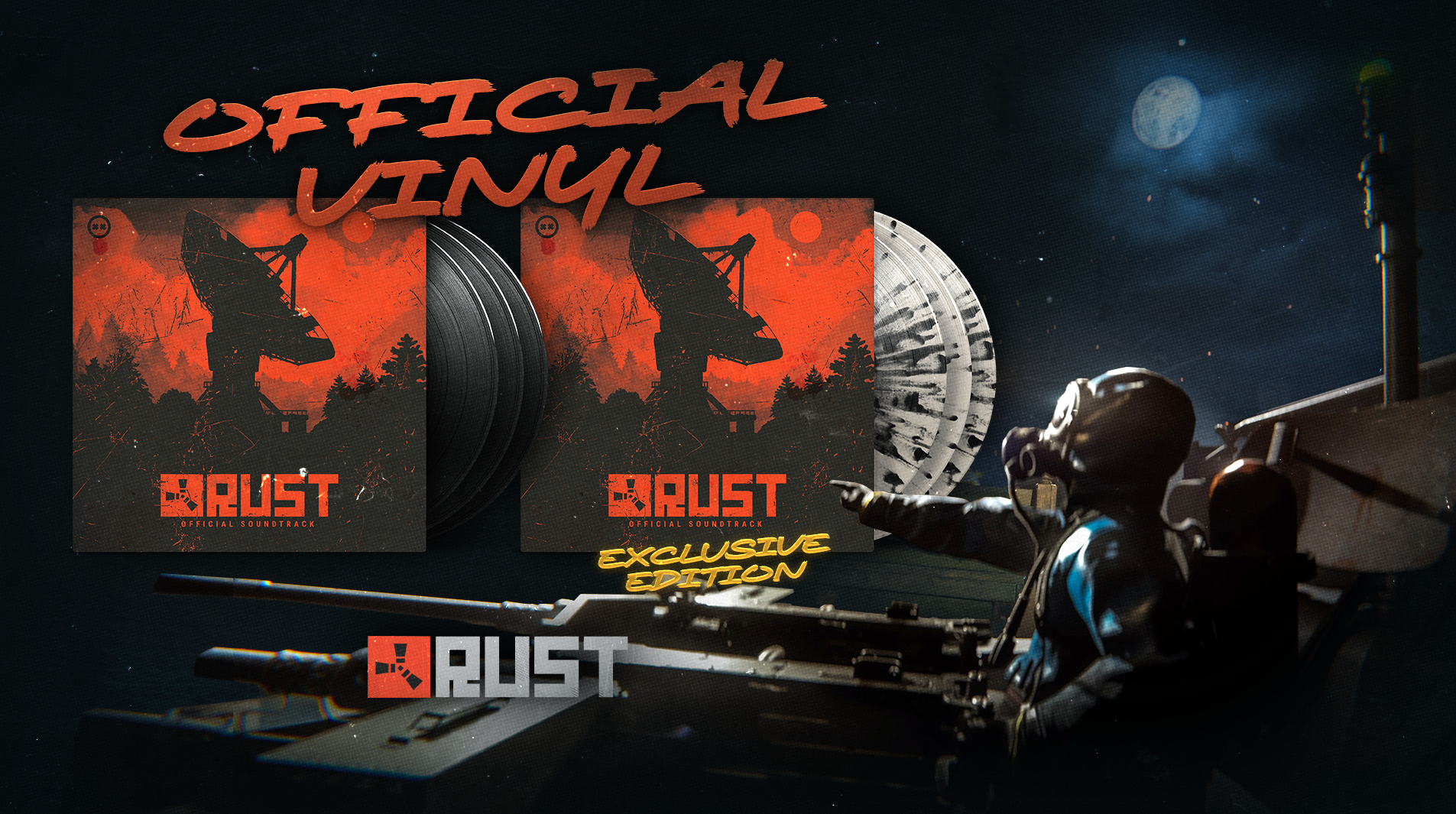
90 minutes of atmospheric ambient music that perfectly captures the tension, isolation and beauty of life on the island.

The deluxe set is available to pre-order now, with full details on the pressing, artwork and release available here.


add_circle

Features

  • Power Plant - New Heavy Fuses can be plugged into special fuseboxes to power up the island-wide power grid
  • Power Plant - Added new red recycler
  • Power Plant - Added another loot room, only accessible with sufficient power plant power
  • Powerline poles can now provide electricity, amount dependent on power plant power
  • Powerline poles which provide electricity can now be climbed
  • Launch Site - New terminal for triggering satellite crash event
  • Oil Rig - Dome Crude Oil pumping system
  • Abandoned Supermarket - Added freezer that provides chilled food loot whilst receiving power from the power plant
  • Water Treatment Plant - New mechanics for activating new water dispensers located around the map
  • Oxum’s Gas Station - Added functional car lift and powered garage door
  • Airfield - Updated control tower, added new terminals for triggering airdrop and cargo helicopter events
  • New demo UI
arrow_circle_up

Improvements

  • Green recyclers (outside safezones) now operate at 50% by default, restoring to 60% with sufficient power from the power plant. Receive a 0.5s duration buff to 4.5s at maximum power
  • Power Plant environment art updates for no power/powered on states
  • IO entities can now have custom minimum/maximum wire slack levels. Enforced minimum slack level for wires connected to powerline poles
  • Art updates for the powerline poles which now provide electricity
  • The Recycle Bin workbench upgrade now has its own storage and bonus items automatically go there.
  • NPC Vendors that sold the Kayak and Paddle blueprints now just sell a kayak and a paddle
  • The Snow Jacket has been given a sizable buff to Bite and Cold protection, making it more useful in the arctic.
  • The Wolf Headdress (And skin variants such as LNY masks) now require a Tier 1 workbench to craft, in line with other helmets.
  • Improved texture sharpness overall, but especially when using TSSAA or DLSS.
  • Slightly improved performance when switching between anti-aliasing modes.
  • Added ability to show a sleeping bag/bed on the compass
  • Added ability to mark a sleeping bag as a favourite and making it first in the list
  • Mildly improved performance of weather fx
  • Blowpipe now costs 10 cloth to craft, down from 25
  • Wooden Dart now does 50 damage, up from 40
  • Bucket Helmet now costs 20 frags, down from 35
  • Bucket Helmet has a small buff to projectile and bite protection
  • Collared Shirt has a small buff to radiation and projectile protection
  • UsePlayerUpdateJobs 4 enables parallel entity saving
  • Can now modify the volume of deployed boom boxes
  • Reordered the gameui navigation to fix muscle memory, crafting button is back on the right
  • Removed console's input field character limit
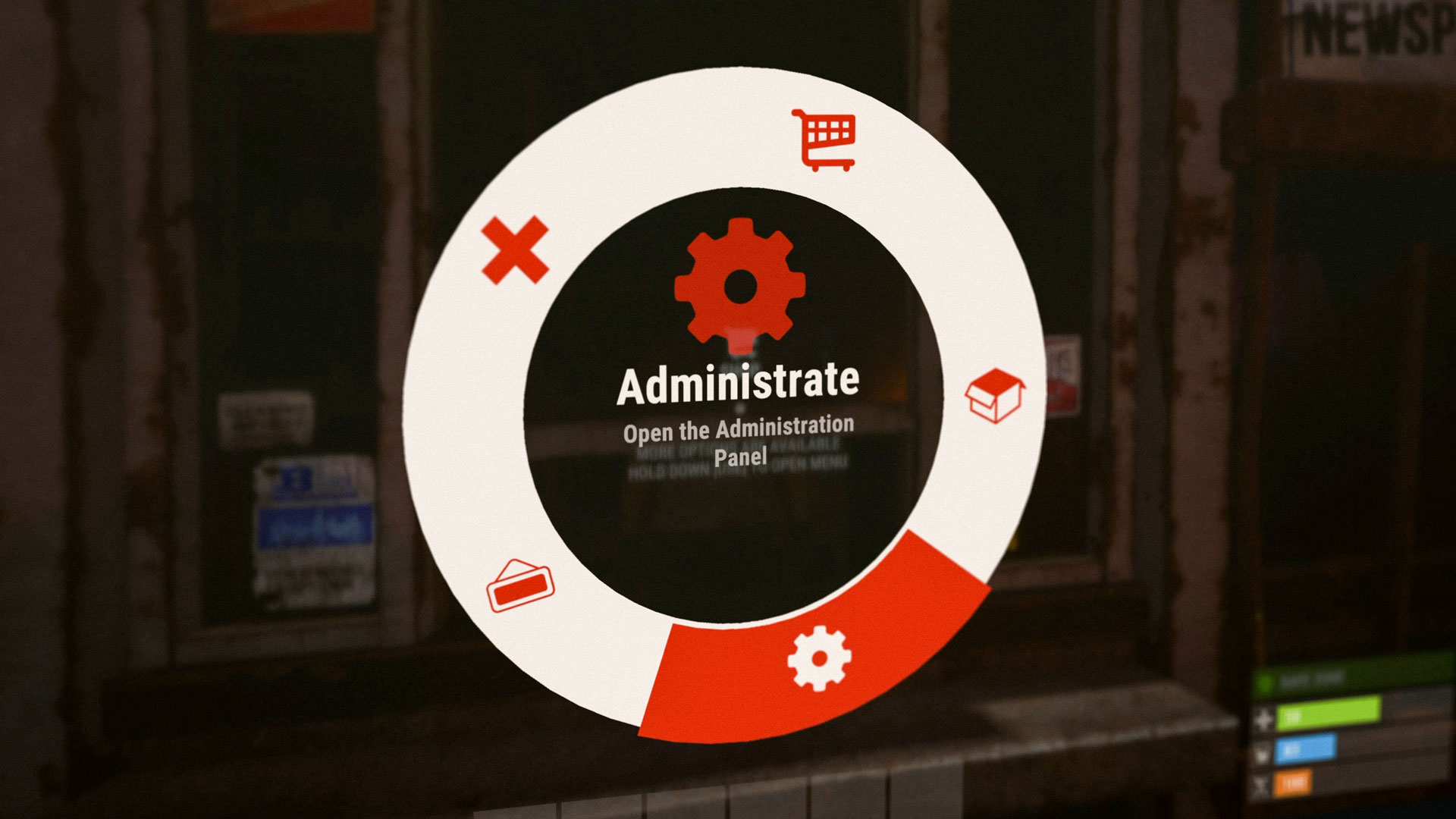
  • Added some feedback in the pie menu when the +prevskin or +nextskin are unbound
  • Made siege weapon vulnerable to fire (as intended initially)
  • Added a new 'snapping' bind for all snapping actions
  • Improved startup loading times
  • Optimised the F1 console, no more stalls when showing long texts
  • Optimised the time taken to close and open the main menu
  • Terrain shader optimisations
  • Vagabond deep sea treasure mission no longer requires you to return to the Vagabond after finding the treasure
  • Hunter NPC treasure mission and Vagabond deep sea treasure mission now display mystery reward icons
  • Adjusted NPC dialogue readout times
  • Model for Master Key
  • Fixed battering ram not doing damage to constructions sometimes
handyman

Fixed

  • Fixed typo on the inside of the bus in Apartments monument
  • Fixed Cacti having mismatched physical materials
  • Fixed decals not appearing at all on low settings
  • Fixed being able to continue stealing some items in apartment/shop after a break-in ends
  • Fixed being able to jump through the ceiling of the medium apartment
  • Fixed being unable to shoot other players inside apartments in hardcore mode
  • Fixed Hatchet not sitting in players' hands properly in Workshop scene
  • Fixed weapon attachment insert/remove sfx being audible for nearby players
  • Fixed cannons spawning in stacks higher than their max stack size
  • Made another attempt at fixing an OcclusionCulling error a very small number of players are experiencing (thank you for the reports!)
  • Fixed water containers continuing to drain into a connected water container if the connection was disconnected from the source container
  • Fixed not being able to use a CNY spear to craft a stone spear
  • (Hardcore) Fixed being unable to loot players in vanilla safe zones
  • (RustNav) Fixed animals walking through vine trees
  • (RustNav) Fixed RustNav.Draw sometimes killing a player's connection
  • (Softcore) Fixed workbench upgrades being lost inside T2 and T3 workbench corpses
  • Fixed Compass clipping into the shield when bracing
  • Fixed not being able to place wooden barricades or barbed wooden barricades
  • Fixed armoured hot air balloon health after server restart
  • Fixed being able to move safezone NPCs with a hot air balloon
  • Fixed a handful of 'melee_collider_entity' antihack invalid false-positive scenarios
  • Fixed multiple rock / cliff prefab's setup to resolve procedurally generated maps sometimes spawning with gaps between rocks and terrain
  • New Facepunch.Pool doesn't leak (and is faster)
  • Fixed health bars bluriness and artifacts at low ui scale
  • Fixed BBQ not opening its lid in the skin viewer
  • Fixed nameplates and pie menu not being cleared on disconnect
  • Fixed horse eating sound not playing
  • Fixed door controller triggering on server restart
  • Fixed wallpaper planner mismatch when switching construction type
  • Fixed +prevskin and +nextskin not being bound by default
  • Fixed loadout not refreshing correctly when deleted/created by another admin when the f1 menu is closed
  • Fixed main menu errors when Steam is unreachable
  • Fixed terrain parallax effect
  • Fixed loot containers restarting rather than resuming their loot refresh cooldowns after a server restart
  • Fixed an exploit with the treasure hunt mission given by the Hunter NPC which enabled shorter repeat cooldowns
  • Renamed the Hunter NPC treasure mission from ‘Vagabond Treasure’ to ‘Treasure Hunter’. Vagabond is a different NPC with their own treasure hunt mission
  • Fixed viewmodels for guns with high firing rates having animation glitches at low fps
  • Fixed paintball overalls always appearing as white
  • Fixed paintball gun equipped world model not always appearing in the correct state (current pellet count/pellet colour)
  • Fixed NPC dialogue panel not correctly accounting for frame deltatime (was way too slow at low fps)
  • Fixed crashes/freezes/exceptions related to UniTask pool allowing 2 threads to get the same instance from the pool
  • Fixed Rust+ camera not updating when controlling a turret
  • Fixed workshop item list not scrolling all the way down
remove_circle

Removed

  • Removed UsePlayerUpdateJobs 2 mode, Jobs 3 is now default

Newsletter

Receive monthly updates straight to your inbox